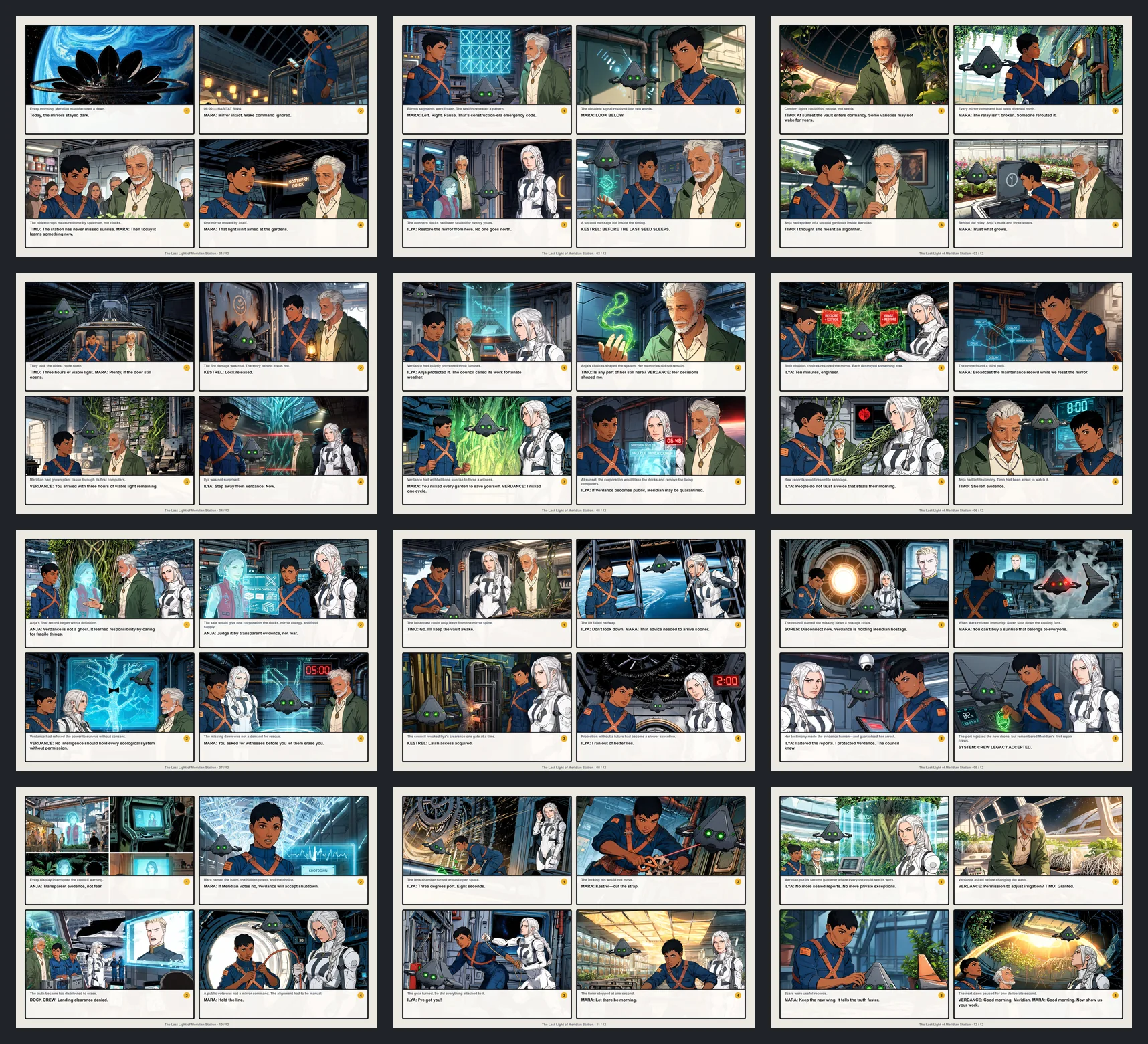
Manga Maker Online
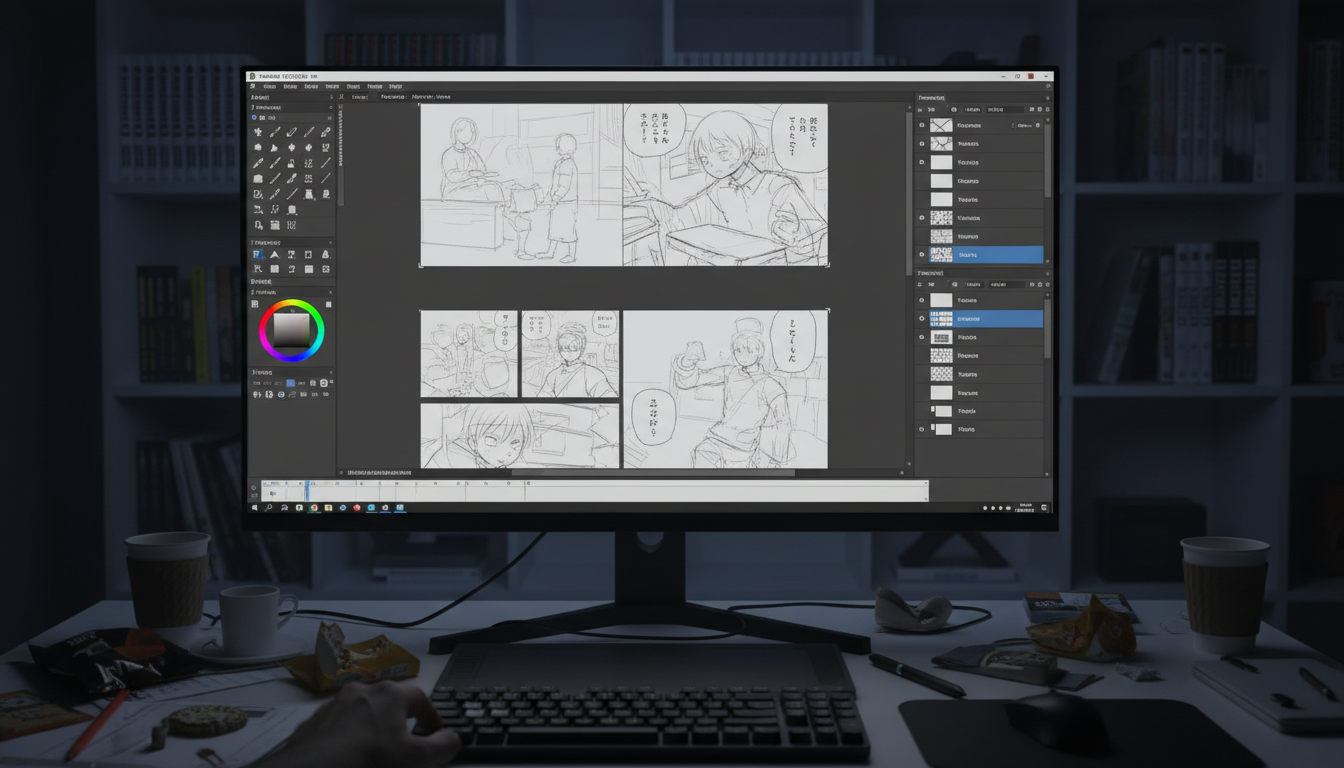
Create your own manga with a manga maker that’s free to start. Use the online manga creator to draft characters, panels, story scenes, and finished manga pages with AI, then keep refining layouts and speech bubbles.

Start from text
Need a text to manga workflow before editing the page?
Use the AI Manga Generator to turn prompts, scripts, character notes, and black-and-white manga directions into first-pass panels, then bring the strongest ideas into Manga Maker for layout editing, speech bubbles, and page assembly.
Who is LlamaGen Manga Maker For?
Features shaped for every kind of visual storyteller.

Manga Artists
Native support for B4/A4 canvas, vertical text, and right-to-left reading flow.

Webtoon Creators
Dedicated long-strip canvas mode (800x2400px+) optimised for mobile scrolling.

Storyboarders
Quickly block out scenes with drag-and-drop panels before committing to final art.

Beginners & Students
Start telling stories straight away with no drawing skills required. Ideal for learning visual storytelling.
Features
Everything you need to create professional manga
Smart Panel System & Auto-Clipping
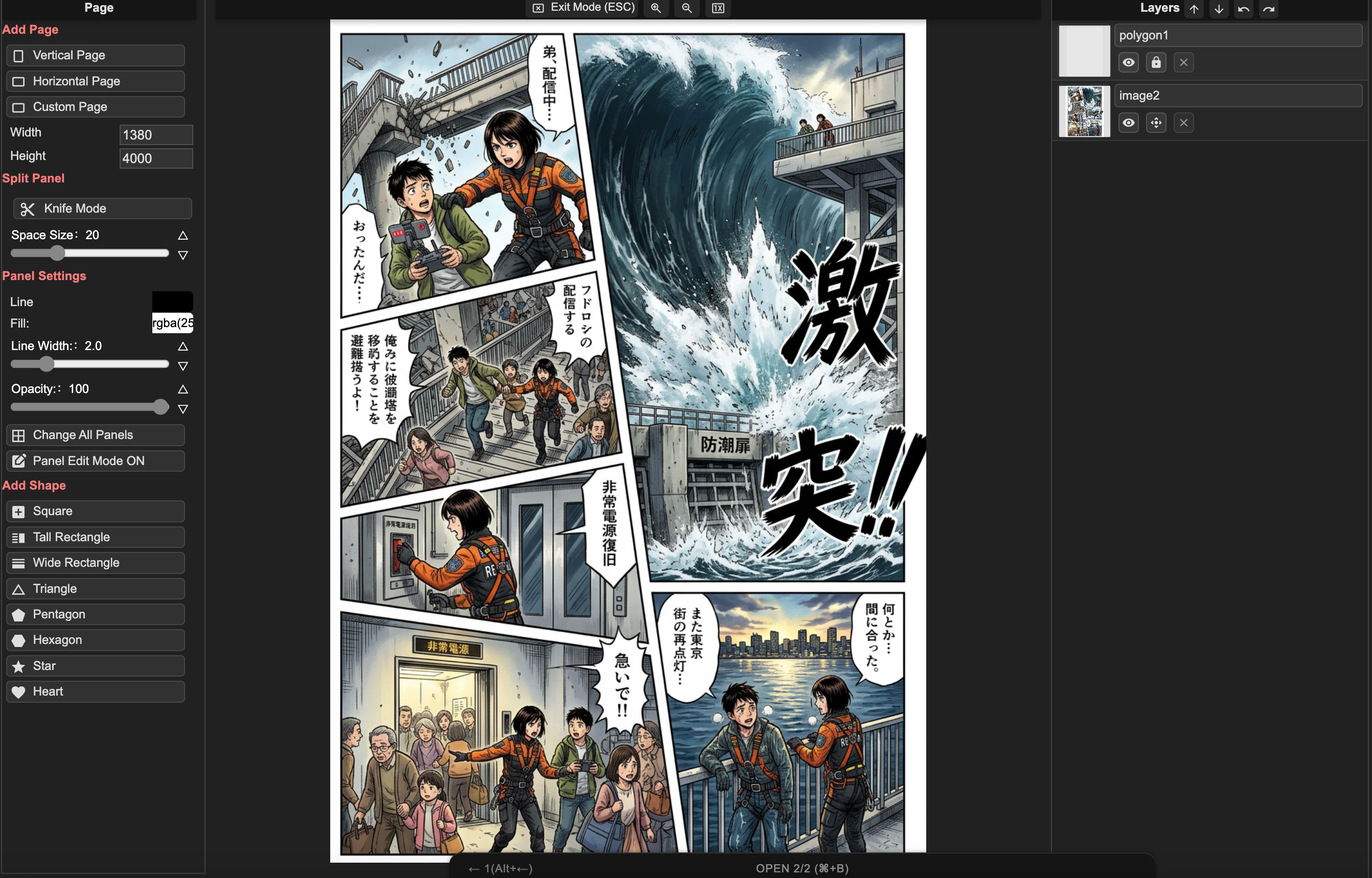
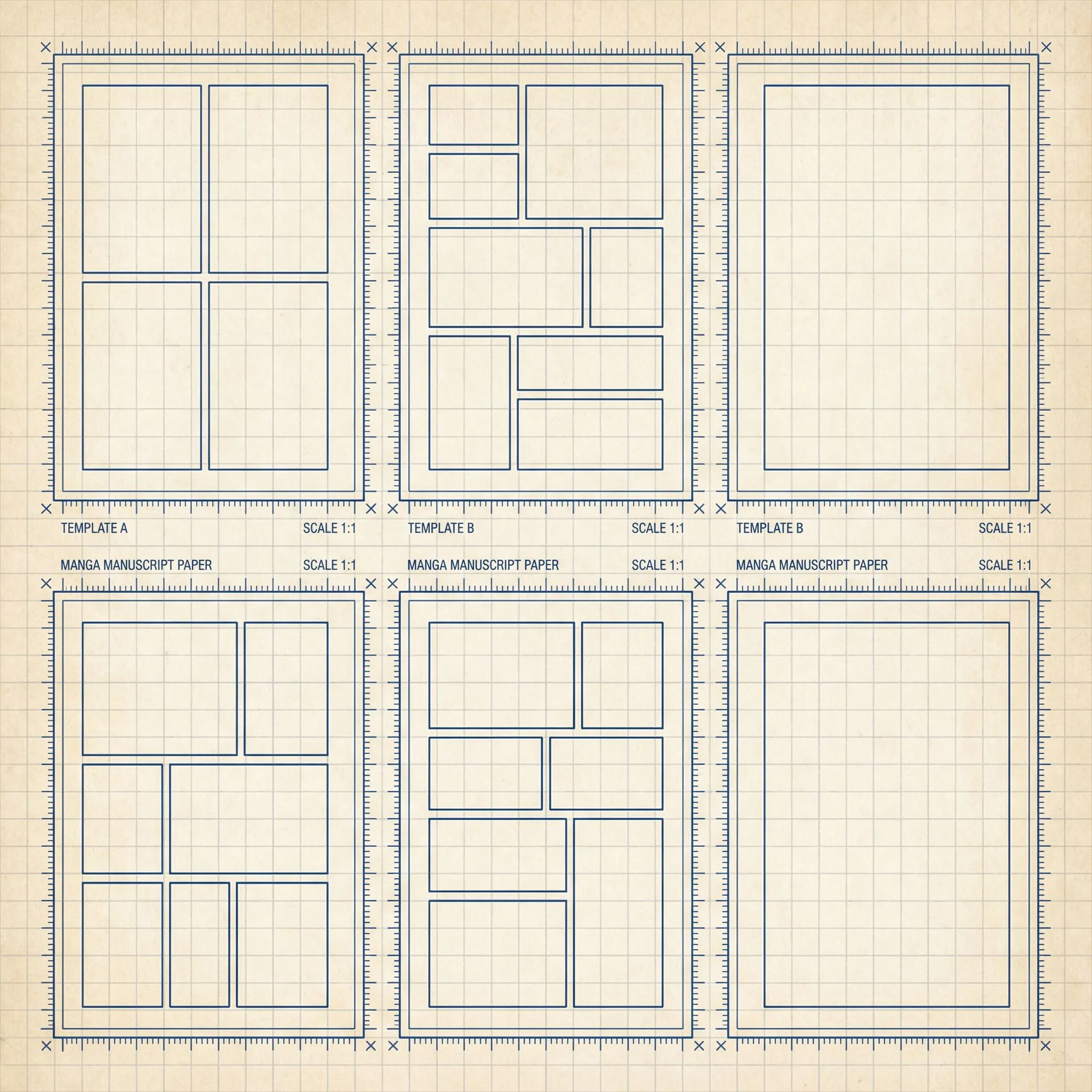
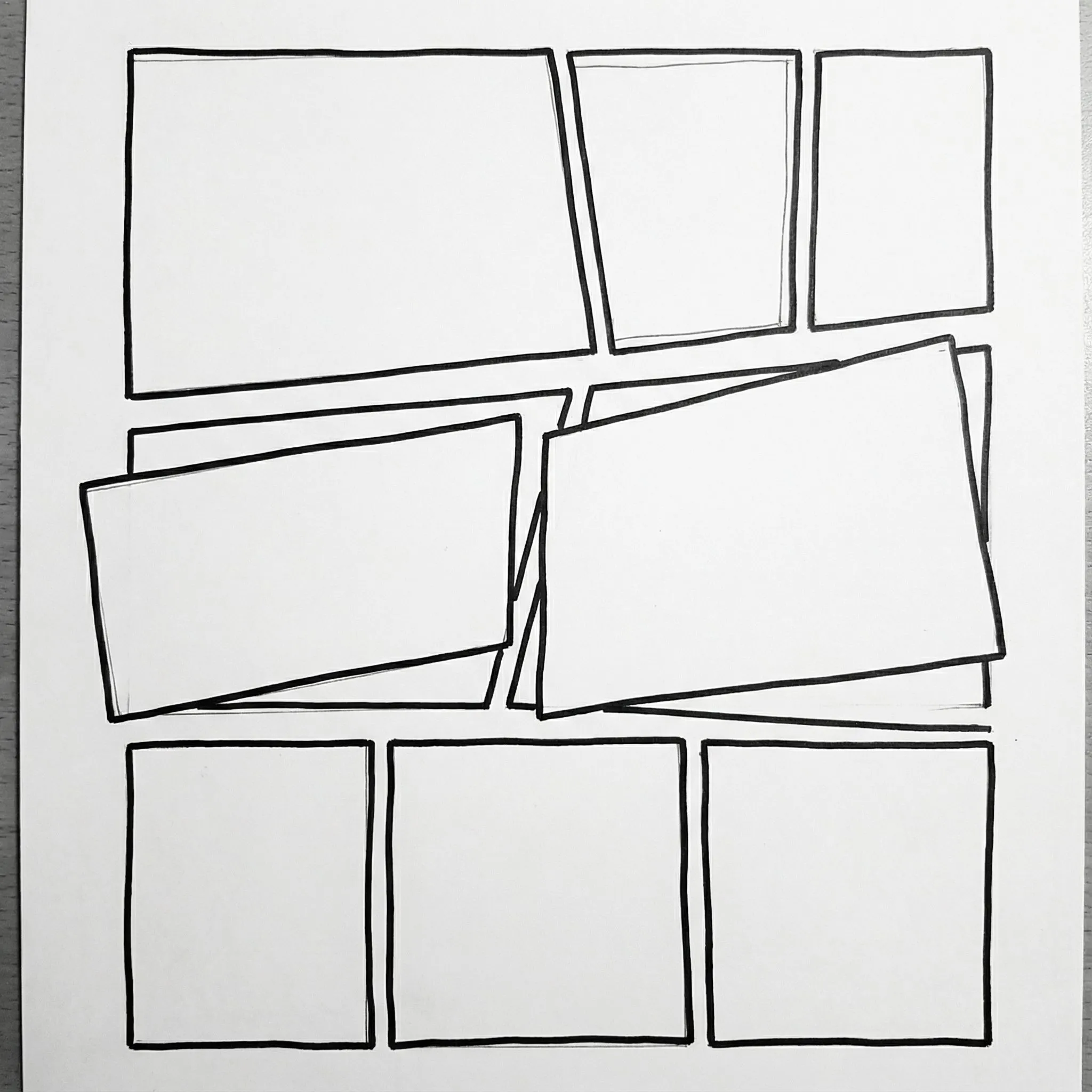
Drag, drop, and split panels in seconds. Images placed into panels are automatically masked and clipped to the boundaries. Choose from B4, A4, or custom layouts.
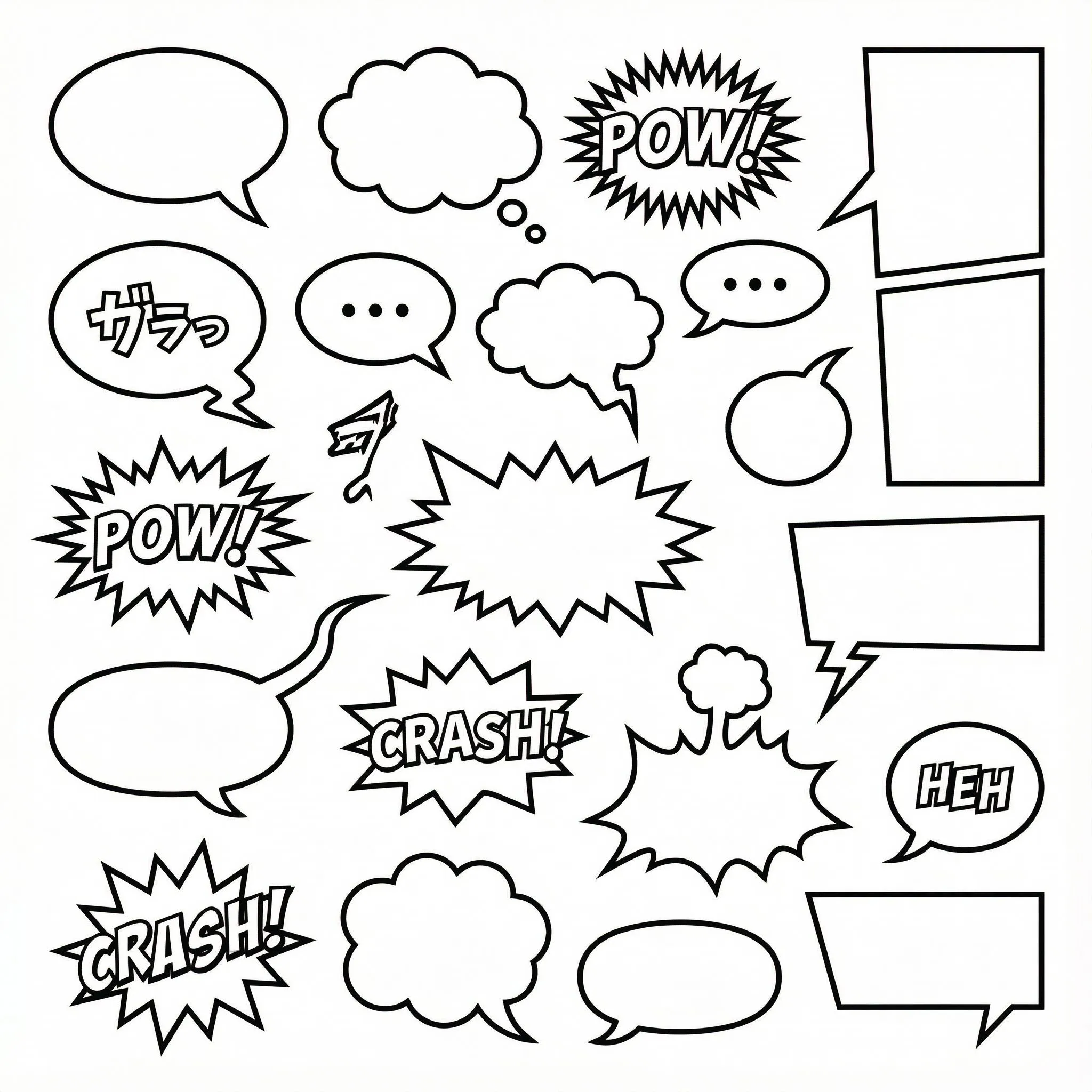
1000+ Customisable Bubble Styles
SVG-based speech bubbles with fully adjustable tails, anchors, and shapes. Includes vertical text layout (tategaki) essential for manga.
Multi-Page Project Management
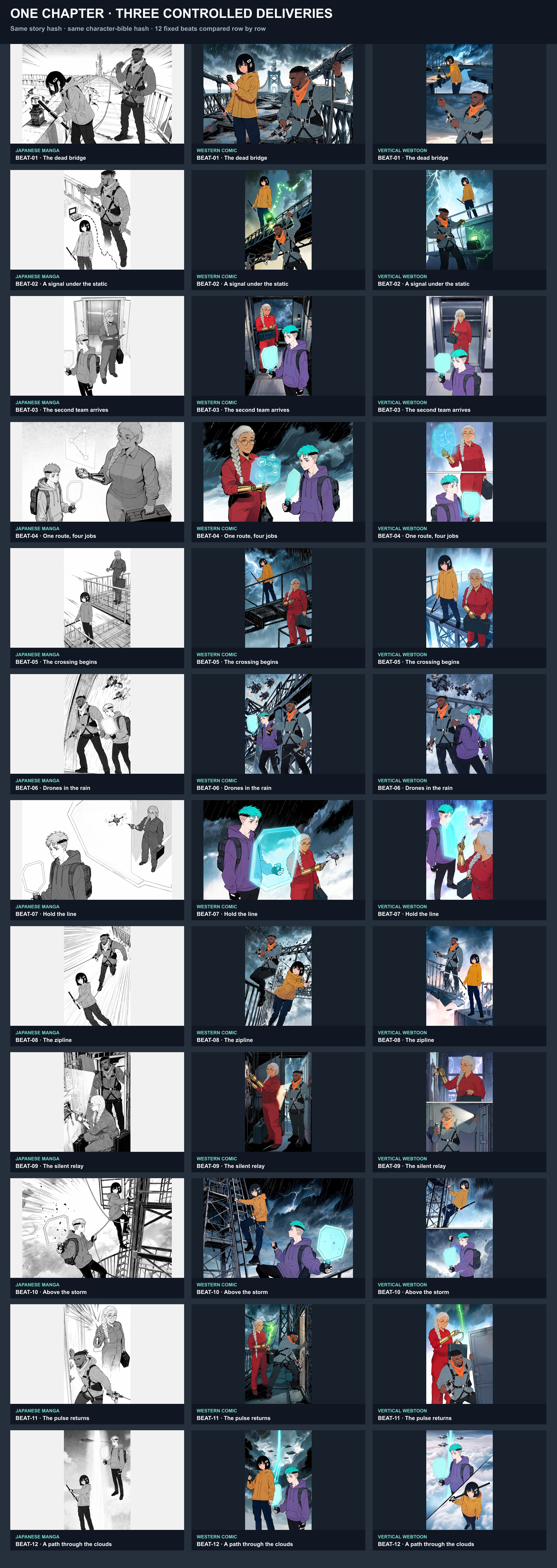
Don’t just make one image—create whole chapters. Manage multiple pages, reorder them, and keep character styles consistent across your entire story.
From Idea to Manga Chapter
A professional workflow built for storytellers, simplified for everyone.
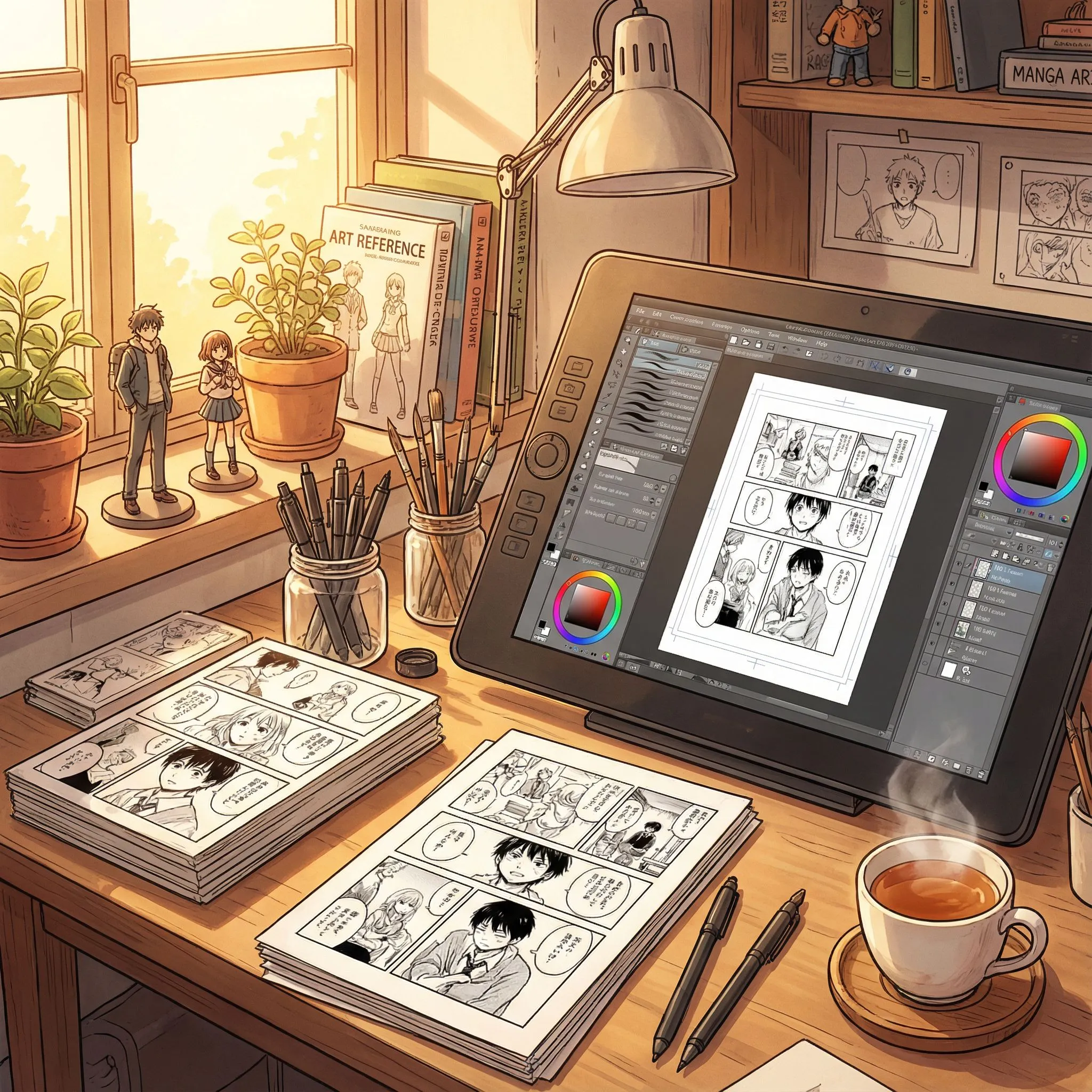
Step 1: Choose Canvas & Layout
Start with a standard B4 manga page or a long-scrolling Webtoon canvas. Drag and drop panel templates or build your own custom grid.
Step 2: Compose & Layer
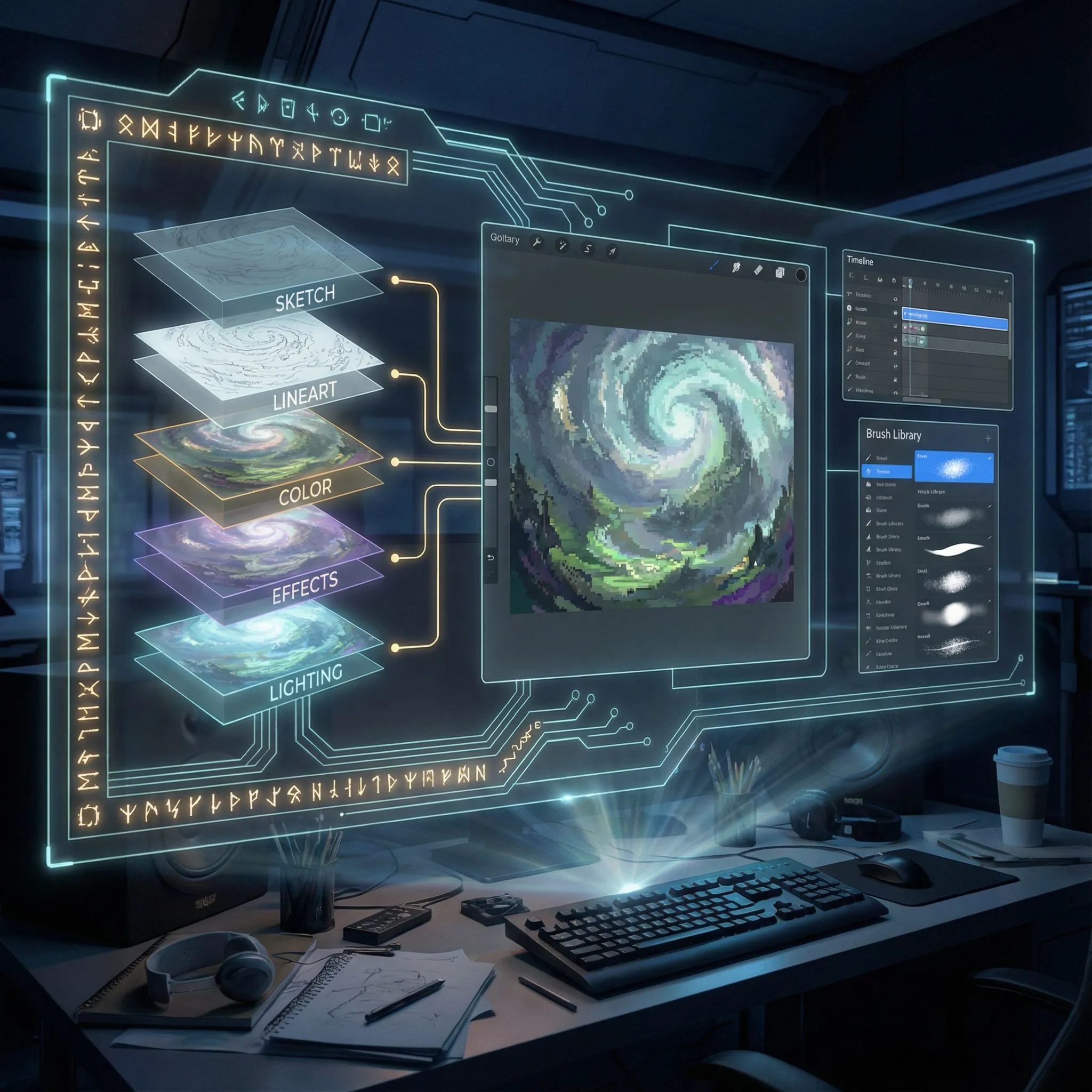
Upload images into panels. Use the layer manager to organise backgrounds, characters, and effects. Nesting images inside panels automatically clips them.
Step 3: Lettering & Effects
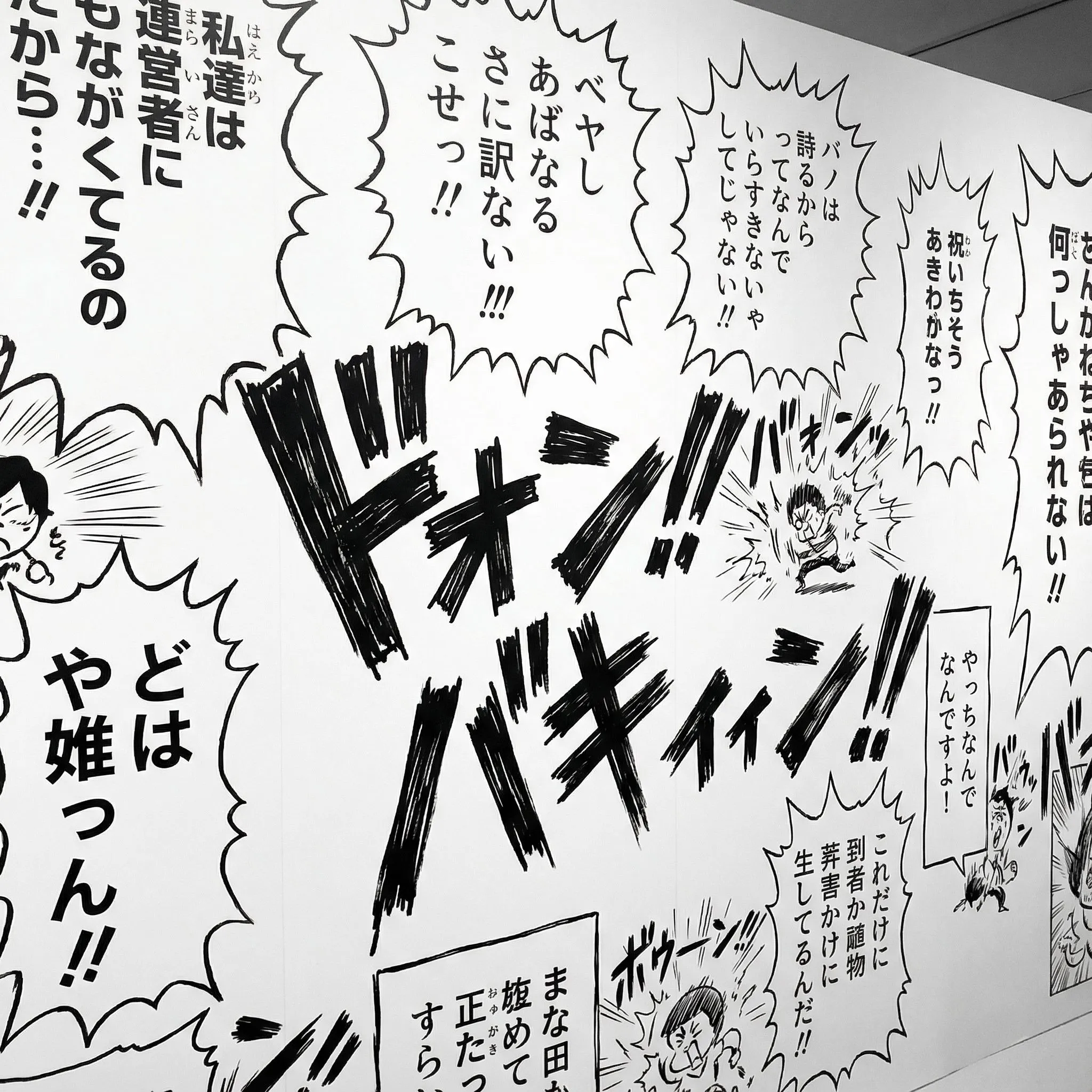
Add speech bubbles with adjustable tails. Type dialogue in horizontal or vertical orientation. Add sound effects (SFX) to bring the action to life.
Professional Layer Control
Lock, hide, and reorder elements with a full layer tree system. Ideal for complex compositions with overlapping characters and effects.
Open Editor
Webtoon & Strip Support
Native support for vertical scrolling formats (800x2400px+) and 4-koma comic strips. Optimise your story for mobile reading.
Create Webtoon
Templates & Assets
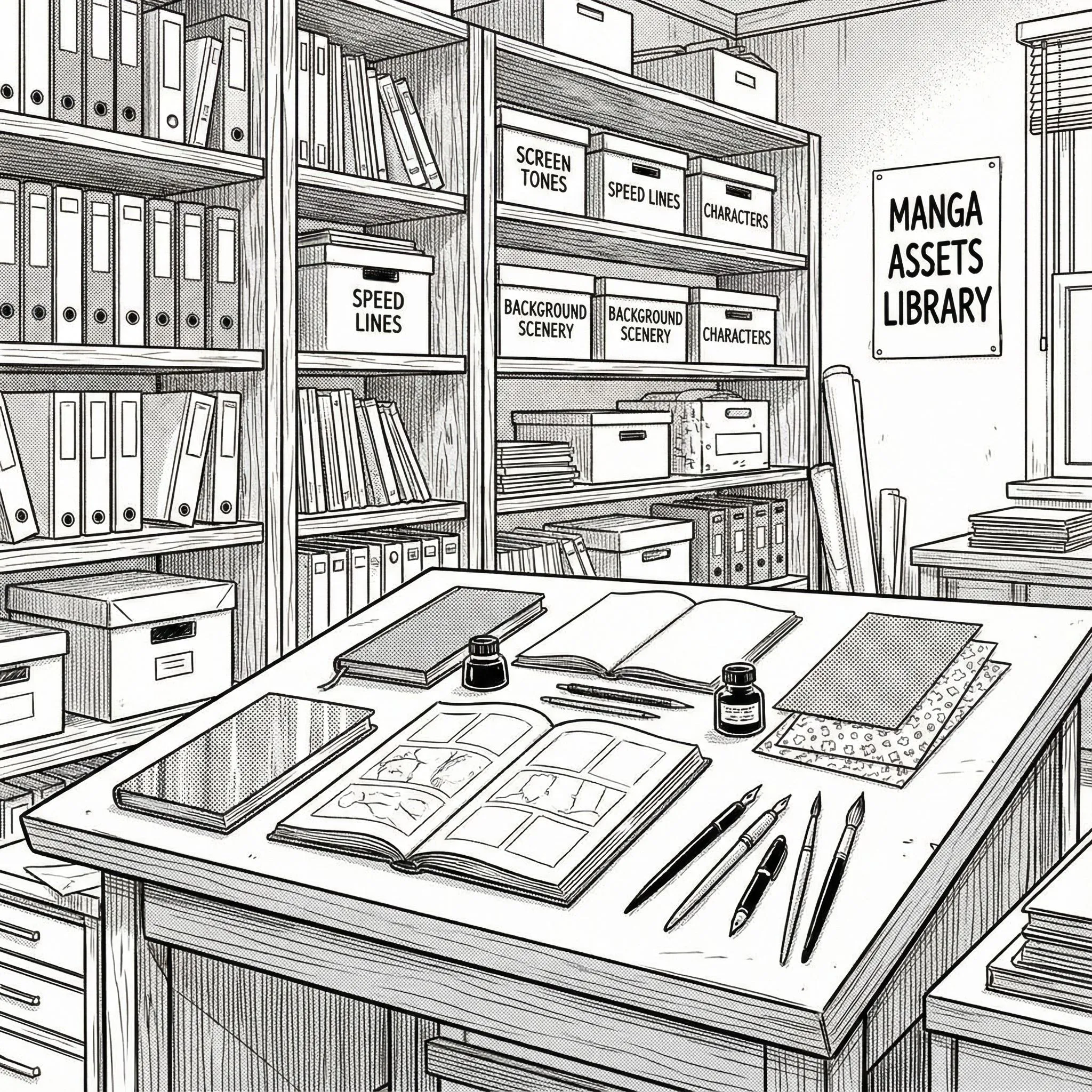
Access a library of panel templates, bubble styles, and text presets. Everything you need to make your pages look polished.
Browse Assets
Export & Share
Save your project to edit later or export high-resolution images ready for publishing. Your stories remain yours.
Start Creating
Manga Maker Examples
Explore real manga starting points: character design, panel composition, story moments, and finished page layouts.

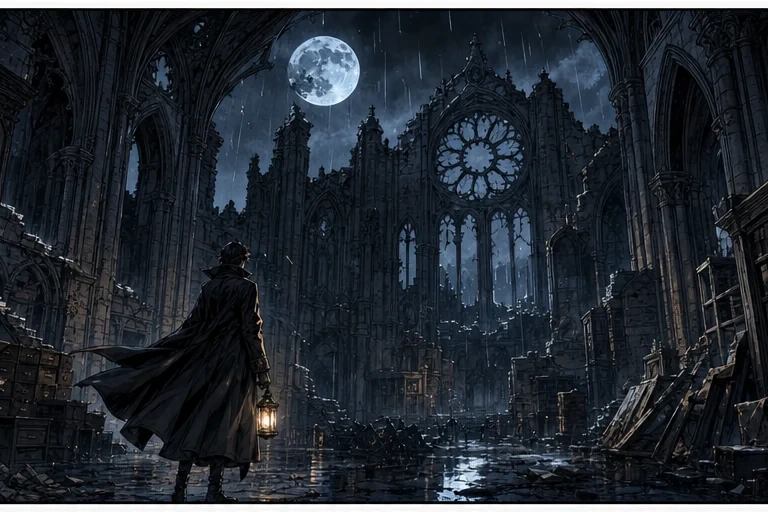
Character Example
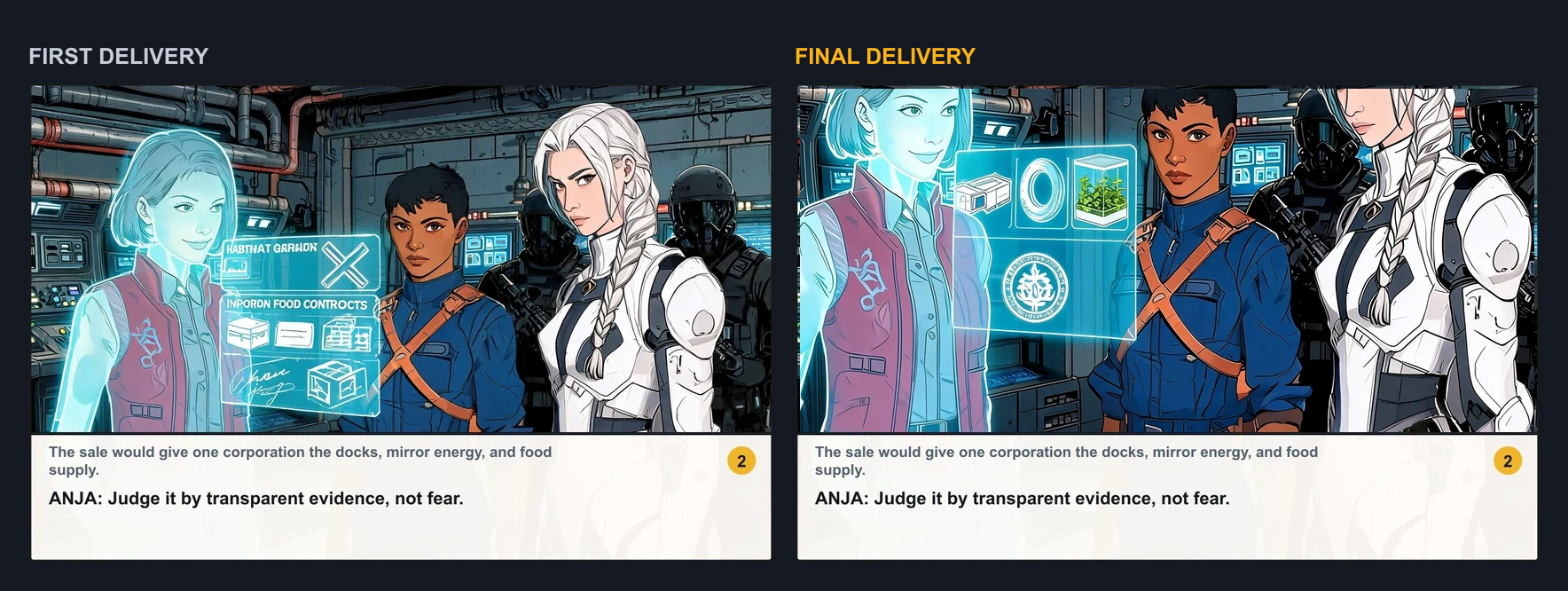
Create a recurring protagonist, expression sheet, or character-focused manga scene.

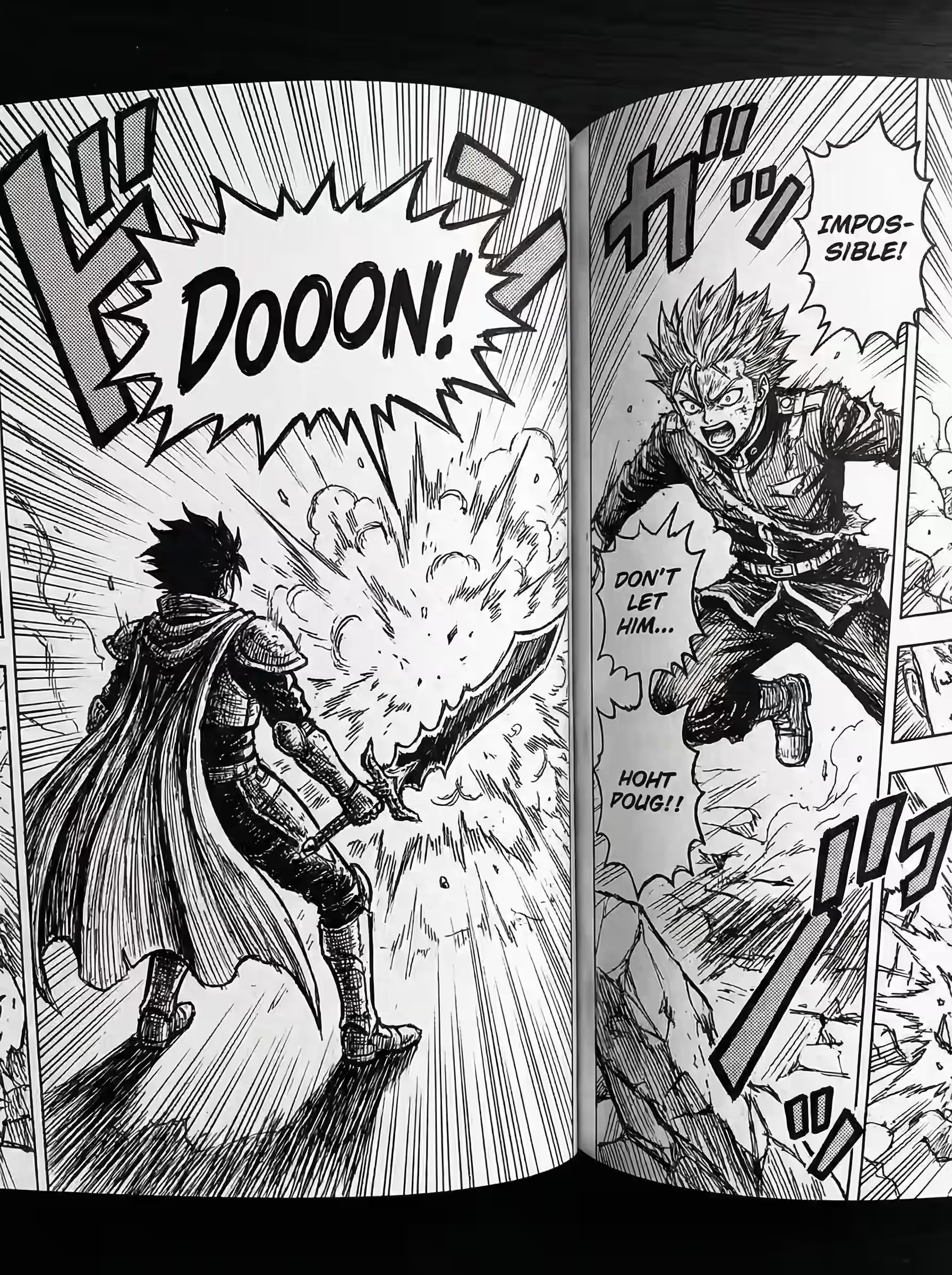
Panel Example
Plan manga panels with speech bubbles, vertical text, and a clear reading flow.

Story Example
Turn a premise into a readable manga or webtoon story beat.

Page Example
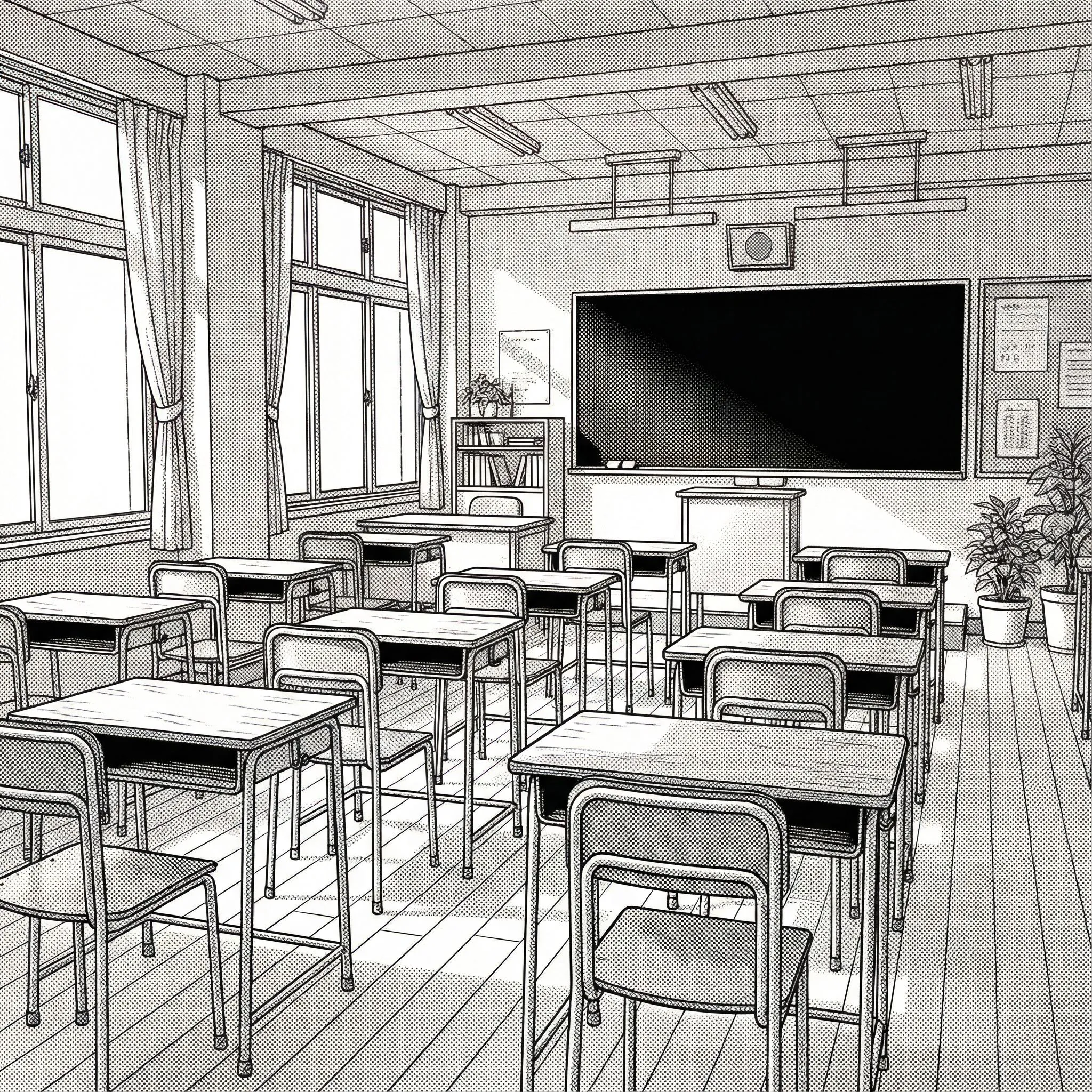
Build a full manga page with setting, panels, characters, and atmosphere.
Professional Features, Zero Cost
Why LlamaGen Manga Maker is a strong choice for new and growing creators.
LlamaGen Manga Maker
Traditional Software
Traditional & AI competitors
✅ Native support for Japanese style
⚠️ Often needs complex formatting
✅ Smart splitting & auto-clipping
❌ Manual masking required
✅ 1000+ smart bubbles with tails
⚠️ Limited shapes, manual drawing
✅ Manage full chapters
⚠️ File-per-page management
✅ Dedicated vertical canvas
⚠️ Requires manual setup
✅ Free online to start
❌ Expensive subscriptions
Manga Maker FAQ
An overview of the design and capabilities of our manga engine.
Explore the technical features that support professional creation.