

Vertical scroll episodes
Stack panels for phone reading, with pauses, reveals, and a beat that moves down the screen.
Free AI Webtoon Generator
Use LlamaGen as an AI Webtoon Creator for vertical formatting, character consistency, mobile optimisation, and professional webtoon episodes. Start with a prompt or script, then generate scroll-ready panels that feel like one story rather than separate images.
Works in your browser. Keep the same cast across a vertical episode.
Explore related formats
Create vertical webtoon episodes for mobile reading, or explore comic and manga formats for different page layouts.
Comic
Free AI Comic Generator
Multi-page comics with a recurring cast
Manga
Free AI Manga Generator
Readable manga pages from a story
Webtoon
Free AI Webtoon Generator
Vertical episodes for phone scrolling
What you get
This page sells phone-first webtoon episodes: stacked panels, a recurring cast, and a draft you can continue in the studio.
Stack panels for phone reading, with pauses, reveals, and a beat that moves down the screen.
Keep the same face, outfit, and expression notes so the heroine stays recognizable from beat to beat.
Carry locations, lighting, and the next scene into the following scroll instead of restarting every image.
Webtoon cases
These drafts are built as vertical episodes so you can judge pacing and character continuity before you publish or pitch.
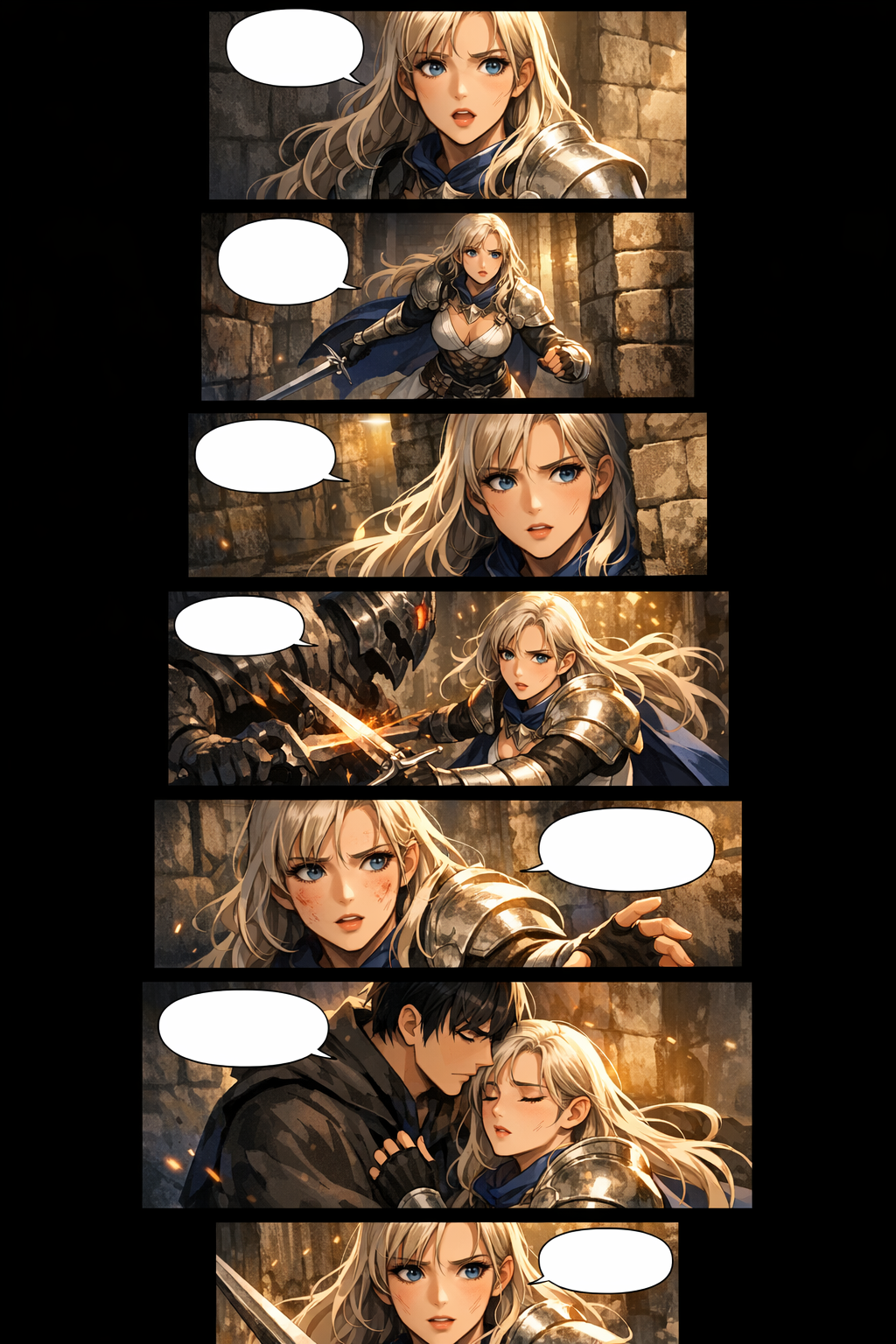
Vertical episode
Premium vertical scroll webtoon episode page, consistent heroine, stacked mobile panels, cinematic fantasy lighting.
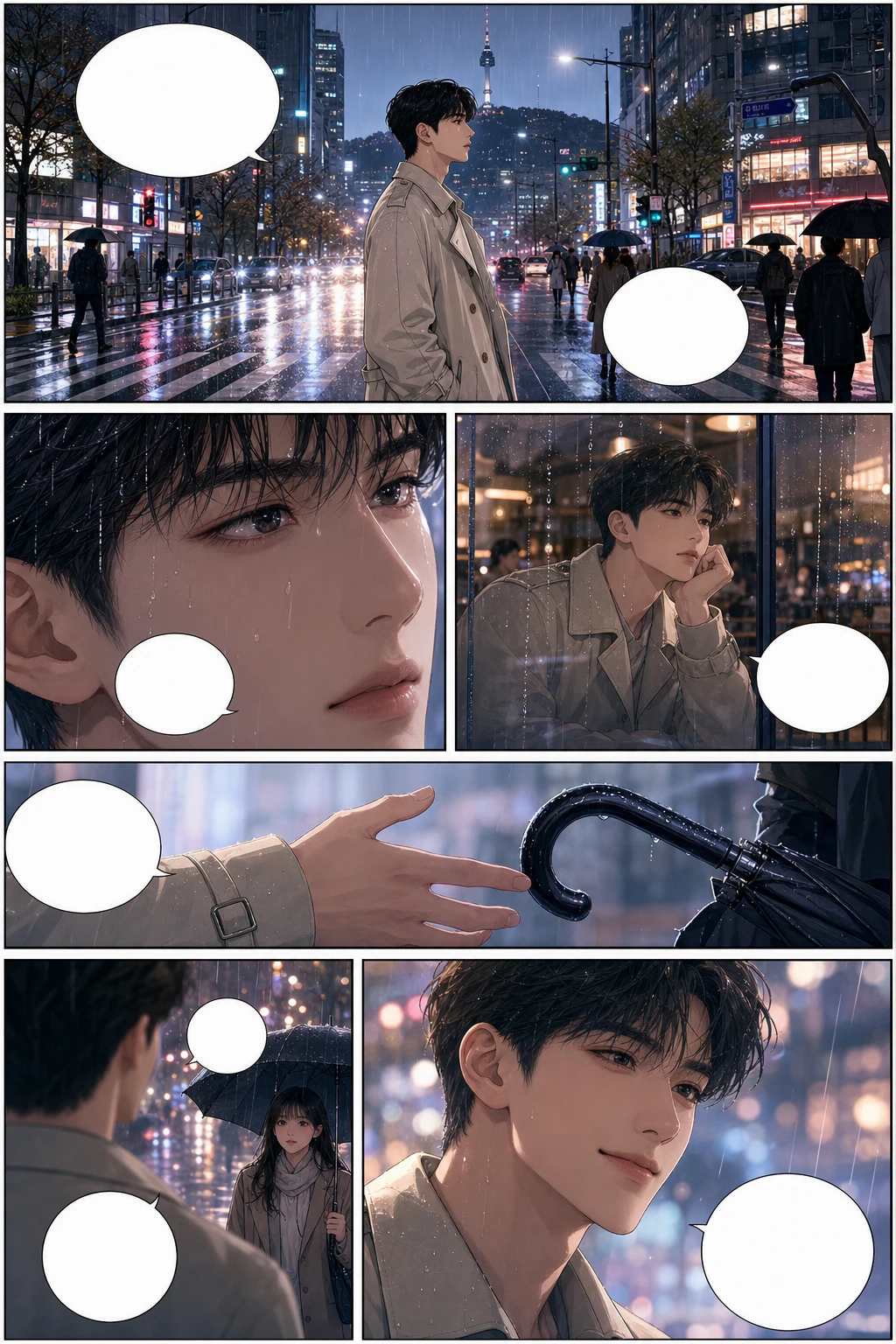
Vertical episode
Full-colour Korean manhwa comic page, 6 panels, consistent protagonist, rainy city romance, blank speech bubbles.
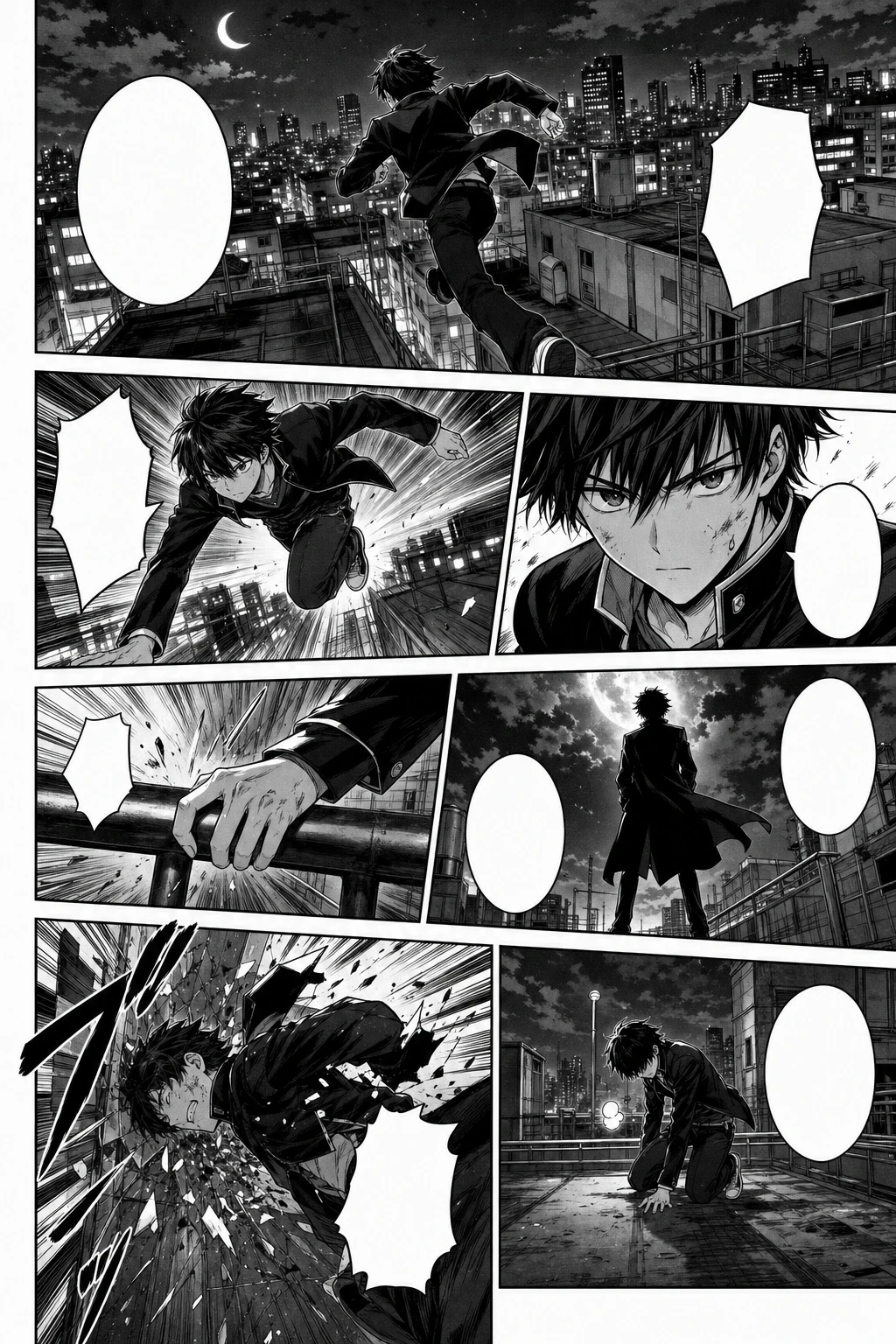
Vertical episode
Black-and-white Japanese manga page, 7 panels, screentone, speed lines, consistent action character.
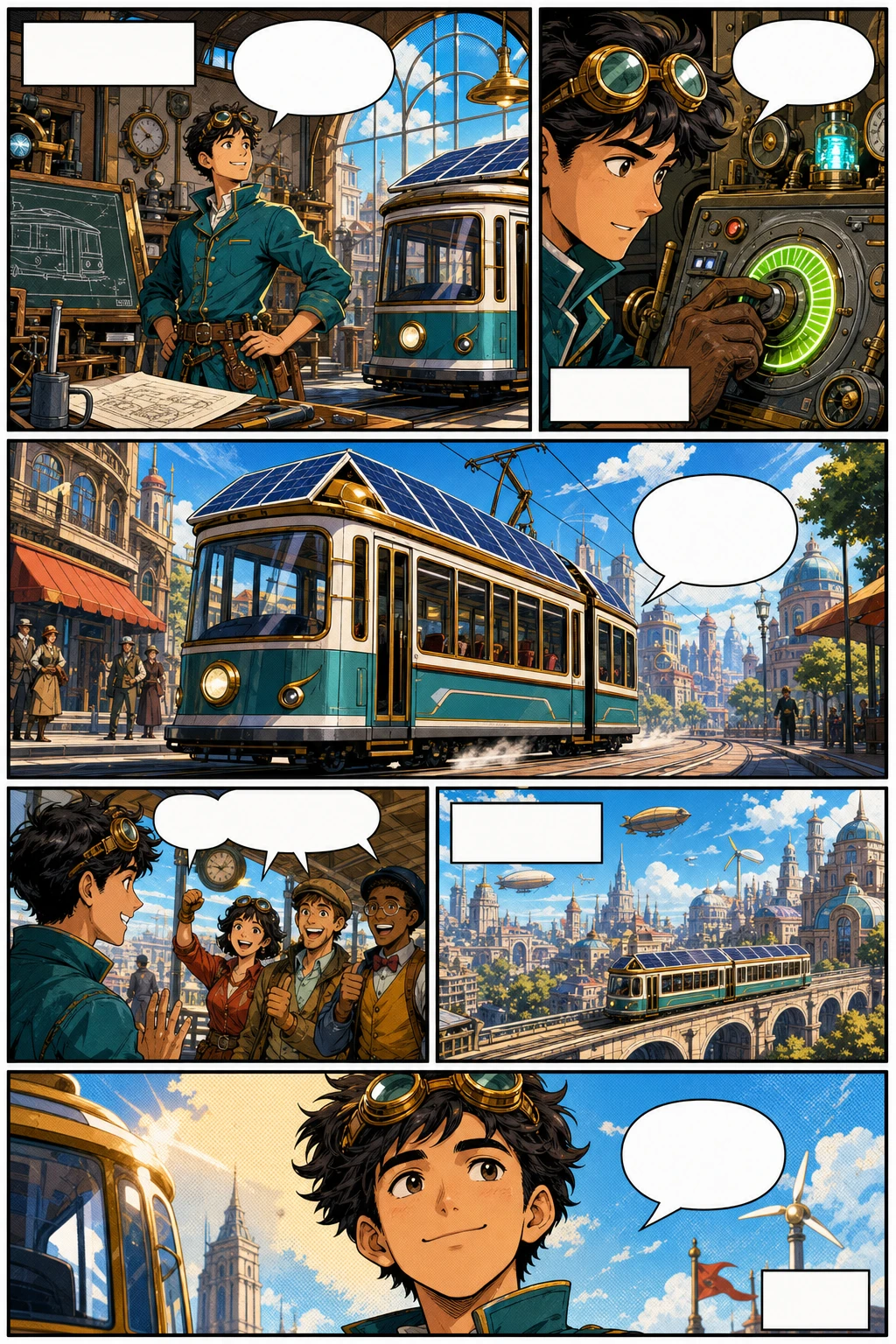
Vertical episode
Western comic book page, 6 panels, original inventor character, bold ink, halftone colour, blank captions.
Character consistency
One approved chapter became a 12-beat vertical Webtoon with four recurring characters. Read the delivery, then start your own episode in the studio.
Use the generator for the first pass, then refine character shots, spacing, and export slices before publishing.
Traditional webtoon production is demanding because every episode combines writing, drawing, colouring, layout, continuity, and platform formatting. LlamaGen brings those tasks together in one visual storytelling workflow.
Use mobile-first panel spacing, tall compositions, transition gaps, and stacked scenes so the episode scrolls naturally rather than feeling like a cropped comic page.
Carry character cues through the prompt, use reference-style descriptions, and regenerate weak shots until faces, outfits, silhouettes, and expressions stay recognisable.
Draft multiple scenes quickly, then spend your time on story polish, lettering, redrawing key moments, and final release decisions.
Plan image width, slices, section height, file size, and format before upload so the final episode is easier to prepare for WEBTOON, Tapas, or your own site.
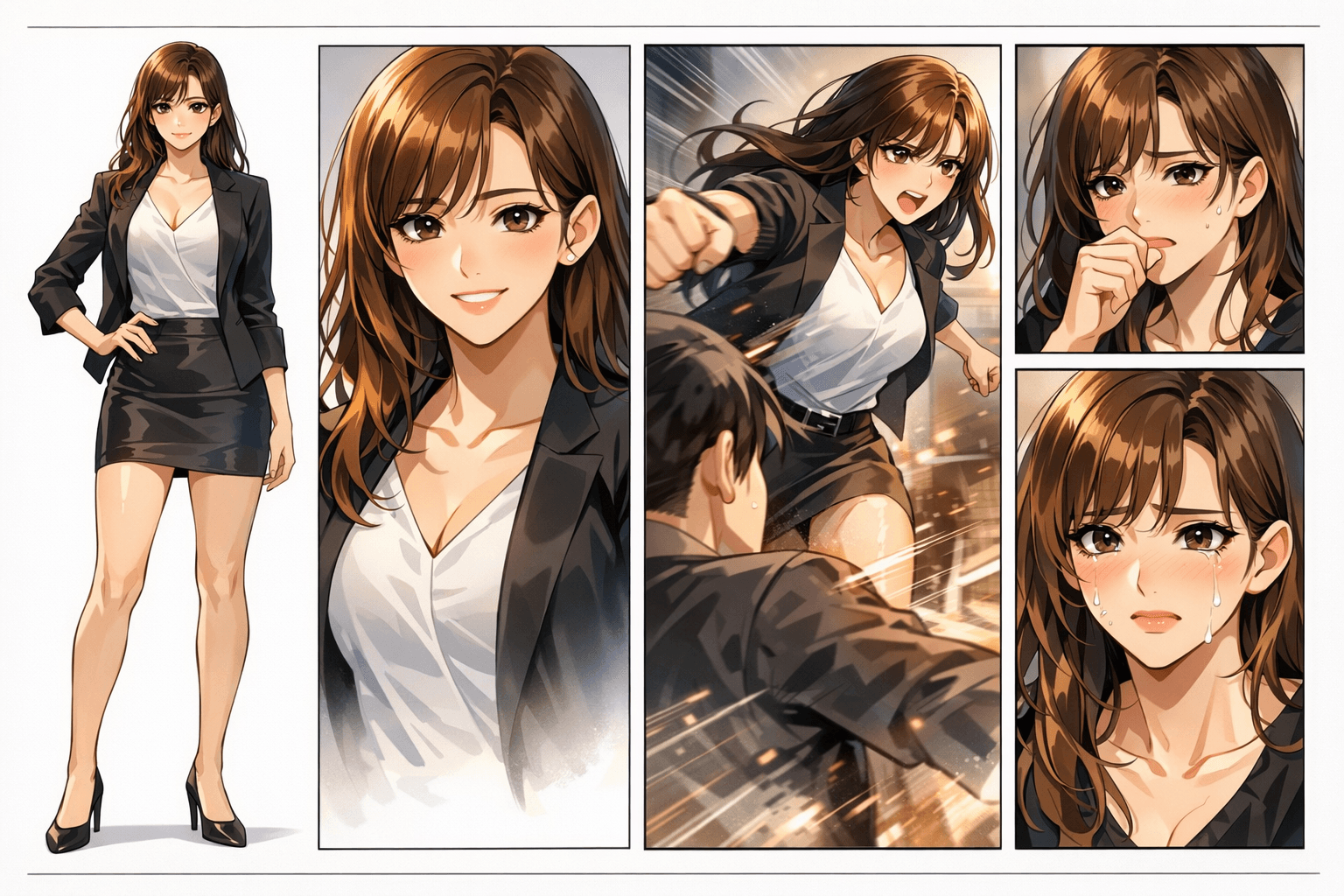
A real webtoon page needs to keep character identity, panel rhythm, background continuity, and emotional pacing working together. One weak panel can break the whole episode.
The panels may look colourful, but character identity, hand details, scene continuity, and reading flow quickly fall apart.
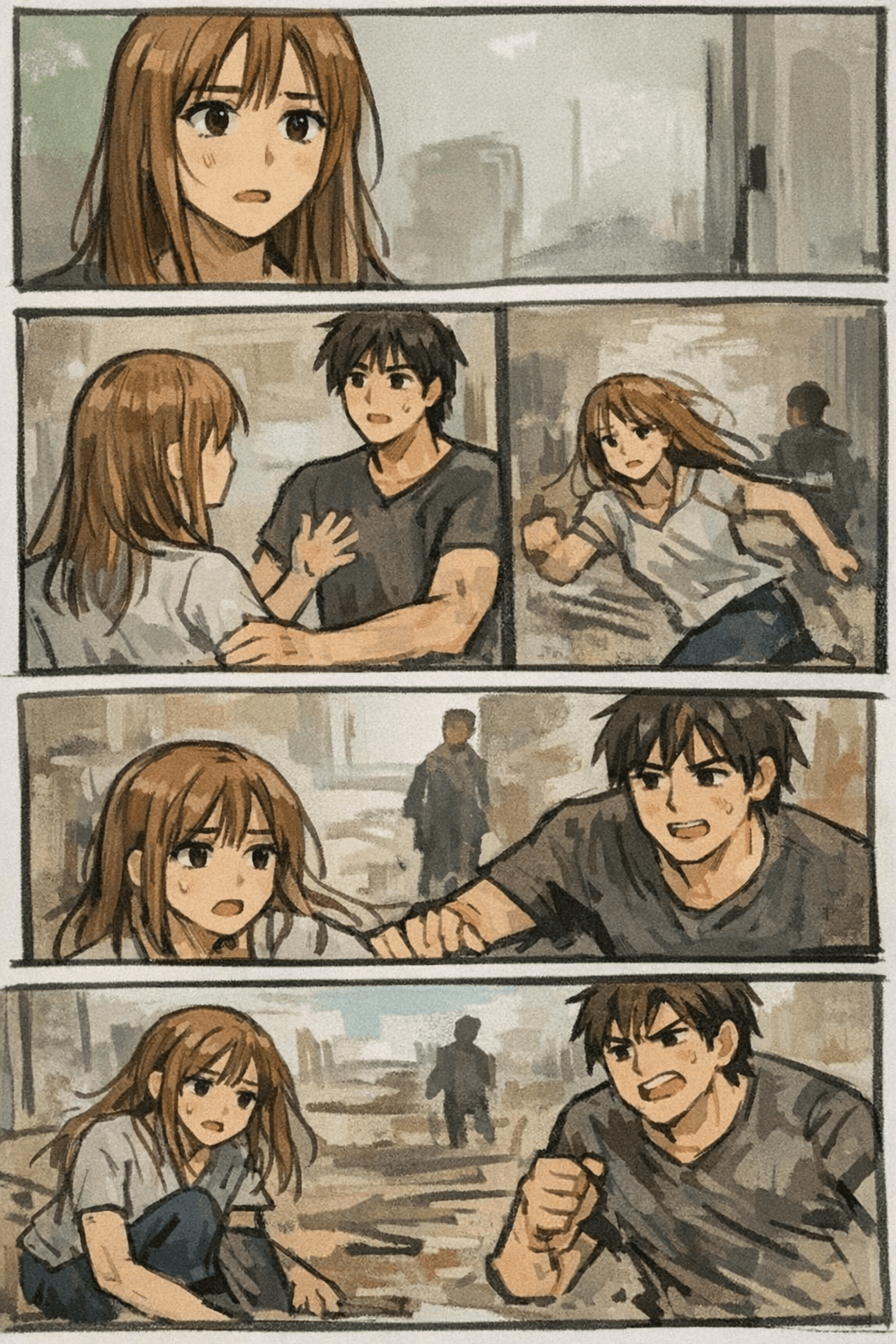
LlamaGen focuses on the full webtoon result: prompt, characters, panel pacing, visual style, and regeneration until the episode feels coherent.
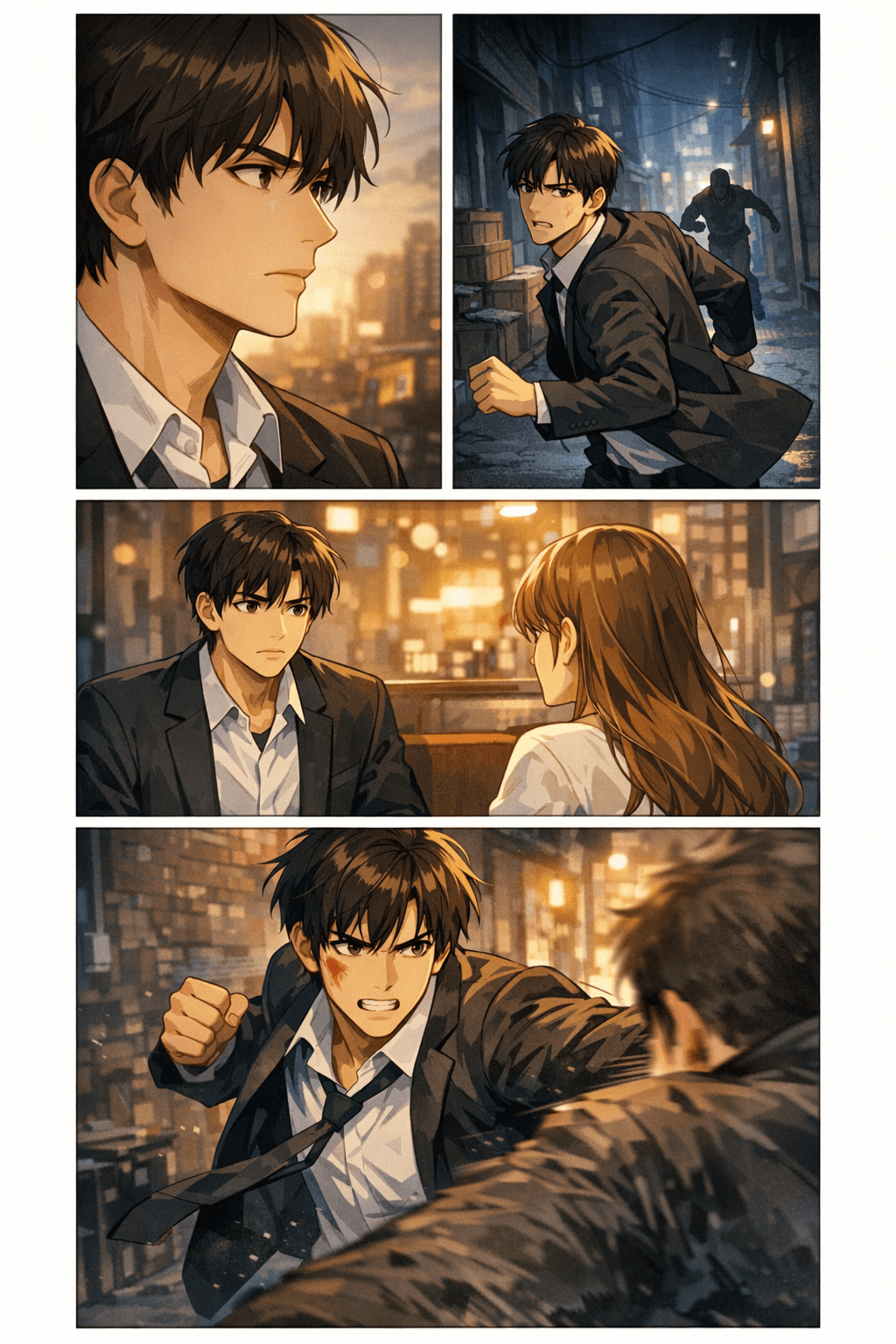
Creators want to know whether an AI webtoon draft can move into a real export workflow. These specs help you plan width, slice height, file size, format, and mobile readability before you download or upload.
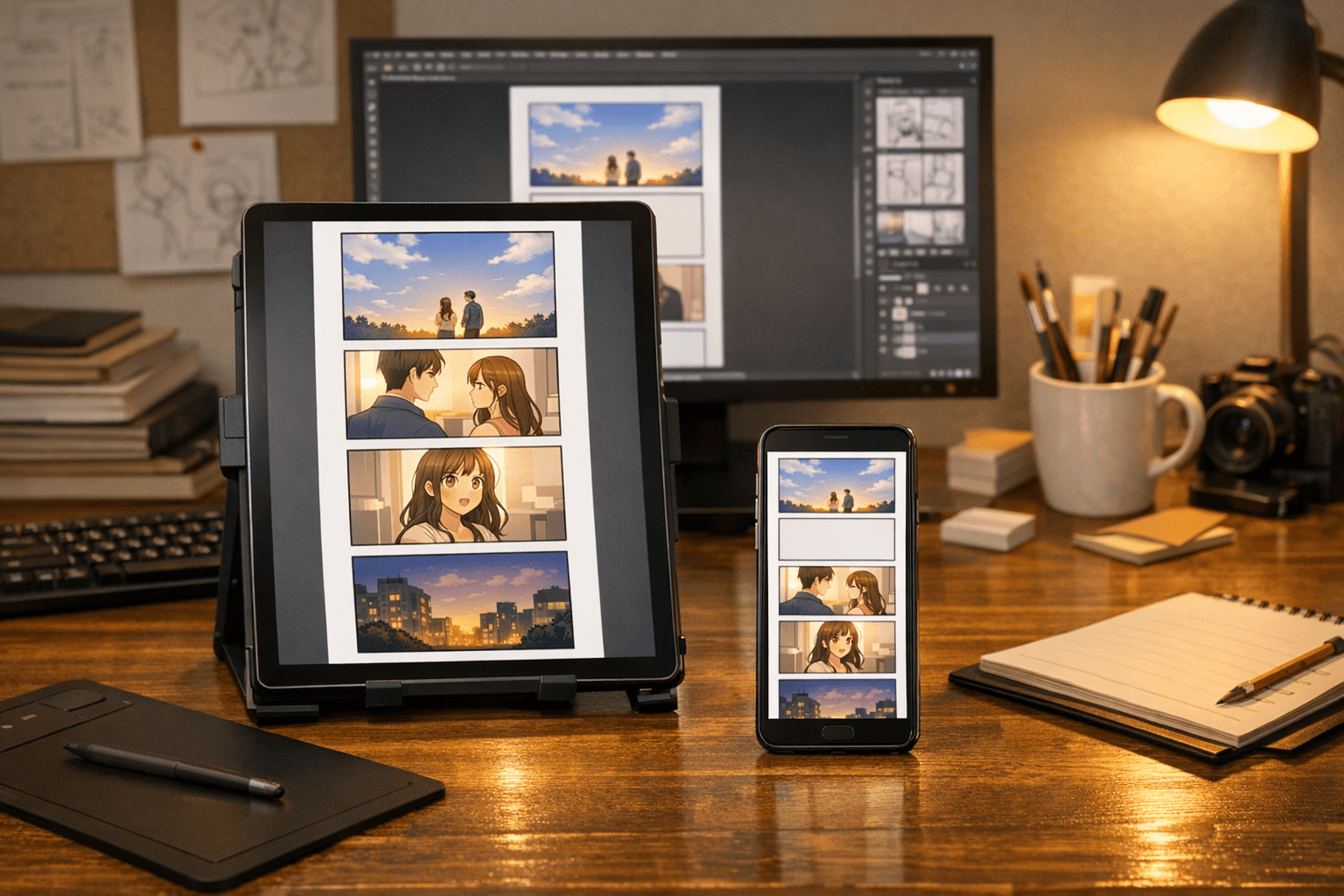
A practical first episode often lands at around 40–60 panels after revisions, depending on genre and pacing.
Use 400–800px of breathing space for emotional beats and four or more blank sections when the story needs a scene transition.
These are the elements that turn the page from a thin feature page into a genuinely useful creator resource.
Compose panels for scroll pacing, pauses, reveals, impact frames, and mobile-first reading.
Keep character identity, wardrobe cues, face shape, and emotional beats easier to review across panels.
Carry locations, lighting, props, and atmosphere through a sequence instead of restarting every image.
Plan file format, slice height, image width, compression, and destination platform before download.
Draft romance, fantasy, action, thriller, slice-of-life, school drama, comedy, or manhwa-inspired episodes.
Redraw weak panels, improve expressions, strengthen pacing, and create alternate shots for key moments.
Use webtoon pages as concept proofs for collaborators, clients, communities, and early audience testing.
Give non-artists, writers, and small teams a faster way to test whether a story works visually.


See AI-generated webtoon pages with descriptive image context: fantasy scenes, romantic manhwa beats, action panels, thriller pacing, and slice-of-life episodes.
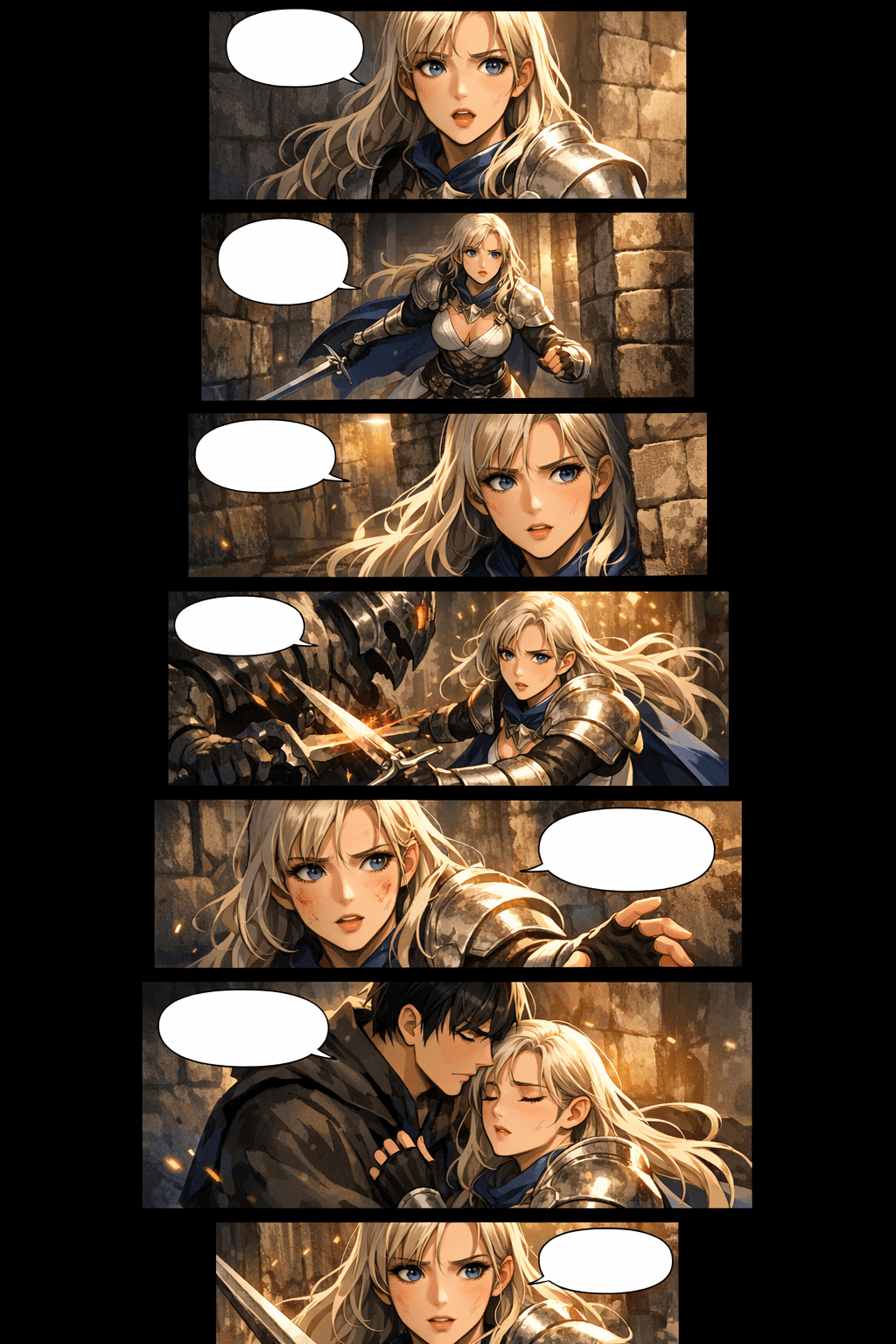
Vertical webtoon panels with dramatic fantasy scenes and professional scroll formatting
Premium vertical scroll webtoon episode page, consistent heroine, stacked mobile panels, cinematic fantasy lighting.
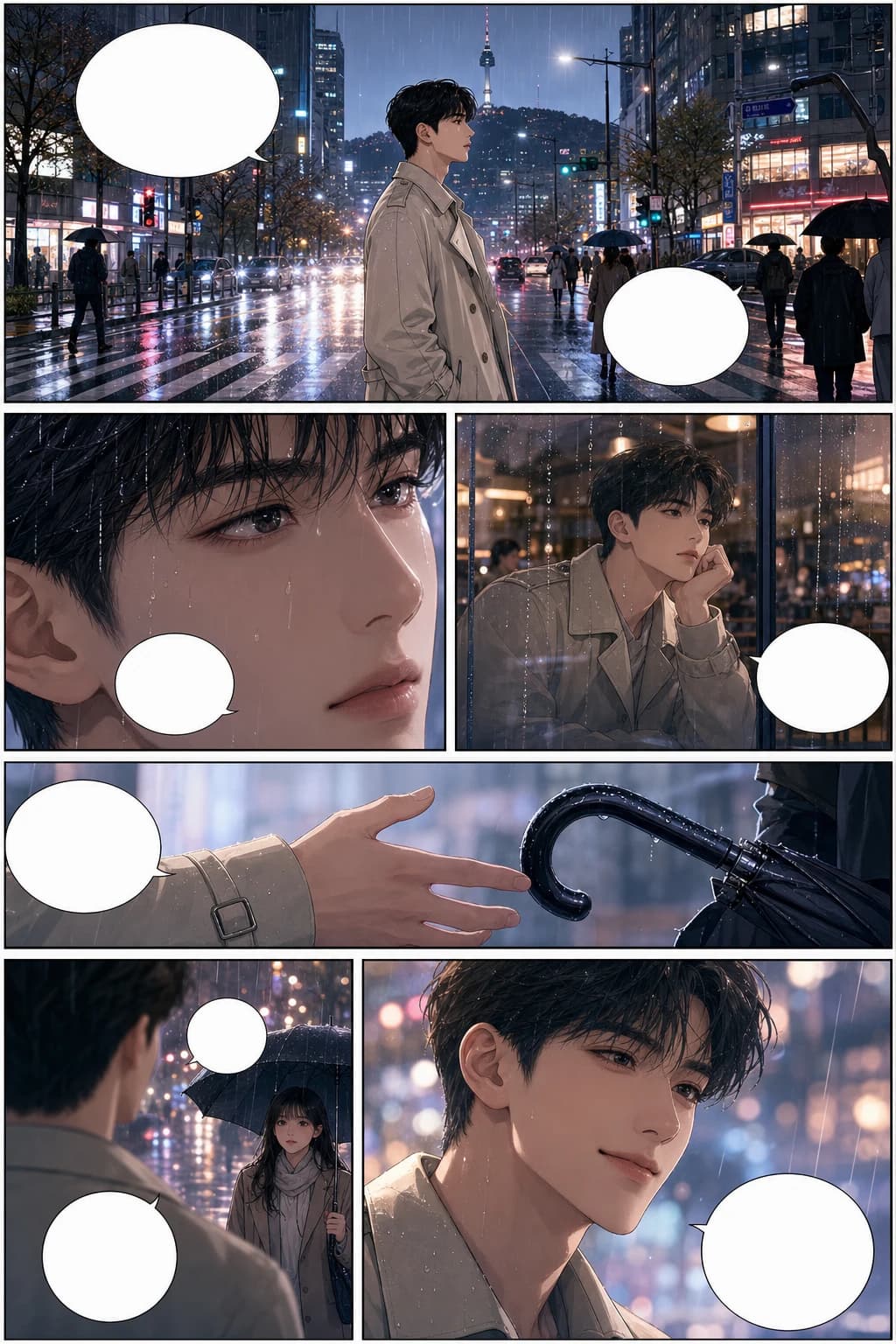
Romantic Korean manhwa webtoon scene with consistent characters and rainy city panel pacing
Full-colour Korean manhwa comic page, 6 panels, consistent protagonist, rainy city romance, blank speech bubbles.
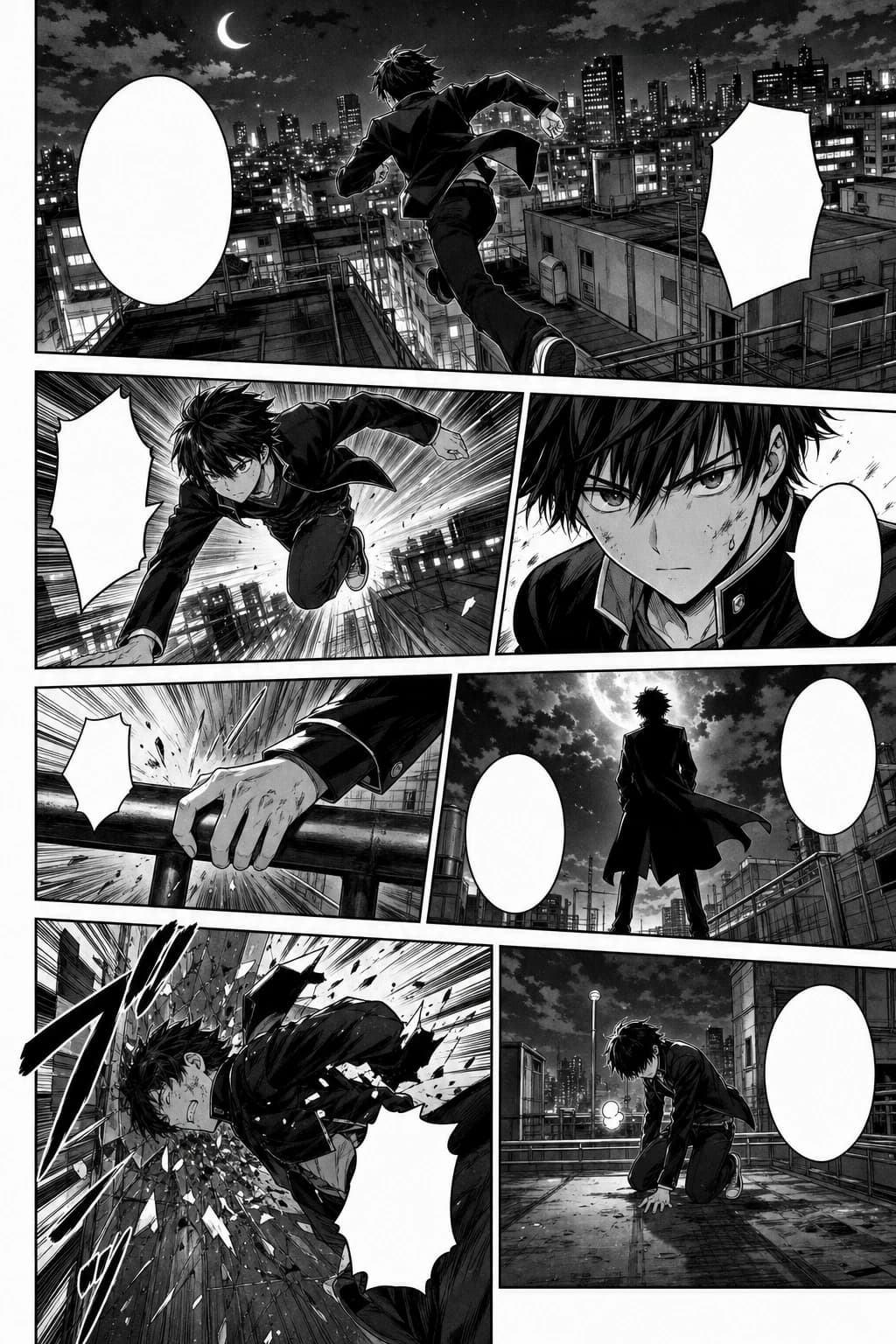
Action-packed webtoon panel sequence in black-and-white manga style with rooftop motion
Black-and-white Japanese manga page, 7 panels, screentone, speed lines, consistent action character.
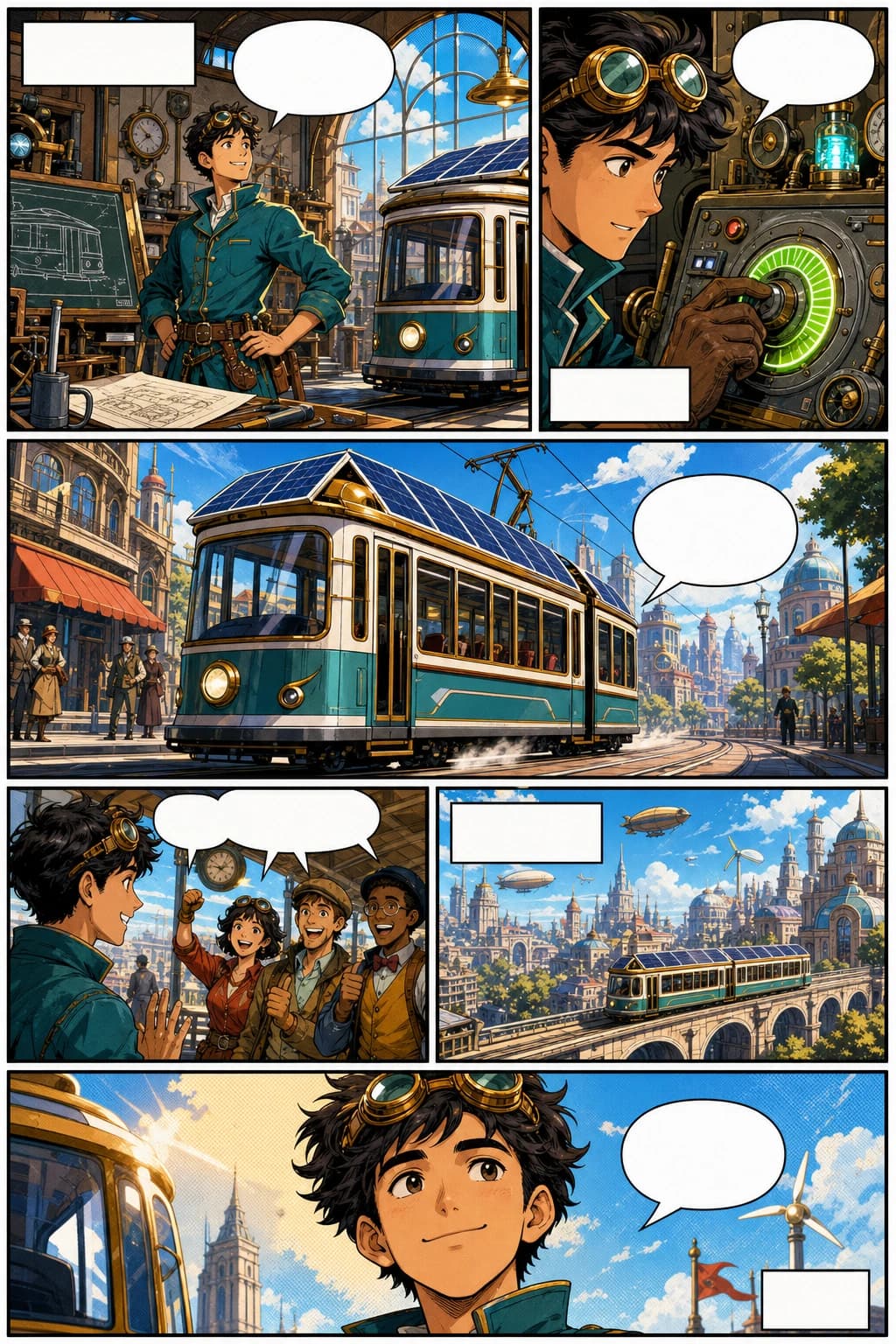
Western comic webtoon page with a retro-futurist inventor and bold vertical panels
Western comic book page, 6 panels, original inventor character, bold ink, halftone colour, blank captions.
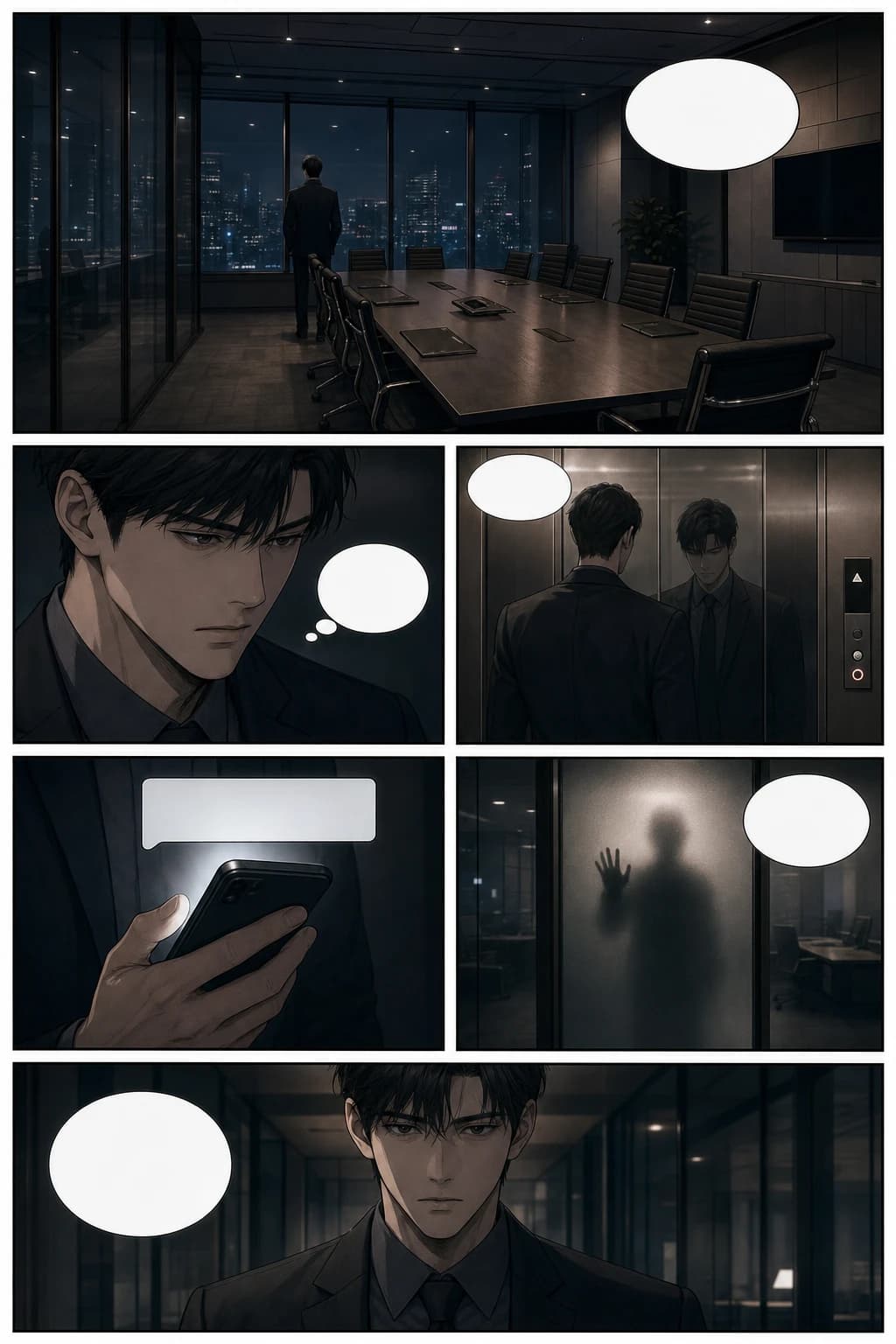
Thriller manhwa webtoon page with cinematic office suspense and vertical scroll pacing
Psychological thriller manhwa page, 6 panels, glass office scene, cinematic pacing, blank speech bubbles.
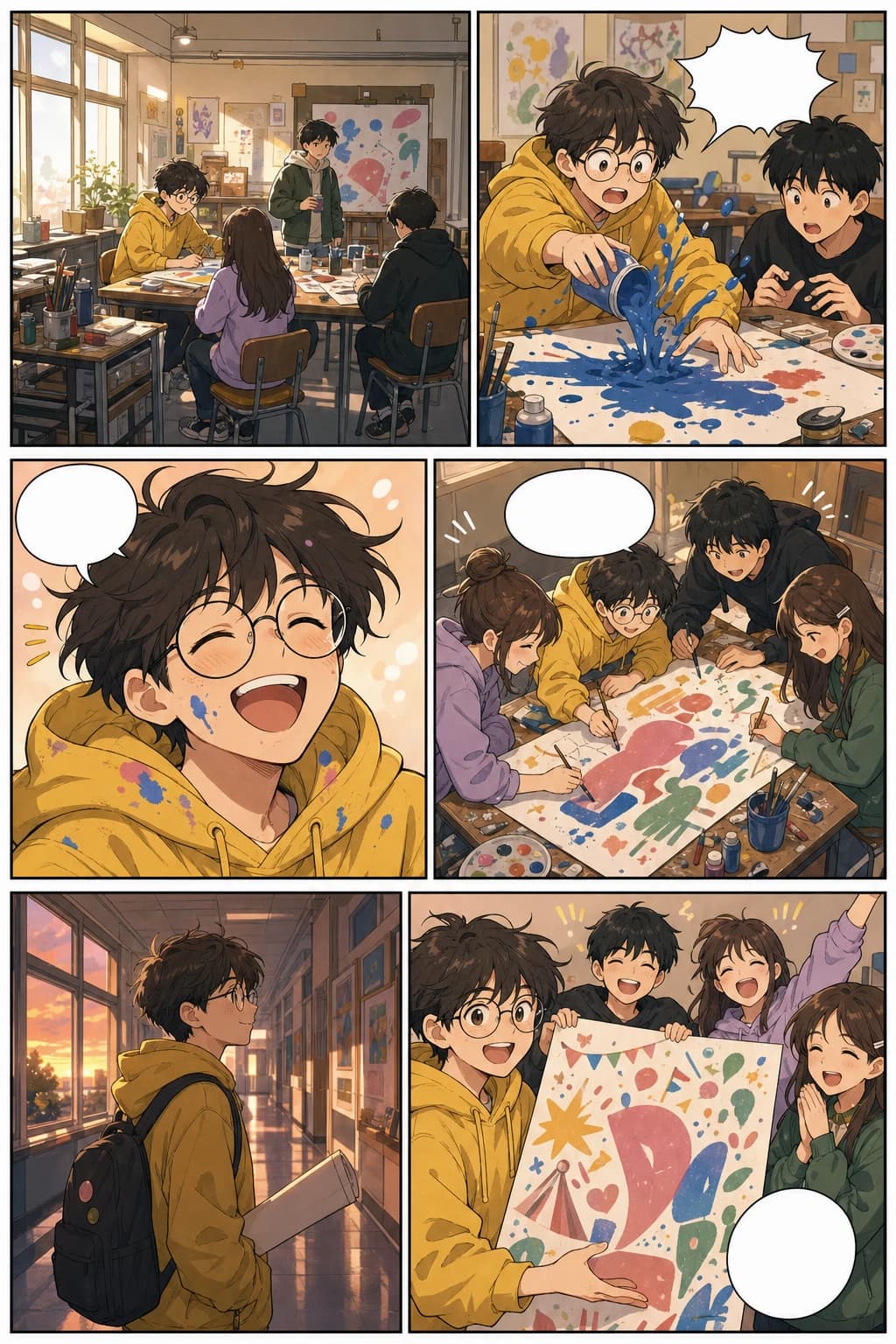
Slice-of-life vertical webtoon page with school art club panels and warm mobile formatting
Colourful slice-of-life webtoon page, 6 panels, consistent art student, warm school festival story.
This guide covers both learning and creation needs: what webtoons are, how AI can help, and how the tool fits real creator workflows.
Turn a chapter outline into visual pages before committing to a long comic production cycle.
Draft layouts, scene beats, covers, and social previews while keeping more energy for the final art direction.
Create a quick visual proof for clients, publishers, collaborators, or early audience validation.
Turn lessons, campaigns, explainers, and brand stories into readable vertical comics.
Create more than just a striking panel. Plan the story flow, mobile pacing, recurring characters, platform format, and the path from an idea to a publishable episode.
Generate story-led webtoon pages from prompts, scene notes, scripts, or character moments while keeping the workflow focused on sequential art.
Build pages for how readers actually consume webtoons: tall mobile screens, stacked panels, breathing space, and episode pacing.
Plan a recurring cast with recognisable faces, clothing cues, expressions, and poses so the episode reads as one coherent story.
Prepare image slices, width, file size, and export options for WEBTOON, Tapas, social previews, pitch decks, and your own site.
Move from premise to script, generated panels, layout review, redraws, downloads, and a release package without rebuilding the story each time.
Use AI to draft, test, and package episodes faster while still reviewing originality, platform rules, lettering, and the final creative polish.
Practical answers for choosing a format, working across devices, and turning a story beat into a finished vertical episode.
The best way to create a webtoon online with AI is to start with a story beat or script, generate vertical panels, review character consistency, then refine spacing, dialogue, and export slices. LlamaGen supports this workflow through its AI comic strips studio.
LlamaGen can work as both a webtoon maker and a vertical comic maker. The workflow focuses on mobile-first scrolling panels, recurring characters, readable scene pacing, and a handoff into the full comic creation studio.
Create vertical comic episodes, manhwa-style scenes, mobile-first story pages, character moments, and text-to-webtoon drafts that you can refine before publishing.
Yes. Mobile and desktop creators both enter the comic strips studio. Use a phone for a compact creation flow, or a larger screen when you want more space to review panels and revise an episode.
Continue within the same topic cluster
Move between webtoon, manga, comic, character design, background, storyboard, and vertical comic workflows without leaving the visual storytelling path.
Launch app
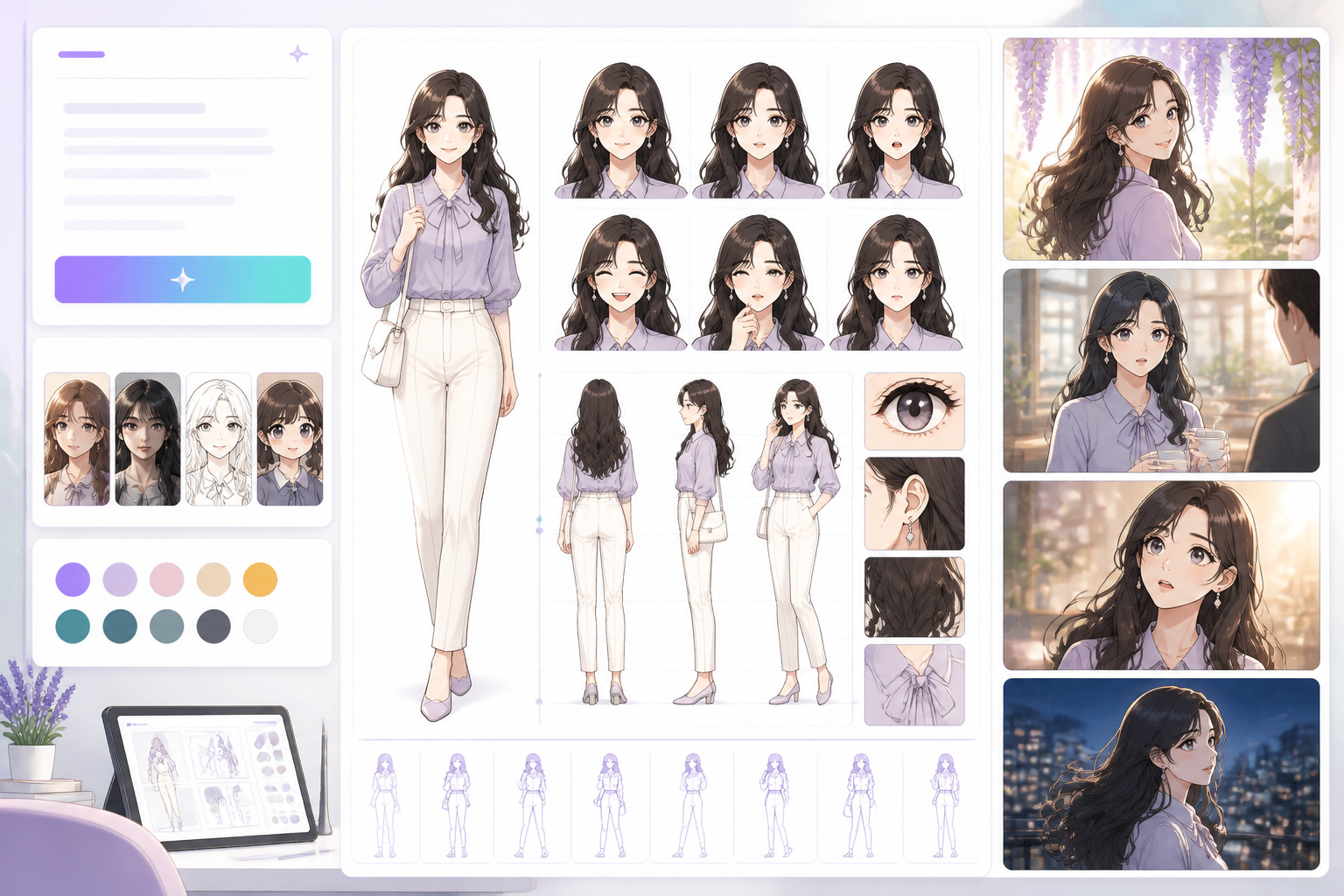
Open a focused workflow inside AI Manga Studio.
Launch app
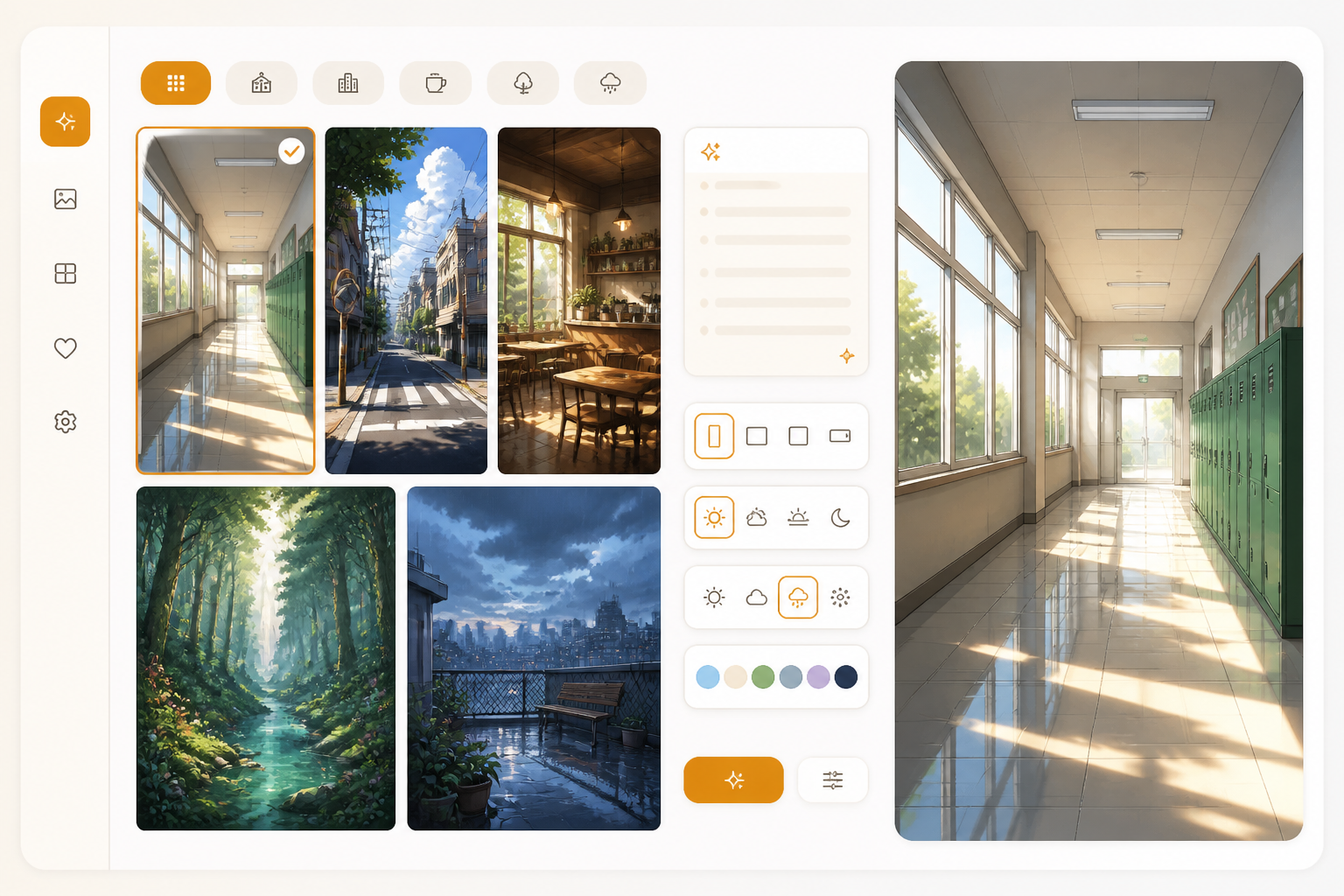
Open a focused workflow inside AI Manga Studio.
Launch app
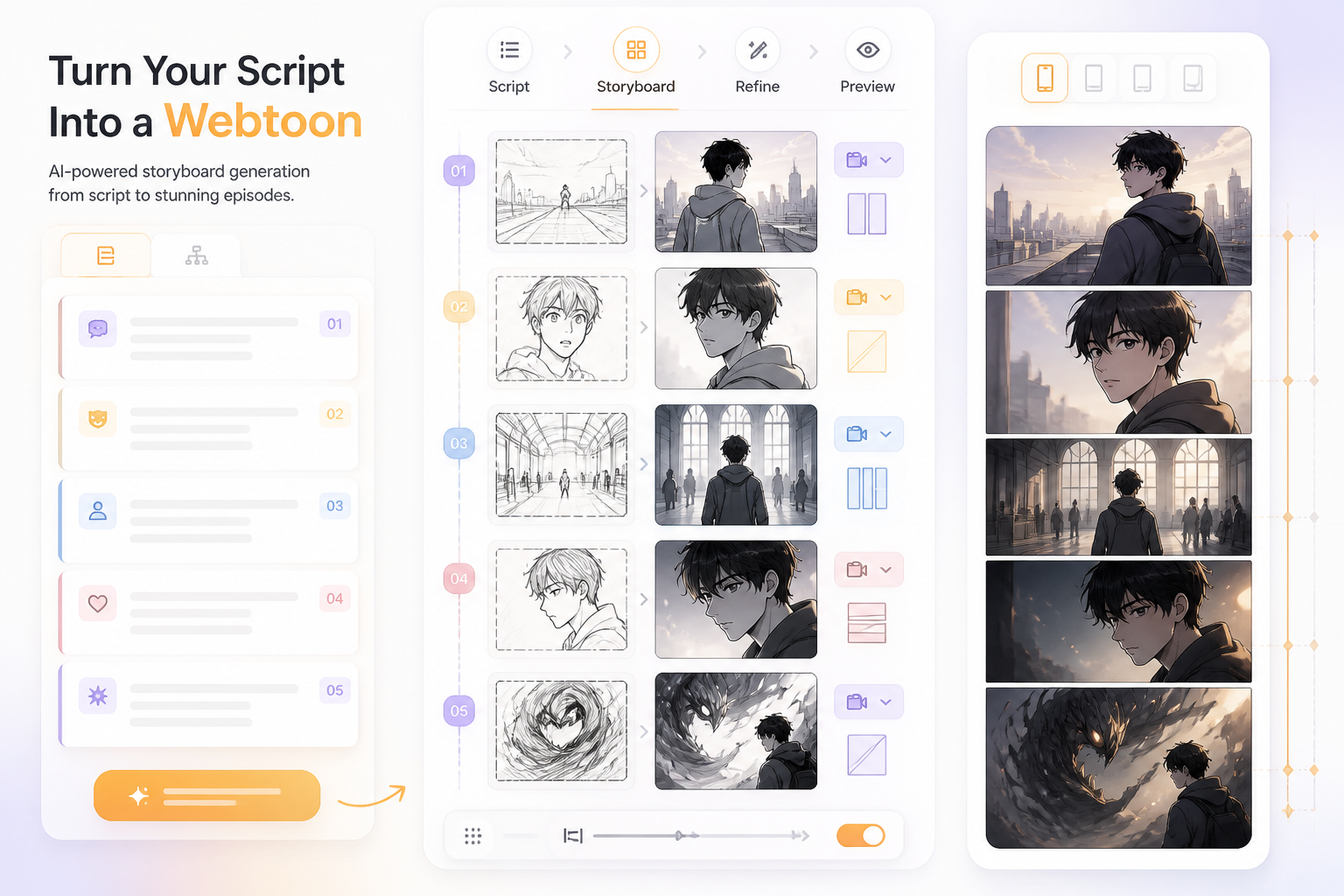
Open a focused workflow inside AI Manga Studio.
Launch app
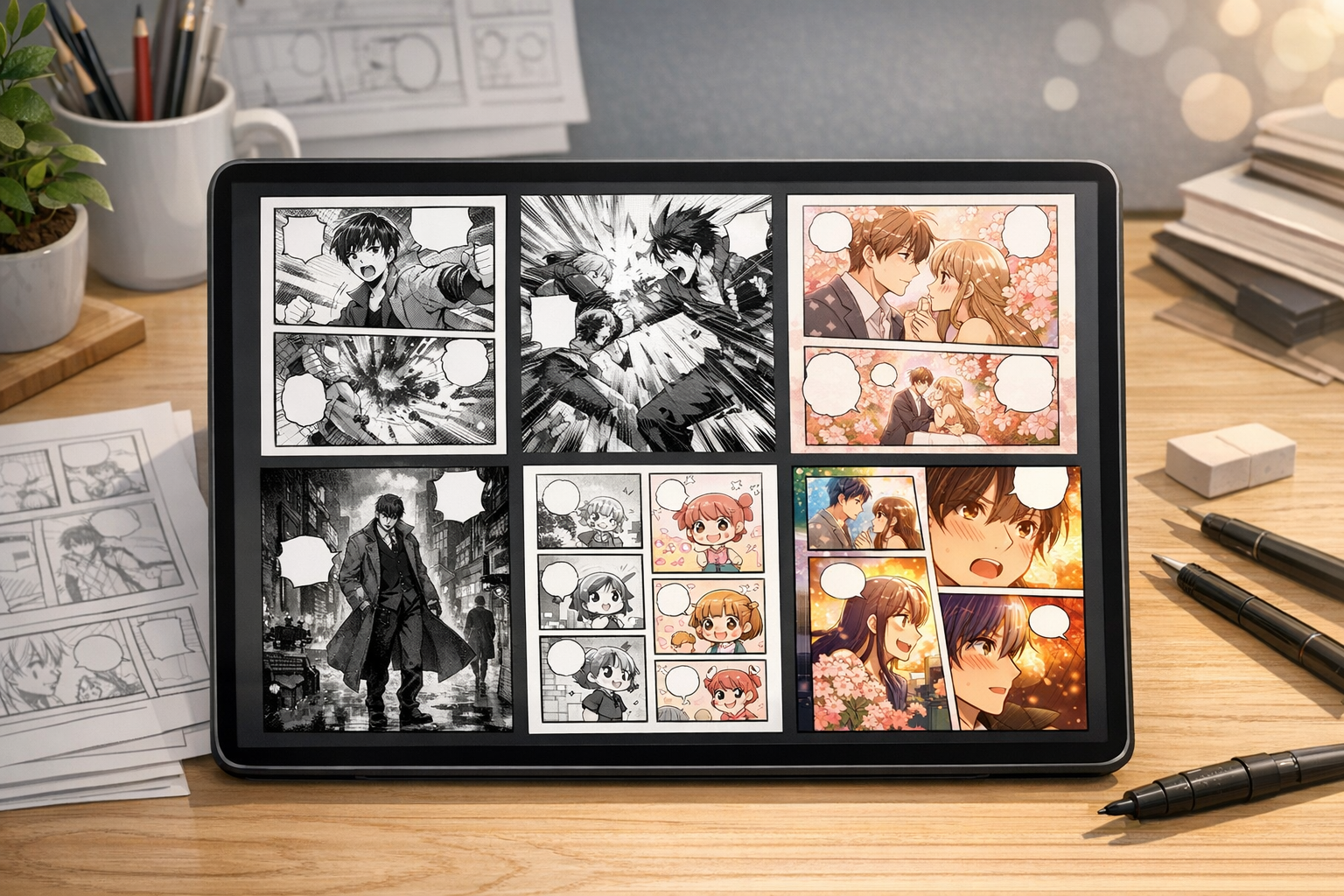
Open a focused workflow inside AI Manga Studio.
Launch app

Our AI Manga Generator lets you create thousands of Manga in minutes.
Launch app

Create Stunning Comics without Drawing Skills using our cutting-edge AI Comic Generator.
Launch app
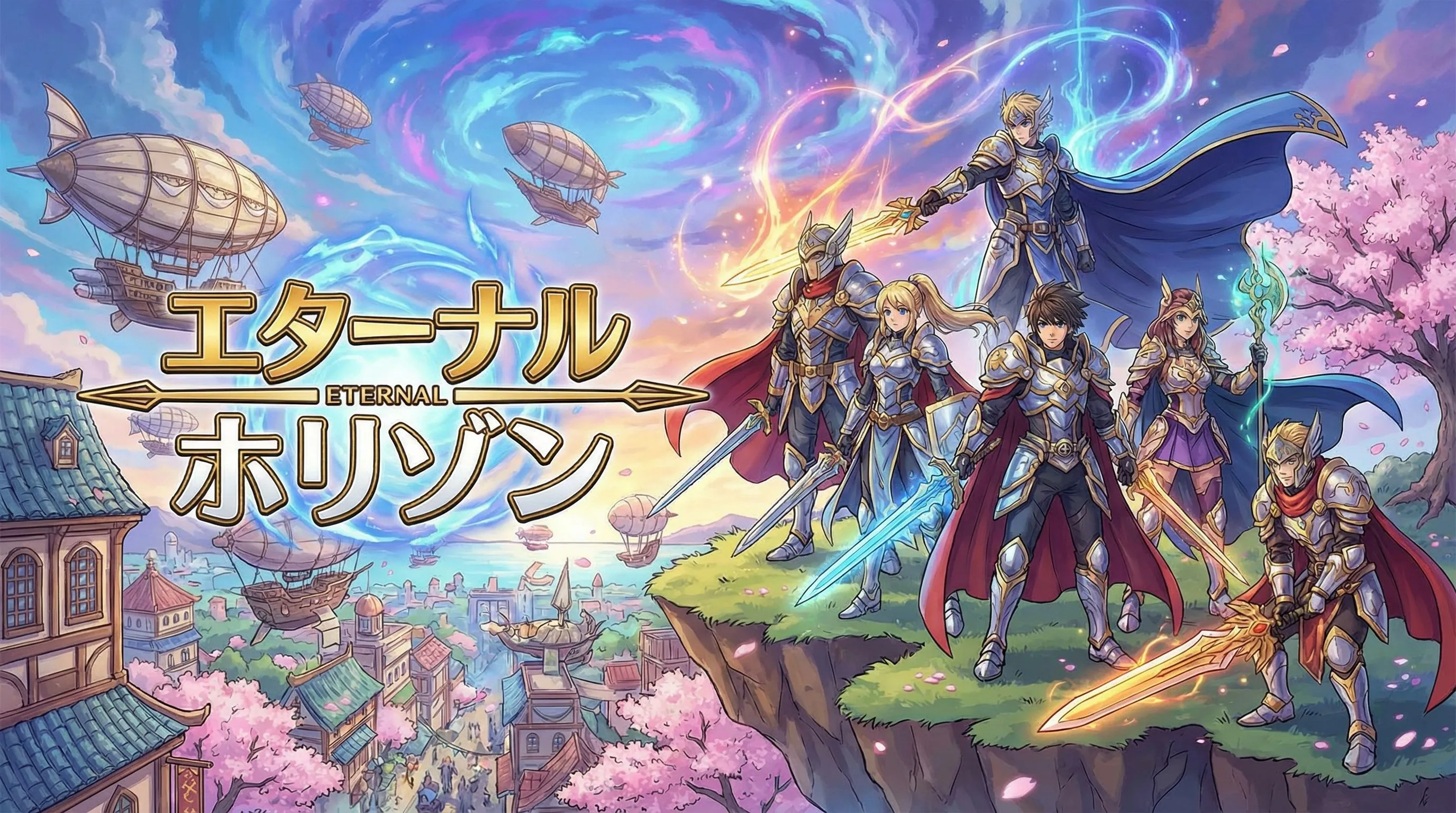
Open a focused workflow inside AI Manga Studio.
Launch app
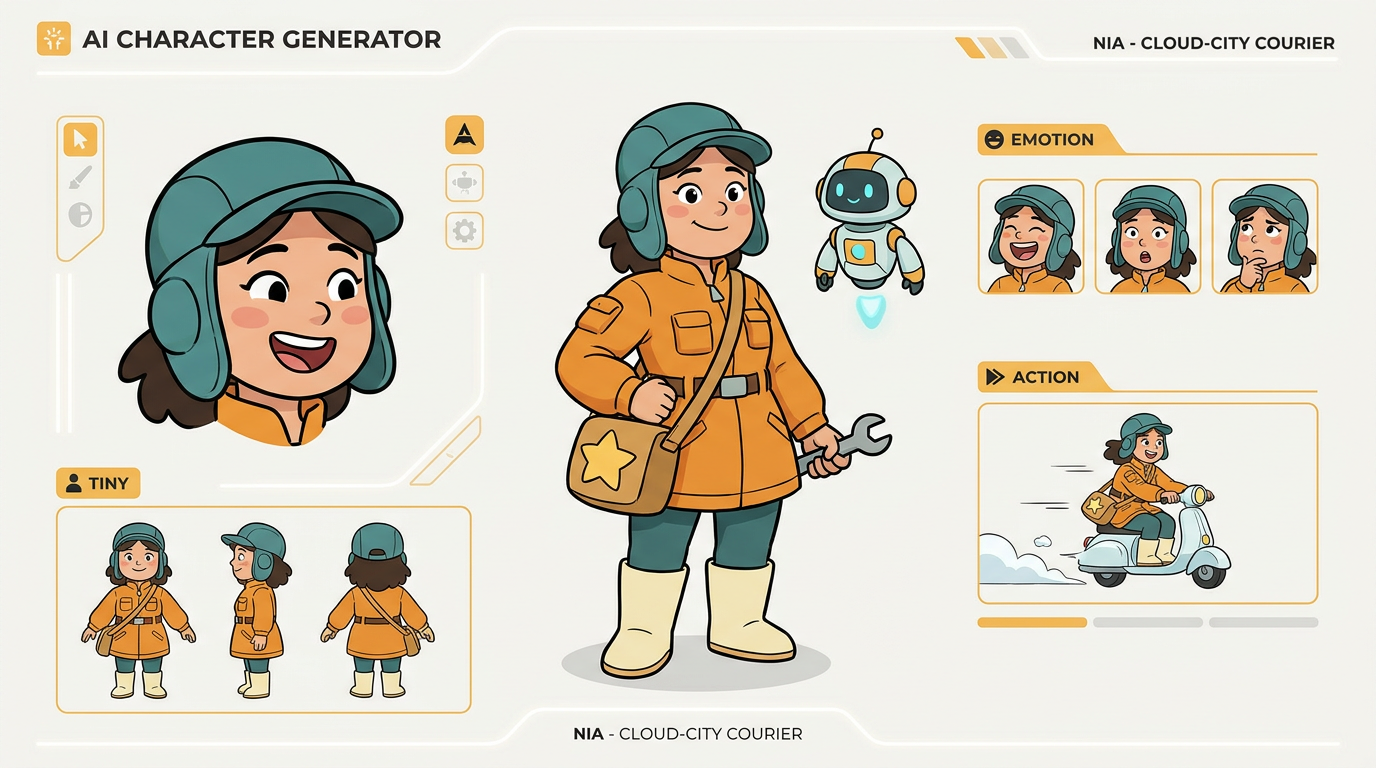
Create unique characters for your comic strips with our AI Character Design tool.
Use these current publishing references when you slice, compress, preview, or upload a webtoon episode. Always review each platform's AI content and monetisation policies before release.
Couldn't find something? Message us
Start with a prompt, generate your first episode draft, then refine characters, spacing, and export slices for the platform that matters to you.
