PNG upload to comic workflow
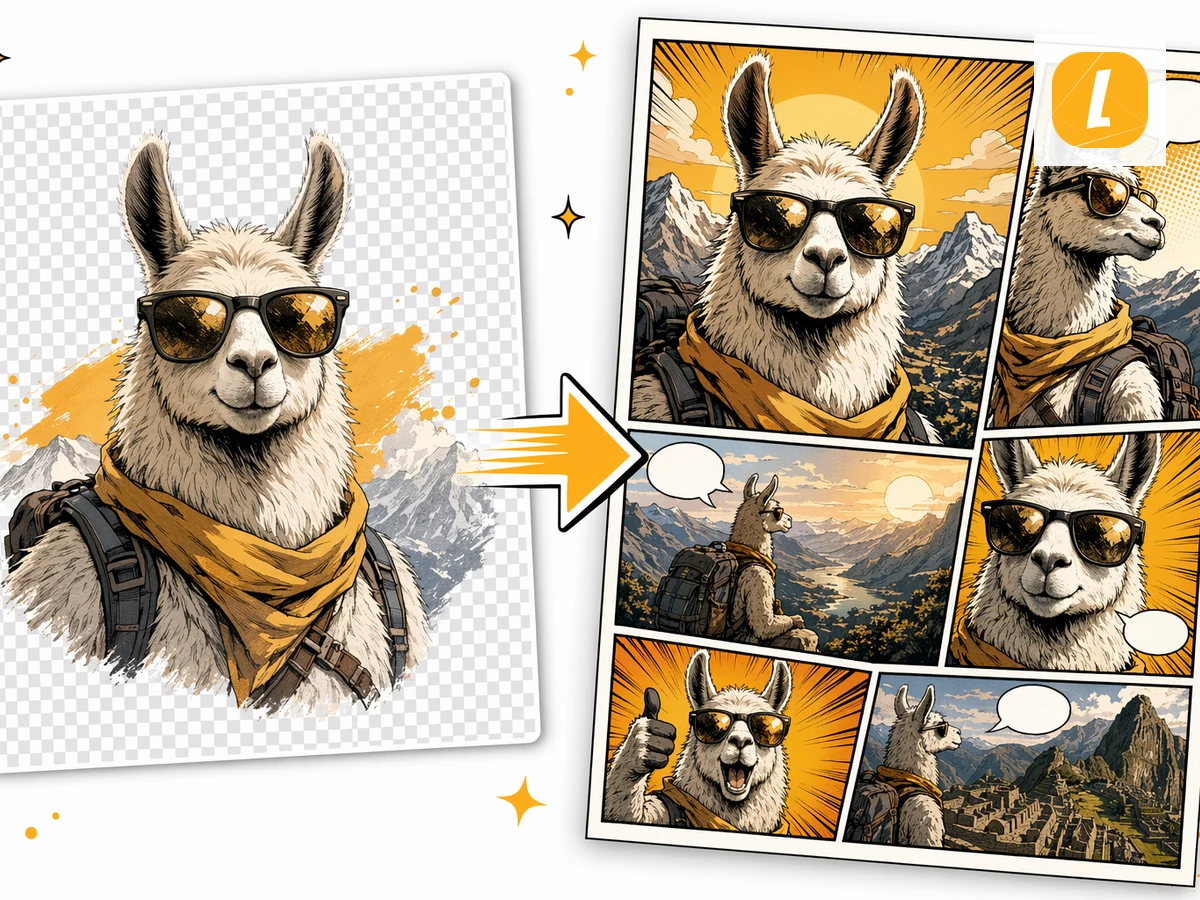
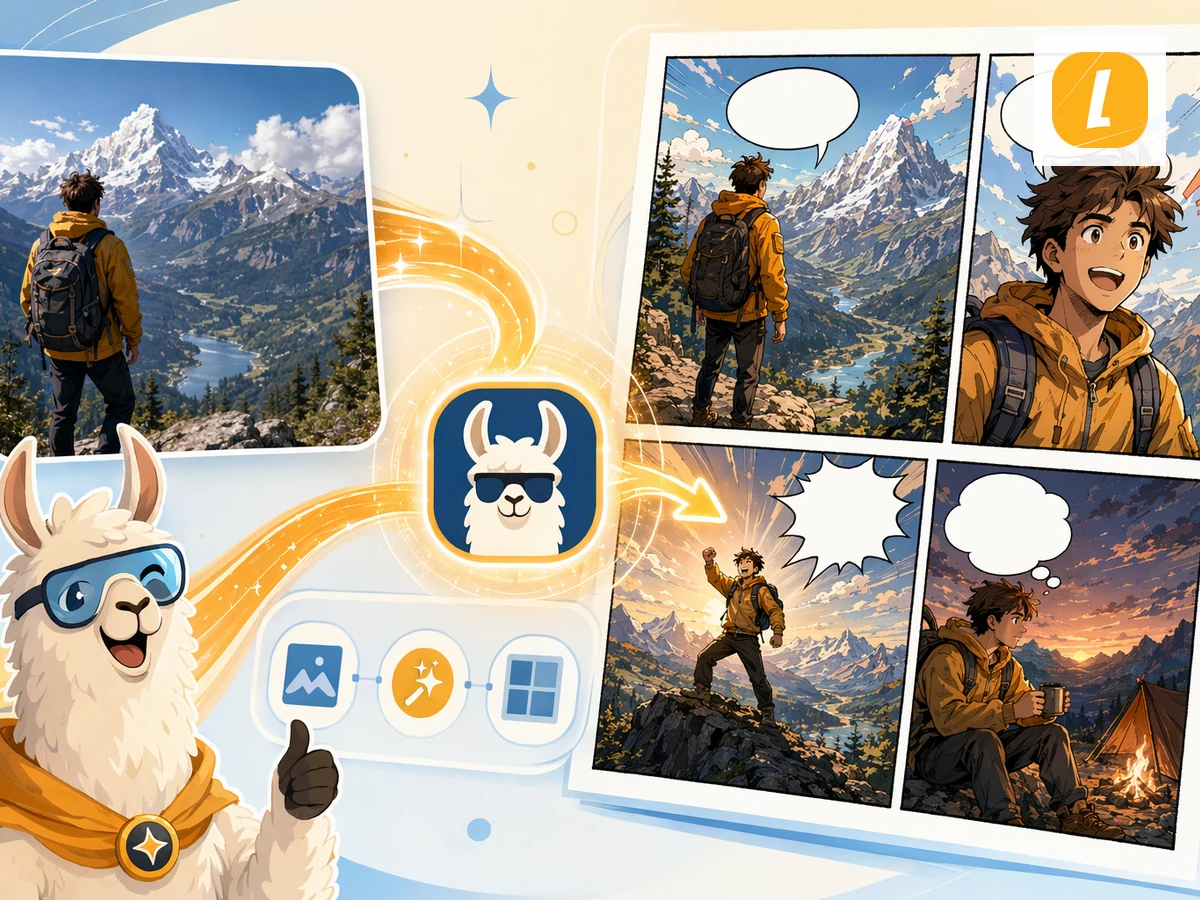
Upload your PNG source and LlamaGen carries it into the comic creation request as an attachment, so the generated comic can follow the source material instead of starting from a blank prompt.


PNG to Comic
Give your character, screenshot, or illustration a story. Create a comic from your PNG, then make it your own in Studio.
Sign in to upload. Generation uses credits.
Upload your PNG file. The tool stores it as a source attachment for comic generation.
Add a short comic direction, such as the audience, tone, visual style, or which part of the source should become the main scene.
Create the comic and continue in LlamaGen Studio to edit panels, captions, and layouts.
Upload your PNG source and LlamaGen carries it into the comic creation request as an attachment, so the generated comic can follow the source material instead of starting from a blank prompt.
The tool turns your source into a comic-ready prompt with panel flow, visual pacing, captions, and a style direction you can refine before generation.
After generation, open the result in the comic workspace to adjust panels, captions, layouts, and story details without leaving LlamaGen.
Check plans and credits before generating, or turn a picture into a comic, open the comic strip maker, or start from AI comic strips.
Keep creating Comic results from PDFs, Word docs, images, photos, and other source formats in the same AI workflow.
Convert PDF files into AI-generated comics. Upload a PDF and let LlamaGen turn its content, scenes, or ideas into a comic page with panels and captions.
Turn Word documents into AI-generated comics. Upload a DOCX file and transform its story, outline, or lesson into a comic page.
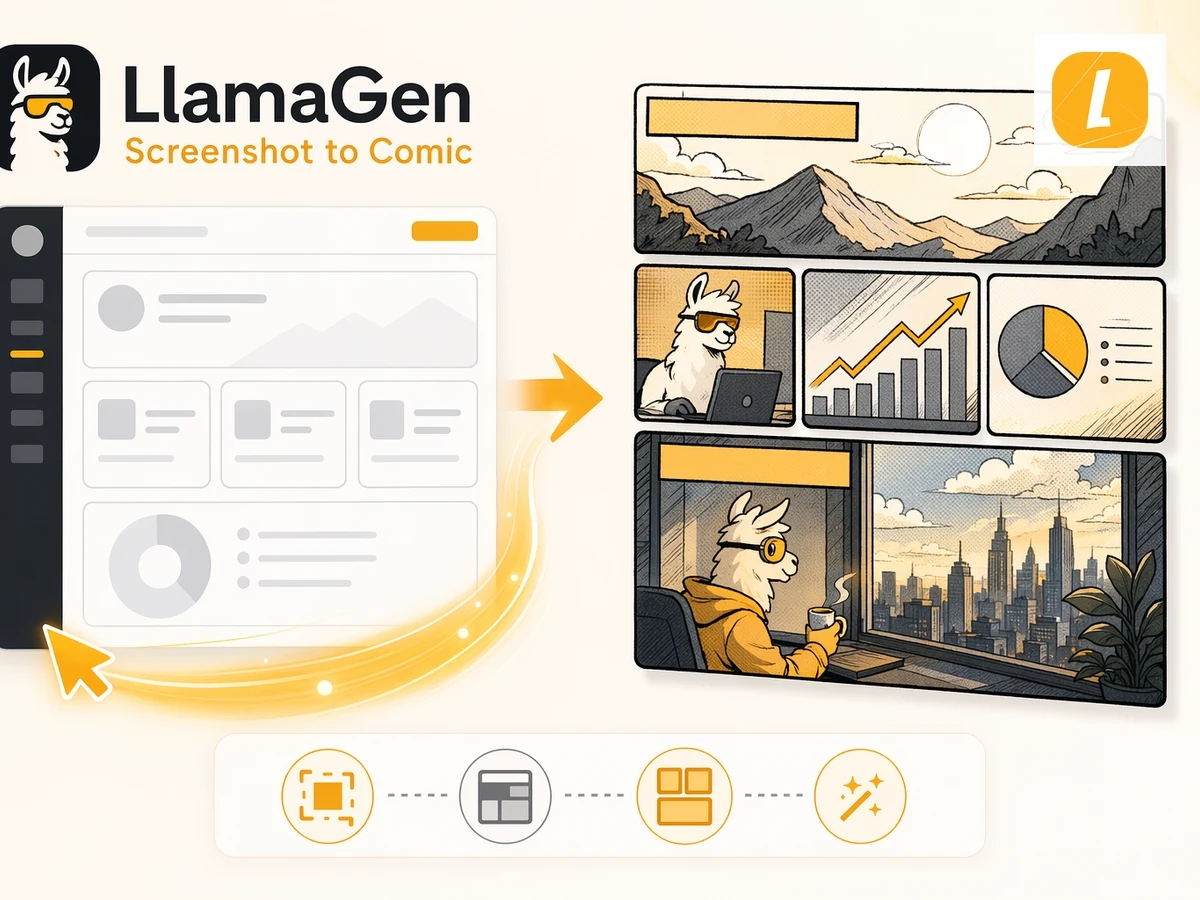
Convert spreadsheets into comic-style visual stories. Upload Excel or CSV files and turn data, plans, or scenarios into a readable comic page.
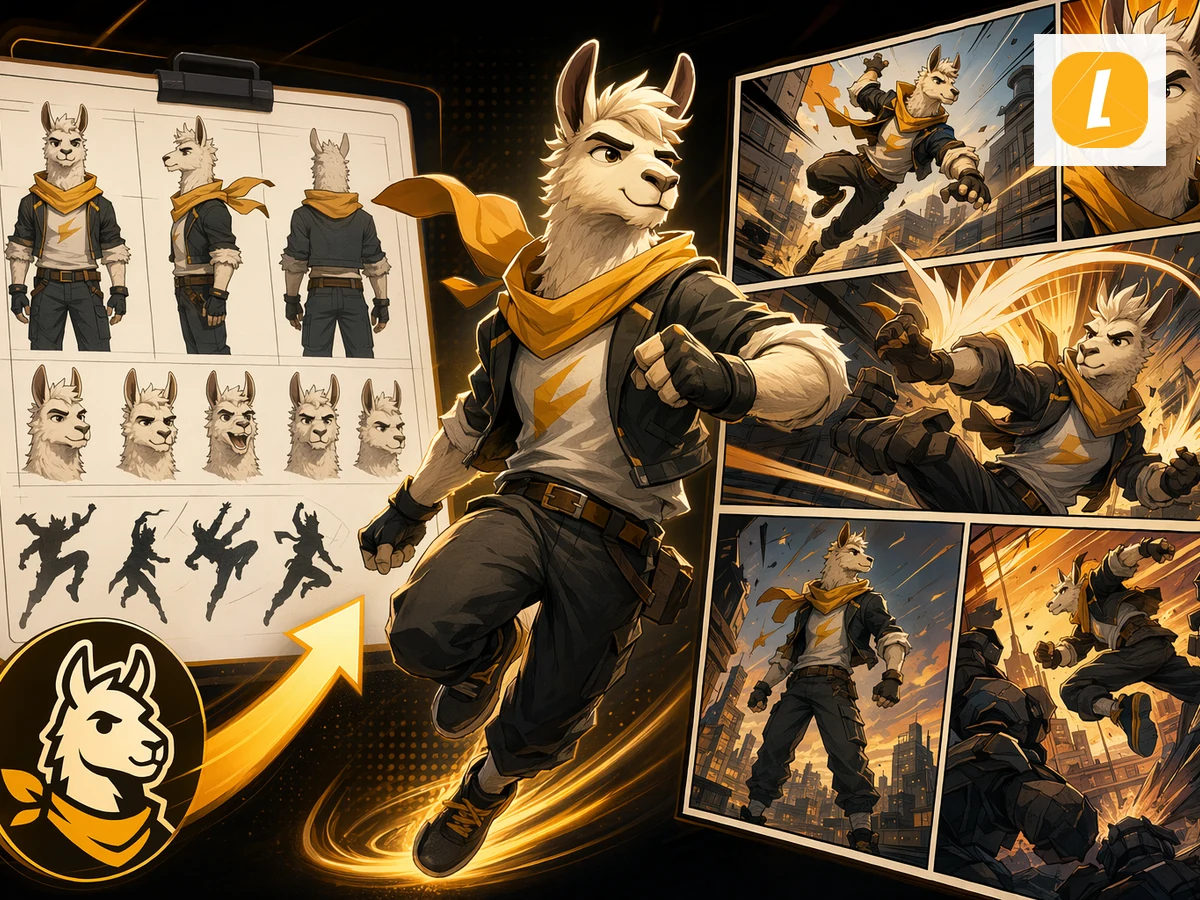
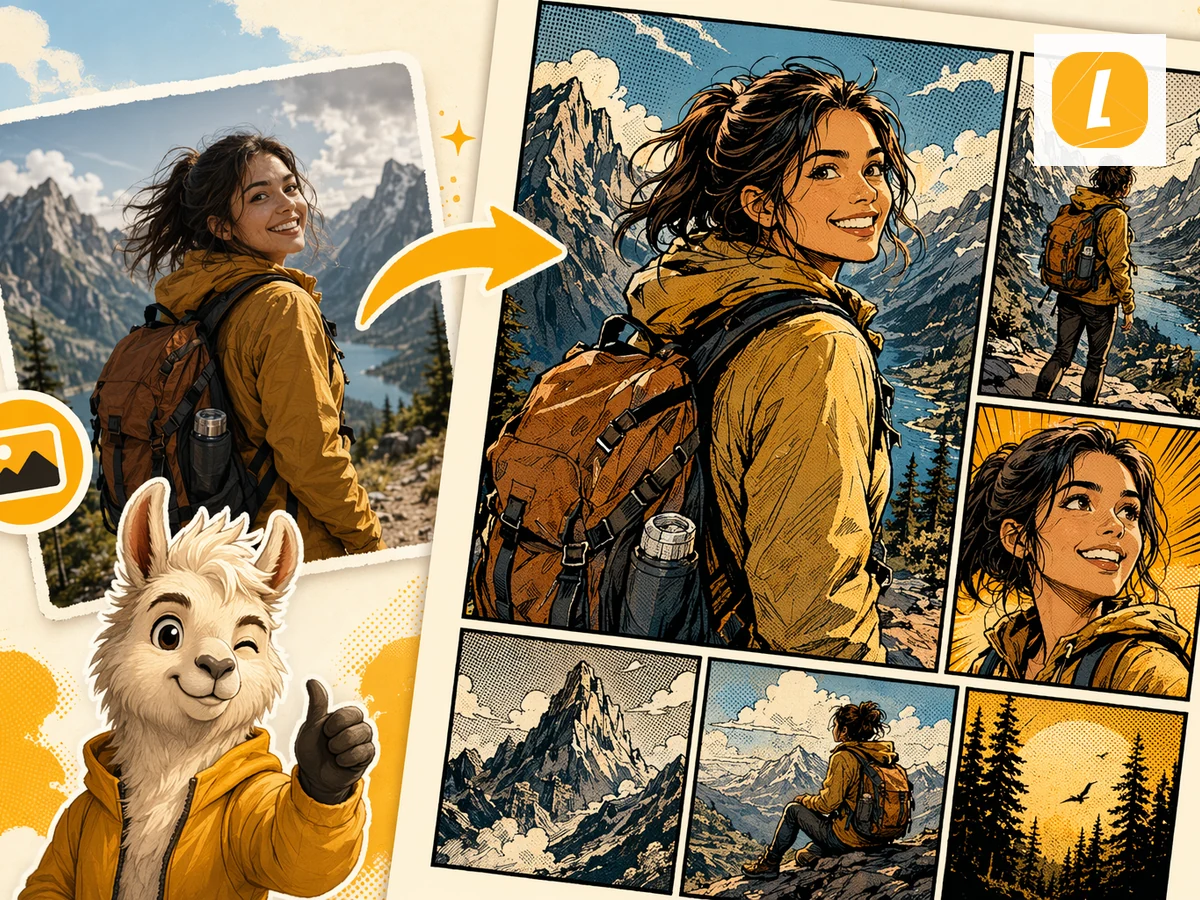
Turn JPG images into comics. Upload a photo or illustration and use it as the visual reference for an AI-generated comic page.
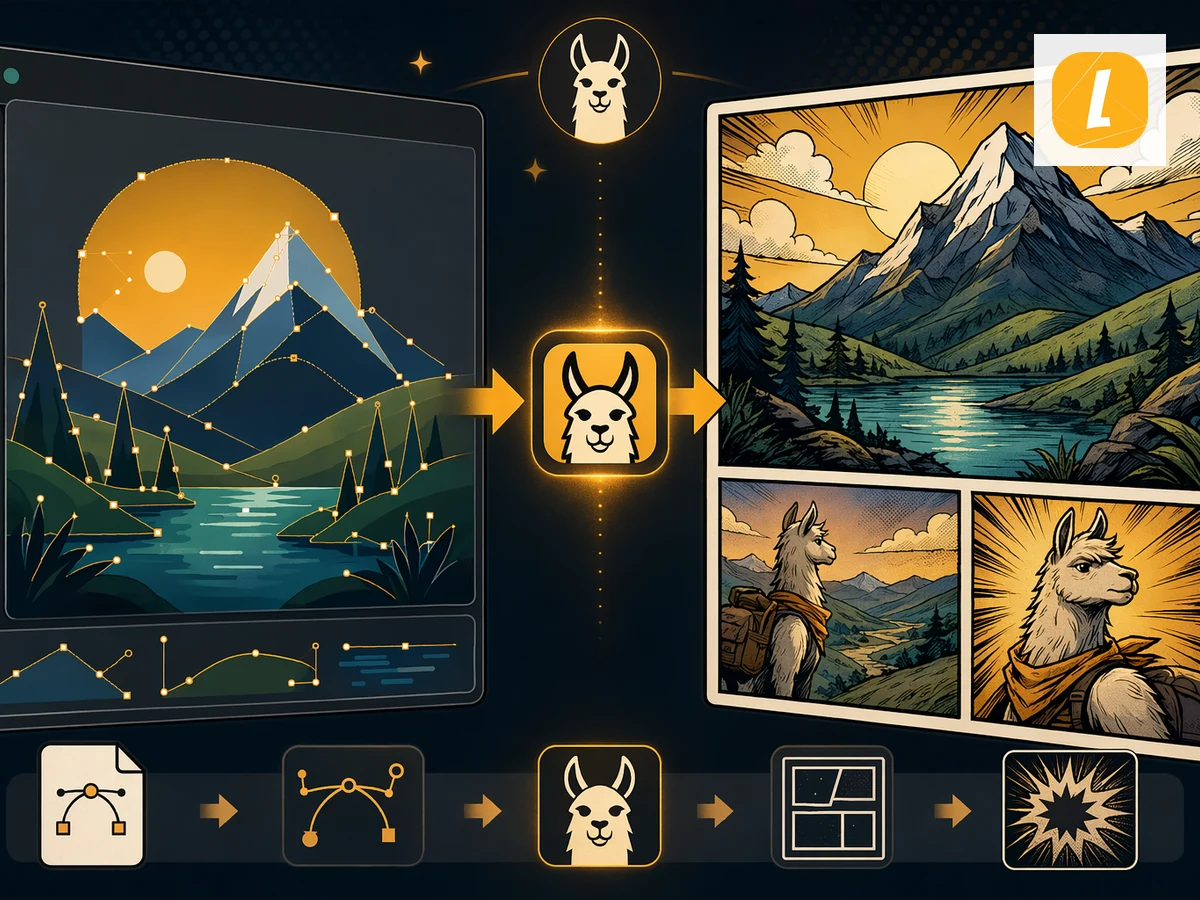
Convert legacy DOC files into comics. Upload a DOC document and let LlamaGen adapt the source material into a comic page.
Turn images into AI-generated comics. Upload an image and let LlamaGen reinterpret it as a comic page with panels, captions, and expressive visual storytelling.
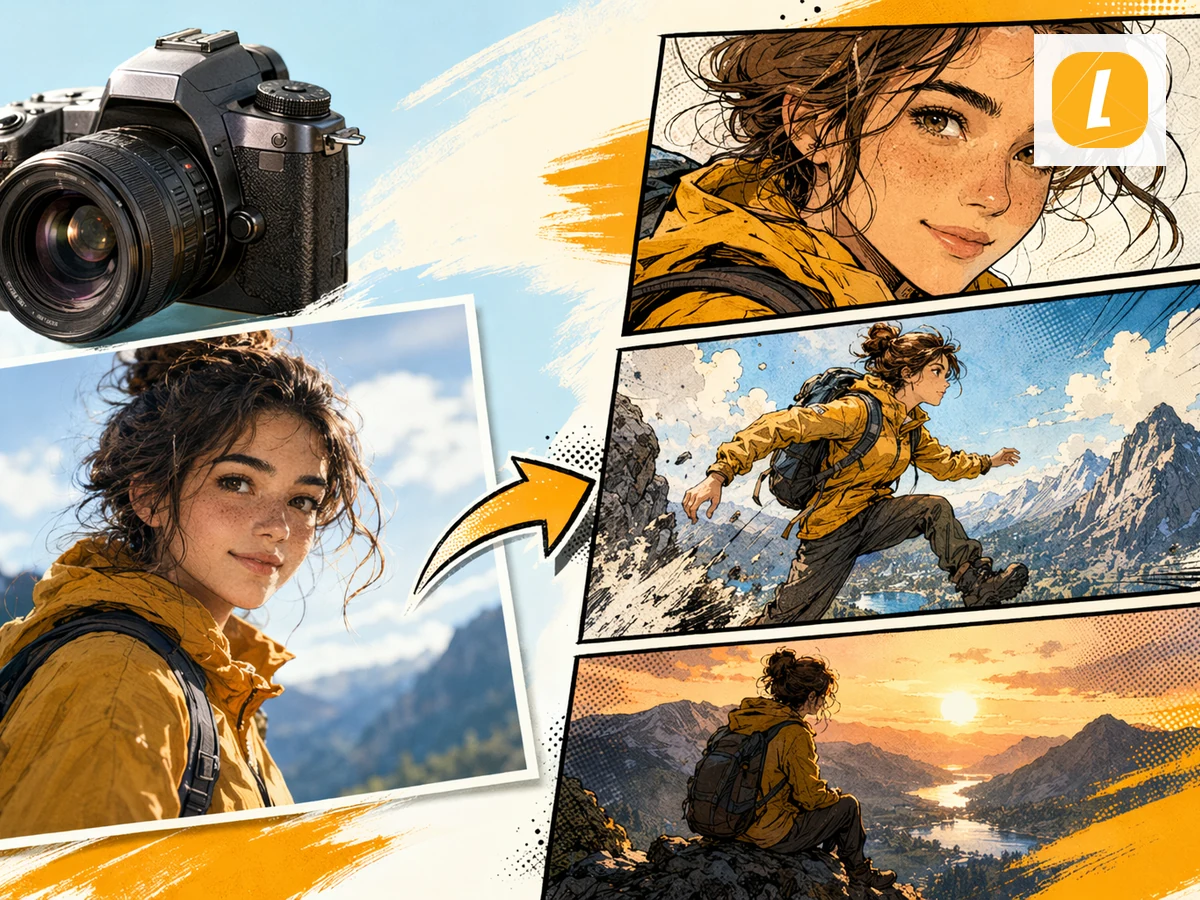
Convert photos into AI-generated comics. Upload a photo and transform the scene, people, or mood into a comic page with cinematic panels.
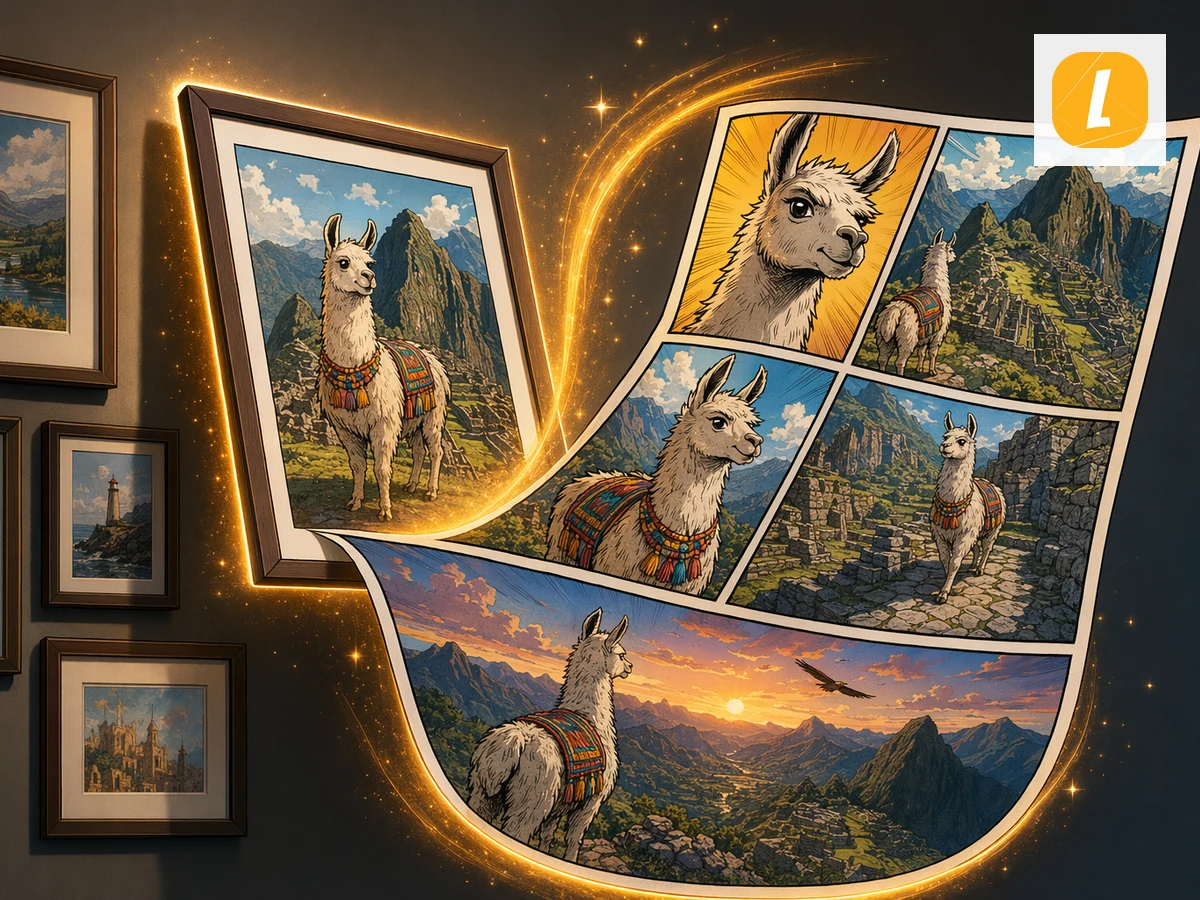
Turn pictures into AI comic pages. Upload a picture and LlamaGen will use it as a visual source for panel-based comic storytelling.
Create your first comic in under a minute—no credit card needed.
Move from a single generated image or video into comics, manga, storyboards, and connected visual stories.