

Character & image creation
AI Background Generator Generate an AI background that belongs in the scene.
Try basic AI background generation for free with eligible account credits. Choose create-new, style-reference or upload mode, then check the camera, light and subject space before using the result.
Start with a free account and available starter or earned free credits for eligible basic options. Sign in and review the cost; paid models and other plan limits still apply.
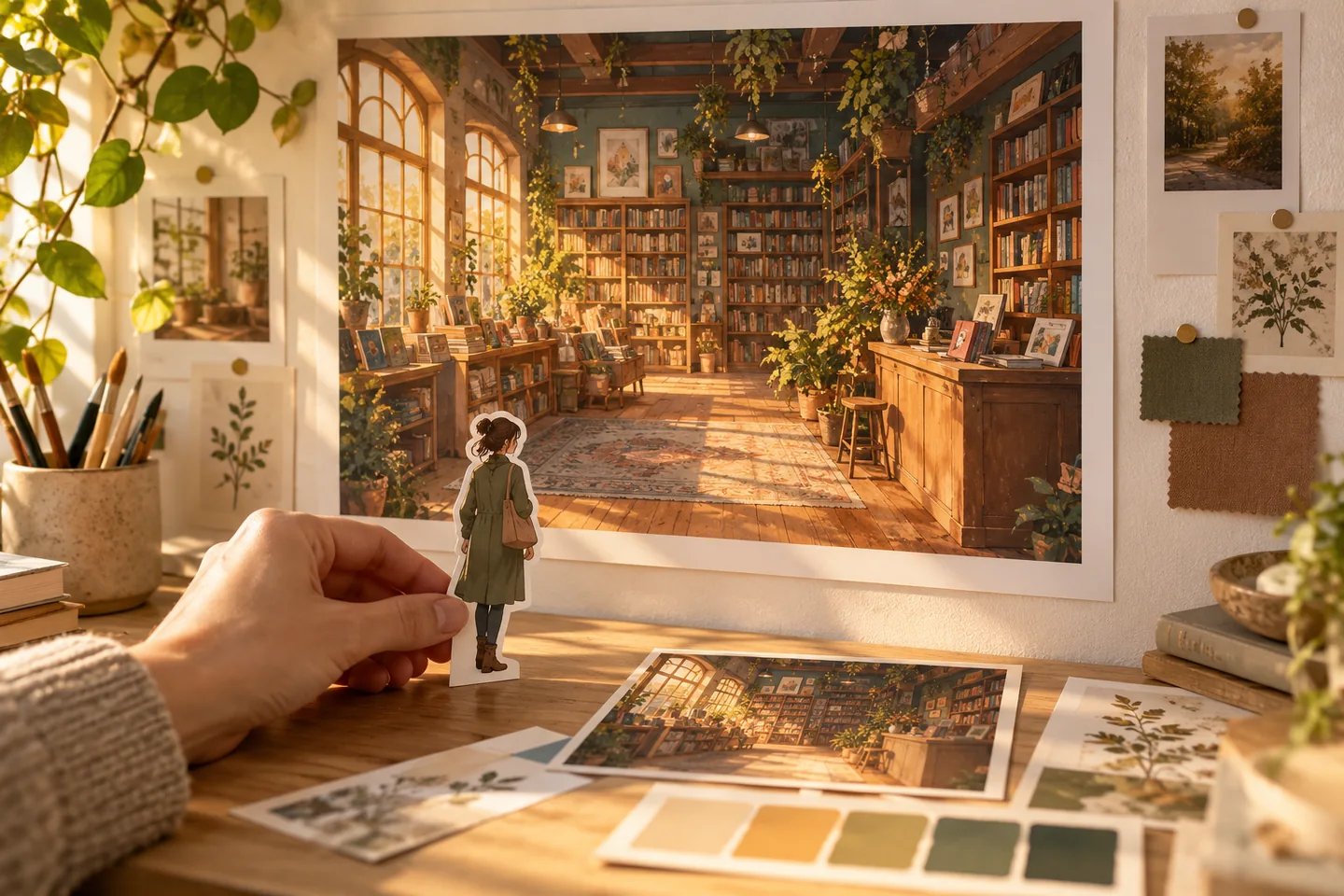
Your workspace
Use the ai background generator
Start with a free account and available starter or earned free credits for eligible basic options. Sign in and review the cost; paid models and other plan limits still apply.
01 / A more useful starting point
Give the scene a camera position
A street viewed at eye level, a room seen from a doorway and a distant skyline need different compositions. Describe the viewpoint and where your subject will sit so the setting has a useful structure.
Try AI Background Generator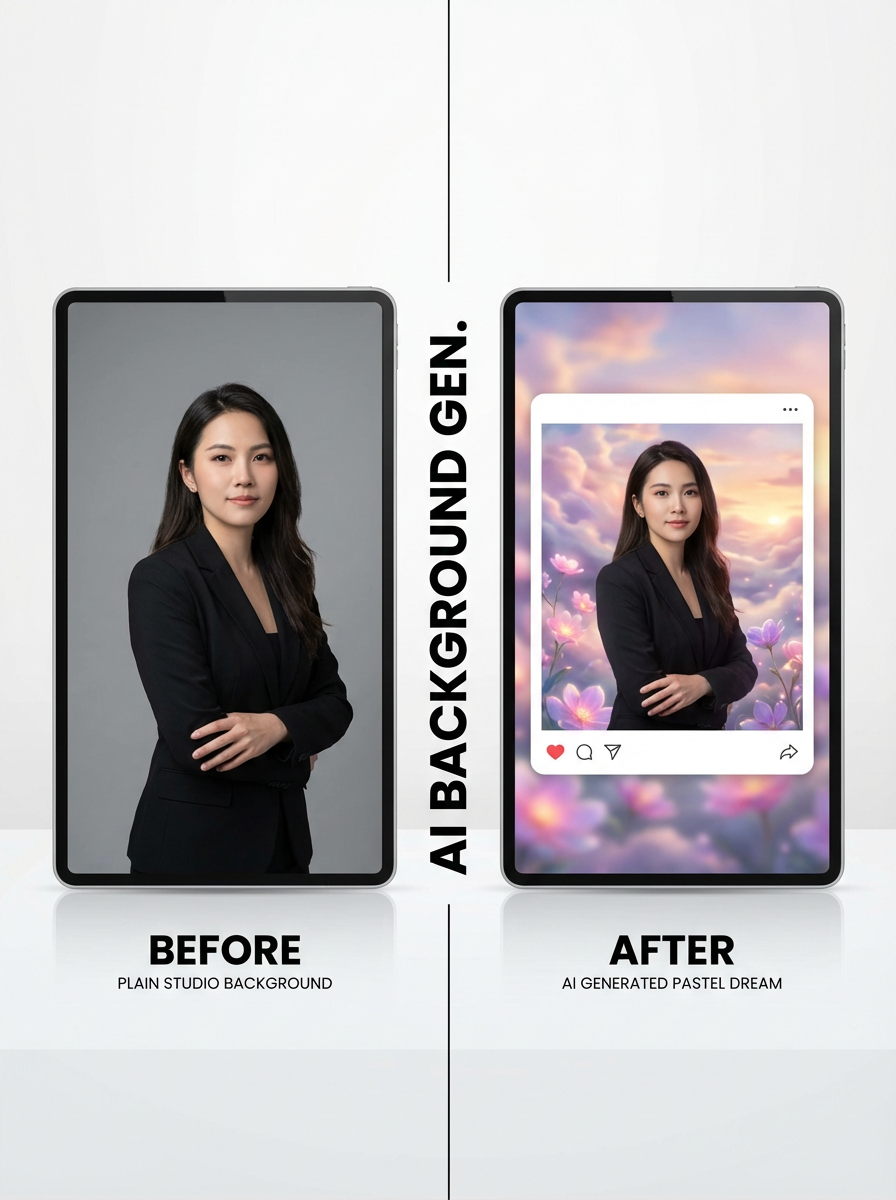
02 / A more useful starting point
Match the light before adding detail
Choose a time of day, direction of light and level of contrast that suit your subject. A simple coherent setting is easier to combine with a character than a detailed backdrop lit from the wrong direction. In a replacement request, compare the original subject, logo and contact shadow as well as the background; the generation can change those details.
Try AI Background Generator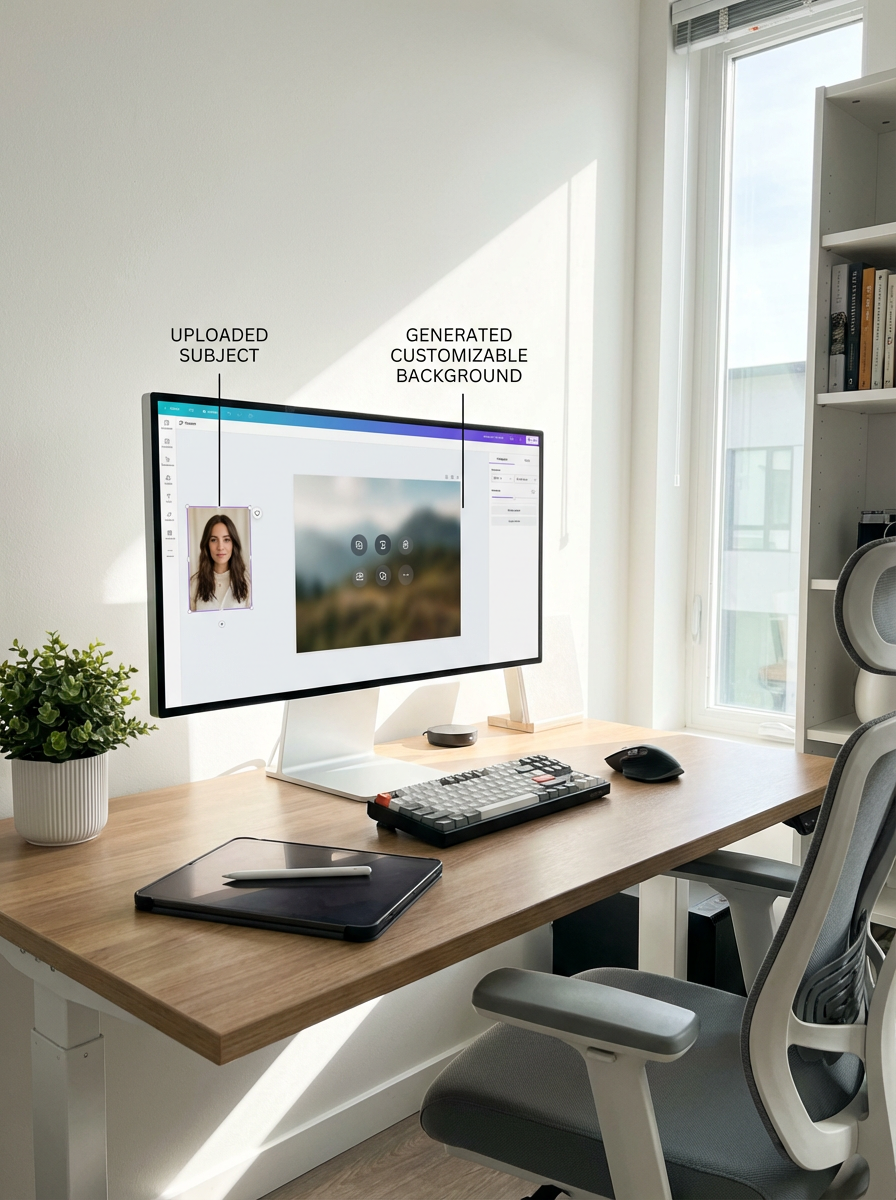
Three practical starting points
Try a brief. Check the result. Tweak one thing.
Try these exercises for AI Background Generator, with concrete details to inspect. These are suggested exercises, not recorded customer projects.
A comic conversation setting
Suggested brief
A small bookshop seen at eye level, warm window light from the left, a clear counter on the right and an uncluttered area for two characters.
- What to inspect
- Check perspective, light direction and space for speech bubbles.
- What to change next
- Reduce shelves and foreground objects if the setting competes with the conversation.
A product backdrop
Suggested brief
A pale stone surface with soft side lighting, a subtle contact shadow and room for one unbranded bottle.
- What to inspect
- Check horizon placement and whether the product could sit naturally on the surface.
- What to change next
- Adjust the camera height rather than forcing a mismatched subject into the image.
A wide fantasy establishing shot
Suggested brief
A cliffside harbour at dawn, a winding path leading towards the city and open sky above the main buildings.
- What to inspect
- Check that the scene still reads as a small thumbnail.
- What to change next
- Simplify distant detail and strengthen the path if the composition lacks a focal point.
From input to a useful output
How to use AI Background Generator
Start with a small task first, then keep the steps that help your project.
- 01
Choose the starting mode
Choose create-new for a text prompt, style transfer for a source reference, or upload for an existing background asset.
Check: Make sure the selected mode matches your input.
- 02
Describe the setting
Specify viewpoint, light, style and open space.
Check: Explain where a future subject will belong.
- 03
Generate a background
Select available options and review the displayed cost.
Check: A generated environment is not automatically a masked background replacement.
- 04
Check the composition
Compare perspective and light against the intended subject.
Check: Refine the setting before composing a finished scene.
Know the boundaries
What to check before you rely on the output
- A background-generation or style-reference request is a whole-image generative operation, not a pixel-locked masked replacement. Upload mode saves an existing background asset rather than generating one.
- Perspective, shadows and image edges may need manual correction when combining a background with another image.
- Generated faces, hands, text and small details can vary. Review the output before using it in a larger project.
AI Background Generator: your questions, answered
Can I start from words?
Yes. Use the create-new workflow and describe the environment, camera position and lighting.
Can I add a reference?
Use a supported reference or style workflow and upload an image you are allowed to share.
Will it preserve a product exactly?
Do not assume exact geometry preservation. Check the result and use an appropriate editing workflow when the original subject must stay unchanged.
What makes a background easier to use?
A clear viewpoint, consistent light direction and enough open space for the subject or lettering.
Can I try it for free?
Try eligible basic generation for free when your account has enough available starter or earned free credits. Sign in and review the model, cost and plan limits first. Each request consumes credits; paid-only options and further generations may require a paid plan or purchased credits.
Can I publish the result?
Use references you own or have permission to use. Publishing and commercial use depend on your plan, the Terms of Use and third-party rights; a generated image does not by itself clear those rights.
Sources and further reading
Check the guidance behind the workflow
Each source is linked with its scope. An external reference is not an endorsement or performance certification.
LlamaGen: reference-image guidelines
First-party public-tool guidance links to reference-image, upload and output-format help. Follow the controls shown by the selected tool; this is not an independent performance review.
LlamaGen content policy
Rules for uploaded references and generated content; this is a product policy, not an independent endorsement.
LlamaGen plans, credits and account support
First-party plan information. Check the selected tool for model access and the cost of each generation; contact [email protected] for account questions.
Continue your creative project
AI Background Generator
Start with one clear idea.
Start with a free account and available starter or earned free credits for eligible basic options. Sign in and review the cost; paid models and other plan limits still apply.
Try AI Background Generator