

Drawing & planning
Online Drawing Canvas Quickdraw a readable idea before the final artwork.
Use the free quickdraw exercises to sketch a character, composition or comic thumbnail. Open the browser canvas, check its current tools and save a rough version before moving to production.
Open the drawing canvas in your browser. Check its available tools and save options as you work.
01 / A more useful starting point
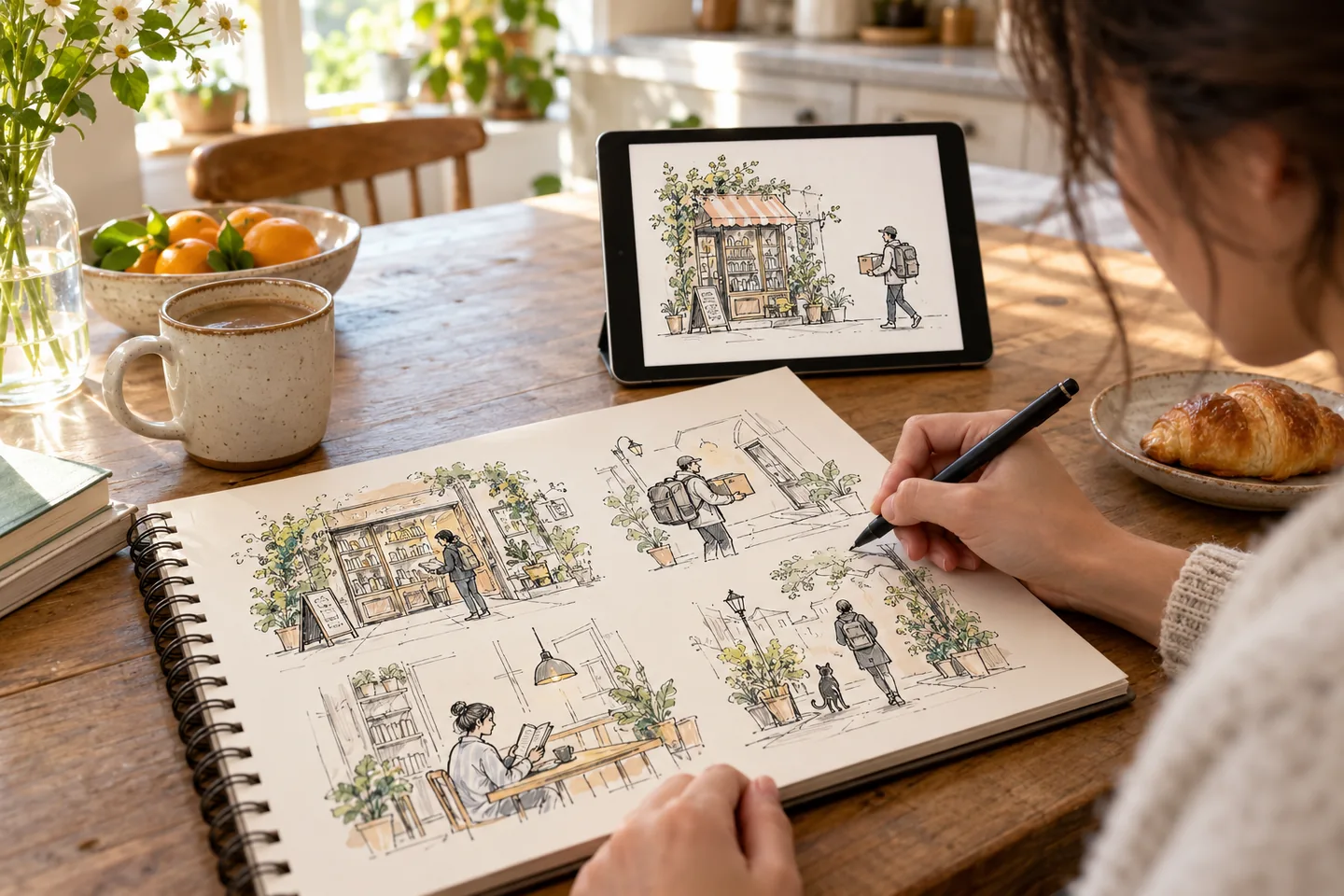
Draw the decision before the detail
A rough sketch can answer where the character belongs, which way the viewer should read and whether the important action is visible. You do not need finished rendering to test those choices.
Open Online Drawing Canvas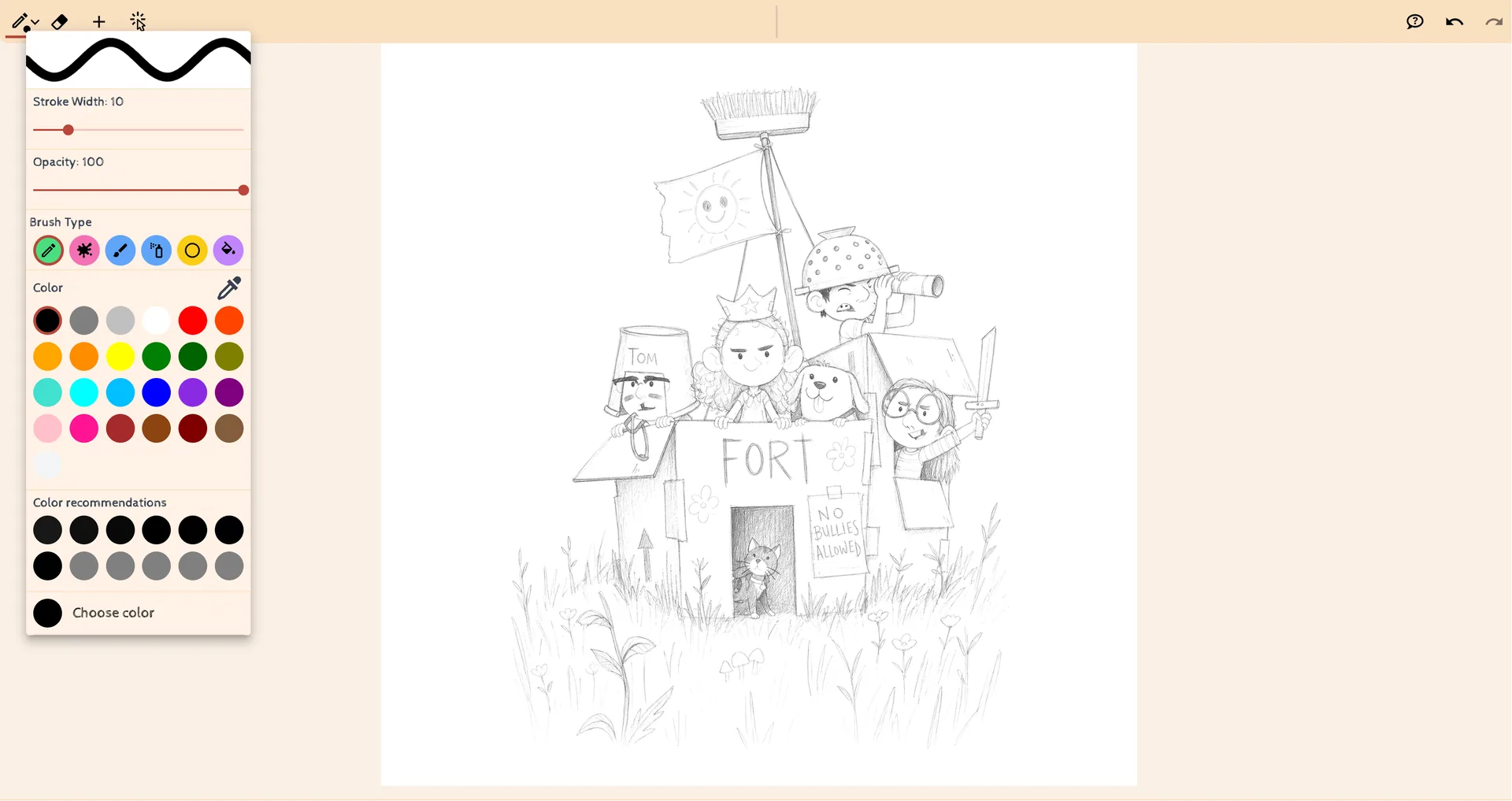
02 / A more useful starting point
Use a small exercise to test a story
Plan a short sequence with a beginning and a reaction. Make the panels readable as small thumbnails, then add only the lines that improve the action or expression.
Open Online Drawing Canvas
Three practical starting points
Try a brief. Check the result. Tweak one thing.
Try these exercises for Online Drawing Canvas, with concrete details to inspect. These are suggested exercises, not recorded customer projects.
A four-panel introduction
Suggested brief
Sketch a character silhouette, an establishing view, a close-up expression and a final reaction.
- What to inspect
- Read the four thumbnails without dialogue and check whether their order makes sense.
- What to change next
- Change the framing before adding more texture.
A poster composition
Suggested brief
Block a main figure, one background shape and a clear area for a title.
- What to inspect
- Check the relative size of the headline area and the figure.
- What to change next
- Move large shapes first instead of polishing a crowded layout.
A prop design note
Suggested brief
Draw three simple variations of an original bag or tool beside a character silhouette.
- What to inspect
- Check scale, how the prop is held and whether the shape is recognisable.
- What to change next
- Keep the clearest outline and remove details that disappear at panel size.
From input to a useful output
How to use Online Drawing Canvas
Start with a small task first, then keep the steps that help your project.
- 01
Open the canvas
Start the drawing workspace in your browser.
Check: Check which tools are currently available.
- 02
Block large shapes
Sketch the character, setting and main negative space.
Check: Keep the first pass simple.
- 03
Review the idea
Look at the drawing at a small size.
Check: Can the action be understood without detail?
- 04
Save and continue
Use the canvas’s available save or export controls.
Check: Reopen the saved file and keep a local copy. This guide does not establish that the separate drawing service autosaves or synchronises across devices.
Choose the approach for your task
| Your goal | Start with | Before you finish |
|---|---|---|
| Character study | Start with the silhouette | Check pose and proportions. |
| Comic planning | Use small panel thumbnails | Check order and visual rhythm. |
| Composition | Block a few large shapes | Check space for text and the focal point. |
Know the boundaries
What to check before you rely on the output
- This page does not promise a particular layer system, export format or hardware compatibility beyond the controls currently available in the canvas.
- A drawing exercise is not an automatically generated finished illustration.
Online Drawing Canvas: your questions, answered
Do I need a finished idea first?
No. Use a rough sketch to work out framing, silhouette and panel order.
What should I draw first?
Begin with large shapes and the main action. Add detail after the composition reads.
Can I plan a comic page?
Yes. Small thumbnails are useful for testing shot order and spacing before moving into a comic editor.
How can I save my work?
Use the save or export controls available in the current drawing workspace and check the file after downloading.
Will a tablet work?
Input behaviour depends on the device and browser. Try the available controls before starting a long drawing.
Is this a substitute for a production editor?
Use it to sketch and plan, then continue in the editing tools that support your final layout, lettering and export needs.
Sources and further reading
Check the guidance behind the workflow
Each source is linked with its scope. An external reference is not an endorsement or performance certification.
LlamaGen: reference-image guidelines
First-party public-tool guidance links to reference-image, upload and output-format help. Follow the controls shown by the selected tool; this is not an independent performance review.
LlamaGen plans, credits and account support
First-party plan information. Check the selected tool for model access and the cost of each generation; contact [email protected] for account questions.
Continue your creative project
Online Drawing Canvas
Start with one clear idea.
Open the drawing canvas in your browser. Check its available tools and save options as you work.
Open Online Drawing Canvas