Screenplay-native writing
Work with recognisable scene, action, character, dialogue, and transition blocks in a distraction-light page.


Write, format, revise, translate, and organise screenplay scenes in one focused workspace—then turn the strongest moments into consistent visual storyboards for your next pitch or production step.
Opens the LlamaGen storyboard project workspace.
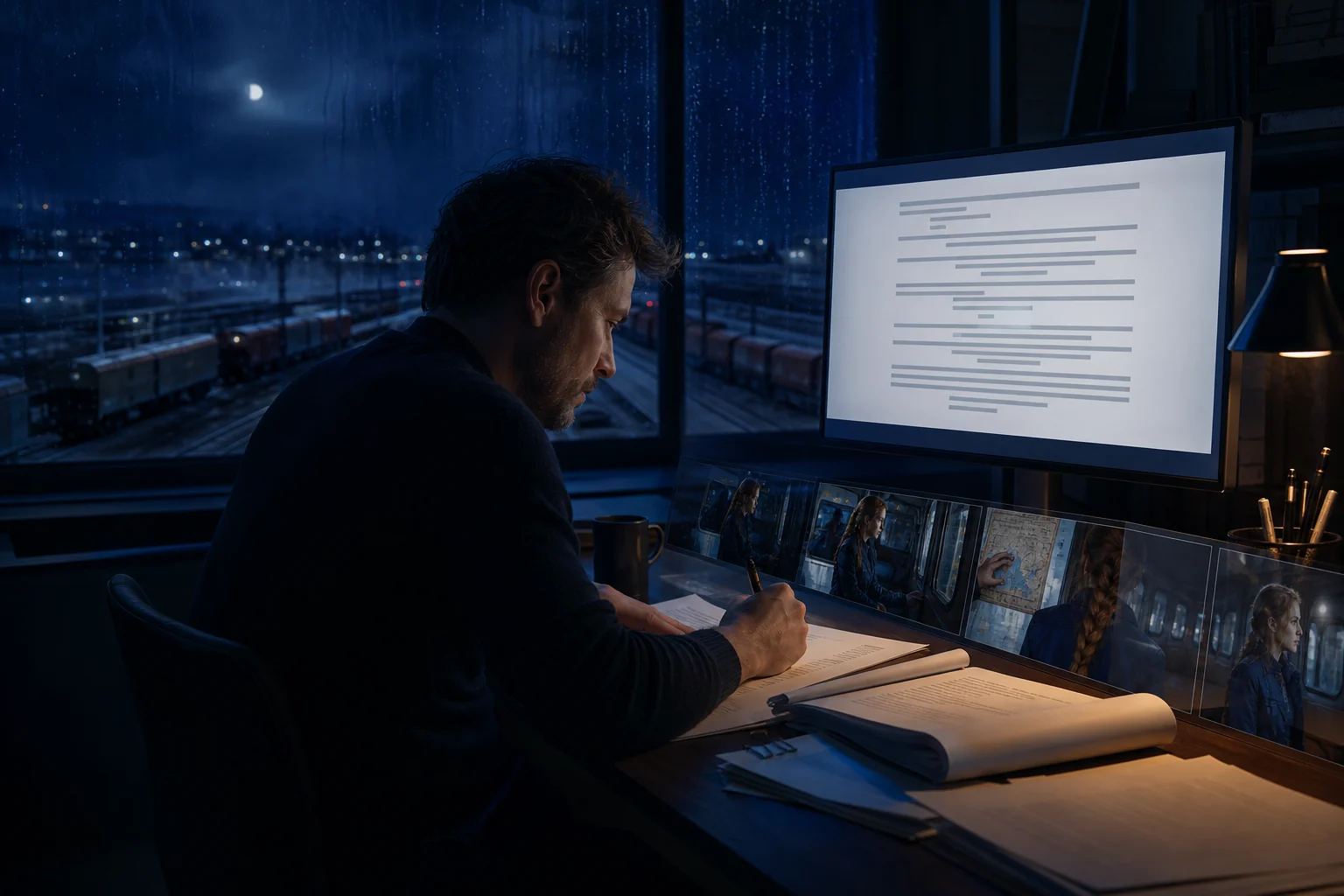
Northline / visual direction
One story world, carried from screenplay to production.
One creative flow
A script is not the end of the workflow. Keep writing, structure, character direction, scene planning, and visual development close enough that a change on the page can inform the next board.
Work with recognisable scene, action, character, dialogue, and transition blocks in a distraction-light page.
Ask for a format pass, alternate line, clearer action, character pressure check, or translation without replacing your authorship.
Move a scene into visual planning with its characters, action, tone, and continuity cues still available.
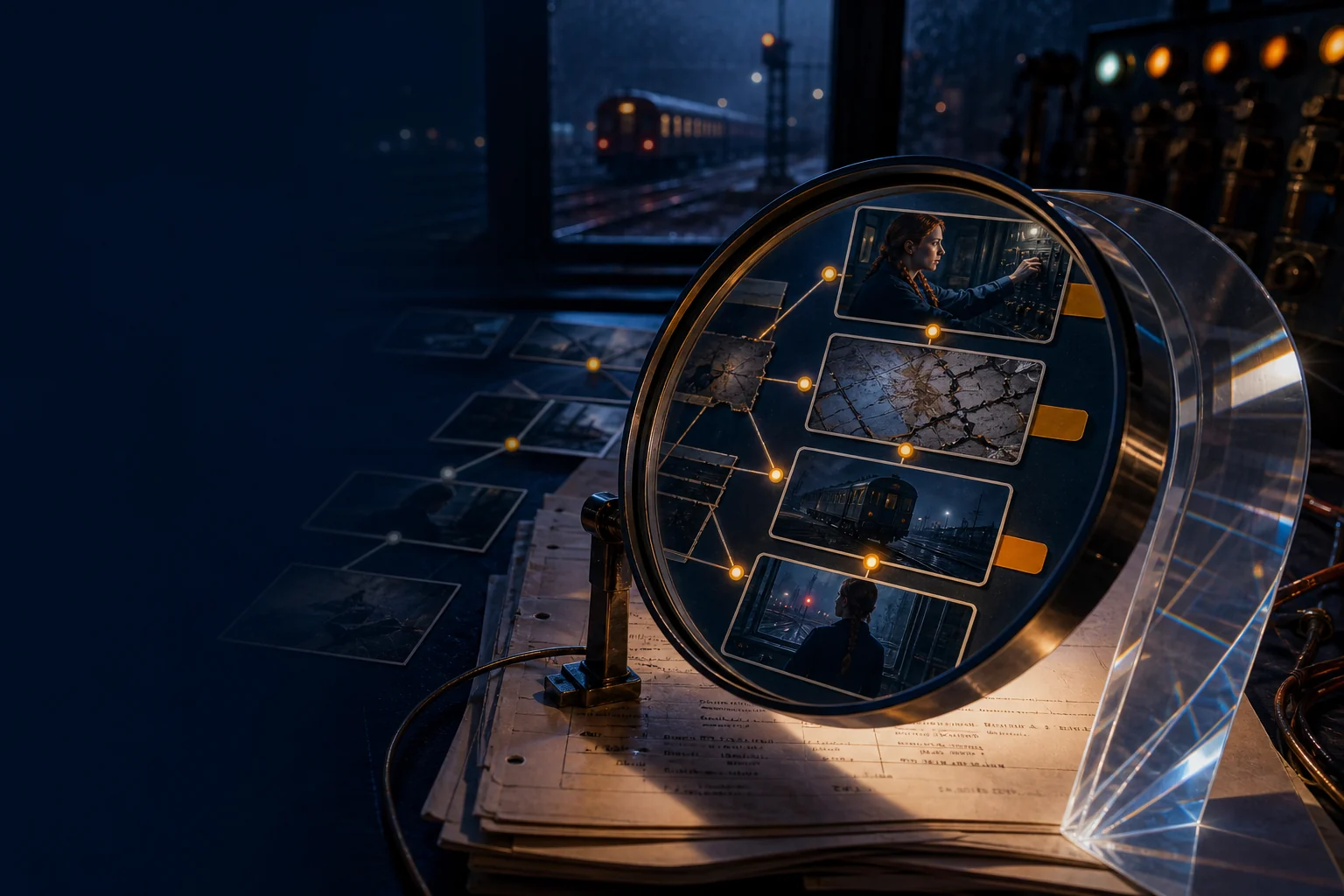
Worked example · Human-led AI
Use assistance as a lens: format the page, compare an option, expose a continuity issue, or make a visual possibility concrete. Nothing becomes the story until you choose it.
The workflow
A simple loop keeps the screenplay authoritative while visual exploration accelerates decisions.
Write what changes on screen: the behaviour, conflict, image, and decision that make the scene necessary.
Choose one objective—format, clarity, dialogue, character, pacing, or translation—and evaluate every suggestion.
Create an ordered board to test blocking, mood, coverage, and continuity before committing to production.
Explore the connected workflow
Automatic screenplay formatting
Keep scene headings, action, character cues, dialogue, parentheticals, and transitions readable while you stay focused on story. Then carry the same scene into a visual storyboard without rebuilding it from scratch.
AI screenwriting workspace
Bring the current line, scene, character arc, outline, and storyboard into the right task at the right time. Work with focused context instead of pasting the whole project into disconnected chats.
AI storyboarding from scene context
Break a scene into ordered shots, define framing and performance intent, generate visual references, and keep characters and environments coherent from one frame to the next.
FAQ
It is a screenplay-focused writing environment that can help with formatting, revision, analysis, and visual development while the writer remains responsible for the story and final text.
Yes. The storyboard workflow is designed to turn scene ideas and scripts into visual sequences, with room to define shots, characters, style, and continuity.
No. Treat suggestions as options. Compare them with the original, check story consequences, preserve your voice, and only keep changes that serve the scene's purpose.
Start with the scene, keep every creative decision visible, and turn the story into a storyboard you can refine, share, present, and export.