Locked-scene parsing
Separate scene heading, action, character, dialogue, and transitions without rewriting the approved screenplay.


Break down an approved scene into cast, location, props, story beats, blocking, continuity notes, and storyboard handoff requirements. This is a visual production workspace—not a replacement for drafting or screenplay formatting software.
Opens the LlamaGen storyboard project workspace.
Northline / visual direction
One story world, carried from screenplay to production.
Bridge script and visual production
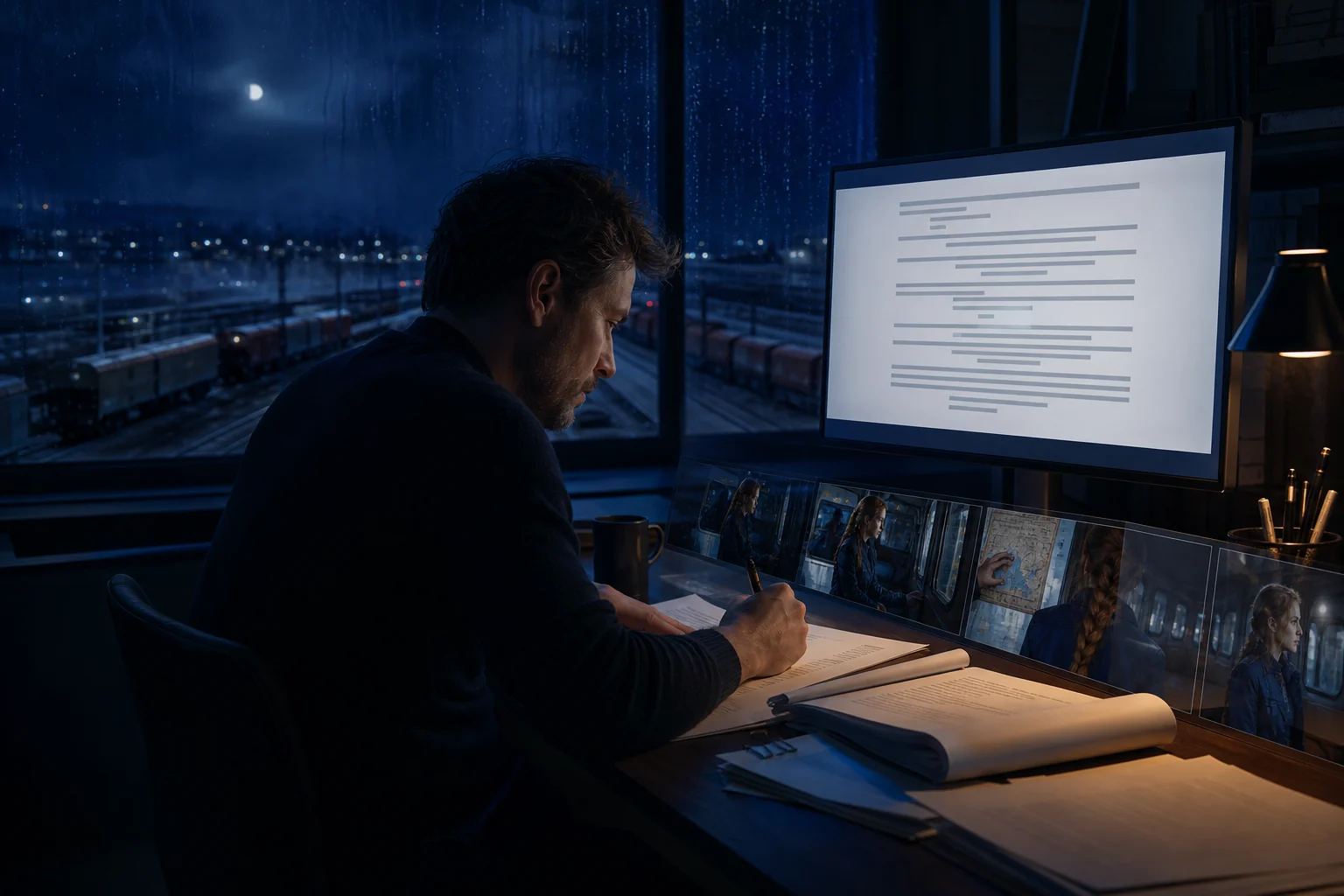
Keep the approved text authoritative while extracting the people, places, objects, beat changes, blocking, and continuity constraints that a storyboard artist or visual team needs.
Separate scene heading, action, character, dialogue, and transitions without rewriting the approved screenplay.
Tag cast, location, props, wardrobe, time, practical effects, and continuity details in one reviewable inventory.
Package beats, blocking, visual emphasis, references, and open questions so the next person can begin shot planning with context intact.

Worked example · Script-authoritative workflow
Use assistance to expose dependencies, continuity risks, and unanswered visual questions. The approved screenplay remains unchanged; the new artifact is a structured handoff beside it.
The workflow
A focused production pass keeps the screenplay authoritative while making its visual requirements explicit.
Start from the version cleared for visual development so downstream notes do not drift from the screenplay.
Identify story beats, cast, location, props, blocking, visual emphasis, continuity requirements, and unresolved questions.
Review assumptions with the writer or director, then pass the signed-off brief into shot planning and storyboarding.
Explore the connected workflow
Automatic screenplay formatting
Keep scene headings, action, character cues, dialogue, parentheticals, and transitions readable while you stay focused on story. Then carry the same scene into a visual storyboard without rebuilding it from scratch.
AI screenwriting workspace
Bring the current line, scene, character arc, outline, and storyboard into the right task at the right time. Work with focused context instead of pasting the whole project into disconnected chats.
Storyboard coverage planning
Turn one approved screenplay scene into a reviewable coverage plan: map story beats to shot purpose, framing, screen direction, continuity risks, and an intentional shot order. This workspace is for pre-production decisions, not one-click storyboard generation.
FAQ
No. Use a dedicated screenplay editor for drafting, formatting, revision, and collaboration. This page begins after a scene is approved and prepares its visual production handoff.
It includes cast, location, props, wardrobe, story beats, blocking, continuity constraints, visual emphasis, reference needs, and questions that must be answered before storyboarding.
No. The screenplay remains the source of truth. The workflow creates a separate production brief and should label any inferred blocking or visual choice for review.
Write or import a scene, shape its structure, and turn the screenplay into a storyboard you can refine, share, present, and export.