Scene-aware shot breakdown
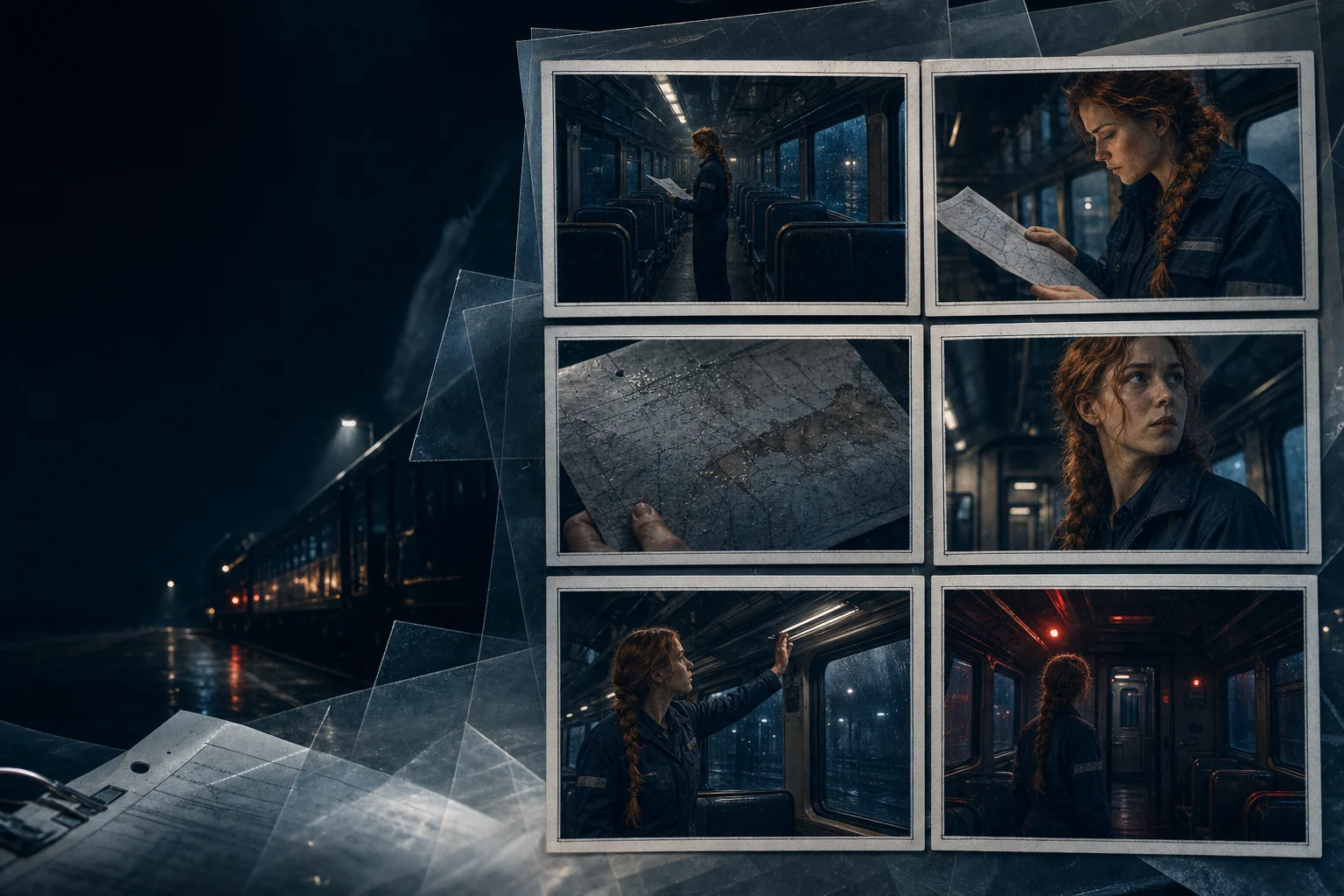
Turn action and dialogue into establishing shots, coverage, inserts, reactions, and transitions with a clear narrative purpose.


Break a scene into ordered shots, define framing and performance intent, generate visual references, and keep characters and environments coherent from one frame to the next.
Opens the LlamaGen storyboard project workspace.
Northline / visual direction
One story world, carried from screenplay to production.
More than a gallery of images
Good boards preserve action, eyelines, screen direction, performance, and visual continuity. LlamaGen connects image generation to the decisions that make a sequence understandable.
Turn action and dialogue into establishing shots, coverage, inserts, reactions, and transitions with a clear narrative purpose.
Describe shot size, angle, movement, composition, lens feeling, and performance focus instead of leaving every choice to chance.
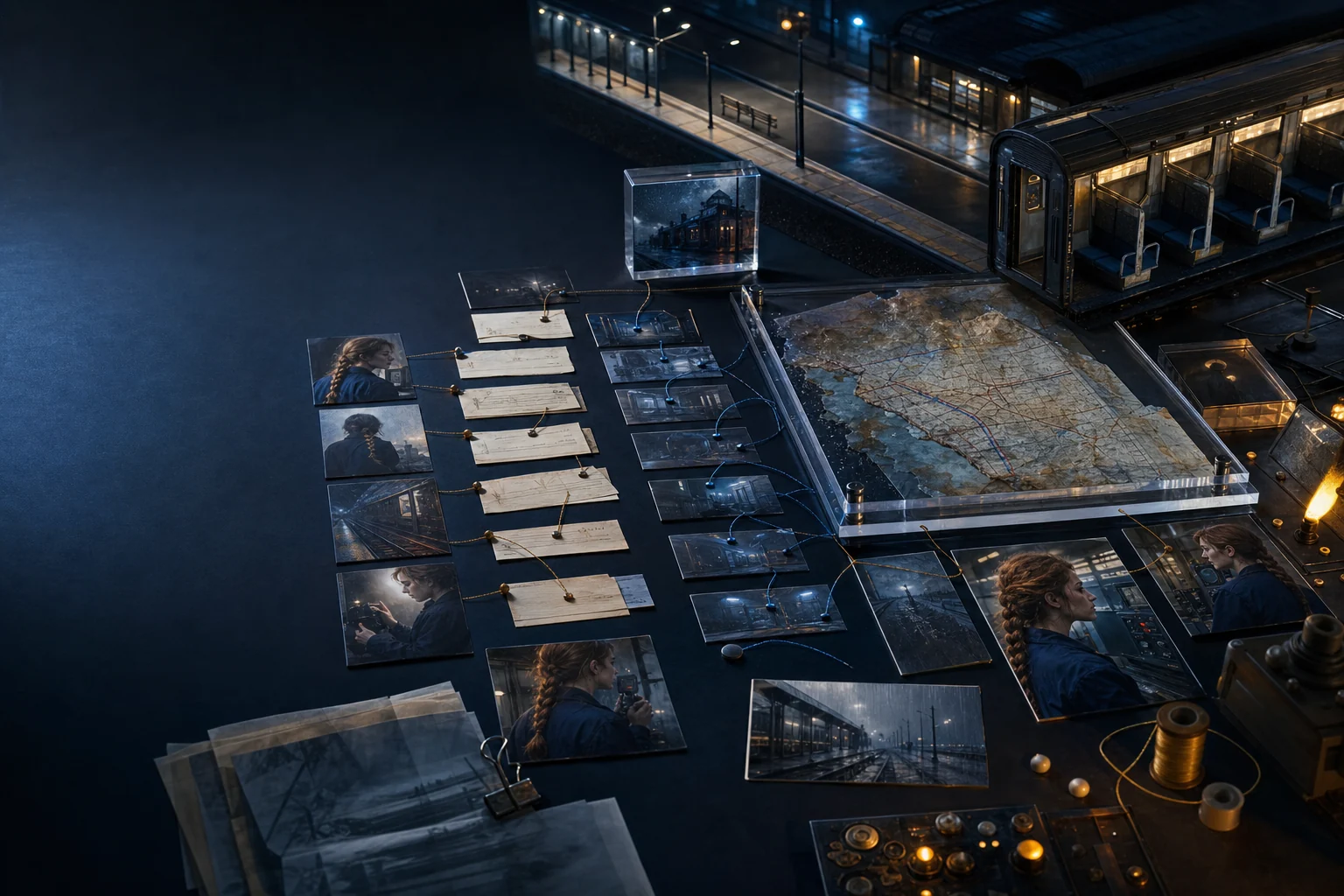
Reuse characters, locations, props, and prior frames so a sequence feels connected as the camera changes.
Worked example · Directable AI
The model can propose visual options, but the creator still decides blocking, emphasis, rhythm, and what the audience should feel. The best prompt is a concise directorial brief.
The workflow
Move from meaning to coverage, then generate only after the scene has a visual plan.
Start with who wants what, what changes, and which visual information the audience needs first.
Choose framing, angle, subject, action, and continuity notes for every shot in the sequence.
Compare visual directions, keep the strongest references, and iterate where clarity or continuity breaks.
Explore the connected workflow
Characters, casting, and relationships
Turn names in a script into useful character direction: motivation, relationships, casting intent, visual anchors, and consistent references for every storyboard scene.
Scenes, beats, props, and locations
Organise the pieces that make a scene playable and visual: dramatic beats, recurring locations, hero props, character presence, and the continuity notes that connect one moment to the next.
AI production assets
Generate character portraits, location studies, prop designs, scene stills, and storyboard frames from the context already present in your story, then keep the useful results organised for the next creative decision.
FAQ
Yes, but the strongest workflow works scene by scene. Review the dramatic beats and shot order before generating large batches of frames.
Include subject, action, emotion, location, time, shot size, camera angle, composition, lighting, style, and the continuity details that must match adjacent frames.
Use stable character references, repeat a short set of identity anchors, distinguish permanent traits from scene-specific wardrobe, and compare neighbouring frames as you work.
Start with the scene, keep every creative decision visible, and turn the story into a storyboard you can refine, share, present, and export.