Find a story worth following
Explore a character's goal, an unusual setting, or a difficult choice. Compare different openings before you commit to a direction.
از LlamaGen.ai بهعنوان یک مولد و نویسنده داستان با هوش مصنوعی استفاده کنید. یک ایده ساده را به پیشنویسی ساختارمند با پیرنگ، شخصیتها، دیالوگ و مسیری برای تبدیل به استوریبورد یا پنلهای کمیک تبدیل کنید.
Try the first draft here. Free access has limits; saved projects and visual tools use your account and plan credits.
See how it worksPick a prompt to read an illustrative opening, then generate your own version. These samples are prepared examples, not live results or customer testimonials.
Example opening
The radio said Mara's name before she switched it on. On Platform Three, rain gathered around a red suitcase. She had checked the platform a minute ago. Empty. Now someone had left a case beneath the broken clock, with a luggage tag written in her handwriting.
Start with something specific: a radio operator alone at a station, a red suitcase, and a message that knows her name. Generate an opening, read what works, then change the stakes or point of view. The next decision stays yours.
Generate story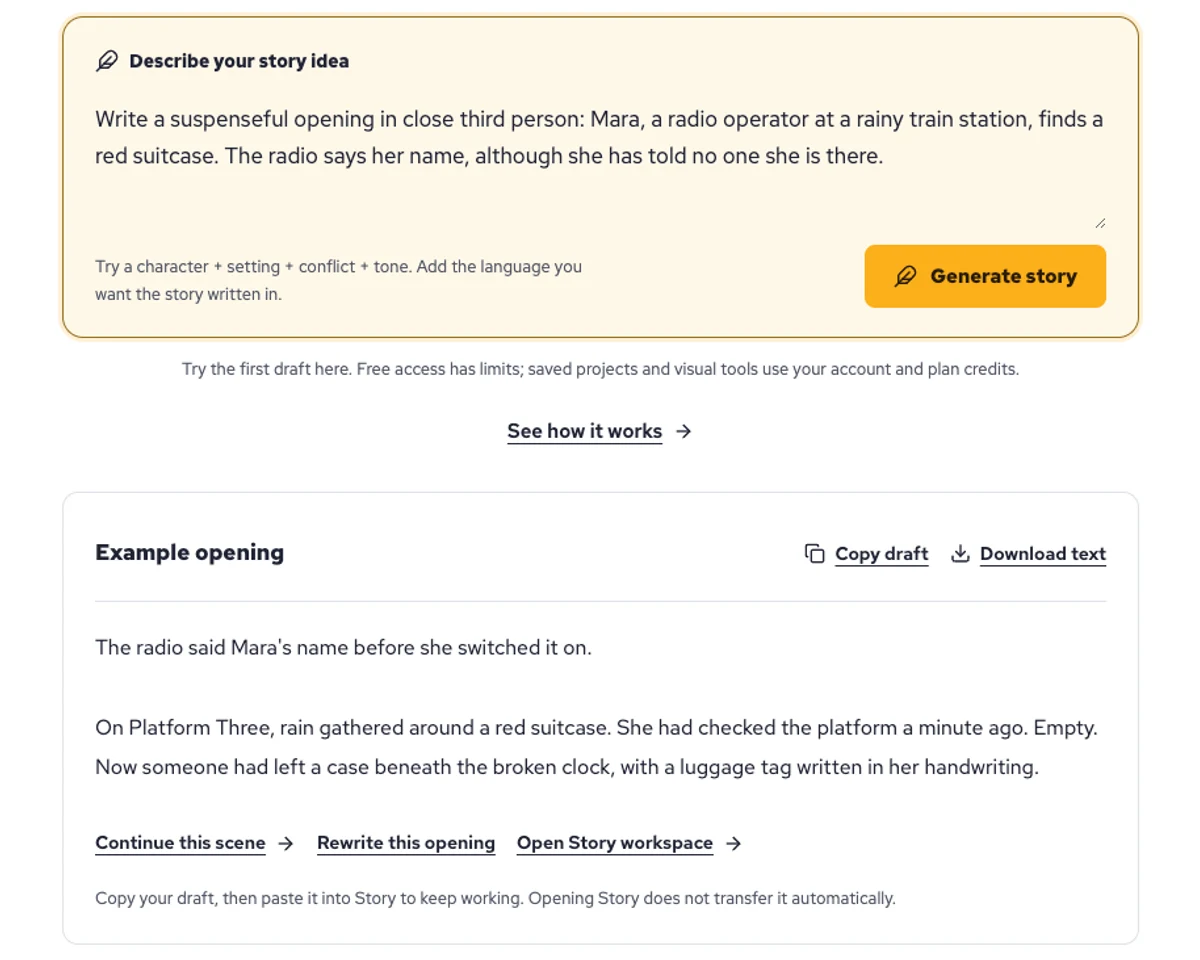
Explore a character's goal, an unusual setting, or a difficult choice. Compare different openings before you commit to a direction.
Paste an unfinished idea or use Continue after a draft. Read each new scene for names, motives, and details that need to stay consistent.
Use Rewrite to try a sharper opening. Copy a version you like before generating another, then edit the phrasing in your own voice.
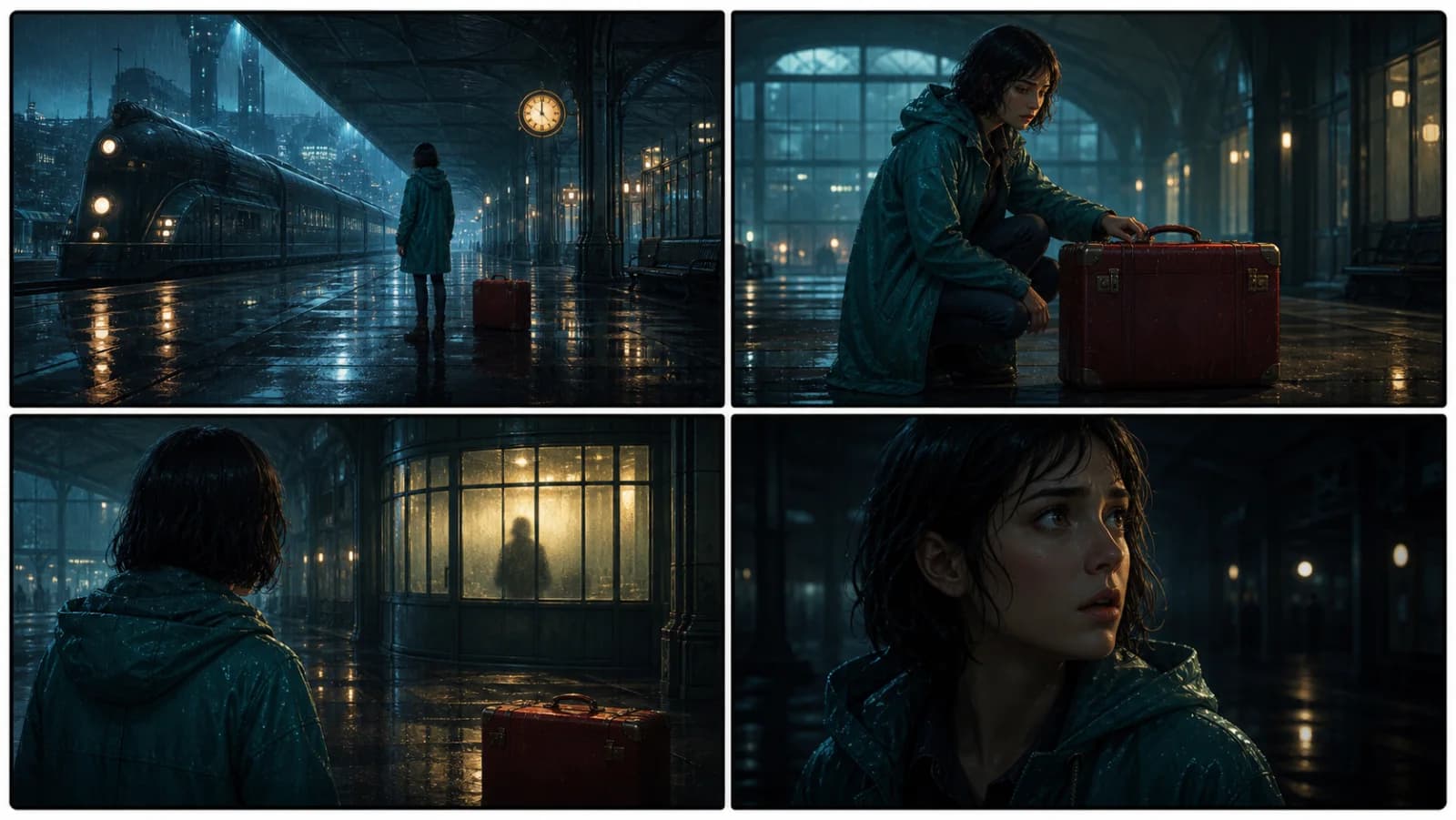
This illustrative sequence follows Mara, her teal raincoat, and a red suitcase through four station shots. Use it as a guide: keep a character, location, and key prop consistent when you adapt your own draft into a storyboard or comic.
Explore script to storyboardThe same rainy-station story, imagined as a reading copy, a handheld proof, different cover designs, and a coordinated author set.
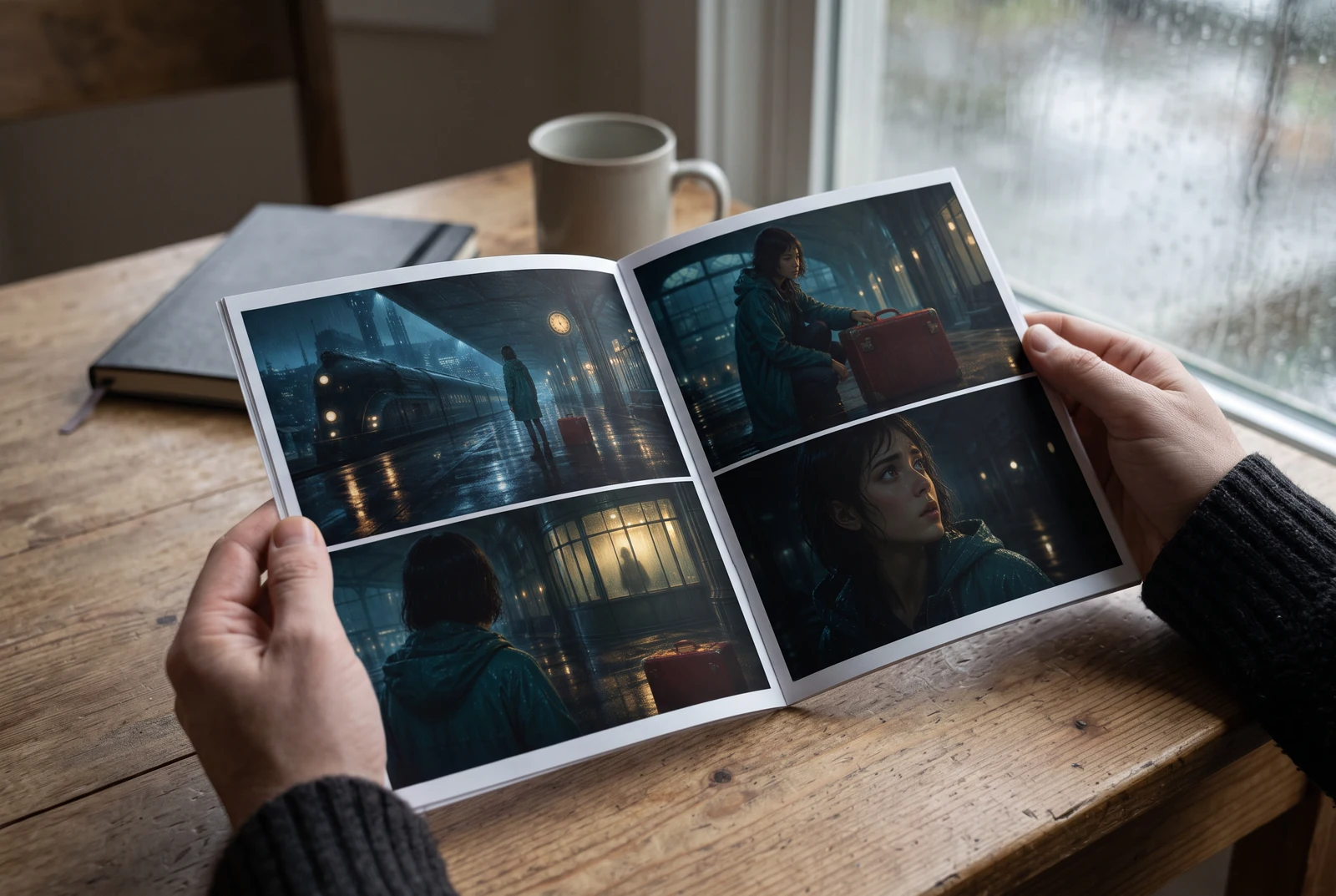
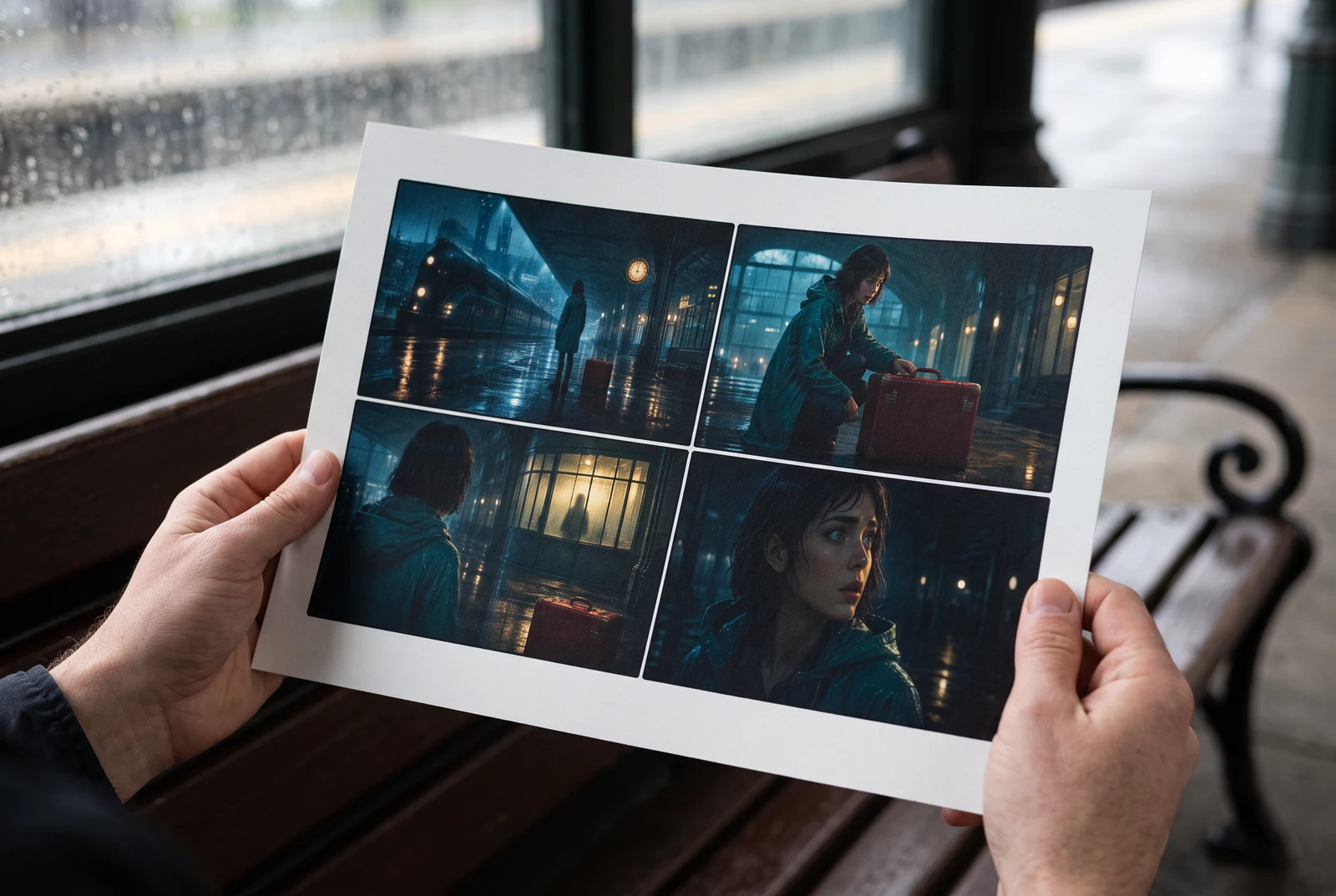
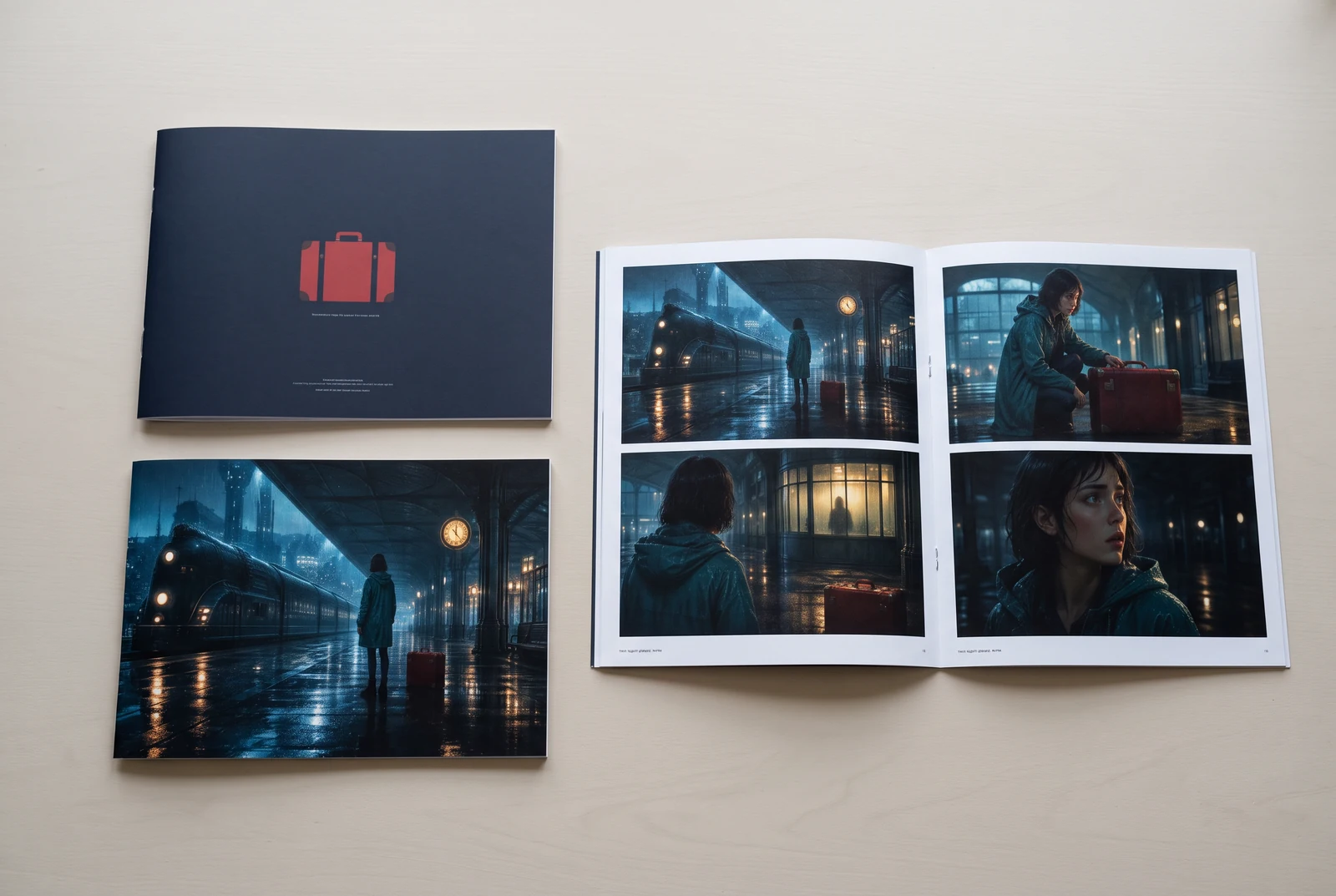
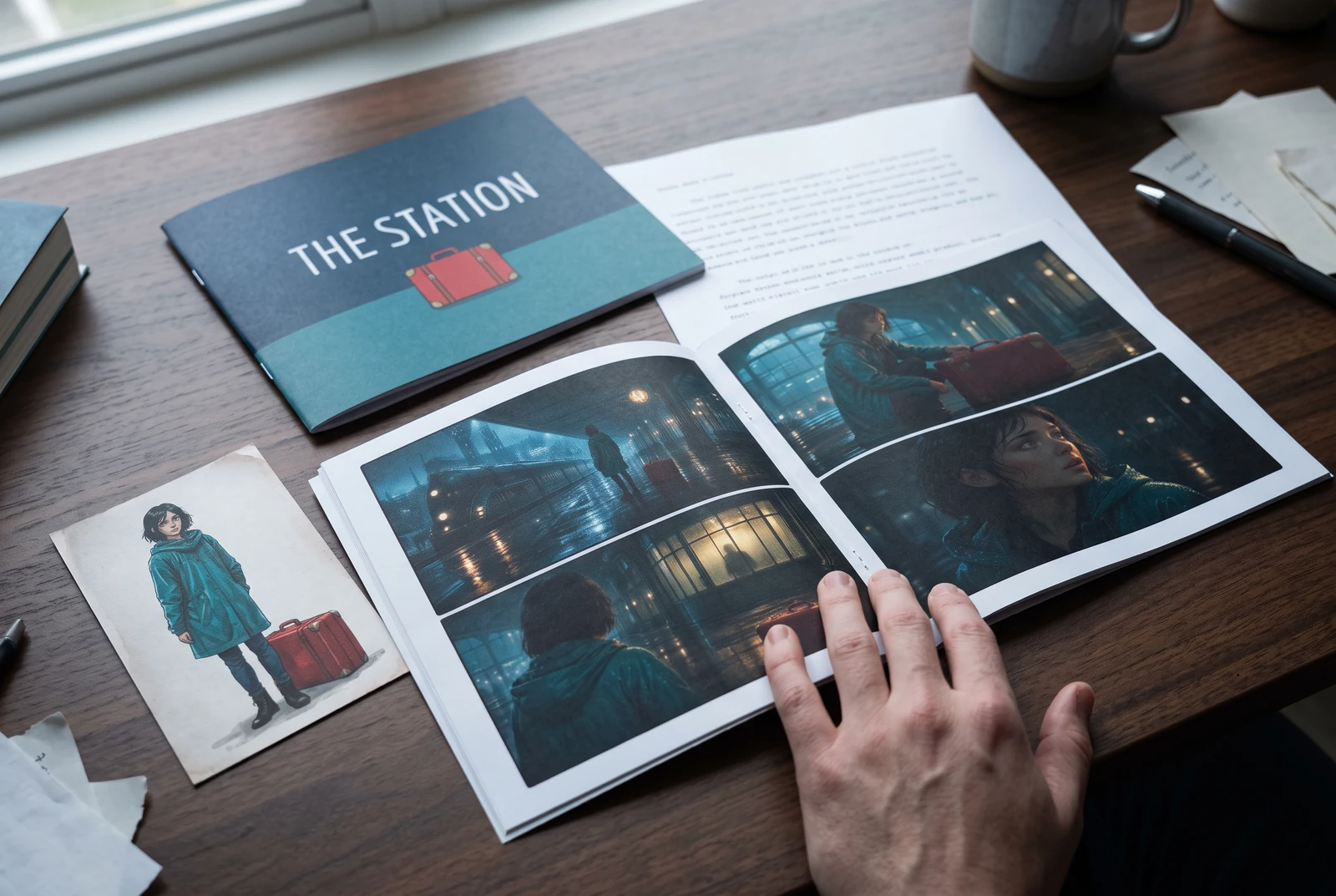
AI-generated display concepts using original LlamaGen story art. Paper examples illustrate personal printing and reading; they are not customer photographs or a print-delivery offer.
Test a premise, change the point of view, or work through the opening of a short story.
Draft scene beats and dialogue before planning comic panels or storyboard shots.
Create writing prompts and sample narratives. Review the output and follow your classroom or team's AI rules.
Describe a protagonist, setting, goal, and obstacle. Choose a tone and output language in your prompt.
Select Generate story. The result is a draft to review; one response is not a complete book.
Check the voice, facts, and continuity. Continue the next scene or rewrite the opening. Copy a version before replacing it.
Download the text or copy it into Story. Adapt approved beats into a storyboard or comic in a separate workflow.
AI can invent facts, repeat familiar phrasing, or lose track of a character. Review every draft before sharing it. Follow LlamaGen's terms and your school or workplace rules; check third-party material before publishing.
این یک ابزار تحت مرورگر است که ایدههای شما را با هوش مصنوعی به داستانهای ساختارمند تبدیل میکند. یک پرامپت وارد کنید و پیشنویسی با پیرنگ، شخصیتها، دیالوگ، ضربآهنگ صحنه و جهتگیری بصری برای داستاننویسی، کمیک، نوشتن کلاسی، ویدیو یا رمان تصویری بگیرید.
یک پرامپت خوب شامل ایده داستان، ژانر و لحن شماست. مثلاً: «یک جادوگر تنها در جنگل یک کافه باز میکند» با حالوهوای گرم و بخشی از زندگی. هرچه ایده شما روشنتر باشد، داستان بهتر میشود. جزئیات مشخصی درباره شخصیتها، فضا، لحن احساسی و هر نقطه کلیدی پیرنگ که میخواهید اضافه کنید.
میتوانید داستان را ویرایش یا گسترش دهید، یا از آن بهعنوان پایهای برای ساخت پنلهای کمیک یا صحنههای رمان تصویری با تصویرسازی، چیدمان و دیالوگ در ابزارهای ما استفاده کنید. بسیاری از خالقان از داستانهای تولیدشده بهعنوان فیلمنامهای برای طراحی ترکیببندی پنلها، حالت چهره شخصیتها و جریان بصری استفاده میکنند.
این ابزار زمان را ذخیره میکند، خلاقیت را تحریک میکند و به نویسندگان در هر سطحی کمک میکند از بنبست بیرون بیایند. چه در حال ساخت داستان، کمیک، رمان تصویری، پرامپت کلاسی یا فیلمنامه ویدیو باشید، یک نقطه شروع سریع با ساختار روایی در اختیارتان میگذارد که معمولاً ساعتها زمان میبرد.
میتوانید پیشنویسهایی را که تولید میکنید، تحت شرایط LlamaGen برای پروژههای قانونی شخصی یا تجاری استفاده کنید. تولید، حق انحصاری ایجاد نمیکند و متن هوش مصنوعی ممکن است شبیه آثار موجود باشد. قبل از انتشار کتاب یا کمپین، نتیجه را بررسی کنید و مشاوره حقوقی محلی بگیرید.
میتوانید در این صفحه بدون خرید نرمافزار نویسندگی، یک پیشنویس اولیه تولید کنید. با ورود به حساب، Story، تاریخچه ذخیرهشده، استوریبورد، کمیک و جریانهای کاری ویدیو فعال میشوند که از اعتبارات طرح شما استفاده میکنند.
این ابزار از پرامپتهای داستانی منعطف در ژانرهای رومنس، فانتزی، وحشت، درام، کمدی، زندگی مدرسهای و ژانرهای تجربی پشتیبانی میکند. ایده شما را به یک قالب عمومی و یکسان محدود نمیکند و در عین حال تولید را در چارچوب قوانین ایمنی پلتفرم نگه میدارد.
میتوانید هنگام بررسی ایدهها، پیشنویسهای جدید، پایانهای جایگزین، پیچشهای داستانی، قوس شخصیت و نسخههای مختلف صحنه را همچنان تولید کنید. پروژههای طولانیتر، تاریخچه ذخیرهشده و تولید بصری از حساب و اعتبارات طرح شما استفاده میکنند.
بیشتر داستانها بسته به پیچیدگی و طول، در 5 تا 10 ثانیه تولید میشوند. هوش مصنوعی ما تقریباً فوراً پرامپت شما را پردازش میکند تا بتوانید سریع تکرار کنید و چند مسیر داستانی را در چند دقیقه بررسی کنید.
از همه ژانرهای اصلی پشتیبانی میکنیم؛ از جمله رومنس جوانان، فانتزی شهری، ابرقهرمانی، علمیتخیلی، وحشت، معمایی، بخشی از زندگی، اکشن، فراطبیعی، کمدی، درام، تاریخی و بیشتر. فقط ژانر موردنظر خود را در پرامپت مشخص کنید.
میتوانید در این صفحه بدون ساخت حساب، یک پیشنویس اولیه تولید کنید. با ورود به حساب، Story، تاریخچه بین جلسات، استوریبورد، کمیک و جریانهای کاری ویدیو فعال میشوند که از اعتبارات طرح شما استفاده میکنند.
در حال حاضر، پرامپتهای انگلیسی قابلاعتمادترین پیشنویسها را تولید میکنند. با این حال میتوانید ایده را به زبانی دیگر هم بنویسید؛ فقط نتیجه را با دقت بررسی کنید و ویرایش را در Story ادامه دهید.
LlamaGen builds tools for writing, comics, and storyboards. Explore the team and product, check plan details, or contact support before choosing a workflow.
Write a premise. Explore an opening. Decide what happens next.
Generate story