

Turn Picture Books Into Videos for StoryHug picture books
Use the page-by-page picture book structure as the source for narrated videos, songs, or classroom media.
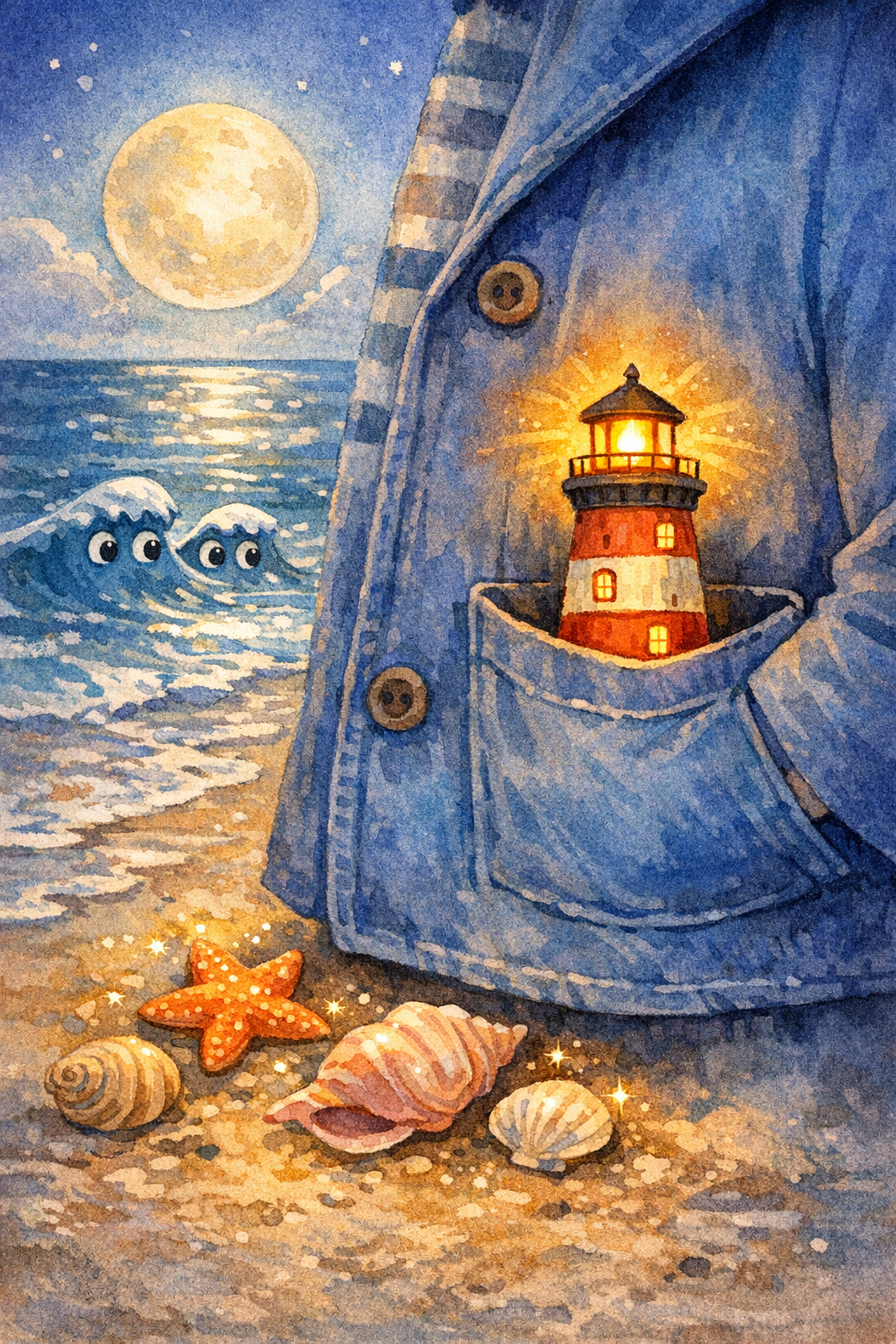
Example preview
The Pocket-Sized Lighthouse
A child carries a tiny lighthouse across a moonlit beach to guide a lost paper boat home.
Opens the comic studio with the same character locked across pages.
What’s your story?
Paste your story, then choose the page count and layout.
Same face
Lock the child, clothes, and age so every page stays one character.
8-10 pages
Write a short serial, not a one-off image. Continue the same book in Studio.
Pick a format
Picture book, bedtime comic, classroom strip, or vertical read-aloud pages.
Story plan
Turn a story into video or audio
Turn picture books into story videos, read-aloud assets, and shareable children's content.
Create the book first, then use paid audio/video add-ons and export workflows.
Slides to scenes
Narration per page
Music bed
Ways to personalize it
Use case
Use the page-by-page picture book structure as the source for narrated videos, songs, or classroom media.
Use case
Explore how picture book to video conversion can shape the story, illustrations, and read-aloud experience.
Use case
Continue into StoryHug for examples, transparent paid book generation, PDF export and optional add-ons.
Made for your audience
Built for Creators and educators looking to repurpose a book into video, music, or narration.
Creators and educators looking to repurpose a book into video, music, or narration. Use the StoryHug workspace to explore examples, create a preview, and choose an export or add-on only after the story and illustrations feel right.
Start with one child, age range, language, theme, and original companion character.
Generate a 10-page preview with consistent illustrations and child-safe story text.
Upgrade only after the preview works for PDF, print, narration, music, video, classroom, or KDP workflows.
Choose how far to take your book
Create the book first, then use paid audio/video add-ons and export workflows. Check the available PDF, narration, video, print, and membership options before choosing what to make next.
Paid generation
A 4–10 page StoryHug book uses 900–1,800 credits. A one-time pack starts at $4.99 for 3,000 credits.
PDF export
High-resolution PDF download follows the account’s qualifying paid entitlement.
More creation plans
Starter $9/month, teacher plans and additional credit packages are available.
Matibay na panimulang punto
Magsimula sa personalized na bedtime books para sa mga magulang ng batang edad 2 hanggang 6. Simple ang layunin: tulungan ang bata na maproseso ang isang maliit na damdamin o habit sa loob ng limang minuto.
Kaligtasan at orihinalidad
Sinusuri ng bawat preview ang child-safe na tono, mapanganib na content, protected IP, at pribadong detalye ng bata bago ito i-save.
Path na handa para sa print
Sadyang maikli ang preview. Pinananatiling compact ng paid export ang aklat para maging angkop sa printable PDFs at future fulfillment.
Related Video and audio pages
Explore related story ideas, formats, and book-making workflows.
Explore more ways to create a children's book
Compare story creation, multimedia, character consistency, publishing, and bedtime-reading workflows to find the next useful step for your project.