

4 Camera-Angle Prompts
Automatically generate 4 different camera angles, shot types, and sequence ideas from a single image
Shot Sequence Prompt AI
Upload one image and generate a prompt-ready multi-shot video plan: 4 camera angles, cinematic shot descriptions, storyboard notes, and a clear sequence for AI video production.
Shot 1
Close-up
Shot 2
בינוני
Shot 3
Wide
Shot 4
אקשן
Plan the shot sequence, camera-angle prompts, and storyboard notes before you generate the final clip
Automatically generate 4 different camera angles, shot types, and sequence ideas from a single image
התאם אישית כל תיאור שוט כך שיתאים באופן מושלם לחזון היצירתי שלך
Generate multi-shot video prompts and storyboard notes in seconds, not hours
מאנשי מקצוע ועד מתחילים, הכלי שלנו מותאם לצרכים היצירתיים שלך
צור לוחות תכנון מפורטים ורשימות שוטים לפרויקט הסרט הבא שלך
Generate multi-shot video prompts for social media and YouTube concepts
הפוך סיפורים כתובים לנרטיבים חזותיים מזוויות מגוונות
צור קמפיינים חזותיים משכנעים עם שוטים מגוונים
איך זה עובד
העלה כל תמונה - צילום, יצירת אמנות או תמונה קונספט. המערכת תומכת בכל סוגי הפורמטים הנפוצים.
Our advanced AI analyzes your image and generates 4 unique camera-angle prompts and cinematic shot descriptions.
התאם את התיאורים וייצא לוח תכנון של ריבוי שוטים להפקת וידאו.
AI MULTI-SHOT STORYBOARD EXAMPLES
From single images to cinematic sequences, see how one source can become multiple shot prompts and video concepts.
Choose your output
Use the same source image to prepare camera angles, a connected shot sequence, or storyboard notes for the next production step.
Plan a prompt-ready video sequence from one source image instead of generating one disconnected clip.
Create close-up, medium, wide, product, action, and cinematic angle prompts for the same subject.
Turn a single image into a clear four-shot structure with framing, pacing, and production notes.
Use the generated shot descriptions as storyboard notes for AI video, ads, social clips, and pitches.
תהליך הפקת הווידאו הישן
The traditional path from concept to multi-shot video is expensive and time-consuming. Even before generation or filming, creators need shot planning, camera angles, sequence logic, and multiple revisions.
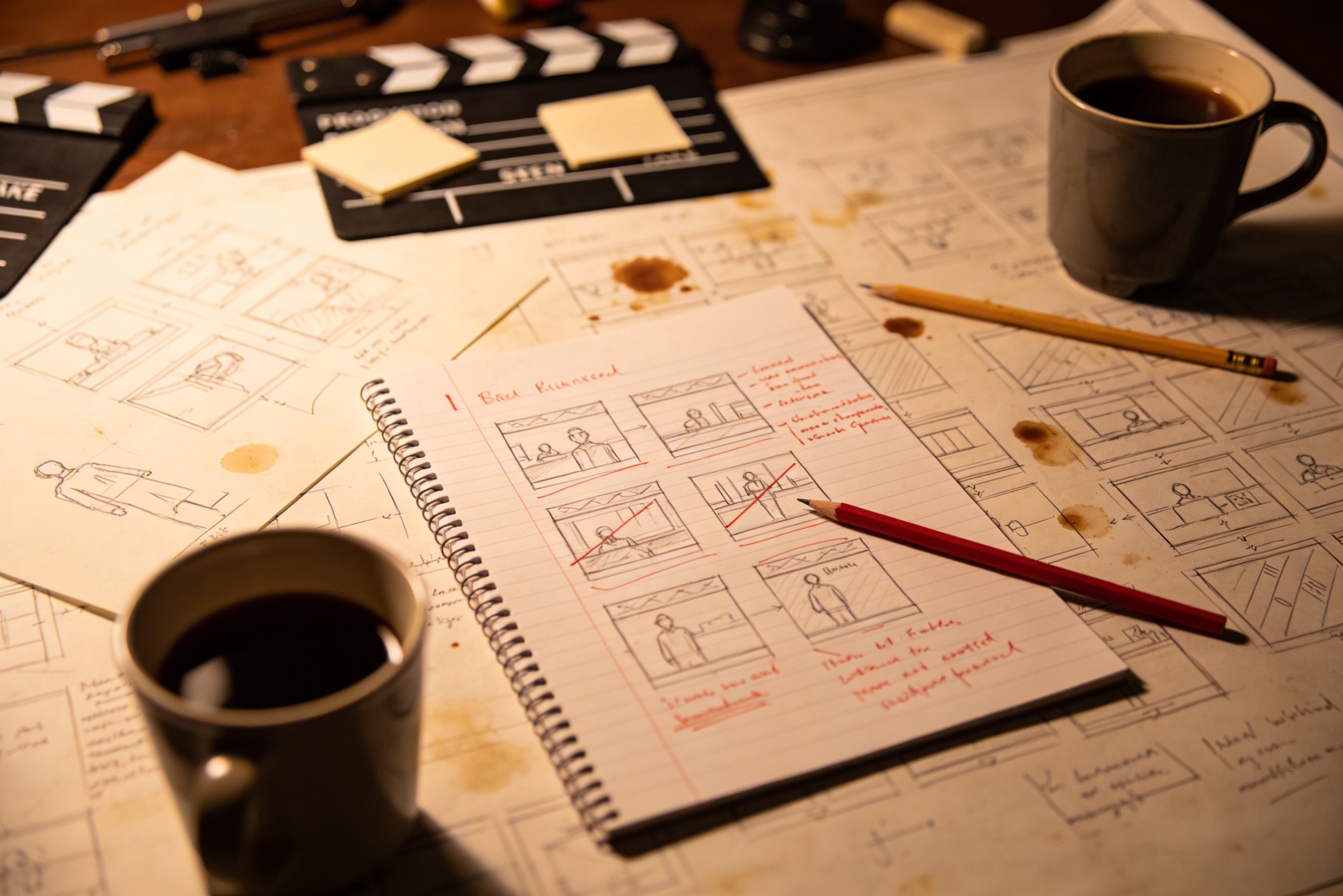
תרגום החזון היצירתי שלך לתיאורי שחזור מפורטים דורש תכנון מעמיק ותיקונים חוזרים עד לקבלת התוצאה הרצויה.
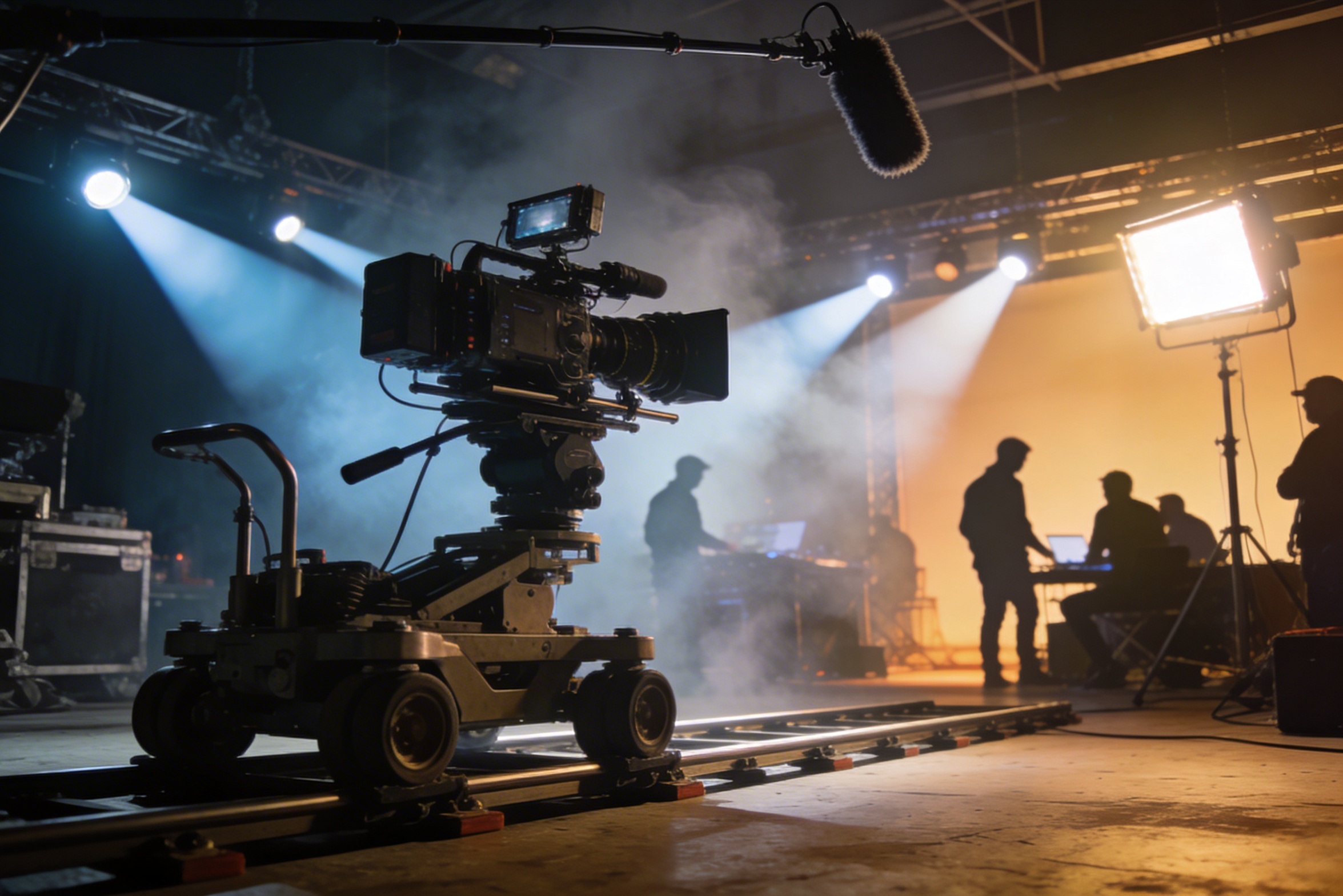
הפקת וידאו מקצועית דורשת ציוד יקר, תאורה, לוקיישנים ולרוב צוות מלא — עלויות שעלולות לגדול במהירות.
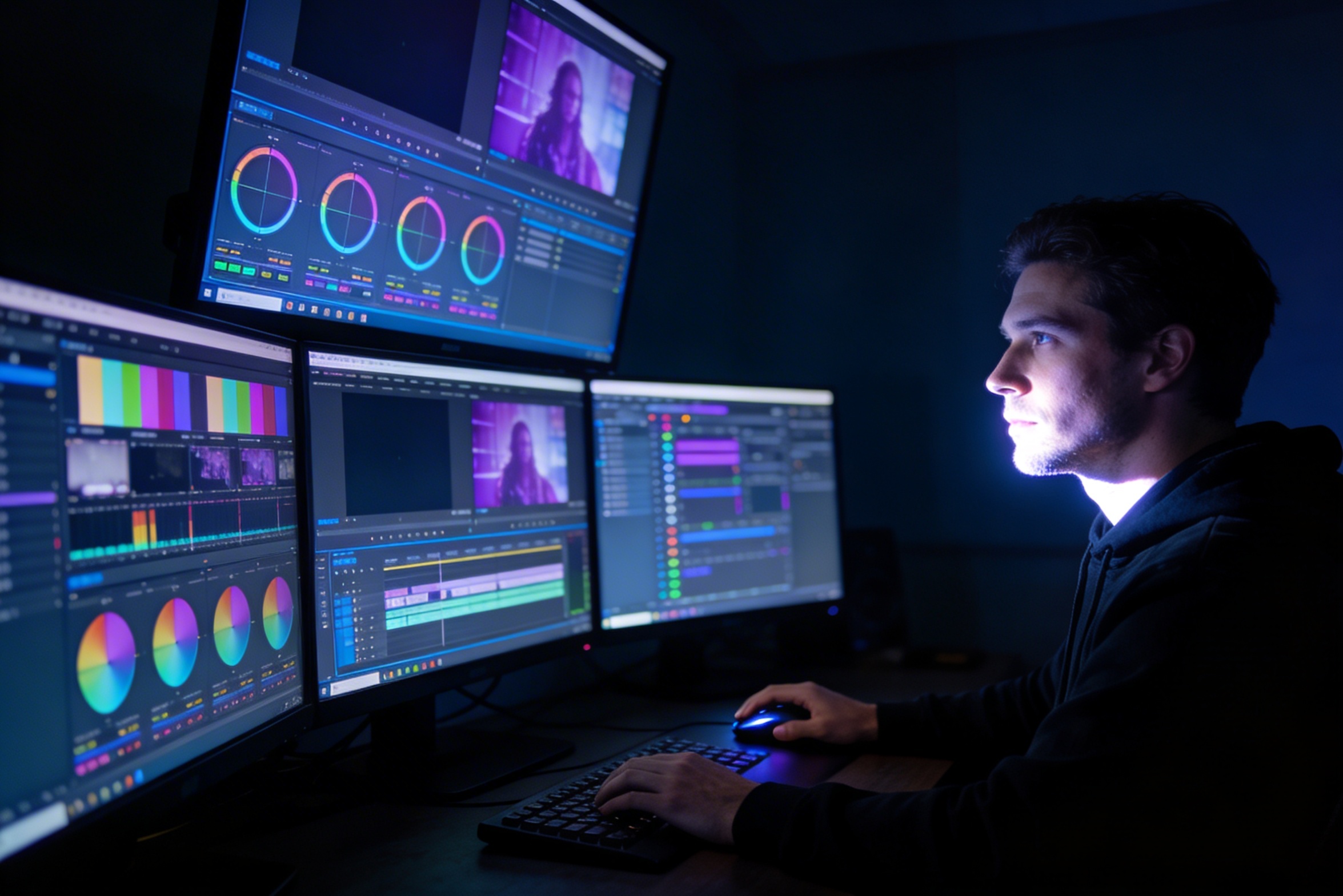
עריכה, תיקוני צבע, אפקטים ויצירת וריאציות שחזור מצריכים מיומנויות תוכנה מקצועיות ושבועות של עבודה.
יצירת גרסאות לפלטפורמות כמו YouTube, TikTok ו-Instagram דורשת עריכה ועיבוד מחדש למידות ומשך שונים.

Professional multi-shot planning can cost hours of creative direction before a final video is generated, filmed, edited, or approved.
It's not just about creating variations. Our AI reads composition, cinematography, and storytelling needs to create shot prompts that strengthen your visual narrative.
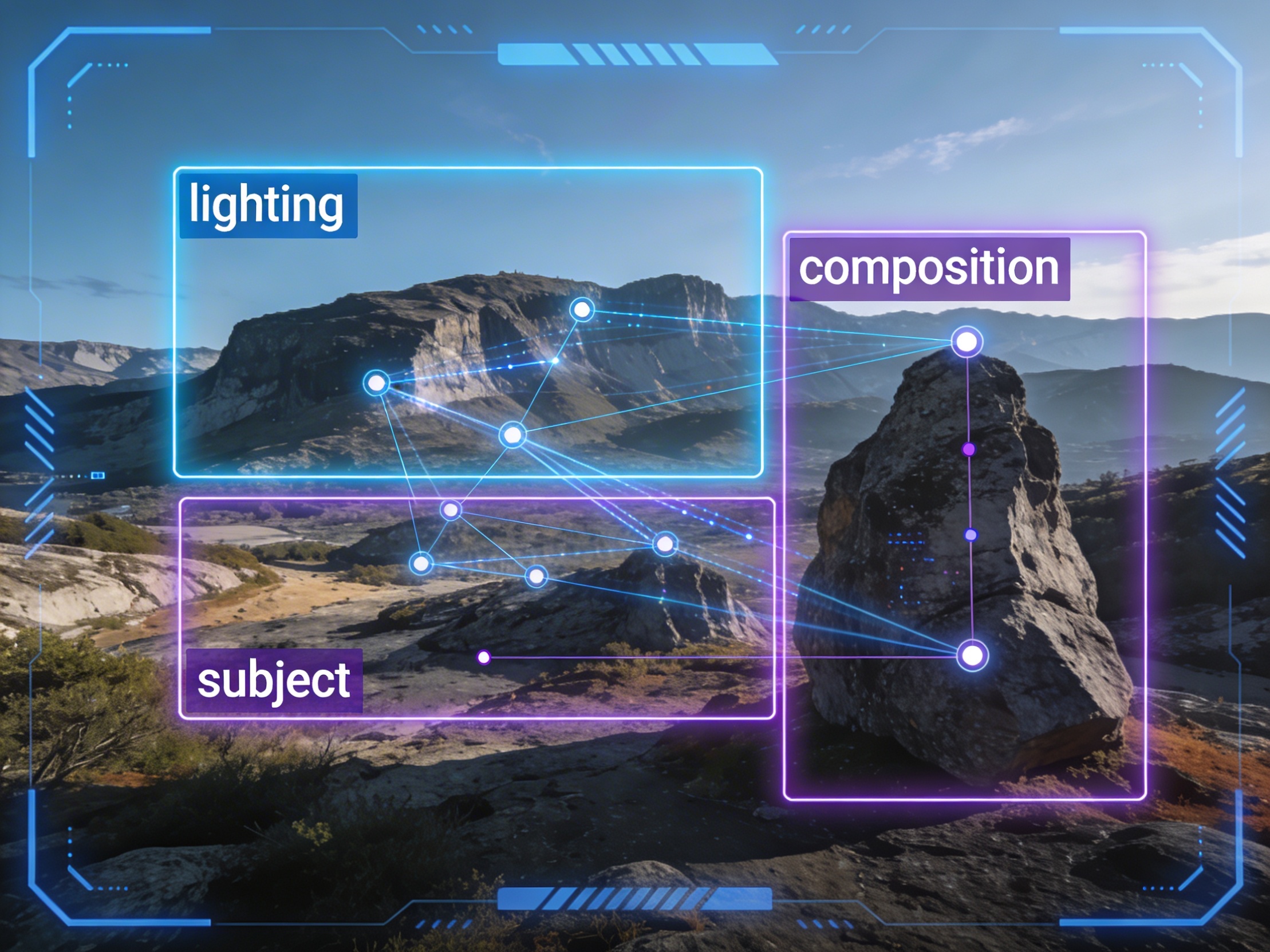
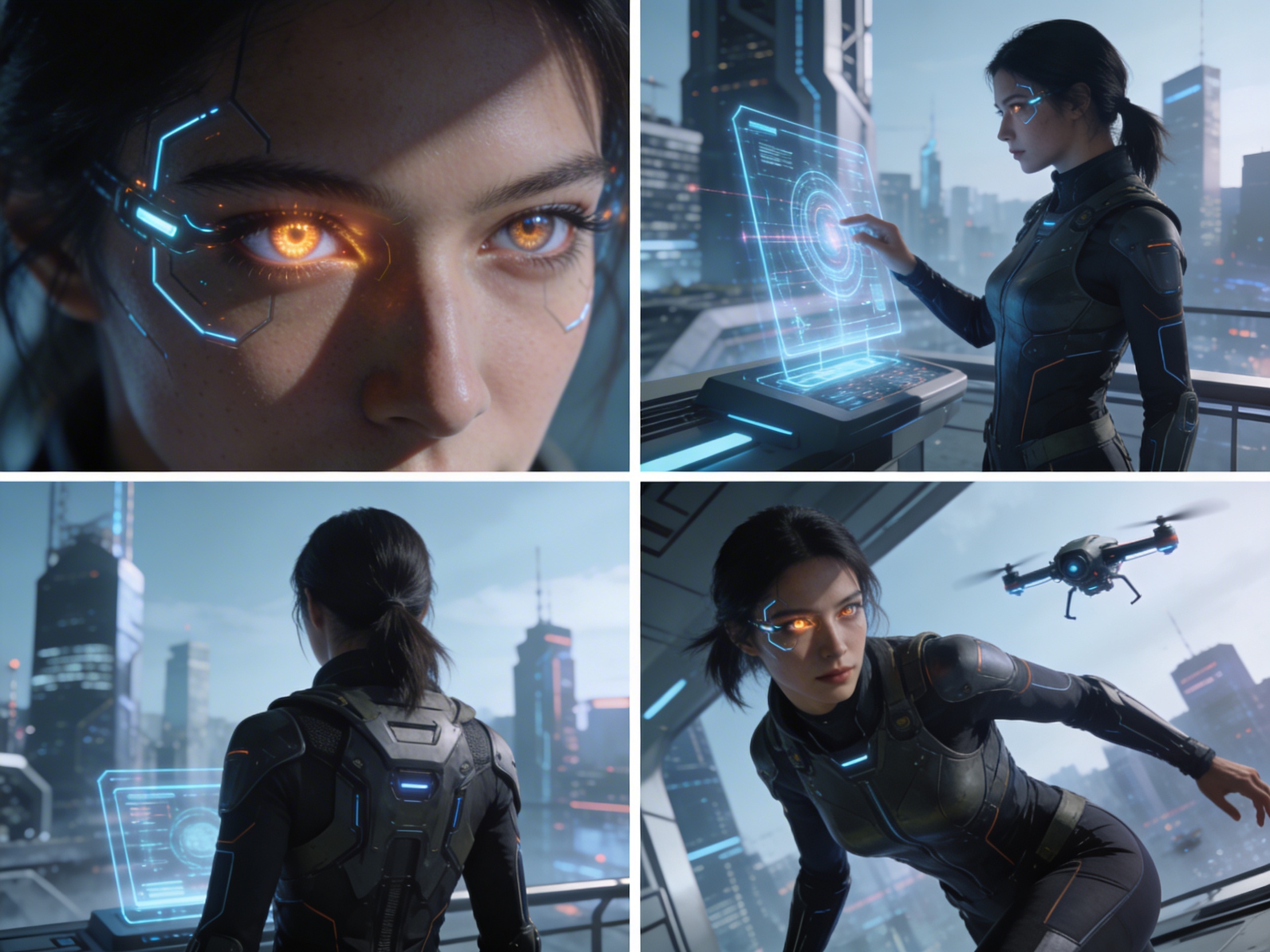
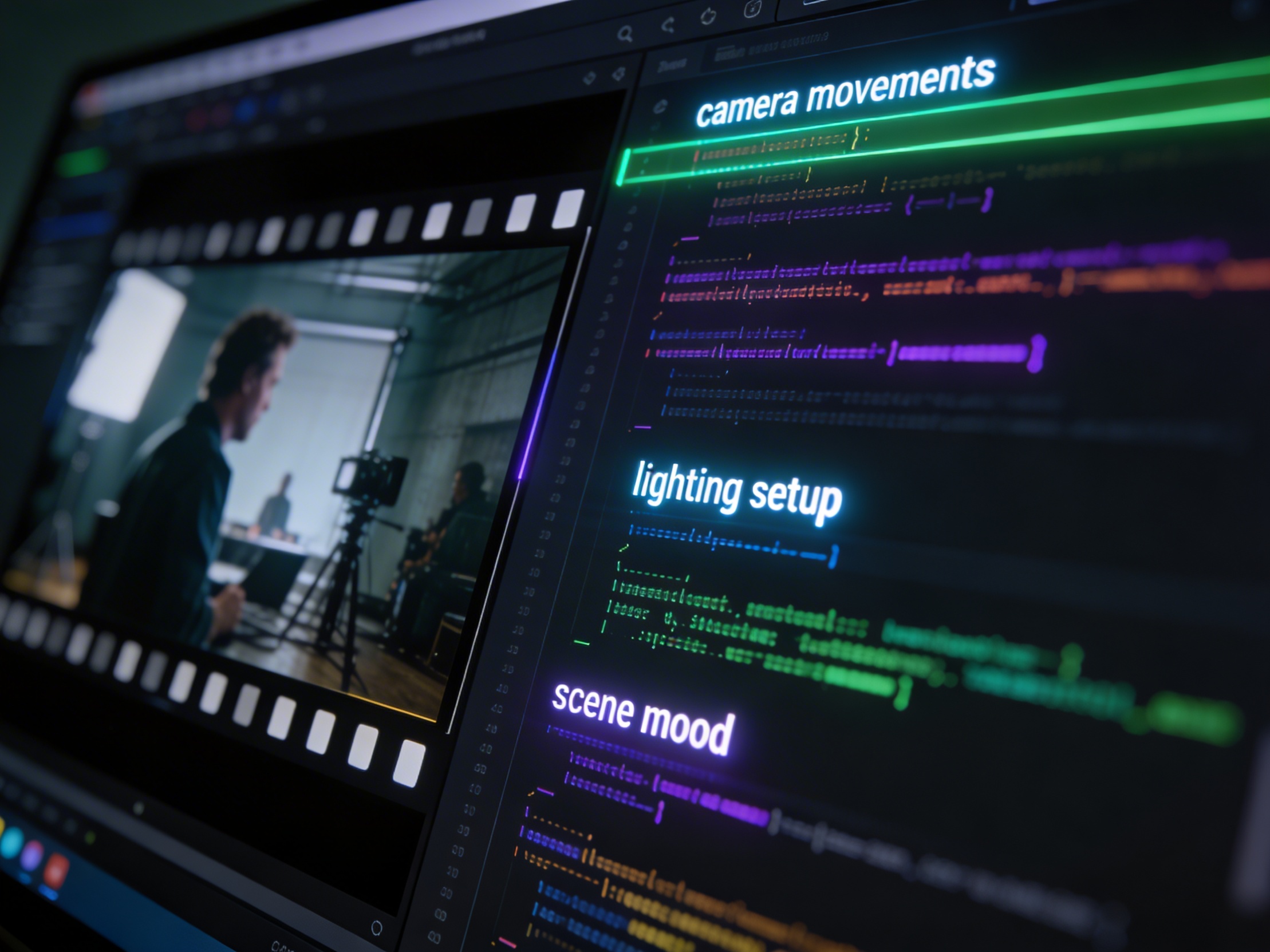
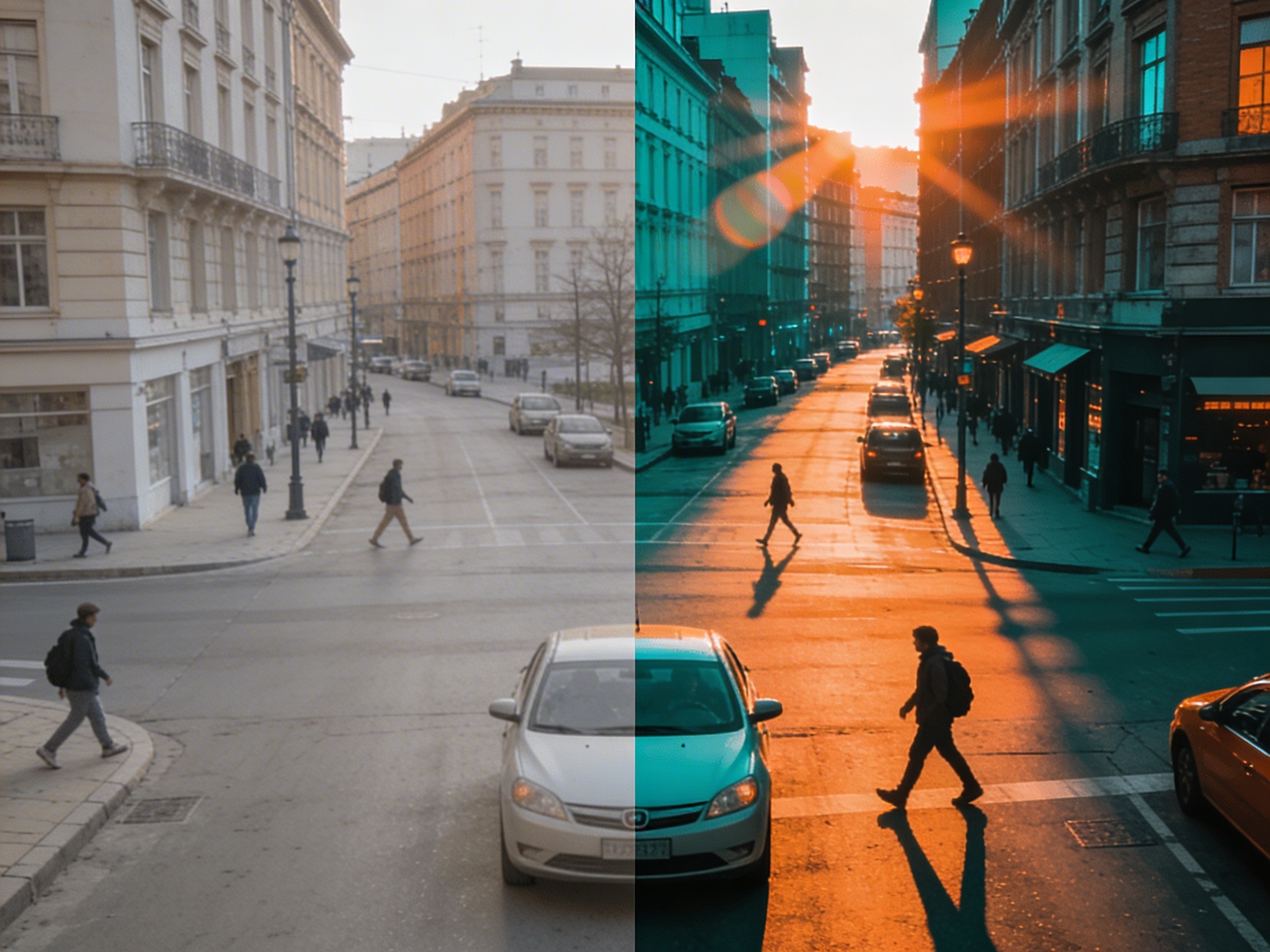
Join creators using LlamaGen to plan shot sequences, camera angles, and AI video prompts before production.
Related writing workflow
Use the AI Screenplay Editor when a script, fiction draft, storyboard brief, video idea, or canvas note needs proper scene headings, action, dialogue, parentheticals, cover pages, outlines, beats, and collaboration-ready revisions.
INT. COMMUNITY CENTER - NIGHT
Folded chairs. A storm outside. MAYA stands at the microphone with a page of notes she no longer needs.
MAYA
If the city will not read the record, we will read it out loud.