

שליטה בזווית מצלמה - עורך זוויות צילום עם AI
העלו מדיה, לחצו וגררו כדי לשנות את זווית המצלמה, ובחרו מתוך 12 זוויות מובילות. שנו תמונות בעזרת AI Image Camera Angle Control בשיחה טבעית, יחד עם שליטת זווית אופקית, זווית אנכית ומרחק זום.
ערכו בצ'אט, הרחיבו סצנות, הסירו אובייקטים, החליפו רקעים וצרו זוויות מצלמה חדשות מתמונה אחת, בעזרת workflows של Qwen Image Edit ו‑AIOmnigen.
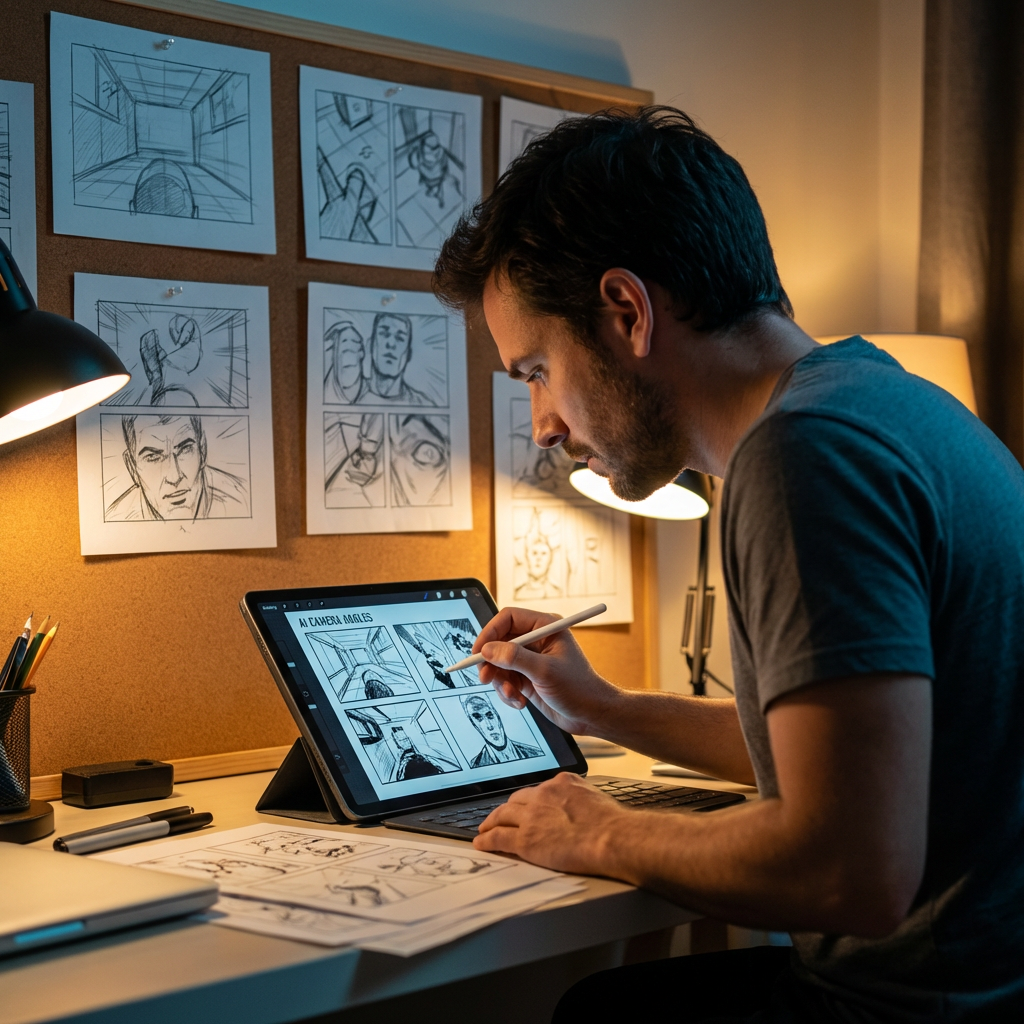
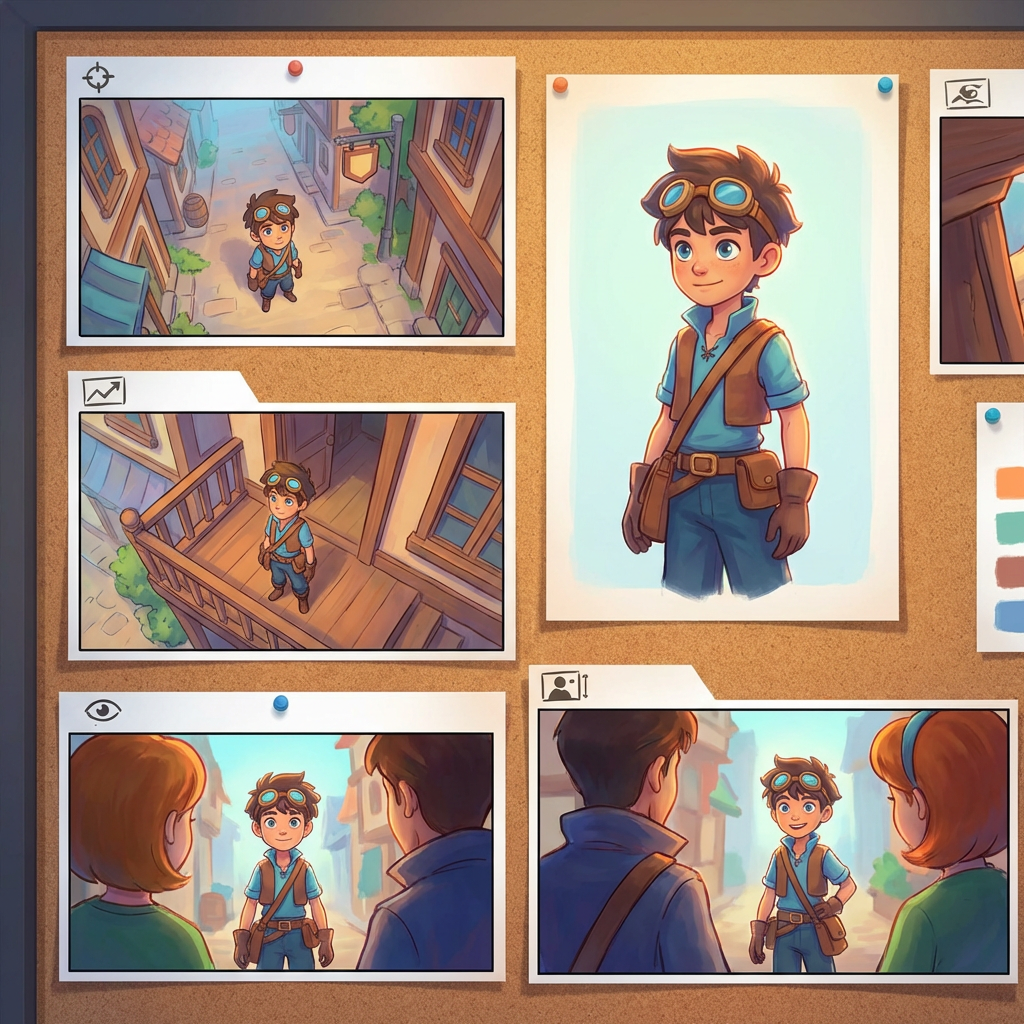
מעבדה אינטראקטיבית לזוויות
העלו תמונה אחת, שנו את הזווית וערכו בצ'אט
הכלי המשובץ הזה מאפשר לכם לשנות תמונות בשיחה טבעית. העלו תמונה אחת, ואז הרחיבו, הסירו אובייקטים, החליפו רקעים או צרו זוויות מצלמה חדשות בעזרת בקרי מצלמה אינטראקטיביים ומודלי עריכה כמו Qwen Image Edit.
Multi-Angles
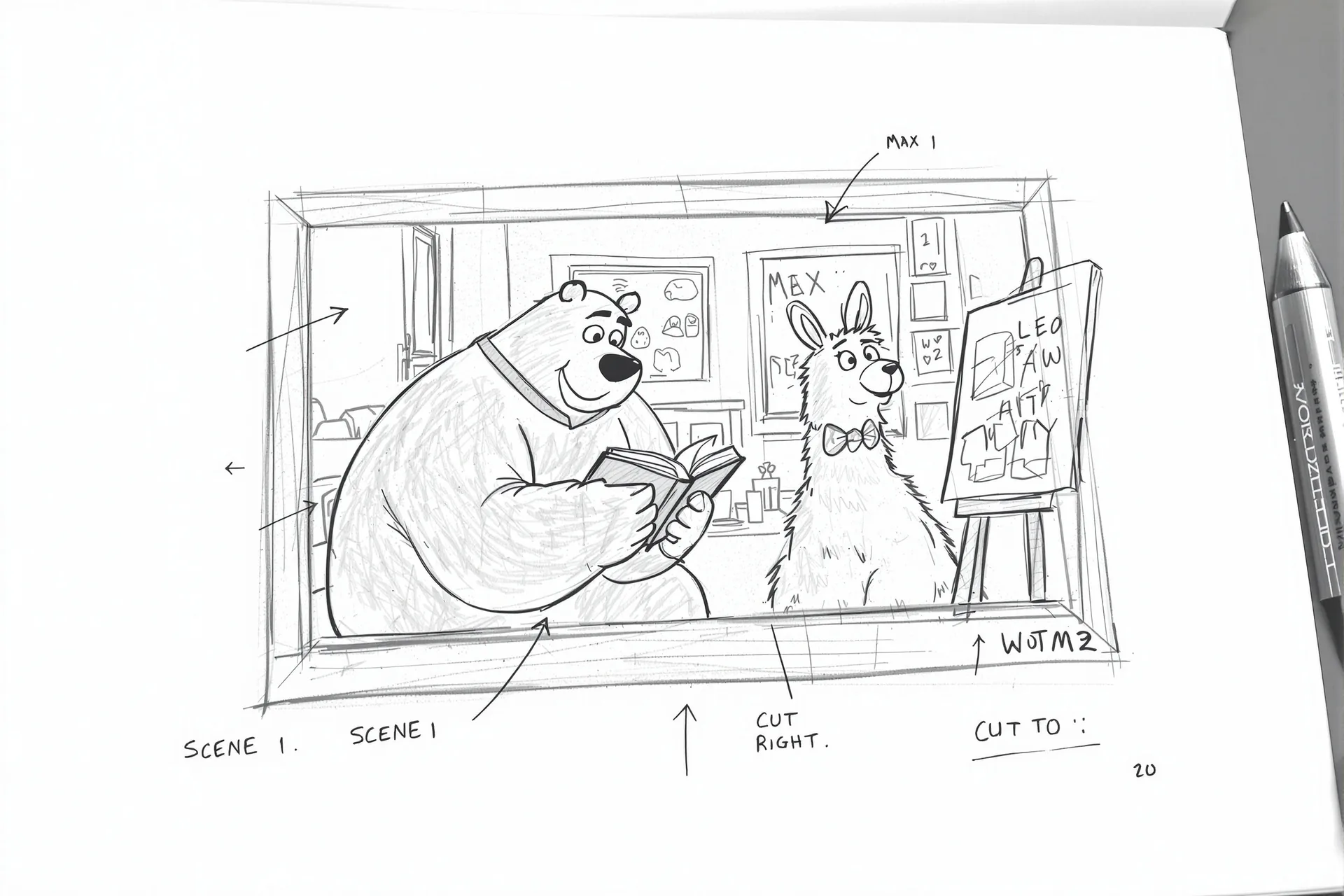
Source Reference
Upload a reference image
Use the Replace and Remove buttons above anytime.
Generated Result
דוגמאות
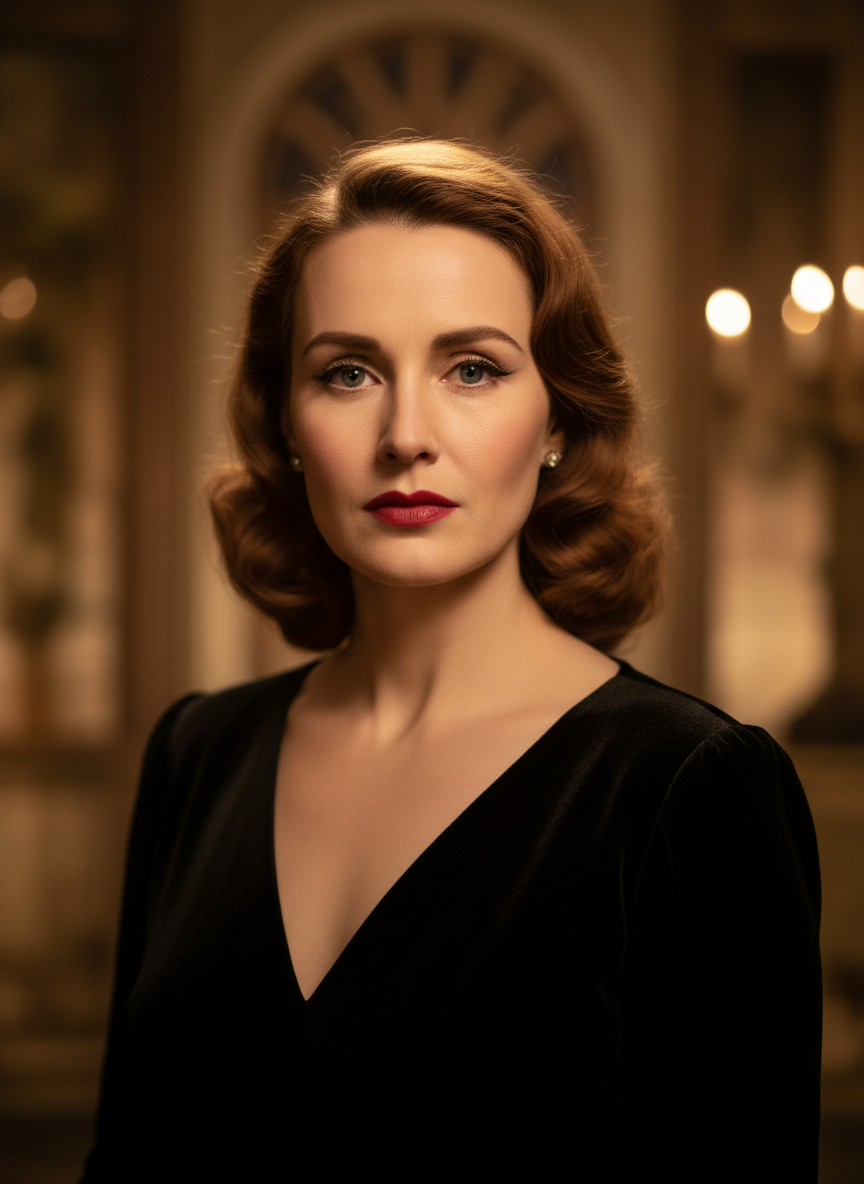
Source
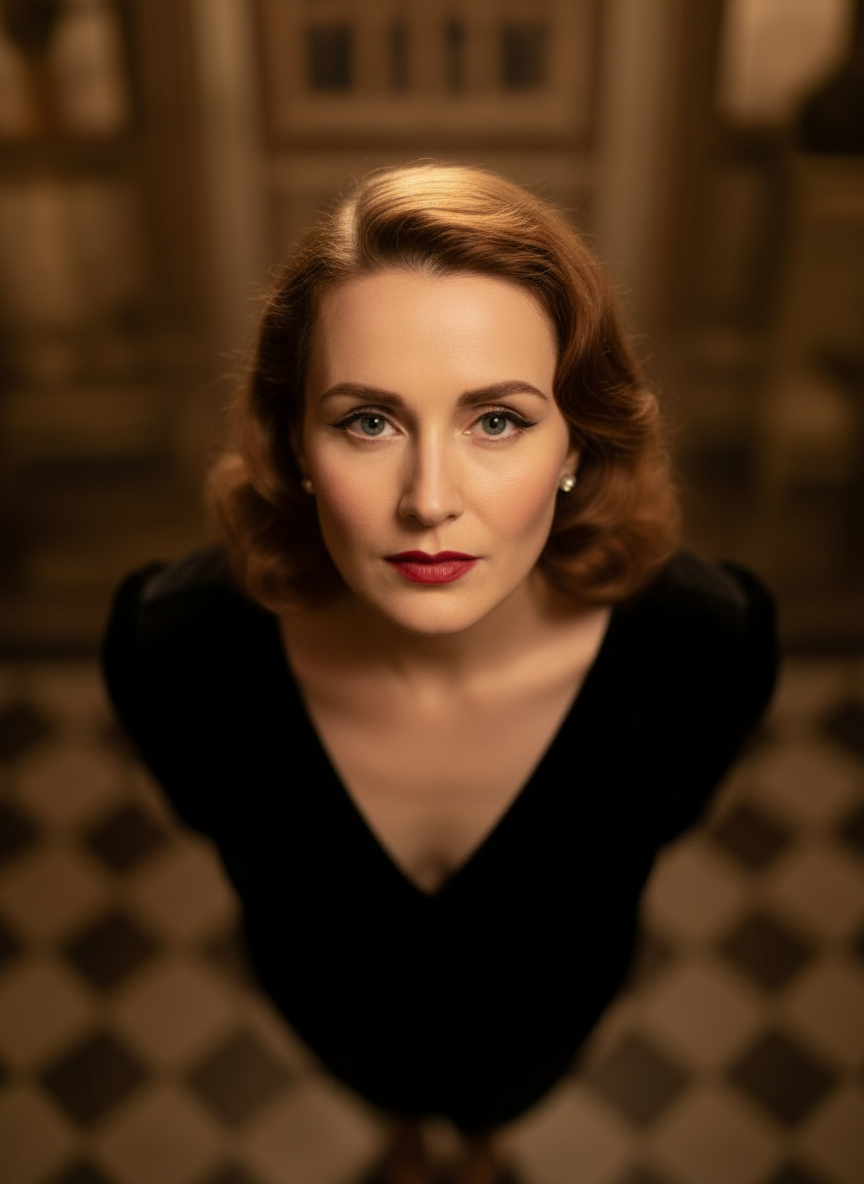
Overhead Angle
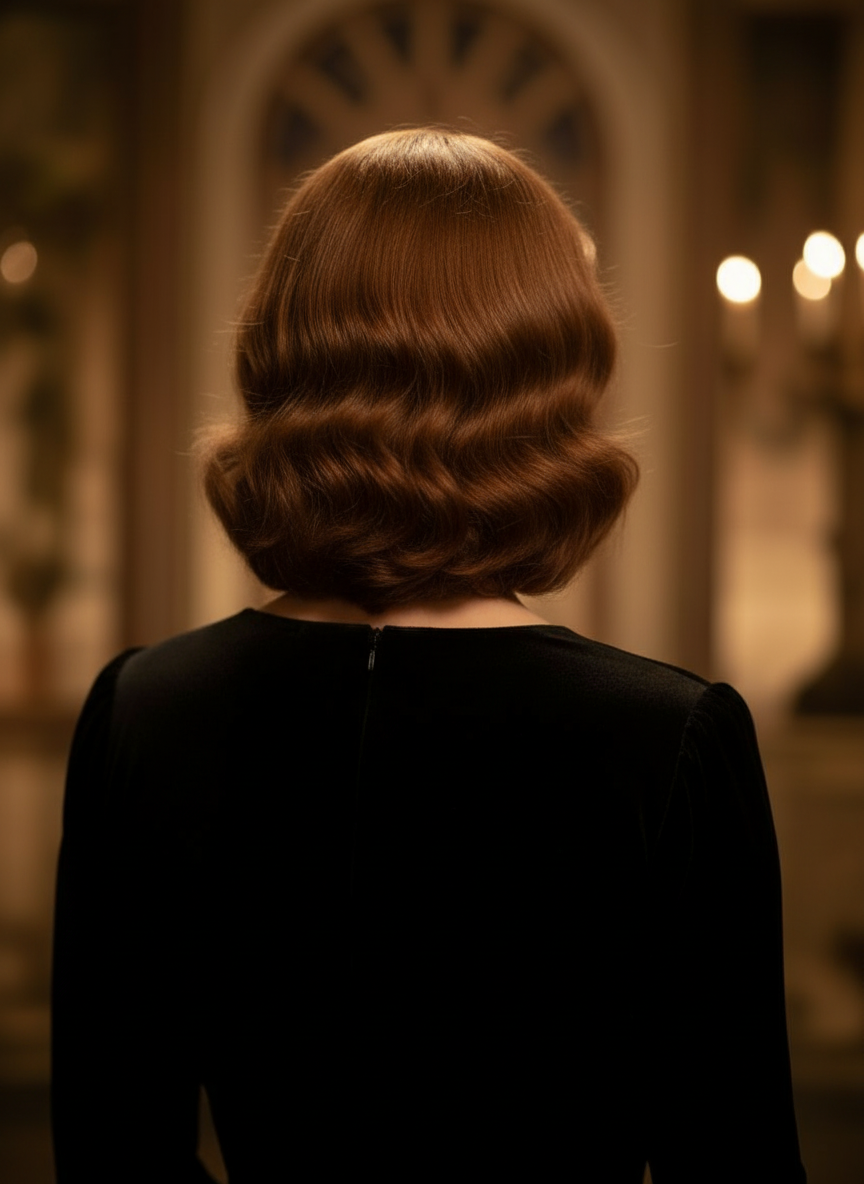
Back Angle
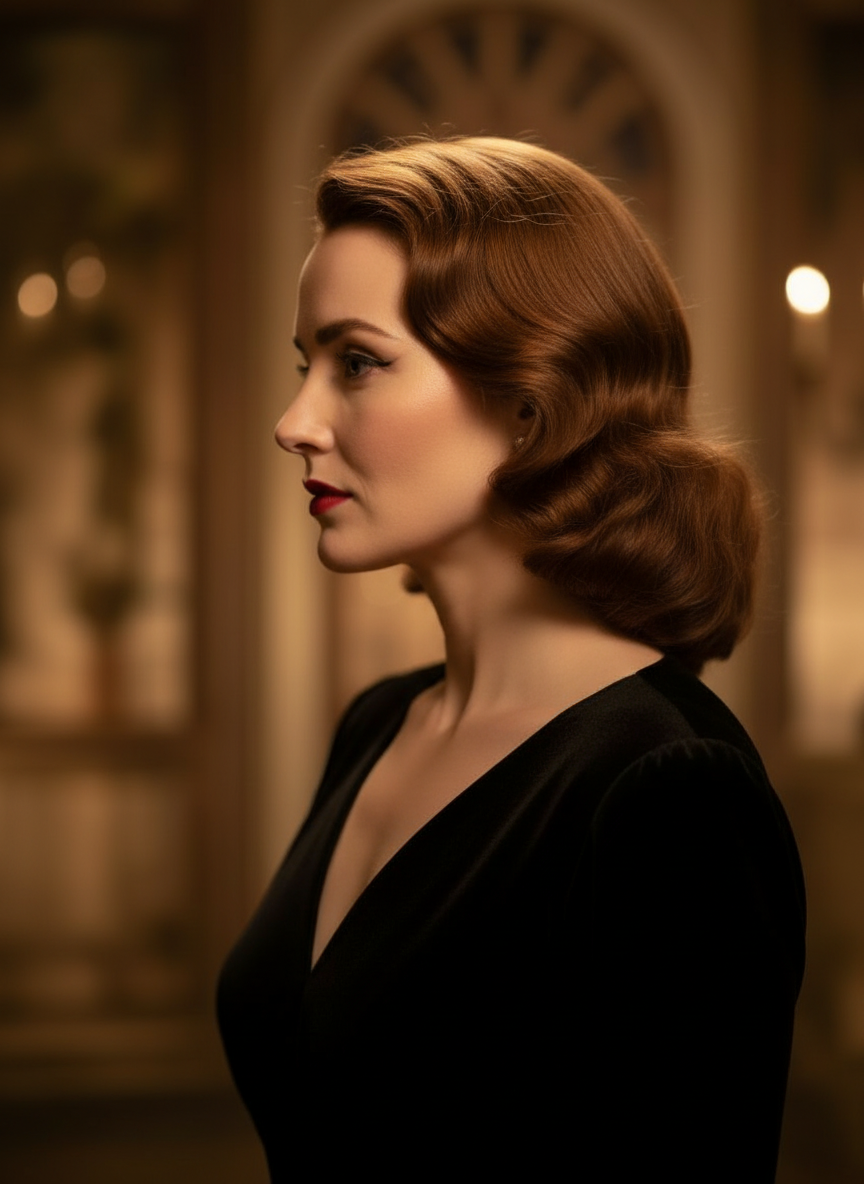
Three-Quarter Side
מה זה Camera Angle Control?
Camera Angle Control הוא עורך זוויות צילום עם AI עבור מי שרוצה לשנות תמונות בשיחה טבעית. העלו תמונה אחת, ערכו אותה בצ'אט, ואז התאימו זווית, הטיה, פריימינג וזום כדי ליצור נקודות מבט חדשות תוך שמירה על זהות הנושא.
Prompt to Comic
יצירה מתוך 12 זוויות מובילות
חקרו זווית נמוכה, זווית גבוהה, גובה העיניים, זווית הולנדית, מעל הכתף ועוד פריסֶטים מצלמה שימושיים לפני שאתם מתחייבים.
יצירה מתוך 12 זוויות מובילות
חקרו זווית נמוכה, זווית גבוהה, גובה העיניים, זווית הולנדית, מעל הכתף ועוד פריסֶטים מצלמה שימושיים לפני שאתם מתחייבים.
שמירה על נושא אחד עקבי
השתמשו בתמונת רפרנס כדי שהכלי ישמור על הנושא, הלוגיקה של התאורה והזהות הח视觉ית קרובים יותר לתמונה המקורית.
עריכה ופריימינג מחדש ב‑workflow אחד
שלבו עריכת תמונה מונעת צ'אט יחד עם שליטה במצלמה כדי להרחיב סצנות, להסיר אובייקטים, להחליף רקעים ולמסגר מחדש את אותה תמונה.
שנו את התמונות שלכם בשיחה טבעית
פשוט העלו תמונה וצ'אטו כדי לבצע תיקונים. הרחיבו את הפריים, הסירו אובייקטים, החליפו רקעים וצרו זוויות מצלמה חלופיות בלי לבנות את התמונה מחדש מהתחלה.
פתחו את Camera Angle Controlהתאימו זווית אופקית, זווית אנכית ומרחק זום
לחצו וגררו כדי לשנות את זווית המצלמה או השתמשו בסליידרים אינטואיטיביים כדי להתאים זווית אופקית, זווית אנכית ומרחק זום. צרו וריאציות נקיות מתמונה אחת עם workflow מהיר יותר לשליטה במצלמה.
יצירת זווית חדשהאיך להשתמש ב‑Camera Angle Control בשלושה שלבים
workflow פשוט לעריכת תמונות, פריימינג מחדש ושליטה במצלמה עם AI.
העלו תמונת נושא
התחילו מתמונה אחת או תמונת רפרנס שחשוב לכם לשמור עליה עקבית בזמן עריכה ופריימינג מחדש.
הגדירו את תוכנית המצלמה
בחרו אחת מ‑12 הזוויות המובילות, ואז לחצו וגררו או השתמשו בבקרים כדי להתאים זווית אופקית, זווית אנכית, הטיה ומרחק זום.
צ'אט, רנדר ובדיקה
תארו את התיקונים בשפה טבעית, צרו את נקודת המבט החדשה ובחנו את התוצאה לצורך עיצוב, תוכן או העברה להפקה.
ראו איך תמונה אחת נפריימת מחדש לזווית מצלמה חדשה
הדוגמה הזו שומרת על זהות הנושא, ומסובבת את נקודת המבט ללימוד זוויות שניתן להשתמש בו מחדש לעריכה, סטוריבורד, בדיקת פריסה וחקר רעיונות יצירתיים.
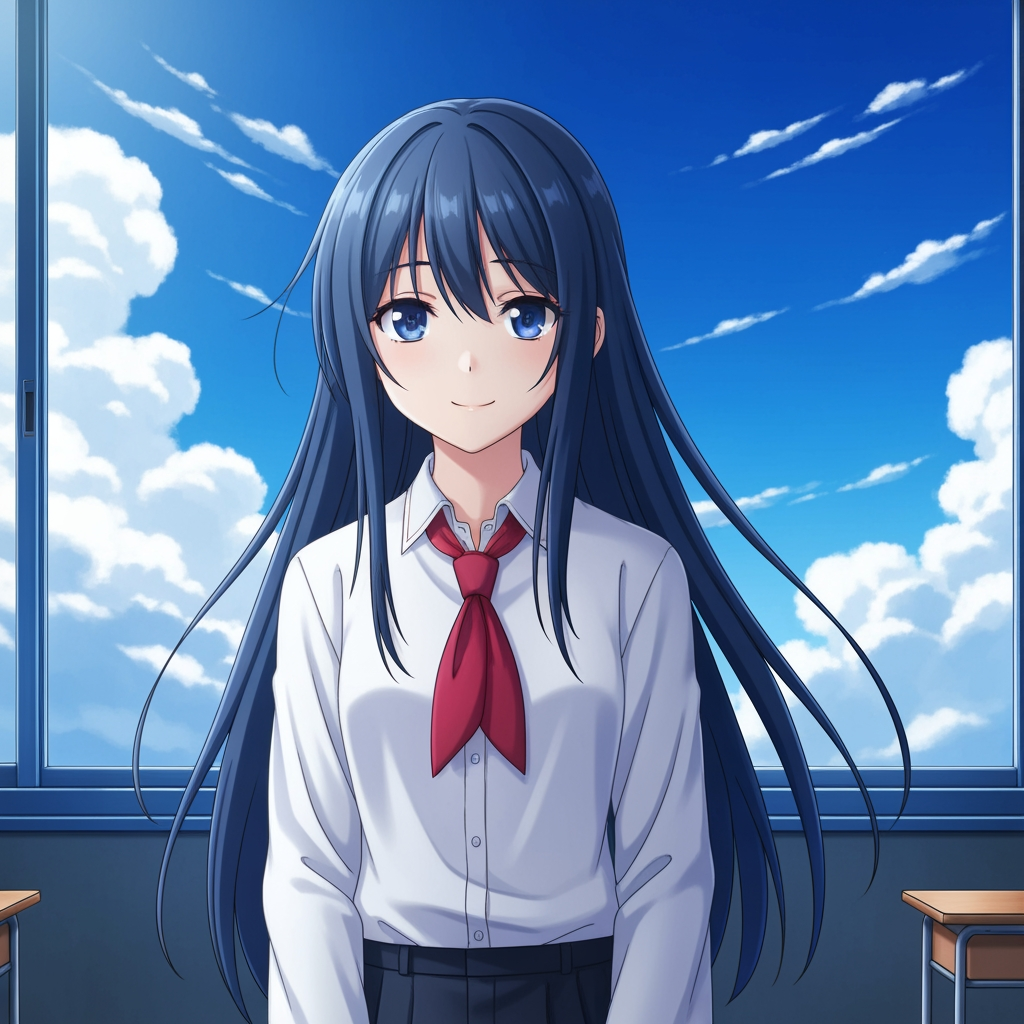
תמונת נושא מקורית
הציור הבסיסי נשאר ללא שינוי. זו תמונת המקור המשמשת לשליטה במעבר זווית המצלמה.

תוצאה בזווית 360 מעלות
אחרי סיבוב נקודת המבט, אותו נושא נפריימת מחדש למחקר זוויות רחב יותר, בלי לשנות את עיצוב הדמות.
למה צוותים משתמשים בזה לחקר זוויות מצלמה
בנוי לחקר שוטים, תכנון כיסוי ובדיקת ויזואל מהירה.
יצירה מבוססת רפרנס
התחילו מתמונת בסיס שהועלתה במקום לכתוב prompt לנושא חדש בכל פעם.
פריסֶטי זווית בשפת ההפקה
בדקו במהירות גובה העיניים, זווית נמוכה, זווית גבוהה, זווית הולנדית, מבט מהציפור ומעל הכתף.
שימושי ל‑previz ו‑storyboards
השוו רעיונות לשוטים לפני שסטוריבורד, פריסת קומיקס או בדיקת אנימציה ננעלים.
מוכן לקומיקס ולקרטון
עברו בין כיוון ויזואלי של קומיקס ושל cartoon בלי לבנות מחדש את ממשק השליטה.
ניסויי פריימינג מהירים
עברו מקלוז‑אפ לשוט רחב ומטיה נייטרלית לבימוי דרמטי תוך שניות.
מעוצב לסבבי ביקורת
צרו מחקר זוויות אחד, דברו עליו ואז חזרו מיד על הסטאפ הבא.
Related writing workflow
Move the draft into screenplay form.
Use the AI Screenplay Editor when a script, fiction draft, storyboard brief, video idea, or canvas note needs proper scene headings, action, dialogue, parentheticals, cover pages, outlines, beats, and collaboration-ready revisions.
INT. COMMUNITY CENTER - NIGHT
Folded chairs. A storm outside. MAYA stands at the microphone with a page of notes she no longer needs.
MAYA
If the city will not read the record, we will read it out loud.
FAQS
צריכים לוחות שניתן להשתמש בהם מחדש אחרי חקר הזוויות?
פתחו Free Storyboard Template כדי לפצל דפי storyboard, להוריד פריימים נקיים ולשמור את חבילת הביקורת שלכם מסודרת.
מוכנים לשלוט בזווית הבאה של התמונה שלכם?
העלו תמונה אחת, לחצו וגררו כדי לשנות את זווית המצלמה וצרו נקודת מבט חדשה תוך דקות.