

Draft structured scenes
Start with a premise, conflict, and character goal. Organize action and dialogue into a readable screenplay draft.
AI screenwriting software
Draft scenes, improve dialogue, and turn approved script beats into visual shot plans. Keep the writer in control while AI helps organize the work.
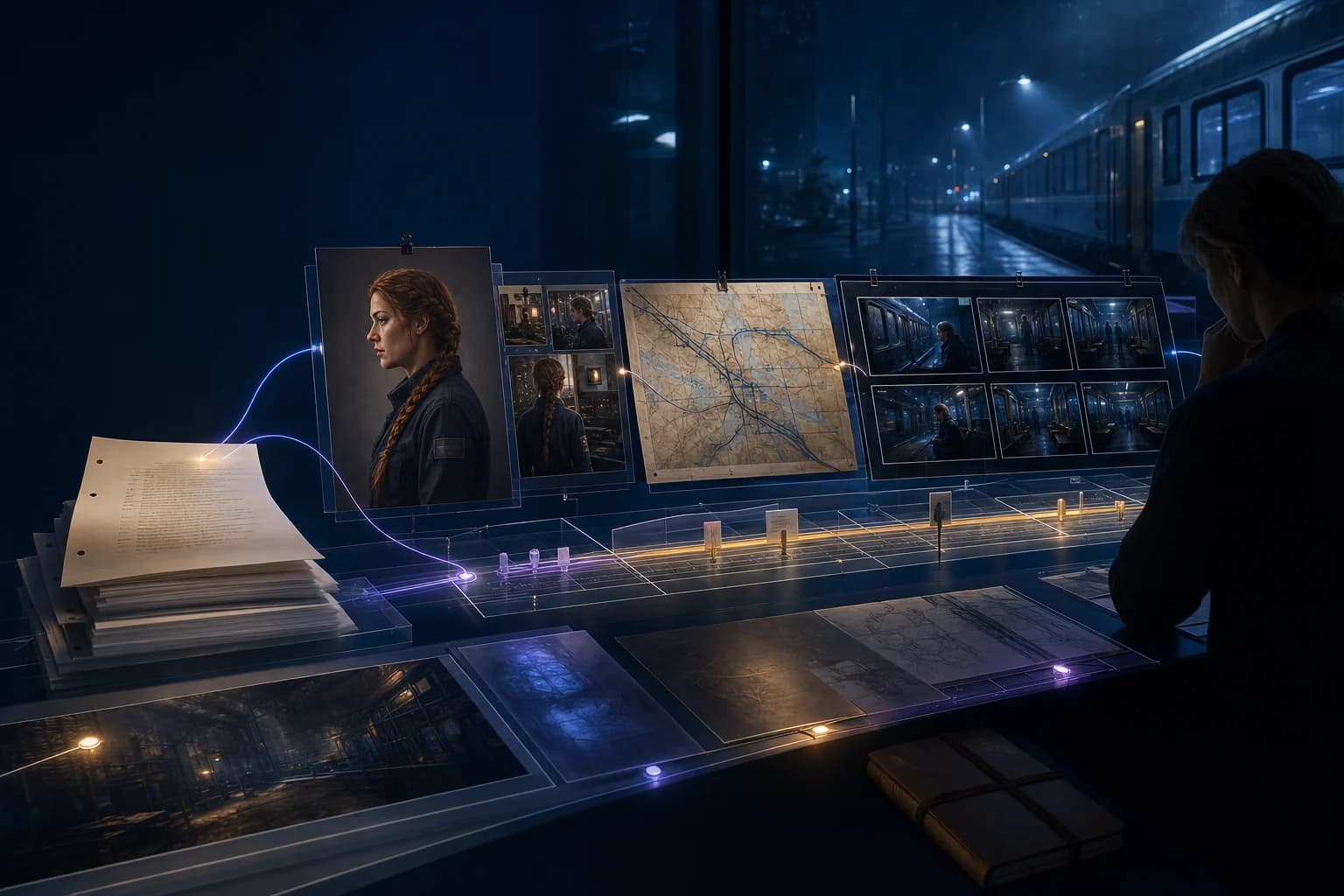
Start with a premise, conflict, and character goal. Organize action and dialogue into a readable screenplay draft.
Review pacing and motivations before continuing into storyboard planning with visual frames.

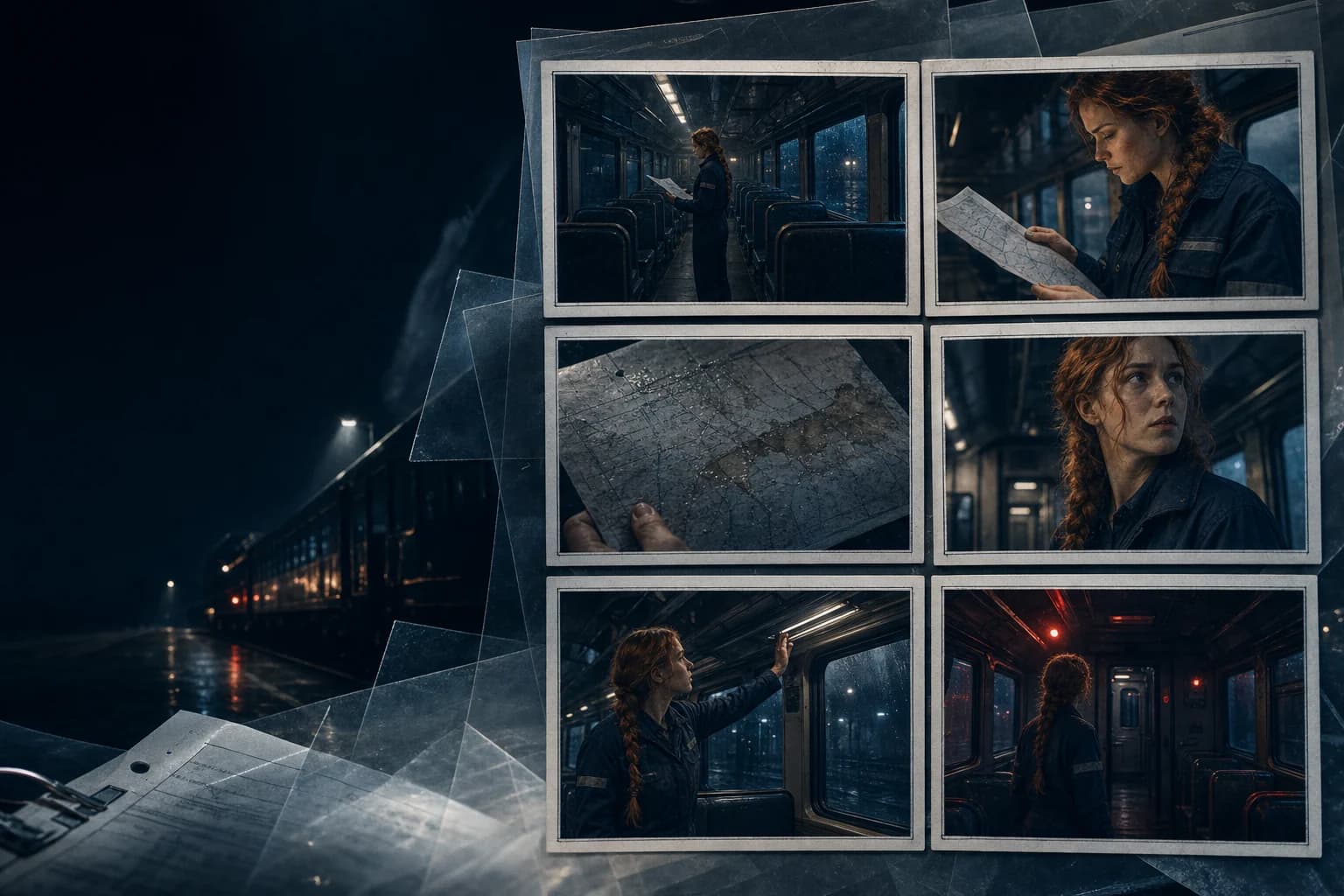
It assists with drafting, organizing, formatting, and revising a screenplay, while the writer approves the final content.
Yes. You can continue to the LlamaGen storyboard workflow to plan visual shots from your approved story.
Turn a clear script into visual decisions that your team can review.