

Camera Angle Control - Fotószög-szerkesztő AI-val
Tölts fel médiát, tartsd lenyomva és húzd a kameraállás módosításához, majd generálj 12 legjobb szögből. Alakítsd át a képeidet AI Image Camera Angle Control segítségével természetes beszélgetéssel, vízszintes szög, függőleges szög és zoom távolság vezérléssel.
Szerkeszd csevegéssel, bővítsd a jelenetet, távolíts el tárgyakat, cseréld le a hátteret, és készíts új kameraállásokat egyetlen fotóból Qwen Image Edit és AIOmnigen munkafolyamatokkal.
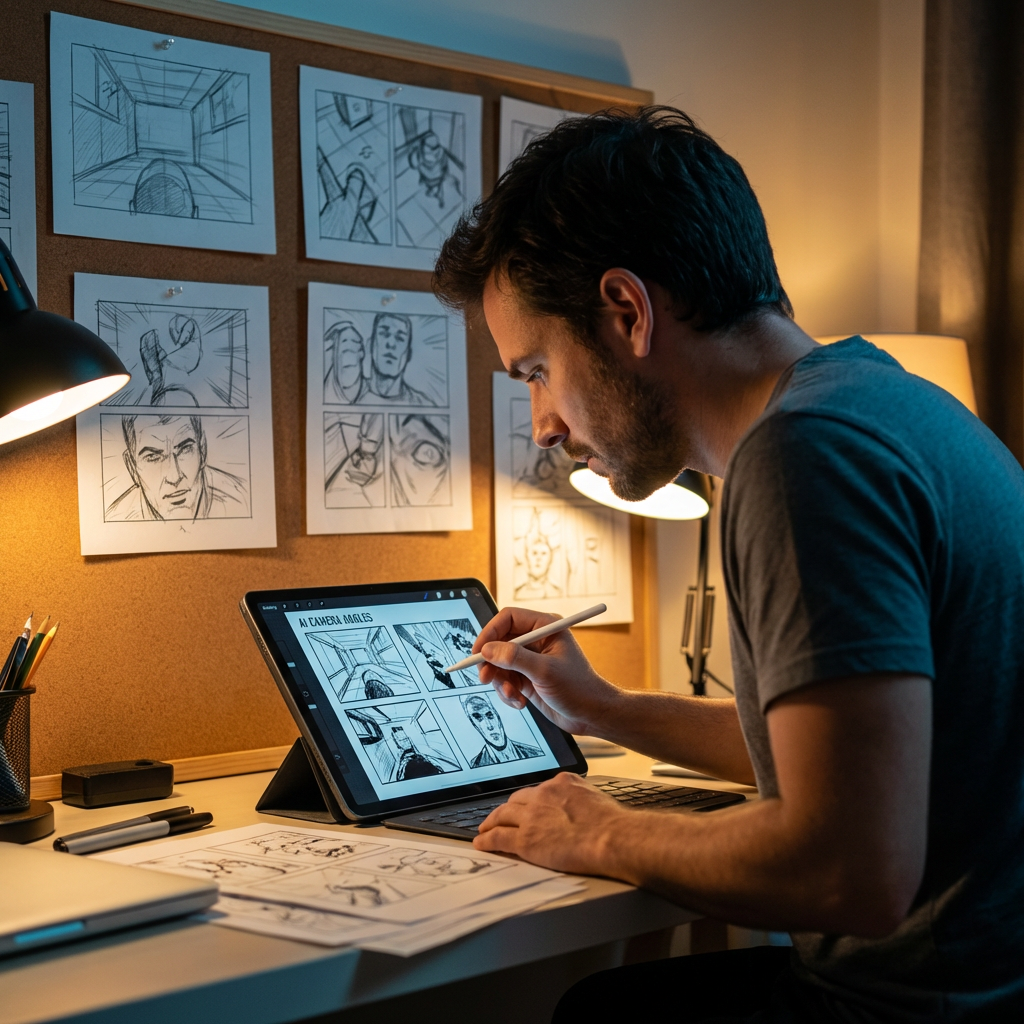
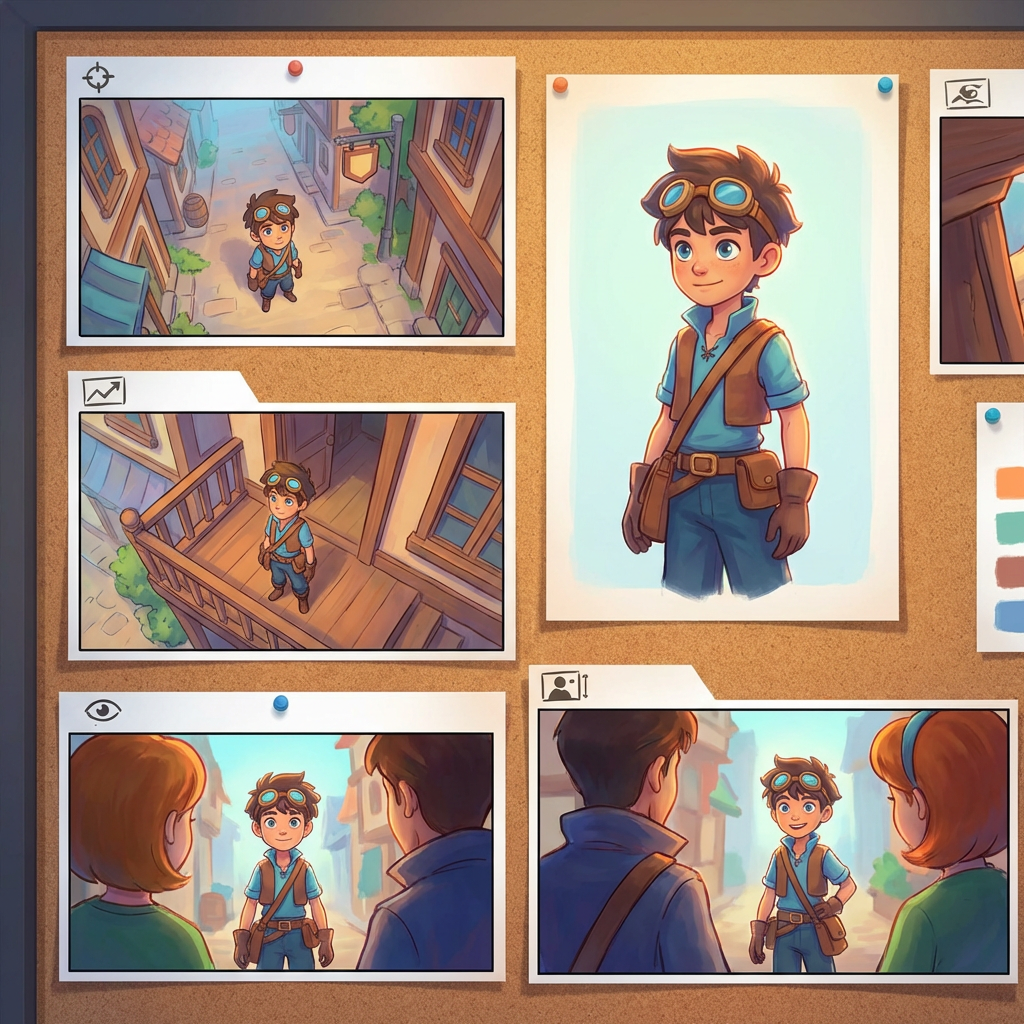
Interaktív szöglabor
Tölts fel egy képet, változtasd meg a szöget, és szerkeszd csevegéssel
Ez a beágyazott eszköz lehetővé teszi, hogy természetes beszélgetéssel alakítsd át a képeket. Tölts fel egy fotót, majd bővítsd a jelenetet, távolíts el tárgyakat, cseréld le a hátteret, vagy generálj új kameraállásokat interaktív kamera vezérléssel és szerkesztőmodellekkel, például a Qwen Image Edittel.
Multi-Angles
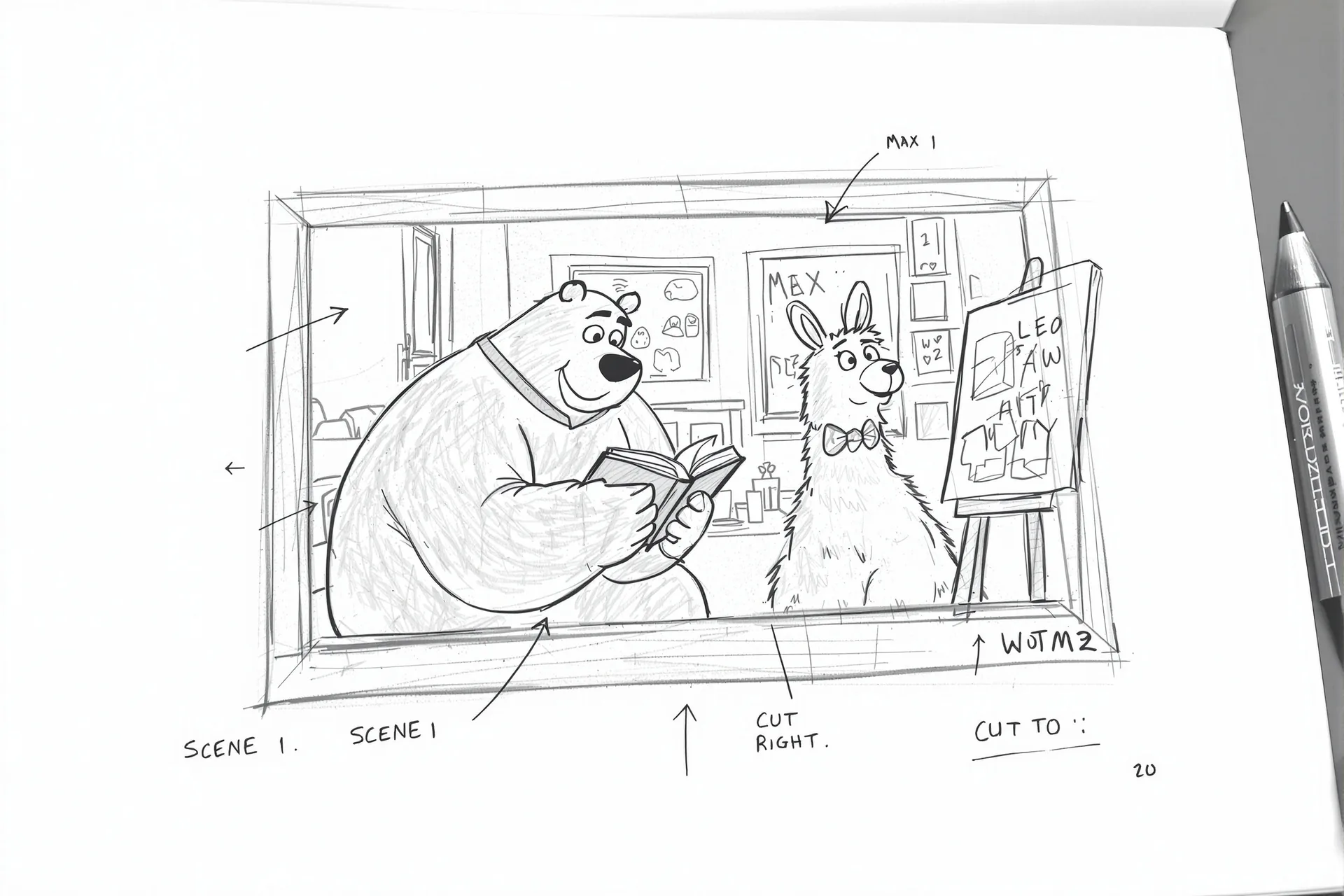
Source Reference
Upload a reference image
Use the Replace and Remove buttons above anytime.
Generated Result
Examples
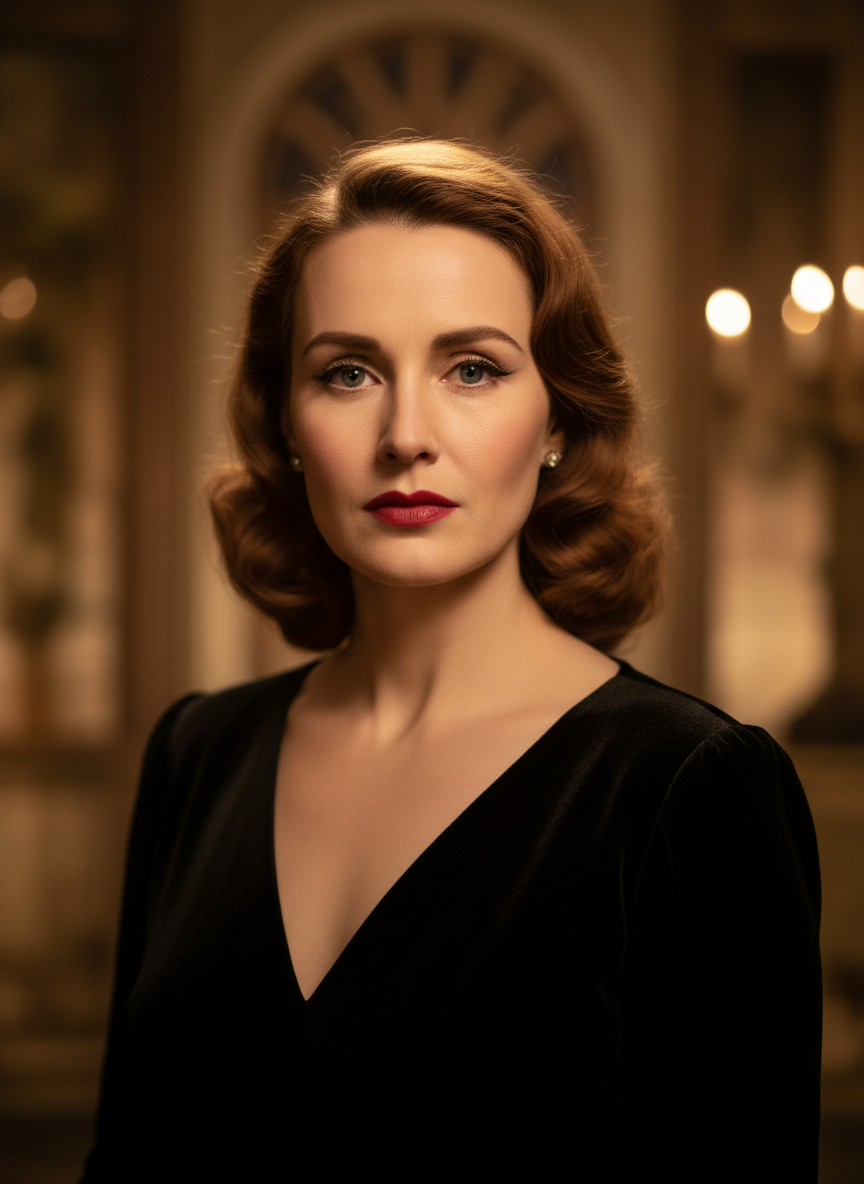
Source
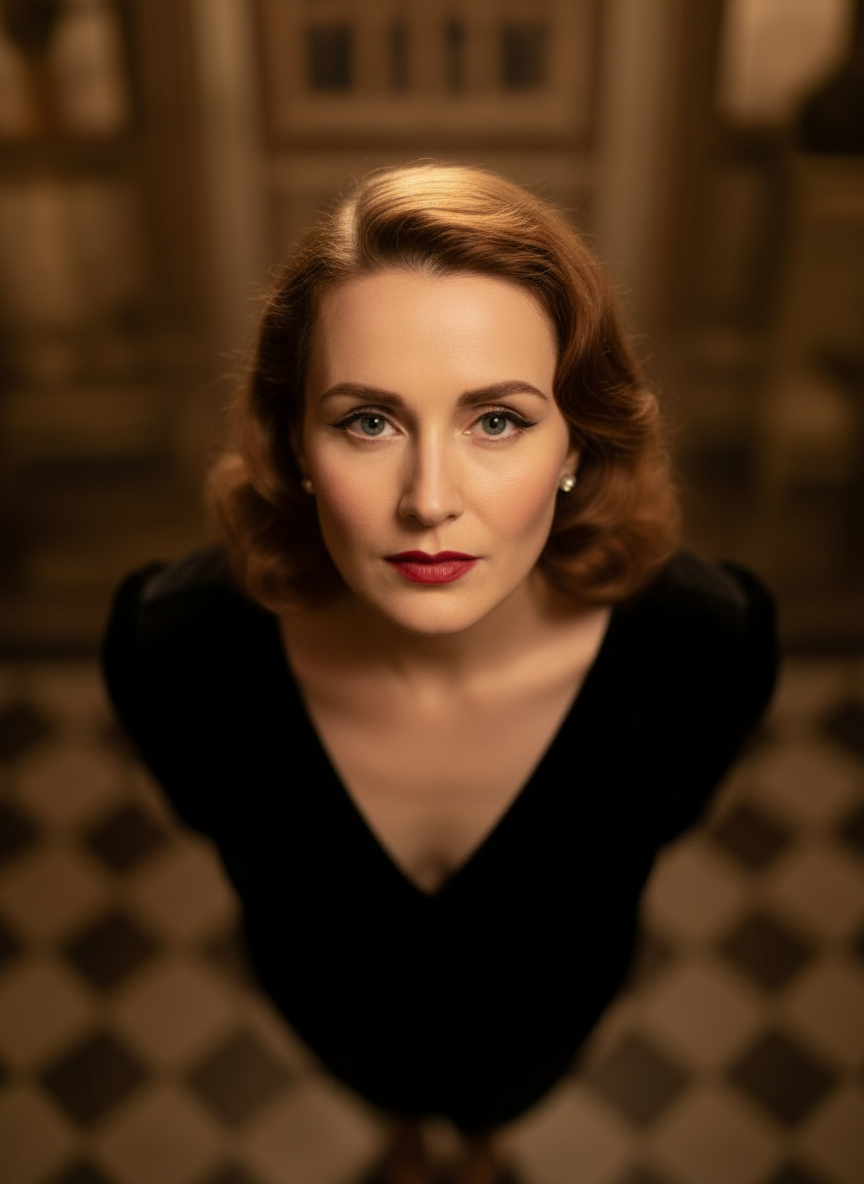
Overhead Angle
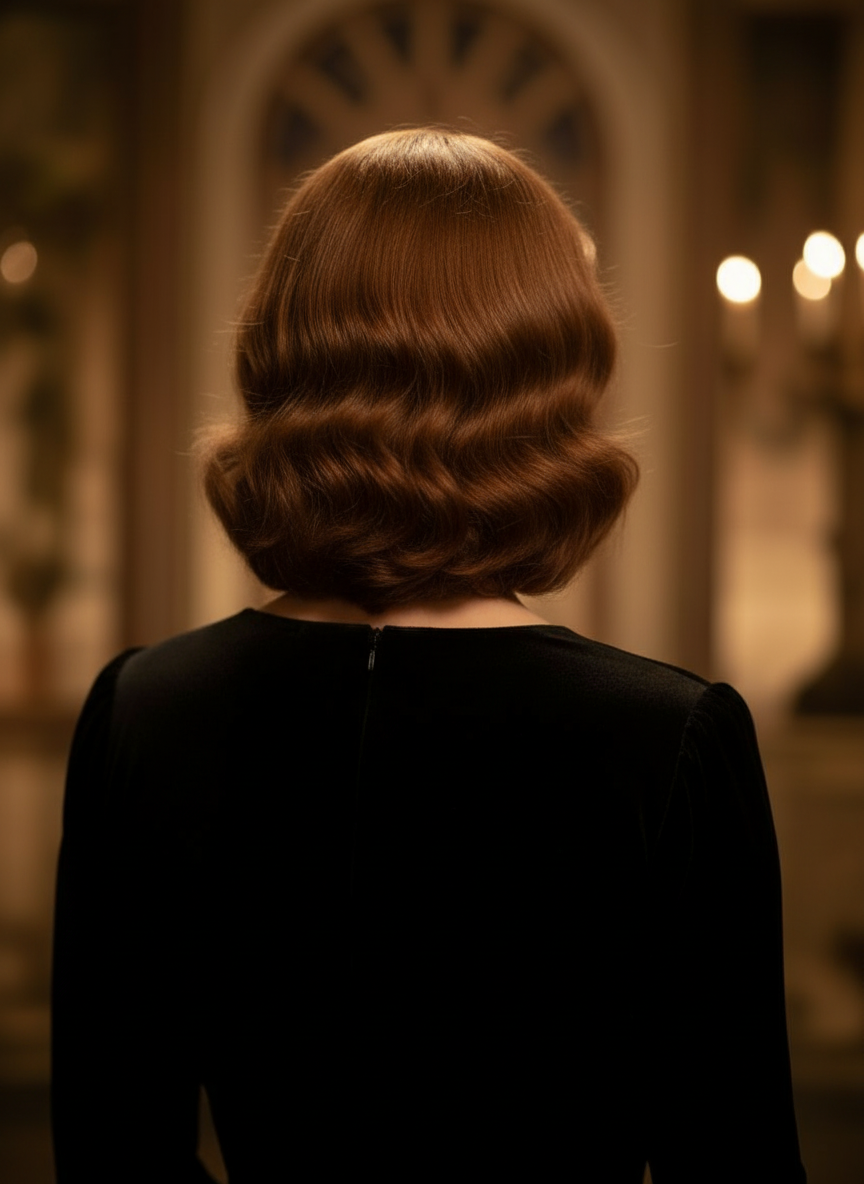
Back Angle
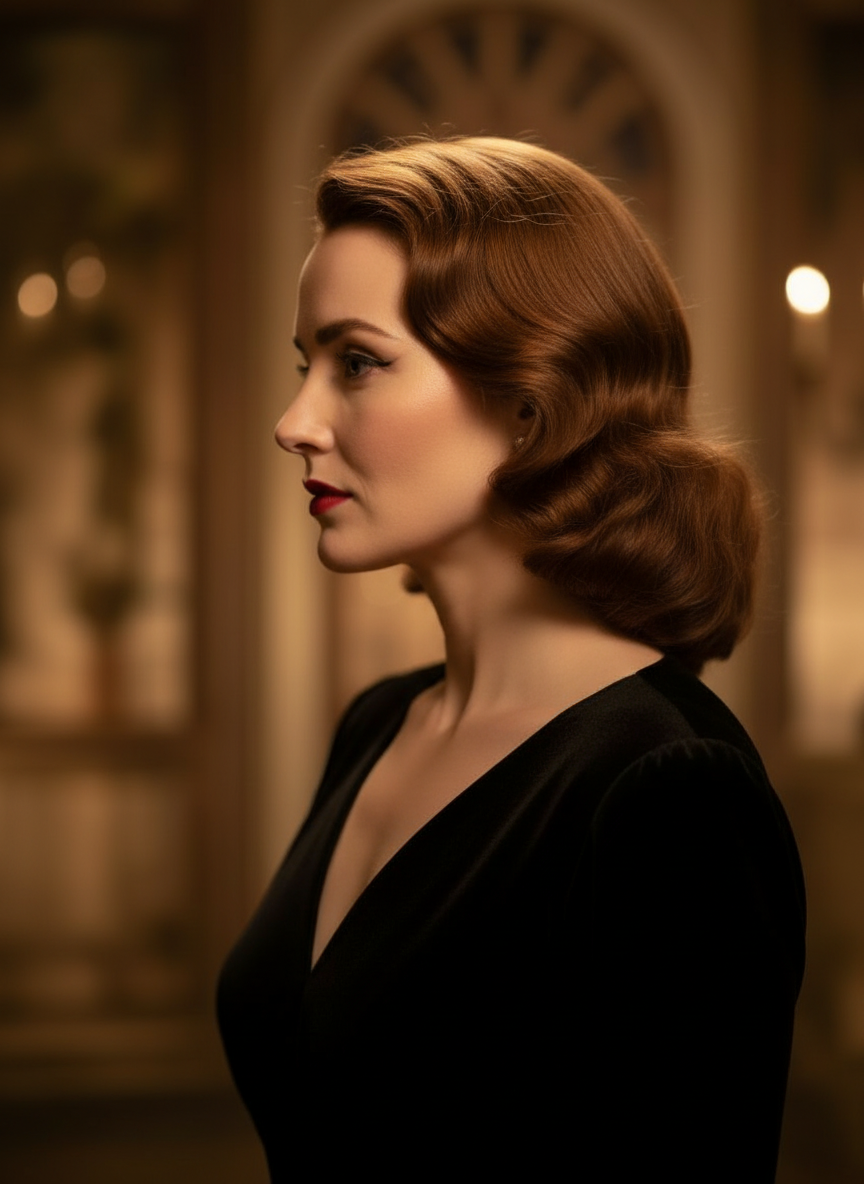
Three-Quarter Side
Alakítsd át a képeidet természetes beszélgetéssel
Csak tölts fel egy képet, és csevegéssel végezz módosításokat. Bővítsd a keretet, távolíts el tárgyakat, cseréld le a hátteret, és hozz létre alternatív kameraállásokat anélkül, hogy az egészet nulláról újraépítenéd.
Nyisd meg a Camera Angle ControltÁllítsd a vízszintes szöget, a függőleges szöget és a zoom távolságot
Tartsd lenyomva és húzd a kameraállás módosításához, vagy használd az intuitív csúszkákat a vízszintes szög, a függőleges szög és a zoom távolság finomhangolásához. Hozz létre tiszta variációkat egyetlen fotóból gyorsabb image-camera-control munkafolyamatban.
Generálj új szögetHogyan használd a Camera Angle Controlt 3 lépésben
Egyszerű munkafolyamat fotószerkesztéshez, újrakomponáláshoz és AI kameraállás-szabályozáshoz.
Tölts fel egy témaképet
Kezdj egy olyan fotóval vagy referencia-képpel, amelyet szerkesztés és újrakomponálás közben következetesen meg szeretnél tartani.
Állítsd be a kamera tervét
Válassz a 12 legjobb szög közül, majd tartsd lenyomva és húzd, vagy használd a vezérlőket a vízszintes szög, a függőleges szög, a döntés és a zoom távolság beállításához.
Csevegj, renderelj, majd ellenőrizz
Írd le a módosításokat természetes nyelven, generáld az új nézetet, majd vizsgáld át az eredményt tervezéshez, tartalomhoz vagy átadáshoz.
Valós eszköz kimenet
Egy bemeneti kép, egy generált kameraállás-eredmény
Hasonlítsd össze a forrásképet a Camera Angle Control munkafolyamata által létrehozott kimenettel. A téma felismerhető marad, miközben a nézőpont szélesebb szögű vizsgálattá alakul.
Bemenet
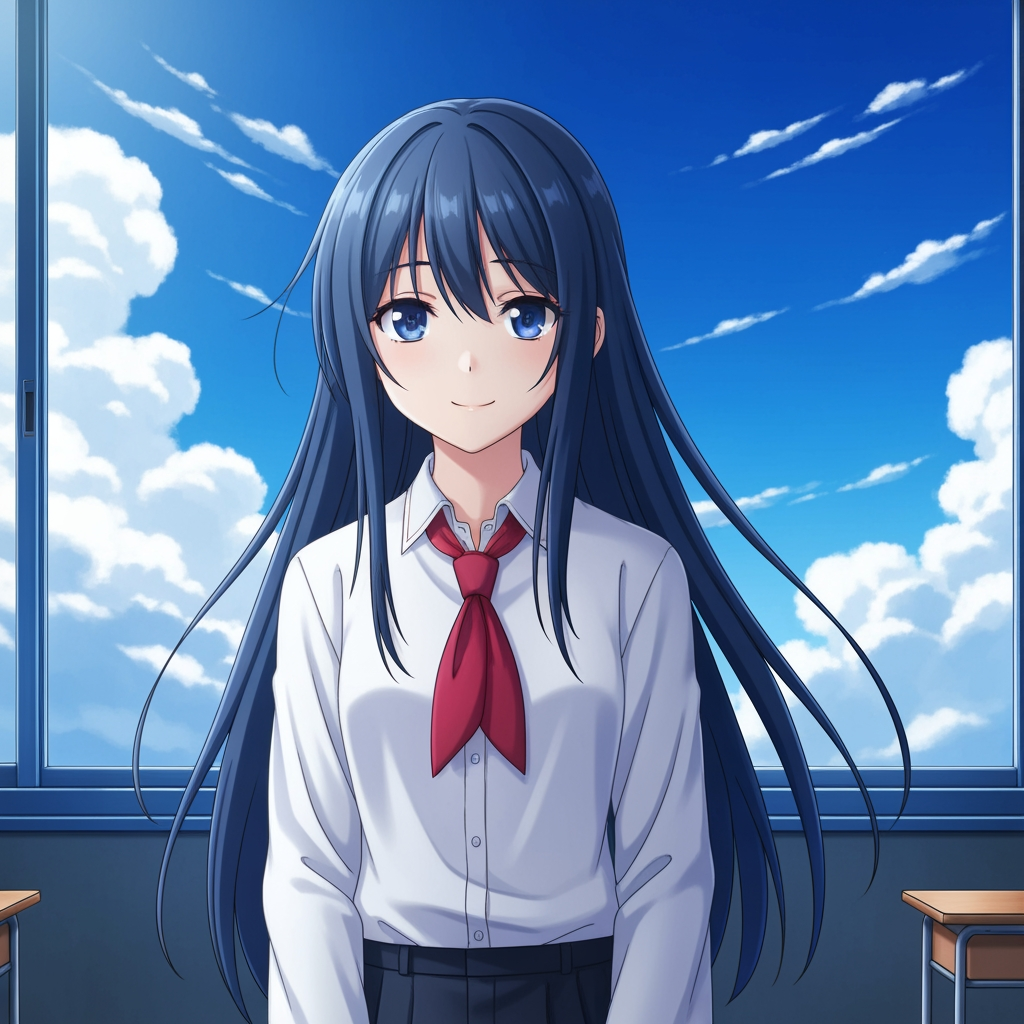
Eredeti téma-kép
Az alap rajz változatlan marad. Ez a forráskép, amelyet a kameraállás-módosítás vezérléséhez használnak.
- Szerep
- Feltöltött referencia
- Téma
- Egyetlen anime karakter
Generált kimenet

Újrakomponált kameraállás-eredmény
A generált kimenet ugyanazt a referenciát szélesebb szögű tanulmánnyá alakítja a jelenettervezéshez és a vizuális áttekintéshez.
- Szerep
- Generált változat
- Használat
- Szög- és kompozíció-ellenőrzés
Az alábbi képek az eszköz munkafolyamatából származó valós forrás- és kimeneti párt mutatnak, nem stock mintát. Az AI-eredmények a forrásképtől, a kiválasztott modelltől, a szögtől és a kompozíciós vezérlőktől függően változnak.
Mi az a Camera Angle Control?
A Camera Angle Control egy AI-val működő fotószög-szerkesztő azoknak, akik természetes beszélgetéssel szeretnék átalakítani a képeiket. Tölts fel egy képet, csevegésben szerkeszd, majd állítsd a szöget, döntést, kompozíciót és zoomot, hogy új nézőpontokat hozz létre, miközben a témaazonosság megmarad.
Prompt to Comic
Generálás 12 legjobb szögből
Fedezd fel a alsó szöget, felső szöget, szemmagasságot, Dutch angle-t, váll fölötti nézetet és más újrahasználható kamera-előbeállításokat, mielőtt véglegesítesz.
Generálás 12 legjobb szögből
Fedezd fel a alsó szöget, felső szöget, szemmagasságot, Dutch angle-t, váll fölötti nézetet és más újrahasználható kamera-előbeállításokat, mielőtt véglegesítesz.
Tarts egy témát következetesen
Használj referencia-képet, hogy az eszköz a témát, a megvilágítás logikáját és a vizuális identitást közelebb tartsa az eredeti fotóhoz.
Szerkesztés és újrakomponálás egy munkafolyamatban
Használd együtt a csevegés alapú képszerkesztést és a kameraállás-szabályozást: bővítsd a jelenetet, távolíts el tárgyakat, cserélj hátteret, és komponáld újra ugyanazt a képet.
Miért használják ezt a csapatok kameraállás-felfedezésre
Szögvizsgálathoz, lefedettség-tervezéshez és gyors vizuális ellenőrzéshez készült.
Referencia-alapú generálás
Egy feltöltött alapképből indulhatsz, ahelyett hogy minden alkalommal teljesen új témát kellene promptolnod.
A gyártási nyelvhez illő szögelőbeállítások
Gyorsan kipróbálhatod a szemmagasságot, az alsó szöget, a felső szöget, a Dutch angle-t, a madártávlati nézetet és a váll fölötti fedést.
Hasznos elővizhez és boards-hoz
Hasonlítsd össze a shot-ötleteket, mielőtt a storyboard, a képregényes elrendezés vagy az animációs review véglegesedne.
Képregényhez és rajzfilmhez is kész
Válts a képregényes és rajzfilmszerű vizuális irányok között anélkül, hogy újra kellene építened a vezérlőfelületet.
Gyors kompozíciós kísérletek
Néhány másodperc alatt juthatsz el közeli képtől a széles plánig, illetve semleges döntéstől a drámai beállításig.
Áttekintési ciklusokra tervezve
Generálj egy szögvizsgálatot, beszéld meg, majd azonnal iterálj a következő beállításon.
Gyakran ismételt kérdések
Mit csinál a Camera Angle Control?
Természetes beszélgetéssel és interaktív kamera vezérléssel alakítja át a képeidet, és segít új kameraállásokat generálni, jeleneteket bővíteni, tárgyakat eltávolítani és háttereket cserélni egyetlen feltöltött képből.
Lehet új kameraállásokat generálni egyetlen fotóból?
Igen. Tölts fel médiát egyszer, majd generálj a 12 legjobb szögből, miközben a vízszintes szöget, a függőleges szöget és a zoom távolságot állítod.
Fel kell töltenem egy referencia-képet?
Igen. A munkafolyamat az image-to-image generálásra épül, így a modell közelebb tudja tartani a témát az eredeti boardhoz, karakterhez vagy jelenethez.
Milyen kameraállás-típusokat tudok kipróbálni?
Kipróbálhatsz szemmagasságot, alsó szöget, felső szöget, váll fölötti nézetet, Dutch angle-t, madártávlati nézetet és más vezetett szögelőbeállításokat, majd finomíthatod őket húzással és csúszkákkal.
Hasznos ez storyboard és previz áttekintéshez?
Igen. Hasznos rendezőknek, storyboard művészeknek, képregényes csapatoknak és previz alkotóknak, akiknek gyorsabb shot-felfedezésre és szögösszehasonlításra van szükségük.
Mely modellek működtetik a szerkesztést és a kameraállás-szabályozást?
A munkafolyamat modern képszerkesztő modellekhez készült, köztük a Qwen Image Edithez és az AIOmnigen-szerű image camera control megoldásokhoz, az aktív generálási útvonaltól függően.
Kell újrahasználható board a szögfelfedezés után?
Nyisd meg a Free Storyboard Template-et, hogy storyboard lapokra oszd a jeleneteket, letölts tiszta képkockákat, és rendezetten tartsd az áttekintési csomagodat.
Ugrás a Free Storyboard Template-reKészen állsz a képed következő szögének irányítására?
Tölts fel egy képet, tartsd lenyomva és húzd a kameraállás módosításához, és generálj új nézetet percek alatt.