

Explore character shapes
Sketch silhouettes, facial expressions, and poses before choosing a direction for your character.
Online drawing tool
Open the drawing canvas in your browser to sketch characters, test layouts, and explore ideas for an illustration or comic scene without installing a new app.
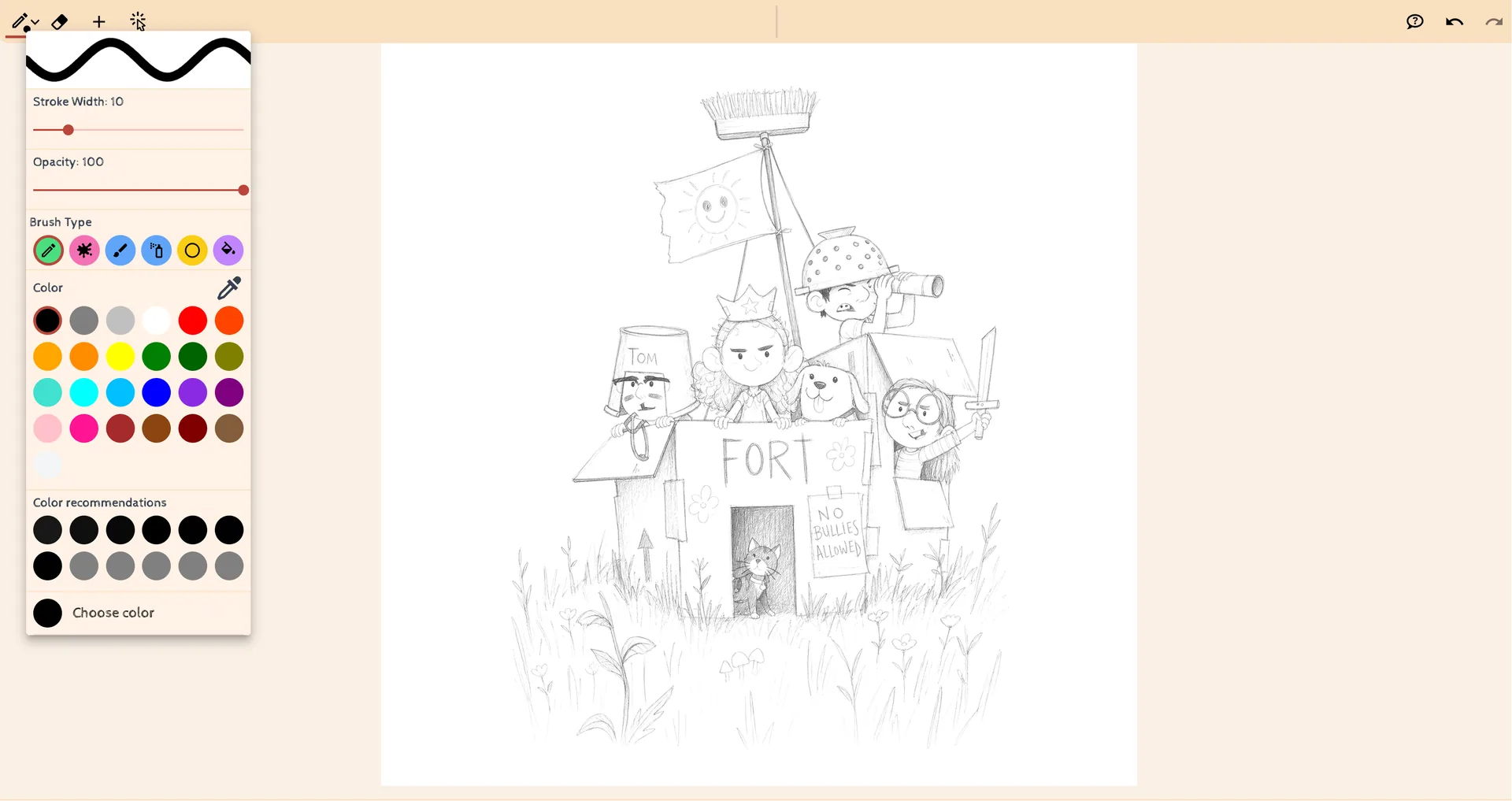
Sketch silhouettes, facial expressions, and poses before choosing a direction for your character.
Try panel composition, staging, and visual emphasis to make the action easier to follow.
Use it to work through illustration concepts, character drafts, or the first layout for a comic panel.
No. You can open the drawing workspace from your browser.
Begin with a quick sketch and build your idea from there.