

Comic API Documentation
Integrate professional comic generation capabilities into your applications.
How the Comic API works
Three quick onboarding illustrations: prepare the input, send the request, review the result.
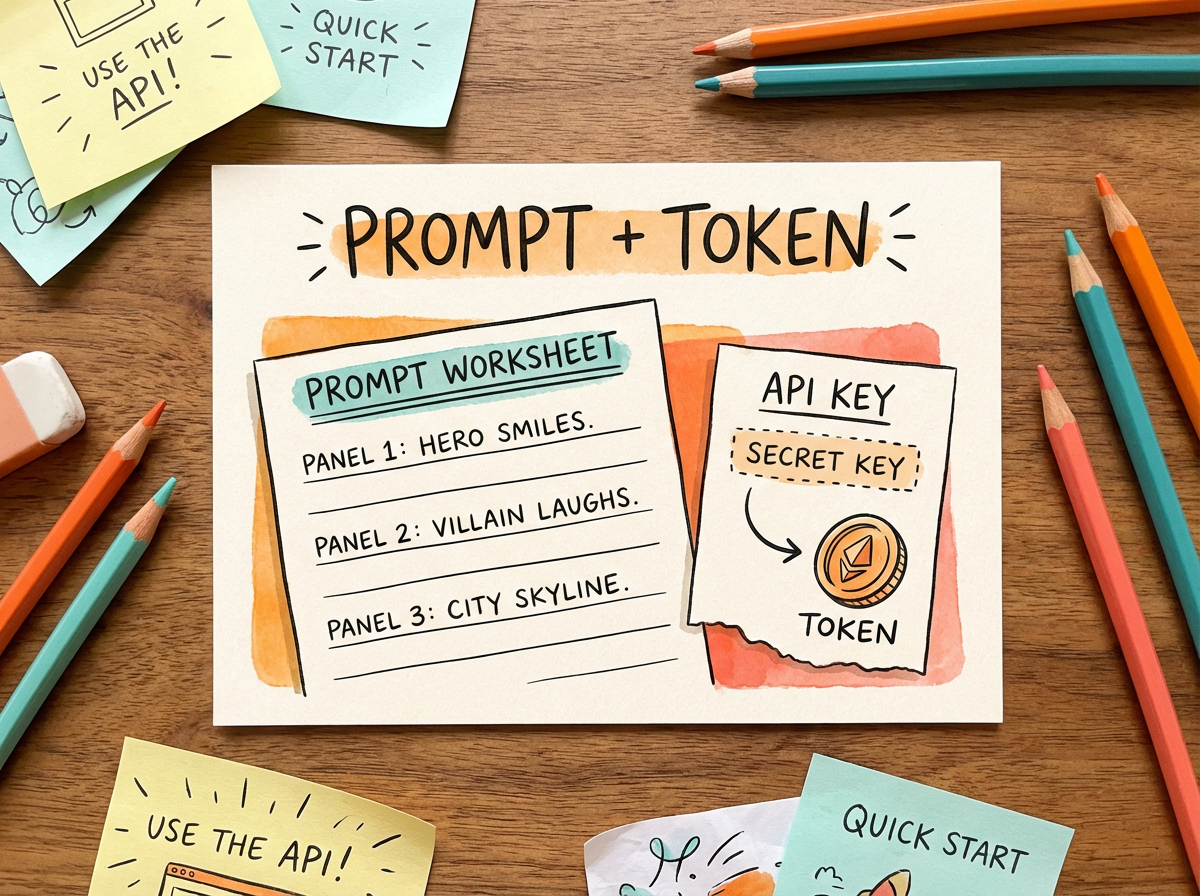
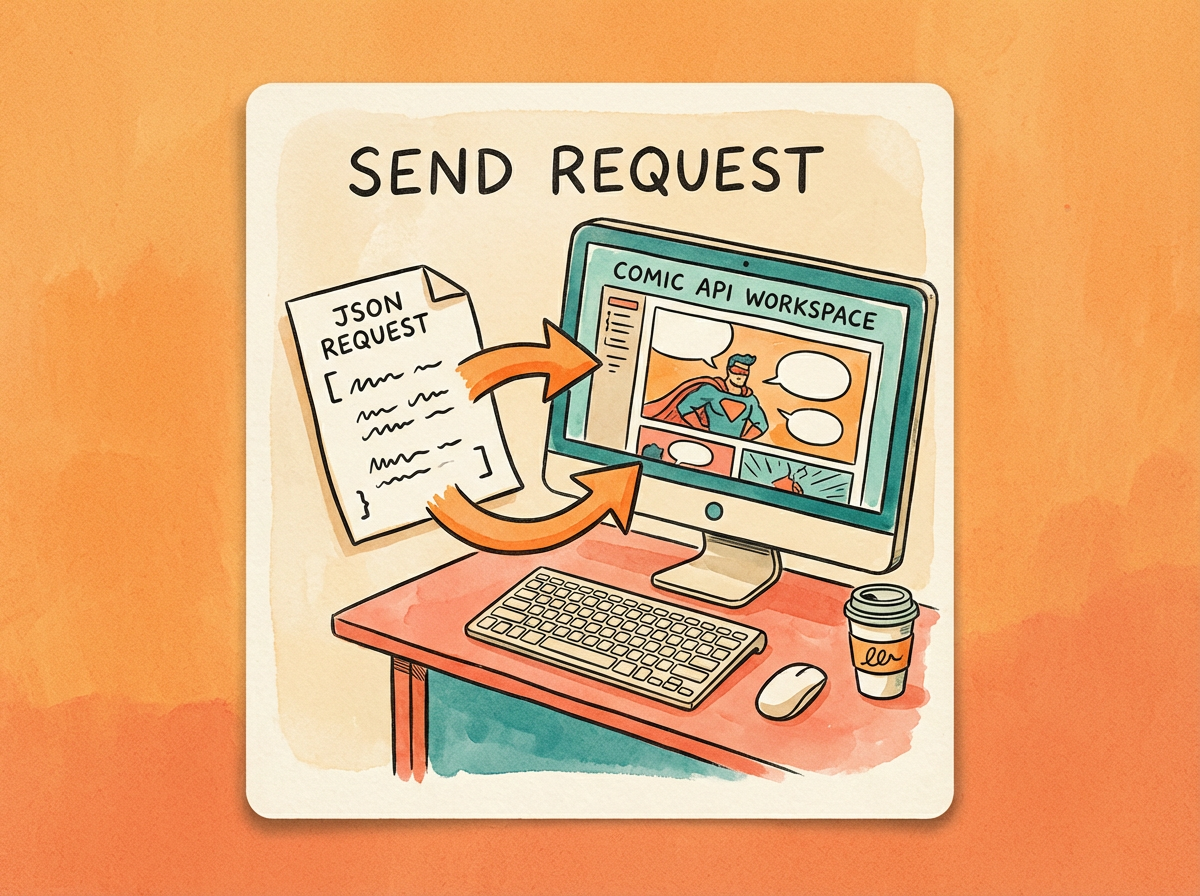

REST + MCP
Komiksu API
Use the Comic API to turn prompts, customer uploads, character references, and story briefs into structured comic pages with generated panel assets.
Autentifikācija
Send your API key with HTTP Bearer Auth on every request.
1Authorization: Bearer $LLAMAGEN_API_KEYBase URL
All production REST endpoints use the same API host. MCP clients can connect from the docs workflow.
1https://api.llamagen.aiEndpoints
Upload reference
POST /v1/comics/uploadUpload an image or source asset and receive a fileUrl for comic generation references.
Create generation
POST /v1/comics/generationsSubmit prompt, role references, scene references, layout options, language, upscale, and attachments.
Get status
GET /v1/comics/generations/{generationId}Poll status, generated assets, panel metadata, and failure details for a generation.
Continue write
PATCH /v1/comics/generations/{generationId}Extend an existing story or multi-page generation while preserving established characters and settings.
Update panel
PATCH /v1/comics/generations/{generationId}Regenerate one panel with revised direction while keeping the surrounding comic structure intact.
Upload a reference asset
Send an authenticated multipart/form-data request to POST /v1/comics/upload before creating or updating a comic. Put the asset in the file field and let your HTTP client set the multipart boundary automatically.
1curl -X POST https://api.llamagen.ai/v1/comics/upload \2 -H "Authorization: Bearer $LLAMAGEN_API_KEY" \3 -F "[email protected]"1{2 "code": 200,3 "fileUrl": "https://cdn.example.com/reference.png"4}Use the returned fileUrl in attachments, comicRoles, comicLocations, panelReferences, or panel update images. Keep the URL available for the generation requests that reference the uploaded asset.
Input schema
Obligāts: Yes
Reference image or source asset to upload. Send it in the multipart/form-data file field.
Piemērs: @reference.png
Output schema
Obligāts: No
HTTP-style success code returned by the upload service.
Piemērs: 200
Obligāts: Yes
Uploaded asset URL. Pass it to attachments, comicRoles, comicLocations, panelReferences, or panel update images.
Piemērs: https://cdn.example.com/reference.png
Create request
Provide prompt text, then layer in optional preset, size, character, scene, attachment, language, and upscale fields.
1curl -X POST https://api.llamagen.ai/v1/comics/generations \2 -H "Authorization: Bearer $LLAMAGEN_API_KEY" \3 -H "Content-Type: application/json" \4 -d '{5 "prompt": "A 4-panel comic about Leo finding a glowing key in a quiet library.",6 "preset": "japanese_manga",7 "size": "1024x1024",8 "fixPanelNum": 49 }'1{2 "id": "cmqyt8ea60003lb04uvxug8i9",3 "status": "LOADING",4 "prompt": "A 4-panel comic about Leo finding a glowing key in a quiet library.",5 "usage": {6 "total_comics": 4,7 "amount": 6008 },9 "model": "cyani-model"10}Input schema
Obligāts: Pēc izvēles
Use a 1–200 character key for retries. The same user/key identifies one generation regardless of input. Retries within five minutes return 503; afterward the existing id/status is returned. Use a new key for a new generation.
Obligāts: Yes
Story, scene, or script instructions for the comic generation. Use natural language and include panel-by-panel direction when you need tighter control.
- Obligāts
- prompt
Piemērs: A 4-panel comic strip about The Little Prince meeting the Fox.
Obligāts: No
Optional URL or id for a source file that contains the comic script. Usually a Word, PDF, or TXT file.
- Format
- uri
Piemērs: https://s.llamagen.ai/workspace/script-brief.pdf
Obligāts: No
Optional compatibility field returned in the create response. The backend selects the actual generation model from account configuration.
- Default
- "cyani-model"
Piemērs: cyani-model
Obligāts: No
Style preset id. Use template ids from the preset catalog to control manga, comic, cartoon, or illustration style.
- Default
- "neutral"
Piemērs: japanese_manga
Obligāts: No
Output canvas size in WIDTHxHEIGHT format. Common presets are listed in this field metadata.
- Default
- "1024x1024"
- Presets
- 1024x1024 (1:1), 512x768 (2:3), 512x1024 (1:2), 576x1024 (9:16), 768x1024 (3:4), 1024x768 (4:3), 768x512 (3:2), 1024x576 (16:9), 1024x512 (2:1)
Piemērs: 1024x1024
Obligāts: No
Single-page panel count from 1 to 20. Do not send this field together with pagination.
- Default
- 4
- Minimum
- 1
- Maximum
- 20
Piemērs: 4
Obligāts: No
Multi-page mode. Use pagination.totalPages and pagination.panelsPerPage when you want several pages in one request. Do not use top-level totalPages or panelsPerPage.
- Conflicts
- fixPanelNum
Piemērs: { "totalPages": 2, "panelsPerPage": 4 }
Obligāts: No
Character references used for identity consistency across panels and pages. Each role can include a name, age, gender, dress, and image URL.
- Default
- []
Piemērs: [{ "name": "Alice", "age": 12, "gender": "female", "dress": "yellow raincoat", "image": "https://.../front.png", "referenceImages": ["https://.../left.png", "https://.../right.png"] }]
Obligāts: No
Reference images assigned to individual panels during the initial generation. Page and panel indexes are zero-based.
- Default
- []
Piemērs: [{ "pageIndex": 0, "panelIndex": 0, "images": ["https://.../scene.png"] }]
Obligāts: No
Scene or background references used to keep environments consistent. Each location should have a stable name and can include an image URL.
- Default
- []
Piemērs: [{ "name": "Dreamwood Forest", "image": "https://..." }]
Obligāts: No
Additional source files for product images, brand assets, rough sketches, or client references.
- Default
- []
Piemērs: [{ "type": "image", "url": "https://..." }]
Obligāts: No
Preferred language for generated captions, dialogue, and lettering.
- Default
- "auto"
Piemērs: en
Obligāts: No
Optional upscaling for generated panels, available with API Pro ($100/month) and Scale ($400/month), including annual subscriptions. Use the field upscale, not upscaled. Omit it or send "" for no upscaling (150 credits/panel); "2K" costs 300 credits/panel (2x), and "4K" costs 600 credits/panel (4x). Continue-write and regeneration inherit the original setting.
- Default
- ""
Piemērs: 2K
Obligāts: Required when pagination is used
Number of comic pages to generate.
- Minimum
- 1
- Maximum
- 20
Piemērs: 2
Obligāts: Required when pagination is used
Panels per generated page.
- Minimum
- 1
- Maximum
- 20
Piemērs: 4
Obligāts: Ieteikts
Stable character name used by the model and returned panel metadata.
Piemērs: Alice
Obligāts: No
Reference image for character identity, costume, and visual continuity.
Piemērs: https://cdn.example.com/alice.png
Obligāts: No
Additional views of the same character. The generation pipeline selects the most relevant identity reference for each panel.
Piemērs: ["https://cdn.example.com/alice-left.png", "https://cdn.example.com/alice-right.png"]
Obligāts: Yes
Zero-based page index within the requested comic generation.
Piemērs: 0
Obligāts: Yes
Zero-based panel index within the selected page.
Piemērs: 0
Obligāts: No
Scene, background, composition, or camera reference images used only for the selected panel.
Piemērs: ["https://cdn.example.com/library-wide.png"]
Obligāts: Ieteikts
Reusable location name for visual continuity across pages and panels.
Piemērs: Dreamwood Forest
Obligāts: No
Attachment role. When omitted, the API stores it as image.
- Default
- "image"
Piemērs: product
Obligāts: Required when attachments are used
Publicly accessible or signed file URL.
Piemērs: https://cdn.example.com/reference.png
Output schema
Generation id. Store this value for polling, logs, and support.
Piemērs: cmqyt8ea60003lb04uvxug8i9
Queued status returned after the create request is accepted.
Piemērs: LOADING
Normalized prompt used by the generation.
Total number of comic panel outputs charged for the create request.
Piemērs: 4
Credits charged by the create request.
Piemērs: 600
Compatibility model field returned by the create response.
Piemērs: cyani-model
Get status
Poll generation state until the job is processed, failed, or cancelled.
1curl https://api.llamagen.ai/v1/comics/generations/gen_123456789 \2 -H "Authorization: Bearer $LLAMAGEN_API_KEY"Input schema
Obligāts: Yes
Generation id returned by create generation.
Piemērs: gen_123456789
Obligāts: No
Zero-based page index. Only used when requesting a single panel together with panel.
- Default
- 0
Piemērs: 0
Obligāts: No
Zero-based panel index. When omitted, the endpoint returns generation status and comics[].
Piemērs: 2
Output schema
Generation id.
Piemērs: gen_123456789
Current generation status.
Piemērs: PROCESSED
Original generation prompt.
Obligāts: When not requesting a single panel
Normalized comic pages returned by the status endpoint, including panels with assetUrl, panel, caption, and image.
Continue write
Extend an existing story or multi-page generation while preserving established characters and settings.
1curl -X PATCH https://api.llamagen.ai/v1/comics/generations/gen_123456789 \2 -H "Authorization: Bearer $LLAMAGEN_API_KEY" \3 -H "Content-Type: application/json" \4 -d '{5 "action": "continueWrite",6 "prompt": "The two friends walk deeper into the neon city and discover a hidden arcade.",7 "pagination": {8 "totalPages": 2,9 "panelsPerPage": 410 },11 "attachments": [12 {13 "type": "image",14 "url": "https://example.com/reference-1.png"15 }16 ]17 }'Input schema
Obligāts: Yes
Existing comic generation id to extend.
Piemērs: gen_123456789
Obligāts: Yes
Set to continueWrite so PATCH routes to the continue-write operation.
- Value
- "continueWrite"
Piemērs: continueWrite
Obligāts: Yes
Story direction for the next page or pages.
Piemērs: The two friends discover a hidden arcade.
Obligāts: No
Use pagination.totalPages and pagination.panelsPerPage to append multiple pages. Do not send top-level totalPages or panelsPerPage.
- Conflicts
- fixPanelNum
Piemērs: { "totalPages": 2, "panelsPerPage": 4 }
Obligāts: No
Panel count for one appended page when pagination is not used. Defaults to the previous page panel count.
- Minimum
- 1
- Maximum
- 20
Piemērs: 4
Obligāts: No
Optional references attached to the first appended page. Fields such as size, promptUrl, comicRoles, comicLocations, language, and upscale are not supported by continue-write.
Piemērs: [{ "type": "image", "url": "https://example.com/reference-1.png" }]
Output schema
Generation id being extended.
Piemērs: gen_123456789
Queued status after the continue-write request is accepted.
Piemērs: LOADING
Zero-based index of the first appended page.
Piemērs: 2
Number of new panel outputs charged.
Piemērs: 8
Credits charged by the request.
Piemērs: 1200
Obligāts: When pagination is provided
Returned pagination.totalPages and pagination.panelsPerPage.
Update a panel
Regenerate a single panel after review without rebuilding the full comic.
1curl -X PATCH https://api.llamagen.ai/v1/comics/generations/gen_123456789 \2 -H "Authorization: Bearer $LLAMAGEN_API_KEY" \3 -H "Content-Type: application/json" \4 -d '{5 "page": 0,6 "panel": 2,7 "panelPrompt": "Make Leo look more hopeful and keep the same orange wizard robe."8 }'Input schema
Obligāts: Yes
Existing comic generation id containing the panel.
Piemērs: gen_123456789
Obligāts: No
Zero-based page index. pageIndex and page_index are accepted aliases.
- Default
- 0
Piemērs: 0
Obligāts: Yes
Zero-based panel index. panelIndex and panel_index are accepted aliases.
Piemērs: 2
Obligāts: One of panelPrompt, prompt, images, or caption
Replacement prompt for the selected panel. prompt and panel_prompt are accepted aliases.
Piemērs: Make Leo look more hopeful.
Obligāts: One of panelPrompt, prompt, images, or caption
Optional reference image URL or URLs for the selected panel. images_url is accepted as an alias.
Piemērs: ["https://example.com/reference.png"]
Obligāts: One of panelPrompt, prompt, images, or caption
Replacement caption for the selected panel.
Piemērs: Leo whispers, I found it.
Output schema
Generation id containing the regenerated panel.
Piemērs: gen_123456789
Queued status after the panel regeneration is accepted.
Piemērs: LOADING
Zero-based page index for the regenerated panel.
Piemērs: 0
Zero-based panel index for the regenerated panel.
Piemērs: 2
Number of panels queued for redraw.
Piemērs: 1
Credits charged by the request.
Piemērs: 150
MCP Usage
Connect via Streamable HTTP
Authorization: Bearer YOUR_API_TOKENConfigure your MCP client to use Streamable HTTP transport with the endpoint above. Provide your API token via the Authorization header.
Available Tools
- search_llamagen_docs— Search developer documentation
- create_comic_generation— Create a generation job
- get_comic_generation_status— Get status/result by id
- get_comic_api_usage— View Comic API usage and quota
- get_api_usage— Backward-compatible alias for get_comic_api_usage
Client Configuration Example
Many MCP clients allow setting a remote HTTP endpoint with custom headers. Below is a generic example:
{
  "mcpServers": {
    "llamagen": {
      "url": "https://llamagen.ai/api/mcp",
      "headers": {
        "Authorization": "Bearer YOUR_API_TOKEN"
      }
    }
  }
}
The exact configuration format varies by client. Ensure the Authorization header is set with your token.
Cursor Setup
- Open Cursor Settings and find the Model Context Protocol (MCP) section.
- Add a new server using Streamable HTTP.
- Set URL to https://llamagen.ai/api/mcp.
- Under Headers, add Authorization: Bearer YOUR_API_TOKEN.
- Save and test by listing tools; you should see the primary tools search_llamagen_docs, get_comic_api_usage, create_comic_generation, and get_comic_generation_status, plus the get_api_usage compatibility alias.
Alternatively, you can configure via Cursor's MCP configuration file using the same JSON structure as above, if your version supports it.
LlamaGen CLI
Install and sign in
The CLI opens LlamaGen in your system browser and reuses the existing signed-in session. The browser cookie remains inside the browser; a short-lived one-time code returns the existing Comic API token to the terminal.
npm install --global @llamagen/cli
llamagen auth login
llamagen auth status

npx skills add LlamaGenAI/skills --yes
Create and inspect a comic
llamagen comic create \
  --prompt "A detective follows a glowing paper crane" \
  --style manga \
  --wait

llamagen comic get GENERATION_ID
llamagen comic usage
The CLI uses the production LlamaGen authentication and Comic API endpoints by default. For CI and headless servers, provide LLAMAGEN_API_KEY through the deployment's secret manager; never commit its value.
Integration Demos
LangChain JS Agent (Streamable HTTP + Azure OpenAI)
import "dotenv/config";
import { Client } from "@modelcontextprotocol/sdk/client/index.js";
import { StreamableHTTPClientTransport } from "@modelcontextprotocol/sdk/client/streamableHttp.js";
import { createAgent } from "langchain";
import { DynamicStructuredTool } from "@langchain/core/tools";
import { AzureChatOpenAI } from "@langchain/openai";

async function main() {
  const mcpUrl = "https://llamagen.ai/api/mcp";
  const YOUR_API_TOKEN = process.env.LLAMAGENAI_API_TOKEN;
  const client = new Client(
    { name: "demo-agent", version: "1.0.0" },
    { capabilities: { tools: {} } }
  );

  let connected = false;
  let discoveredTools: any | null = null;
  if (mcpUrl && YOUR_API_TOKEN) {
    const headers = {
      Authorization: "Bearer " + YOUR_API_TOKEN,
      Accept: "application/json",
    };
    const transport = new StreamableHTTPClientTransport(new URL(mcpUrl), {
      requestInit: { headers },
    });
    await client.connect(transport);
    discoveredTools = await client.listTools();
    connected = true;
  }

  let tools: any[] = [];
  if (connected && discoveredTools) {
    tools = discoveredTools.tools.map((tool: any) => {
      return new DynamicStructuredTool({
        name: tool.name,
        description: tool.description ?? "",
        schema: tool.inputSchema,
        func: async (input: Record<string, any>) => {
          const result = await client.callTool({
            name: tool.name,
            arguments: input,
          });
          return JSON.stringify(result);
        },
      });
    });
  }
  console.log("Loaded " + tools.length + " tools");

  const AZURE_OPENAI_DEPLOYMENT_NAME = process.env.AZURE_OPENAI_DEPLOYMENT_NAME;
  const AZURE_OPENAI_API_KEY = process.env.AZURE_OPENAI_API_KEY;
  const AZURE_OPENAI_API_VERSION = process.env.AZURE_OPENAI_API_VERSION;
  const AZURE_OPENAI_ENDPOINT = process.env.AZURE_OPENAI_ENDPOINT;
  const llm = new AzureChatOpenAI({
    model: AZURE_OPENAI_DEPLOYMENT_NAME,
    azureOpenAIApiKey: AZURE_OPENAI_API_KEY,
    azureOpenAIApiInstanceName: AZURE_OPENAI_DEPLOYMENT_NAME,
    azureOpenAIApiDeploymentName: AZURE_OPENAI_DEPLOYMENT_NAME,
    azureOpenAIApiVersion: AZURE_OPENAI_API_VERSION,
    azureOpenAIEndpoint: AZURE_OPENAI_ENDPOINT,
  });

  const agent = createAgent({
    model: llm,
    tools,
  });

  const result = await agent.invoke({
    messages: [
      {
        role: "user",
        content: "Query the current usage and quota for the llamagen project",
      },
    ],
  });

  console.log(result);

  const result1 = await agent.invoke({
    messages: [
      {
        role: "user",
        content: "Create a comic of a little girl running in a forest",
      },
    ],
  });

  console.log(result1);
}

main().catch((err) => {
  console.error(err);
  process.exit(1);
});
SDK Quick Start
Install an official SDK first, then create a generation job and wait for the final result.
JavaScript / TypeScript install
npm i comicPython install
Install the official llamagen-python package from PyPI for scripts, notebooks, workers, and Python services.
pip install llamagen-pythonStep 1: Create generation
1import { LlamaGenClient } from 'comic';2 3const llamagen = new LlamaGenClient({4 apiKey: process.env.LLAMAGEN_API_KEY!,5});6 7const created = await llamagen.comic.create({8 prompt: 'A detective fox in Tokyo',9 preset: 'japanese_manga',10 size: '1024x1024'11});Step 2: Wait for completion
1const result = await llamagen.comic.waitForCompletion(created.id);2 3console.log(result);Python: Create and wait
1import os2 3from llamagen import LlamaGenClient4 5WAIT_TIMEOUT_MS = 30 * 60 * 10006 7client = LlamaGenClient(8 api_key=os.environ["LLAMAGEN_API_KEY"],9 timeout_ms=30000,10)11 12created = client.comic.create({13 "prompt": "A detective fox in Tokyo",14 "preset": "japanese_manga",15 "size": "1024x1024",16 "fixPanelNum": 4,17})18 19result = client.comic.wait_for_completion(20 created["id"],21 timeout_ms=WAIT_TIMEOUT_MS,22)23 24print(result)Supported size values: 1024x1024 (1:1), 512x768 (2:3), 512x1024 (1:2), 576x1024 (9:16), 768x1024 (3:4), 1024x768 (4:3), 768x512 (3:2), 1024x576 (16:9), 1024x512 (2:1)
TypeScript Types
The SDK ships with first-class TypeScript types for request payloads and responses.
1import type {2 CreateComicParams,3 ComicArtworkResponse,4 ComicGenerationStatus5} from 'comic';6 7const payload: CreateComicParams = {8 prompt: 'A superhero cat saving a city',9 preset: 'comicBookStyle',10 size: '1024x1024'11};Valid size values: 1024x1024 (1:1), 512x768 (2:3), 512x1024 (1:2), 576x1024 (9:16), 768x1024 (3:4), 1024x768 (4:3), 768x512 (3:2), 1024x576 (16:9), 1024x512 (2:1)
Status Lifecycle
| Status | Meaning |
|---|---|
| LOADING | Request accepted or generation is still running. |
| PROCESSED | Generation completed successfully. |
| FAILED | Generation failed. Inspect error details. |
Recommended: poll every 3-5 seconds with timeout protection and exponential retry for transient failures.
Webhooks
Manage webhook endpoints in Settings → API → Webhooks. You can subscribe to create, update, completed, and failed events for comic generations.
Supported Events
comic.generation.created— Fires after a generation request is accepted.comic.generation.updated— Fires after continue-write or single-panel regenerate is queued.comic.generation.completed— Fires when the generation reaches a processed state.comic.generation.failed— Fires when the generation ends in a failed state.
Signing Headers
X-Llama-Webhook-Id: evt_...
X-Llama-Webhook-Timestamp: 1715510400
X-Llama-Webhook-Signature: v1=...
X-Llama-Webhook-Request-Id: req_...
Compute the signature from ${timestamp}.${rawBody} using your webhook secret. The dashboard only shows the secret once when creating or rotating it.
Request Logs
In dashboard settings, use Request Logs to trace endpoint usage, status codes, latency, and credit changes for each API call.
Rate Limits
Demo Users
- 4 requests per minute
- 15 requests per day
- Watermarked outputs
Paid Plans
- 10 requests per minute
- Usage based on credits
- High-resolution, no watermark
Errors
| Code | Description |
|---|---|
| 401 | Unauthorized - Invalid API token. |
| 402 | Payment Required - Insufficient credits. Purchase more credits at llamagen.ai/comic-api/pricing. |
| 403 | Forbidden - Access denied. |
| 429 | Too Many Requests - Rate limit exceeded. |
| 500 | Internal Server Error. |