Step 01
Create account
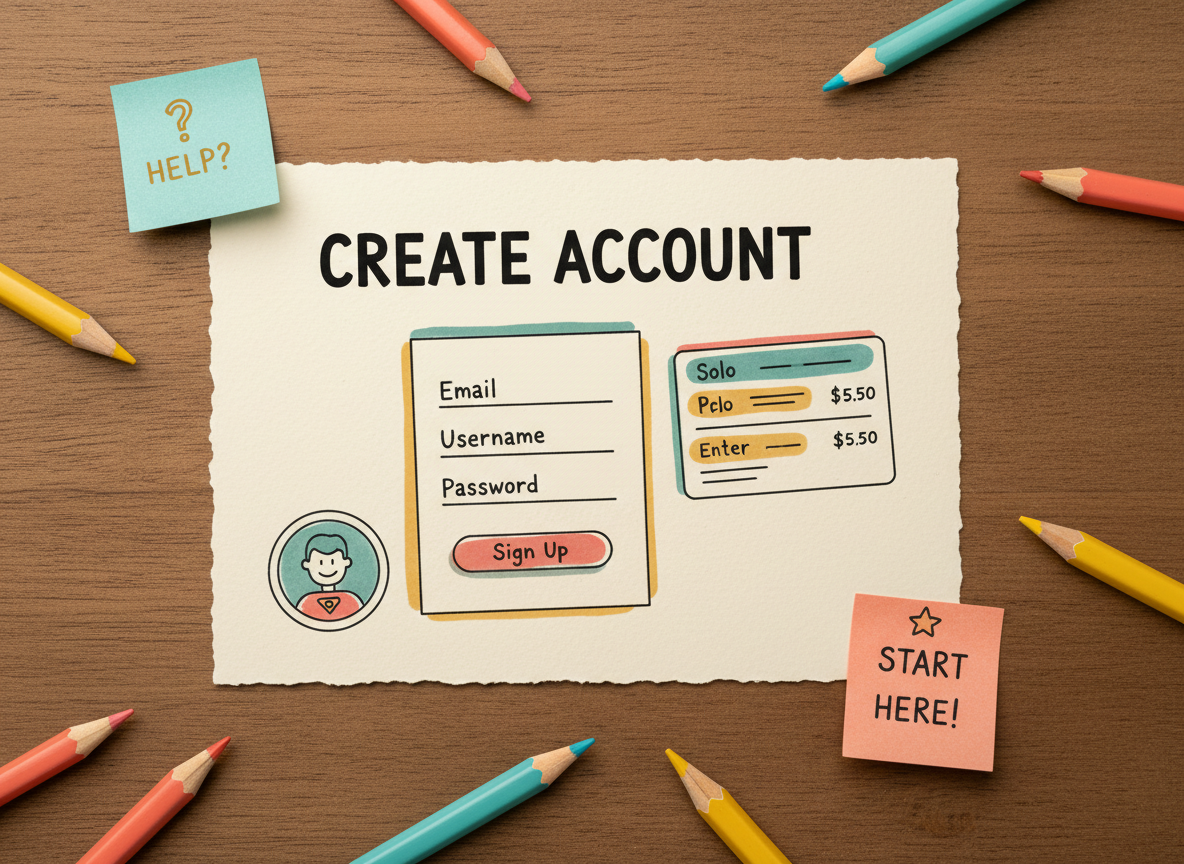


Master the LlamaGen.AI Comic API in 5 simple steps.
Three illustrated steps for account setup, token access, and the first successful request.
API access requires credits. Different plans offer different rate limits and credit amounts.
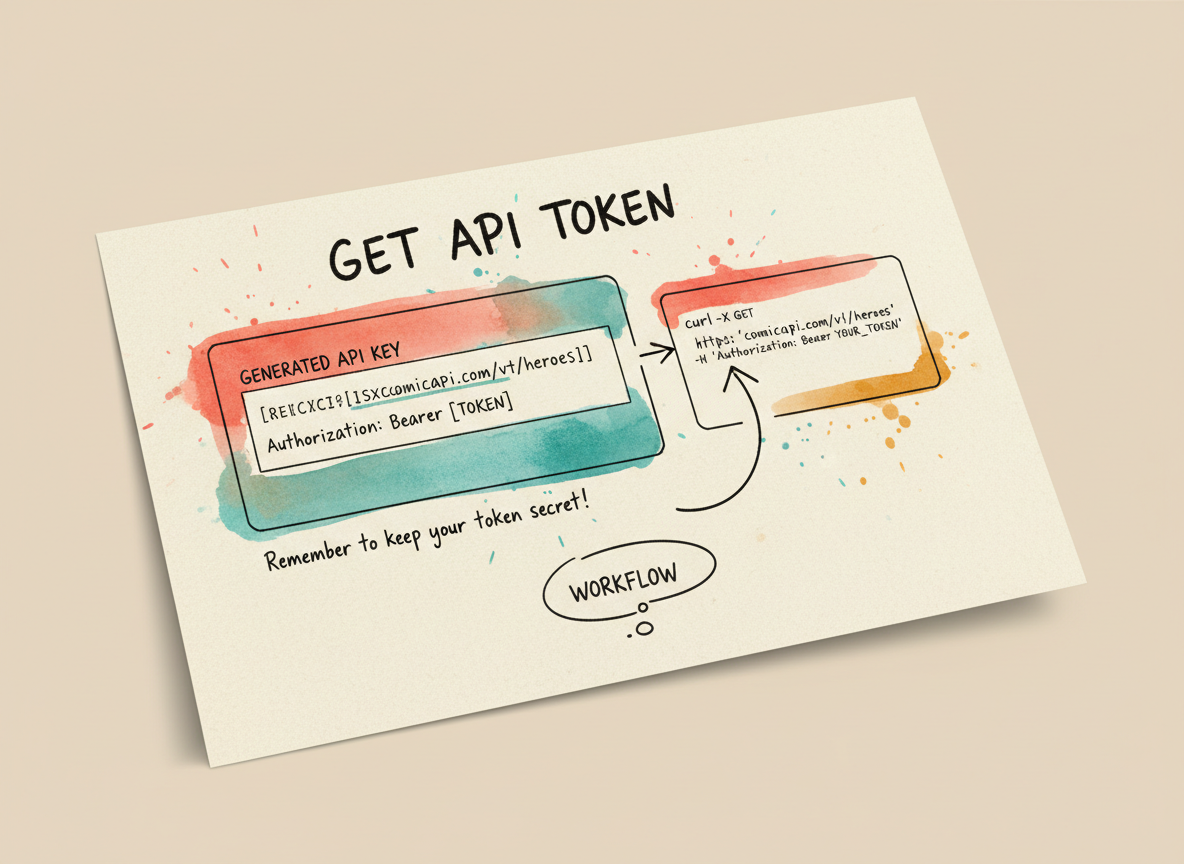
Once logged in, you need to generate an API key. You can find this in the API Dashboard or your profile settings.
How to get your key:
sk- or similar)Keep your API key secret. Do not share it or commit it to public repositories.
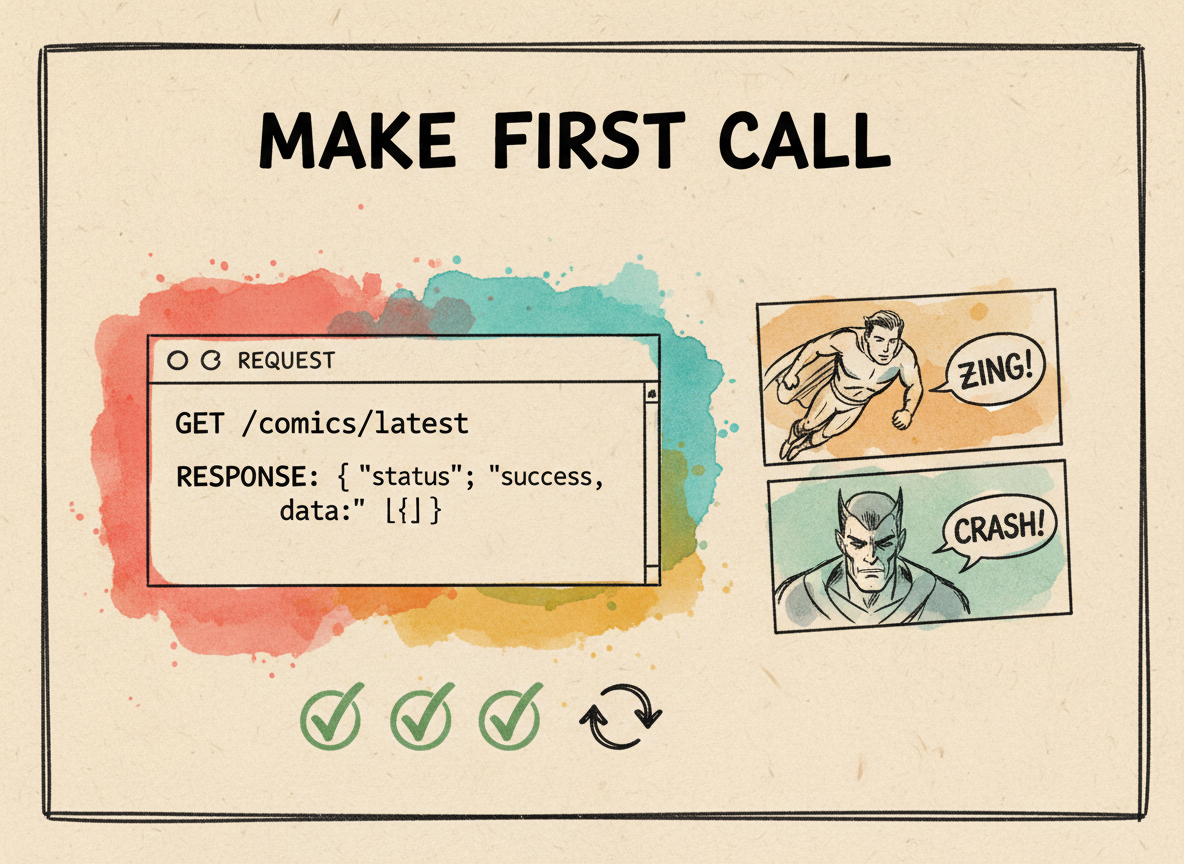
Now you're ready to generate a comic. Here's a simple curl command to get you started.
curl -X POST https://api.llamagen.ai/v1/comics/generations \
  -H "Authorization: Bearer YOUR_API_TOKEN" \
  -H "Content-Type: application/json" \
  -d '{
    "prompt": "A futuristic city with flying cars, cybernetic aesthetics, sunset lighting",
    "preset": "animeStyle",
    "size": "1024x1024"
  }'
Supported size values: 1024x1024 (1:1), 512x768 (2:3), 512x1024 (1:2), 576x1024 (9:16), 768x1024 (3:4), 1024x768 (4:3), 768x512 (3:2), 1024x576 (16:9), 1024x512 (2:1)
curl https://api.llamagen.ai/v1/comics/generations/gen_123456789 \
-H "Authorization: Bearer YOUR_API_TOKEN"Congratulations! You've successfully integrated the Comic API. Here are some things to explore next: