

Accurate Image Analysis
Our AI deeply analyzes your image to capture key elements, themes, and styles.
Upload a picture. Get a description you can copy into a prompt, a script, or a note. The image stays on the left; the words appear beside it.
Instantly extract text from any image with our AI-powered OCR tool. Upload documents, screenshots, or photos to convert them into editable text for easy copying and sharing.
Elke taak kost 25 credits
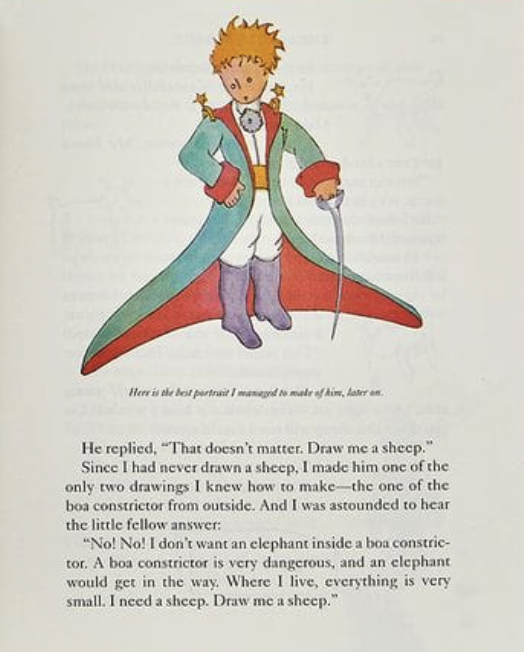
Hij antwoordde: "Dat maakt niet uit. Teken voor mij een schaap."
Omdat ik nog nooit een schaap had getekend, maakte ik hem een van de enige twee tekeningen die ik wist te maken—de tekening van de boa constrictor van buiten. En ik was verbaasd om de kleine jongen te horen antwoorden:
“Nee! Nee! Ik wil geen olifant in een boa constrictor. Een boa constrictor is erg gevaarlijk, en een olifant zou in de weg zitten. Waar ik woon, is alles heel klein. Ik heb een schaap nodig. Teken een schaap voor me.”
Our AI deeply analyzes your image to capture key elements, themes, and styles.
Receive rich, descriptive text that can be used directly with AI image generators or as a spark for your creative projects.
Tailor the generated text to fit specific artistic styles or desired levels of detail.
Skip writing a description from memory. The studio names the objects, style, and mood so you can edit the sentence instead of starting blank.
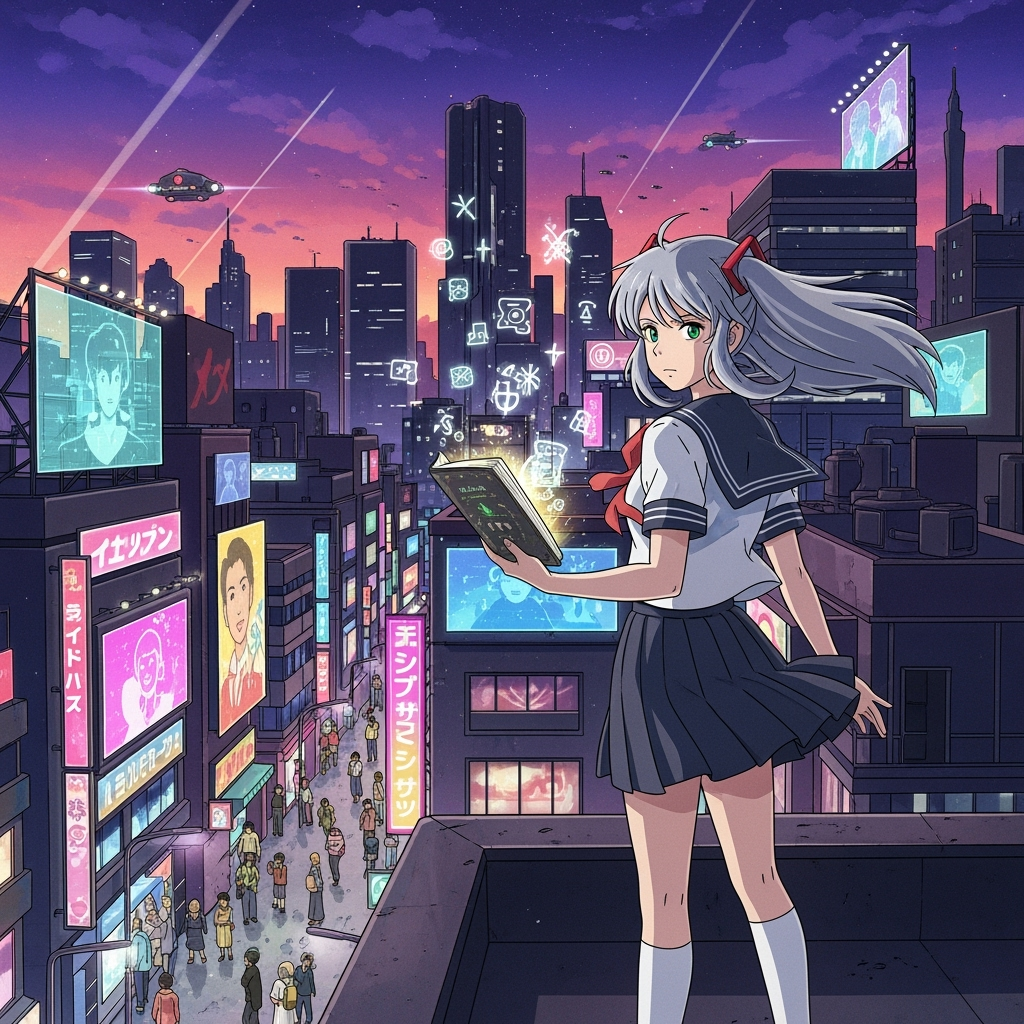
Simply click the upload button and select the image you want to transform into text.
Our AI analyzes the visual content, style, and potential themes of your image.
Get a detailed text description of your image, ready to use or customize for your needs.
'/%3E%3C/svg%3E)
Comics, manga, webtoon, storybooks, storyboards, and motion in one studio—with the same cast.
Create 4-panel and short comic strips from a prompt, joke, or lesson.
Create personalized bedtime picture books with one free preview and paid high-resolution PDF export.
Maak Prachtige Strips zonder Tekenvaardigheden met onze geavanceerde AI Stripgenerator.
Start free: turn a story into a full comic book with chapters, locked characters, and PDF export. Free results include a watermark; credits apply after.
Import PDF, CBZ, ZIP, EPUB, or project JSON and keep editing the ordered comic in Studio.
Import character sheets, ZIP turnarounds, PDF refs, or CSV rosters, then select them for comic generation.
Turn a story, script, or dialogue into an editable comic sequence with consistent characters.
Maak verbluffende manga met AI
Ontgrendel de kracht om boeiende video's te maken die een blijvende indruk achterlaten.
Geluid in Beweging
Create professional AI motion graphics, AI animations, and AI motion design instantly.