

Import finished comics
PDF, CBZ, ZIP, EPUB, page images, and project JSON become one ordered comic. The importer keeps file-name order so a 24-page chapter does not arrive shuffled.
Comic editor and importer
Drop a PDF, CBZ, ZIP, EPUB, page folder, or LlamaGen project JSON. LlamaGen builds one ordered comic you can open in Studio—without spending generation credits on pages that already exist.
Start from a story with the AI comic generator, or continue your existing pages in the same comic maker. Then download the result for reading, print, gifts or presentations.
Import does not spend generation credits. Sign-in is required to save the comic to your library.
From Comic Studio to your audience
The comic maker and AI comic generator open the same editable Comic Studio. Finish the panels, then choose a download for reading, printing, a birthday gift, or a presentation.
Open Comic Studio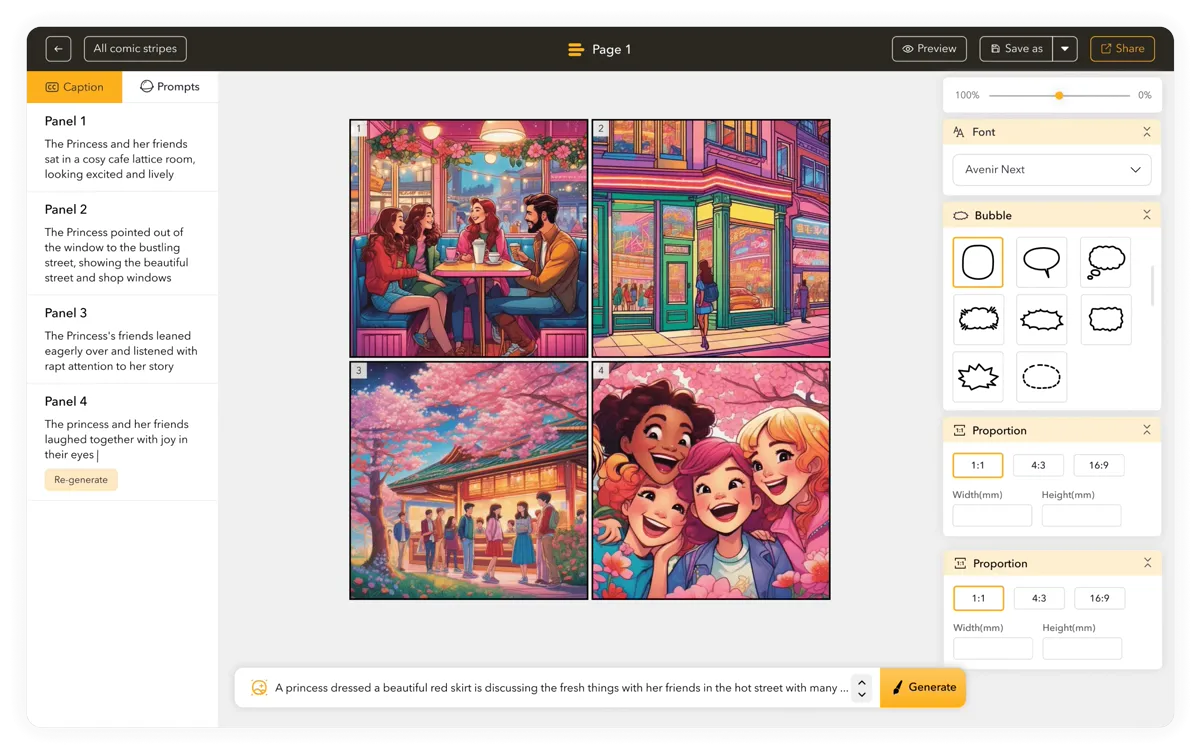
Explore reading, gifting and sharing ideas for your finished pages.
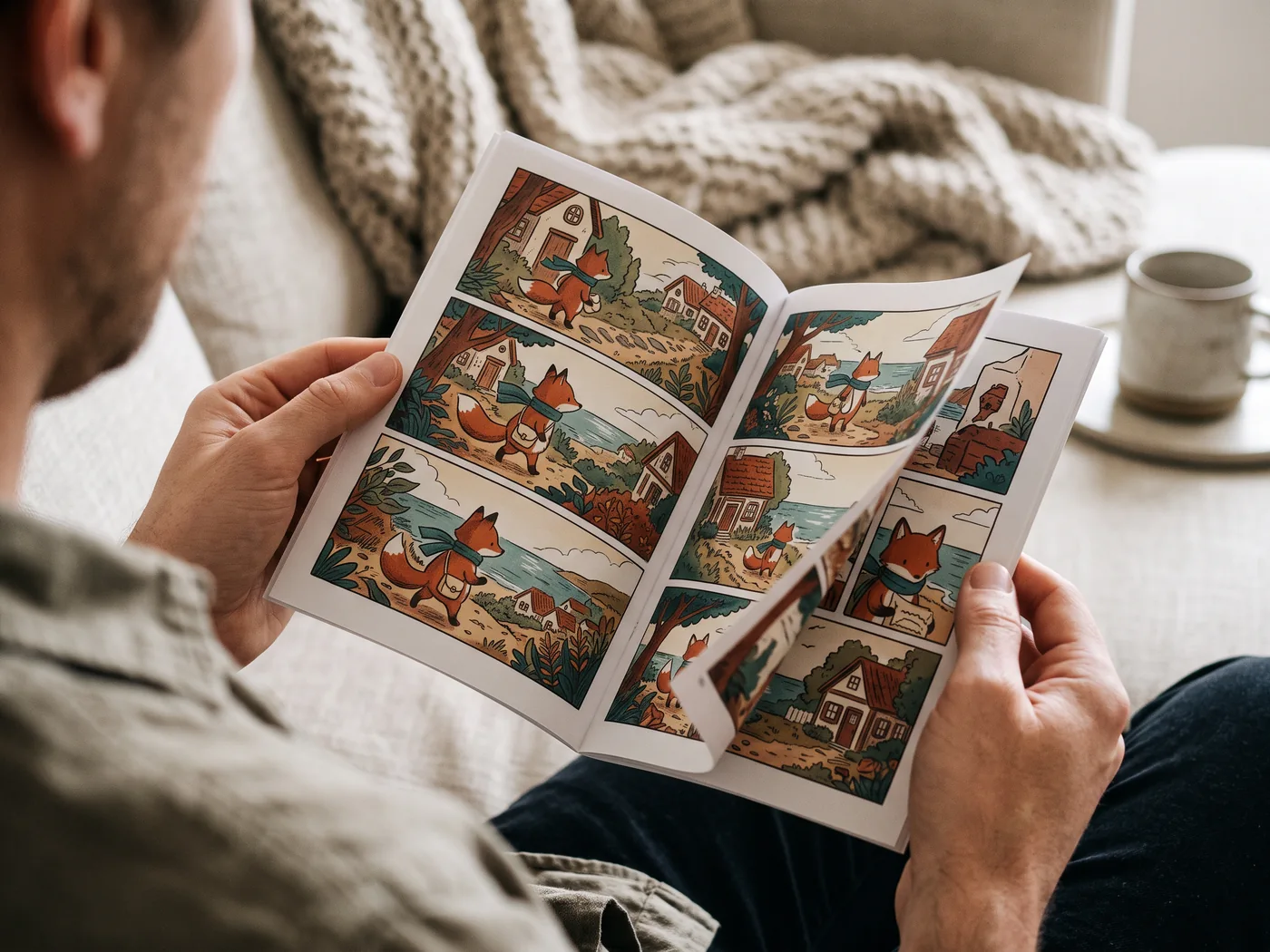
Print a proof, check the dialogue, then share your booklet at home.
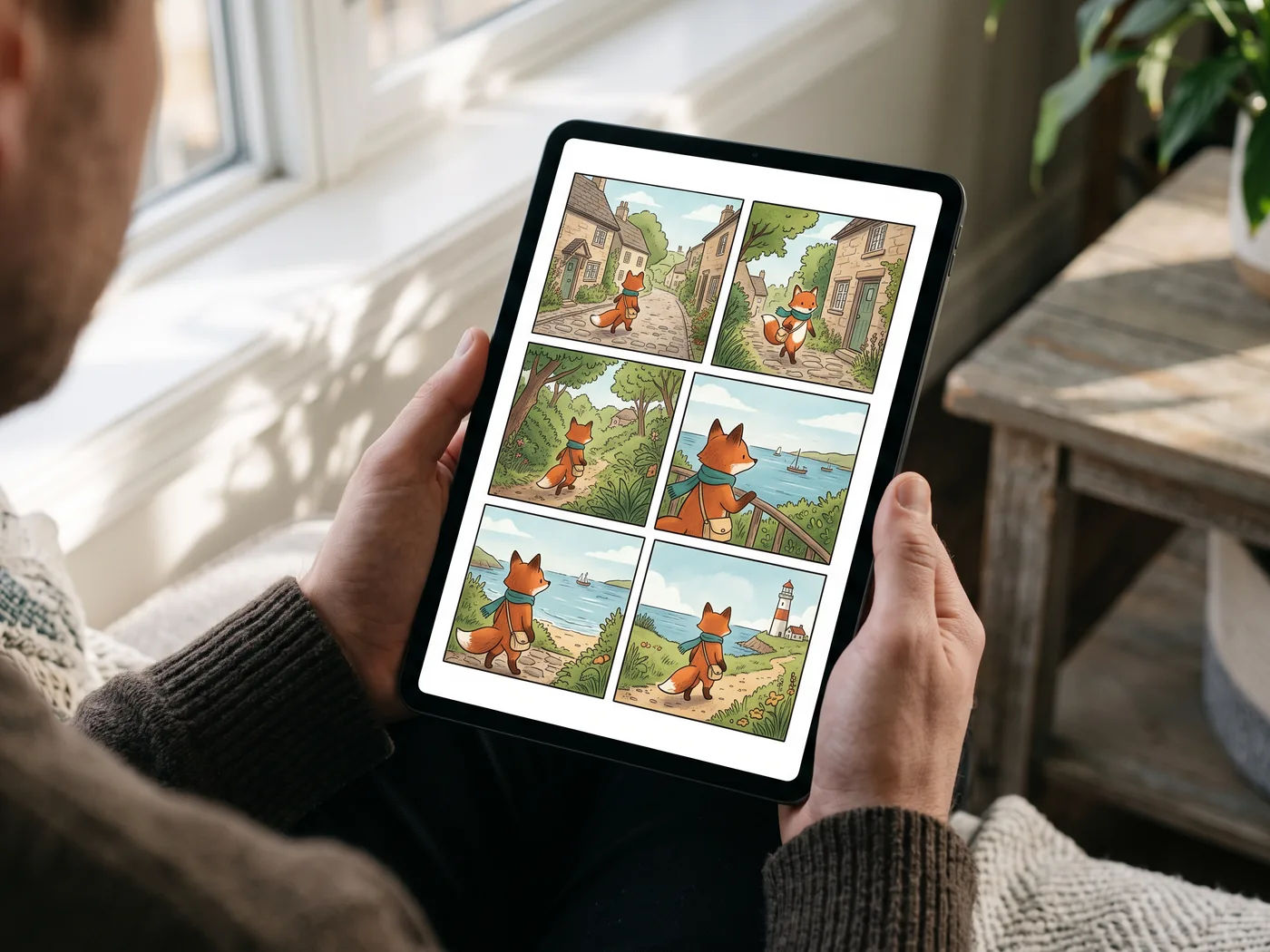
Open the exported file in a compatible reader and check it on the device your audience uses.
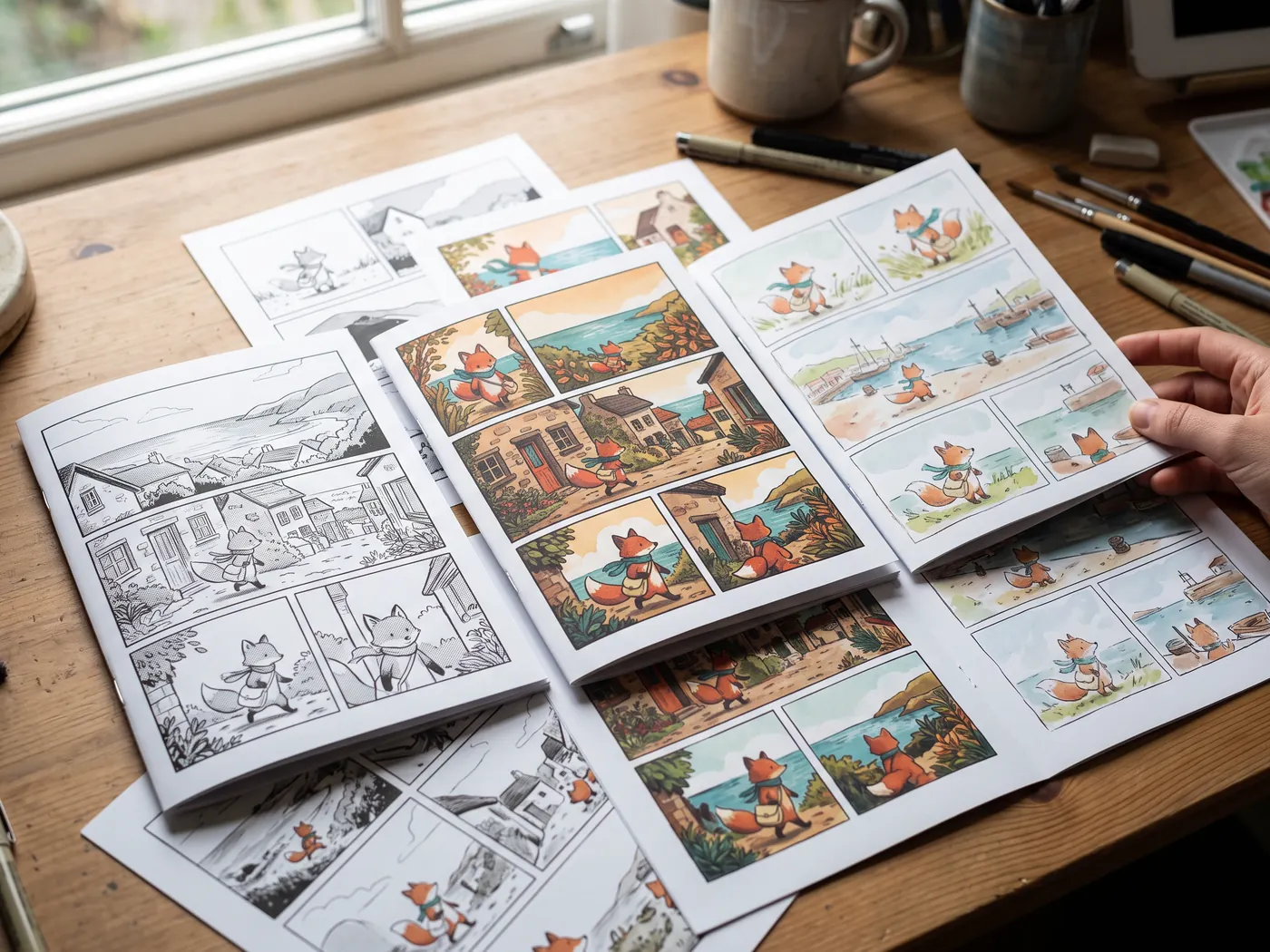
Explore black-and-white manga, colorful adventure and playful storybook pages as finished print concepts.
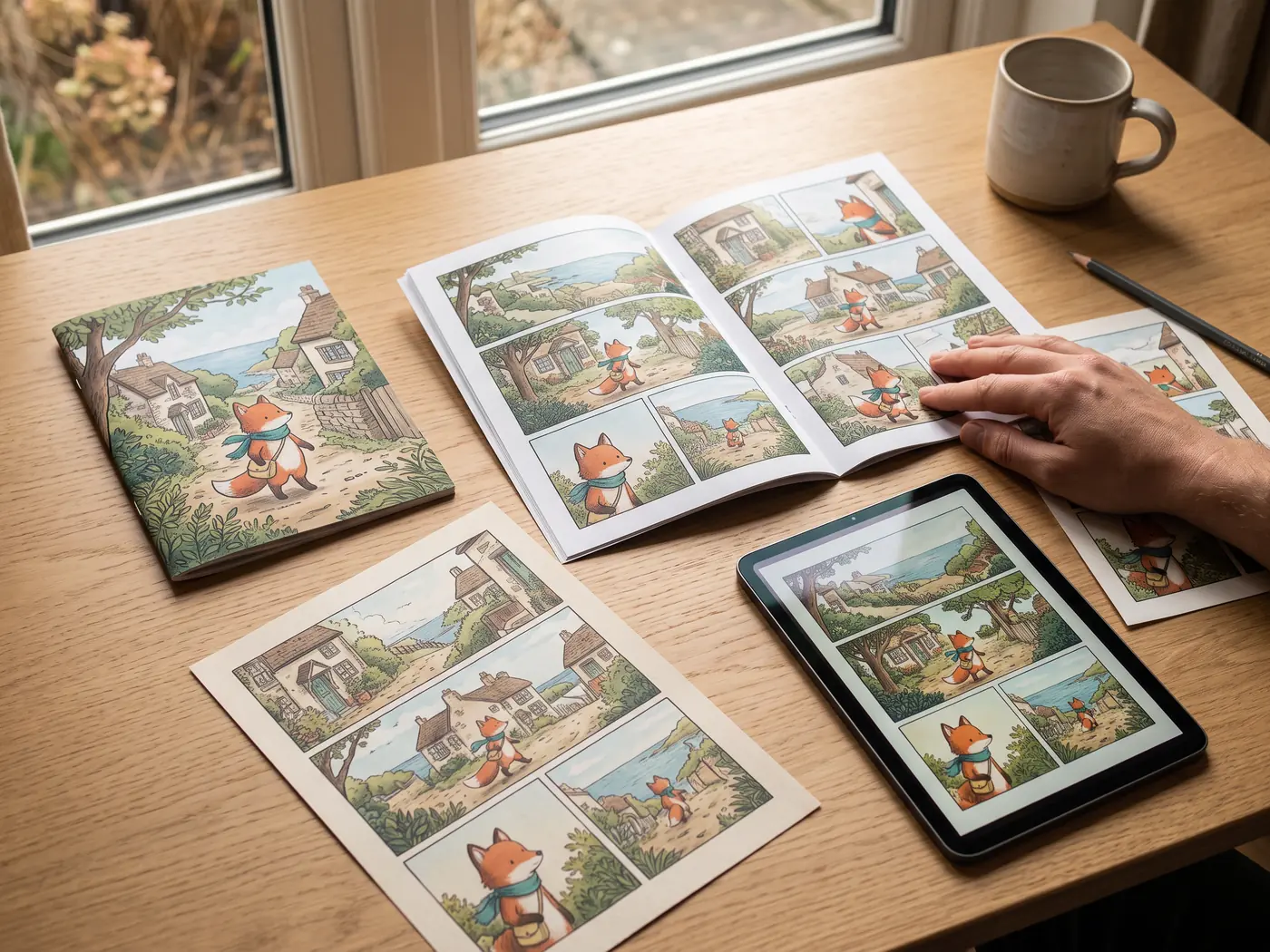
Keep a booklet, page prints and a digital reading copy together for your next share or gift.
AI-generated concept scenes. Printing and devices are illustrative; LlamaGen provides digital files.
| Format | Best use | Access |
|---|---|---|
| PNG / JPG / WebP | Share finished page images. PNG suits crisp dialogue; JPG and WebP reduce file size. | Standard settings |
| Keep selected pages in one document. Save All As PDF offers Auto fit and paper-size controls; proof a page before printing. Use my printer continues into the browser’s PDF print flow. | Standard settings | |
| CBZ | Read an ordered comic archive in a compatible comic reader. | Paid plan |
| PPTX | Place each selected comic page on its own 16:9 slide as an image, centered without stretching. Slide artwork is flattened. | Paid plan |
| GIF / MP4 | Play selected pages as a sequence. This export does not generate new character acting or lip-sync. | Paid plan |
| SVG | Carry the rendered page into a design workflow. Embedded image detail remains limited by the source pixels. | Standard settings |
| PSD | Export a Photoshop document through the separate paid PSD control. Layer preservation is optional; panel artwork remains raster. | Paid plan |
CBZ, PPTX, GIF and MP4 require a paid plan. Larger export sizes, transparency and some PDF options are also paid. SVG can contain raster art; it does not turn generated images into editable vectors. A separate menu action offers paid PSD export; the importer also accepts project JSON; More downloads includes EPUB, image ZIP, screenplay and storyboard files with their own plan requirements. Free trial credits and check-in credits support generation; the account balance and current plan determine access. Compare plans
Open your saved comic in Studio. Correct names, dialogue, crop and page order before downloading. For imported PDF or image pages, existing lettering remains part of the image; edit overlays or replace the image where needed.
Open Download, choose all pages or a selection, then set the file type. For PDF, select the paper size or Auto fit. Check the paid indicator before changing advanced settings.
Check the first and last page, missing images and small dialogue. For a print gift, make one proof; for a presentation, run the actual slideshow.
Download your own AI comic from LlamaGen Studio. Choose images, a PDF or a CBZ archive, understand paid options, and check the final file before sharing.
Make a birthday comic from one shared memory. Plan a short story, revise the names and dialogue in the comic maker, then prepare a digital gift or a print proof.
Turn an edited AI comic into a presentation. Select the pages, export PPTX, and check how flattened comic-page images fit on widescreen slides.
LlamaGen product team · Updated October 25, 2026
What this editor is for
Start from a story with the AI comic generator, or import the pages you already have. The comic maker brings both paths into Comic Studio for editing and export.
PDF, CBZ, ZIP, EPUB, page images, and project JSON become one ordered comic. The importer keeps file-name order so a 24-page chapter does not arrive shuffled.
Open imported pages in Comic Studio, add editable captions or bubbles, adjust crop and page order, or regenerate a page image. Existing lettering in a flattened PDF or image remains part of its pixels.
When you need new pages, the same studio can start from a story, recurring characters, and a chosen format: manga, Western comic, or vertical Webtoon.
Verified customer stories
Comic creators
What makes LlamaGen.Ai stand out is how specifically it is tuned for sequential storytelling and visual consistency. Keshav highlights character references that hold up across frames, poses, and angles; a smooth text-to-storyboard flow; and panel-level control over composition, poses, and regional edits.

Keshav S.
Educators
LlamaGen turns a written idea into a complete visual story, keeps characters consistent, and removes the need for additional video-editing skills. For training and patient-education stories, it reduces production time and upfront costs while speeding up prototyping.

Parthik P.
Brand storytellers
LlamaGen helps our marketing team produce comic-style storyboards and illustrated campaign content much faster without needing a dedicated illustrator for every asset. Character consistency keeps campaigns cohesive, while text prompts and multilingual support speed up ideation for a mixed-language audience.

Muhammed A.
Real product workflow
These product views show the Studio destination and related creation tools. Preview and order files in the importer first; imported lettering stays part of the page image. Studio overlays, crop and selected-image regeneration support later revisions.

Upload PDF, CBZ, ZIP, EPUB, images, or project JSON. Preview the page order, move or remove a page, and name the comic before it enters your library.

Imported work is saved as a processed comic, not a generation job. The first page becomes the cover. Studio can continue immediately.

Add dialogue overlays, replace or regenerate a selected image, or create new pages. Existing text inside an imported page is flattened; it does not become an editable text layer.
What import actually delivers
The file becomes a LlamaGen COMIC artwork with page order intact, not a pile of unrelated images.
Import writes processed pages and skips the model queue. Later redraws follow normal credit rules.
Imported books use the same canvas as generated comics, including captions, crop, and selected-panel regenerate.
Project JSON can keep its panel layout when counts match. Other files become one full-page panel per image.
Judge the destination, not a crop
These examples show the kinds of pages Studio can keep editing after import or generation. Open a still at full size; the motion card is a later animation step, not an import format.
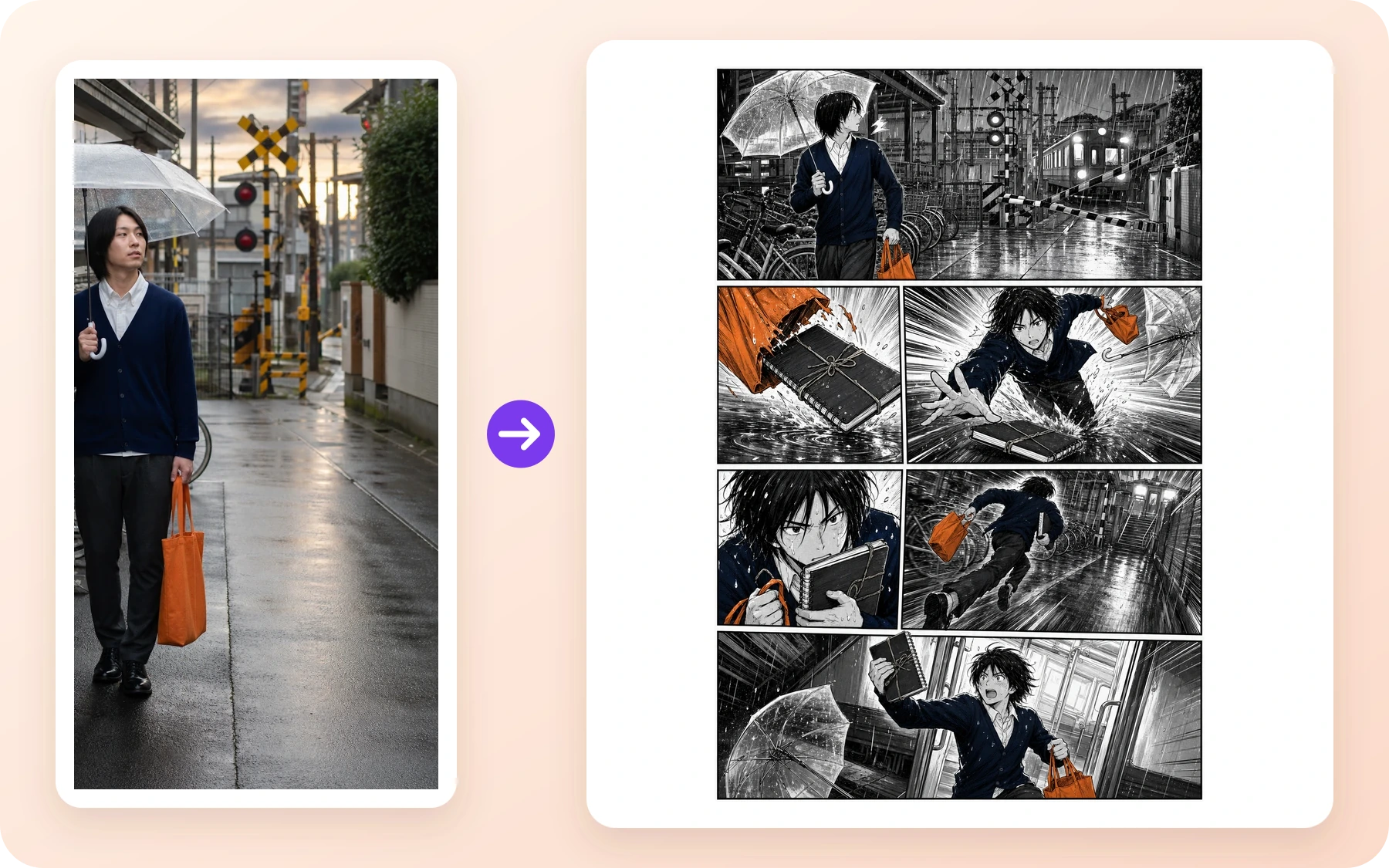
Manga page · Print-first teams
A black-and-white action page with a setup, chase, close-up, and final beat—the kind of finished page a CBZ or PDF import should preserve.
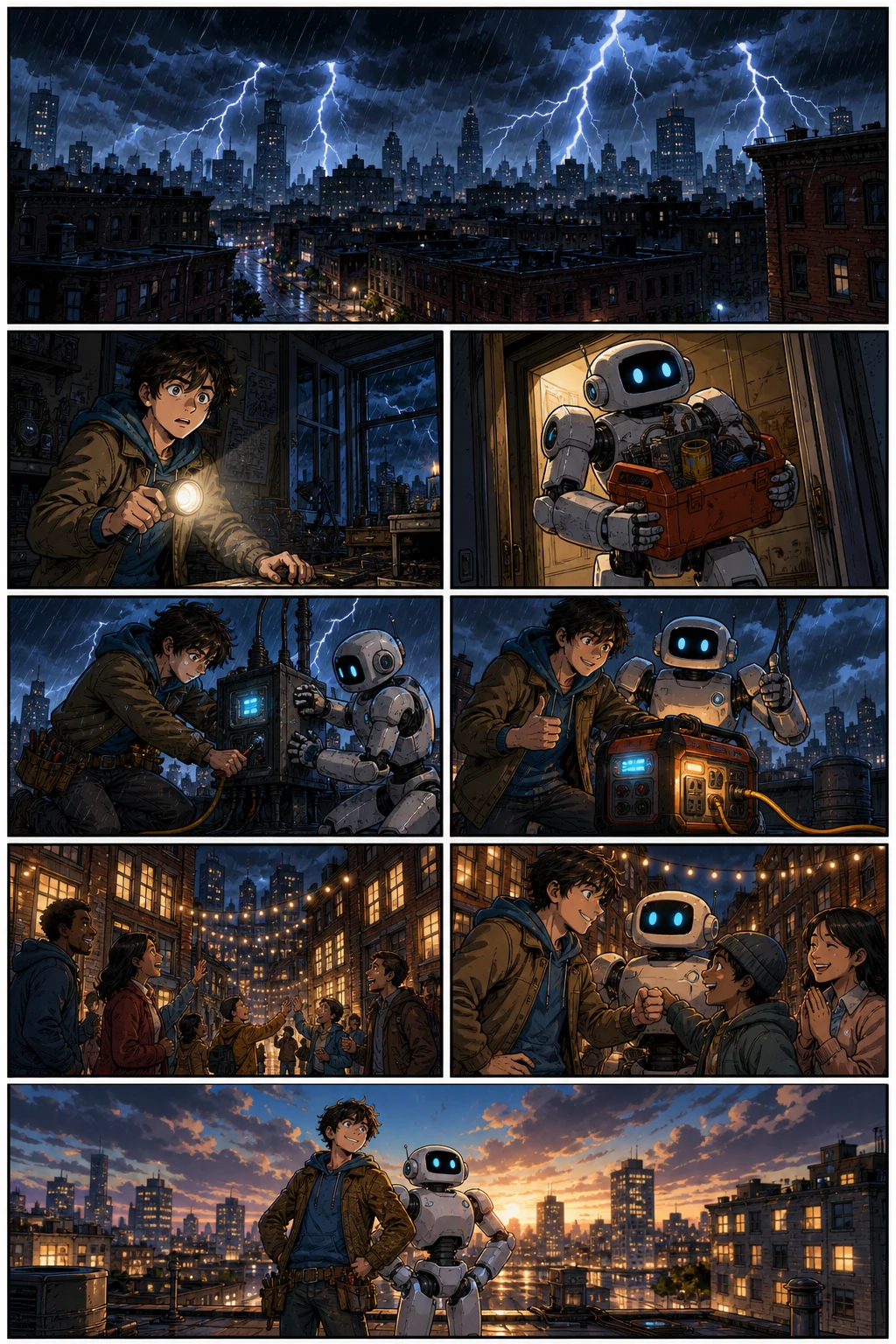
Western comic · Color comic teams
A full-color page with changing camera angles. In Studio, add caption overlays or revise native text layers; words baked into an imported image require image editing or replacement.
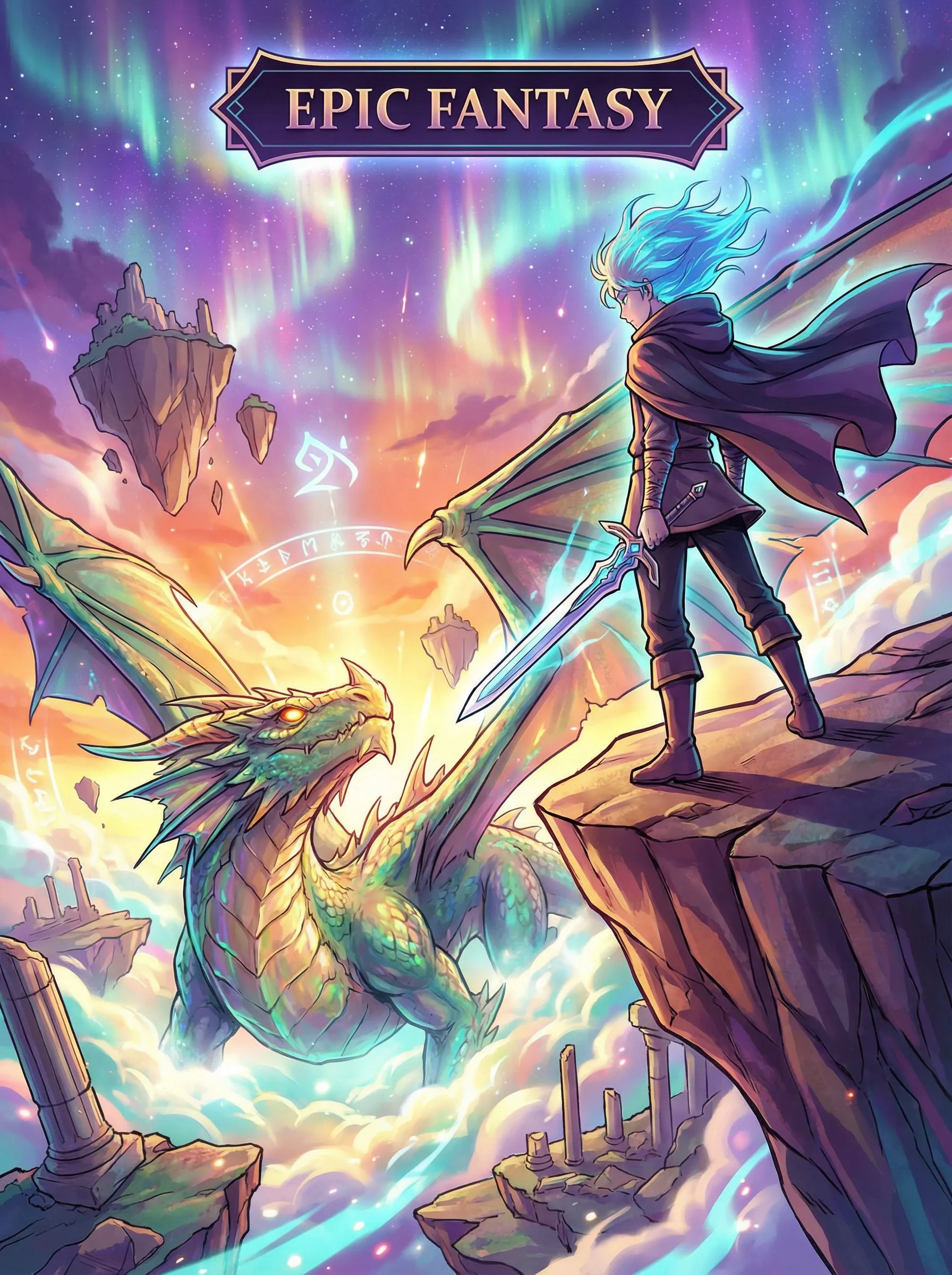
Vertical Webtoon · Mobile readers
Long-form vertical pacing that you may import as ordered images, then continue in Studio as a webtoon project.
Motion later · Pitch teams
Once the still pages are approved, selected frames can continue into a motion comic. Import does not create this video by itself.
Fix the part that failed
Treat import as the start of an editable project. Keep approved pages, isolate the problem, and revise the smallest useful unit in Studio.
Move pages in the importer before you save, or reorder in Studio after the comic lands in your library.
Regenerate that panel from Comic Studio. Imported neighbors stay in place; you are not charged for the pages you kept.
Edit native dialogue and caption layers, or add overlays on imported pages. Text already baked into an imported PDF or image stays in the pixels.
Honest import limits
These numbers describe the current importer and studio path. They are not a print-run, a translation benchmark, or a promise that every PDF extracts perfectly.
PDF rendering happens in the browser. Each PDF page becomes one studio page, not an auto-cut panel grid. Unusual encodings, scanned books with no extractable pages, or files over the page cap will not silently invent missing art. JSON layout is preserved only when the panel count still matches after you confirm the preview. CBR works only when the file is a ZIP of images.
See the multi-page generatorBefore you start
The signed-in balance remains the source of truth when you later regenerate a panel. Import itself does not start a model job.
Free plans still follow generation, export, and history limits once you redraw pages. Compare the live Pricing page before a commercial deadline.
Compare the current plans and limitsSafety, rights, and publishing
This is a plain-language summary, not a substitute for the policies. Importing a comic you do not own is still a rights problem even if LlamaGen stores it as your project.
The Content Policy applies to uploads, generated or edited output, public posts, and API use. Use the Report control on a public artwork, or follow the Content Policy's reporting instructions. Do not attach suspected child-abuse material.
Uploading a PDF or CBZ does not transfer third-party copyright to you. Keep licenses for scanlations, client books, and stock pages. LlamaGen Terms cover LlamaGen's interest in generated output, not the original files you brought in.
Regenerated panels follow the same copyright caution as any LlamaGen generation: output may not be unique or copyrightable everywhere. Keep records of human edits when a project matters commercially.
Questions before importing
The comic importer accepts PDF, CBZ, ZIP, EPUB, folders of page images, and LlamaGen project JSON. CBR files open when they are ZIP comics; RAR-based CBR is not supported yet. Each PDF page becomes one studio page—the importer does not auto-cut panels. Images are sorted in natural file-name order. A project JSON can keep the original studio layout when the panel count still matches and you do not reorder pages.
No. Imported pages are saved as a processed comic and skip the generation queue. You only spend credits later if you regenerate a panel or create new pages in Studio.
The current importer keeps the first 40 pages. Longer books should be split into chapters before import. This limit is a product constraint, not a print-shop specification.
Yes. Open the comic in Studio to add caption and bubble overlays, change crop or page order, or regenerate selected images. Existing words in imported PDF or image pages are flattened pixels; import does not recover the original text or drawing layers.
Use the AI Comic Generator to write a story, generate connected pages, then keep editing in the same studio. This editor page is for continuing work you already have; the generator is for starting from text.
One archive becomes one ordered comic. Page images inside the zip are collected, junk folders such as __MACOSX are skipped, and the file names determine reading order.
If the project JSON still has the same number of panel images after import, LlamaGen rewrites those panel URLs and keeps the original layouts. If pages were added or removed, the importer falls back to one full-page panel per image so nothing is invented.
Importing finished pages does not charge generation credits. Saving still requires an account. Later panel regeneration, HD export, and watermark removal follow the live Pricing page and your current plan.
You remain responsible for owning or licensing the files you upload. LlamaGen assigns its interest in generated output under the Terms; that does not clear third-party rights in a PDF or CBZ you imported.
Use the Report control on a public artwork or send a Content Safety Report with the page URL. Do not attach suspected child-abuse material. The Content Policy applies to uploads, edits, and public posts.
Drop the files, confirm the sequence, add the comic to your library, and continue captions, layout, and selected-panel edits without starting over.
Import a comic