

Introducing Visual Suite
One story. Every format it needs.
Keep the same cast across comics, manga, webtoon, storybooks, storyboards, and motion. Write once. Compose each reading format in one studio.
Free to start in the browser. Each format is a real composition pass—not a filter that pretends manga is a comic with the color drained out.


A suite, not a pile of tools
Combine reading formats the way a chapter actually travels.
Canva puts docs, sheets, and slides in one design. LlamaGen puts the formats a story is read in—page, scroll, spread, shot, and motion—around the same cast.
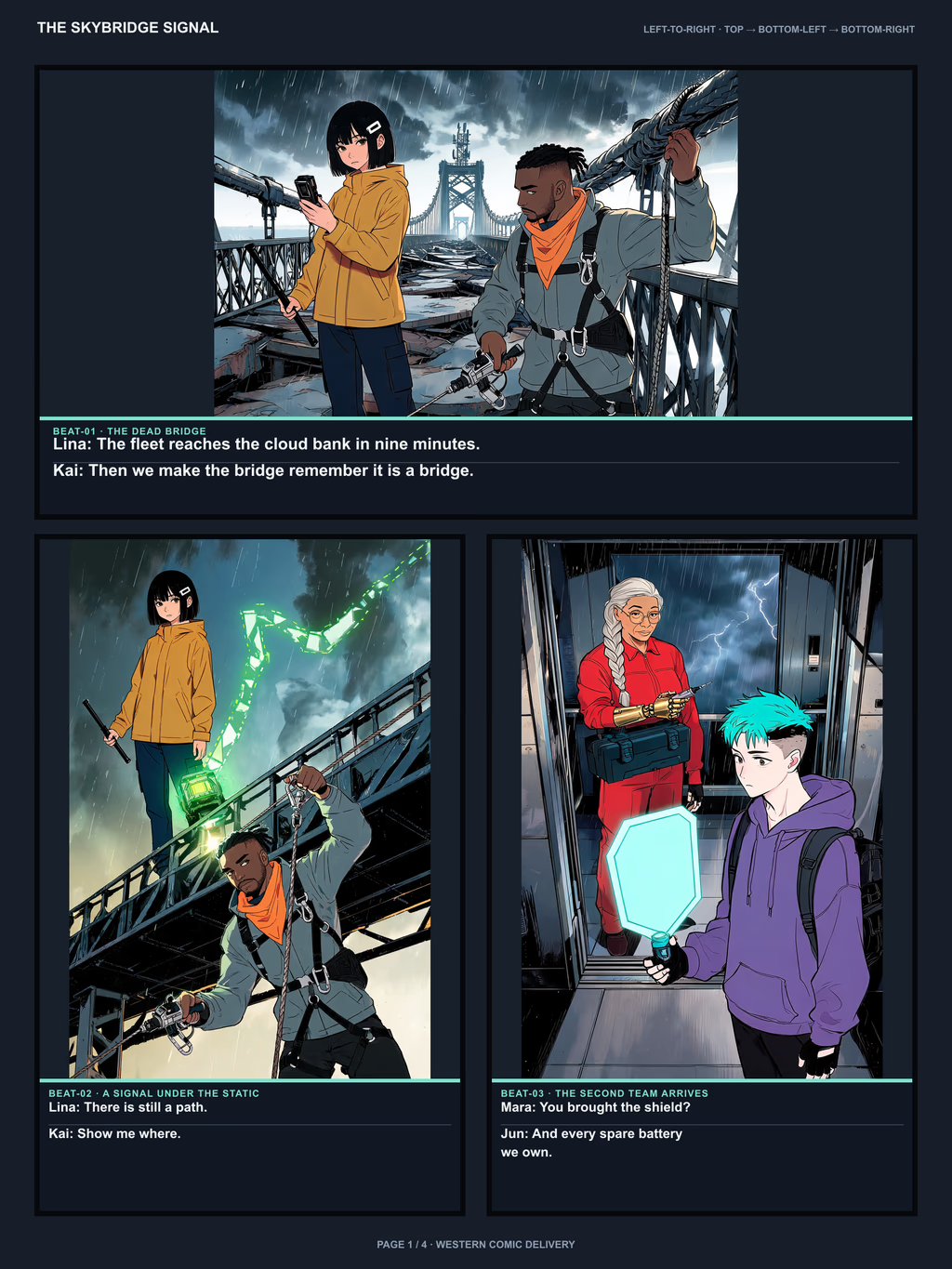
Left to right · page turns
Comics
Full-color graphic-novel pages with locked characters and PDF or CBZ export.
Right to left · ink and tone
Manga
Black-and-white pages built for manga pacing, close-ups, and right-to-left reading.
Top to bottom · mobile scroll
Webtoon
A continuous vertical strip with breathing room between story moments.

Picture-book spreads
Storybooks
Illustrated pages for bedtime stories, classroom books, and family keepsakes.

Shot by shot
Storyboards
Pre-production frames for films, ads, and animatics.
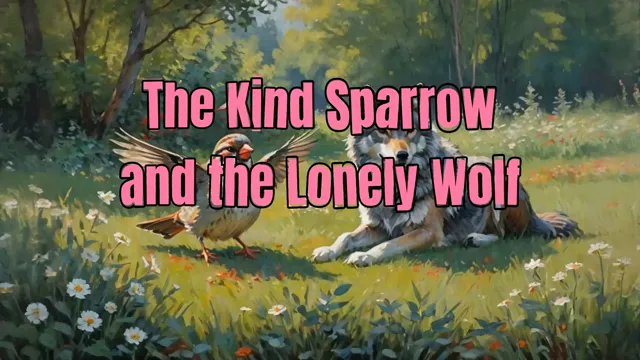
Pages that move
Motion
Turn finished comic or manga pages into short motion sequences.

The cast that travels
Characters
Sheets, turnarounds, and rosters you can reuse in every format.

Words before panels
Scripts
Stories, scripts, and screenplays that become editable sequences.
Left to right · page turns
Comics
Compose Western comic pages for print or screen. Keep the same cast, write the script in the studio, and export ordered pages—not a pile of disconnected images.
Right to left · ink and tone
Manga
Manga is a separate composition, not a filter on a comic page. Ink, screentone, and panel rhythm are generated for how manga is read, then you can colorize or translate if you need another pass.
Top to bottom · mobile scroll
Webtoon
Vertical reading changes pacing and panel shape. The same story moments become a scrolling strip instead of page turns, so the composition is built for thumbs, not spreads.
The rest of the suite stays attached.
Storybooks, storyboards, motion, characters, and scripts are not side tools. They are the pages you add when the chapter needs a different shape.
Picture-book spreads
Storybooks
Turn a short story into illustrated pages with a consistent cast. Preview a book, then export a high-resolution PDF when it is ready to share or print.
Open StorybooksShot by shot
Storyboards
Plan camera, blocking, and sequence before you spend a production day. Storyboard frames stay tied to the same characters and locations you already locked.
Open StoryboardsPages that move
Motion
When the pages are right, animate them. Comic-to-video keeps the artwork you already approved instead of asking you to regenerate the story from scratch.
Open MotionThe cast that travels
Characters
Import a sheet, a ZIP of turnarounds, or a CSV roster. Select the same people when you compose a comic, a manga chapter, or a storyboard so the face does not drift.
Open CharactersWords before panels
Scripts
Start from a prompt, a finished chapter, or a screenplay. The suite is built so the writing stays attached to the pictures instead of living in a separate doc you have to re-import.
Open ScriptsProof, not a promise
The same chapter, composed three ways.
We held the source chapter, twelve story moments, and four recurring characters constant, then composed manga, Western comic, and webtoon in separate runs. The point was continuity—not automatic conversion.
- separate format runs
- 3
- recurring characters
- 4
- final story panels
- 36
- words held constant
- 993

AI, where the work already is
Help that stays inside the page.
You should not leave the studio to lock a face, change a camera, split a layer, or color an inked page. The AI sits next to the panel, not in a second product.
Characters that stay put
Select the same roster when you generate a new format so the story does not recast itself.
Camera angle control
Ask for a low angle, a two-shot, or an over-the-shoulder without redrawing the scene from memory.
Layer splitter
Separate a finished illustration into editable layers when you need to move a figure or clean a background.
Manga colorizer
Add color to an inked page after the black-and-white composition is right.
Manga translator
Translate balloons and captions when the same chapter needs another language.
Story to comic
Turn prose or dialogue into an editable sequence instead of pasting a novel into a prompt box.
From idea to a file you can hand over.
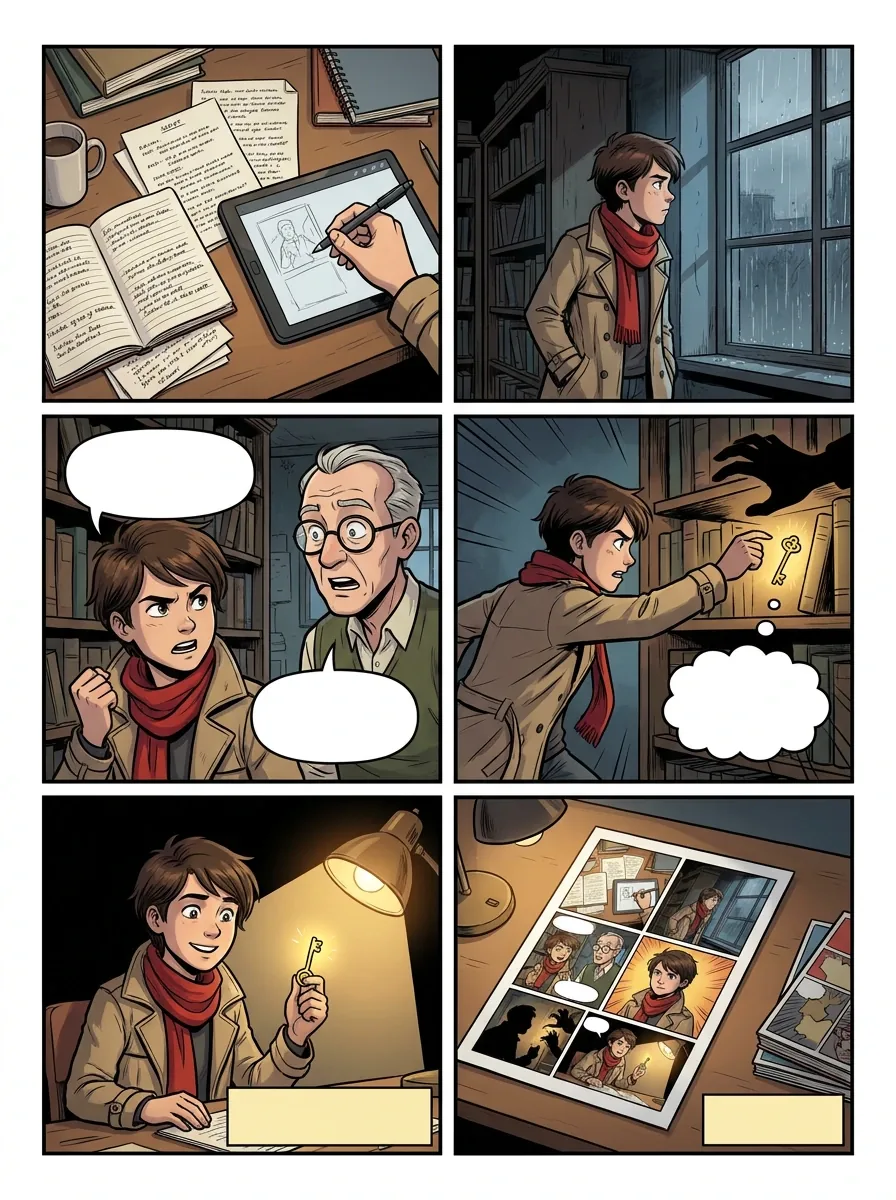
Step 01
Write or import the story
Start from a prompt, a chapter, a script, or a finished PDF. The words stay in the same project as the pictures.
Go to this step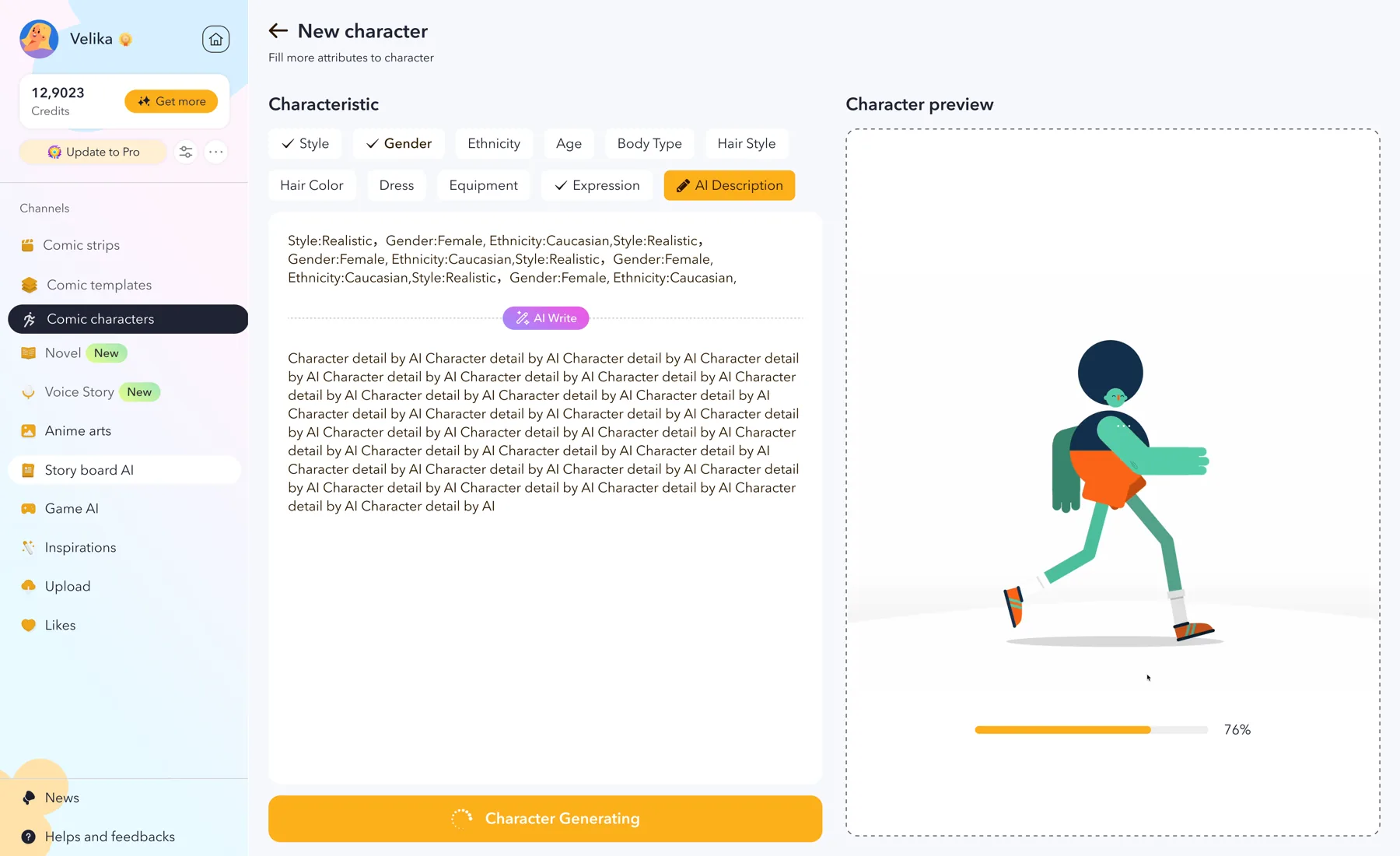
Step 02
Lock the cast
Build or import character sheets so the same faces can appear in a comic page, a manga chapter, and a storyboard.
Go to this step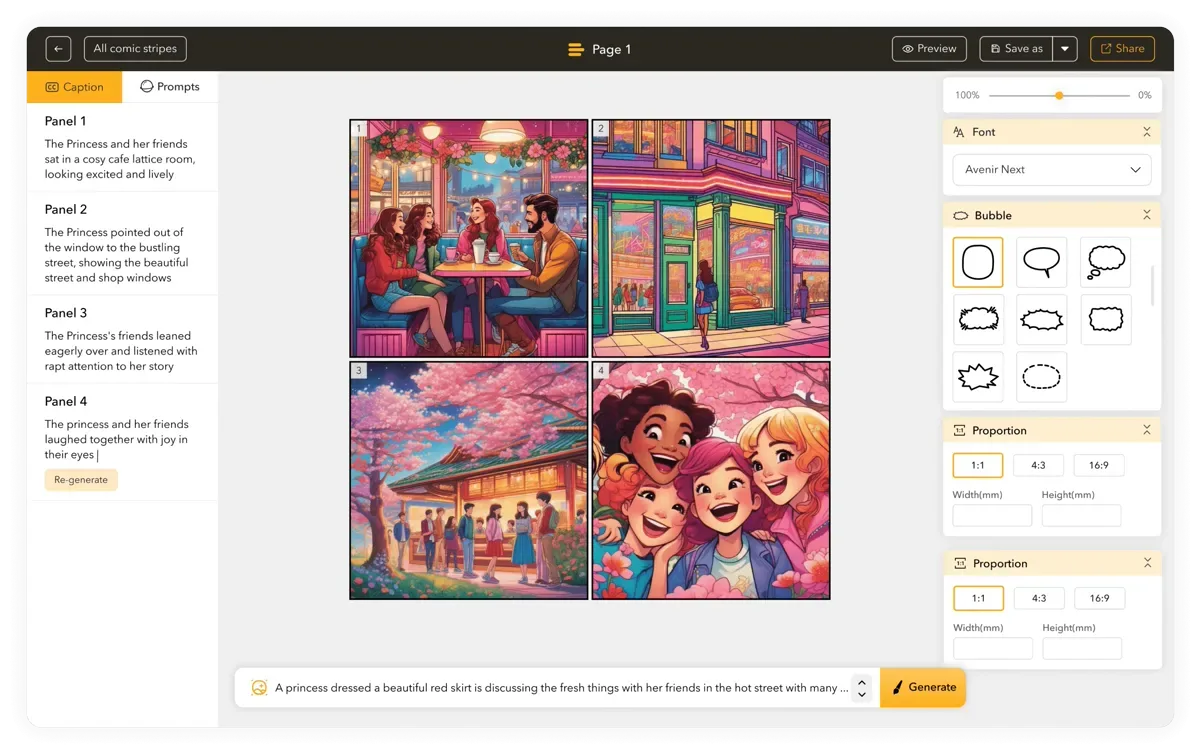
Step 03
Compose the reading format
Choose comic, manga, webtoon, storybook, or storyboard. Each format is a composition pass—not a one-click resize of the last page.
Go to this step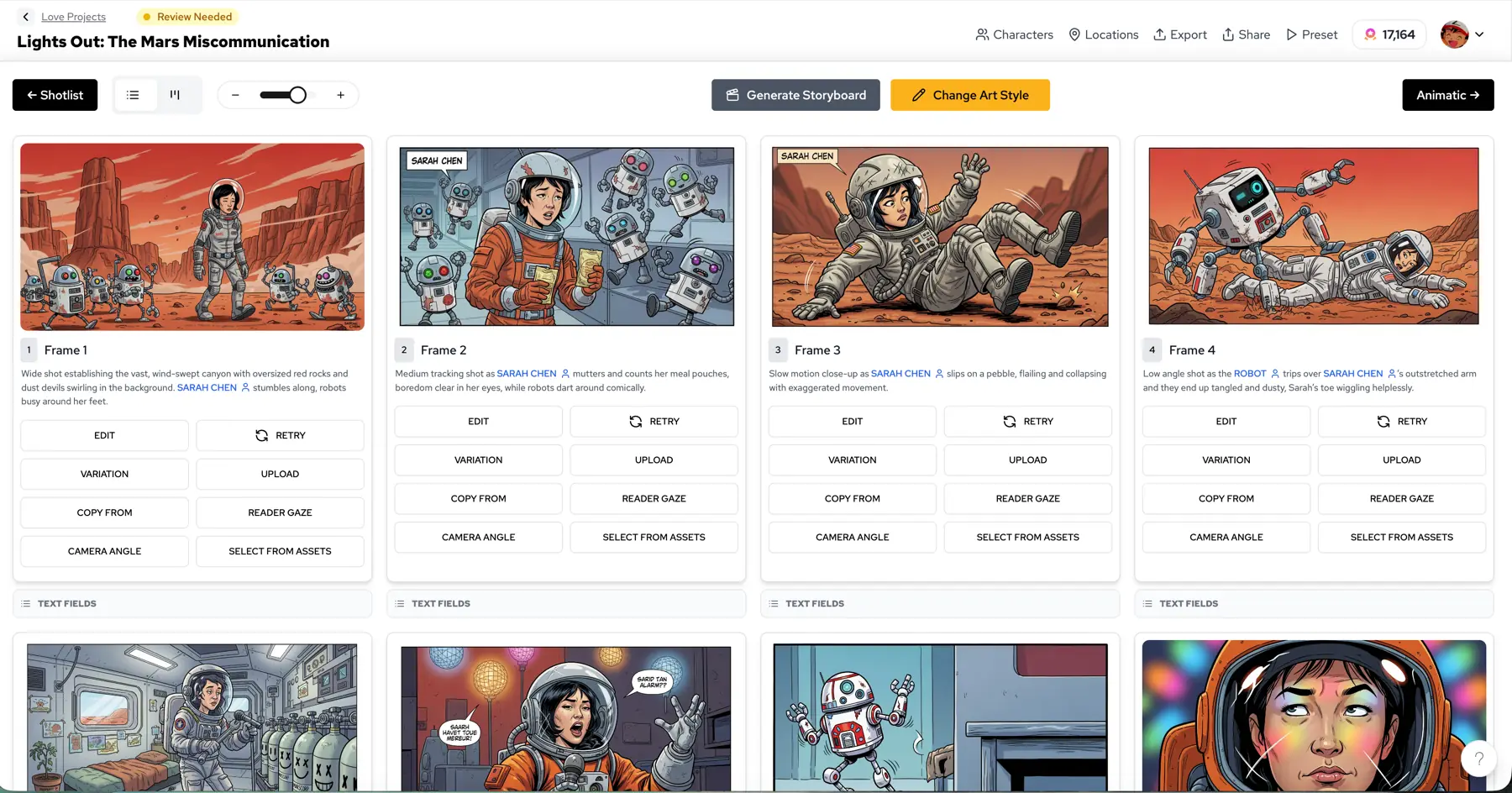
Step 04
Edit, then publish or animate
Fix balloons, panels, and order in the editor. Export PDF or CBZ, or send finished pages into motion.
Go to this step


Tools that take a page from sketch to publish.
The suite is the formats. These are the hands: edit an imported book, start from a template, pick type and color before the page is painted.
Comic editor
Import PDF, CBZ, ZIP, EPUB, or project JSON and keep editing the ordered book.
Templates
Start from a layout instead of a blank page when you already know the beat.
Color tools
Build a palette, read a wheel, or steal a five-color script before the pages are painted.
Font pairing
Test display and balloon type so titles and captions stay readable on a colored panel.
Built for people who have a chapter to finish.
Independent creators
Finish a chapter as manga, then compose the same story as a webtoon without rebuilding the cast.
Educators and families
Turn a lesson or a bedtime story into a comic strip or a picture book you can print.
Studios and brands
Keep a mascot or IP consistent from storyboard to social comic to a short motion cut.
Questions before you open the studio
What is LlamaGen Visual Suite?
Visual Suite is LlamaGen's connected studio for sequential stories. Comics, manga, webtoon, storybooks, storyboards, characters, scripts, and motion share one cast and one project instead of living in separate tools.
Can I convert a comic into manga or webtoon automatically?
No. Each reading format is a separate composition. A documented case study held the same 993-word chapter, 12 story moments, and four characters constant, then composed manga, Western comic, and webtoon in three runs. That is continuity testing, not a one-click converter.
Do characters stay consistent across formats?
You lock a roster in Character Editor and select those people when you generate. Consistency still needs review—especially across very different styles—but you are not starting every format with a new cast.
Is Visual Suite free to try?
Yes. LlamaGen includes a free tier so you can create a first comic or manga chapter in the browser. Higher-resolution export, longer books, and team features sit on paid plans.
What can I export?
Finished stories can leave as PNG pages, PDF, or CBZ. Motion tools export video from pages you already approved. Import works in the other direction: PDF, CBZ, ZIP, EPUB, and project JSON can come back into the editor.
How is this different from a design suite like Canva?
Canva's Visual Suite is built for work documents, slides, sheets, and social graphics. LlamaGen Visual Suite is built for sequential art: reading direction, panel rhythm, locked characters, and story-length export.
Start inside the suite
Create the first format. Keep the cast for the next one.
Open the studio, make a comic or manga chapter, and reuse the same people when the story needs a webtoon, a storyboard, or a motion cut.