AI first draft
Turn a script, curriculum idea, campaign brief, or product demo into a storyboard direction without manually building every frame.
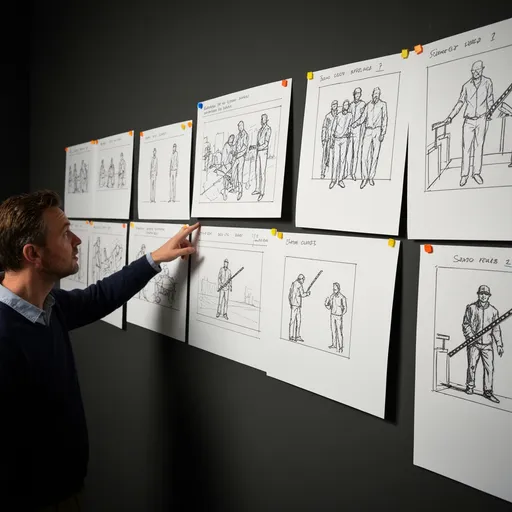
Storyboard That is useful when you want a manual storyboard creator with scenes, characters, and classroom-ready templates. LlamaGen is built for creators who want AI to turn scripts, lessons, briefs, and scene ideas into visual boards they can keep improving.
Why switch from a manual storyboard maker
Manual template tools are good for assembling scenes by hand. LlamaGen focuses on turning messy creative input into a usable visual plan, then connecting that plan to comics, images, and video workflows.
Turn a script, curriculum idea, campaign brief, or product demo into a storyboard direction without manually building every frame.
Ask for shot types, camera notes, captions, timing, and visual beats so the board works for film, animation, marketing, or teaching.
Move from storyboard planning into LlamaGen comic and image workflows when you need polished panels or consistent characters.
Use AI to shape scene order, pacing, and panel intent before you spend time polishing every frame.
Instead of starting with a blank grid, give LlamaGen the story context and let it propose the visual structure.
Paste a scene, lesson plan, product script, outline, or creative brief. Add reference images when style matters.
Request panels, captions, camera angles, classroom scenes, or business scenarios in plain language.
Use the AI output as a draft for scene order, pacing, shot coverage, character actions, and narration.
Open the storyboard project workflow when you need scene breakdowns, shot lists, characters, and export-ready planning.
Both tools help people communicate visually. The difference is where the work starts: manual template composition versus AI-assisted story planning.
Start with AI when you have a lesson, script, or scene idea but do not want to assemble every frame manually.
Create history scenes, language practice, social stories, and project visuals from a short lesson prompt.
Draft camera angles, action beats, and visual pacing from scripts or scene summaries before production planning.
Turn customer journeys, onboarding flows, training steps, and product demos into visual sequences.
Clear answers for teams comparing tools and replacing the old ComicThat-specific flow.