AI Story Board for Scene Planning

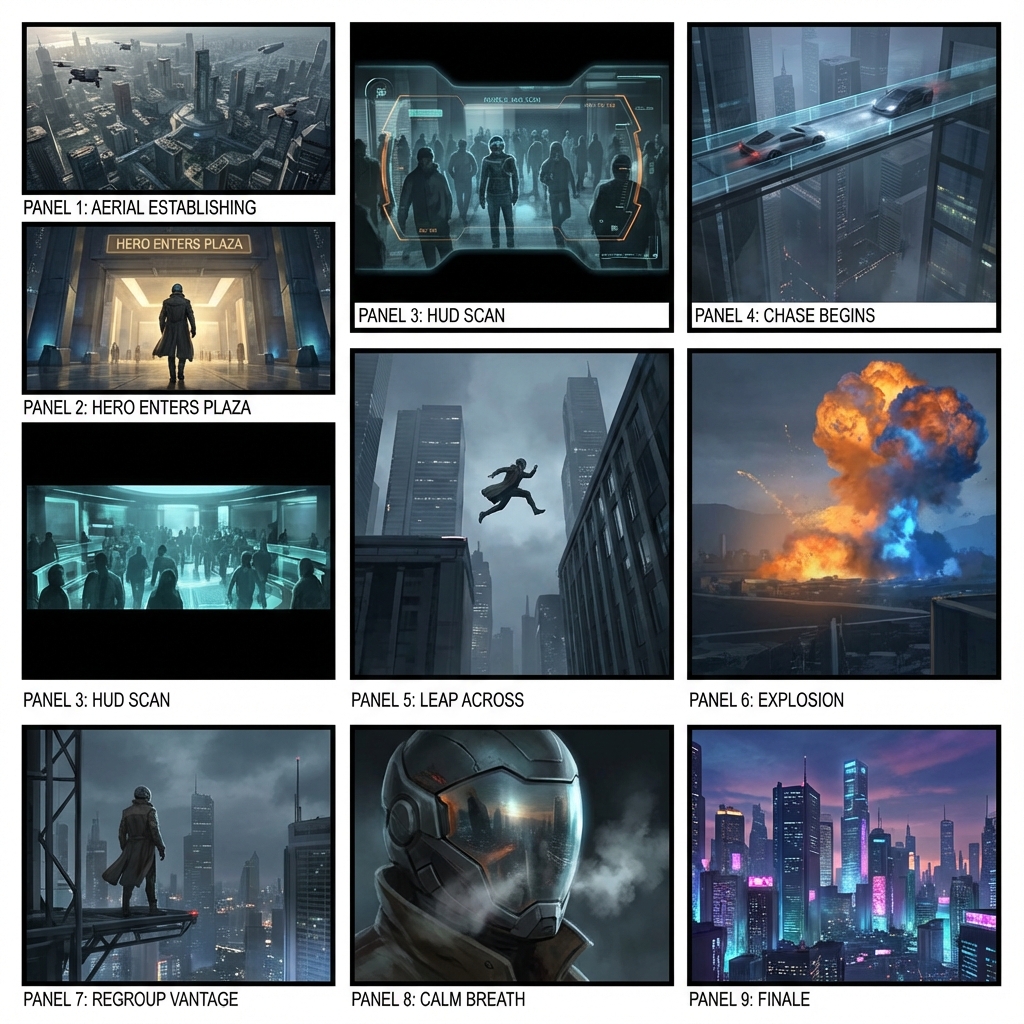
Arrange scenes on a shared story board. Review shot order, visual beats, and framing with your team before you shoot or animate.

Storyboard Showcase

AI Generated • Storyboard to Video

Scene planning board

Keep every scene on one story board

A story board is the shared surface a crew looks at before production. LlamaGen helps you pin scenes, check order, and mark missing beats without jumping between slides and chat threads.

Primary audience

Directors, producers, and classroom teams

Use this when you need a board the room can point at: scene order, framing notes, and the next shot to discuss.

Start a story board

Scenes live in too many files

Notes, stills, and comments sit in different docs, so nobody agrees on the current order.

The board is hard to rearrange

Moving one scene means rebuilding a slide deck or reprinting a paper grid.

Review stays verbal

Teams debate coverage in meetings instead of looking at the same sequence.

The aha moment

Before

A pile of scene notes and reference stills with no shared board.

After

One story board with ordered scenes, visual beats, and room for notes.

Story board workflow
  1. 1Add the scenes you already know.
  2. 2Place them on the board in shooting or story order.
  3. 3Mark framing, missing beats, and notes on each card.
  4. 4Share the board for review before production.
Planning payoff
1 board
Shared review surface

Writers, directors, and clients look at the same scene order.

Minutes
Reorder a scene

Move a card instead of rebuilding a deck.

Case study

Classroom short to a reviewable board

A teacher drops five scene cards onto one story board so students can argue shot order before anyone draws final frames.

Result

The class reviews pacing on the board, not in a long verbal recap.

LlamaGen story board, scene planning

Related writing workflow

Move the draft into screenplay form.

Use the AI Screenplay Editor when a script, fiction draft, storyboard brief, video idea, or canvas note needs proper scene headings, action, dialogue, parentheticals, cover pages, outlines, beats, and collaboration-ready revisions.

Hollywood formattingOutline, cover, and beatsAdvisor notes
Explore AI Screenplay Editor
Screenplay passReady

INT. COMMUNITY CENTER - NIGHT

Folded chairs. A storm outside. MAYA stands at the microphone with a page of notes she no longer needs.

MAYA

If the city will not read the record, we will read it out loud.

FormatHollywood
Beatslinked
Story board workflow

From scene cards to a shared board

Start with the scenes you already have. Place them on the board, mark missing beats, and keep the sequence in one place.

1

Collect the scenes

Add scene titles, notes, or stills you already use in planning.

2

Arrange the board

Put cards in story order or shooting order so the room can see the path.

3

Leave notes on each card

Mark framing, missing coverage, and questions before review.

4

Angles and motion

Tune angles in 3D and convert approved frames into animatic motion.

5

Export the package

Share shot lists, boards, animatics, and pitch-ready files with the team.

The board stays the source of truth while frames and notes change.
Scene planning board

Keep scenes, notes, andorder on one board

Use this story board when the job is planning, not generating a full package from a prompt. Pin scenes, check sequence, and hand the same board to the next review.
Scene cards
Board order
Review notes
Handoff
See the whole sequence without opening a slide deck.
Move a scene without rebuilding the plan.
Keep notes next to the card they belong to.
Share one board instead of a folder of stills.
Start a story board
Online story board with ordered scene cards and review notes
Outfit AI for storyboard continuity

Change the look once.Apply it to the right scenes.

Choose an approved OUTFIT asset, preview it on the character, and decide whether the change belongs in one scene, every following scene, or the entire project. The story gets a clear wardrobe timeline without identity drift.

Create character outfits
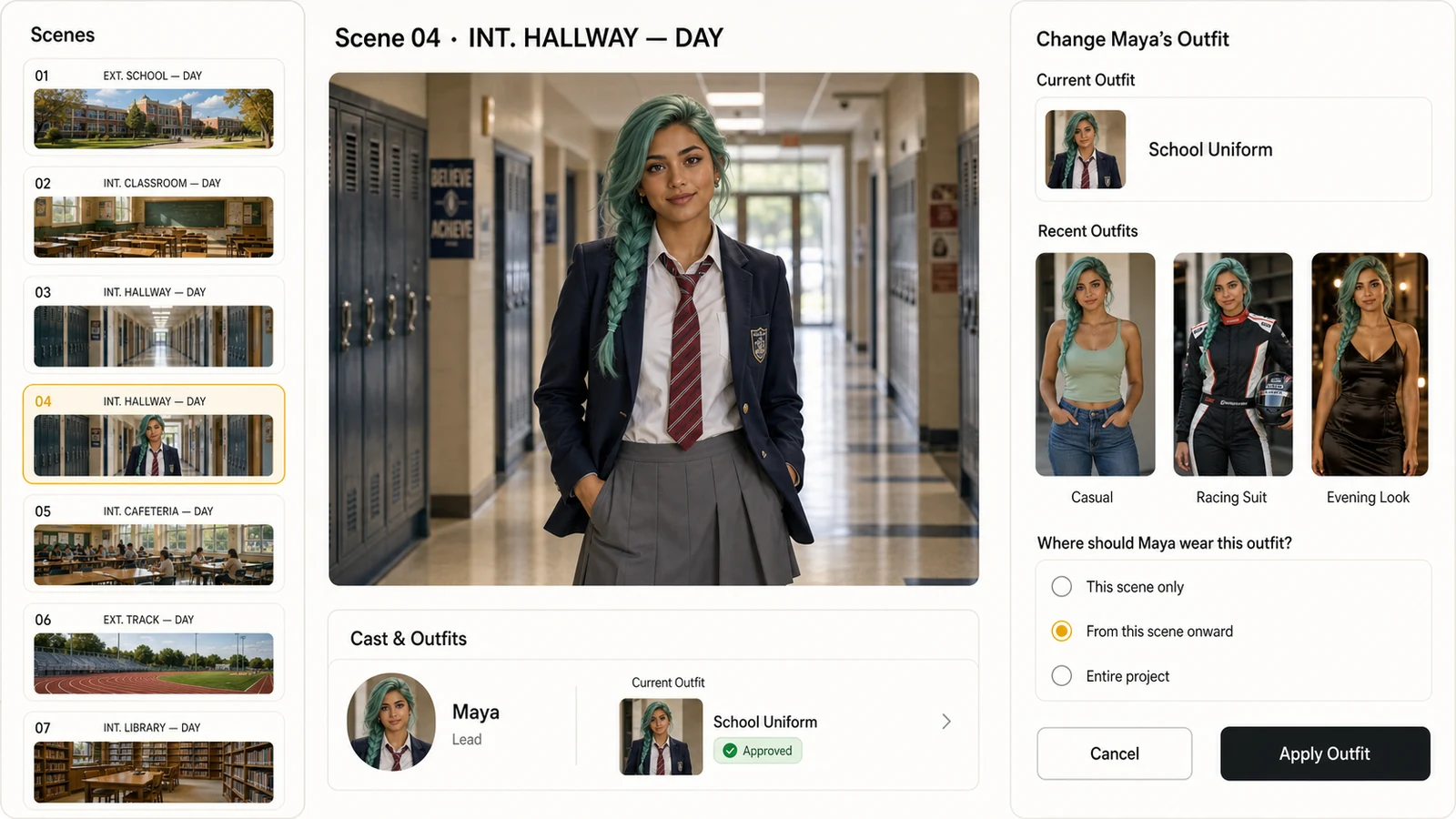
LlamaGen storyboard editor showing a photorealistic character, recent outfits, and controls for applying an outfit from the current scene onward
Scene-aware outfit continuity
01This scene only
02From this scene onward
03Entire project

Approved look

Select from approved character outfits instead of recreating the wardrobe inside every shot.

Scene range

Apply a look to one scene, all following scenes, or the whole project with an explicit range.

Identity continuity

Keep the same face, hair, body proportions, and visual identity while the clothes change.
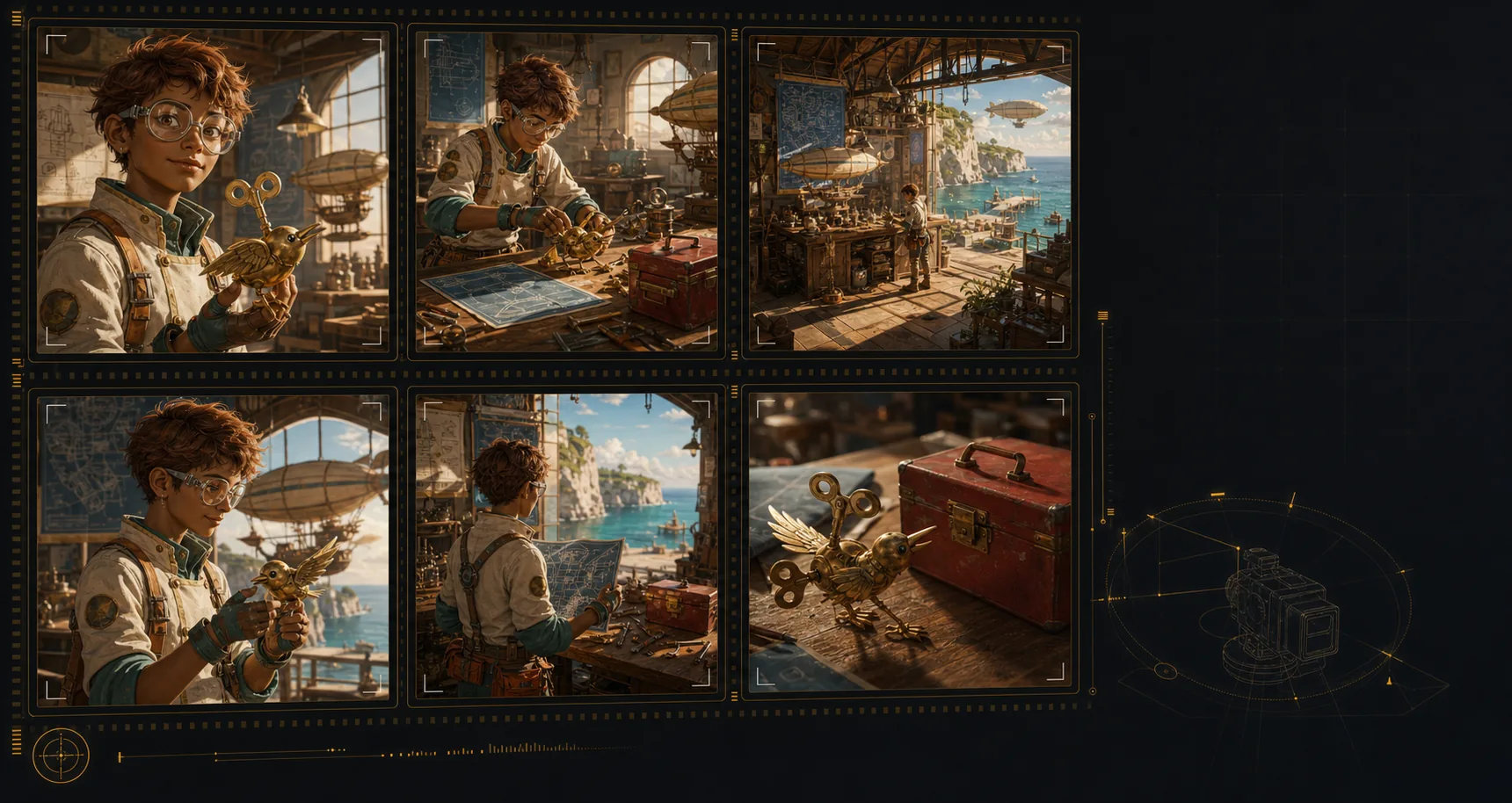
Generated storyboard panels showing consistent character, location, and prop continuity
Visual lock
Character
Location
Object
Continuity engine

Lock cast, props,and locations across shots

Create an AI storyboard where the same characters, environments, wardrobe, and hero objects remain recognizable across the sequence. That continuity makes each shot feel planned, connected, and ready for review.
Keep the same character identity, wardrobe cues, and silhouette from scene to scene.
Return to recognizable locations even when the shot size or camera angle changes.
Carry important props and objects through the board without visual drift.
Build a storyboard that reads like one production, not unrelated AI images.
Build a consistent storyboard
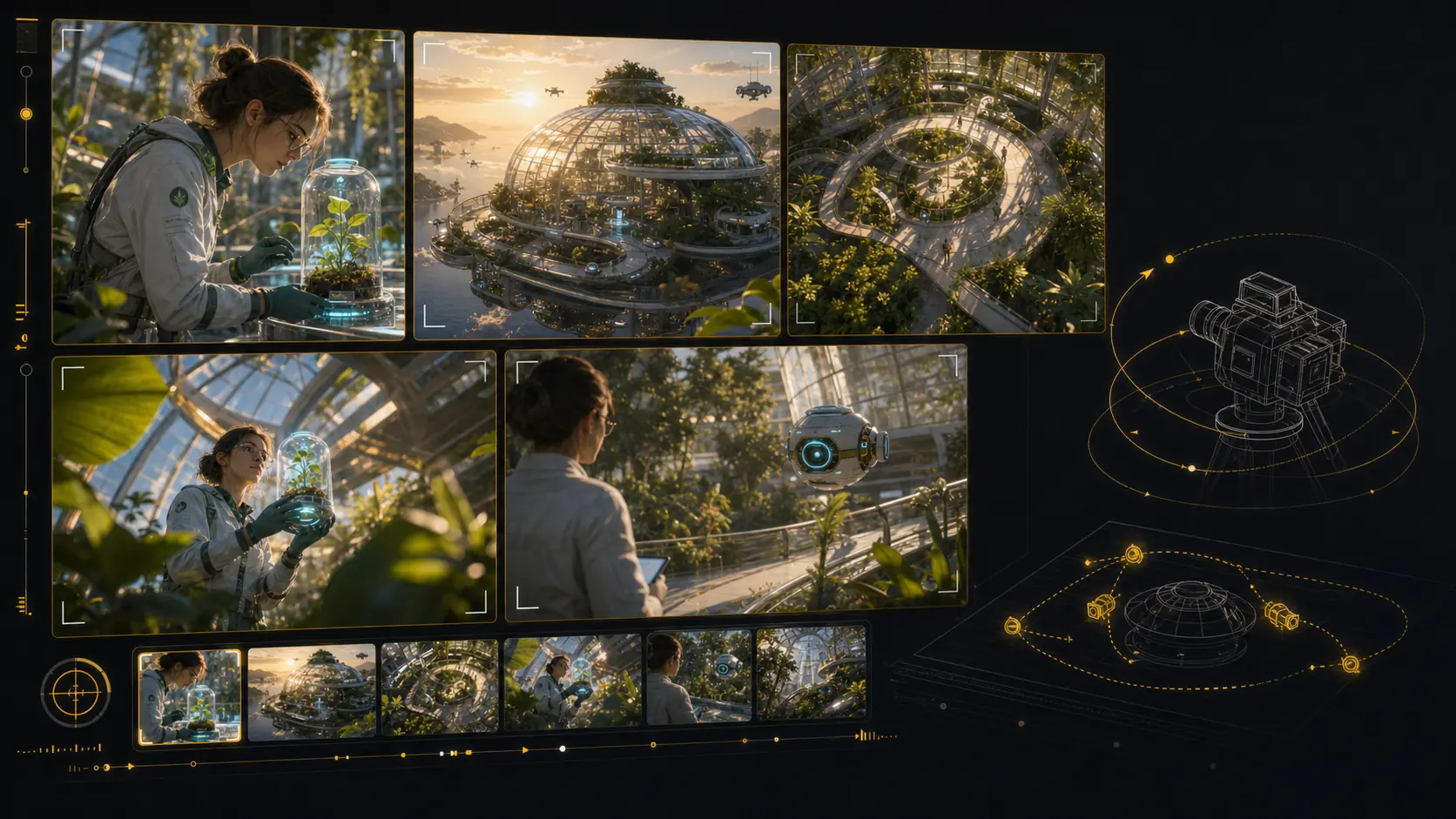
Generated 3D camera-angle storyboard tool with multiple framings of the same scene
Angle preview
Close
Wide
Top
Low
Shot framing control

Reframe shots with3D camera control

Test camera angles for an AI storyboard without rebuilding the scene from scratch. Reframe the setup, compare shot sizes, and give your director, DP, editor, or client a clearer visual decision.

Explore camera position in 3D space from the same storyboard setup.
Orbit, pan, tilt, and zoom to compare practical framing options.
Preview close-ups, wides, overheads, and low angles before the next render.
Share clear shot language for framing, height, lens feel, and blocking.
Reframe a storyboard shot
AI animatic studio

Generate animaticsfrom storyboard frames

Use LlamaGen as an AI storyboard video generator: choose a frame, describe the camera move and duration, then create a motion test that stays anchored to the approved shot. Static boards become pitch-ready animatics and multi-shot reviews without leaving the storyboard workflow.

Frame-to-clip

Start from an approved storyboard frame so the clip keeps the same composition.

Motion notes

Add a push-in, tracking move, orbit, hold, or timing beat before generation.

Animatic review

Compare generated clips with shot notes, scene order, and edit intent in one place.
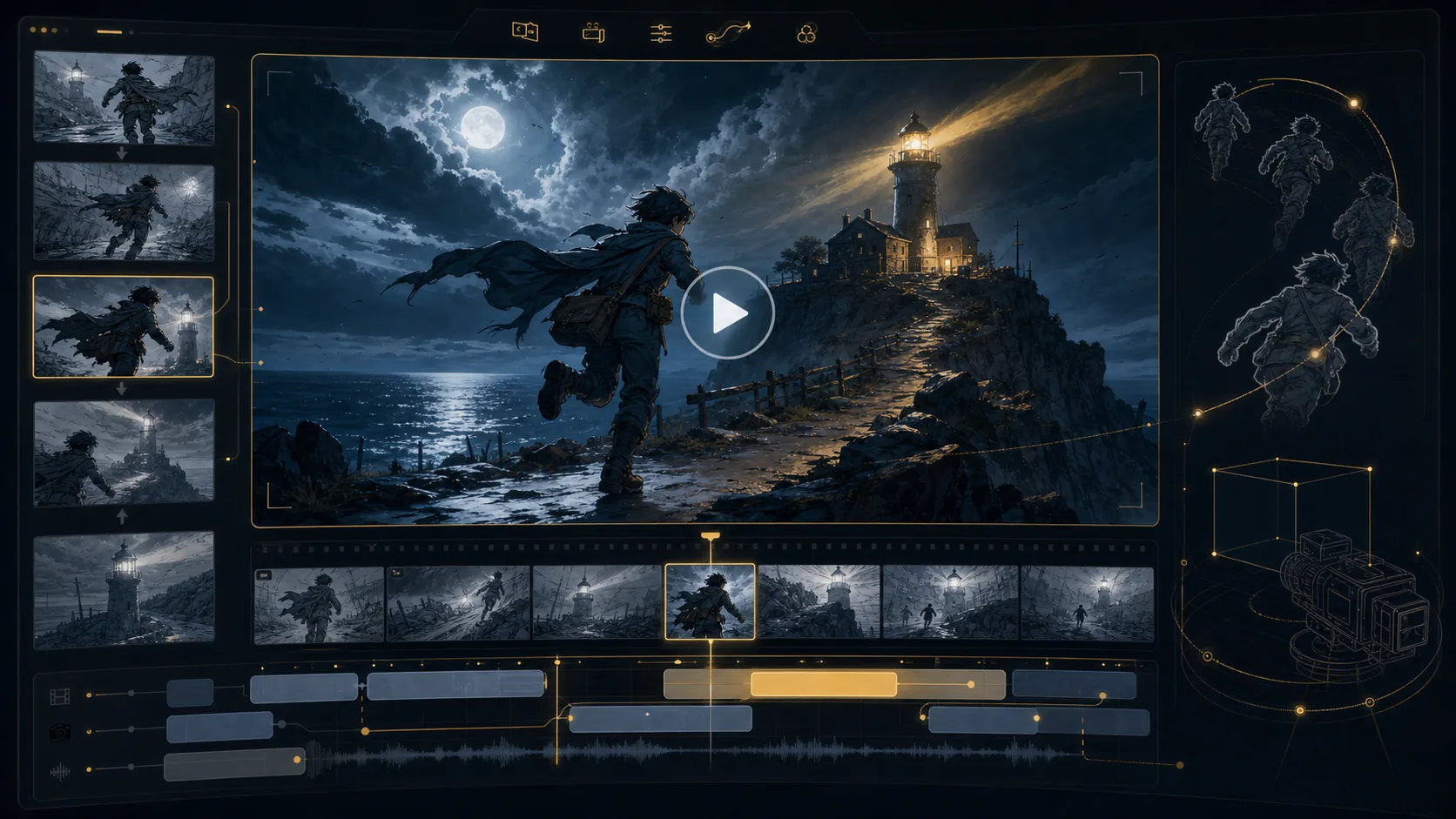
Final animatic preview
16:9
Generated AI storyboard video generation workspace preview
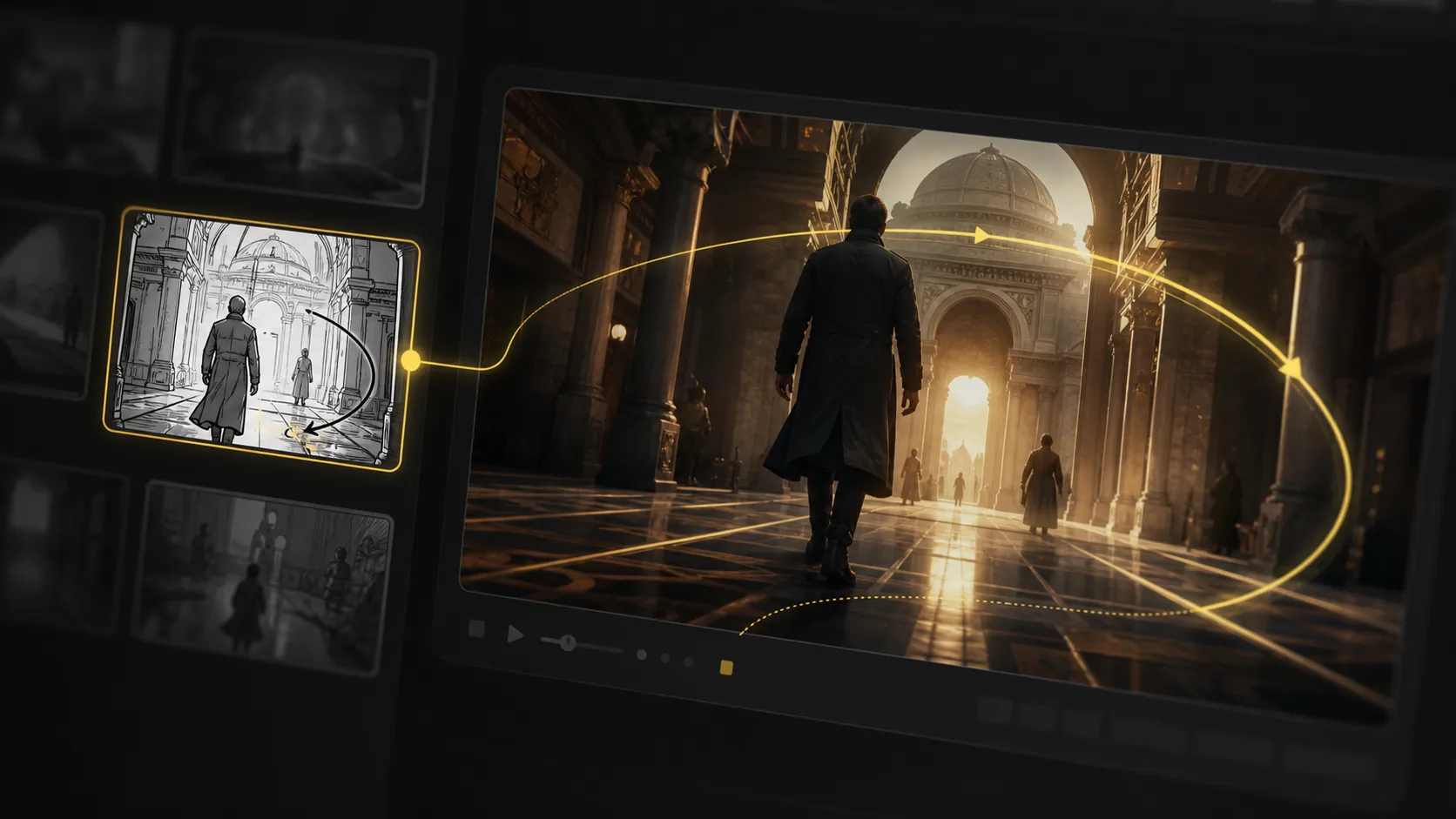
Generated AI storyboard video preview with camera motion path
Motion path
Generated storyboard camera angle pass prepared for animation
Angle pass
Generated storyboard pipeline preview for animatic handoff
Timeline handoff
Unlimited storyboard variations

Keep regenerating until the shot works.

Refine AI storyboard images through real creative rounds: alternate angles, cleaner compositions, different moods, and stronger visual continuity without treating every frame like a scarce credit.
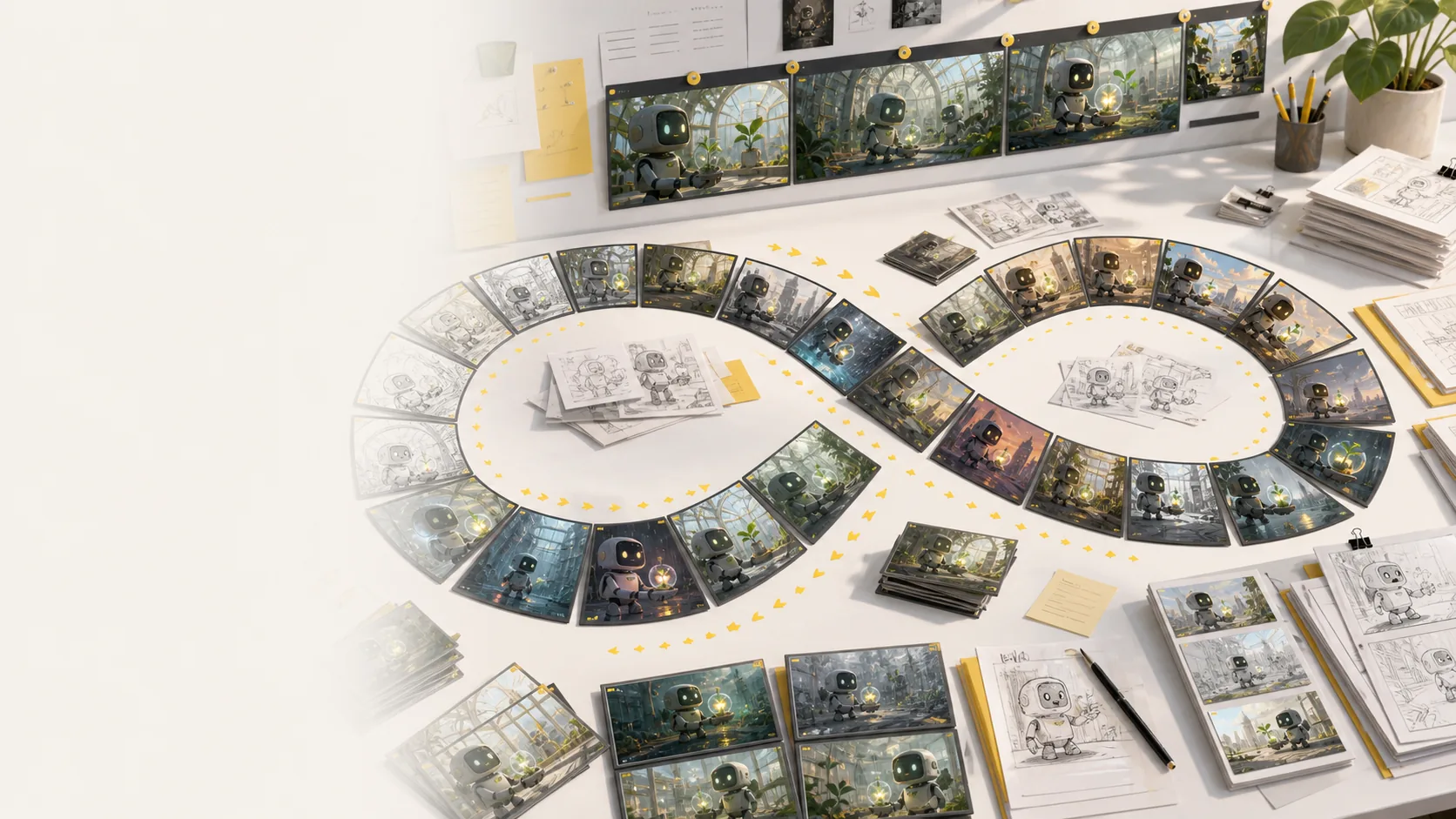
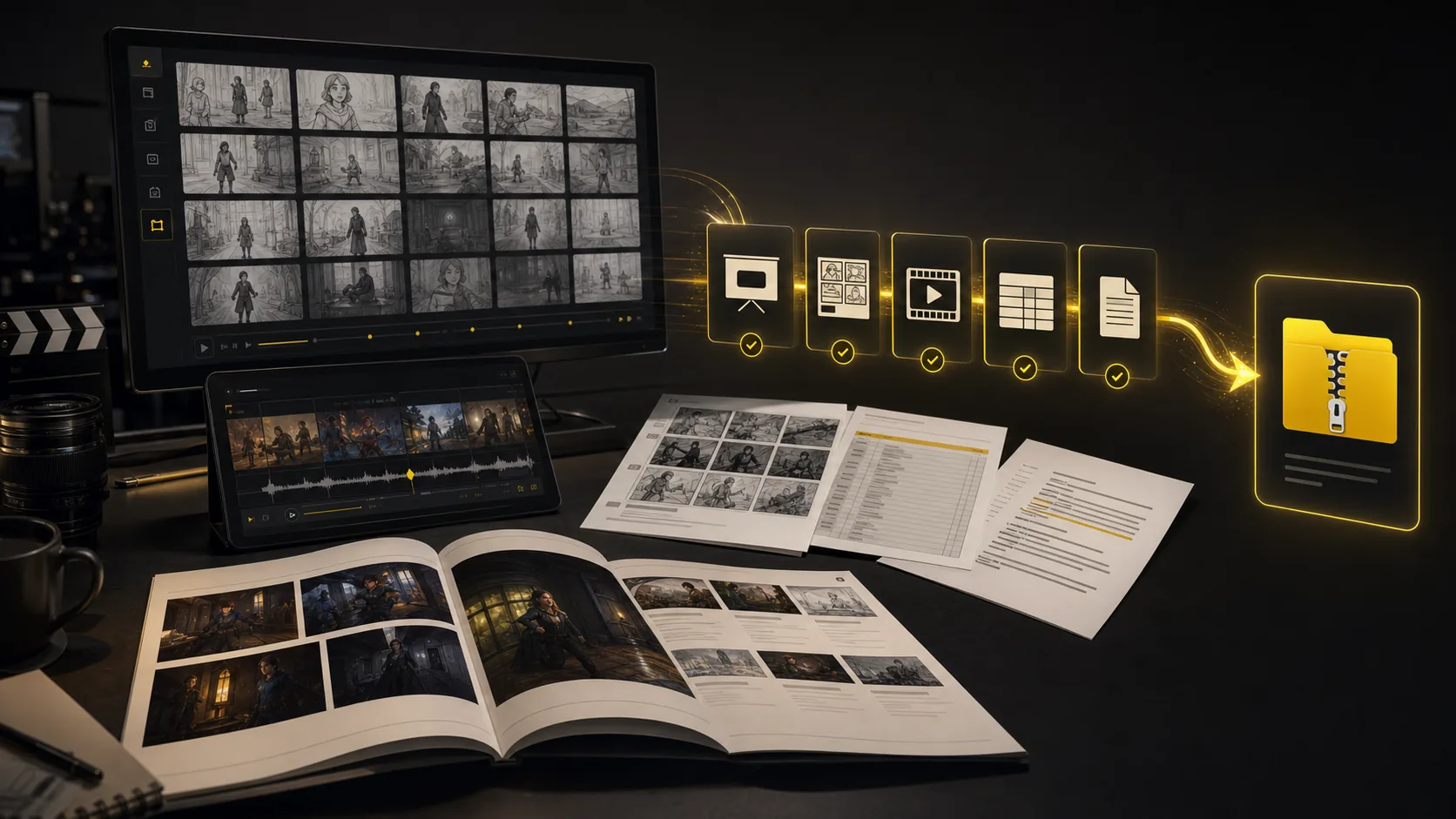
Generate more storyboard variations whenever a scene needs another pass.
No per-image credit counter interrupting exploration or client revisions.
Regenerate shots, revise framing, and compare style directions side by side.
Keep testing mood, lighting, layout, and camera ideas until the board works.
Explore more variations
Generated storyboard variation desk showing many AI storyboard frame options, sketches, and revisions
Generated storyboard export suite with PDF, XLSX, image ZIP, MP4 animatic, and XML handoff formats
One project, every handoff
Export suite

Export every storyboarddeliverable together

Turn a finished storyboard project into files a production team can use immediately: screenplay, shot-list, and storyboard PDFs; XLSX shot lists; image ZIPs; MP4 animatics; and XML handoff packages.

Screenplay and shot-list PDFs
Storyboard PDF and image ZIP
Shot list Excel (.xlsx)
MP4 animatic and XML package
Package the same AI storyboard for clients, editors, producers, and crew.
Export screenplay, shot-list, and storyboard PDFs plus XLSX shot lists.
Keep frames, scene notes, timing, camera direction, and revisions attached.
Move from creative review to production handoff while context is still intact.
Build a production handoff
All tools connected

Every pre-production tool lives in
one storyboard workspace

The core sections show the main workflow. This bento grid covers the supporting AI storyboard tools around it: inputs, styles, continuity, video, variations, camera planning, and production handoff.

Most popular

Storyboard-to-animatic clips

Generate AI animatics from approved storyboard frames with camera motion and timing notes.

Hover to preview
AI storyboard animatic preview generated from storyboard frames

Storyboard-to-animatic clips

Sketch cleanup

Turn rough boards, loose thumbnails, and scene notes into cleaner visual panels.

Hover to preview
AI storyboard workflow converting rough input into visual panels

Sketch cleanup

Style direction

Compare visual routes for tone, genre, lighting, and brand style before the board locks.

Hover to preview
AI storyboard style direction preview with consistent visual language
AI storyboard variations for style and mood direction

Style direction

Unlimited variations

Regenerate shots, moods, angles, and layouts without managing per-image credits.

Hover to preview
Unlimited AI storyboard variations preview

Unlimited variations

Continuity lock

Keep characters, props, wardrobe, and locations recognizable across generated shots.

Hover to preview
AI storyboard continuity lock for characters, locations, and objects

Continuity lock

Camera move planning

Plan tracking, push-in, orbit, and reveal moves before turning frames into video.

Hover to preview
AI storyboard camera movement planning preview

Camera move planning

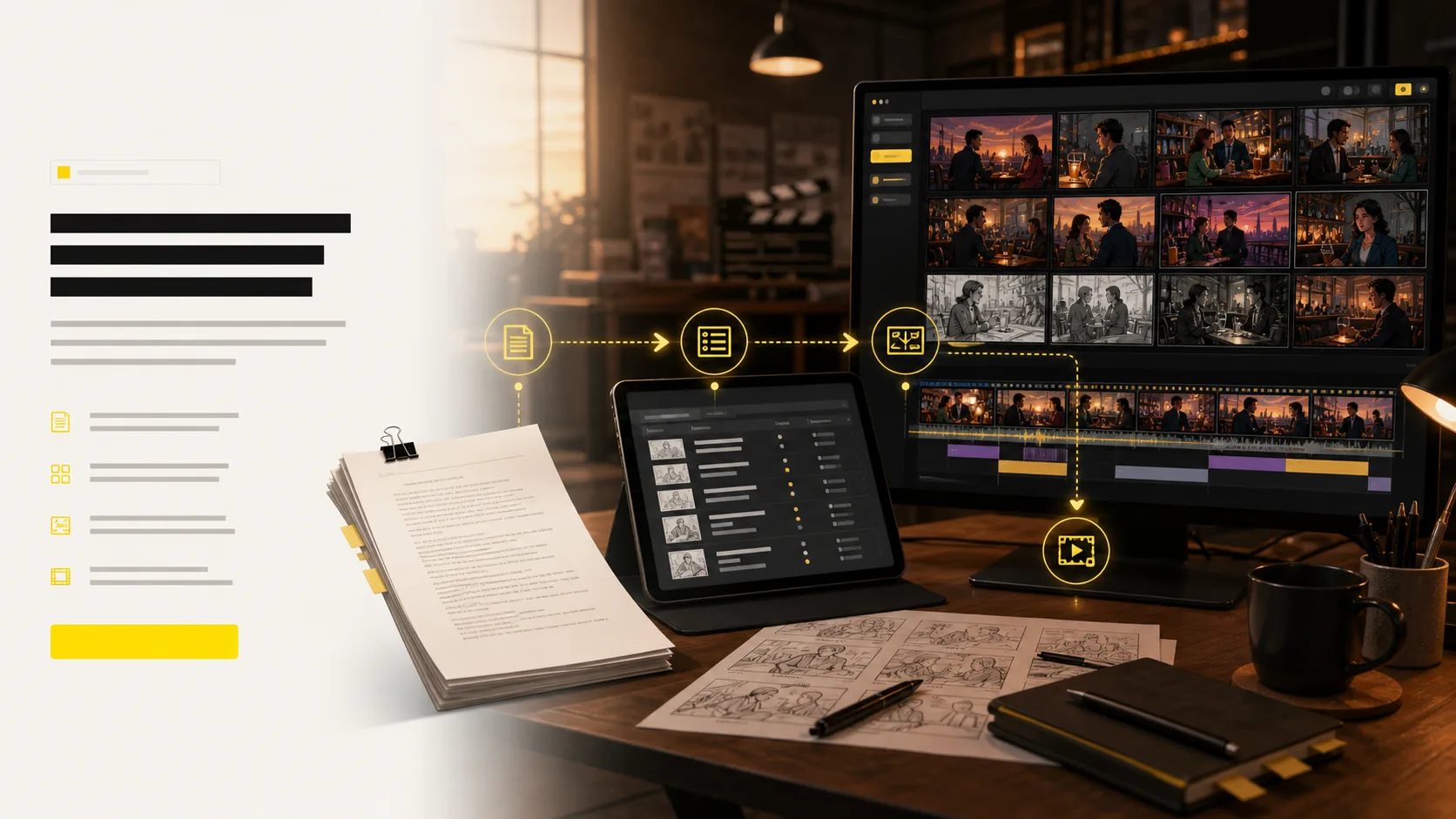
Script, prompt, and PDF input

Start from a screenplay, treatment, PDF, scene note, or loose prompt and build the board from there.

Hover to preview
AI storyboard script and prompt input workflow
AI storyboard camera planning frame generated from input

Script, prompt, and PDF input

Production handoff

Export storyboard PDFs, shot list tables, animatic files, and review packages from one project.

Hover to preview
AI storyboard export suite with PDFs, shot lists, animatics, and handoff package

Production handoff

Story boards across planning jobs

Examples of scene boards for shorts, lessons, ads, and pitch reviews.
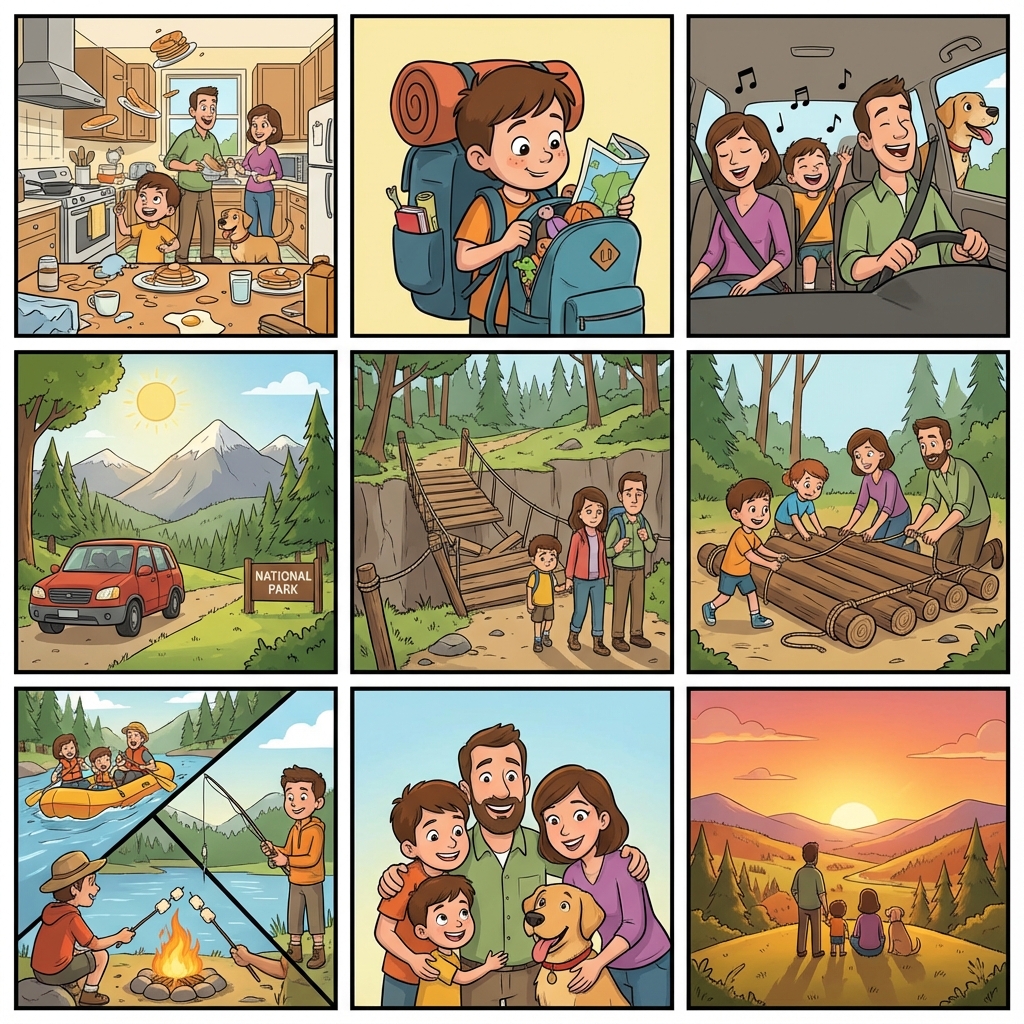
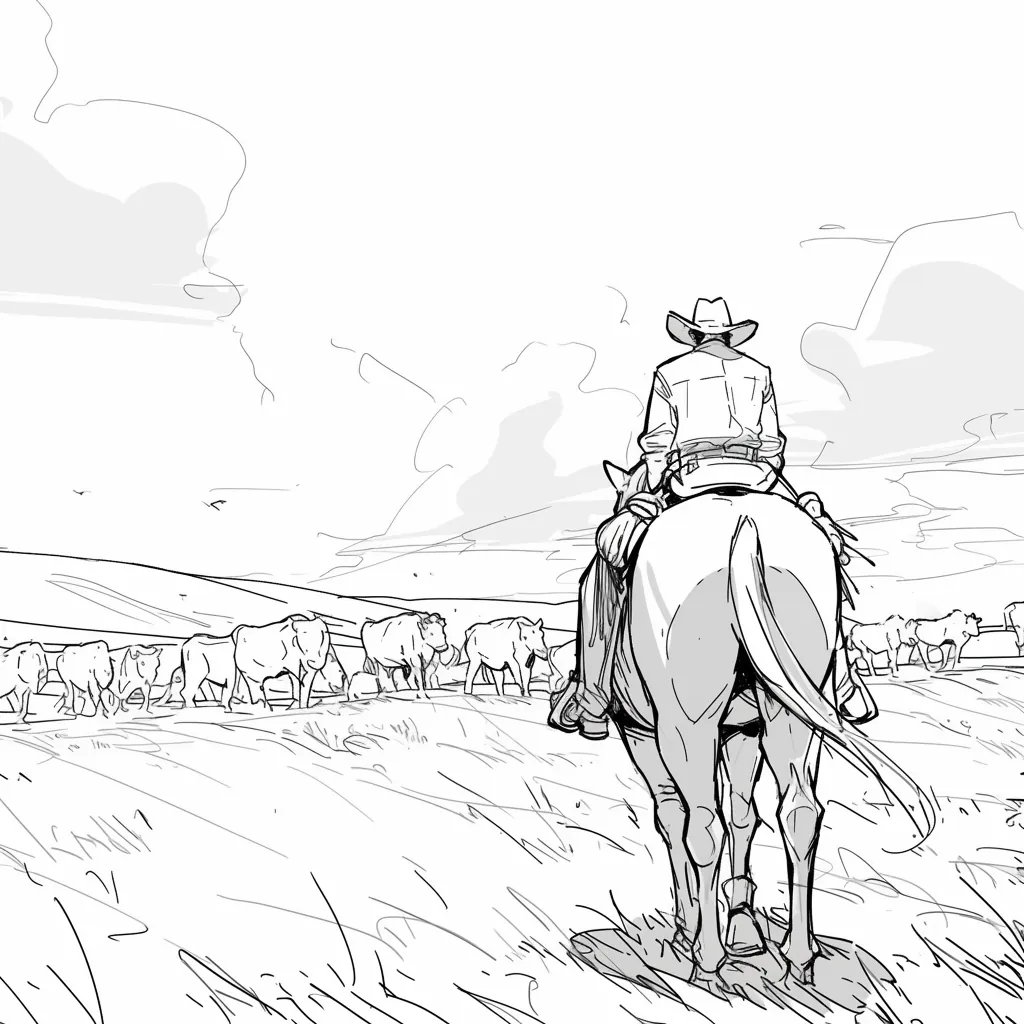
Classroom story board with ordered scene cards
Classroom scene board
Advertising story board for shot order review
Ad review board
Short film story board with scene sequence
Short film board

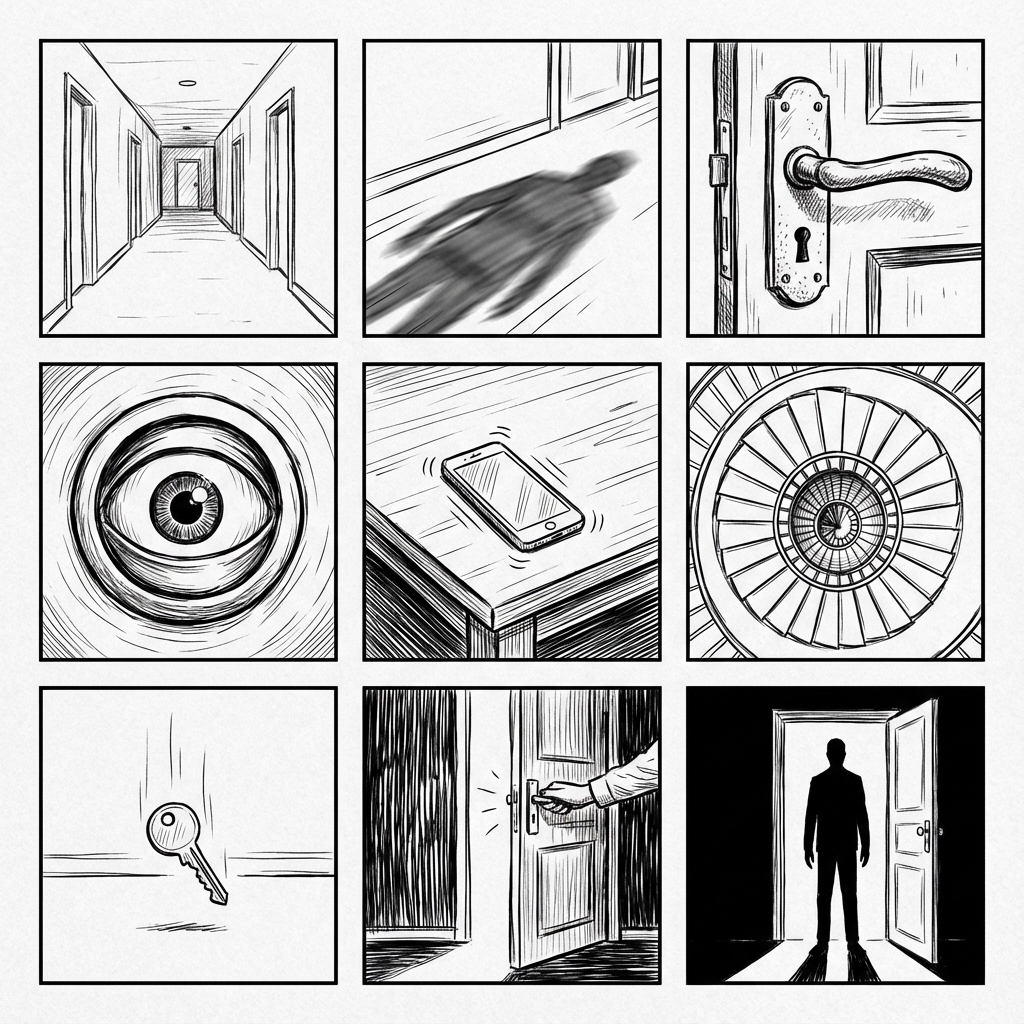
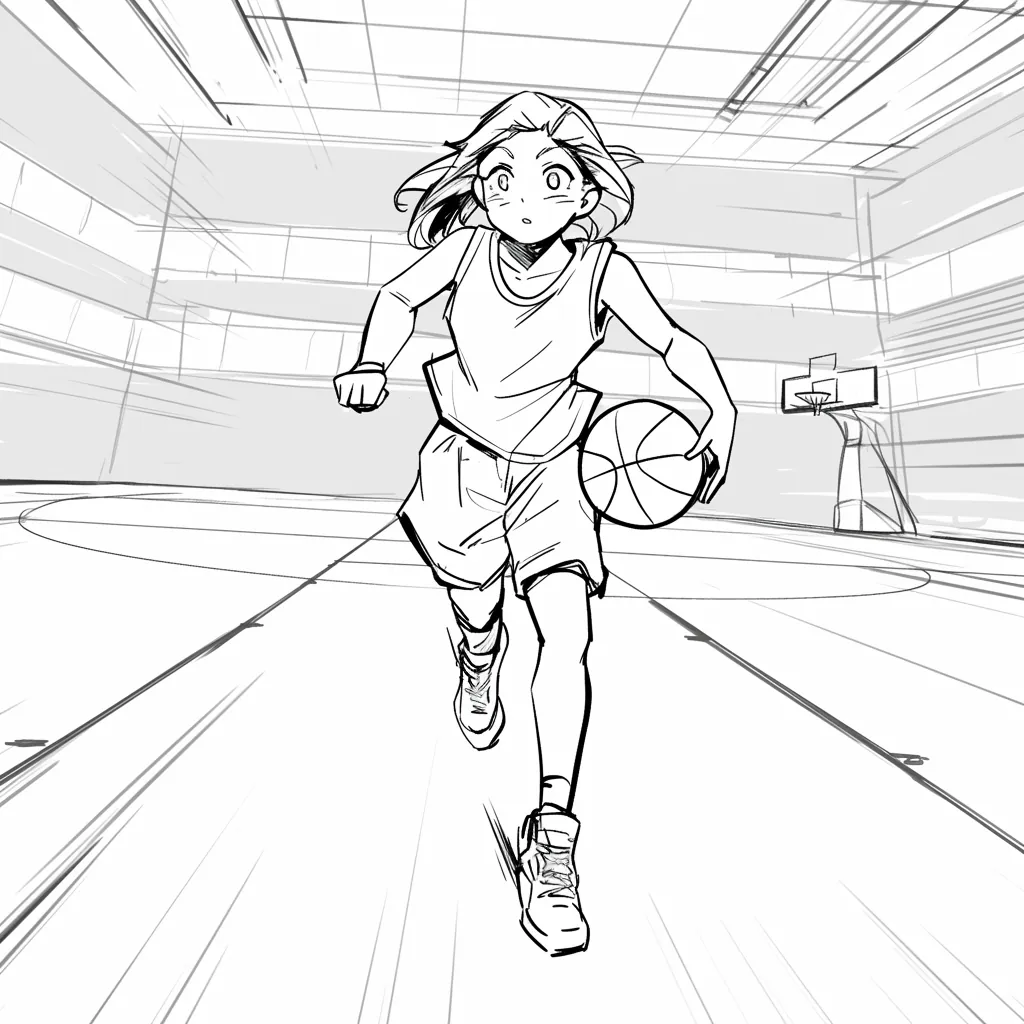
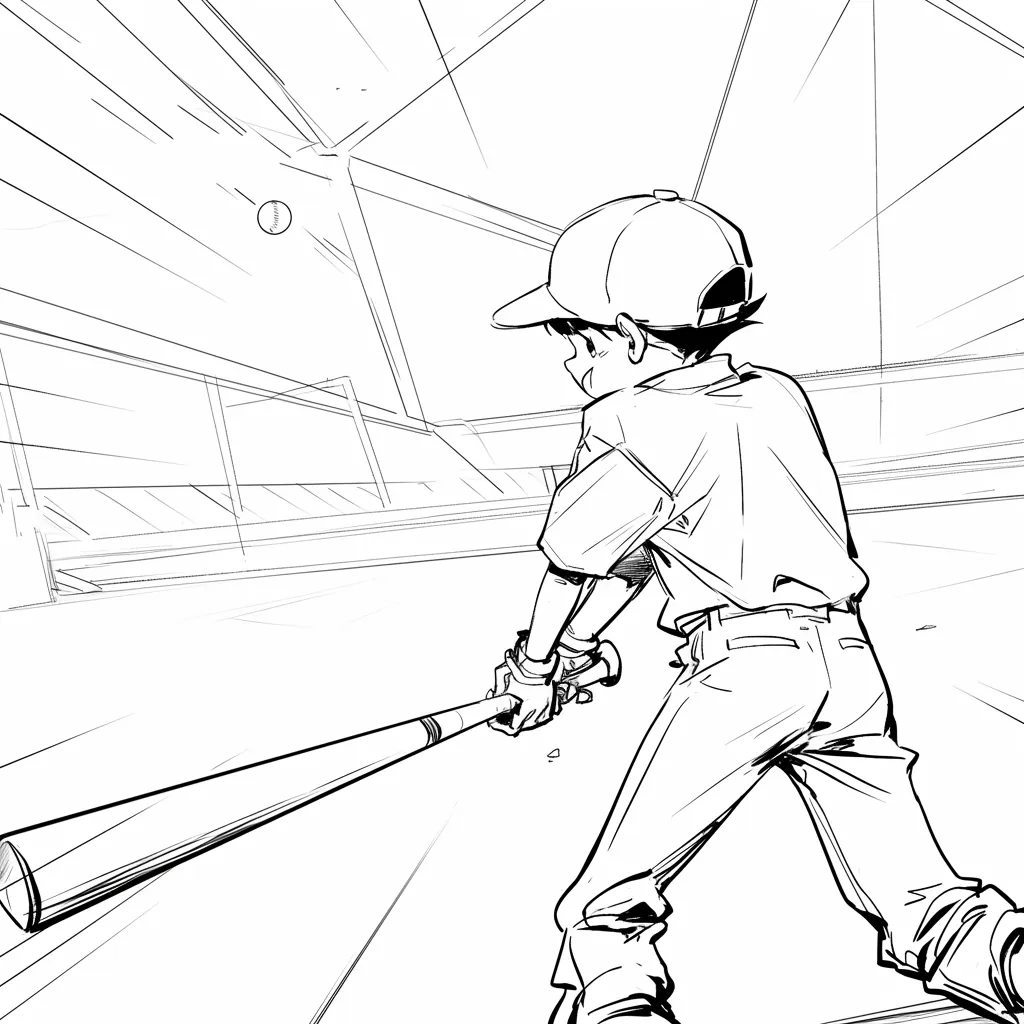
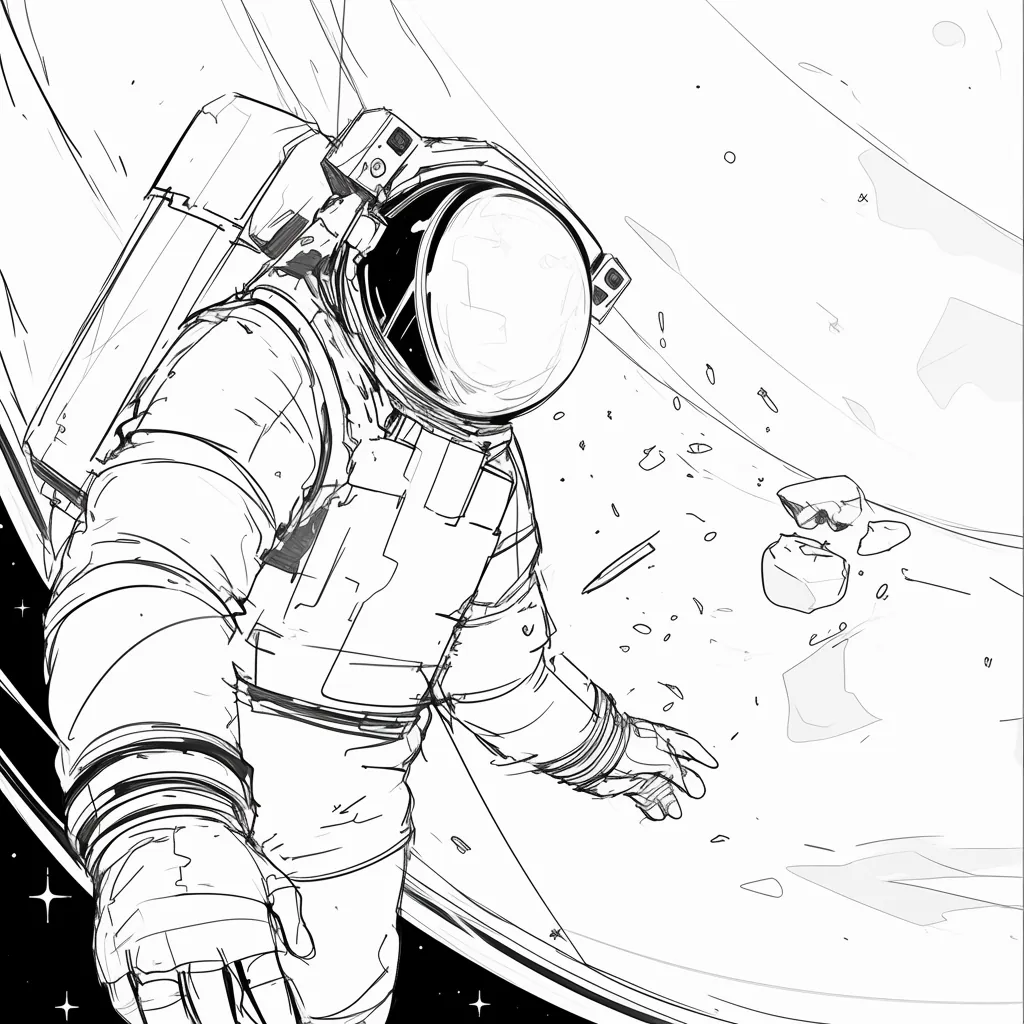
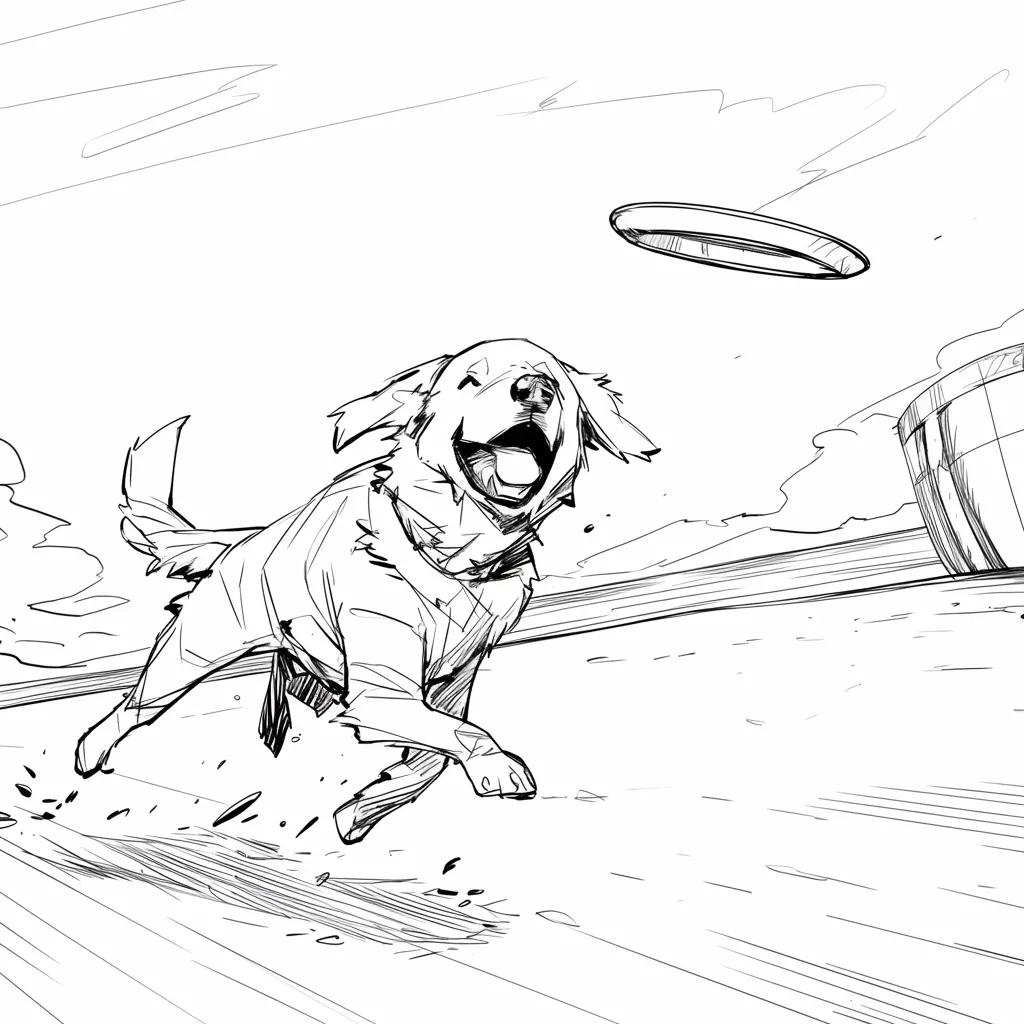
Why Lo-Fi & Grid?

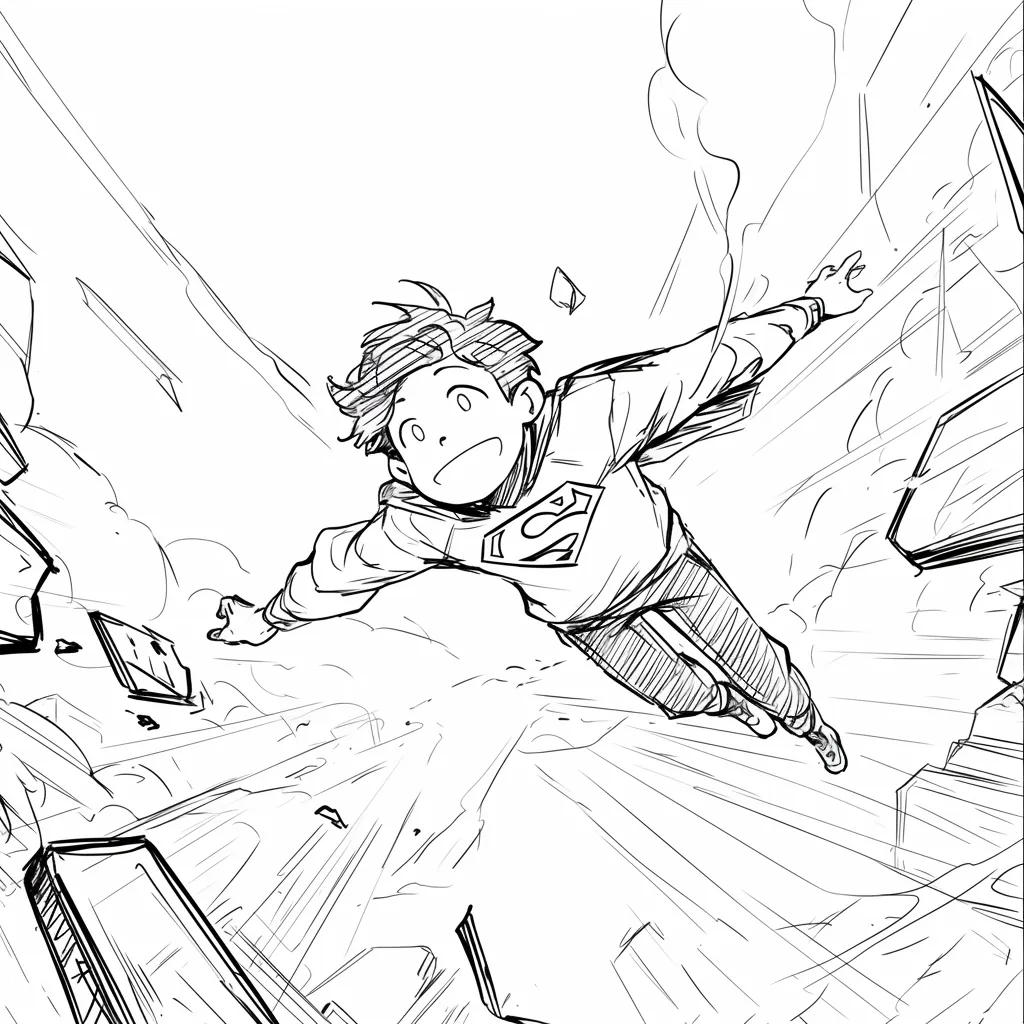
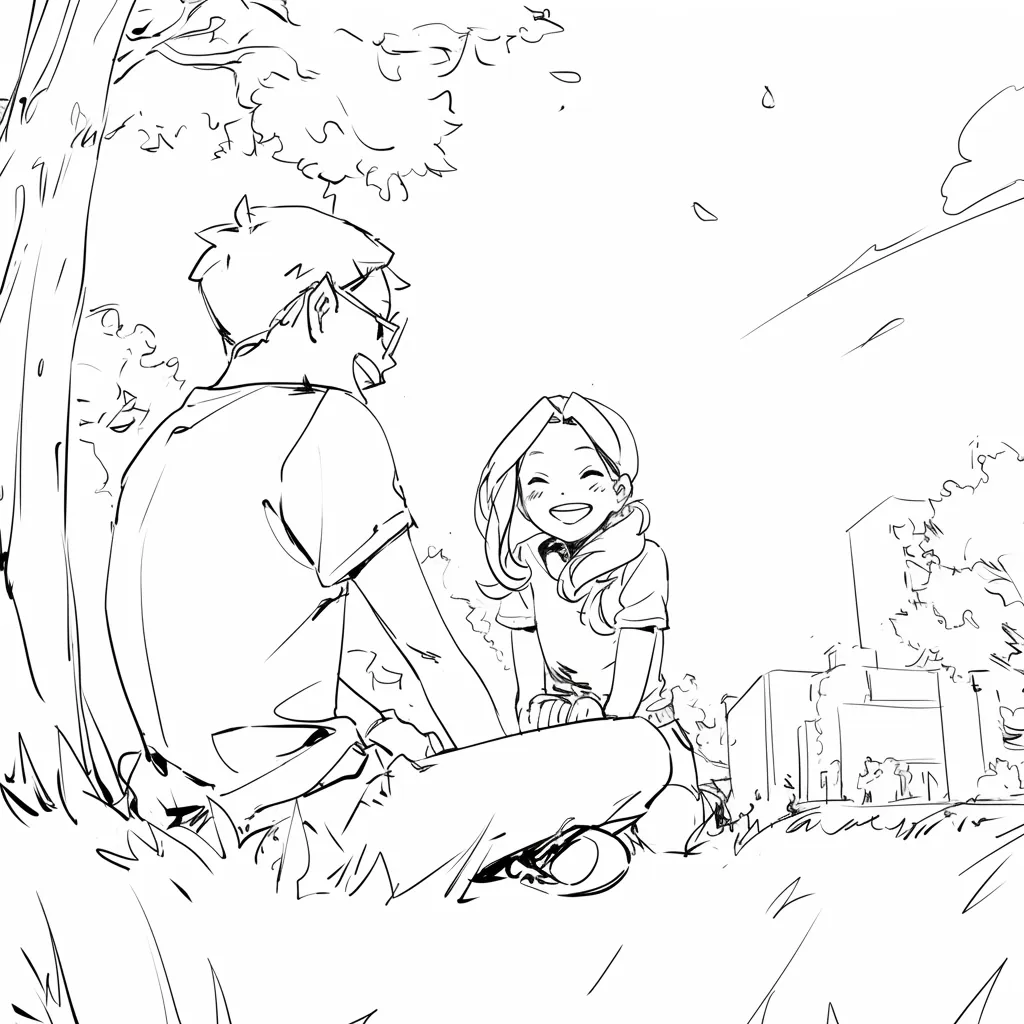
Clarity over Details

High-fidelity AI images add unintentional details (lighting, textures) that distract stakeholders. Line art keeps the focus on composition and storytelling.
AI Storyboards 1
AI Storyboards 2
AI Storyboards 3
AI Storyboards 4
AI Storyboards 5
AI Storyboards 6
AI Storyboards 7
AI Storyboards 8

Descubra Por Que as Pessoas Amam LlamaGen.Ai

LlamaGen.Ai é um lugar para criar, gerar e se conectar com a IA.

Maya_Lee

Maya_Lee

@Maya_Lee

I love how simple it is to create unique anime characters. This anime AI really captures the details I envision, and it's perfect for my personal projects!
Sky_Walker

Sky_Walker

@Sky_Walker

This anime AI generator is amazing! It turned my descriptions into stunning anime art in seconds. Super easy to use and the results are always impressive!
Cre_Luna

Cre_Luna

@Cre_Luna

Incredible! The ability to generate anime art from text is a game-changer. It's fast, free, and the artwork is always top-notch. Highly recommend it!
juaner0211589

juaner0211589

@juaner0211589

Este é um ótimo produto de IA. Ele realmente pode transformar sua imaginação em realidade. É realmente incrível! Ele abre uma nova era de quadrinhos! Muito obrigado pelo trabalho duro e dedicação dos desenvolvedores.
Rubem Didini

Rubem Didini

@rubem-didini

DESCOBRINDO FERRAMENTAS DE IA. Transforme texto em imagens e tiras de quadrinhos impressionantes e envolventes - https://llamagen.ai
Cole Lawrence

Cole Lawrence

@refactorordie

Obrigado por compartilhar! Espero que o produto seja divertido de construir
Benoit

Benoit

@benoitst-laurent

Sim, eu ficaria super feliz em entrar em contato com pessoas da sua equipe e relatar algumas percepções e ideias!
Beau HU

Beau HU

@RealFeatBit

LlamaGen.Ai é um produto de classe mundial que está revolucionando o mundo do anime. Esta poderosa ferramenta de IA, criada por uma equipe profundamente apaixonada por arte e anime, está silenciosamente mudando a forma como experimentamos este amado meio.
Jake M.

Jake M.

@jake-m

Como um ávido criador de gráficos em estilo de livro de quadrinhos, eu lutei para encontrar uma ferramenta que realmente me permitisse liberar minha criatividade em escala. llamagen.ai não apenas quebra limites, mas os despedaça, oferecendo infinitas possibilidades para meus projetos. É a solução final alimentada por AI que eu estava esperando!
Michael B.

Michael B.

@michael-b

llamagen.ai reacendeu minha paixão por contar histórias. Como um profissional ocupado, encontrar tempo para perseguir projetos criativos pode ser desafiador. Mas este aplicativo provou ser tão fácil de usar... É como ter um companheiro criativo ao meu lado!
Bill

Bill

@bill

Adoro este produto. Continuem com o ótimo trabalho e me avisem se/como posso ajudar.
Sarah L.

Sarah L.

@sarah-l

Eu experimentei várias ferramentas de IA para geração de imagens. E elas são bastante divertidas de usar, mas llamagen.ai é o primeiro aplicativo em que realmente vi um caso de uso potencial. A consistência dos personagens realmente chamou minha atenção, pois é algo que eu não tinha visto antes e posso ver o apelo tanto para profissionais quanto para amadores. Verdadeiramente uma mudança de jogo!
Suresh Gunasekaran

Suresh Gunasekaran

@digital-marketer-suresh

LlamaGen.Ai fornece um gerador de imagens AI e um gerador de animações AI gratuitos. Torna o processo de criação de tiras de quadrinhos mais fácil e rápido, focando na criação de personagens consistentes e controlando sua pose, composição e estilo.
Den

Den

@den

Finalmente, terminei meu quadrinho 🙂 Muito obrigado pelo apoio!
Velika

Velika

@velika

LlamaGen.Ai é uma ferramenta de design de IA inovadora que oferece uma experiência criativa incomparável para designers em todo o mundo. Seu gerador de quadrinhos de IA e gerador de imagens capacitam a criação de maneira fácil e eficiente, rompendo os limites do design tradicional.

AI story board FAQ

Não encontrou algo? Envie-nos uma mensagem

より多くの生成デザイン

ビジュアルスイートAI Comic Studio無料AIコミックストリップメーカーAI絵本ジェネレーター無料AIコミックジェネレーター無料コミックブックメーカーコミックエディターキャラクターエディターストーリーからコミック生成AIマンガスタジオコミックをビデオに音楽をビデオに変換無料AIモーションデザイナー動画からコミックへAIムービーメーカーボイスストーリー生成器無料AIカートゥーンジェネレーター無料写真からコミックAI無料写真からカートゥーン変換無料AIウェブトゥーンジェネレーター無料AIマンファジェネレーター無料AIマンガジェネレーターソーシャルメディアコミック聖書コミックメーカー無料マンガ吹き出しジェネレーター無料AI絵コンテジェネレーターAI脚本エディター無料ストーリーボードテンプレートAIスクリプトジェネレーター無料AIカメラアングル制御AI背景ジェネレーターAI画像スタイル転送AI深度マップジェネレーターAIポーズ生成器AIキャラクタージェネレーターAIキャラクターデザインAIアニメ生成AIコミックファクトリーAIストーリーライター子供向けストーリーブックメーカー生成ワークフローAIストーリーブックジェネレータ無料写真からアニメAIAIマンガ脚本生成白黒画像フィルターAIマンガ彩色ツールマンガメーカー無料AIマンガ翻訳無料アニメを実写風に無料AIアニメキャラクタージェネレーターAIピクセルアートジェネレーターキャラクターシート切り抜きツールコミックパネル分割ツール無料AIレイヤー分割AI画像ジェネレータストーリーAIAI Text Adventure Generator画像を切り抜く画像を圧縮AIアクリルスタンドジェネレーターAIキャラクターシートジェネレーターAIクリスマス衣装ジェネレーターAIデスクトップペットジェネレーターAIペアキャラクタージェネレーターAIファンタジーキャラクタージェネレーターAIフィギュアジェネレーターAIギャルゲーUIジェネレーターAI巨大像ジェネレーターAIバッジジェネレーターAI雑誌カバージェネレーターAIペーパー切り絵ジェネレーターAIポラロイドジェネレーターAIトレーディングカードジェネレーターアバタージェネレーターAIアバタージェネレータAIビデオジェネレーターAIマンガジェネレータAIマンファジェネレーターコミックから動画へのAICanvas AIコンテンツ生成ツールAIストーリーライターStory DiffusionAIコミックブックエディターコミックキャラクタークリエーターウェブコミックメーカー無料コミッククリエイターアニメアップスケーラー一貫したキャラクターのビデオビジュアルストーリー作成描くグレースケール画像このコミックStoryboard ThatAIアニメ生成ComicgenAI画像ベクター化ツールちびキャラステッカー作成アニメステッカー作成ツールAIステッカー生成器アニメキャラクター生成AI画像拡張ツールAIキャラクターシートジェネレーターAI写真→スケッチ変換ツール無料・顔なしAI動画ジェネレーターYouTubeショート動画ジェネレーターUGC広告動画ジェネレーター歴史動画ジェネレーター古代史動画ジェネレーター戦争ドキュメンタリー動画ジェネレーターストーリーから動画ジェネレーターナレーション動画ジェネレーターボイスストーリー生成器プロフェッショナルサービスFree Cartoon to Realistic AIアニメから実写化AIAIマルチショットビデオジェネレータービジュアルストーリーテリングエージェントAIマンガジェネレータAI魔法少女ジェネレーターAIエルフジェネレーターAIブックライターAIスクリプトライターAIブックジェネレーターマンガレイアウトエディターマンガ吹き出し生成器マンガ吹き出しジェネレーターマンガパネル生成器SkyReels AI動画生成器SkyReels AIコミック生成器AIアニメーションストーリージェネレーターAI一貫性のあるキャラクタージェネレーターAI子供向けベッドタイムストーリージェネレーターAIコミコジェネレーターAIモンスタージェネレーターAIモチベーショナルストーリージェネレーターAI映画ポスタージェネレーターAI OCメーカー無料コミックブックメーカーファンタジーAIアートジェネレーターFlux AIイメージジェネレーター無料AI塗り絵ページジェネレーター漫画とアニメの書籍ジェネレーター棒人間コミックジェネレーターステッカージェネレータービデオエージェントコミックエージェントビジュアルストーリーテリングエージェント生成ワークフローTikTokミュージックビデオジェネレーター
Ready to plan the next scene?

Start with the board.Lock the order later.

Build an online story board your team can point at. Add scenes, move cards, and keep notes in one place before production.