

Kameravinkelkontroll - Foto-vinkelredigerare med AI
Ladda upp media, håll och dra för att ändra kameravinkeln och skapa från 12 bästa vinklar. Förvandla dina bilder med AI-bildkameravinkelkontroll med naturlig dialog samt kontroller för horisontell vinkel, vertikal vinkel och zoomavstånd.
Redigera med chatt, utöka scener, ta bort objekt, byt bakgrunder och skapa nya kameravinklar från ett enda foto med arbetsflöden för Qwen Image Edit och AIOmnigen.
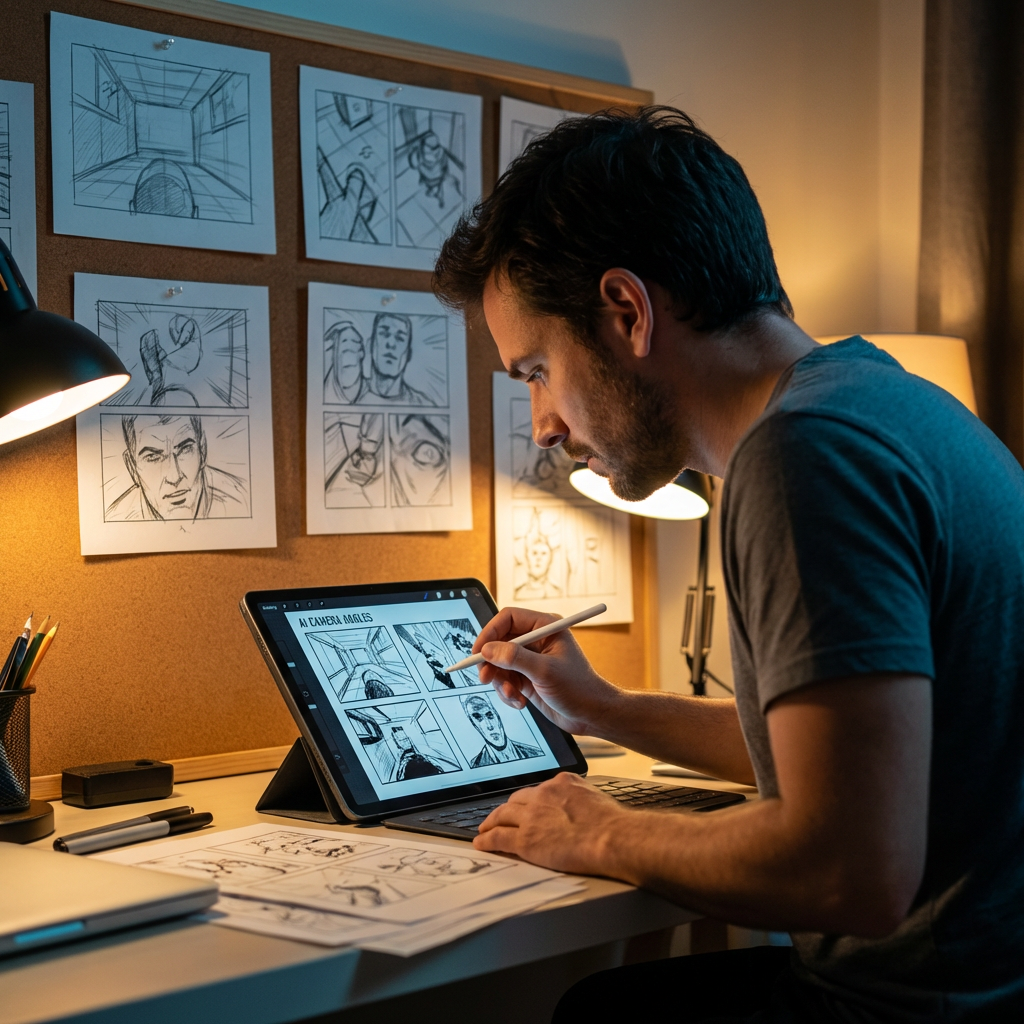
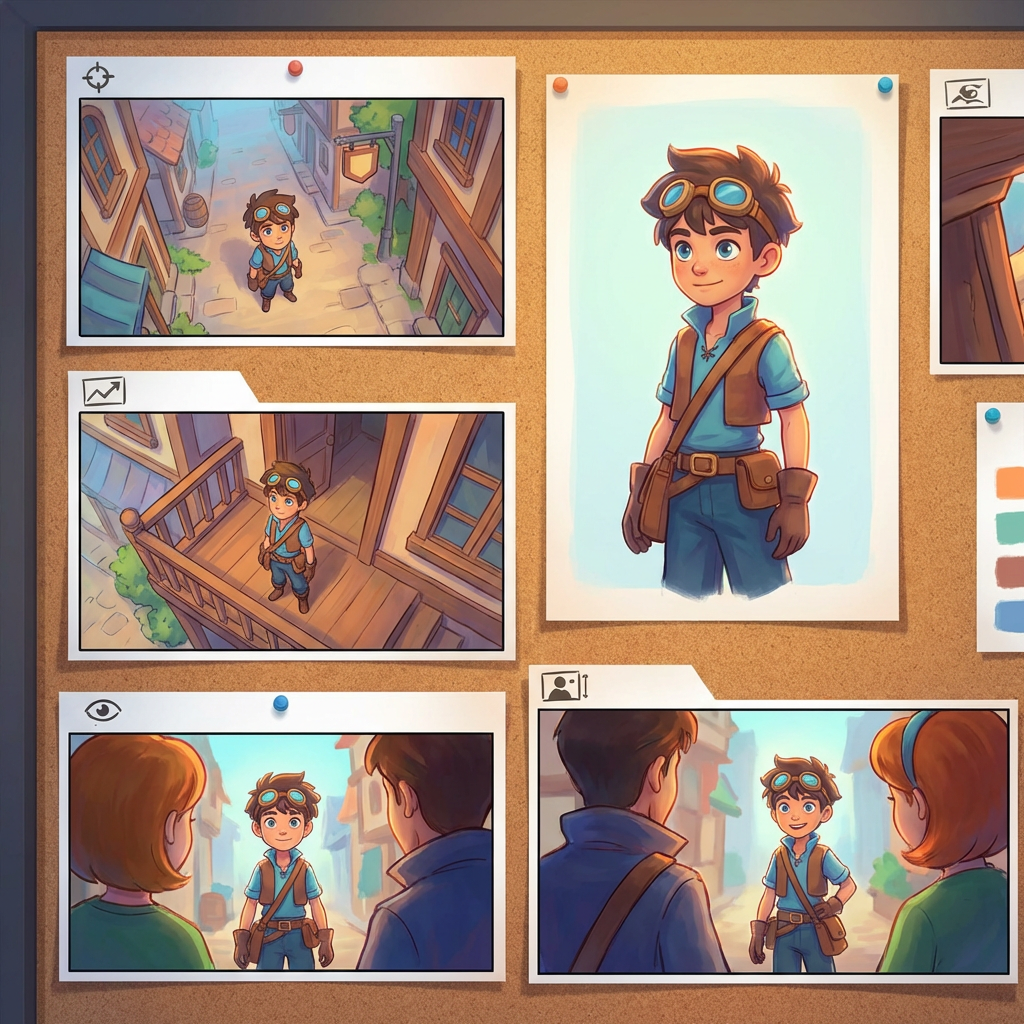
Interaktivt vinkel-labb
Ladda upp en bild, ändra vinkeln och redigera med chatt
Det här inbäddade verktyget låter dig förvandla bilder genom naturlig dialog. Ladda upp ett foto och utöka sedan, ta bort objekt, byt bakgrunder eller skapa nya kameravinklar med interaktiva kamerakontroller och redigeringsmodeller som inkluderar Qwen Image Edit.
Multi-Angles
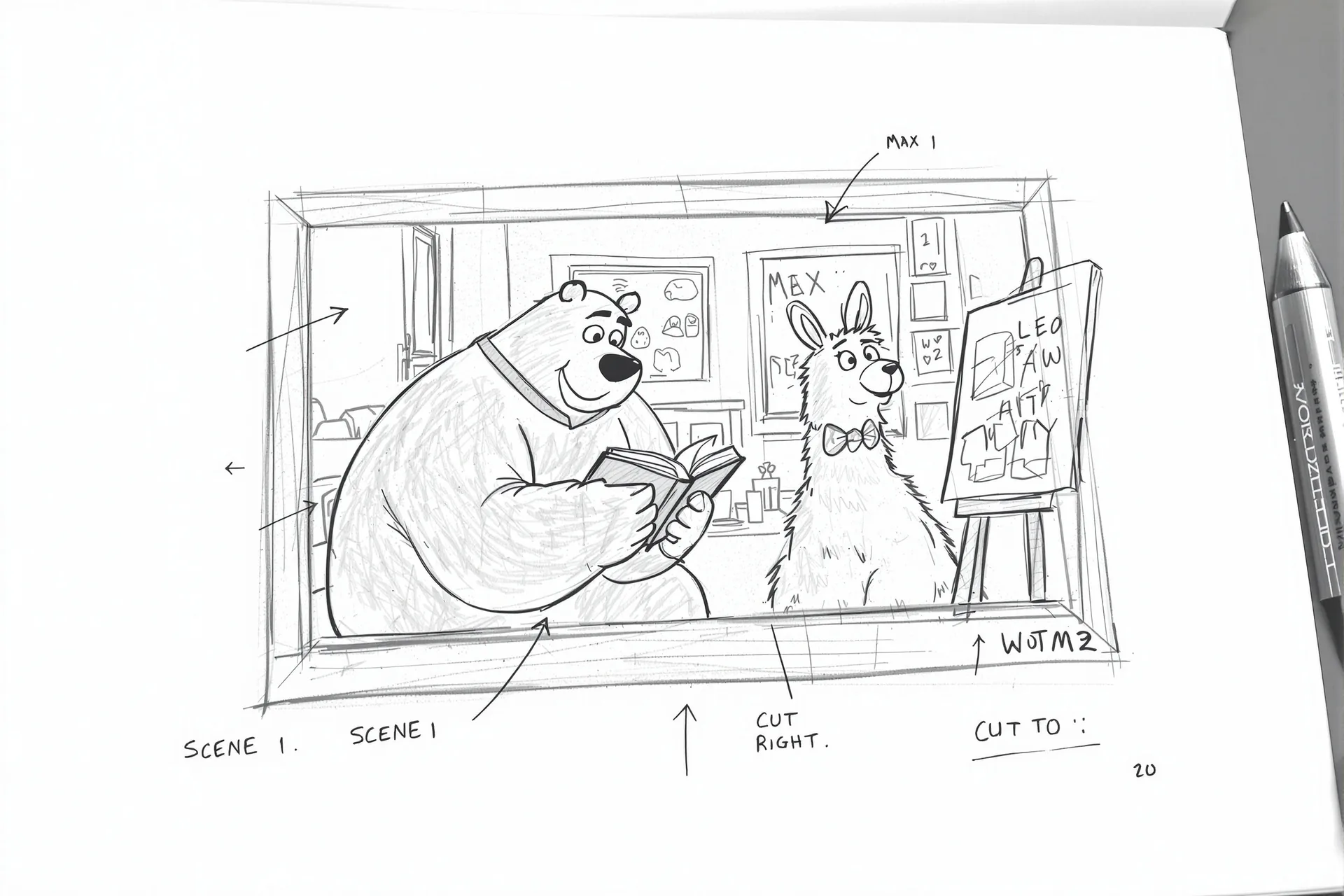
Source Reference
Upload a reference image
Use the Replace and Remove buttons above anytime.
Generated Result
Examples
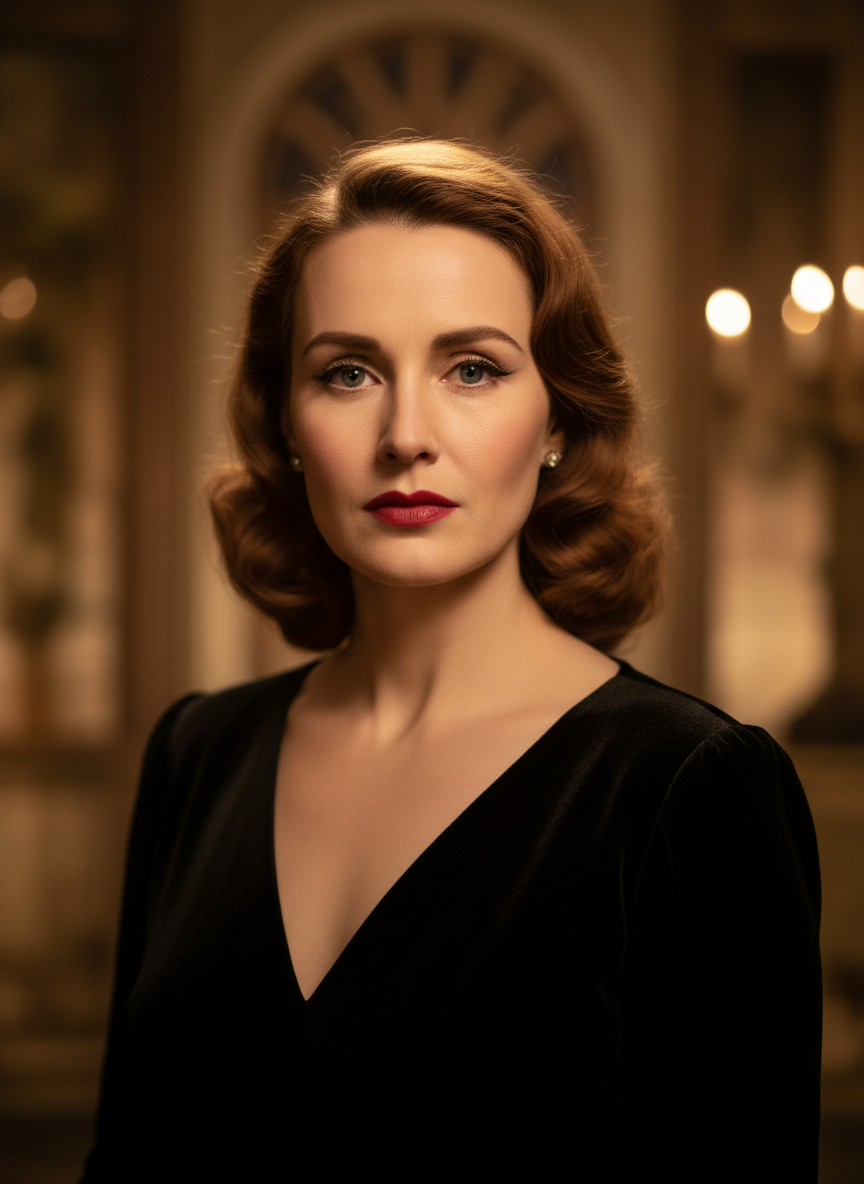
Source
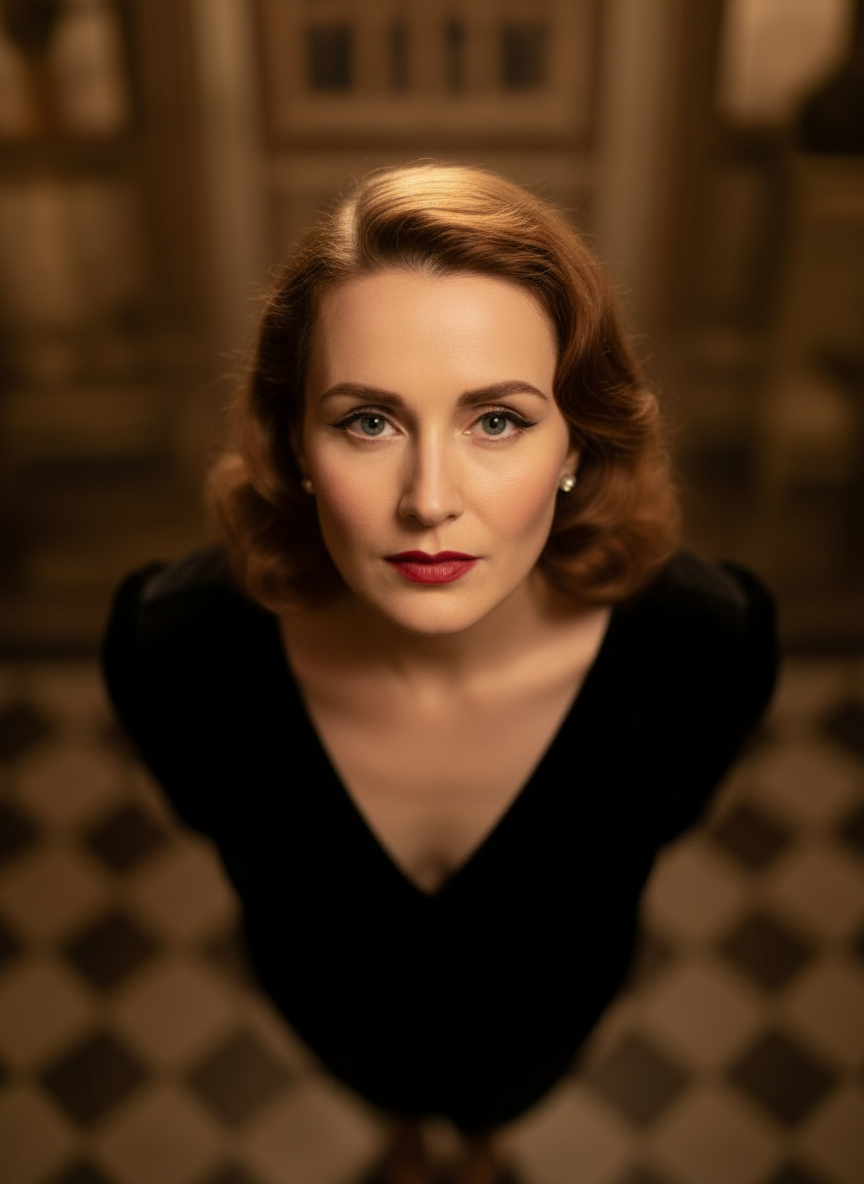
Overhead Angle
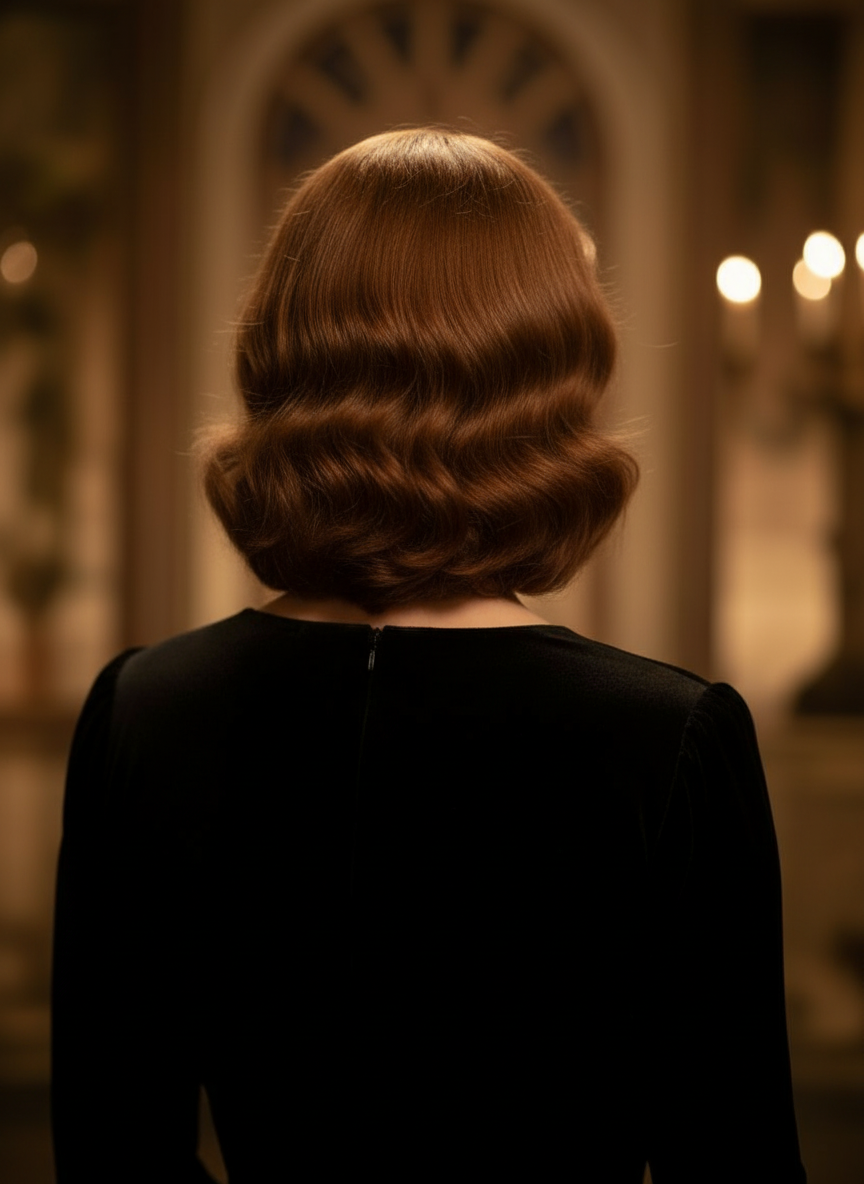
Back Angle
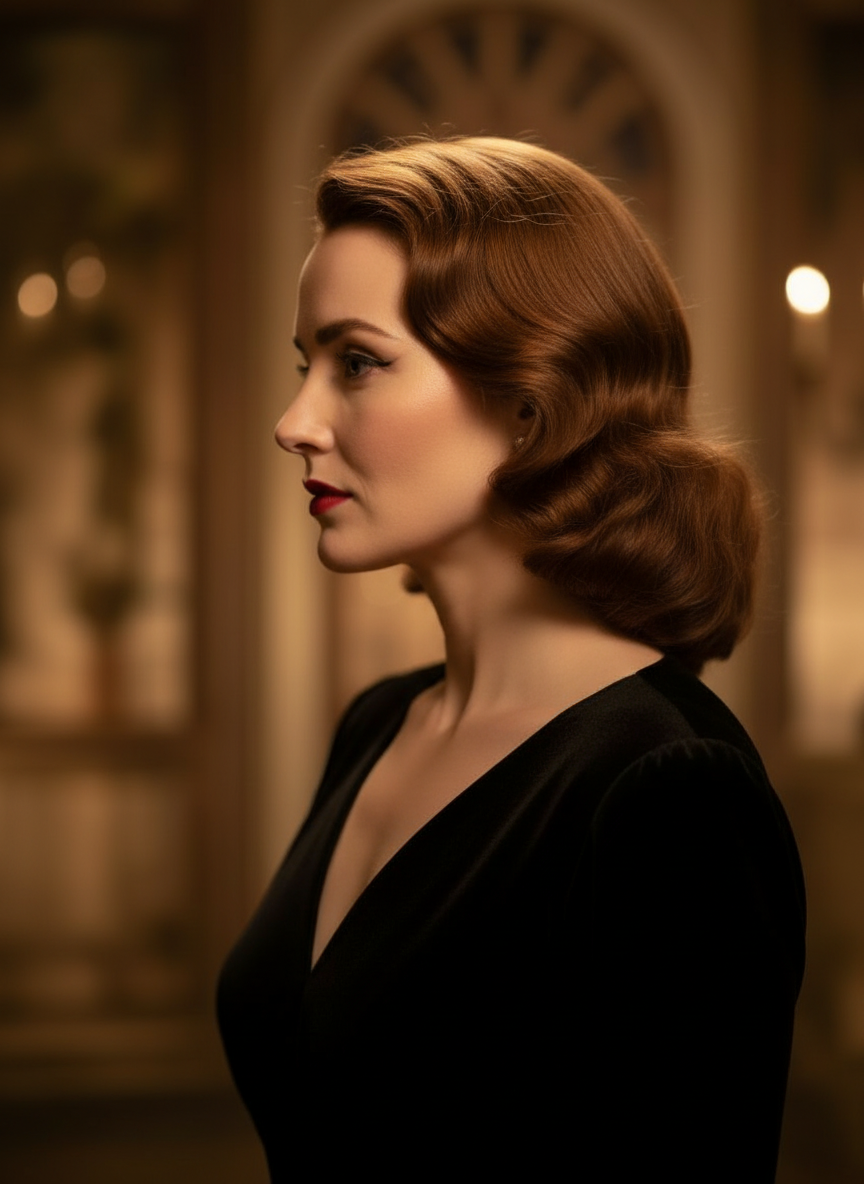
Three-Quarter Side
Förvandla dina bilder genom naturlig dialog
Ladda bara upp en bild och chatta för att göra ändringar. Utöka bilden, ta bort objekt, byt bakgrunder och skapa alternativa kameravinklar utan att bygga om bilden från grunden.
Öppna kameravinkelkontrollJustera horisontell vinkel, vertikal vinkel och zoomavstånd
Håll och dra för att ändra kameravinkeln eller använd intuitiva reglage för att justera horisontell vinkel, vertikal vinkel och zoomavstånd. Skapa rena variationer från ett enda foto med ett snabbare arbetsflöde för bild- och kamerakontroll.
Skapa en ny vinkelSå använder du Kameravinkelkontroll i 3 steg
Ett enkelt arbetsflöde för fotoredigering, omramning och AI-baserad kamerakontroll.
Ladda upp en bild av motivet
Börja med ett foto eller en referensbild som du vill behålla konsekvent medan du redigerar och omramar.
Ställ in kameraupplägget
Välj en av de 12 bästa vinklarna och håll och dra eller använd kontroller för att justera horisontell vinkel, vertikal vinkel, lutning och zoomavstånd.
Chatta, rendera och granska
Beskriv ändringar med naturligt språk, skapa den nya vyn och granska resultatet för design, innehåll eller överlämning till produktion.
Verkligt verktygsresultat
En inmatningsbild, ett genererat resultat för kameravinkel
Jämför källbilden med ett resultat som skapats med arbetsflödet för kameravinkelkontroll. Motivet förblir igenkännbart medan perspektivet ändras till en bredare vinkelskildring.
Inmatning
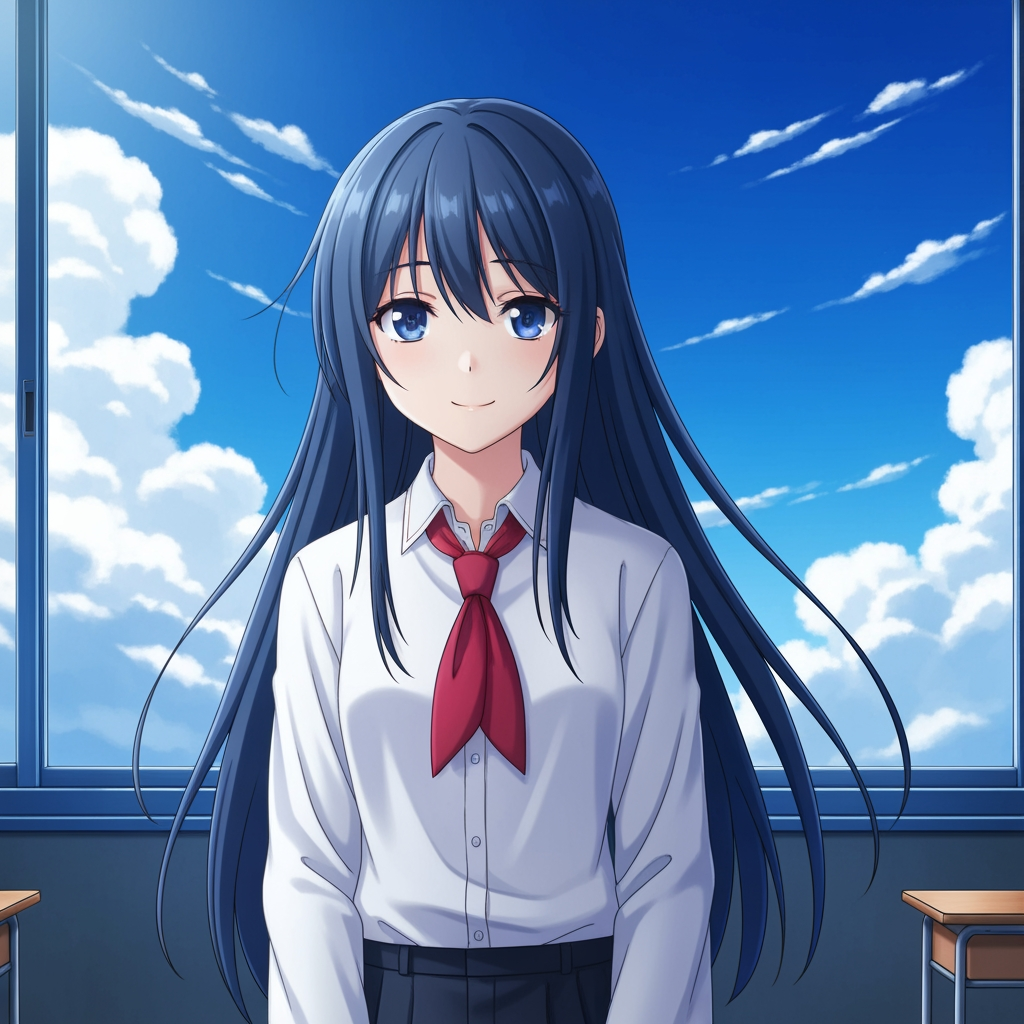
Originalbild av motivet
Grundbilden förblir oförändrad. Detta är källbilden som används för att styra kameravinkelsteget.
- Roll
- Uppladdad referens
- Motiv
- Enskild animekaraktär
Genererat resultat

Omramat resultat för kameravinkel
Det genererade resultatet omvandlar samma referens till en bredare vinkelstudie för bildplanering och visuell granskning.
- Roll
- Genererad variant
- Användning
- Granskning av vinkel och bildkomposition
Bilderna nedan är ett verkligt käll- och resultatpar från verktygsflödet, inte en standardiserad mockup. AI-resultat varierar beroende på källbild, vald modell, vinkel och beskärningskontroller.
Vad är Kameravinkelkontroll?
Kameravinkelkontroll är en foto-vinkelredigerare med AI för dig som vill förvandla bilder genom naturlig dialog. Ladda upp en bild, chatta för att redigera den och justera sedan vinkel, lutning, bildutsnitt och zoom för att skapa nya perspektiv samtidigt som motivets identitet behålls konsekvent.
Prompt to Comic
Skapa från 12 bästa vinklar
Utforska låg vinkel, hög vinkel, ögonhöjd, Dutch angle, över axeln och andra återanvändbara kameraförinställningar innan du bestämmer dig.
Skapa från 12 bästa vinklar
Utforska låg vinkel, hög vinkel, ögonhöjd, Dutch angle, över axeln och andra återanvändbara kameraförinställningar innan du bestämmer dig.
Behåll ett motiv konsekvent
Använd en referensbild så att verktyget håller motivet, ljuslogiken och den visuella identiteten närmare originalfotot.
Redigera och omrama i ett arbetsflöde
Kombinera chattstyrda bildredigeringar och kamerakontroll för att utöka scener, ta bort objekt, byta bakgrunder och omrama samma bild.

Varför team använder detta för utforskning av kameravinklar
Byggt för bildutforskning, planering av täckning och snabb visuell granskning.
Generering med referens som grund
Utgå från en uppladdad grundbild i stället för att prompta fram ett helt nytt motiv varje gång.
Vinkelpresets som passar produktionsspråk
Testa snabbt ögonhöjd, låg vinkel, hög vinkel, Dutch angle, fågelperspektiv och över-axeln-bildutsnitt.
Bra för previz och storyboard
Jämför bildidéer innan storyboarding, serielayout eller animeringsgranskning låses.
Redo för serier och tecknad stil
Växla mellan visuell riktning för serier och tecknad stil utan att bygga om kontrollpanelen.
Snabba experiment med bildutsnitt
Gå från närbild till totalbild och från neutral lutning till dramatisk iscensättning på några sekunder.
Utformat för granskningscykler
Skapa en vinkelstudie, diskutera den och iterera sedan direkt på nästa upplägg.
Vanliga frågor
Vad gör Kameravinkelkontroll?
Den förvandlar dina bilder genom naturlig dialog och interaktiva kamerakontroller, så att du kan skapa nya kameravinklar, utöka scener, ta bort objekt och ändra bakgrunder från en enda uppladdad bild.
Kan jag skapa nya kameravinklar från ett enda foto?
Ja. Ladda upp media en gång och skapa sedan från 12 bästa vinklar medan du justerar horisontell vinkel, vertikal vinkel och zoomavstånd.
Måste jag ladda upp en referensbild?
Ja. Arbetsflödet är byggt kring bild-till-bild-generering så att modellen kan hålla motivet närmare din ursprungliga storyboard, karaktär eller scen.
Vilka typer av kameravinklar kan jag testa?
Du kan testa ögonhöjd, låg vinkel, hög vinkel, över axeln, Dutch angle, fågelperspektiv och andra guidande vinkelpresets, och sedan finjustera dem med dragkontroller och reglage.
Är detta användbart för granskning av storyboard och previz?
Ja. Det är användbart för regissörer, storyboardartister, serieteam och previz-artister som behöver snabbare bildutforskning och jämförelse av vinklar.
Vilka modeller driver redigeringarna och kamerakontrollen?
Arbetsflödet är utformat för moderna bildredigeringsmodeller inklusive Qwen Image Edit och bildkamerakontroll i AIOmnigen-stil, beroende på den aktiva genereringsvägen.
Behöver du återanvändbara boards efter vinkelutforskning?
Öppna Free Storyboard Template för att dela upp storyboardblad, ladda ner rena rutor och hålla ditt granskningspaket organiserat.
Gå till Free Storyboard TemplateRedo att styra nästa vinkel på din bild?
Ladda upp en bild, håll och dra för att ändra kameravinkeln och skapa en ny vy på några minuter.