

Panels کو واضح مقصد چاہیے
comic panel صرف ایک image نہیں ہوتا۔ اس میں camera angle، emotion، sequence میں اس کی جگہ اور قاری کی direction شامل ہوتی ہے۔
ایک scene beat کو واضح اور پڑھنے میں آسان comic panel میں بدلیں، پھر اسی workflow کو pages، strips، manga drafts اور visual storyboards تک بڑھائیں، بغیر ہر frame کو شروع سے دوبارہ بنانے کے۔
Scene prompt
Prompt to result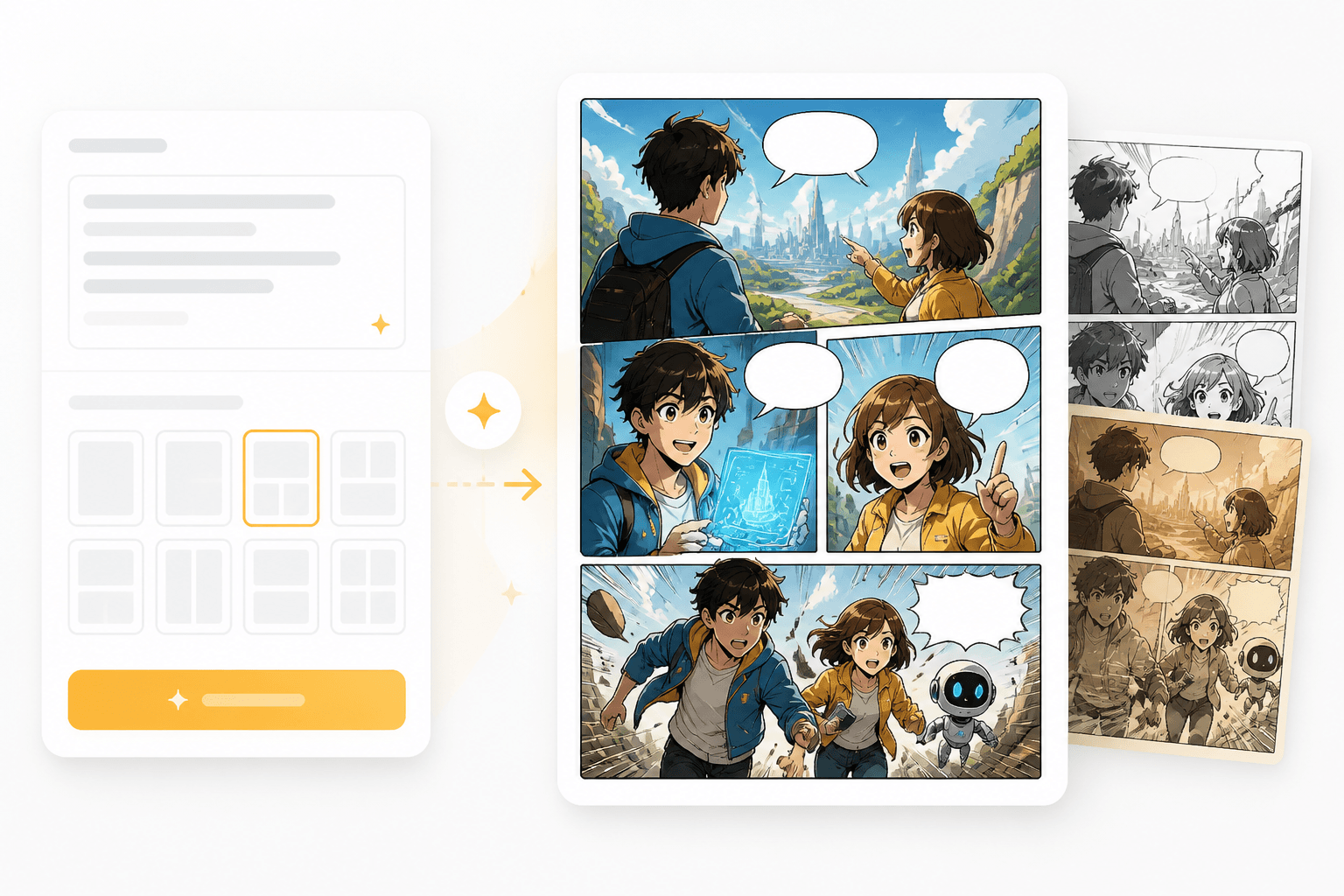
Panel outputs
1 beat
سے تیار panel تک
Multi-panel
لمبے صفحات کے لیے تیار
action، emotion، camera angle اور مطلوبہ dialogue درج کریں۔
generation سے پہلے framing، style، pacing اور layout intent طے کریں۔
output کو ایک الگ panel کے طور پر استعمال کریں یا اسے strip، manga page یا storyboard تک بڑھا دیں۔
یہ tool تب استعمال کریں جب آپ کو ایک واضح اور پڑھنے میں آسان panel چاہیے، محض ایک عام image نہیں۔ اس کے controls اور examples panel composition، readability اور دہرائے جانے والے story flow کو مضبوط بناتے ہیں۔
ایک beat لکھیں، character notes شامل کریں، اور framing direction منتخب کریں۔
panel کا جائزہ لیں، پھر اگلے frame کے لیے وہی cast اور style برقرار رکھیں۔
Canva-style maker pages اکثر panels کو صرف templates سمجھتے ہیں۔ comic creators کو story beats، framing، bubbles، continuity اور pacing ایک ہی focused workflow میں چاہیے ہوتی ہیں۔
comic panel صرف ایک image نہیں ہوتا۔ اس میں camera angle، emotion، sequence میں اس کی جگہ اور قاری کی direction شامل ہوتی ہے۔
جب آپ اگلا panel بنائیں تو بار بار آنے والے characters اور visual style کو مستحکم رہنا چاہیے۔
جب blank canvas کہانی کی رفتار سست کرے، تو panel-ready output سے آغاز کریں۔
Composition
scene beat اور visual camera direction کو control کریں تاکہ output ایک comic panel جیسا محسوس ہو، نہ کہ محض ایک عام illustration جیسا۔
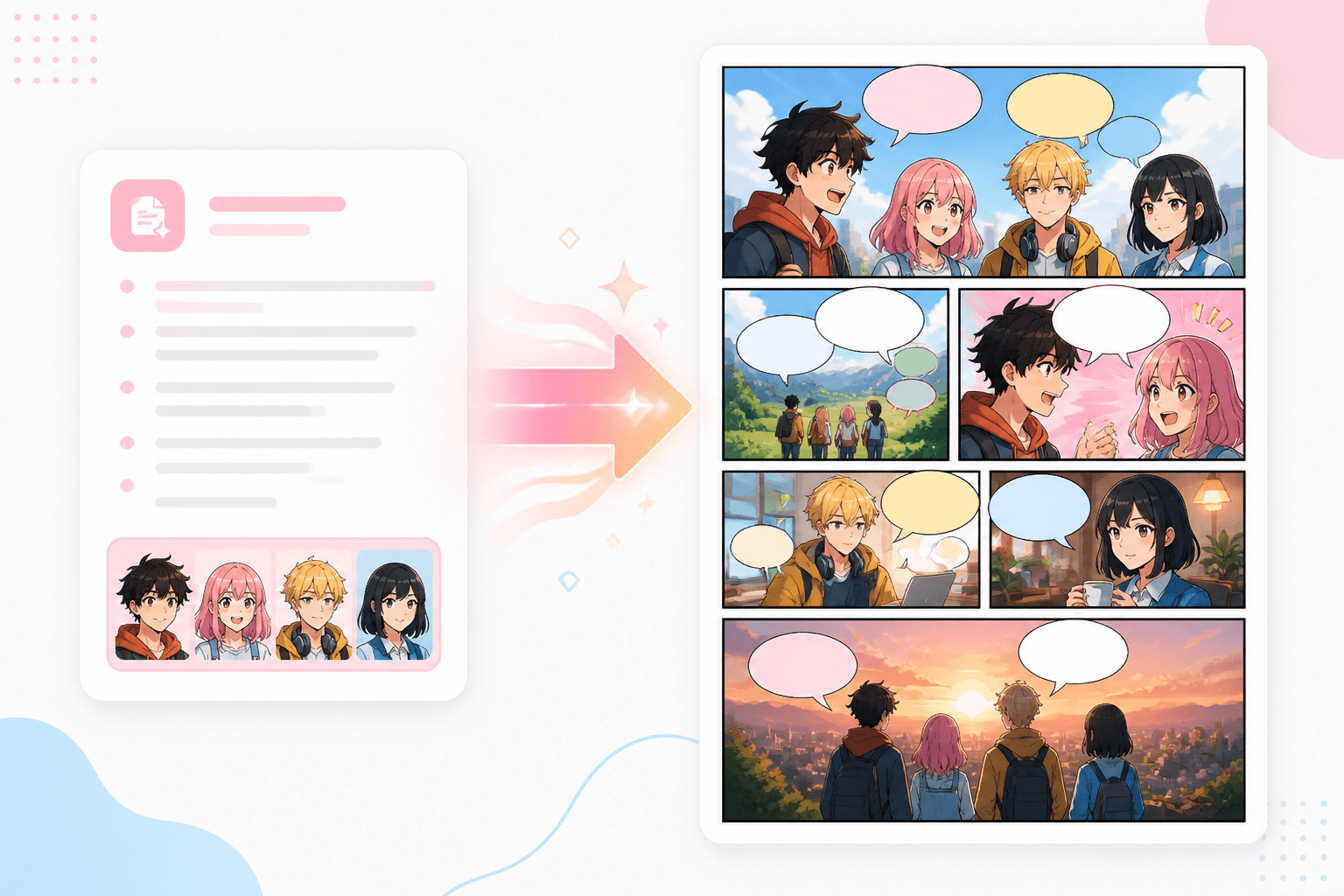
Continuity
ہر generated frame کو comic strips، manga pages، storyboards اور animated comic workflows کے لیے building block کے طور پر استعمال کریں۔
Workflow guide
ایک مضبوط frame سے شروع کریں، composition اور character continuity چیک کریں، پھر اسی visual direction کو page یا episode تک بڑھائیں۔
action، emotion، camera angle اور مطلوبہ dialogue درج کریں۔
generation سے پہلے framing، style، pacing اور layout intent طے کریں۔
output کو ایک الگ panel کے طور پر استعمال کریں یا اسے strip، manga page یا storyboard تک بڑھا دیں۔
ایسے prompts استعمال کریں جو action، camera، cast اور panel کے مقصد کو واضح کریں۔
Related writing workflow
Use the AI Screenplay Editor when a script, fiction draft, storyboard brief, video idea, or canvas note needs proper scene headings, action, dialogue, parentheticals, cover pages, outlines, beats, and collaboration-ready revisions.
INT. COMMUNITY CENTER - NIGHT
Folded chairs. A storm outside. MAYA stands at the microphone with a page of notes she no longer needs.
MAYA
If the city will not read the record, we will read it out loud.
وہ frame بنائیں جو آپ کے comic scene کی بنیاد بنے، پھر اسے page، storyboard یا animation تک بڑھا دیں۔