

LlamaGen Assets
Keep your comic files in one library
Save references and generated files, then send the ones you keep into the next comic or video.
Open Assets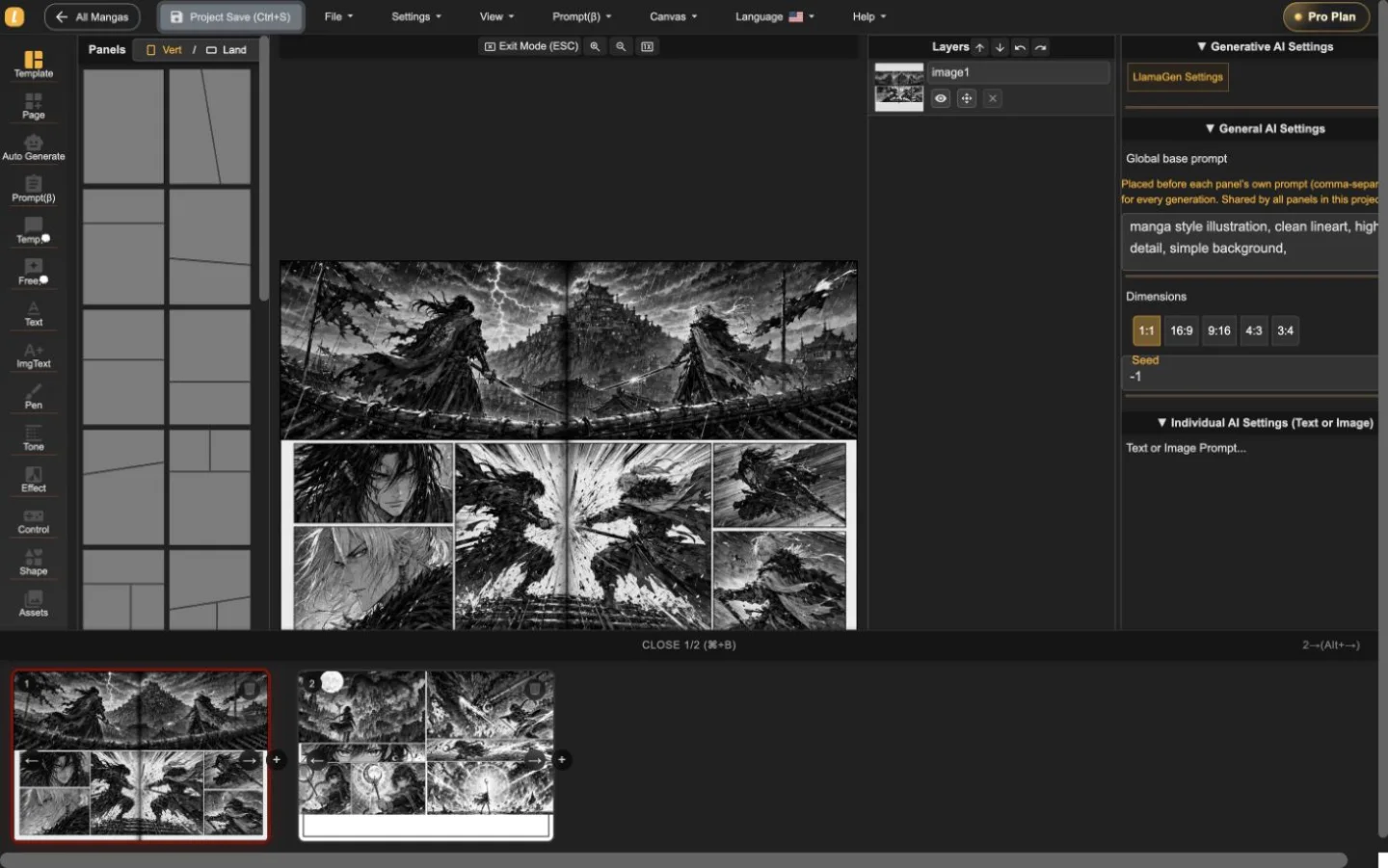
References, panels, and handoff files in one place.
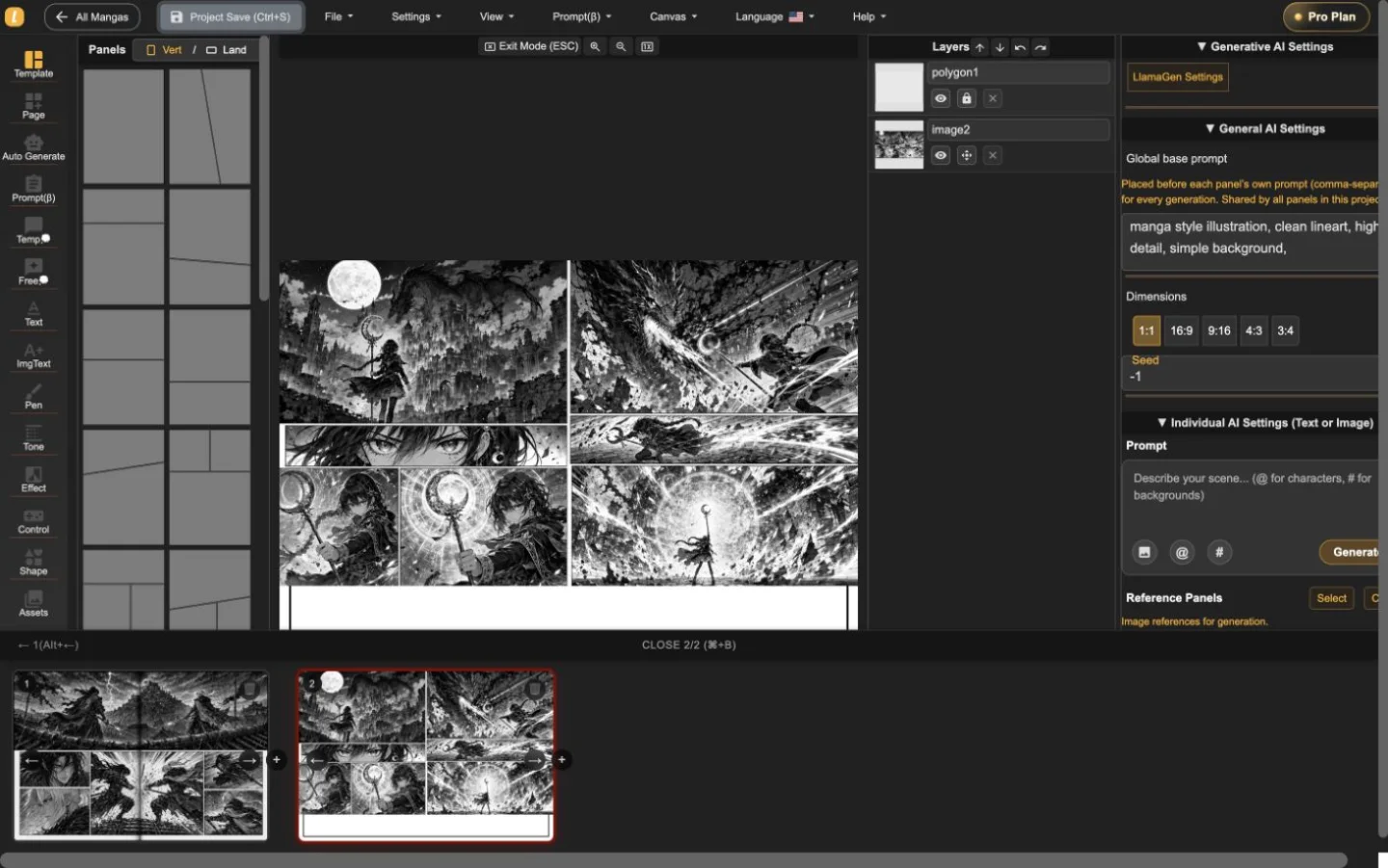
Scene + image + a next step
One job on the page. The pictures show the work, not a feature list.
Generated work that should not vanish
Handoff, not a dump folder
What you can use, and what you cannot
Confirm the job, the limits, and the next click before you start.
How does it work?
- Upload or generate. Bring in a reference, or let a finished generation land in Assets.
- Label what you will keep. Use folders and names so drafts and finals stay apart.
- Reuse the file. Send it into a comic, character sheet, or video job.
Before you start
- This is LlamaGen Assets, not a generic cloud drive.
- You need an account to see your files.
- It does not replace Dropbox or Google Drive for client delivery.
Keep your comic files in one library
Files you will reuse should not live in a chat history.
Questions? We’ve got answers
Find the limits, the export, and the next step before you inquire.
Is this a cloud file system?
It is the Assets library inside LlamaGen: uploads and generated creative files you can search and reuse. It is not AWS-style file storage.
What files can I keep?
Images, video, audio, character references, props, and scene stills used in LlamaGen workflows.
Can a team review files here?
You can organize, download, and hand files into the next tool. Full agency review rooms are not the product.
Keep your comic files in one library
Save references and generated files, then send the ones you keep into the next comic or video.
Open Assets