



Comic to video AI
Upload finished panels and generate motion without rebuilding every shot in a timeline editor.
Comic to Video Studio
Prepare your panels, choose your motion settings, and create your video in the existing Animation Studio.
Open Comic to Video Studio ↗Built around comic sequence, not a single still image
Designed for Shorts, TikTok, Reels, and trailers
Motion, timing, dialogue cues, and export planning together
What is comic to video?
A comic to video AI converter turns finished comic panels, comic strips, comic books, manga pages, or webtoon art into a short animated video. Unlike image to video, it follows panel order, dialogue timing, and story continuity so the clip still reads as the original comic.
Creators use a comic to video maker when they already have sequential art and need a social teaser, pitch preview, or episode hook. LlamaGen starts from the page you uploaded, then plans camera motion, speech cues, and export format in one workflow.
Upload finished panels and generate motion without rebuilding every shot in a timeline editor.
Keep page order, character framing, and dialogue beats when a printed or digital comic becomes a clip.
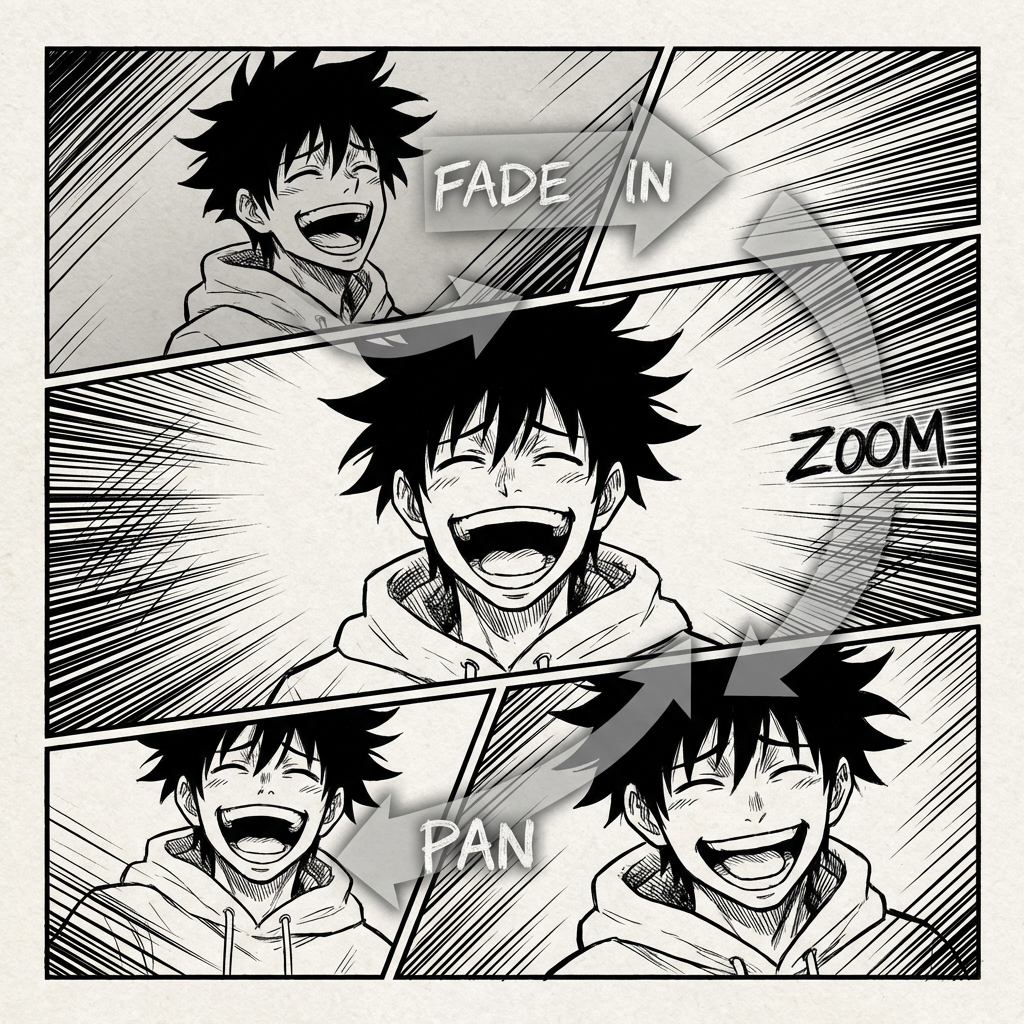
Turn a 3- or 4-panel gag into a timed short with holds, punchline pacing, and vertical export.
Made for comic creators
Start with finished manga, webtoon, manhwa, or comic-strip panels. Plan the motion, follow the panel order, and prepare a short video for creator promos, social posts, or pitches.
Start with your art
Webtoon artists, manga creators, comic strip makers, educators, and studios who already have sequential art and need motion output.
Keep the story intact
Traditional animation means rebuilding shots, timing dialogue, formatting clips, and losing the visual pacing that made the comic work.
Share your video
Use the original panel order as the blueprint, add camera movement and timing, then export a short story clip for promotion or review.
LlamaGen is a comic to video generator built around finished comic pages and panel sequences, not a blank text-to-video prompt.
ANIMATION IS HARD
Creators already spend hours planning characters, panels, dialogue, and pacing. Turning that page into a vertical video usually adds a second production pipeline: crop each panel, rebuild shots, time speech, choose motion, edit transitions, and export multiple formats.
From panels to motion
Instead of starting from a blank animation timeline, LlamaGen reads the comic sequence and turns existing story beats into motion choices.
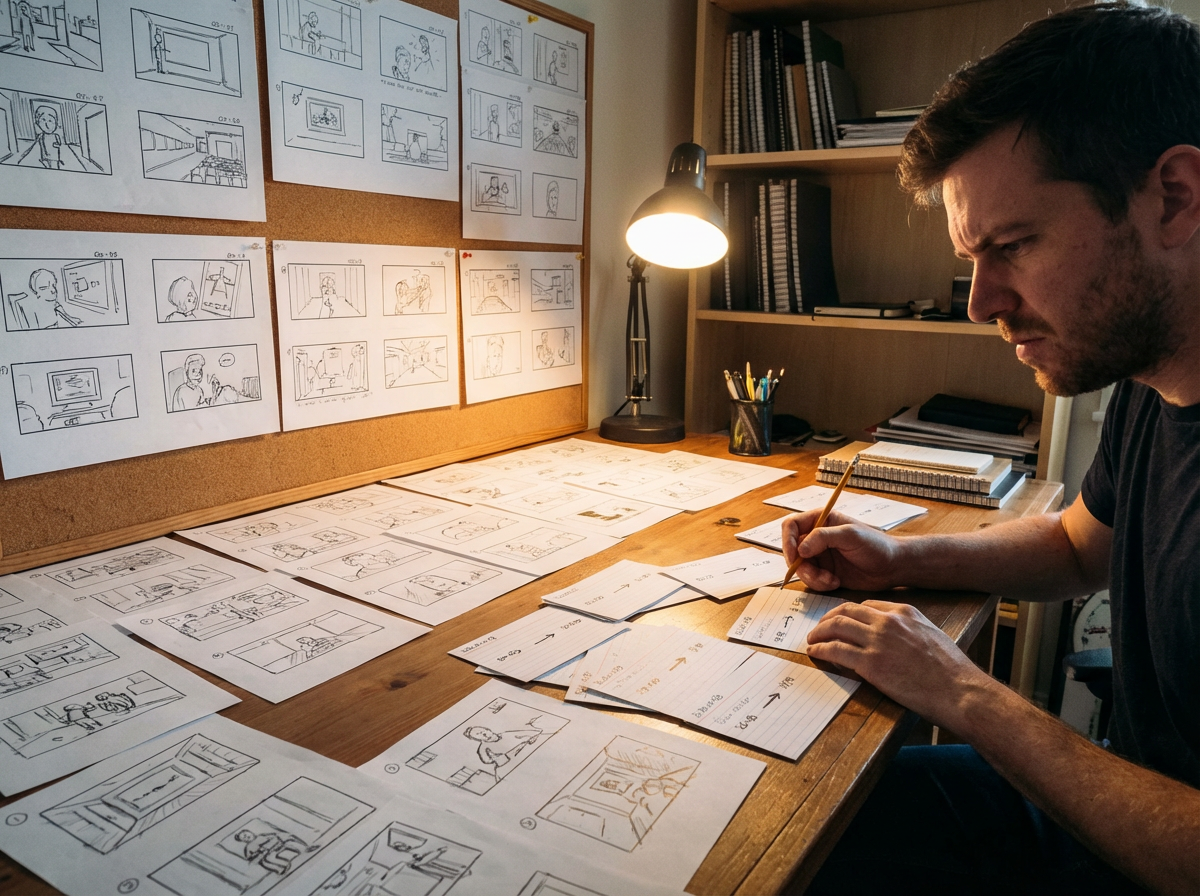
From page
A 4-panel joke, fight beat, or webtoon scroll can become a short clip with pacing that follows the original layout.
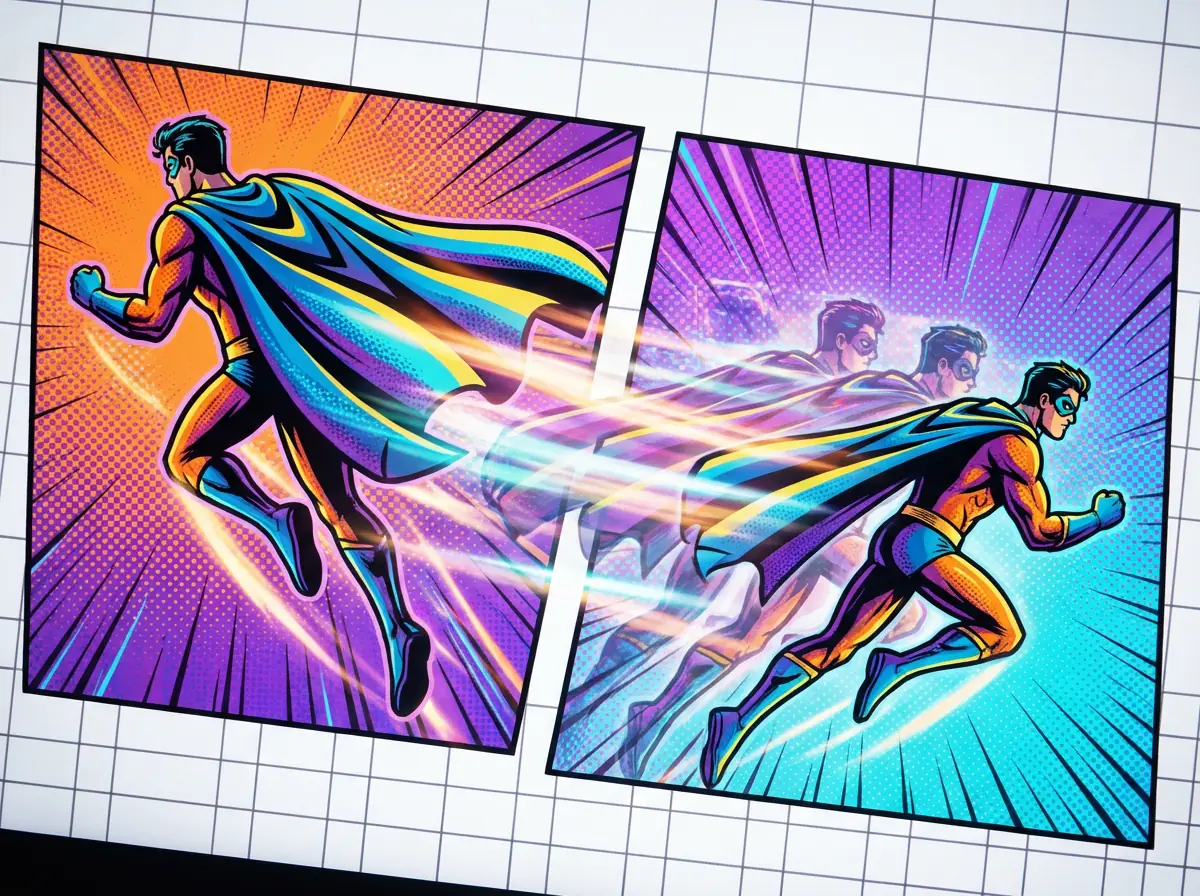
To motion
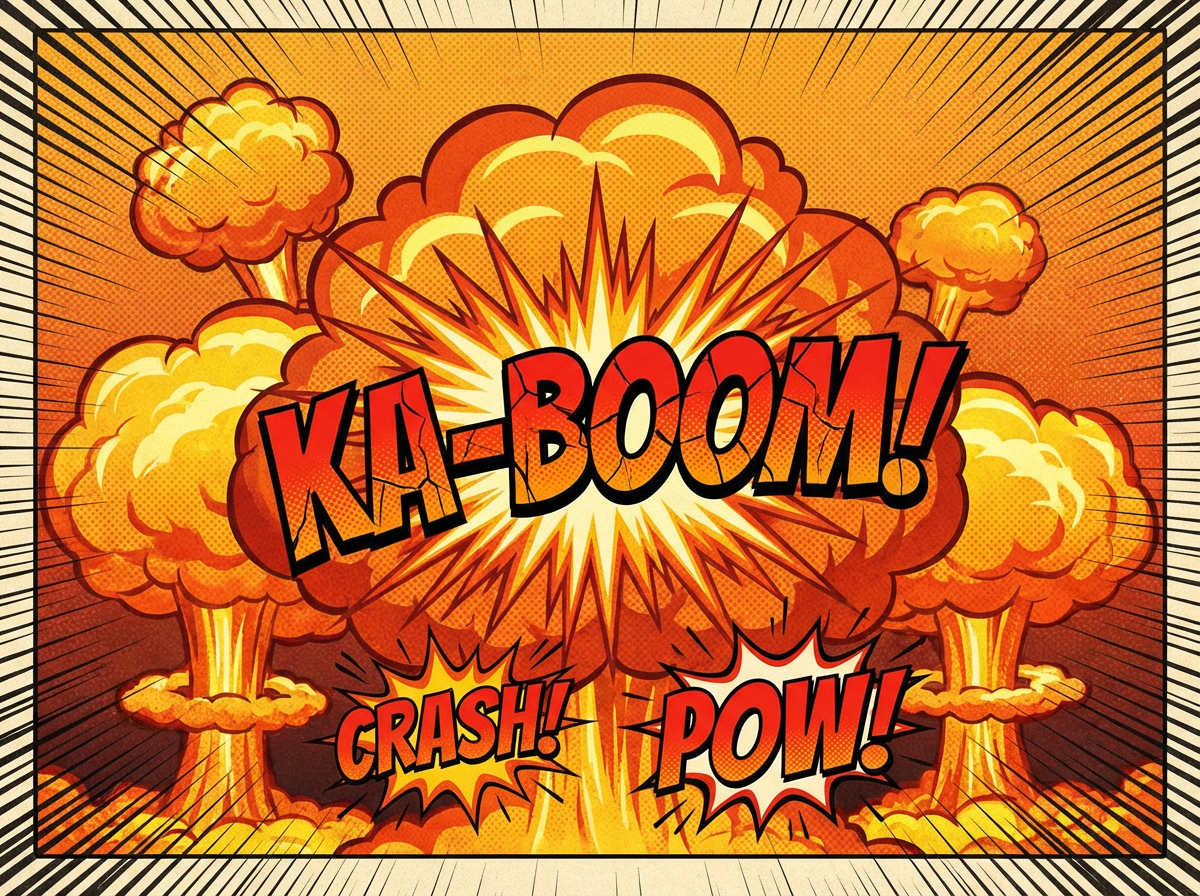
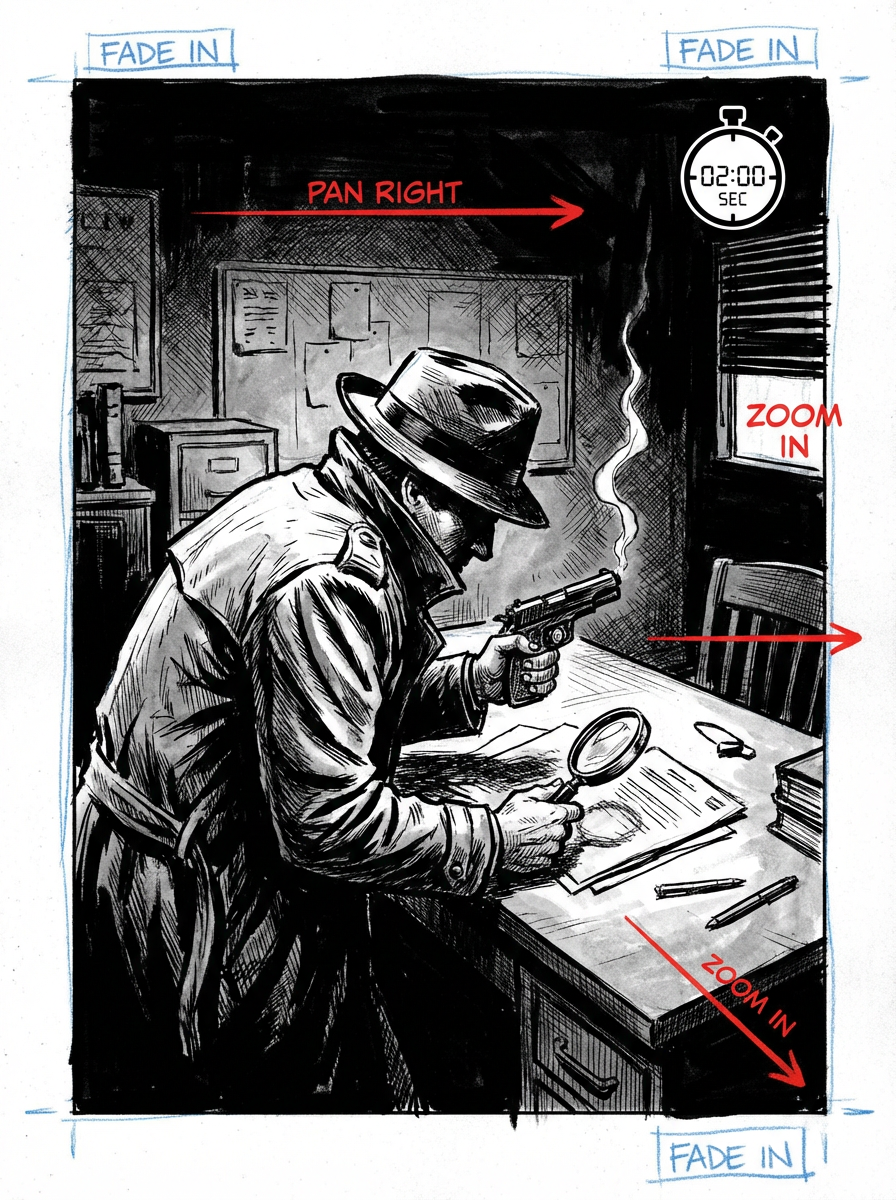
Use push-ins, pans, impact frames, and transitions to make static panels feel alive while preserving the drawn composition.
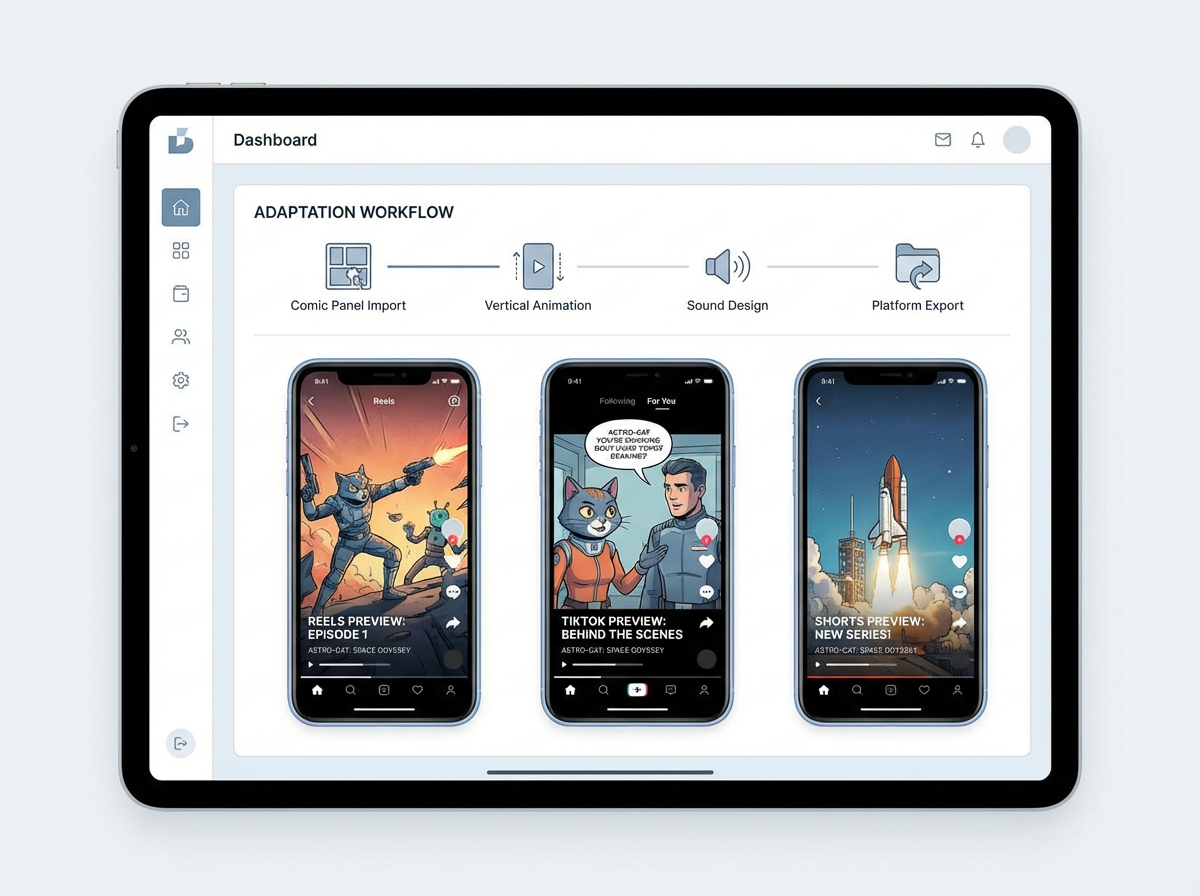
To publish
Create a vertical teaser, a scene preview, or a pitch draft without manually recreating the entire comic in editing software.
Animation showcase
Nine animated examples spanning action, comedy, fantasy, and everyday adventures. Explore cinematic cover animations and selected short stories.

Monica
Animate this 4-panel comic about a robot who discovers friendship. Keep the panel order, add gentle camera pushes, time the speech bubbles, and export a 9:16 teaser for YouTube Shorts.
Creator workflow
A creator with a finished short episode can turn the strongest sequence into a motion teaser before publishing the full comic.
Upload a finished panel sequence with speech bubbles, action beats, and a clear reading order.
Ask for a vertical teaser with dramatic push-ins, speech timing, and a final title frame.
Export a short animated preview that can be posted as a launch hook or used in a pitch deck.
Creator ROI
The value is not just a new video file. It is turning finished panels into reusable promotion assets without opening a separate animation production process.
Replaces manual cropping, timing, motion planning, editing, and export setup.
Useful for social teasers, pitch previews, and motion storyboard drafts.
Keeps your original comic panels as the creative source of truth.
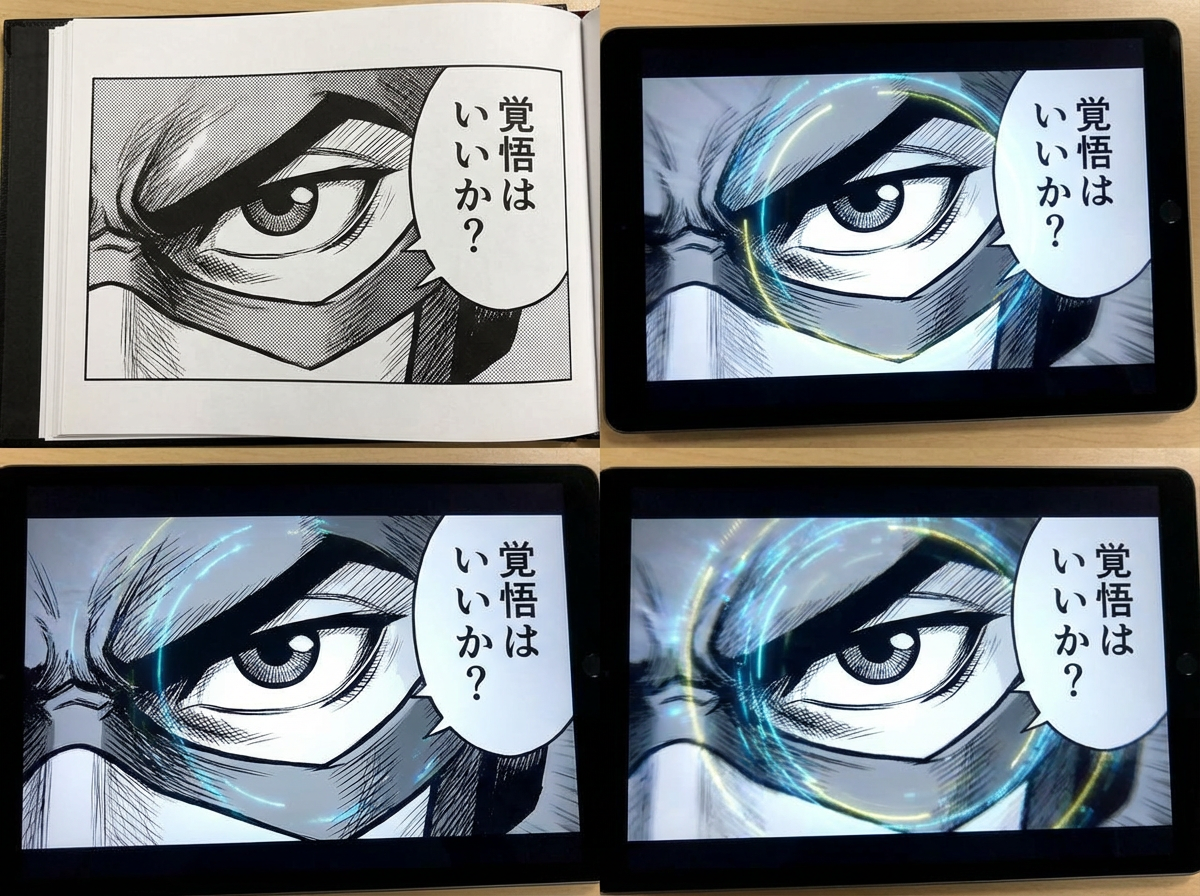
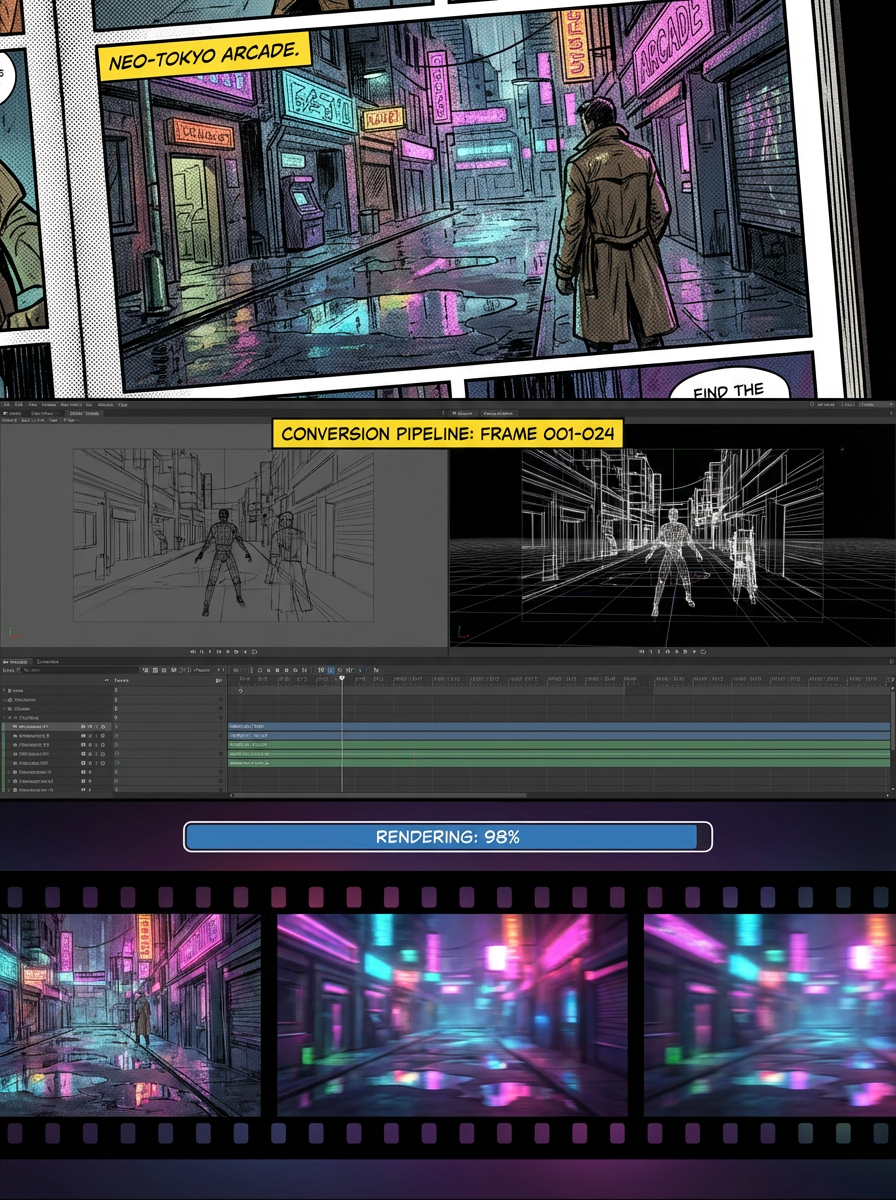
THE FUTURE OF COMIC ANIMATION
Comic to Video is built for creators who already have the story on the page. It reads panel order, keeps scene continuity, and helps you turn static comic layouts into animated clips without rebuilding the whole sequence from scratch.
THE OLD ANIMATION WORKFLOW
Moving from comic panels to animation usually means rebuilding shots, timing dialogue, and re-editing the story for motion. That workflow is slow and often breaks the rhythm you already established on the page.
Your story flows perfectly on the page, but translating it to motion, pacing, camera angles, and transitions can become a complex puzzle.
Every motion clip needs the hero to feel like the same hero from panel to panel, even as the camera moves and the scene changes.
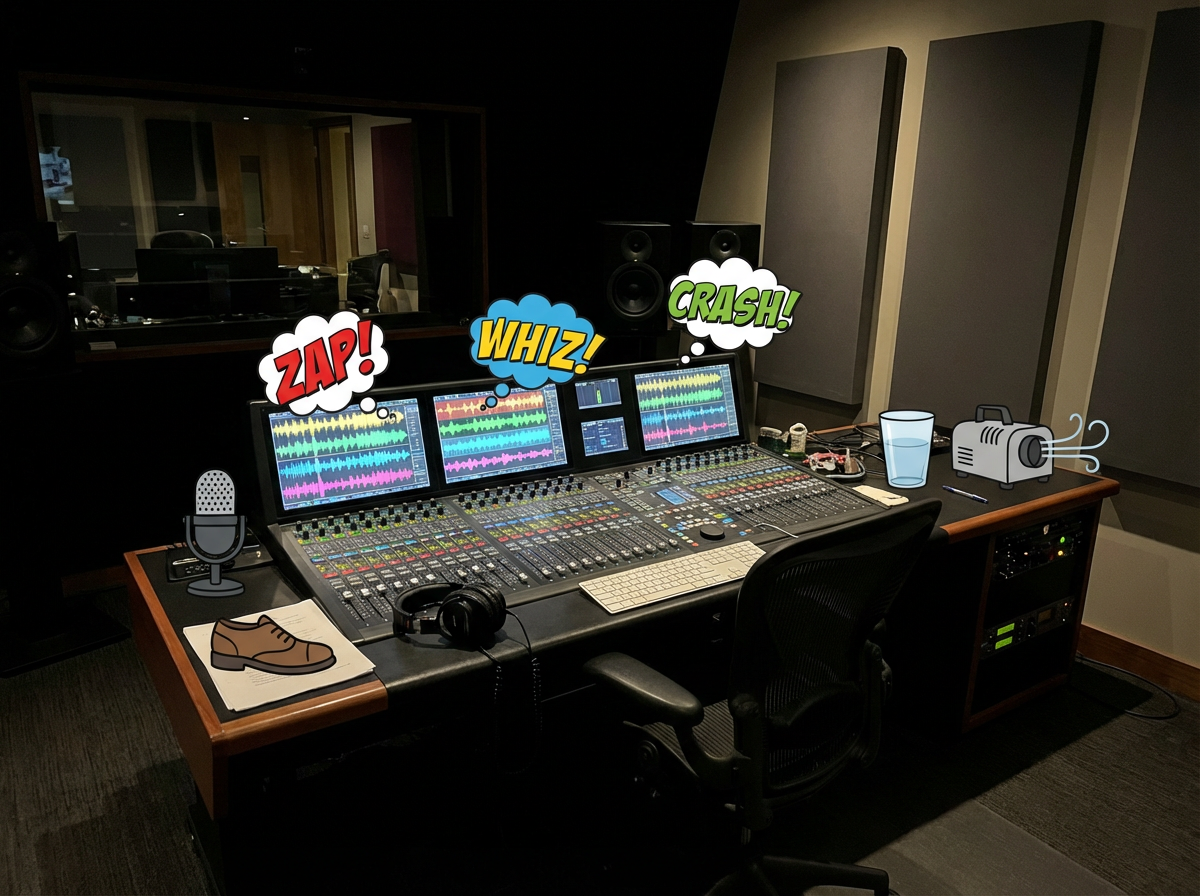
Music, effects, and voices need to match the comic's tone, dialogue rhythm, and scene changes.
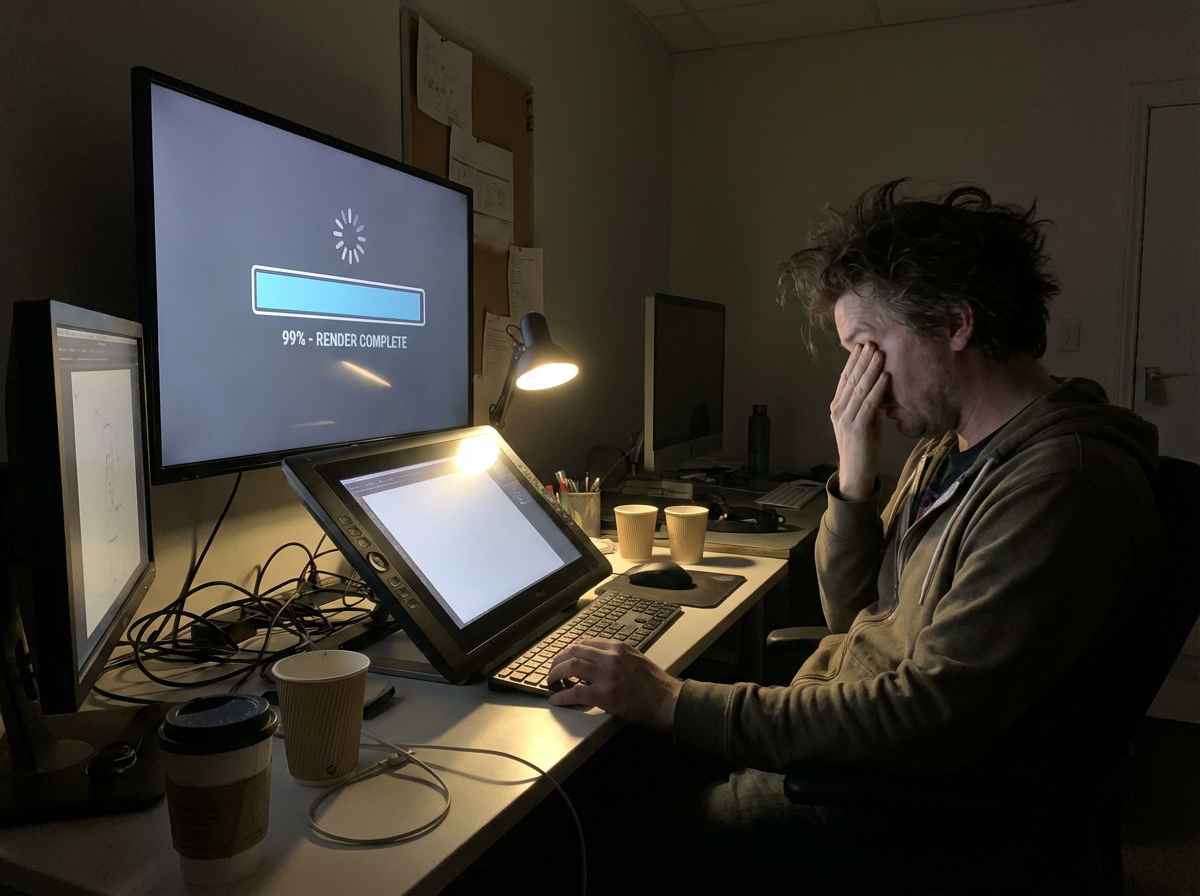
You wait for exports, spot a timing issue, then repeat the editing loop before the clip is ready to share.
A finished animation still has to be resized and re-edited for TikTok, YouTube Shorts, Reels, and pitch decks.
What if your comic panels already contained the video blueprint?
|Bringing your comic to life
has always been the dream.
Now the first motion draft starts from the panels.
The comic to video converter is designed for comics first: read the panel sequence, preserve continuity, add motion, and export a clip that still feels like the original story.
The workflow reads the uploaded page or panel sequence, identifies order, characters, dialogue, and scene changes, then builds the video plan from the comic structure itself.
It creates motion and transitions between panels so the clip feels animated while still following the story beats already defined in the comic.
Dialogue cues, sound effects, and background music can be planned around speech bubbles and scene rhythm.
The system edits the sequence into a coherent short-form story clip, balancing panel pacing, transitions, and scene emphasis.
Export animated story clips for previews, social posting, pitching, or further editing in a larger video workflow.
讓漫畫畫格動起來
把完成的漫畫放進 Animation Studio,設定動態、檢查預覽,再製作成容易理解的短篇故事。
Best comic to video AI 2026
A ranked list of comic to video AI converters you can try in 2026. These are tools that start from finished comics, keep panel order, and export a shareable clip — not generic text-to-video apps.
Ranked September 2026 on panel-first workflow, eligible paid-plan access, visible pricing, continuity, and social-ready export.
Best comic to video AI for finished comic, manga, manhwa, and webtoon panels.
Best for: Creators with finished sequential art who need Pro-plan animation workflows for trailers, Shorts and pitches.
Panel-first workflow and presets for manga, webtoon and manhwa, with transparent paid-plan requirements and credit-based generation.
Best when you want a multi-scene comic-to-movie with a locked cast.
Best for: Teams already building comics inside ComicInk who need spoken dialogue, captions, and a 720p film export.
Strong character lock and scene assembly. Weaker if you only need a fast panel-to-social converter.
Solid comic book to video AI for narrative continuity.
Best for: Illustrated stories that need pacing and transitions more than format-specific manga or webtoon presets.
Clear comic-to-video positioning. Less specific about paid-plan requirements and social export defaults.
Best comic video maker if you start from text or mixed models.
Best for: Users who want Seedance, Kling, or MiniMax to generate or animate comic-style shots.
Flexible models and aspect ratios. Closer to a generic comic video generator than a panel-sequence converter.
Comic book to video converter with voices and lip-sync.
Best for: Narrated comic-book adaptations when voiceover matters more than preserving the original panel grid.
Useful voice features. The workflow can drift toward script-to-video instead of finished-page conversion.
Related comic workflows
If you are making the pages first, or you need a format-specific converter, these are the closest next steps: manga to video, webtoon to video, image to video, and comic strip maker.
Right-to-left manga pages into PV-style motion.
Vertical episodes into 9:16 teasers.
Full-color Korean chapters into motiontoon clips.
Single stills, not multi-panel comics.
Create the panels before you convert them.
Generate pages, then run comic to video.
Photo to comic page, then animate the page.
Broader video models when you are not starting from comics.
Choose the plan that fits your animation workflow
Comic To Video requires Pro or an eligible higher-tier subscription. Video generation consumes credits; credit packs do not unlock this paid mode.
方案與點數A comic-to-video workflow uses existing sequential art as the starting point for an animated clip. The work includes preparing panels, directing motion, checking dialogue and reviewing the edit. A single animated cover can make a teaser; a readable multi-panel story also needs deliberate scene order and timing.
Explore a scene sequence, an emotional dialogue moment and a set of different drama designs. The characters and their relationships carry the image.
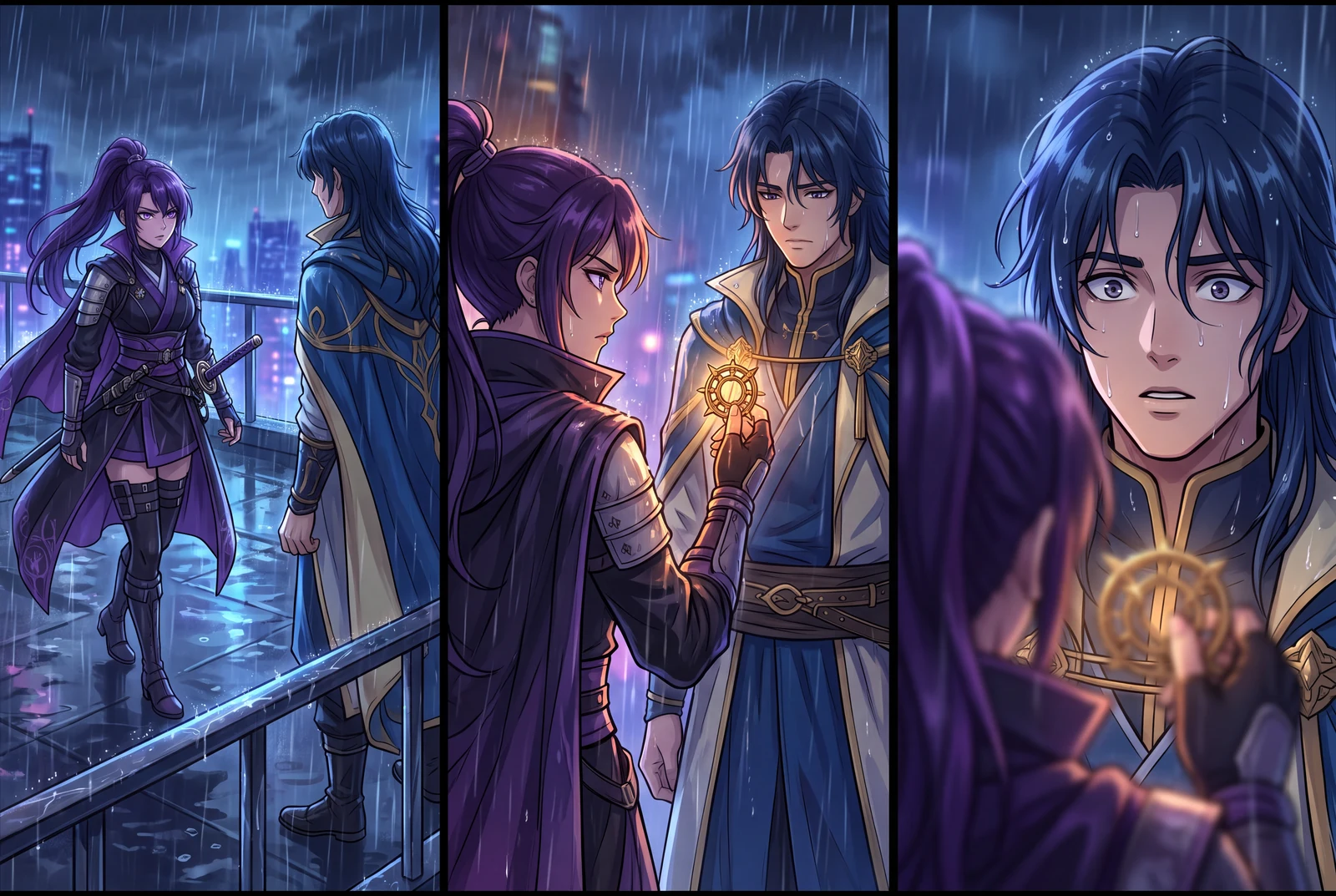
Recurring characters and a clear change of emotion across three story beats. AI-generated concept sequence.
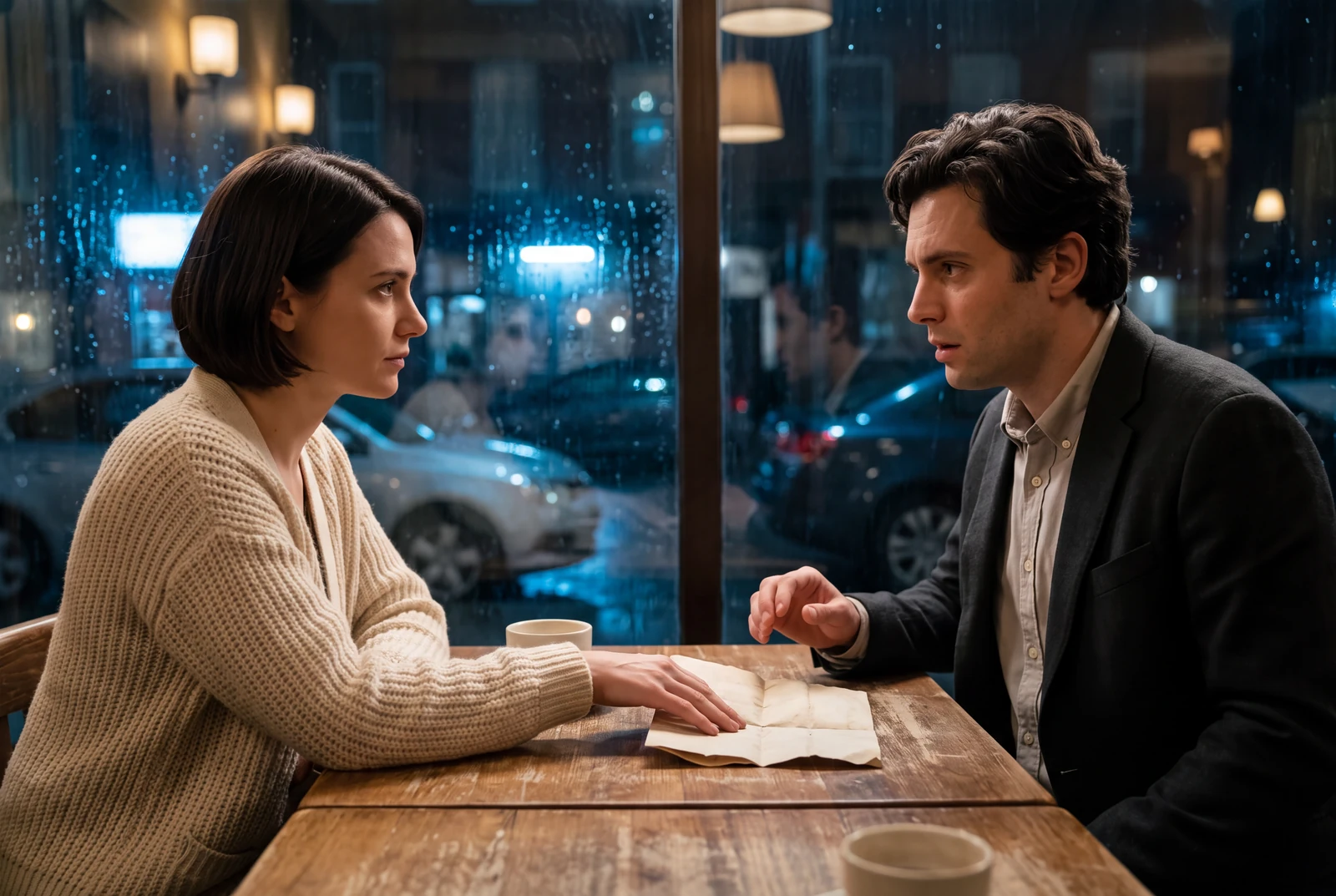
An emotional exchange told through faces and gesture. AI-generated short-drama concept.
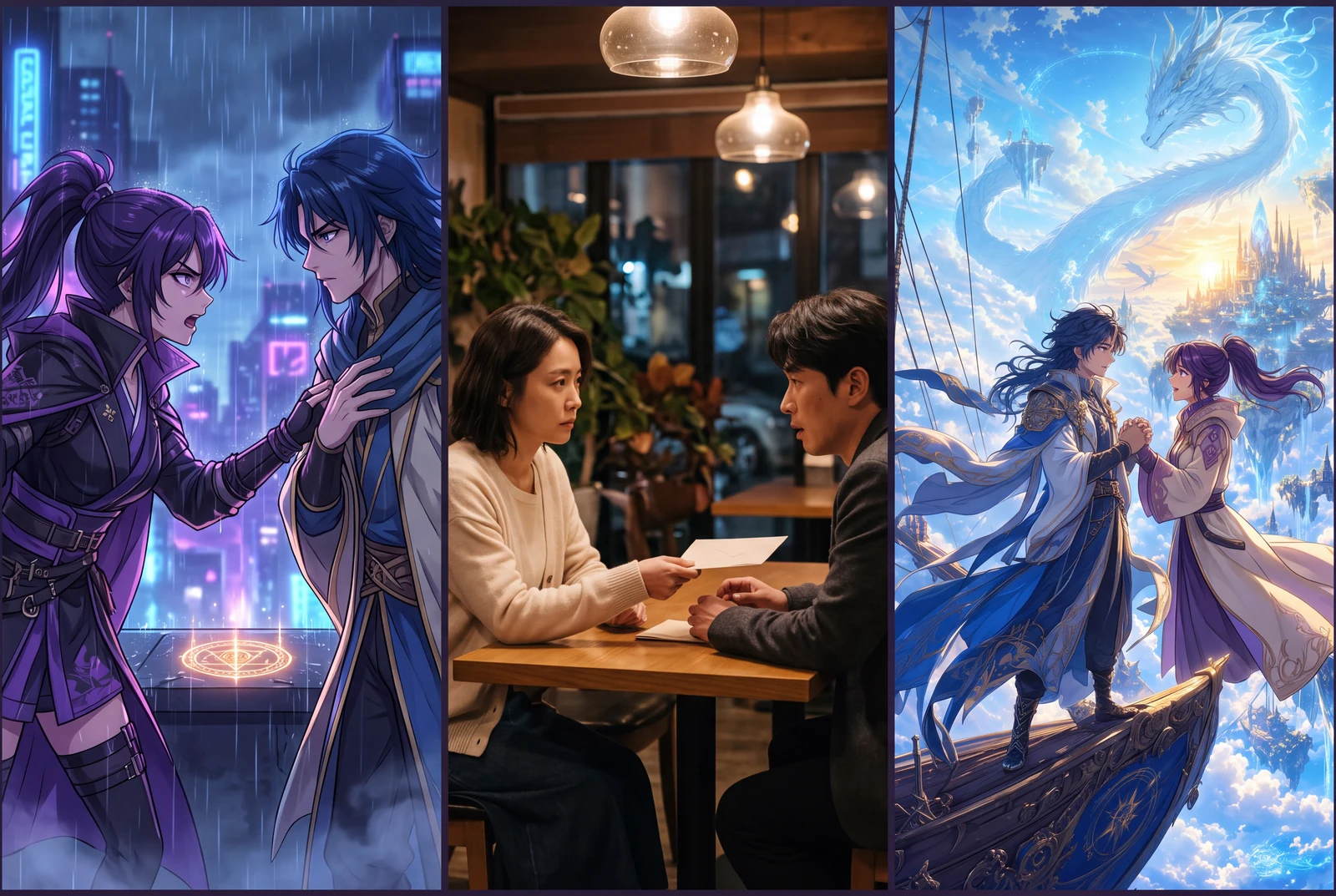
Three genres, each with its own character relationship and action. AI-generated concept collection.
AI-generated comic-drama and short-drama concept frames, not customer work, actual video exports or measured evidence.
Choose a short sequence with a clear reading order. Keep a reference copy of the original page and separate any panels that need their own shot.
Open Comic To Video in Animation Studio, add your artwork and describe the movement. Choose the controls available for your mode, then review the credit requirement.
Preview faces, lettering, scene order and sound before downloading. Use the studio's available MP4 export options, then finish subtitles or precise cuts in an editor if needed.
製作指南
製作流程 · Choose the part you are working on. Each guide includes a concrete planning example, common failure points and a next step.
Give every shot a clear subject and every scene a clear order. Clean source preparation makes motion easier to direct and review.
A useful motion prompt names the subject, the camera move and what should remain recognizable. Keep the first draft easy to evaluate.
Speech bubbles, spoken lines and captions have different timing needs. Plan the words separately from the movement.
A vertical video needs its own composition. Protect the face, the action and the detail that makes the next shot understandable.
A finished render is a draft until its characters, words and story beats survive inspection. Use the source art as your reference.
These existing LlamaGen showcase clips animate illustrated covers. Compare the composition with the source art. They are examples of a visual direction, not a controlled benchmark or proof that every page will animate the same way.
Inspect the face, sword and serpent as the camera moves. A strong impact is useful only if the subject stays readable.
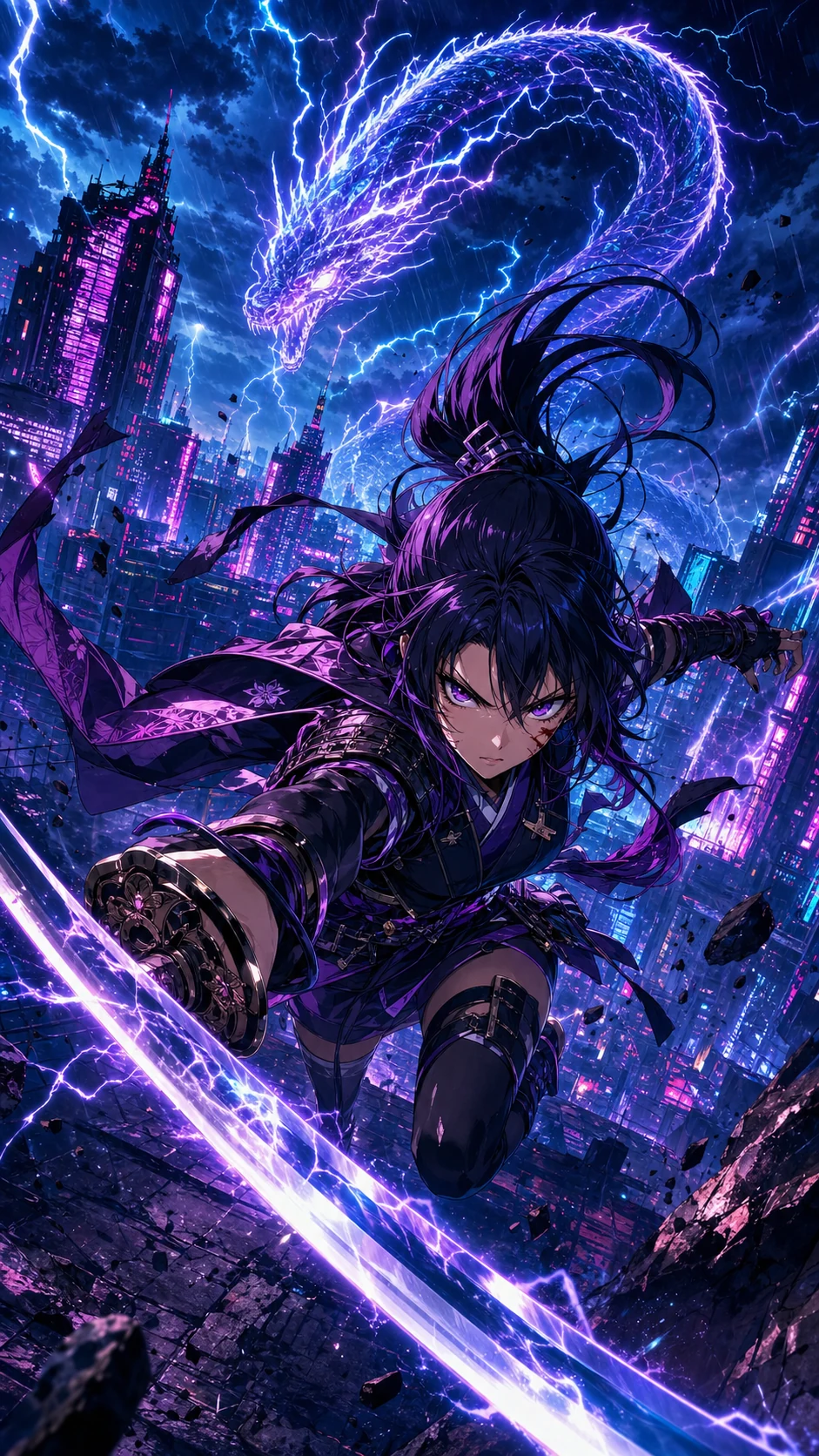 原始漫畫
Look at the apprentices and the noodle dragon. Check whether both reactions remain visible rather than judging the clip by motion alone.
 原始漫畫
Compare the mage, ship and skyline with the artwork. Look for composition changes when a detailed scene starts moving.
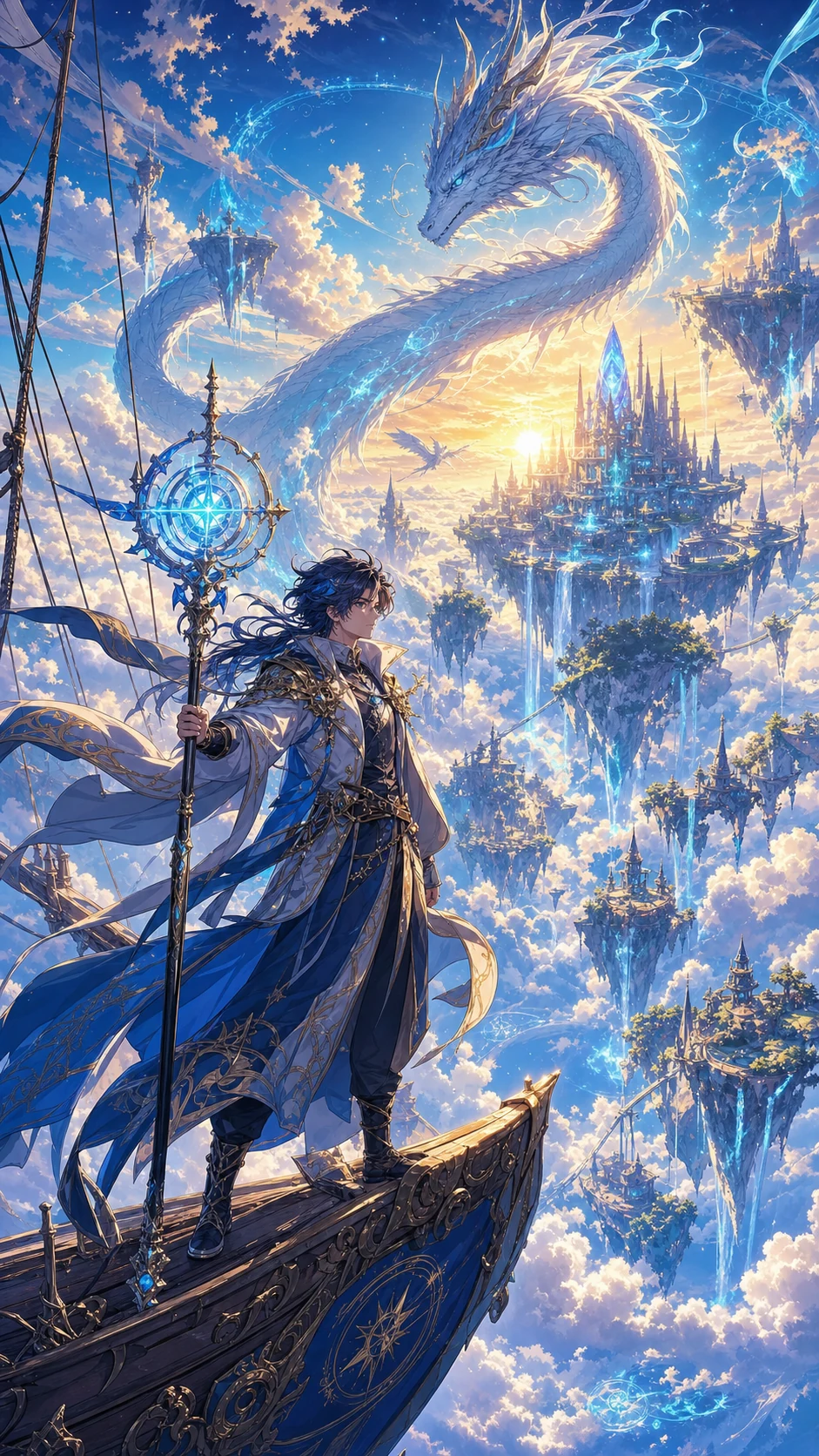 原始漫畫
製作指南
製作流程 · Choose the part you are working on. Each guide includes a concrete planning example, common failure points and a next step.
觀看範例Supporting guides in English
AI motion can alter faces, hands, props or lettering. Keep the source art nearby and reject frames that change the story.
Voice and music controls depend on the selected mode. A motion prompt is not a guarantee of exact lip sync, preserved speech bubbles or timed subtitles.
Generation time, supported uploads, duration and resolution vary by mode and plan. Check current studio controls instead of planning around a fixed promise.
不是。Comic To Video 需要 Pro 或符合條件的更高階方案。Free 和 Standard 用戶只購買額外點數包也無法解鎖。生成前請查看實際點數費用與下載權限。
建議從簡短場景開始。對於畫格密集或長條式網漫,請先拆分鏡頭並確認閱讀順序。
無法保證。請在預覽中檢查文字、人物與道具;必要時將重要對白加為可編輯字幕。
Animation Studio 提供 MP4 下載與分享選項,實際設定與下載權限依模式和方案而定。
Start with a short sequence you own, then review the result before expanding the project.
Based on the public studio guide and existing published examples. The worked examples below are suggested production plans, not measured customer results. Drama visuals are AI-generated concept frames; original artwork and published clips are labeled separately.
Product documentation describes available controls. W3C and YouTube links explain accessibility and publishing guidance; they are not endorsements of LlamaGen.
Plan an ordered shot sequence, choose four-panel layouts, and stage a readable manga action scene.