

Comic API Documentation
Integrate professional comic generation capabilities into your applications.
How the Comic API works
Three quick onboarding illustrations: prepare the input, send the request, review the result.
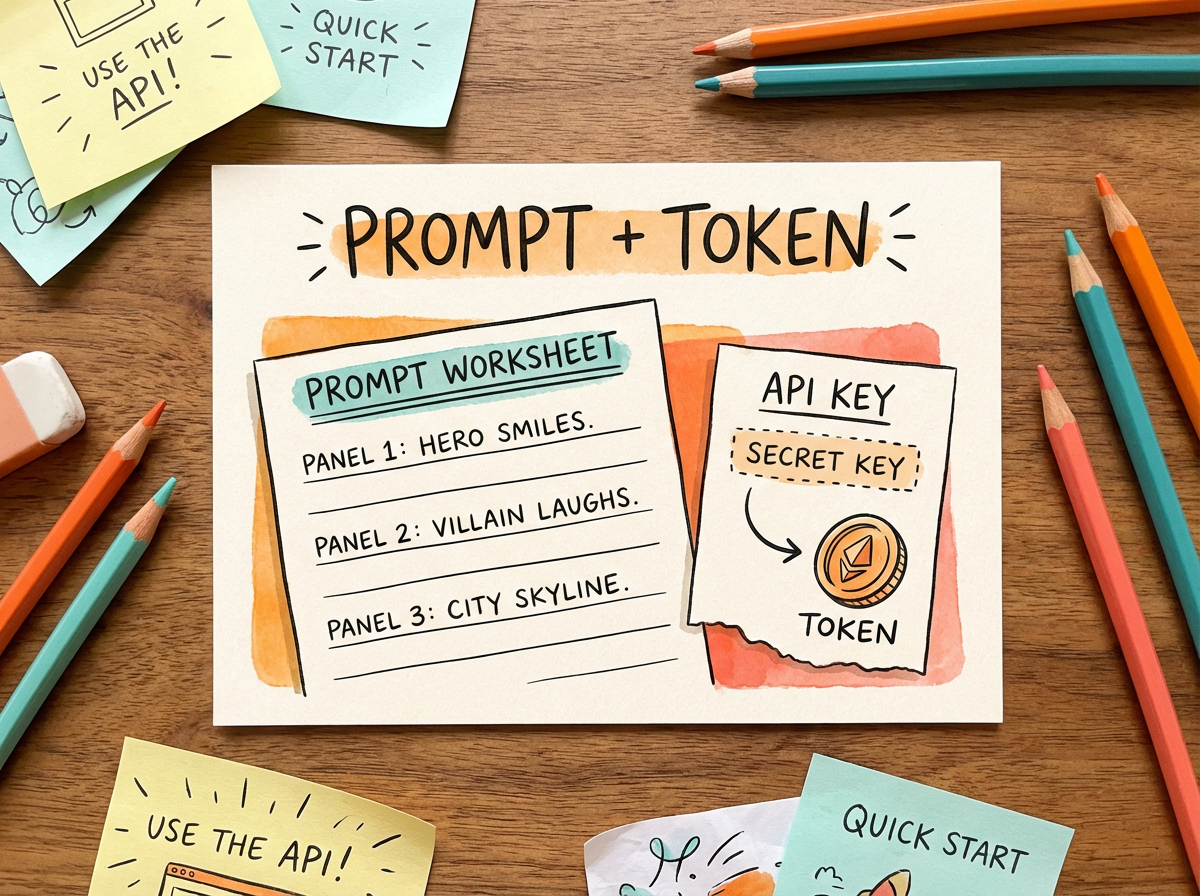
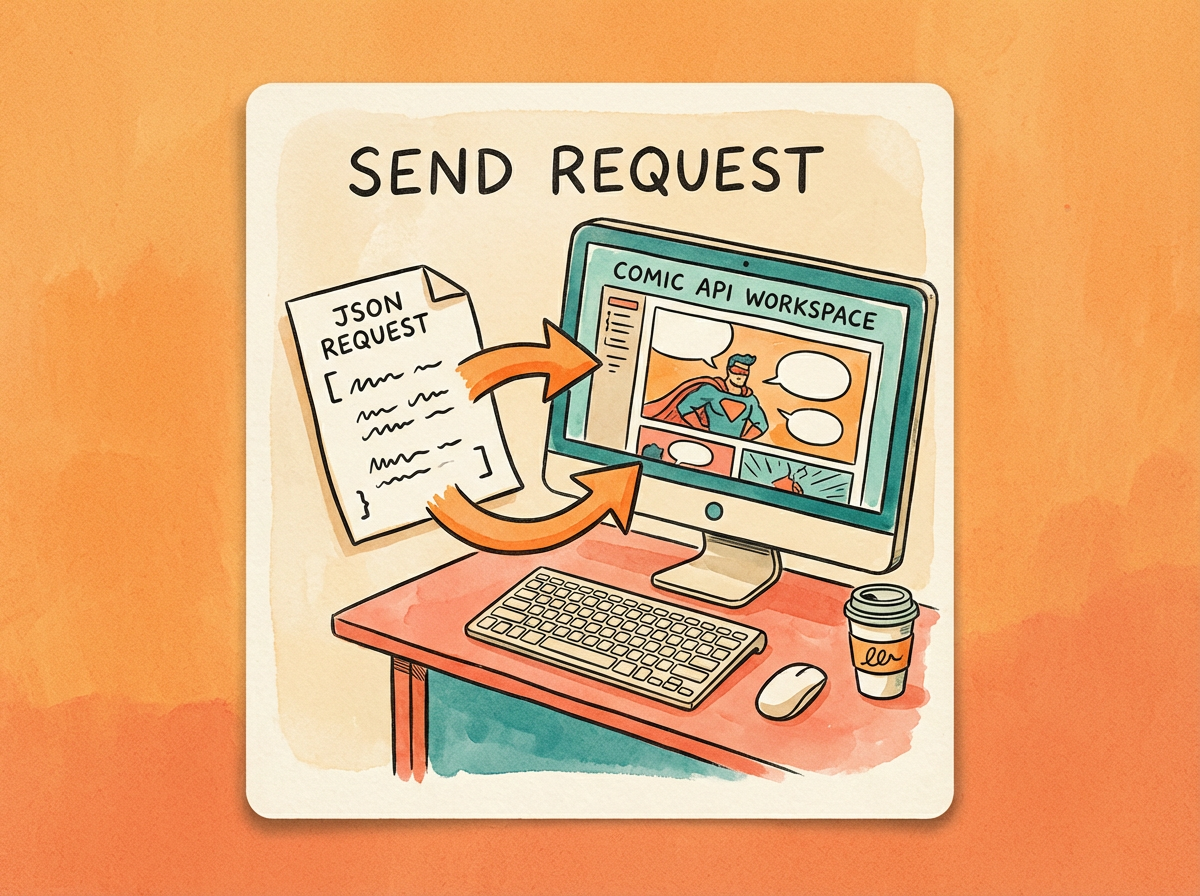

REST + MCP
واجهة برمجة القصص المصورة (API)
Use the Comic API to turn prompts, customer uploads, character references, and story briefs into structured comic pages with generated panel assets.
المصادقة
Send your API key with HTTP Bearer Auth on every request.
1Authorization: Bearer $LLAMAGEN_API_KEYBase URL
All production REST endpoints use the same API host. MCP clients can connect from the docs workflow.
1https://api.llamagen.aiEndpoints
Upload reference
POST /v1/comics/uploadUpload an image or source asset and receive a fileUrl for comic generation references.
Create generation
POST /v1/comics/generationsSubmit prompt, role references, scene references, layout options, language, upscale, and attachments.
Get status
GET /v1/comics/generations/{generationId}Poll status, generated assets, panel metadata, and failure details for a generation.
Continue write
PATCH /v1/comics/generations/{generationId}Extend an existing story or multi-page generation while preserving established characters and settings.
Update panel
PATCH /v1/comics/generations/{generationId}Regenerate one panel with revised direction while keeping the surrounding comic structure intact.
Upload a reference asset
Send an authenticated multipart/form-data request to POST /v1/comics/upload before creating or updating a comic. Put the asset in the file field and let your HTTP client set the multipart boundary automatically.
1curl -X POST https://api.llamagen.ai/v1/comics/upload \2 -H "Authorization: Bearer $LLAMAGEN_API_KEY" \3 -F "[email protected]"1{2 "code": 200,3 "fileUrl": "https://cdn.example.com/reference.png"4}Use the returned fileUrl in attachments, comicRoles, comicLocations, panelReferences, or panel update images. Keep the URL available for the generation requests that reference the uploaded asset.
Input schema
إجباري: Yes
Reference image or source asset to upload. Send it in the multipart/form-data file field.
مثال: @reference.png
Output schema
إجباري: No
HTTP-style success code returned by the upload service.
مثال: 200
إجباري: Yes
Uploaded asset URL. Pass it to attachments, comicRoles, comicLocations, panelReferences, or panel update images.
مثال: https://cdn.example.com/reference.png
Create request
Provide prompt text, then layer in optional preset, size, character, scene, attachment, language, and upscale fields.
1curl -X POST https://api.llamagen.ai/v1/comics/generations \2 -H "Authorization: Bearer $LLAMAGEN_API_KEY" \3 -H "Content-Type: application/json" \4 -d '{5 "prompt": "A 4-panel comic about Leo finding a glowing key in a quiet library.",6 "preset": "japanese_manga",7 "size": "1024x1024",8 "fixPanelNum": 49 }'1{2 "id": "cmqyt8ea60003lb04uvxug8i9",3 "status": "LOADING",4 "prompt": "A 4-panel comic about Leo finding a glowing key in a quiet library.",5 "usage": {6 "total_comics": 4,7 "amount": 6008 },9 "model": "cyani-model"10}Input schema
إجباري: اختياري
Use a 1–200 character key for retries. The same user/key identifies one generation regardless of input. Retries within five minutes return 503; afterward the existing id/status is returned. Use a new key for a new generation.
إجباري: Yes
Story, scene, or script instructions for the comic generation. Use natural language and include panel-by-panel direction when you need tighter control.
- إجباري
- prompt
مثال: A 4-panel comic strip about The Little Prince meeting the Fox.
إجباري: No
Optional URL or id for a source file that contains the comic script. Usually a Word, PDF, or TXT file.
- Format
- uri
مثال: https://s.llamagen.ai/workspace/script-brief.pdf
إجباري: No
Optional compatibility field returned in the create response. The backend selects the actual generation model from account configuration.
- Default
- "cyani-model"
مثال: cyani-model
إجباري: No
Style preset id. Use template ids from the preset catalog to control manga, comic, cartoon, or illustration style.
- Default
- "neutral"
مثال: japanese_manga
إجباري: No
Output canvas size in WIDTHxHEIGHT format. Common presets are listed in this field metadata.
- Default
- "1024x1024"
- Presets
- 1024x1024 (1:1), 512x768 (2:3), 512x1024 (1:2), 576x1024 (9:16), 768x1024 (3:4), 1024x768 (4:3), 768x512 (3:2), 1024x576 (16:9), 1024x512 (2:1)
مثال: 1024x1024
إجباري: No
Single-page panel count from 1 to 20. Do not send this field together with pagination.
- Default
- 4
- Minimum
- 1
- Maximum
- 20
مثال: 4
إجباري: No
Multi-page mode. Use pagination.totalPages and pagination.panelsPerPage when you want several pages in one request. Do not use top-level totalPages or panelsPerPage.
- Conflicts
- fixPanelNum
مثال: { "totalPages": 2, "panelsPerPage": 4 }
إجباري: No
Character references used for identity consistency across panels and pages. Each role can include a name, age, gender, dress, and image URL.
- Default
- []
مثال: [{ "name": "Alice", "age": 12, "gender": "female", "dress": "yellow raincoat", "image": "https://.../front.png", "referenceImages": ["https://.../left.png", "https://.../right.png"] }]
إجباري: No
Reference images assigned to individual panels during the initial generation. Page and panel indexes are zero-based.
- Default
- []
مثال: [{ "pageIndex": 0, "panelIndex": 0, "images": ["https://.../scene.png"] }]
إجباري: No
Scene or background references used to keep environments consistent. Each location should have a stable name and can include an image URL.
- Default
- []
مثال: [{ "name": "Dreamwood Forest", "image": "https://..." }]
إجباري: No
Additional source files for product images, brand assets, rough sketches, or client references.
- Default
- []
مثال: [{ "type": "image", "url": "https://..." }]
إجباري: No
Preferred language for generated captions, dialogue, and lettering.
- Default
- "auto"
مثال: en
إجباري: No
Optional upscaling for generated panels, available with API Pro ($100/month) and Scale ($400/month), including annual subscriptions. Use the field upscale, not upscaled. Omit it or send "" for no upscaling (150 credits/panel); "2K" costs 300 credits/panel (2x), and "4K" costs 600 credits/panel (4x). Continue-write and regeneration inherit the original setting.
- Default
- ""
مثال: 2K
إجباري: Required when pagination is used
Number of comic pages to generate.
- Minimum
- 1
- Maximum
- 20
مثال: 2
إجباري: Required when pagination is used
Panels per generated page.
- Minimum
- 1
- Maximum
- 20
مثال: 4
إجباري: موصى به
Stable character name used by the model and returned panel metadata.
مثال: Alice
إجباري: No
Reference image for character identity, costume, and visual continuity.
مثال: https://cdn.example.com/alice.png
إجباري: No
Additional views of the same character. The generation pipeline selects the most relevant identity reference for each panel.
مثال: ["https://cdn.example.com/alice-left.png", "https://cdn.example.com/alice-right.png"]
إجباري: Yes
Zero-based page index within the requested comic generation.
مثال: 0
إجباري: Yes
Zero-based panel index within the selected page.
مثال: 0
إجباري: No
Scene, background, composition, or camera reference images used only for the selected panel.
مثال: ["https://cdn.example.com/library-wide.png"]
إجباري: موصى به
Reusable location name for visual continuity across pages and panels.
مثال: Dreamwood Forest
إجباري: No
Attachment role. When omitted, the API stores it as image.
- Default
- "image"
مثال: product
إجباري: Required when attachments are used
Publicly accessible or signed file URL.
مثال: https://cdn.example.com/reference.png
Output schema
Generation id. Store this value for polling, logs, and support.
مثال: cmqyt8ea60003lb04uvxug8i9
Queued status returned after the create request is accepted.
مثال: LOADING
Normalized prompt used by the generation.
Total number of comic panel outputs charged for the create request.
مثال: 4
Credits charged by the create request.
مثال: 600
Compatibility model field returned by the create response.
مثال: cyani-model
Get status
Poll generation state until the job is processed, failed, or cancelled.
1curl https://api.llamagen.ai/v1/comics/generations/gen_123456789 \2 -H "Authorization: Bearer $LLAMAGEN_API_KEY"Input schema
إجباري: Yes
Generation id returned by create generation.
مثال: gen_123456789
إجباري: No
Zero-based page index. Only used when requesting a single panel together with panel.
- Default
- 0
مثال: 0
إجباري: No
Zero-based panel index. When omitted, the endpoint returns generation status and comics[].
مثال: 2
Output schema
Generation id.
مثال: gen_123456789
Current generation status.
مثال: PROCESSED
Original generation prompt.
إجباري: When not requesting a single panel
Normalized comic pages returned by the status endpoint, including panels with assetUrl, panel, caption, and image.
Continue write
Extend an existing story or multi-page generation while preserving established characters and settings.
1curl -X PATCH https://api.llamagen.ai/v1/comics/generations/gen_123456789 \2 -H "Authorization: Bearer $LLAMAGEN_API_KEY" \3 -H "Content-Type: application/json" \4 -d '{5 "action": "continueWrite",6 "prompt": "The two friends walk deeper into the neon city and discover a hidden arcade.",7 "pagination": {8 "totalPages": 2,9 "panelsPerPage": 410 },11 "attachments": [12 {13 "type": "image",14 "url": "https://example.com/reference-1.png"15 }16 ]17 }'Input schema
إجباري: Yes
Existing comic generation id to extend.
مثال: gen_123456789
إجباري: Yes
Set to continueWrite so PATCH routes to the continue-write operation.
- Value
- "continueWrite"
مثال: continueWrite
إجباري: Yes
Story direction for the next page or pages.
مثال: The two friends discover a hidden arcade.
إجباري: No
Use pagination.totalPages and pagination.panelsPerPage to append multiple pages. Do not send top-level totalPages or panelsPerPage.
- Conflicts
- fixPanelNum
مثال: { "totalPages": 2, "panelsPerPage": 4 }
إجباري: No
Panel count for one appended page when pagination is not used. Defaults to the previous page panel count.
- Minimum
- 1
- Maximum
- 20
مثال: 4
إجباري: No
Optional references attached to the first appended page. Fields such as size, promptUrl, comicRoles, comicLocations, language, and upscale are not supported by continue-write.
مثال: [{ "type": "image", "url": "https://example.com/reference-1.png" }]
Output schema
Generation id being extended.
مثال: gen_123456789
Queued status after the continue-write request is accepted.
مثال: LOADING
Zero-based index of the first appended page.
مثال: 2
Number of new panel outputs charged.
مثال: 8
Credits charged by the request.
مثال: 1200
إجباري: When pagination is provided
Returned pagination.totalPages and pagination.panelsPerPage.
Update a panel
Regenerate a single panel after review without rebuilding the full comic.
1curl -X PATCH https://api.llamagen.ai/v1/comics/generations/gen_123456789 \2 -H "Authorization: Bearer $LLAMAGEN_API_KEY" \3 -H "Content-Type: application/json" \4 -d '{5 "page": 0,6 "panel": 2,7 "panelPrompt": "Make Leo look more hopeful and keep the same orange wizard robe."8 }'Input schema
إجباري: Yes
Existing comic generation id containing the panel.
مثال: gen_123456789
إجباري: No
Zero-based page index. pageIndex and page_index are accepted aliases.
- Default
- 0
مثال: 0
إجباري: Yes
Zero-based panel index. panelIndex and panel_index are accepted aliases.
مثال: 2
إجباري: One of panelPrompt, prompt, images, or caption
Replacement prompt for the selected panel. prompt and panel_prompt are accepted aliases.
مثال: Make Leo look more hopeful.
إجباري: One of panelPrompt, prompt, images, or caption
Optional reference image URL or URLs for the selected panel. images_url is accepted as an alias.
مثال: ["https://example.com/reference.png"]
إجباري: One of panelPrompt, prompt, images, or caption
Replacement caption for the selected panel.
مثال: Leo whispers, I found it.
Output schema
Generation id containing the regenerated panel.
مثال: gen_123456789
Queued status after the panel regeneration is accepted.
مثال: LOADING
Zero-based page index for the regenerated panel.
مثال: 0
Zero-based panel index for the regenerated panel.
مثال: 2
Number of panels queued for redraw.
مثال: 1
Credits charged by the request.
مثال: 150
MCP Usage
Connect via Streamable HTTP
Authorization: Bearer YOUR_API_TOKENConfigure your MCP client to use Streamable HTTP transport with the endpoint above. Provide your API token via the Authorization header.
Available Tools
- search_llamagen_docs— Search developer documentation
- create_comic_generation— Create a generation job
- get_comic_generation_status— Get status/result by id
- get_comic_api_usage— View Comic API usage and quota
- get_api_usage— Backward-compatible alias for get_comic_api_usage
Client Configuration Example
Many MCP clients allow setting a remote HTTP endpoint with custom headers. Below is a generic example:
{
  "mcpServers": {
    "llamagen": {
      "url": "https://llamagen.ai/api/mcp",
      "headers": {
        "Authorization": "Bearer YOUR_API_TOKEN"
      }
    }
  }
}
The exact configuration format varies by client. Ensure the Authorization header is set with your token.
Cursor Setup
- Open Cursor Settings and find the Model Context Protocol (MCP) section.
- Add a new server using Streamable HTTP.
- Set URL to https://llamagen.ai/api/mcp.
- Under Headers, add Authorization: Bearer YOUR_API_TOKEN.
- Save and test by listing tools; you should see the primary tools search_llamagen_docs, get_comic_api_usage, create_comic_generation, and get_comic_generation_status, plus the get_api_usage compatibility alias.
Alternatively, you can configure via Cursor's MCP configuration file using the same JSON structure as above, if your version supports it.
LlamaGen CLI
Install and sign in
The CLI opens LlamaGen in your system browser and reuses the existing signed-in session. The browser cookie remains inside the browser; a short-lived one-time code returns the existing Comic API token to the terminal.
npm install --global @llamagen/cli
llamagen auth login
llamagen auth status

npx skills add LlamaGenAI/skills --yes
Create and inspect a comic
llamagen comic create \
  --prompt "A detective follows a glowing paper crane" \
  --style manga \
  --wait

llamagen comic get GENERATION_ID
llamagen comic usage
The CLI uses the production LlamaGen authentication and Comic API endpoints by default. For CI and headless servers, provide LLAMAGEN_API_KEY through the deployment's secret manager; never commit its value.
Integration Demos
LangChain JS Agent (Streamable HTTP + Azure OpenAI)
import "dotenv/config";
import { Client } from "@modelcontextprotocol/sdk/client/index.js";
import { StreamableHTTPClientTransport } from "@modelcontextprotocol/sdk/client/streamableHttp.js";
import { createAgent } from "langchain";
import { DynamicStructuredTool } from "@langchain/core/tools";
import { AzureChatOpenAI } from "@langchain/openai";

async function main() {
  const mcpUrl = "https://llamagen.ai/api/mcp";
  const YOUR_API_TOKEN = process.env.LLAMAGENAI_API_TOKEN;
  const client = new Client(
    { name: "demo-agent", version: "1.0.0" },
    { capabilities: { tools: {} } }
  );

  let connected = false;
  let discoveredTools: any | null = null;
  if (mcpUrl && YOUR_API_TOKEN) {
    const headers = {
      Authorization: "Bearer " + YOUR_API_TOKEN,
      Accept: "application/json",
    };
    const transport = new StreamableHTTPClientTransport(new URL(mcpUrl), {
      requestInit: { headers },
    });
    await client.connect(transport);
    discoveredTools = await client.listTools();
    connected = true;
  }

  let tools: any[] = [];
  if (connected && discoveredTools) {
    tools = discoveredTools.tools.map((tool: any) => {
      return new DynamicStructuredTool({
        name: tool.name,
        description: tool.description ?? "",
        schema: tool.inputSchema,
        func: async (input: Record<string, any>) => {
          const result = await client.callTool({
            name: tool.name,
            arguments: input,
          });
          return JSON.stringify(result);
        },
      });
    });
  }
  console.log("Loaded " + tools.length + " tools");

  const AZURE_OPENAI_DEPLOYMENT_NAME = process.env.AZURE_OPENAI_DEPLOYMENT_NAME;
  const AZURE_OPENAI_API_KEY = process.env.AZURE_OPENAI_API_KEY;
  const AZURE_OPENAI_API_VERSION = process.env.AZURE_OPENAI_API_VERSION;
  const AZURE_OPENAI_ENDPOINT = process.env.AZURE_OPENAI_ENDPOINT;
  const llm = new AzureChatOpenAI({
    model: AZURE_OPENAI_DEPLOYMENT_NAME,
    azureOpenAIApiKey: AZURE_OPENAI_API_KEY,
    azureOpenAIApiInstanceName: AZURE_OPENAI_DEPLOYMENT_NAME,
    azureOpenAIApiDeploymentName: AZURE_OPENAI_DEPLOYMENT_NAME,
    azureOpenAIApiVersion: AZURE_OPENAI_API_VERSION,
    azureOpenAIEndpoint: AZURE_OPENAI_ENDPOINT,
  });

  const agent = createAgent({
    model: llm,
    tools,
  });

  const result = await agent.invoke({
    messages: [
      {
        role: "user",
        content: "Query the current usage and quota for the llamagen project",
      },
    ],
  });

  console.log(result);

  const result1 = await agent.invoke({
    messages: [
      {
        role: "user",
        content: "Create a comic of a little girl running in a forest",
      },
    ],
  });

  console.log(result1);
}

main().catch((err) => {
  console.error(err);
  process.exit(1);
});
SDK Quick Start
Install an official SDK first, then create a generation job and wait for the final result.
JavaScript / TypeScript install
npm i comicPython install
Install the official llamagen-python package from PyPI for scripts, notebooks, workers, and Python services.
pip install llamagen-pythonStep 1: Create generation
1import { LlamaGenClient } from 'comic';2 3const llamagen = new LlamaGenClient({4 apiKey: process.env.LLAMAGEN_API_KEY!,5});6 7const created = await llamagen.comic.create({8 prompt: 'A detective fox in Tokyo',9 preset: 'japanese_manga',10 size: '1024x1024'11});Step 2: Wait for completion
1const result = await llamagen.comic.waitForCompletion(created.id);2 3console.log(result);Python: Create and wait
1import os2 3from llamagen import LlamaGenClient4 5WAIT_TIMEOUT_MS = 30 * 60 * 10006 7client = LlamaGenClient(8 api_key=os.environ["LLAMAGEN_API_KEY"],9 timeout_ms=30000,10)11 12created = client.comic.create({13 "prompt": "A detective fox in Tokyo",14 "preset": "japanese_manga",15 "size": "1024x1024",16 "fixPanelNum": 4,17})18 19result = client.comic.wait_for_completion(20 created["id"],21 timeout_ms=WAIT_TIMEOUT_MS,22)23 24print(result)Supported size values: 1024x1024 (1:1), 512x768 (2:3), 512x1024 (1:2), 576x1024 (9:16), 768x1024 (3:4), 1024x768 (4:3), 768x512 (3:2), 1024x576 (16:9), 1024x512 (2:1)
TypeScript Types
The SDK ships with first-class TypeScript types for request payloads and responses.
1import type {2 CreateComicParams,3 ComicArtworkResponse,4 ComicGenerationStatus5} from 'comic';6 7const payload: CreateComicParams = {8 prompt: 'A superhero cat saving a city',9 preset: 'comicBookStyle',10 size: '1024x1024'11};Valid size values: 1024x1024 (1:1), 512x768 (2:3), 512x1024 (1:2), 576x1024 (9:16), 768x1024 (3:4), 1024x768 (4:3), 768x512 (3:2), 1024x576 (16:9), 1024x512 (2:1)
Status Lifecycle
| Status | Meaning |
|---|---|
| LOADING | Request accepted or generation is still running. |
| PROCESSED | Generation completed successfully. |
| FAILED | Generation failed. Inspect error details. |
Recommended: poll every 3-5 seconds with timeout protection and exponential retry for transient failures.
Webhooks
Manage webhook endpoints in Settings → API → Webhooks. You can subscribe to create, update, completed, and failed events for comic generations.
Supported Events
comic.generation.created— Fires after a generation request is accepted.comic.generation.updated— Fires after continue-write or single-panel regenerate is queued.comic.generation.completed— Fires when the generation reaches a processed state.comic.generation.failed— Fires when the generation ends in a failed state.
Signing Headers
X-Llama-Webhook-Id: evt_...
X-Llama-Webhook-Timestamp: 1715510400
X-Llama-Webhook-Signature: v1=...
X-Llama-Webhook-Request-Id: req_...
Compute the signature from ${timestamp}.${rawBody} using your webhook secret. The dashboard only shows the secret once when creating or rotating it.
Request Logs
In dashboard settings, use Request Logs to trace endpoint usage, status codes, latency, and credit changes for each API call.
Rate Limits
Demo Users
- 4 requests per minute
- 15 requests per day
- Watermarked outputs
Paid Plans
- 10 requests per minute
- Usage based on credits
- High-resolution, no watermark
Errors
| Code | Description |
|---|---|
| 401 | Unauthorized - Invalid API token. |
| 402 | Payment Required - Insufficient credits. Purchase more credits at llamagen.ai/comic-api/pricing. |
| 403 | Forbidden - Access denied. |
| 429 | Too Many Requests - Rate limit exceeded. |
| 500 | Internal Server Error. |
Integration FAQ
How do I connect the LlamaGen MCP server?
Configure your MCP client to call https://llamagen.ai/api/mcp with an Authorization Bearer token header.
What tools are available through the MCP server?
The MCP server exposes four primary tools for searching developer docs, reading Comic API usage, creating comic generations, and checking generation status. The get_api_usage name remains available as a backward-compatible alias of get_comic_api_usage.