

التخطيط العمودي يحتاج إعدادًا مسبقًا
استخدم مسافات لوحات موجهة للموبايل، وتكوينات طويلة، وفواصل انتقالية، ومشاهد متتابعة رأسيًا حتى ينساب التمرير بشكل طبيعي بدل أن يبدو كصفحة قصة مصوّرة مقصوصة.
استخدم LlamaGen كصانع Webtoon بالذكاء الاصطناعي لتنسيق عمودي، واتساق الشخصيات، وتجربة محسّنة للموبايل، وحلقات Webtoon بمستوى احترافي. ابدأ من prompt أو سيناريو، ثم أنشئ لوحات جاهزة للتمرير تبدو كقصة واحدة متماسكة بدل صور منفصلة.
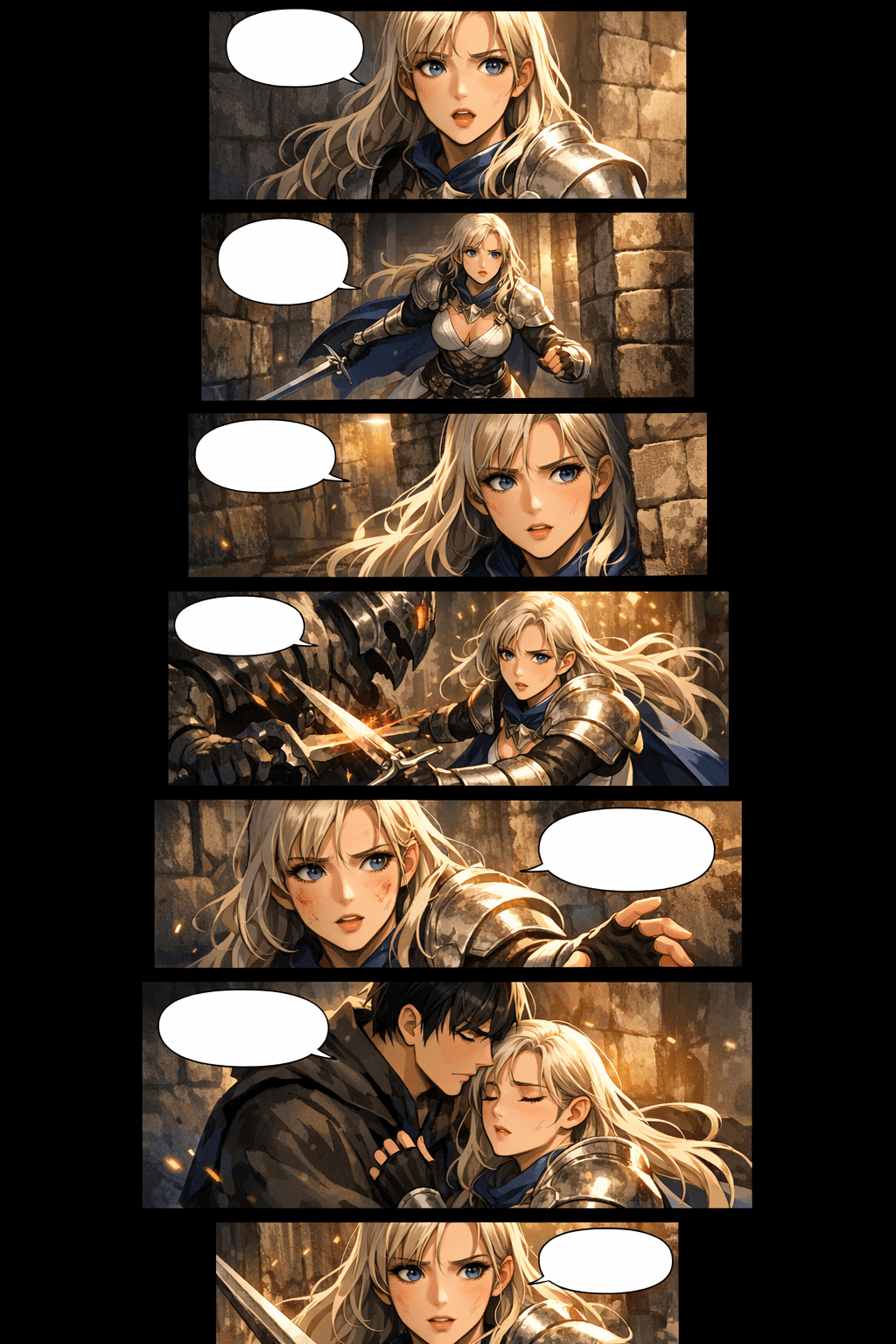
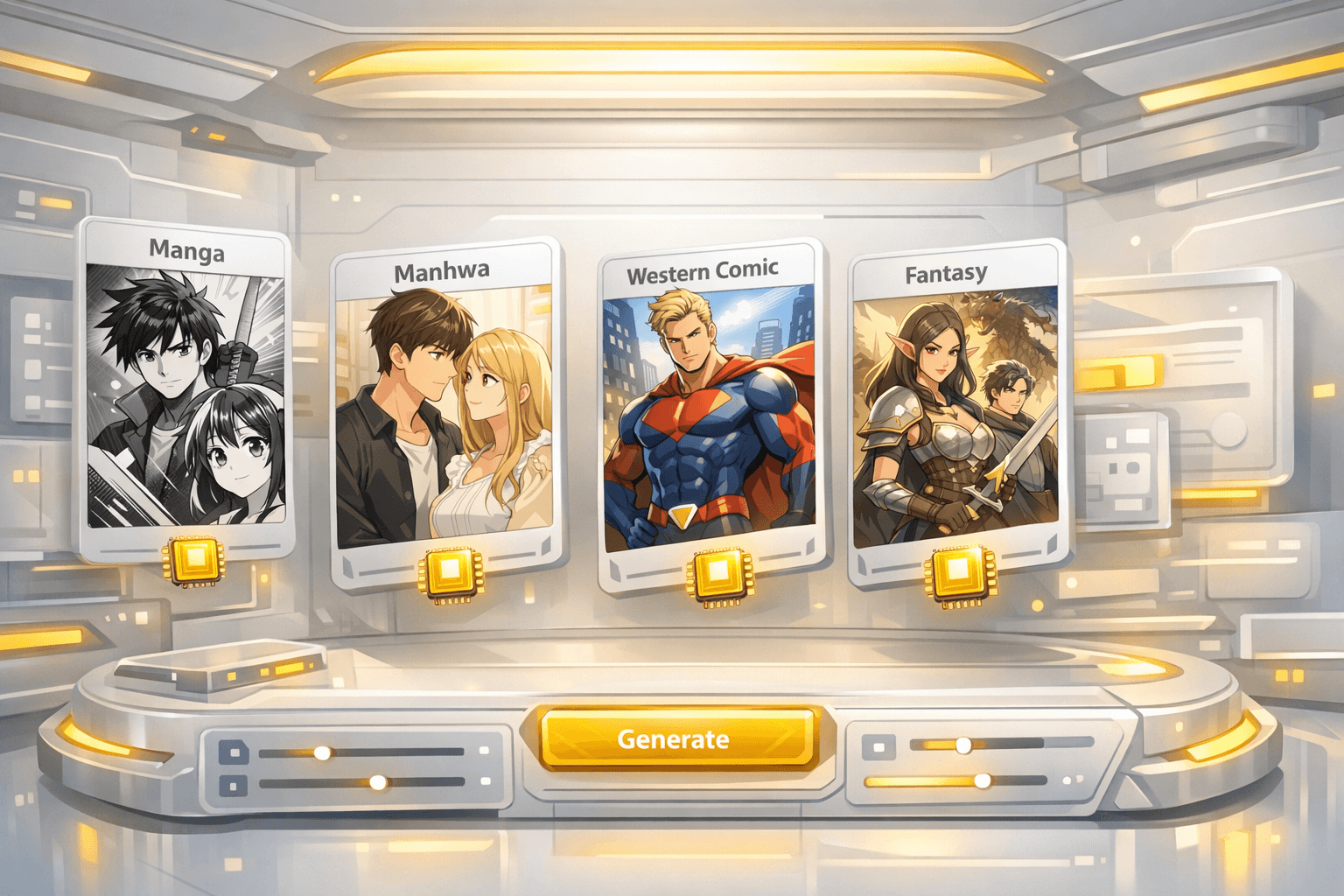
ابدأ من نية القصة ووصل إلى مسودة Webtoon جاهزة للتمرير، ثم حسّن اللوحات الأهم.
الصق الفكرة أو مشهد الحوار أو مخطط الفصل أو سيناريو قصير. يستخدم مولّد Webtoon بالذكاء الاصطناعي هذا السياق لتخطيط إيقاع اللوحات، والأجواء، والشخصيات، وتطور المشهد.
اختر manhwa أو manga أو western comic أو romance أو action أو fantasy أو أسلوبًا مخصصًا. أضف تفاصيل الشخصيات وأهداف اللوحات حتى تحافظ النتيجة على لغة بصرية متسقة.

أنشئ الحلقة، وراجع إيقاع اللوحات، وأصلح لقطات الشخصيات الضعيفة، واضبط المسافات، ثم نزّل الصور التي يمكن تقسيمها لمنصات Webtoon أو مشاركتها كمعاينة.
المسودة الأولى القوية تمنحك الشخصيات، وتدفق المشاهد، وإيقاع اللوحات، وإحساس القراءة على الموبايل الذي تحتاجه للاستمرار في التعديل حتى تصل إلى حلقة قابلة للنشر.
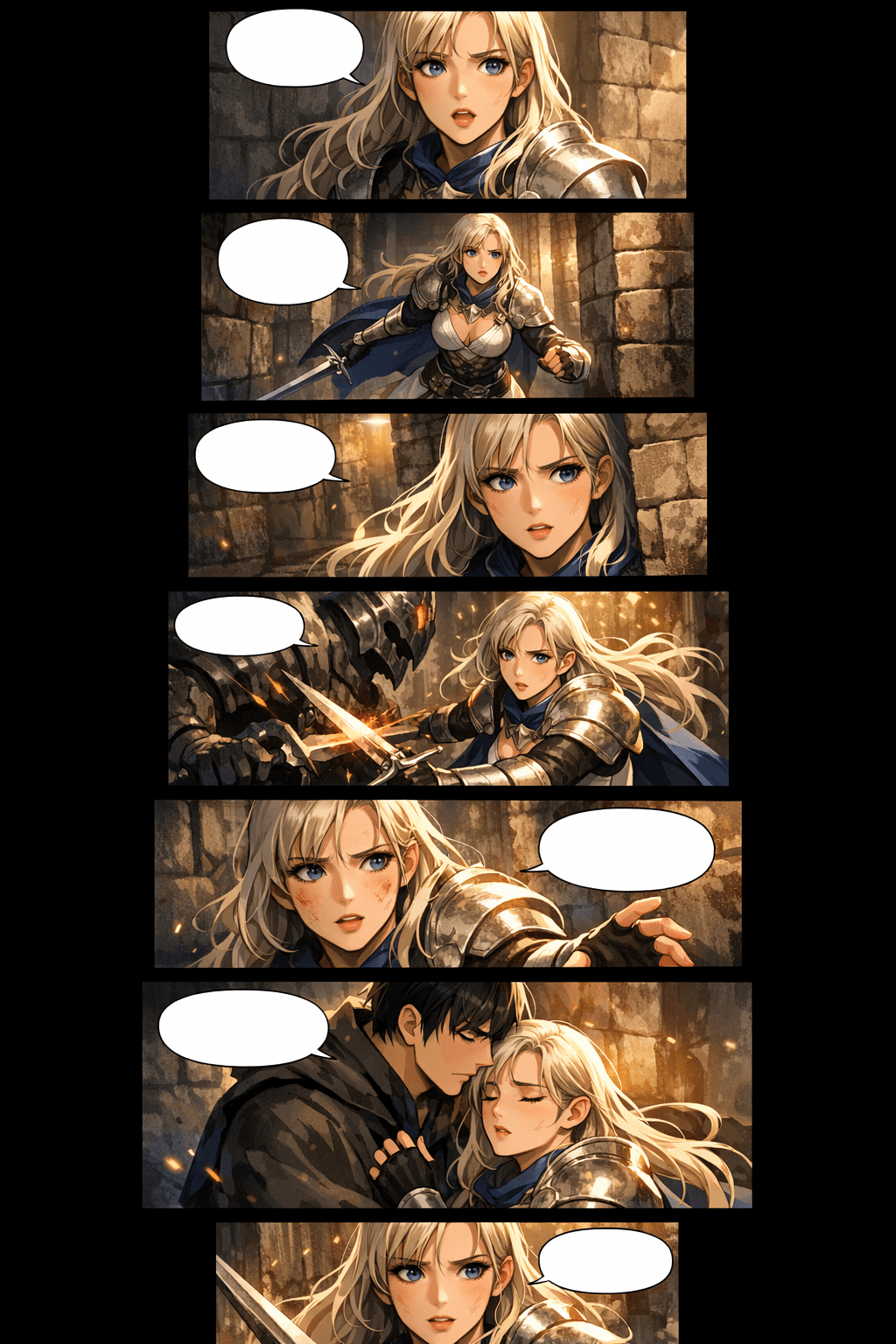
استخدم المولّد للمسودة الأولى، ثم حسّن لقطات الشخصيات، والمسافات، وتقسيمات التصدير قبل النشر.
إنتاج Webtoon بالطريقة التقليدية صعب لأن كل حلقة تجمع بين الكتابة والرسم والتلوين والتخطيط والاستمرارية وتنسيق المنصة. LlamaGen يجمع هذه المهام داخل Workflow واحد للسرد البصري.
استخدم مسافات لوحات موجهة للموبايل، وتكوينات طويلة، وفواصل انتقالية، ومشاهد متتابعة رأسيًا حتى ينساب التمرير بشكل طبيعي بدل أن يبدو كصفحة قصة مصوّرة مقصوصة.
حافظ على تفاصيل الشخصية داخل prompt، واستخدم أوصافًا مرجعية، وأعد توليد اللقطات الضعيفة حتى تظل الوجوه والملابس والهيئة العامة والتعبيرات واضحة ويمكن التعرف عليها.
أنشئ عدة مشاهد بسرعة، ثم ركّز الجهد البشري على تحسين القصة، وإضافة الحوارات داخل اللوحات، وإعادة رسم اللحظات المهمة، واتخاذ قرارات الإصدار النهائي.
خطّط لعرض الصورة، والتقسيمات، وارتفاع كل جزء، وحجم الملف، والتنسيق قبل الرفع حتى يكون تجهيز الحلقة النهائية أسهل لـ WEBTOON أو Tapas أو موقعك الخاص.
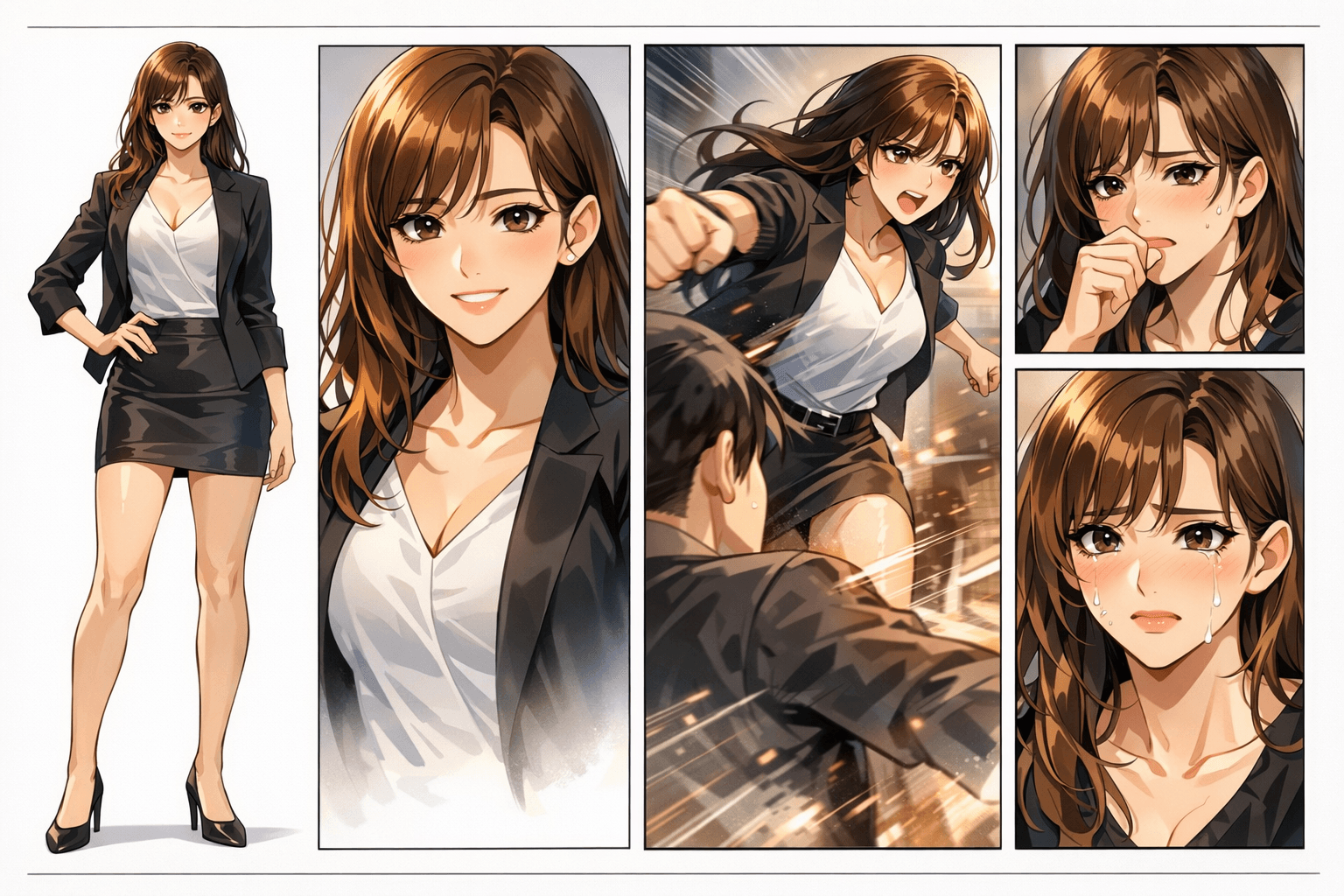
صفحة Webtoon الحقيقية يجب أن تحافظ على هوية الشخصية، وإيقاع اللوحات، واستمرارية الخلفيات، والتدرج العاطفي معًا. لوحة واحدة ضعيفة قد تفسد الحلقة كلها.
قد تبدو اللوحات ملوّنة وجذابة، لكن هوية الشخصية، وتفاصيل اليدين، واستمرارية المشهد، وتدفق القراءة تتفكك بسرعة.
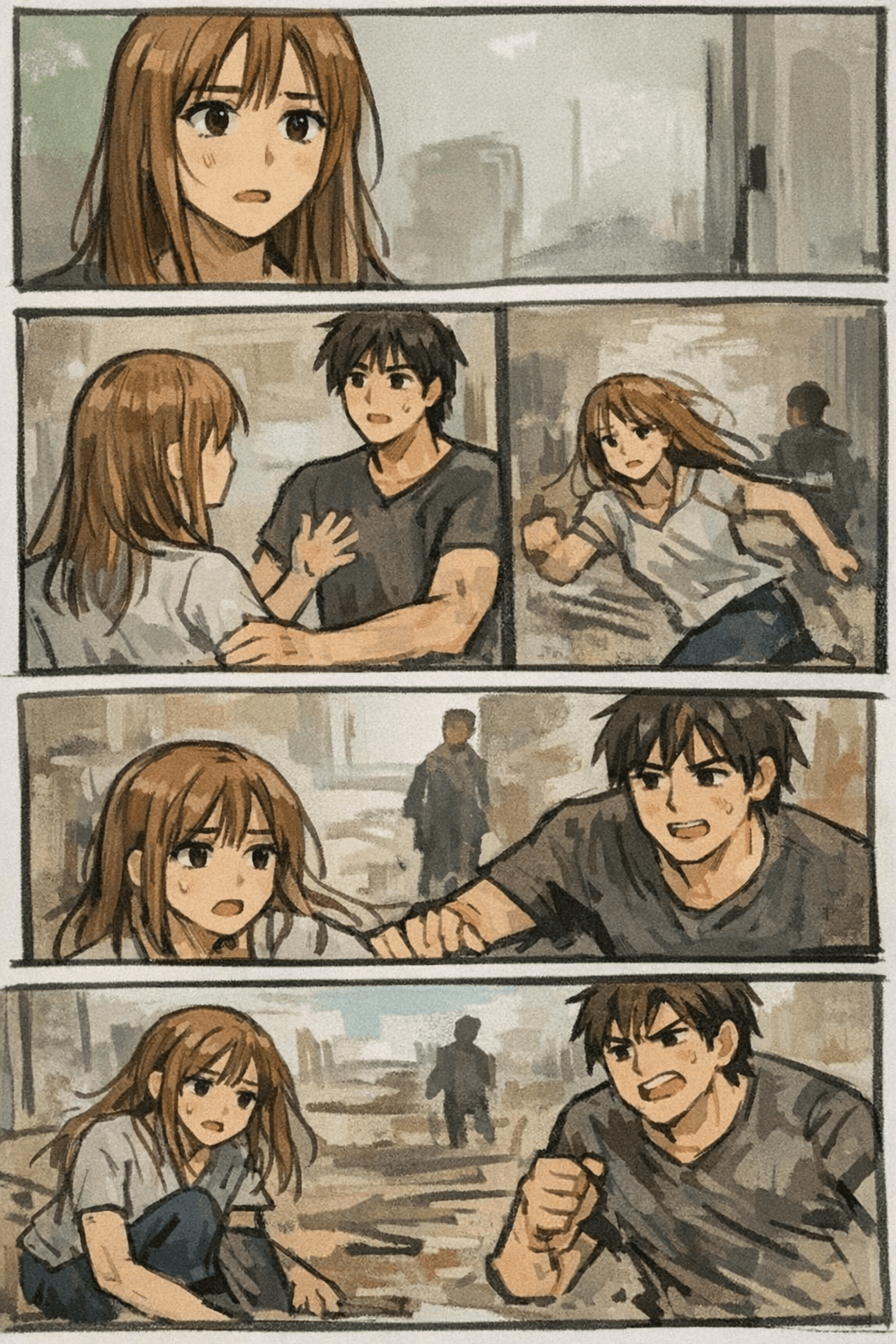
يركز LlamaGen على النتيجة الكاملة للـ Webtoon: prompt، والشخصيات، وإيقاع اللوحات، والأسلوب البصري، وإعادة التوليد حتى تبدو الحلقة متماسكة.
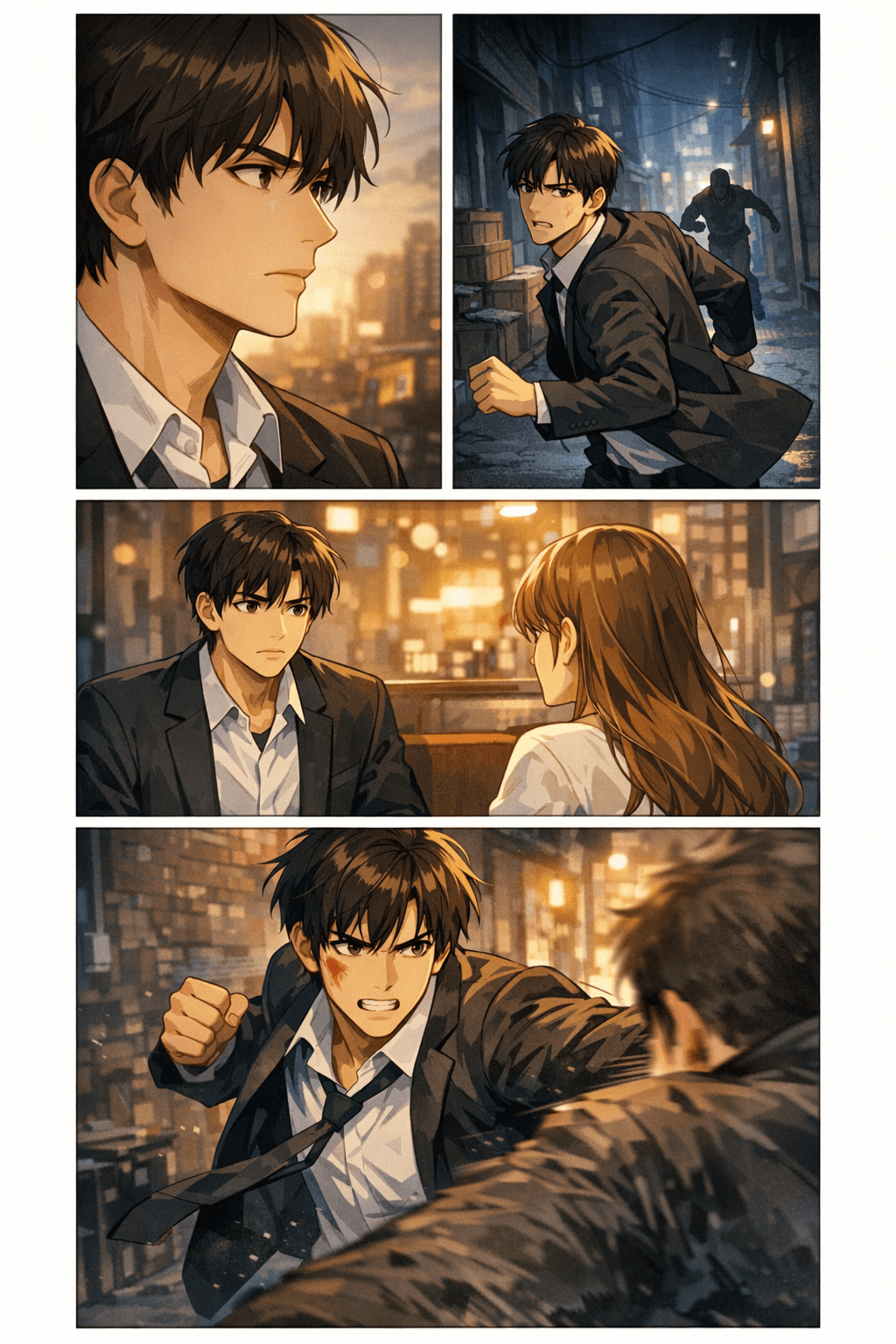
يهتم المبدعون بمعرفة ما إذا كانت مسودة Webtoon بالذكاء الاصطناعي يمكن أن تدخل في Workflow تصدير حقيقي. تساعدك هذه المواصفات على التخطيط للعرض وارتفاع التقسيمات وحجم الملف والتنسيق وسهولة القراءة على الموبايل قبل التنزيل أو الرفع.
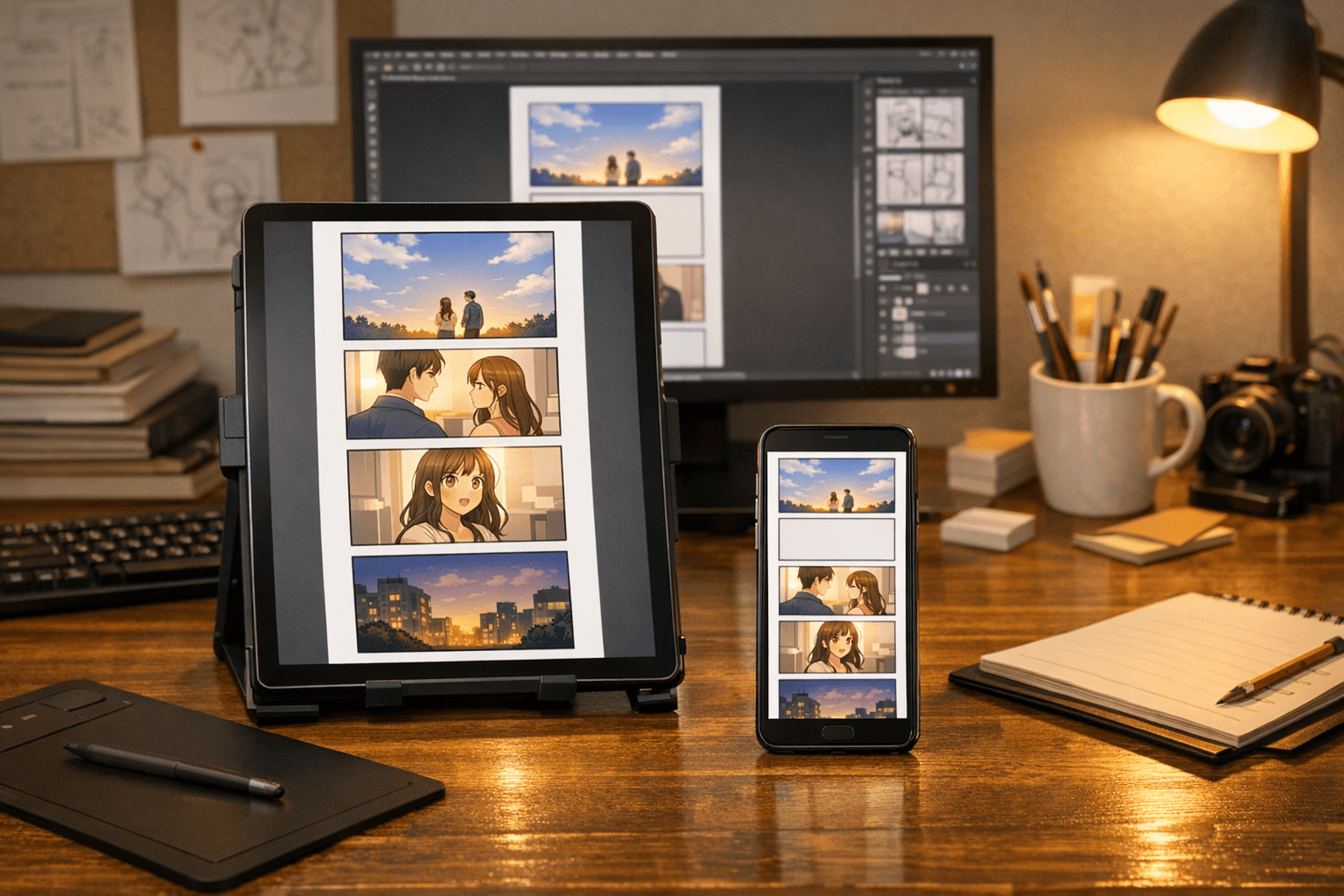
غالبًا ما تصل الحلقة الأولى العملية إلى حوالي 40-60 لوحة بعد المراجعات، حسب النوع والإيقاع.
استخدم مسافات مريحة بين 400-800px للحظات العاطفية، و4 فراغات أو أكثر عندما تحتاج القصة إلى انتقال بين المشاهد.
هذه هي العناصر التي تحوّل الصفحة من مجرد عرض بسيط للمزايا إلى مورد فعلي مفيد للمبدعين.
نسّق اللوحات بما يناسب التمرير، والتوقفات، والمفاجآت، واللقطات المؤثرة، والقراءة الموجهة للموبايل.
اجعل مراجعة هوية الشخصية، وتفاصيل الملابس، وشكل الوجه، والإيقاع العاطفي أسهل عبر اللوحات.
حافظ على المواقع، والإضاءة، والعناصر، والأجواء عبر التسلسل بدل البدء من الصفر في كل صورة.
خطّط لصيغة الملف، وارتفاع التقسيمات، وعرض الصورة، والضغط، ومنصة النشر قبل التنزيل.
أنشئ مسودات romance أو fantasy أو action أو thriller أو slice-of-life أو دراما مدرسية أو كوميديا أو حلقات مستوحاة من manhwa.
أعد رسم اللوحات الضعيفة، وحسّن التعبيرات، وقوِّ الإيقاع، وأنشئ لقطات بديلة للحظات المهمة.
استخدم صفحات Webtoon كإثباتات مفهوم للتعاون مع الشركاء أو العملاء أو المجتمعات أو لاختبار الجمهور المبكر.
امنح غير الرسامين والكتّاب والفرق الصغيرة طريقة أسرع لاختبار ما إذا كانت القصة تنجح بصريًا.


شاهد صفحات Webtoon مولّدة بالذكاء الاصطناعي مع سياق وصفي للصور: مشاهد خيالية، ولحظات manhwa رومانسية، ولوحات أكشن، وإيقاع thriller، وحلقات slice-of-life.
لوحات Webtoon عمودية بمشاهد خيالية درامية وتنسيق احترافي للتمرير
صفحة حلقة Webtoon عمودية premium قابلة للتمرير، بطلة متسقة، لوحات مكدسة للموبايل، وإضاءة خيالية سينمائية.
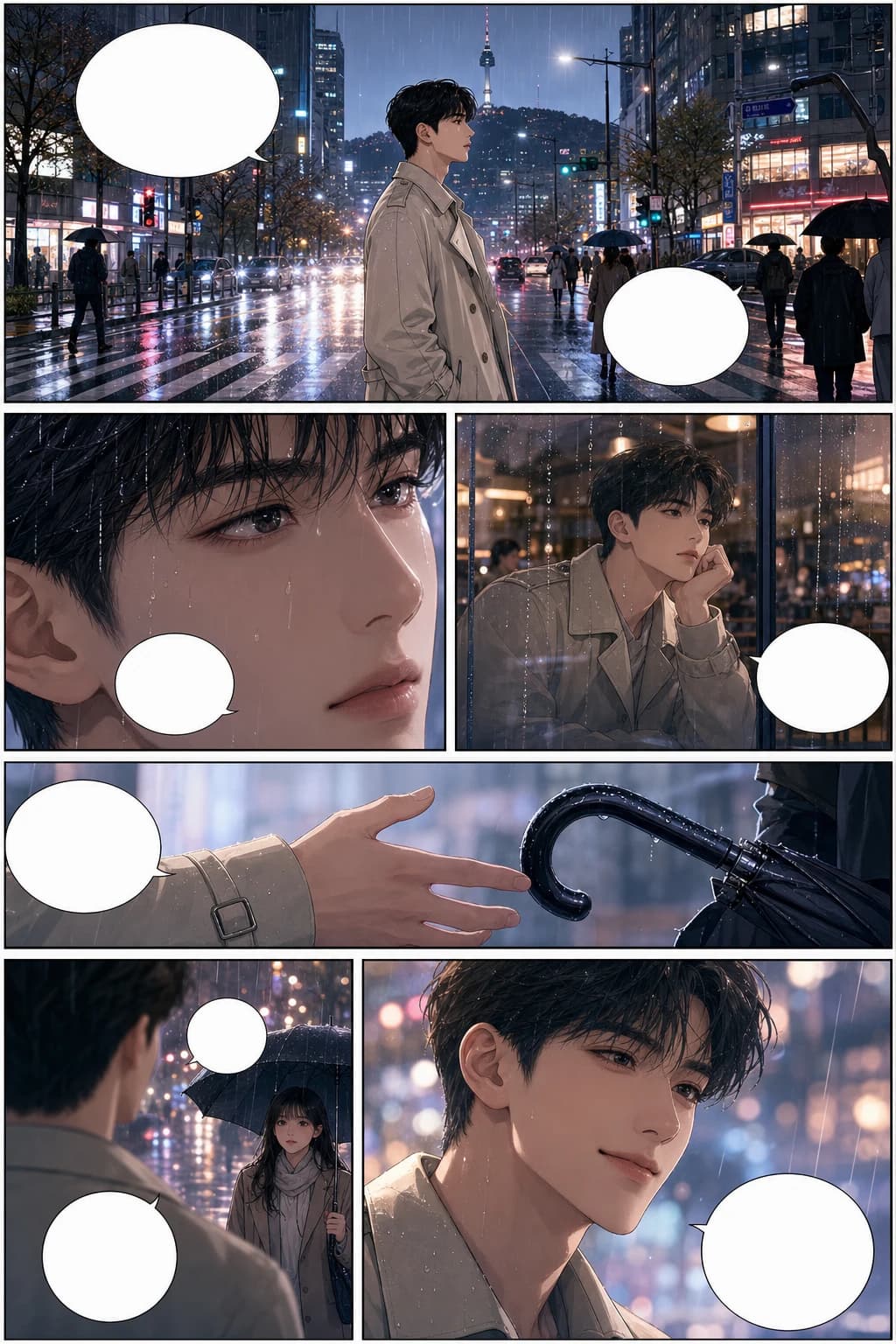
مشهد Webtoon رومانسي بأسلوب manhwa كوري مع شخصيات متسقة وإيقاع لوحات في مدينة ممطرة
صفحة قصة مصوّرة كورية manhwa كاملة الألوان، 6 لوحات، بطل متسق، رومانسية في مدينة ممطرة، وفقاعات حوار فارغة.
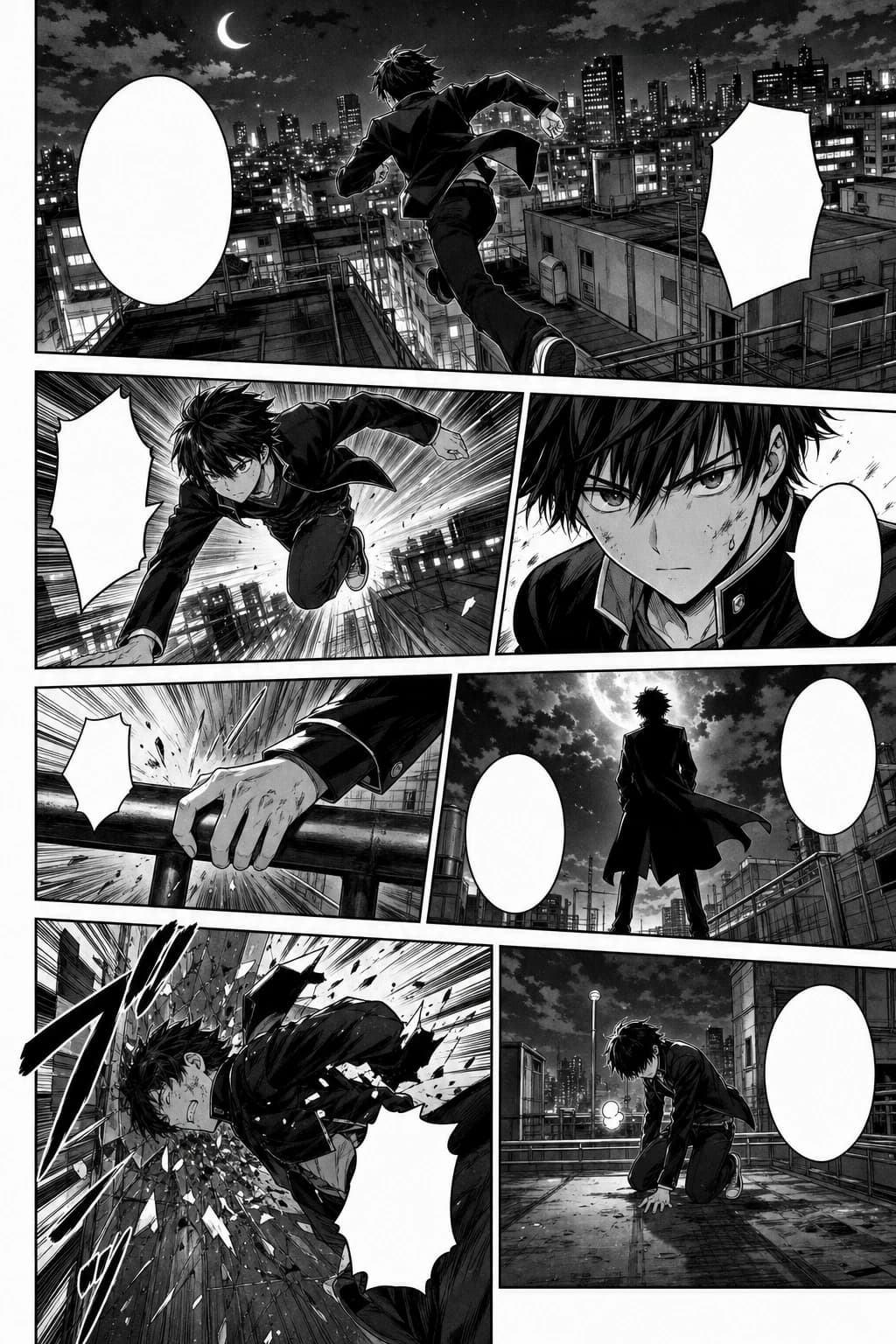
تسلسل لوحات Webtoon مليء بالحركة بأسلوب manga أبيض وأسود مع مشهد فوق الأسطح
صفحة manga يابانية بالأبيض والأسود، 7 لوحات، screentone، وخطوط سرعة، وشخصية أكشن متسقة.
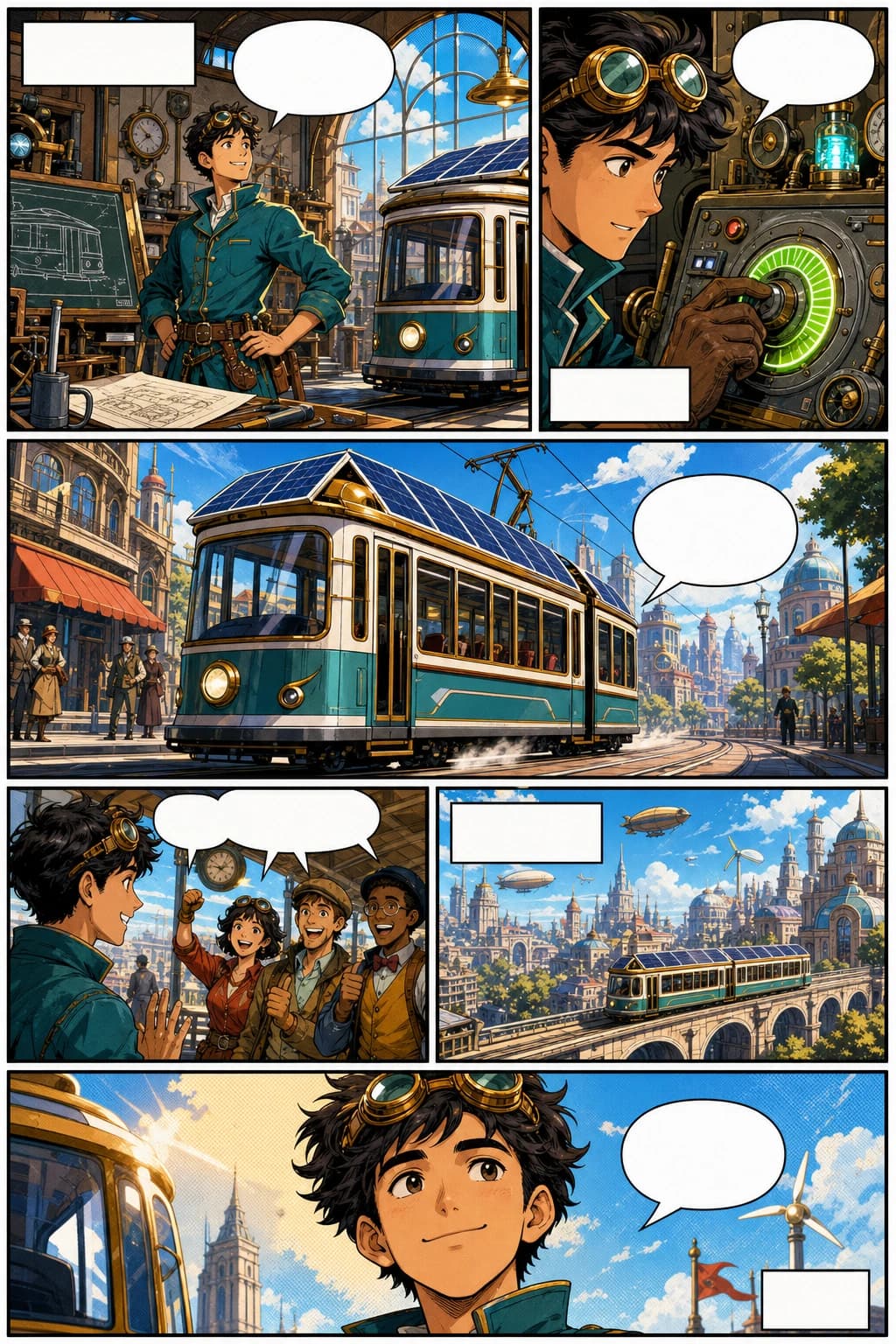
صفحة Webtoon بأسلوب western comic مع مخترع بطابع retro-futurist ولوحات عمودية جريئة
صفحة western comic book، 6 لوحات، شخصية مخترع أصلية، حبر قوي، ألوان halftone، وتعليقات فارغة.
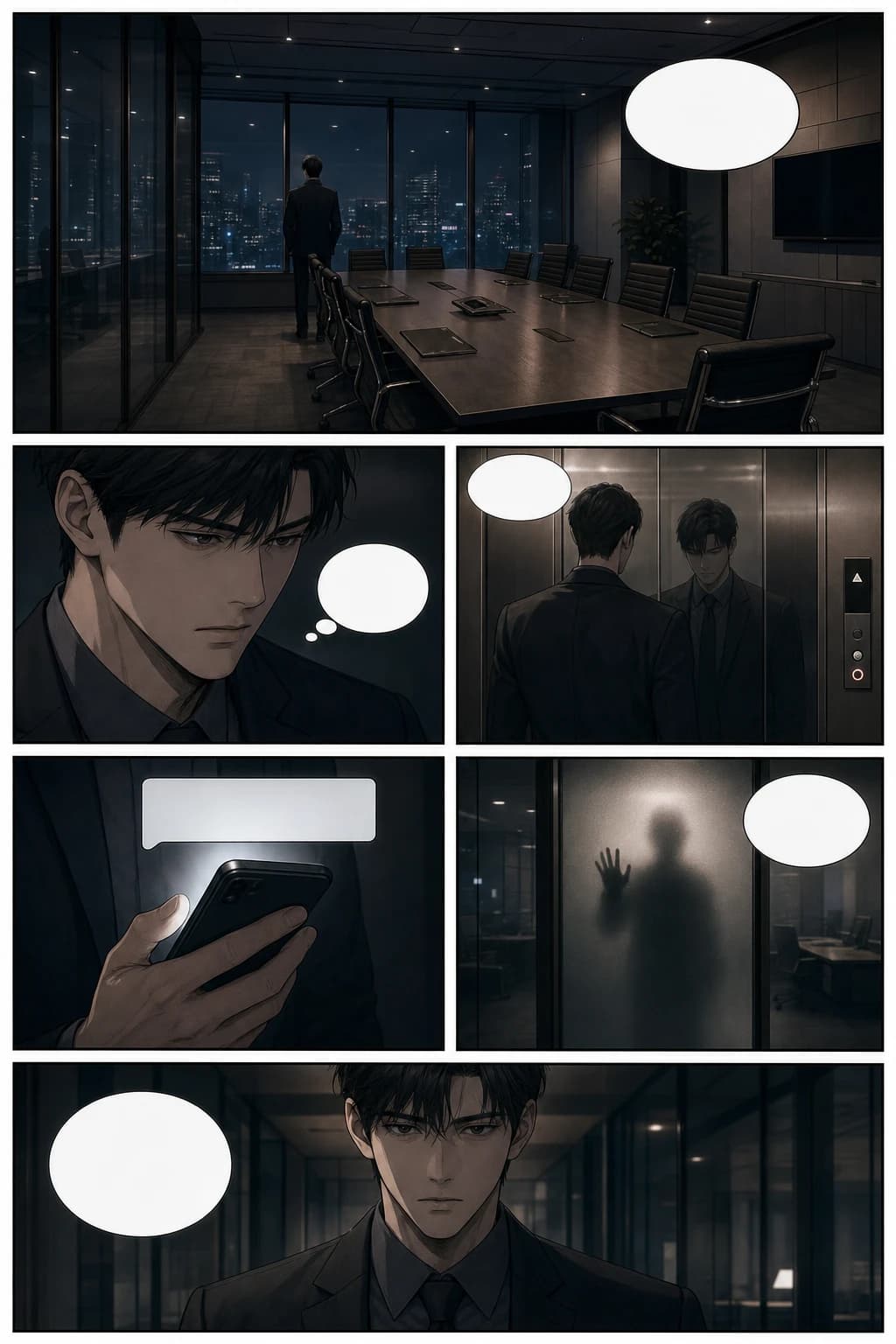
صفحة Webtoon thriller بأسلوب manhwa مع توتر سينمائي داخل مكتب وإيقاع تمرير عمودي
صفحة manhwa thriller نفسي، 6 لوحات، مشهد مكتب زجاجي، إيقاع سينمائي، وفقاعات حوار فارغة.
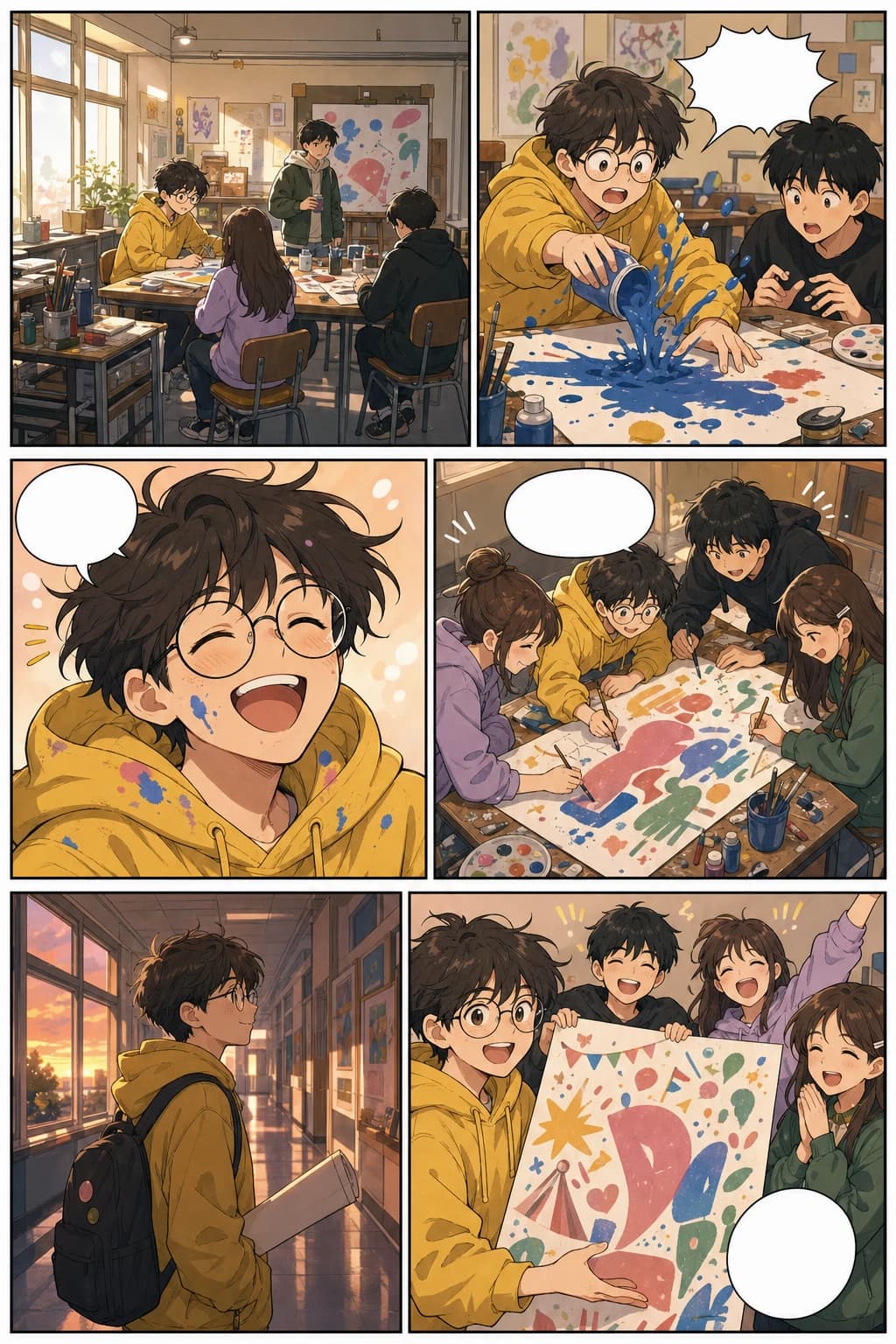
صفحة Webtoon عمودية من نوع slice-of-life مع لوحات لنادي الفن المدرسي وتنسيق دافئ للموبايل
صفحة Webtoon ملونة من نوع slice-of-life، 6 لوحات، طالب فنون متسق، وقصة دافئة في مهرجان مدرسي.
هذا الدليل يغطي احتياجات التعلّم والإنشاء معًا: ما هو Webtoon، وكيف يساعد الذكاء الاصطناعي، وكيف تتناسب الأداة مع Workflow حقيقي للمبدعين.
حوّل مخطط فصل إلى صفحات بصرية قبل الالتزام بدورة إنتاج طويلة لقصة مصوّرة كاملة.
أنشئ مسودات التخطيط، وإيقاع المشاهد، والأغلفة، والمعاينات الاجتماعية مع الاحتفاظ بطاقة أكبر للإخراج الفني النهائي.
أنشئ إثباتًا بصريًا سريعًا للعملاء أو الناشرين أو المتعاونين أو لاختبار تفاعل الجمهور المبكر.
حوّل الدروس والحملات والشروحات وقصص العلامة التجارية إلى قصص مصوّرة عمودية سهلة القراءة.
أنشئ أكثر من مجرد لوحة جذابة. خطّط لتدفق القصة، وإيقاع القراءة على الموبايل، والشخصيات المتكررة، وتنسيق المنصة، والمسار من الفكرة إلى حلقة قابلة للنشر.
أنشئ صفحات Webtoon مبنية على القصة من خلال prompts أو ملاحظات المشاهد أو السيناريوهات أو لحظات الشخصيات، مع Workflow يركز على الفن السردي المتسلسل.
أنشئ صفحات بالطريقة التي يقرأ بها الجمهور Webtoon فعلًا: شاشات موبايل طويلة، لوحات متتابعة رأسيًا، مساحات مريحة، وإيقاع مناسب للحلقات.
خطّط لشخصيات متكررة بوجوه مميزة، وتفاصيل ملابس واضحة، وتعبيرات ووضعيات يمكن التعرف عليها، بحيث تُقرأ الحلقة كقصة واحدة متماسكة.
جهّز تقسيمات الصور والعرض وحجم الملفات وخيارات التصدير بما يناسب WEBTOON وTapas والمعاينات الاجتماعية وملفات العرض وموقعك الخاص.
انتقل من الفكرة الأساسية إلى السيناريو، ثم اللوحات المُنشأة، ومراجعة التخطيط، وإعادة الرسم، والتنزيل، وتجهيز حزمة الإصدار بدون إعادة بناء القصة كل مرة.
استخدم الذكاء الاصطناعي لتجهيز الحلقات واختبارها وتعبئتها بشكل أسرع، مع الحفاظ على مراجعة الأصالة، وقواعد المنصة، والحوارات داخل اللوحات، واللمسة الإبداعية النهائية.
إجابات عملية تساعدك تختار التنسيق المناسب، وتشتغل عبر الأجهزة، وتحول مشهد قصصي إلى حلقة عمودية مكتملة.
أفضل طريقة لإنشاء Webtoon أونلاين بالذكاء الاصطناعي هي أن تبدأ من مشهد قصصي أو سيناريو، ثم تولّد لوحات عمودية، وتراجع اتساق الشخصيات، وبعدها تحسّن المسافات والحوار وتقسيمات التصدير. LlamaGen يدعم هذا الـ workflow من خلال استوديو AI comic strips.
LlamaGen يقدر يشتغل كأداة لصنع Webtoon وكمان كأداة لصنع قصص مصوّرة عمودية. الـ workflow يركز على لوحات التمرير المصممة للموبايل، والشخصيات المتكررة، وإيقاع المشاهد الواضح، ثم الانتقال إلى استوديو صناعة القصص المصوّرة الكامل.
يمكنك إنشاء حلقات قصص مصوّرة عمودية، ومشاهد بأسلوب manhwa، وصفحات قصصية مخصصة للموبايل، ولحظات شخصيات، ومسودات text-to-webtoon يمكنك تحسينها قبل النشر.
نعم. مستخدمو الموبايل والديسكتوب يدخلون إلى استوديو comic strips نفسه. استخدم الهاتف لتجربة إنشاء سريعة ومختصرة، أو شاشة أكبر عندما تحتاج مساحة أوسع لمراجعة اللوحات وتعديل الحلقة.
واصل ضمن نفس المجموعة الموضوعية
تنقّل بين Webtoon وmanga والقصص المصوّرة وتصميم الشخصيات والخلفيات وstoryboard وWorkflow القصص المصوّرة العمودية بدون الخروج من مسار السرد البصري.
تشغيل التطبيق
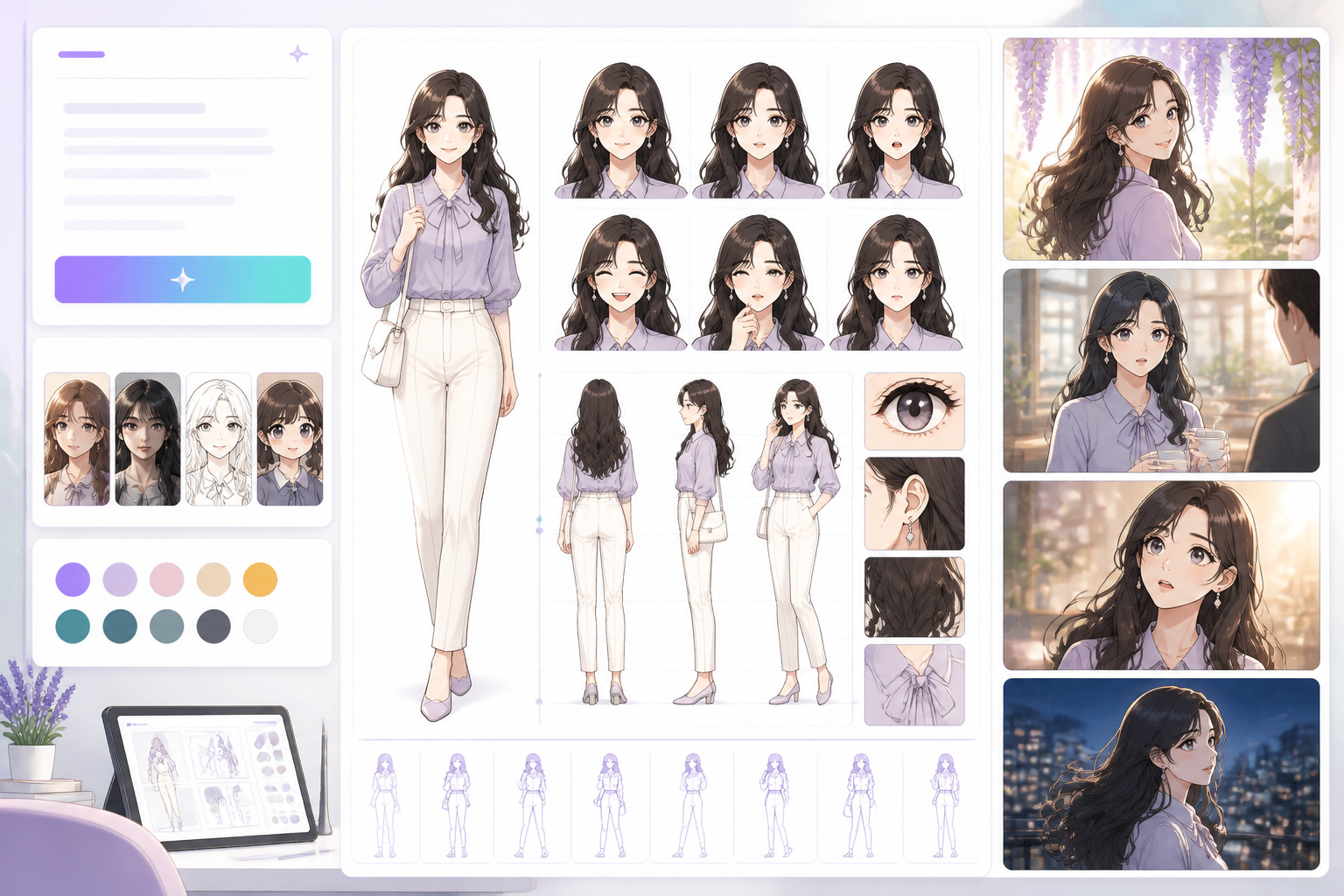
Open a focused workflow inside AI Manga Studio.
تشغيل التطبيق
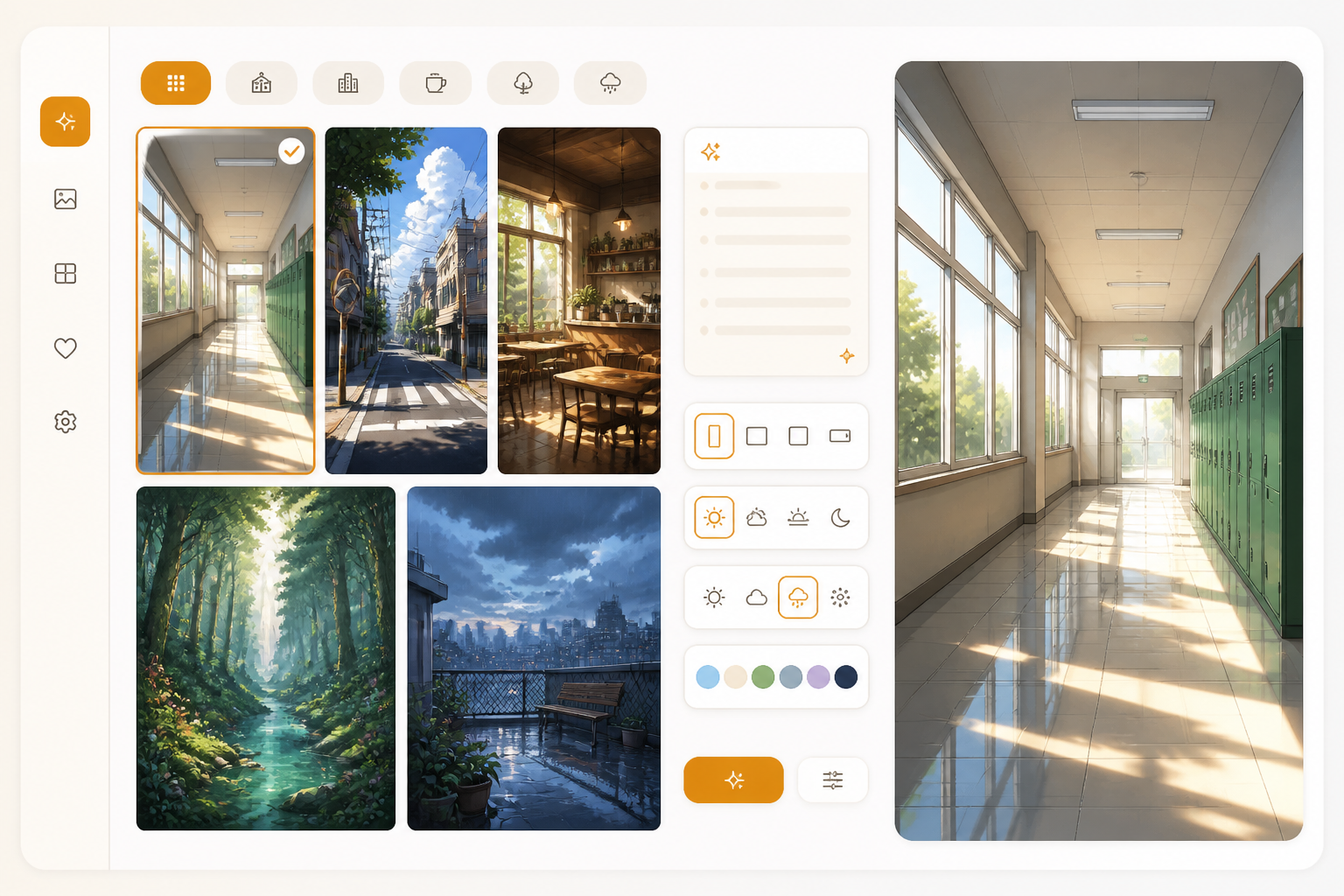
Open a focused workflow inside AI Manga Studio.
تشغيل التطبيق
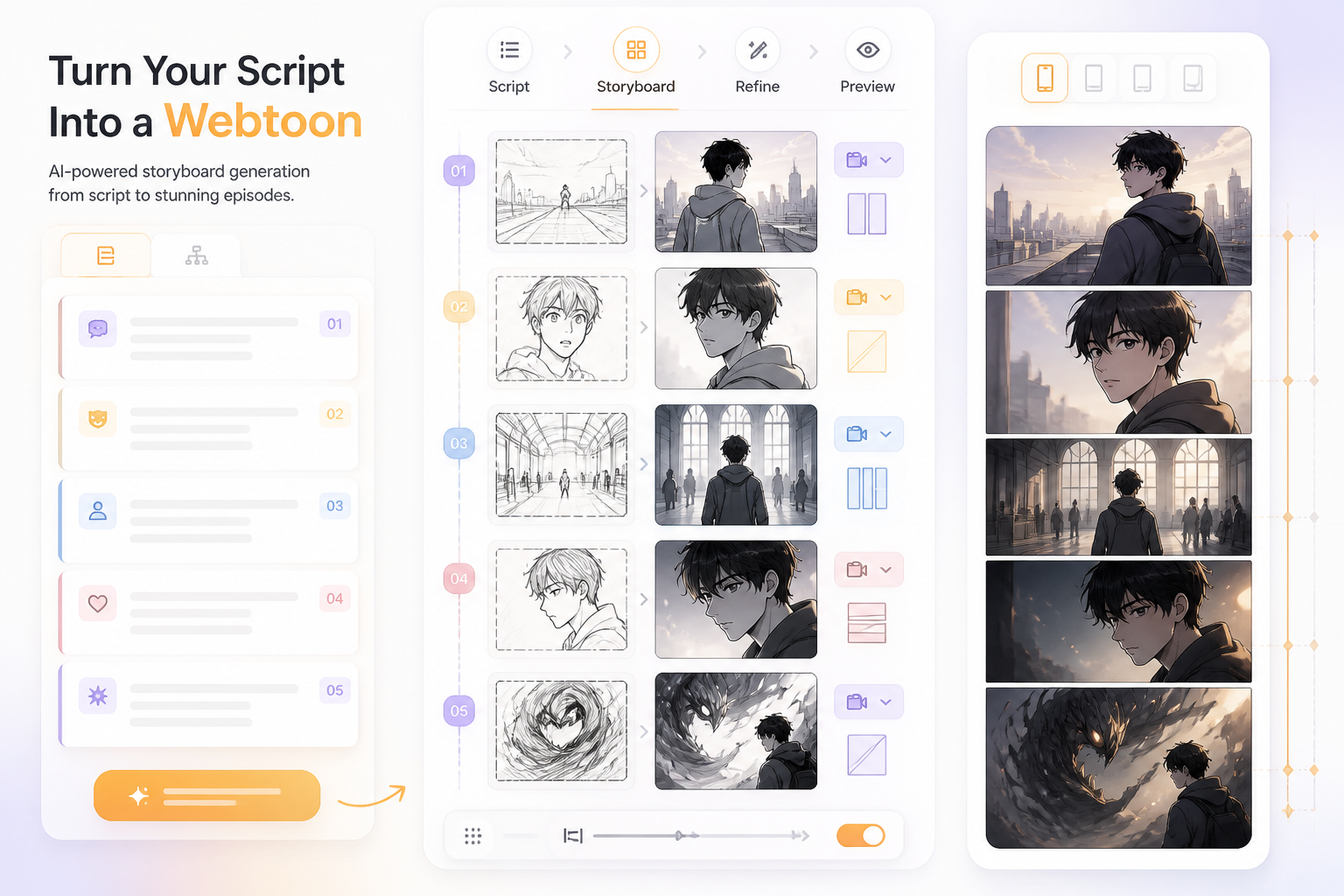
Open a focused workflow inside AI Manga Studio.
تشغيل التطبيق
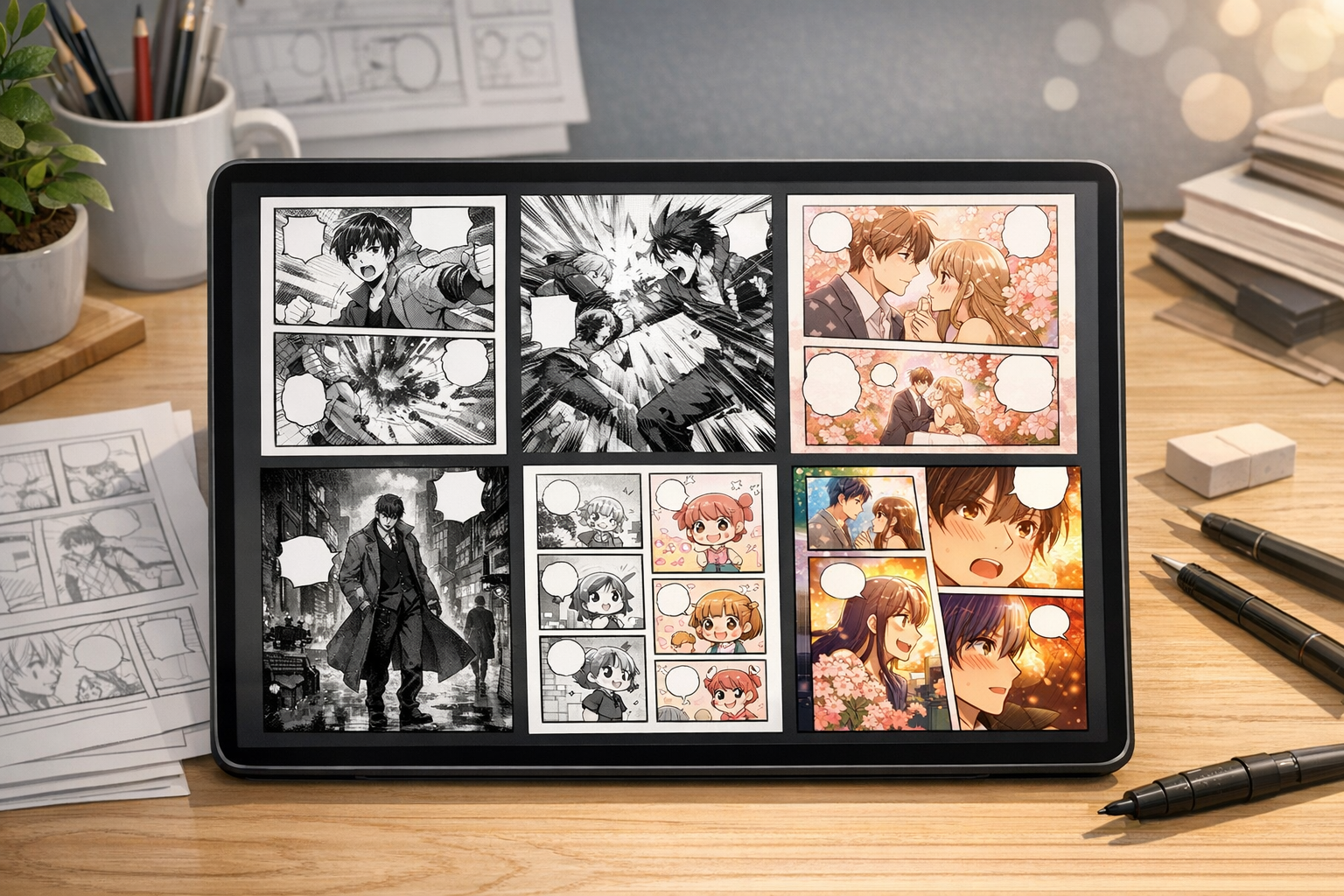
Open a focused workflow inside AI Manga Studio.
تشغيل التطبيق

مولد المانجا الذكي الخاص بنا يتيح لك إنشاء آلاف المانجا في دقائق.
تشغيل التطبيق
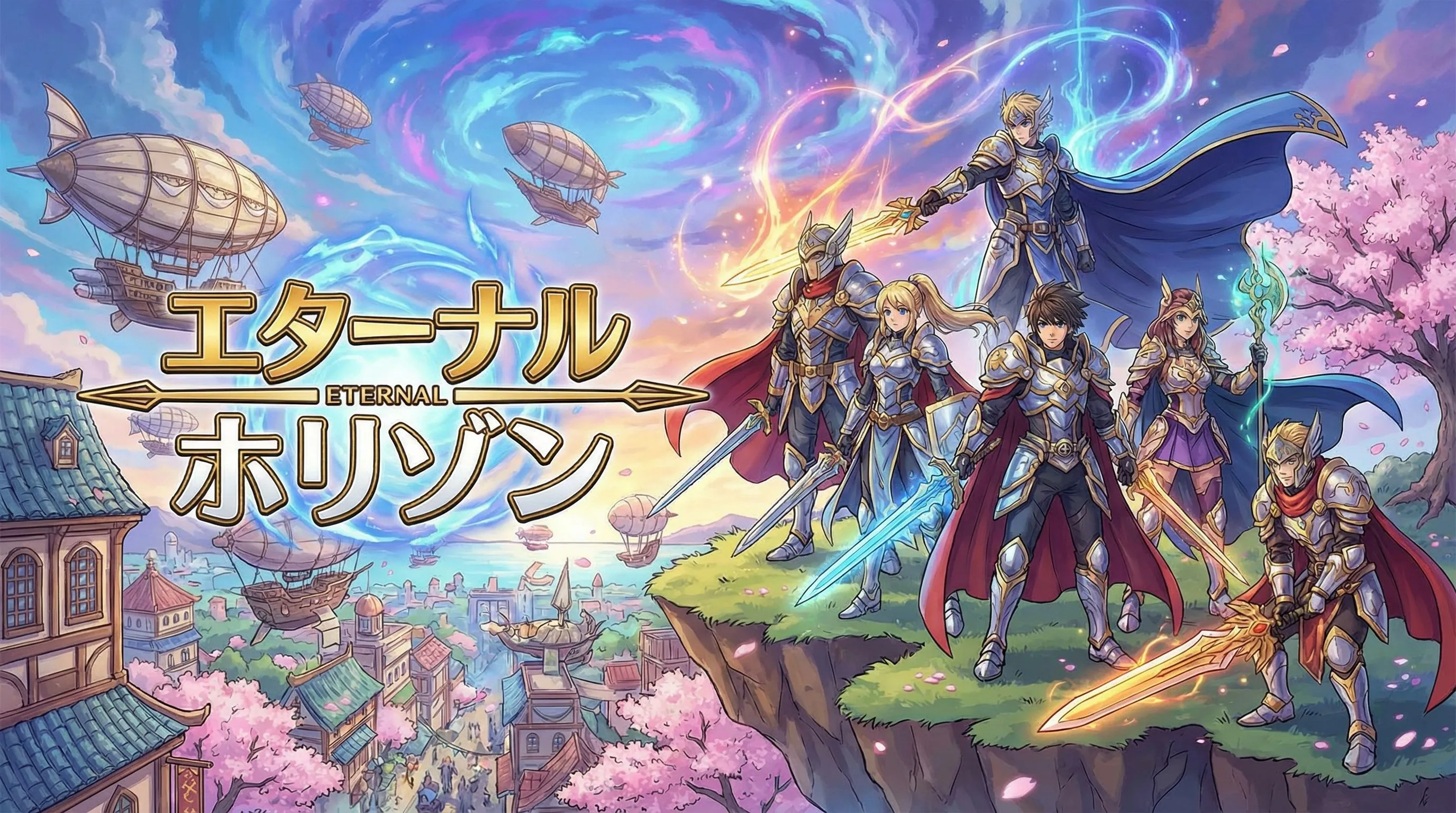
أنشئ قصص مصورة مذهلة دون مهارات الرسم باستخدام مولد الكوميك الذكي المتقدم لدينا.
تشغيل التطبيق
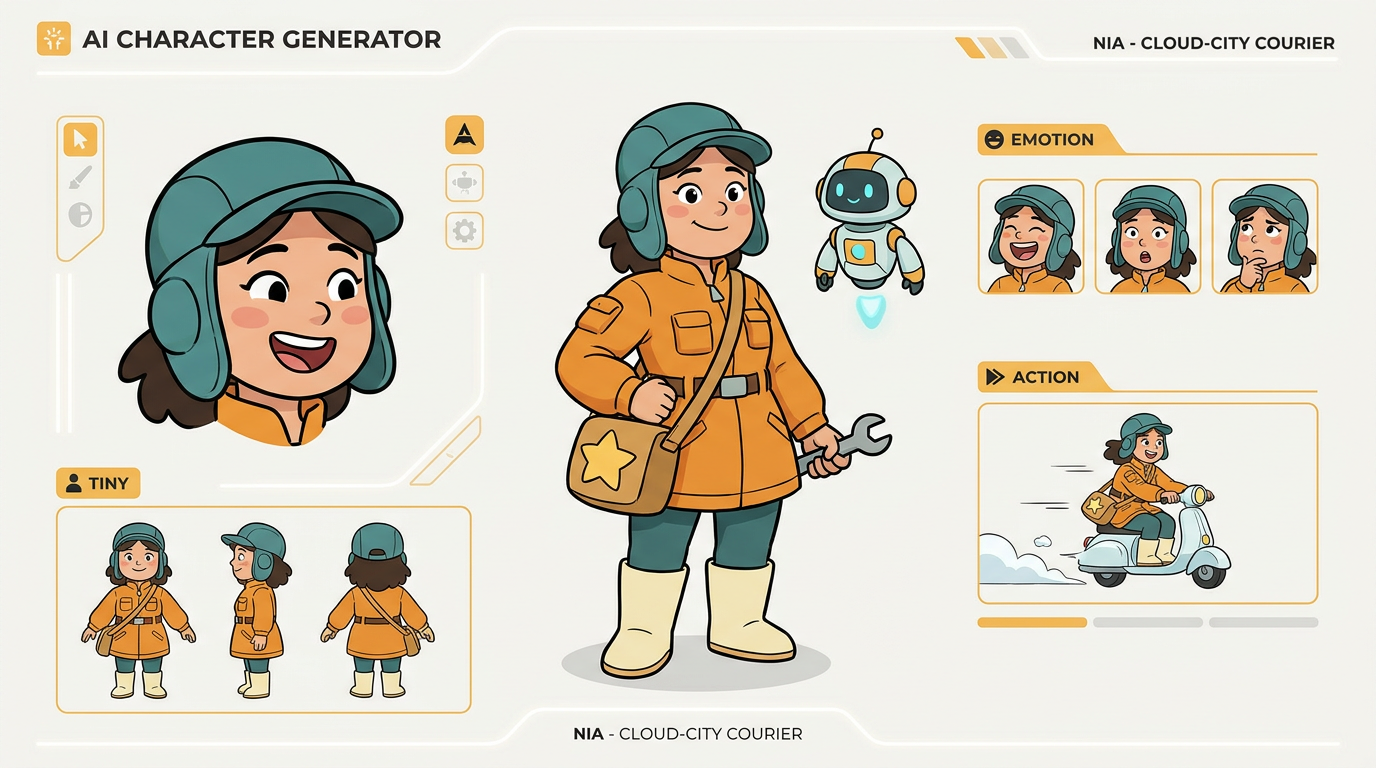
Open a focused workflow inside AI Manga Studio.
تشغيل التطبيق
أنشئ شخصيات فريدة لقصصك المصورة باستخدام أداة تصميم الشخصيات الذكية الخاصة بنا.
استخدم هذه المراجع الحالية للنشر عند تقسيم أو ضغط أو معاينة أو رفع حلقة Webtoon. راجع دائمًا سياسات كل منصة المتعلقة بمحتوى الذكاء الاصطناعي وتحقيق الدخل قبل الإصدار.
لم تجد شيئًا؟ راسلنا
ابدأ من prompt، وأنشئ أول مسودة لحلقتك، ثم حسّن الشخصيات والمسافات وتقسيمات التصدير للمنصة التي تهمك.
