

Music release promo · original tracks
Cut a compelling teaser for your next release
A teaser sells one emotion and one moment, not the whole song. Use your owned music, artwork and release message to brief a short vertical or horizontal sequence, then generate candidate scenes in LlamaGen Studio.
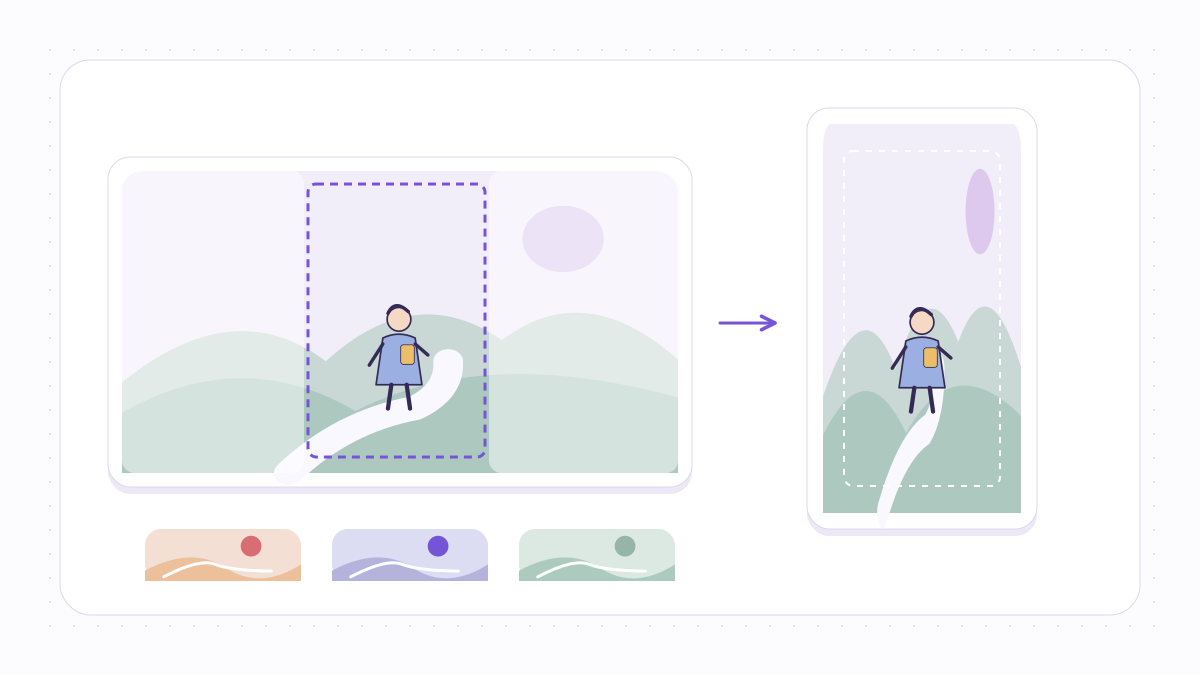
تحدي المبدع
Promotional clips often try to summarize the entire music video instead of leading with one memorable visual hook.
تبدأ هذه العملية باتجاهك الإبداعي. لا يتم نسخ الموسيقى من Suno أو Spotify أو YouTube أو أي موقع بث. يتم رفع الصوت لاحقاً عبر LlamaGen Studio الحالي مع المصادقة.
تم النشر بواسطة فريق منتج LlamaGen · من نحن
ابدأ بالموجز البصري
See the finished idea in everyday life
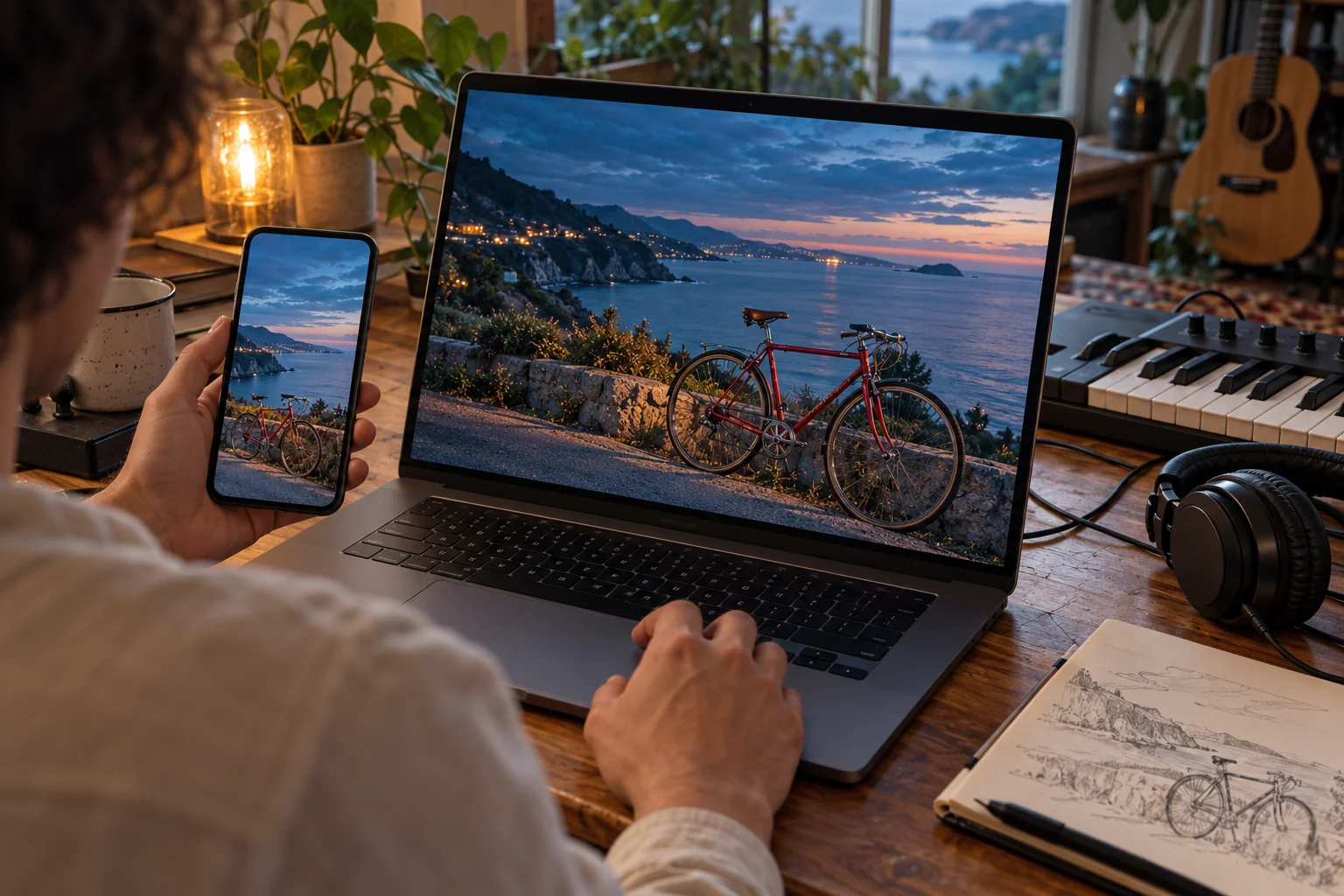
Review a release on the screens your audience uses
What to check on your own result
- Watch your own exported video on a phone to inspect vertical cropping and any caption placement.
- Replay the opening, chorus and ending with sound; check timing and continuity on the exported file itself.
AI-generated use-case illustrations, not customer photos or verified tool outputs. Physical items show presentation ideas; printing and delivery are not included.
مخطط عملي لهذا المشروع
الخطوات بالأسفل تصف قرارات إنتاجية وليست وعود منتج غير مؤكدة بضغطة واحدة.
- الخطوة 1
Pick one hook
Select a short concept from your own song that works without full context.
- الخطوة 2
Set the framing
Describe a vertical-safe scene with generous text margins, or choose a landscape layout for the release page.
- الخطوة 3
Generate a short sequence
Open Music to Video Studio with your visual brief and upload an authorized audio clip.
- الخطوة 4
Publish with checks
Add final release copy, review credit usage, audio rights and the publisher's current platform specifications.
Before you start
Reduce a release teaser to one clear promise
Plan the hook, visual change and release message separately. This page prepares directions for Studio; it does not trim an uploaded song or publish to a social account.
The examples below are authored planning exercises. They are not customer testimonials or completed Studio-generated music videos. The browser-tool demonstrations use synthetic audio and original geometric pictures.
Have these ready
- An authorized excerpt selected by the creator, rather than a song downloaded from a streaming link.
- One release message and the exact title or date that will need proofreading later.
- A permitted artist image, artwork reference or original scene idea.
- The target publishing destination, followed by a fresh check of its accepted formats and music rules.
What to check yourself
- Keep the important subject and message away from crowded edges, then inspect the actual platform preview; no universal pixel safe zone is asserted here.
- If publishing as a YouTube Short, check YouTube's current classification and music-claim rules rather than assuming that a short duration alone is sufficient.
- The form requests a composition in text; confirm the real duration, dimensions, credit estimate and publishing steps in the tools you use.
Hypothetical planning example: a twelve-second release teaser
Assume a creator-owned single and a twelve-second excerpt the creator has already selected. The durations are a proposed edit, not an automatic trim or export preset.
| Stage | Plan | Review |
|---|---|---|
| 0–3 seconds · hook | Open immediately on an original singer lifting a curtain onto a rainy street. | The first image should communicate the release's mood without needing a long introductory logo. |
| 3–9 seconds · development | Move to one closer image that matches the musical lift and keeps the same visual identity. | Listen for the intended change and compare appearance and framing between the proposed shots. |
| 9–12 seconds · release message | Hold a simple final composition with space for the verified title and release date. | Add and proofread final lettering in an appropriate editor, then preview it in the actual destination interface. |
This is a proposed teaser edit, not a generated clip, measured engagement result or promise of automatic social publishing.
What this preparation gives you
- A concise three-part teaser brief with a defined musical excerpt and one release message.
- A text-placement and proofreading checklist; generated scenery is not proof of accurate release lettering.
- A destination review list covering aspect ratio, file playback, music permissions and the final crop.
References for this workflow
- YouTube Help: understanding Shorts eligibility
Explains YouTube's current duration/aspect-ratio classification and music-claim considerations; it does not define a universal text safe zone or endorse this workflow.
Workflow notes reviewed:
قرارات إبداعية تساعد
- Start with one compelling image rather than a long opening logo.
- Leave extra space for titles so platform overlays do not cover the message.
- Different networks impose different specifications; export and inspect each intended format.
ما لا يعد به هذا
- This page does not automatically post to TikTok, Instagram or YouTube.
- Precise export presets and lengths depend on the options in Studio.
- No third-party sound library, streaming download or copyrighted song clipping is provided.
حقوق، تكاليف وفريق فعلي خلف الأداة
قدم فقط صوت، كلمات، صور ومواد مرجعية تملكها أو لديك إذن لتعديلها ونشرها. الاشتراك أو الخرج المولد بالذكاء الاصطناعي لا يمنح تراخيص موسيقى لطرف ثالث. تحقق من الخطة الحالية واستخدام الرصيد المتوقع داخل الاستوديو قبل التوليد؛ قد يتطلب الخرج مراجعة يدوية.
في أغلب الحالات، التكوين الموسيقي (بما في ذلك الكلمات) والتسجيل الصوتي لهما حقوق مختلفة. راجع شرح مكتب حقوق النشر الأميركيهذا معلومات عامة وليست نصيحة قانونية أو خدمة تخليص التراخيص.
الأسئلة الشائعة
- Can I promote my own new single?
- Yes, assuming you hold the necessary audio, artwork and publishing rights.
- Can I use a popular TikTok sound?
- Not through this workflow unless you independently have the rights required for your use and can provide a permitted audio file.
- Can this automatically publish my teaser?
- No. Generate and review the video in Studio, then publish using your own accounts.