Anime scene presets


Focused image workflow
AI Anime Background Changer
Upload an anime character, choose a background preset, and generate a new scene while preserving the foreground OC.
Change Anime Background with AI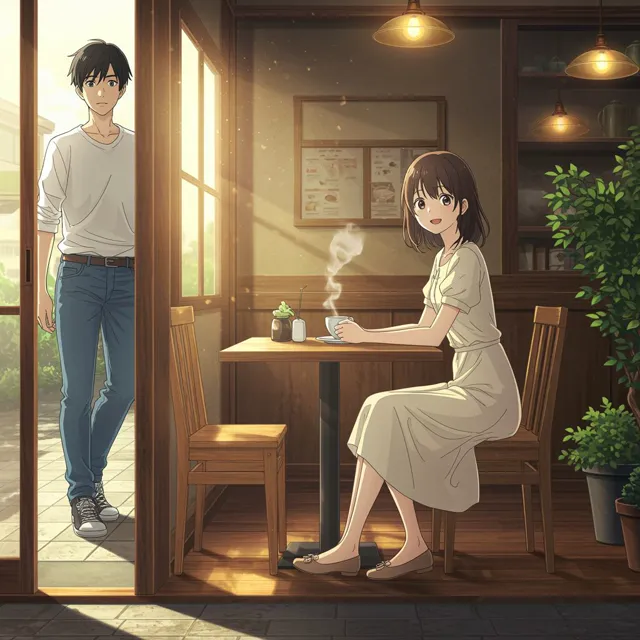
Place an anime character into a new background
Upload a character image, choose an anime environment preset, and refine the scene prompt without redesigning the OC.
Anime Background Presets
252 / 2000
Use 1K for quick drafts. Upgrade for 2K/4K finals and no-watermark exports.
Kunststil
Explore examples, workflow details, and practical guidance
Editable environment prompts
Foreground-aware editing
OC identity protection
Workflow
Build, generate, then review
Upload the character image
Choose an anime image with a clear foreground silhouette and enough resolution around hair and clothing edges.
Choose the new scene
Select a city, nature, fantasy, or mood preset, then customize location, time, weather, and lighting.
Check the composite
Generate and review character scale, edge quality, contact shadows, light direction, and OC identity before export.
Art direction
What to refine after the first draft
Anime environment library
Start from city, nature, fantasy, and mood presets tuned for illustrated characters.
Foreground preservation
Preset prompts keep the character's face, body, hair, clothing, pose, scale, and outline stable.
Lighting-aware scene direction
Each preset describes depth, atmosphere, reflections, rim light, or time of day for a more coherent composite.
Fully editable prompts
Change the scene, weather, camera mood, and color palette without losing the preset's continuity instructions.
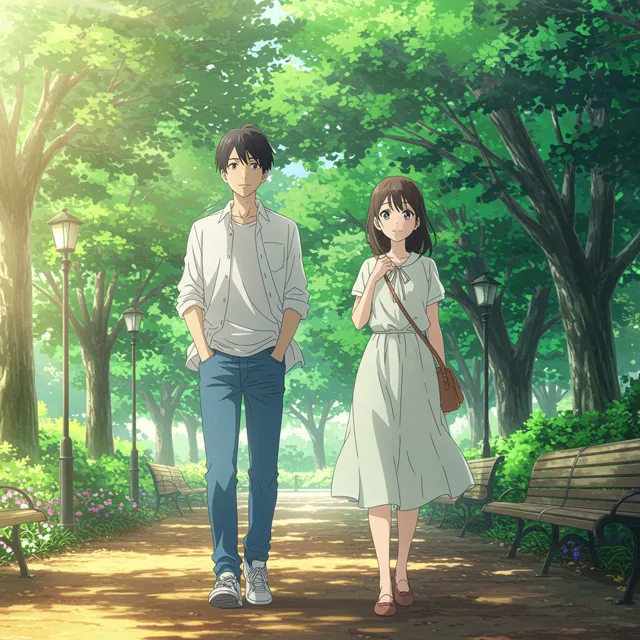
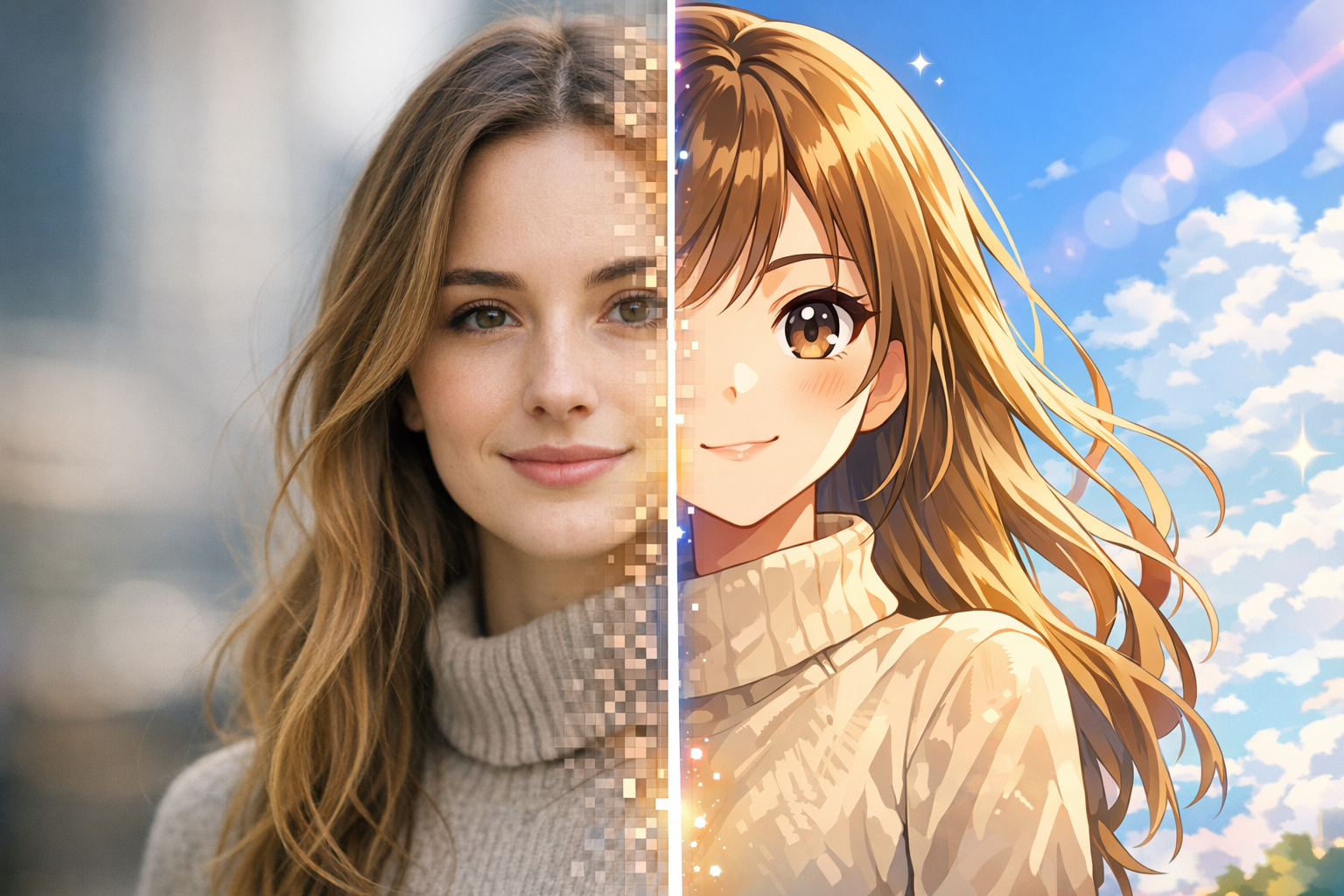
Example directions
Compare complete visual directions
FAQ
Practical questions
What does the AI Anime Background Changer replace?
It replaces the environment behind an uploaded anime character while asking the model to preserve the foreground character and original illustration style.
Will it keep the character unchanged?
The presets explicitly preserve face, body, hair, outfit, pose, scale, and edges, but every generated composite should be reviewed for small changes.
Can I write my own anime background prompt?
Yes. Select a preset for a reliable structure, then replace or extend the location, weather, time of day, lighting, and mood.
Which source images work best?
Images with clear character edges, readable hair and clothing silhouettes, and limited compression give the editor more reliable foreground separation.
Can I create transparent backgrounds?
This page focuses on replacing the background with a generated anime environment rather than exporting a transparent cutout.
Take the strongest direction into production
Generate several directions, choose the one with the clearest visual promise, then proof the details before publishing or printing.