

Cartoon to Realistic AI for Character References
Upload a cartoon, sketch, anime still, or stylised character and create a more realistic reference image while keeping the original design readable.
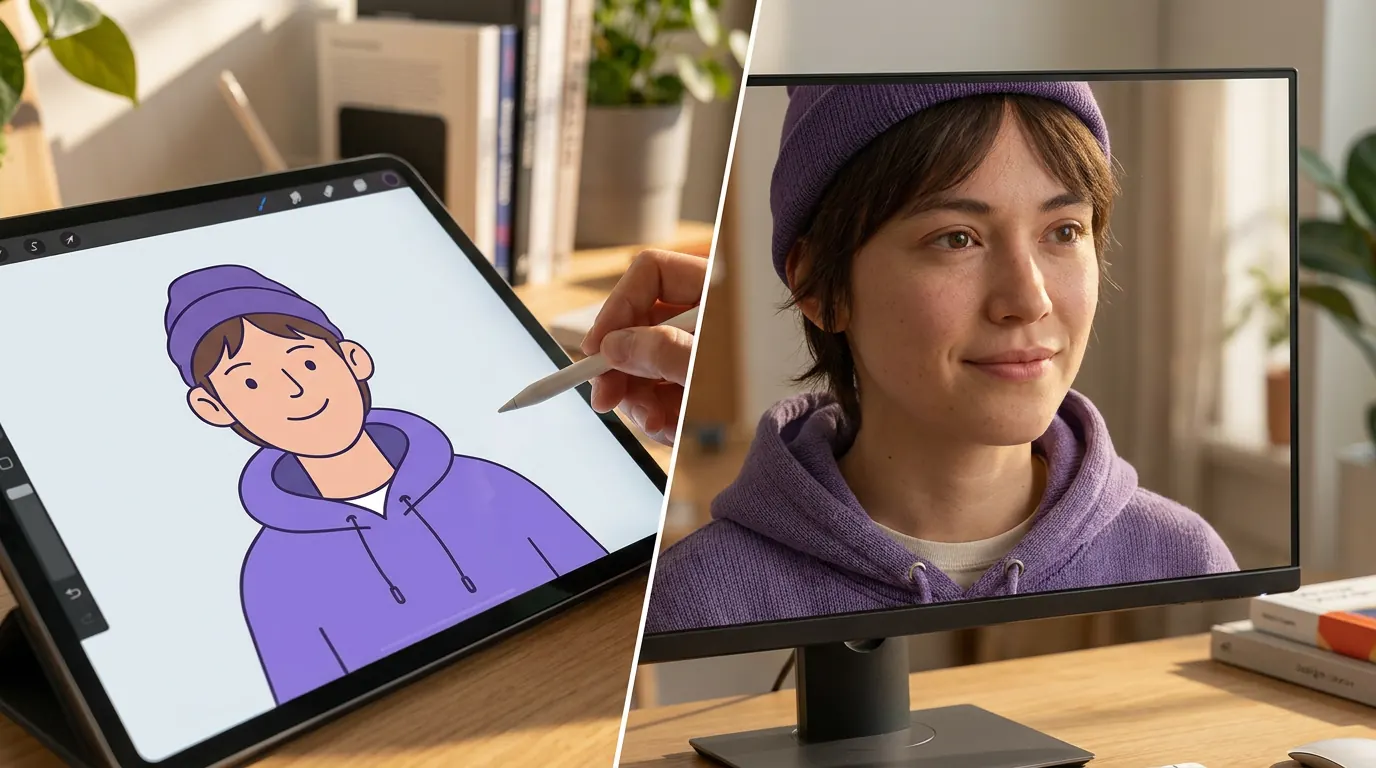
Realistic converter loads when you reach it.
Our Advantages
Why Use This Cartoon to Realistic AI Page
This workflow is built for broader cartoon-to-realistic needs: more realistic rendering, stronger material detail, and image upgrades that still preserve the source design.
Try It Free NowBroader Realism, Not Just Real-Person Output
Use this page when you want a more realistic rendering style overall, including texture, depth, lighting, and facial detail, without forcing every result into a strict real-person look.
Good for Illustrations, Sketches, and Stylised Art
It works well for cartoons, animation stills, concept sketches, and stylised character art when you want the image to feel more grounded and detailed.
Fast Workflow with No Prompt Tuning
Upload the image and let the model handle the conversion. It is designed for quick realistic previews without extra editing steps.
Upgrade Stylised Character Art into a More Realistic Render
If your goal is to make a cartoon or stylised character feel more realistic overall, this page is the better fit. Upload the artwork and get a result with stronger facial depth, more believable materials, and lighting that feels closer to photography while still preserving the original design.
Turn My Cartoon into Realistic Style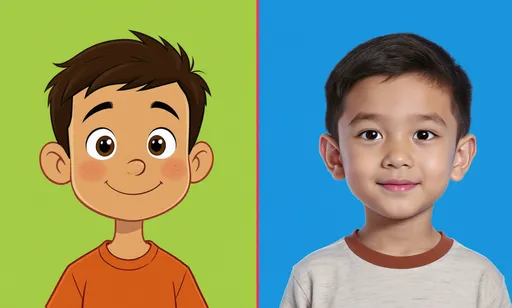
Use It for Concept Art, References, and Visual Development
Creators often need a realism pass without abandoning the character. This workflow helps illustrators, writers, and art directors test how a stylised design could look with more natural lighting, skin texture, materials, and proportions before moving into final production work.
Generate Realistic Photo with AI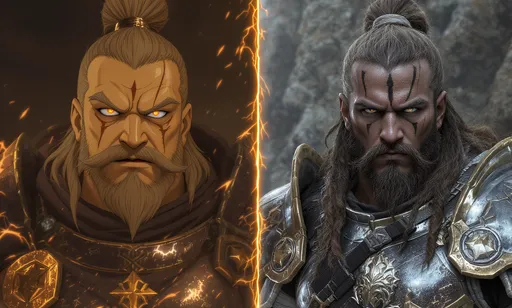
Choose This When You Need Broad Realism
Choose this workflow for a general realistic upgrade to illustrations, sketches, or stylised characters. If you need a believable human portrait specifically, use the cartoon-to-real-life tool instead.
Turn Sketch to Realistic Image
Solution for character creators
Turn stylised art into a realistic reference without losing the source design
This page is for concept artists, cosplay planners, and creators who already have a cartoon or illustrated character and need a grounded reference image. It solves a different job than text-to-image: the source image stays in control, and the AI adds realism, texture, lighting, and depth.
Character creators converting stylised art into realistic references
Use it for original characters, sketches, animation stills, mascot concepts, cosplay references, or portfolio studies when a realistic pass helps the next creative decision.
Text prompts drift from the design
Starting from text can ignore the silhouette, costume, colours, or personality already present in the source art.
Upscalers do not add realism
Sharpening a cartoon rarely creates believable skin, fabric, lighting, or materials.
Manual realism passes take too long
Repainting a character into a realistic reference is skilled work and can slow early concept exploration.
Before
A flat cartoon, sketch, or stylised character that is hard to evaluate as a real-world reference.
After
A grounded realistic version with clearer facial depth, material texture, and lighting while preserving the core character.
- 1Upload the stylised source image.
- 2Use the cartoon-to-realistic preset to keep the conversion focused.
- 3Generate a realism pass and compare it with the original design.
- 4Download the strongest reference or iterate for a different realism level.
Keep the character's shape, outfit, and mood anchored to an existing visual instead of starting from scratch.
Give cosplay, story, or concept decisions a realistic visual reference before committing more design time.
Case study
Cosplay planner tests a character before fabrication
A creator can upload a stylised character, generate a realistic pass, and inspect how hair, materials, and facial proportions might translate into a costume or photo reference.
Useful outcome
A more believable reference image that guides styling, materials, and proportions before manual production begins.
LlamaGen creator workflow, concept and cosplay reference
Realistic Conversion Hub
Choose the Realistic Conversion You Need
Create a realistic portrait, a grounded character reference, a realism pass for an illustration, or compare cartoon-to-realistic with cartoon-to-real-life workflows.
Cartoon Image to Realistic AI
Convert a stylised cartoon image into a more realistic render while keeping the original composition and design readable.
Cartoon to Realistic Photo
Create a photo-like version of a cartoon portrait, avatar, sketch, or character for visual reference and concept exploration.
Anime or Manga to Realistic
Use this workflow for broad realism. Use the dedicated anime-to-real-life tool when the source is specifically anime and the output should be a believable human portrait.
Sketch to Realistic Character
Turn rough character art or clean line drawings into grounded references with depth, materials, and lighting.
Mascot to Realistic Reference
Explore how a mascot or brand character might look with more lifelike texture, volume, and physical detail.
Cosplay and Production Reference
Generate realism passes that help with costume planning, material choices, styling, and visual development.
Related workflows
Need a real-person result instead of a general realistic render?
Use the related tools below when you need a more specific result than a broad cartoon-to-realistic image upgrade.
How it works
How to Convert Cartoon Art into a Realistic Image
Upload the source image, let AI generate a more realistic version, then compare and iterate until the lighting, materials, and facial detail match your goal.
Try for FreeUpload the Stylised Source Image
Start with a cartoon portrait, sketch, animation still, or digital illustration that you want to move closer to a realistic visual style.
Generate the Realism Pass
The model reads the facial structure, materials, colours, and composition, then creates a more realistic interpretation while keeping the character recognisable.
Review and Iterate
Compare the result with the source image, then download it or run another pass if you want a different level of realism.
Stunning Cartoon to Realistic Transformations
See the incredible transformations created by our AI, from cartoon illustrations and animation styles to photorealistic portraits.
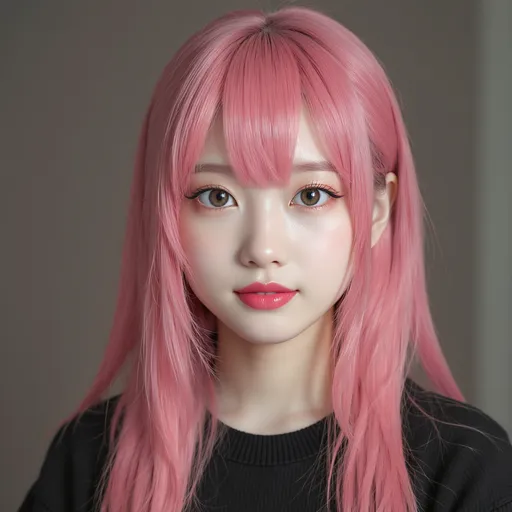
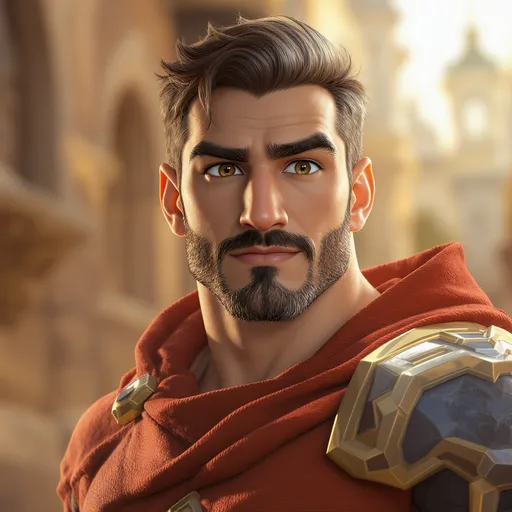
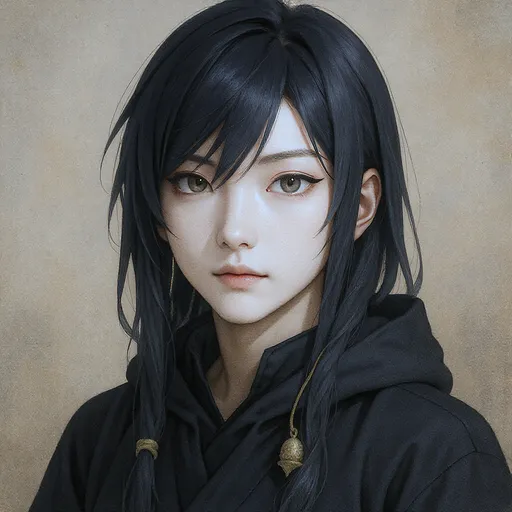
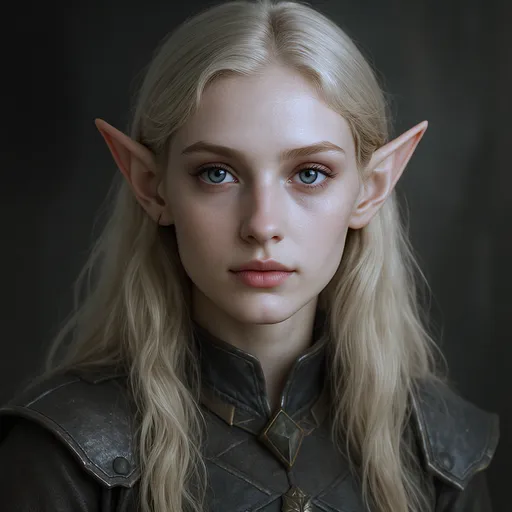
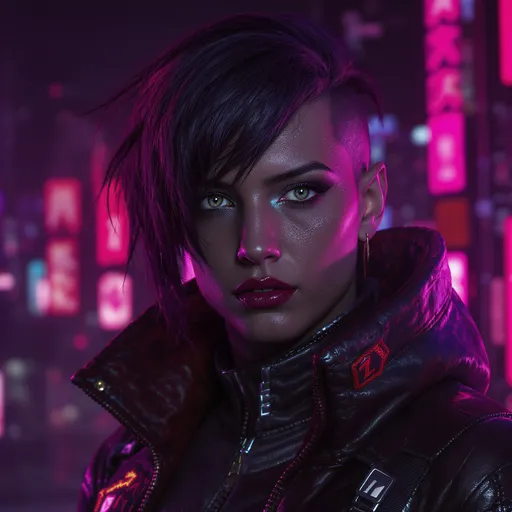
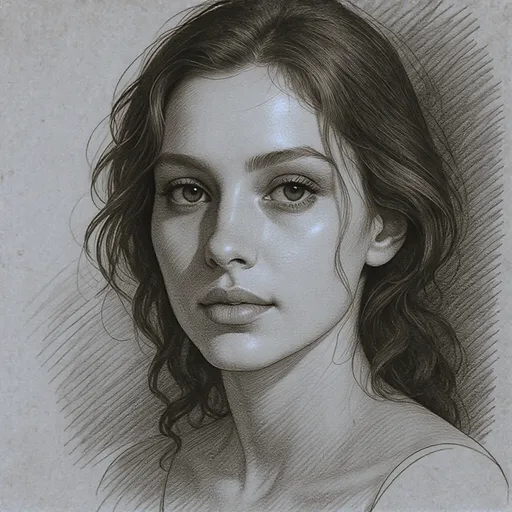
Choose broad realism or a real-person conversion
Use this workflow when you want a more realistic image overall instead of a strict real-person portrait.
| Feature | LlamaGen.ai | Other Tools |
|---|---|---|
| Best use | Broad cartoon-to-realistic rendering | Often mixed with unrelated real-person terms |
| Output Focus | Texture, lighting, depth, and grounded detail | Generic style transfer |
| Best Source Types | Cartoons, sketches, illustrations, stylised characters | Often tuned for one narrow style |
| Workflow | Upload and generate online | More manual setup |
| When to Switch Pages | Use cartoon-to-real-life for a believable human portrait | Often leaves the next workflow unclear |
Related realistic tools
Related Image Transformation Tools
Choose the workflow that best matches your source image and target style: cartoon-to-realistic, cartoon-to-real-life, anime-to-real-life, or photo-to-cartoon.
Cartoon to Real Life AI
Use this when the target is a believable human portrait from a cartoon source.
Anime to Real Life
Use this for anime, manga, and anime-style original characters.
Turn Picture into Cartoon
Convert real photos into cartoon-style images.
AI Cartoon Generator
Create cartoon images from photos, prompts, and character ideas.
AI Character Generator
Design reusable characters before converting or refining style.
Image to Video
Animate finished realistic or cartoon images into short videos.
Used by Creators Exploring Realistic Character Renders
A better fit for illustrators, concept artists, and creators who want realistic upgrades for stylised images.
LlamaGen.ai completely transformed my workflow. The realistic conversions are incredibly detailed and preserve the essence of my characters perfectly. Best tool I've used!
Sarah Chen
Digital Artist
As a cosplay reference creator, this tool is invaluable. The AI understands facial features and translates them into realistic human proportions flawlessly. Saves me hours of work.
Marcus Rodriguez
Cosplay Designer
I've tried many cartoon-to-realistic converters, but LlamaGen.ai is on another level. The speed and quality are unmatched, and it's completely free. Highly recommend!
Emily Watson
Anime Fan & Creator
The detail preservation is phenomenal. My characters come to life while maintaining their unique personality. This tool has opened up new creative possibilities for my portfolio.
David Kim
Illustrator
Based on 5,000+ reviews from satisfied users
Help Centre
FAQ About Cartoon to Realistic AI
Questions about broad cartoon-to-realistic image conversion, realistic rendering, and when to use this page instead of real-life focused routes.
Ready to Make Your Cartoon Art Feel More Realistic?
Create grounded, realistic-looking versions of stylised characters, sketches, and illustrations in seconds.
Start Creating Free Now