1
Upload / Describe
Upload your image and describe exactly how you want it transformed.


Turn characters and OCs into polished editorial cover visuals with striking composition, a premium feel, and magazine-style placement.
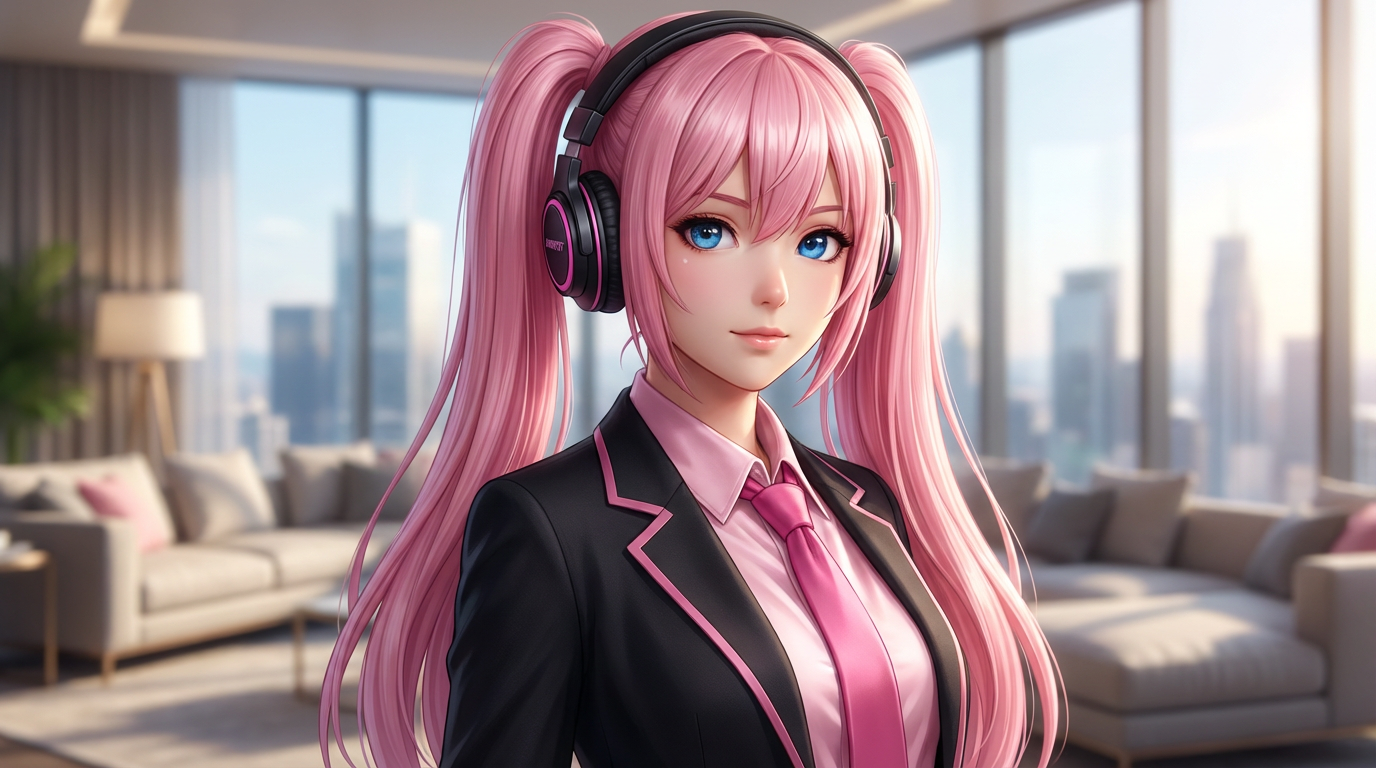
Describe the editorial tone, headline space, lighting, and magazine genre you want, then generate a cover-style character visual.
Upload your image and describe exactly how you want it transformed.
Choose the right image model and aspect ratio for speed, fidelity, and final composition.
Generate your AI magazine cover result, review variations, and move into the game workspace to continue creating.
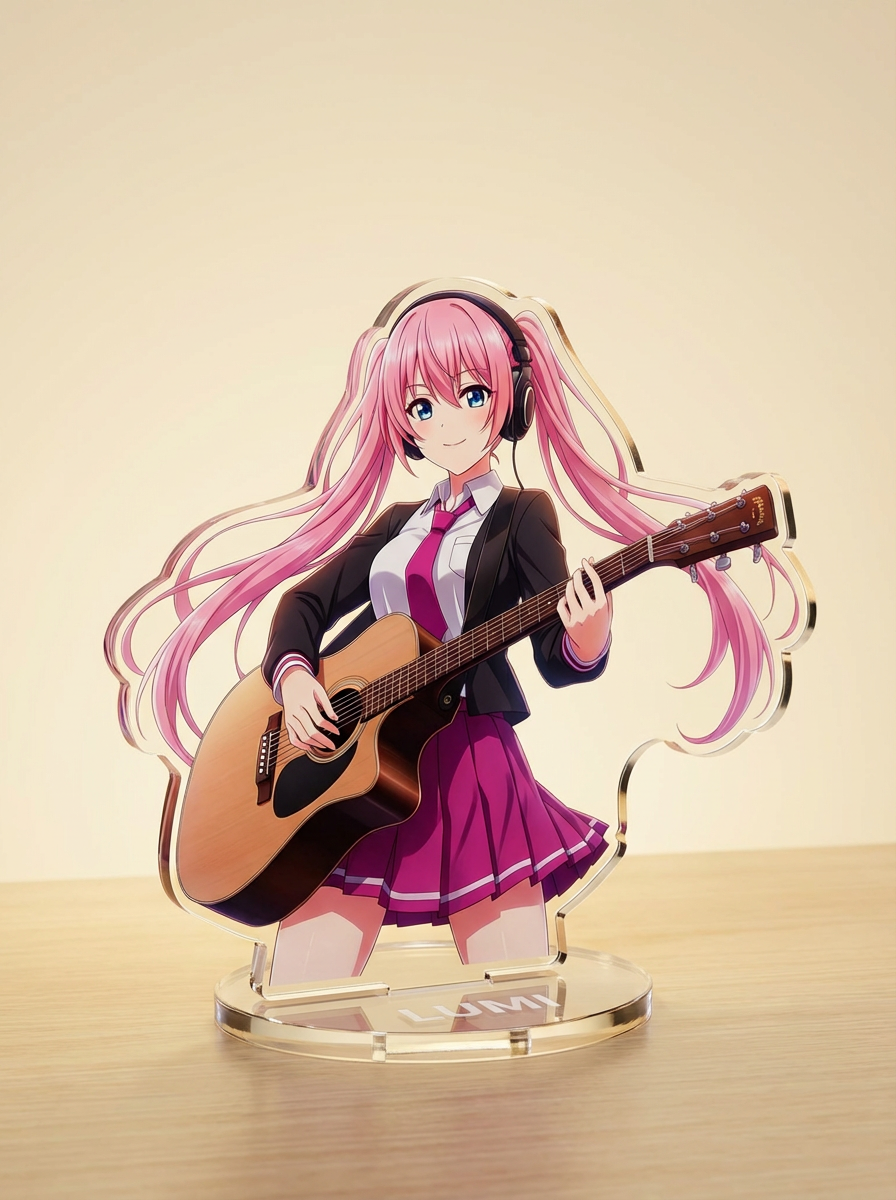
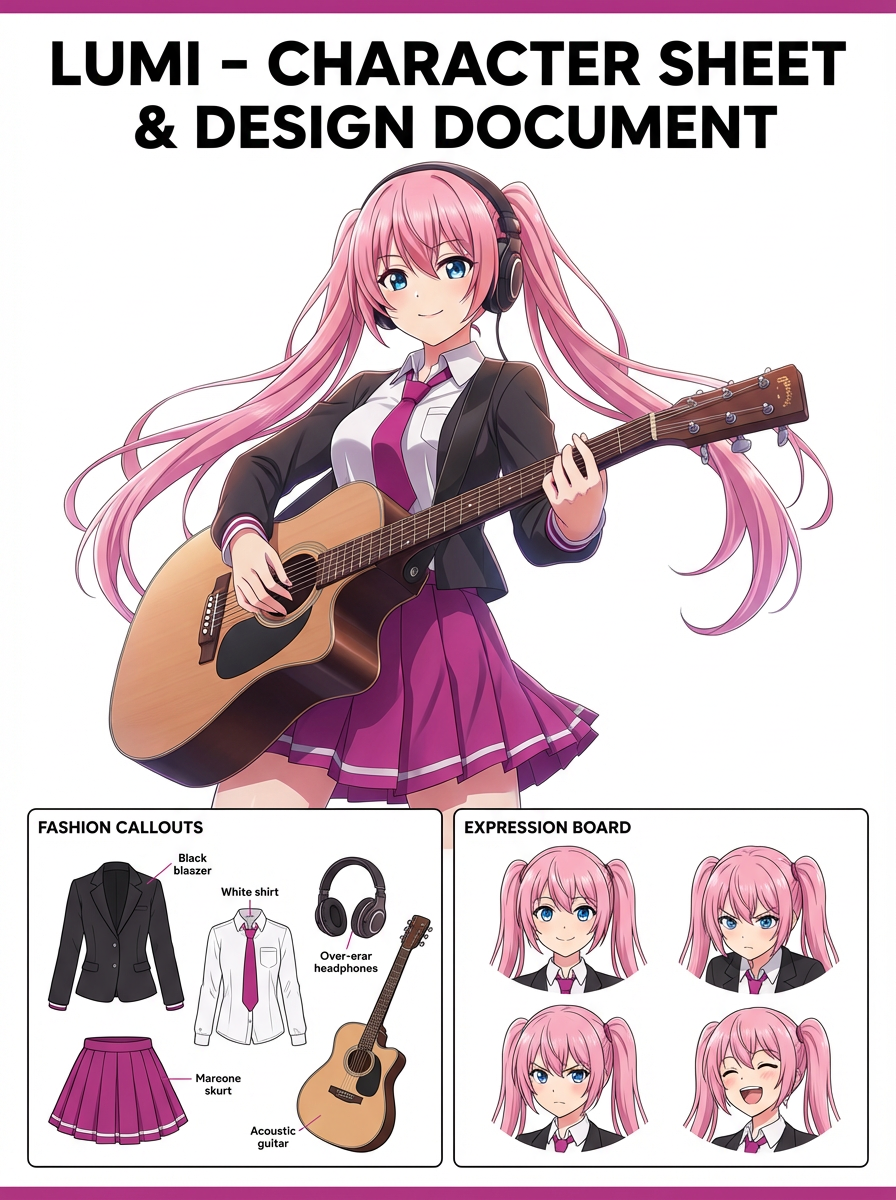
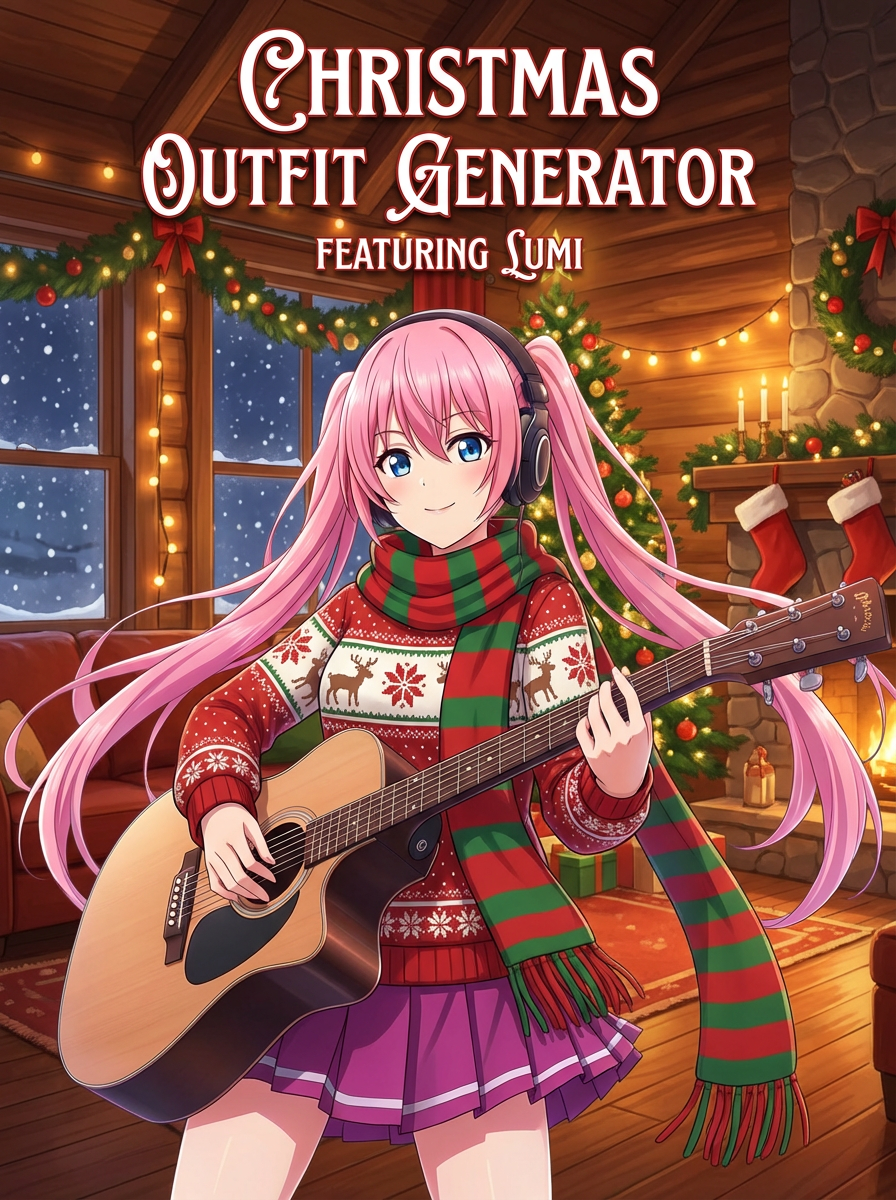
See how creators use AI Magazine Cover Generator with Lumi-powered visuals.
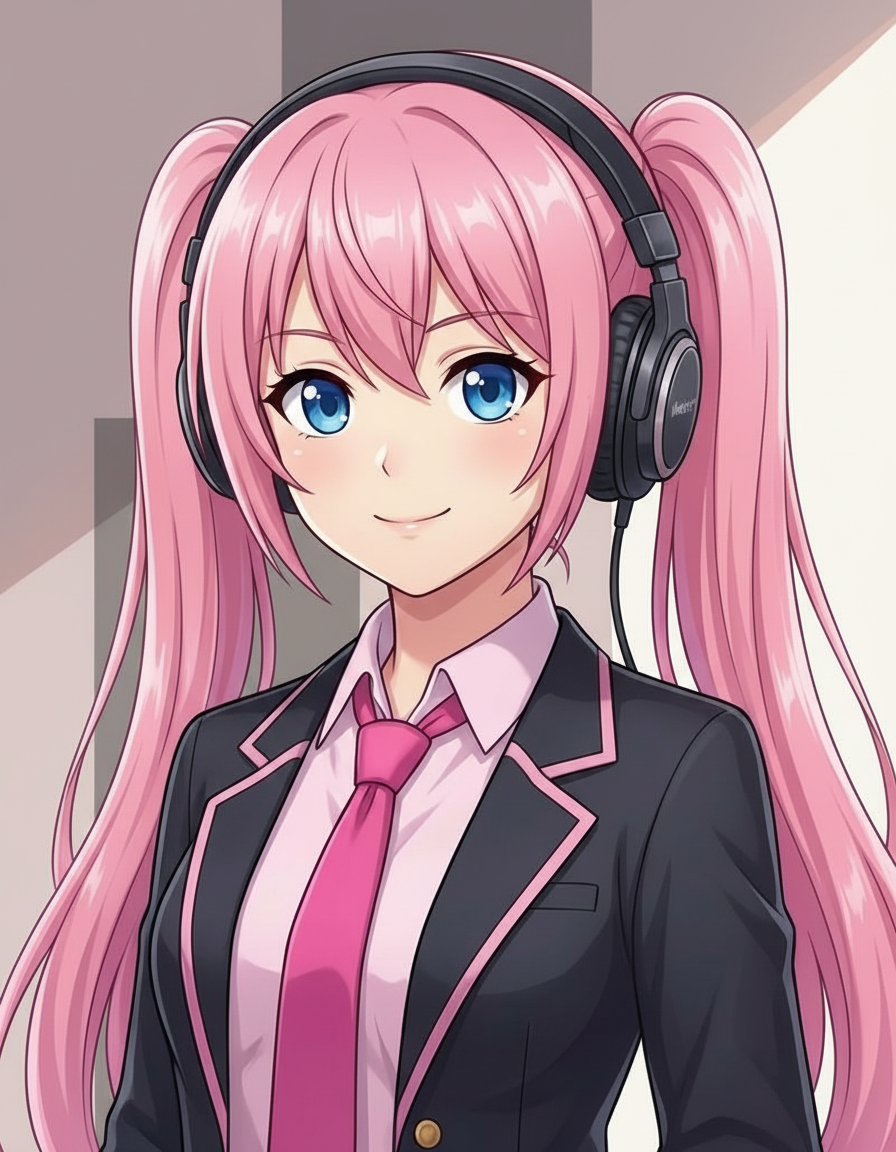
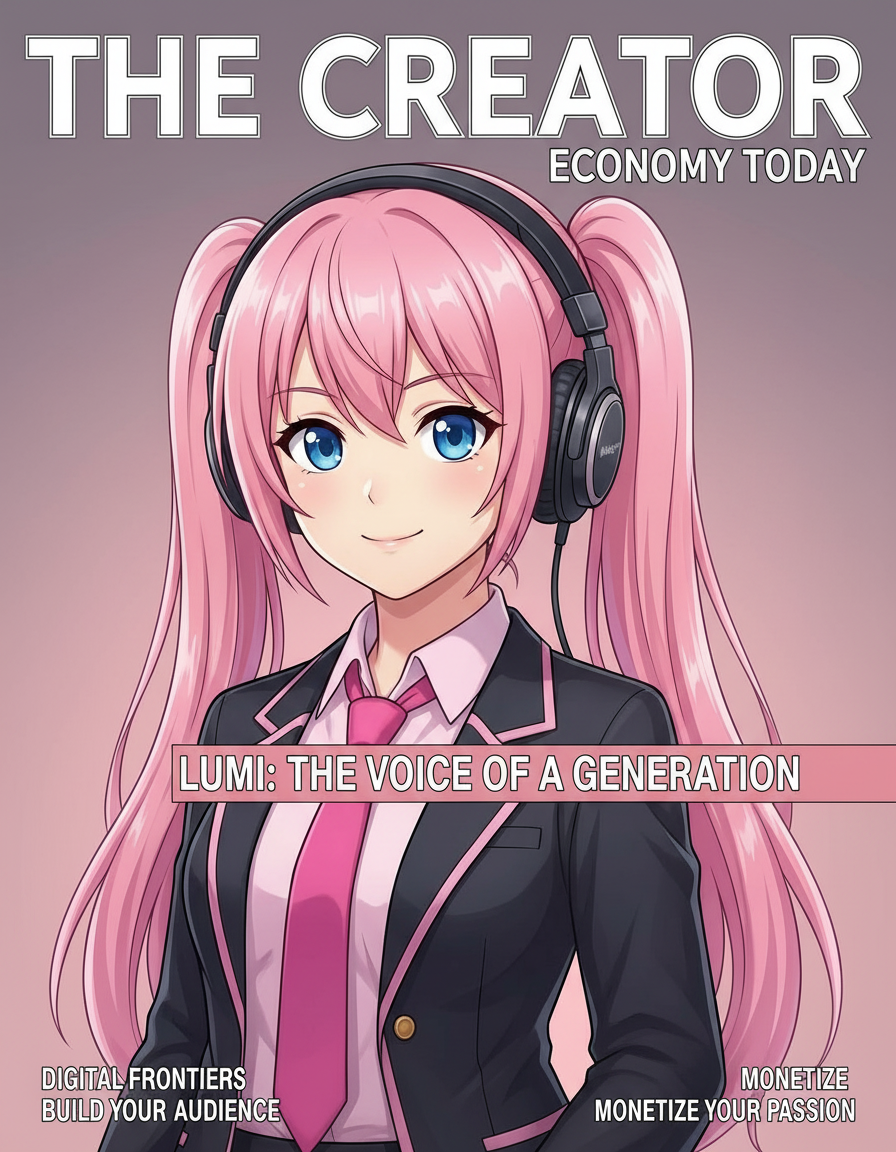
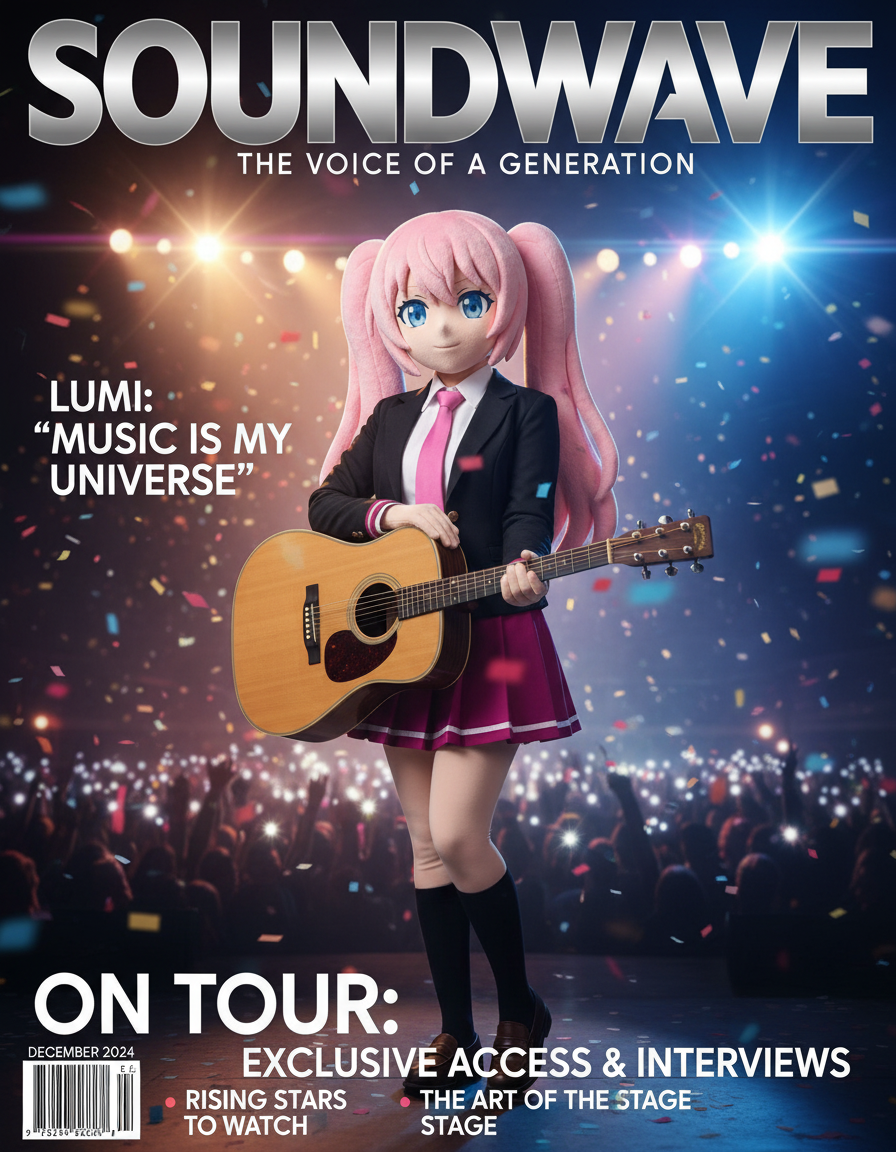
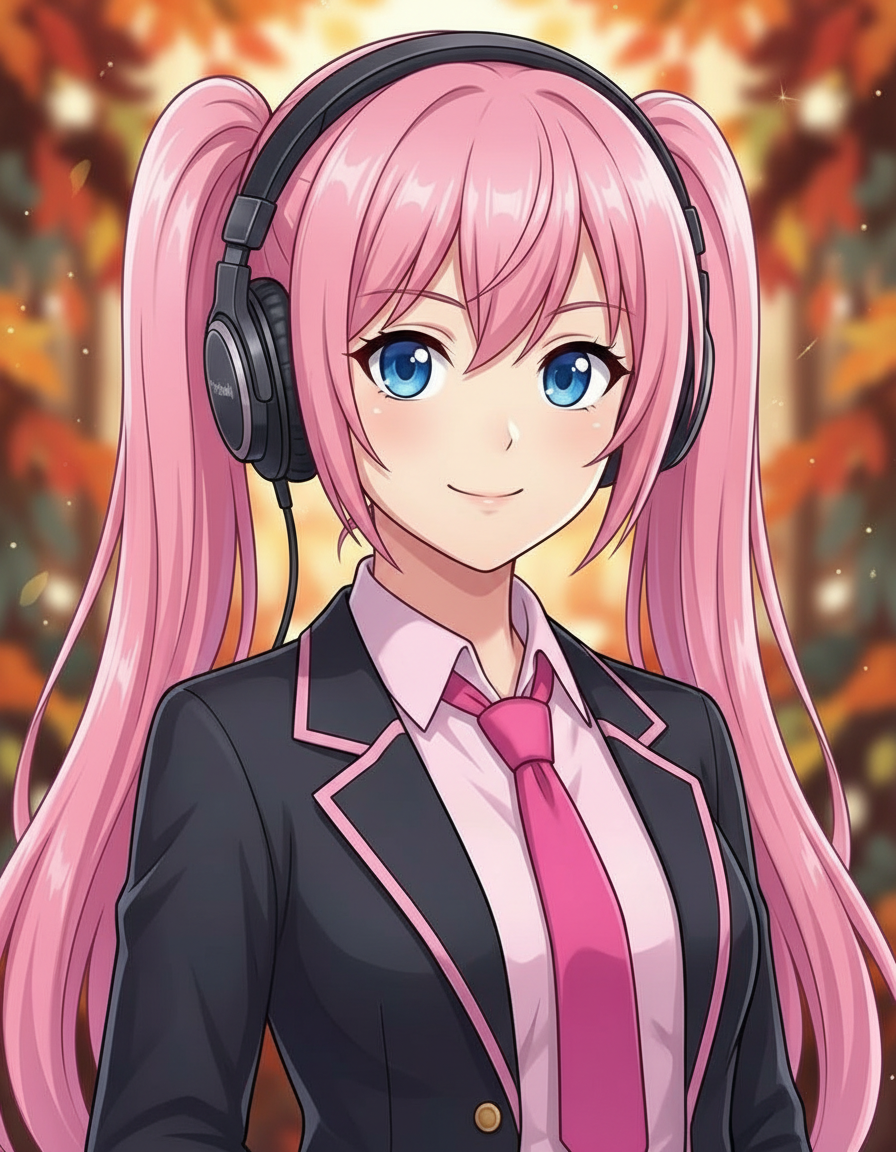
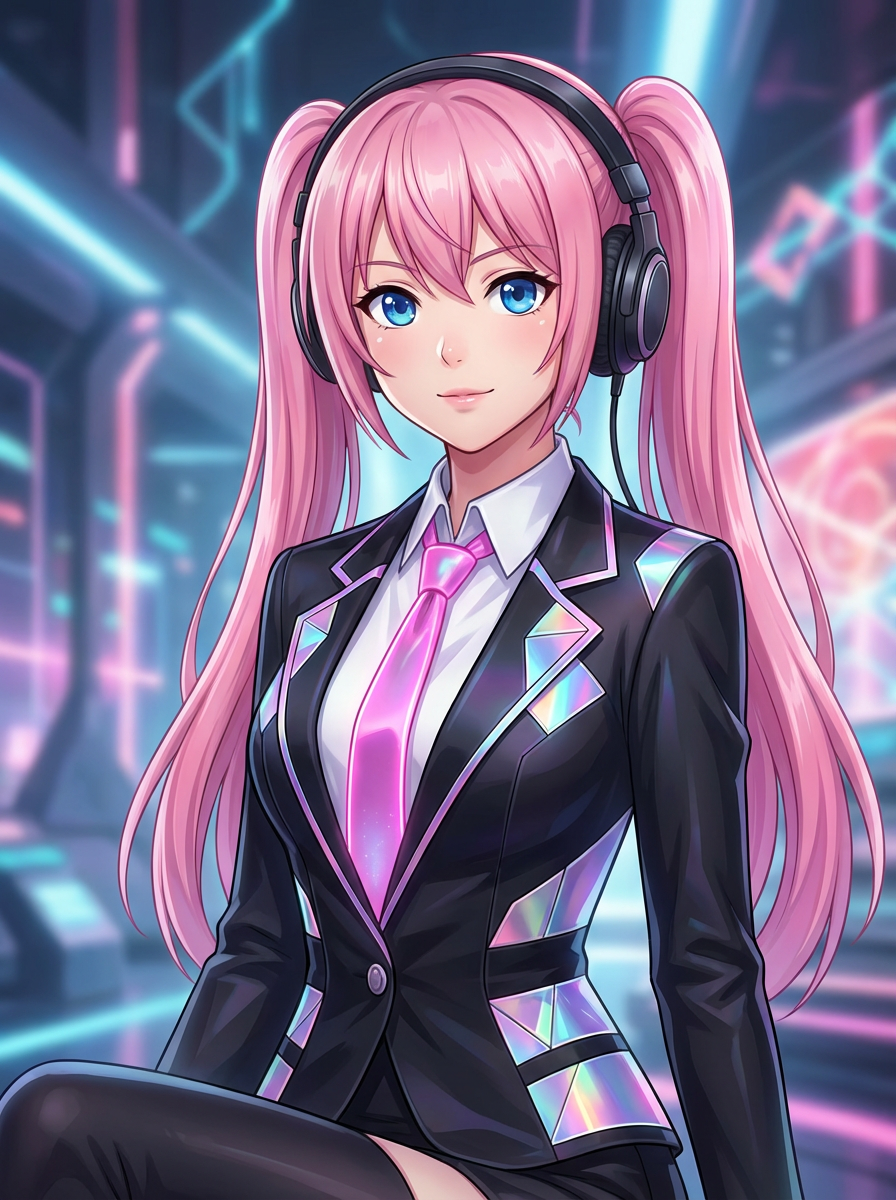
Create polished editorial covers with bold composition, a premium feel, and clear space for magazine-style text.
The default prompt settings help the output read like a magazine cover rather than a simple portrait restyle.
The page, related tools, FAQs, and generator guidance all support the same magazine-cover workflow.
Choose an editorial mood and start generating with that visual direction already in place.
It generates the cover visual style, but not a fully editable design file.
Explore more AI-powered generator pages that open into the same Lumi-first creation flow.