Private by default
Your file is processed locally in the browser.
Turn an existing sprite sheet into reviewed animation frames, a packed atlas, and Godot or Unity-ready files without uploading your artwork.
Yes. Slicing, review, portable JSON, Godot 4, and Unity exports all run locally in the browser with no credits and no upload.
This utility runs in your browser. Your files stay on your device and no generation credits are used.
The image stays on this device through slicing, editing, packing, and export.
Explore gameplay, handheld use, and coordinated designs. These AI-generated concepts illustrate visual possibilities; review your own assets and engine imports before shipping.
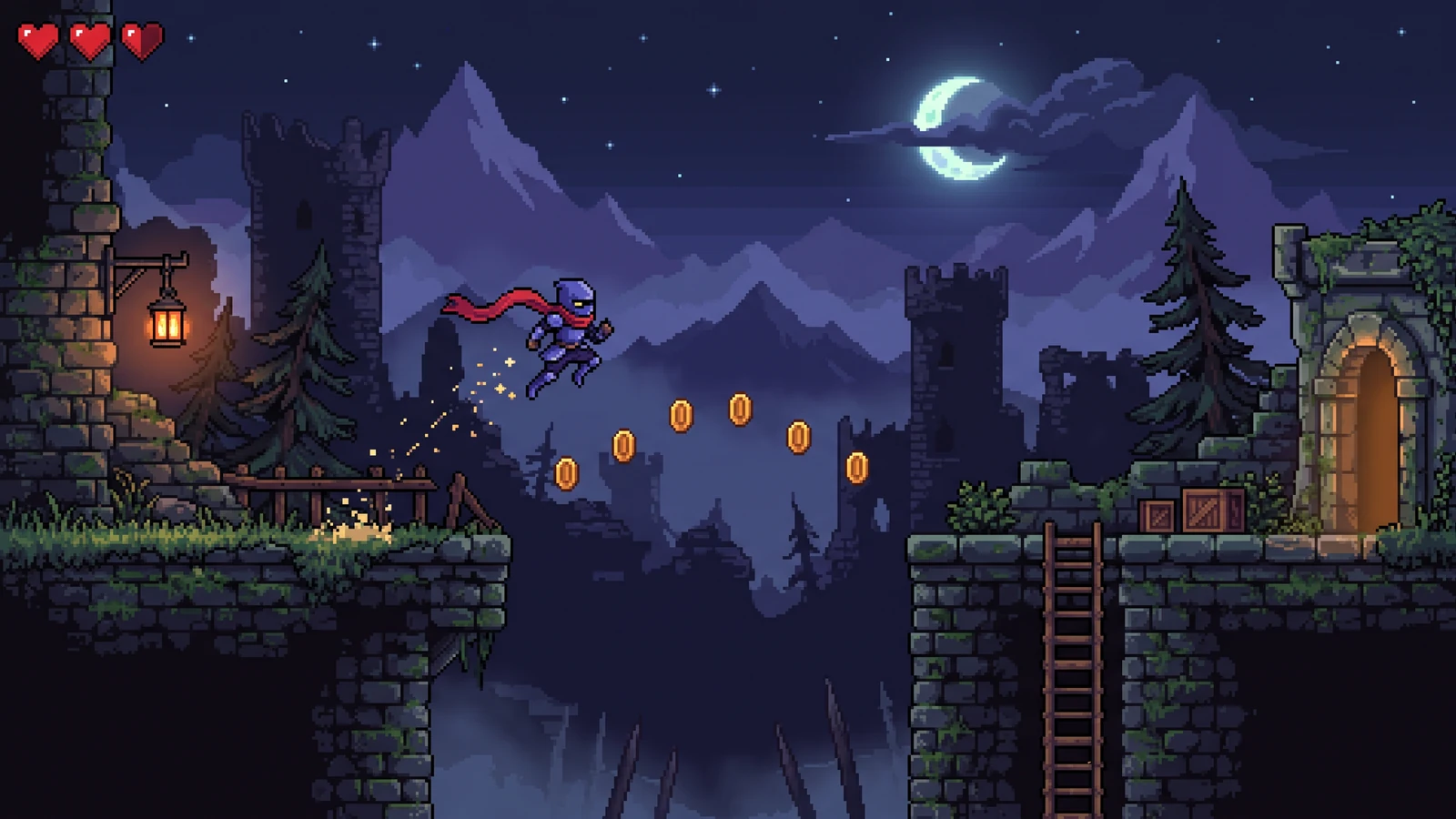
Check how animation poses, foreground obstacles, and background contrast support the action.
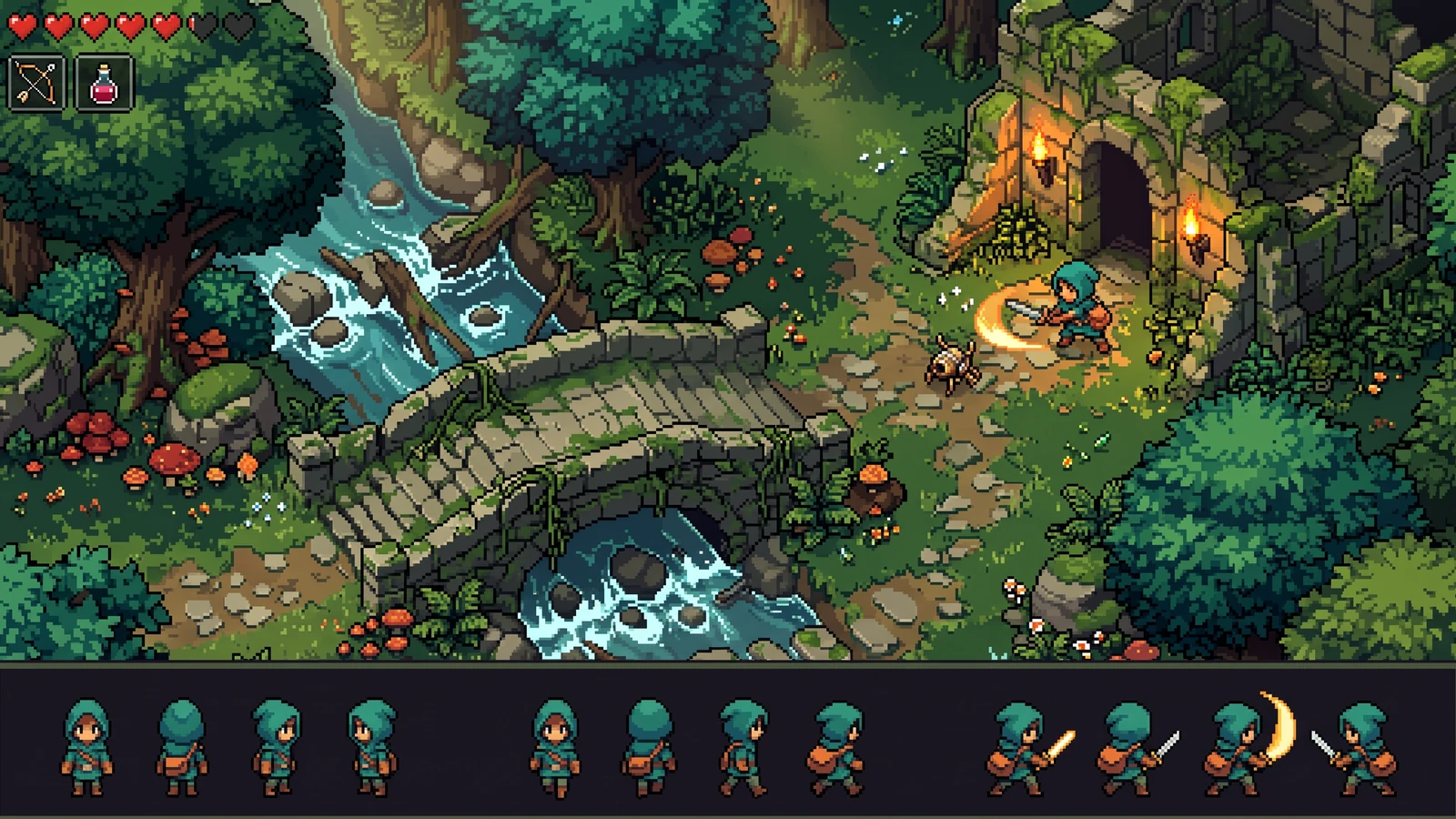
Compare the character's proportions, colors, and action silhouettes with the world around it.
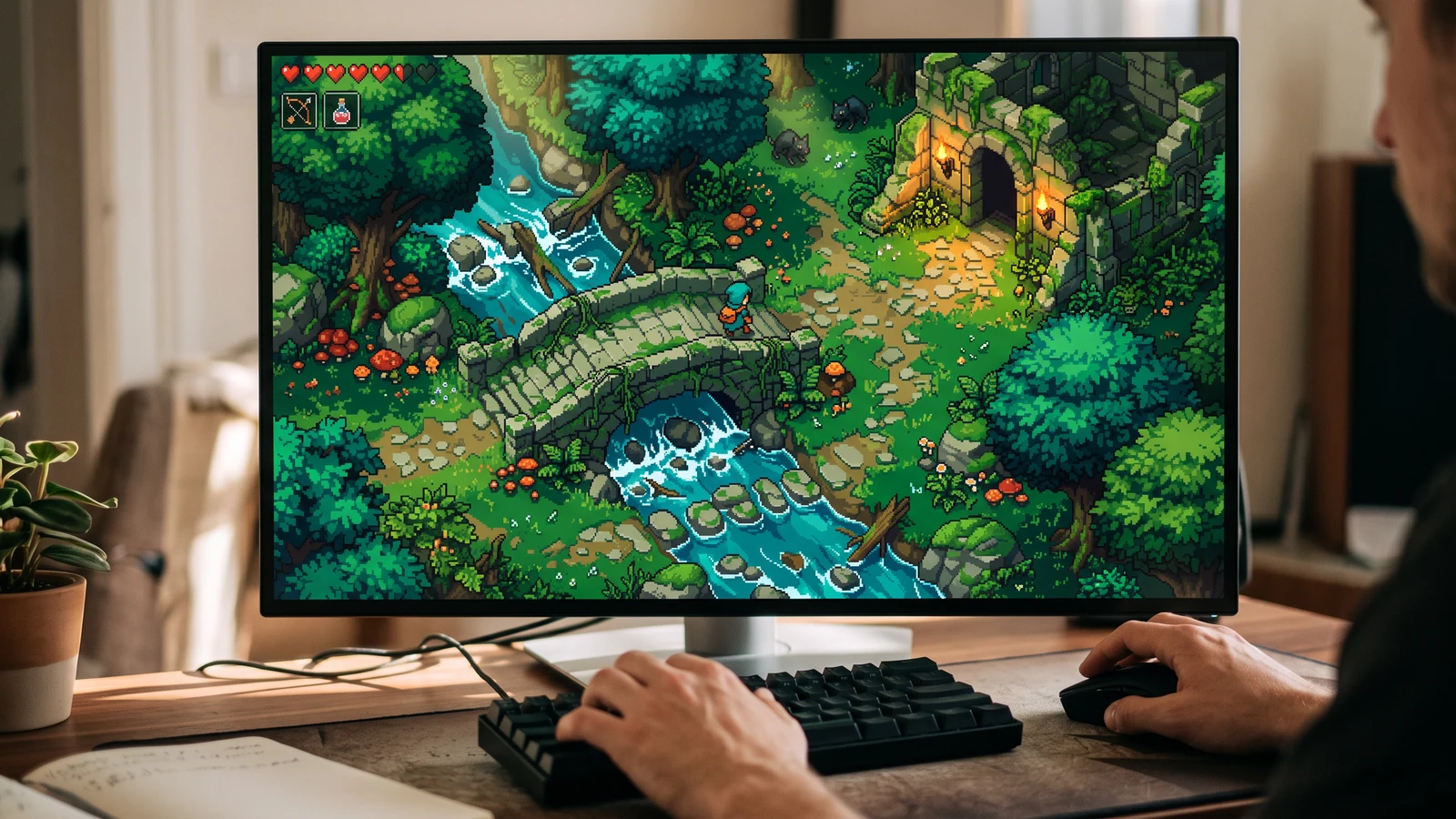
See the character, world, and interface together at desktop play size.
Use a concrete input, inspect the output, and check the current limits before choosing your next step.
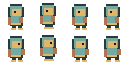
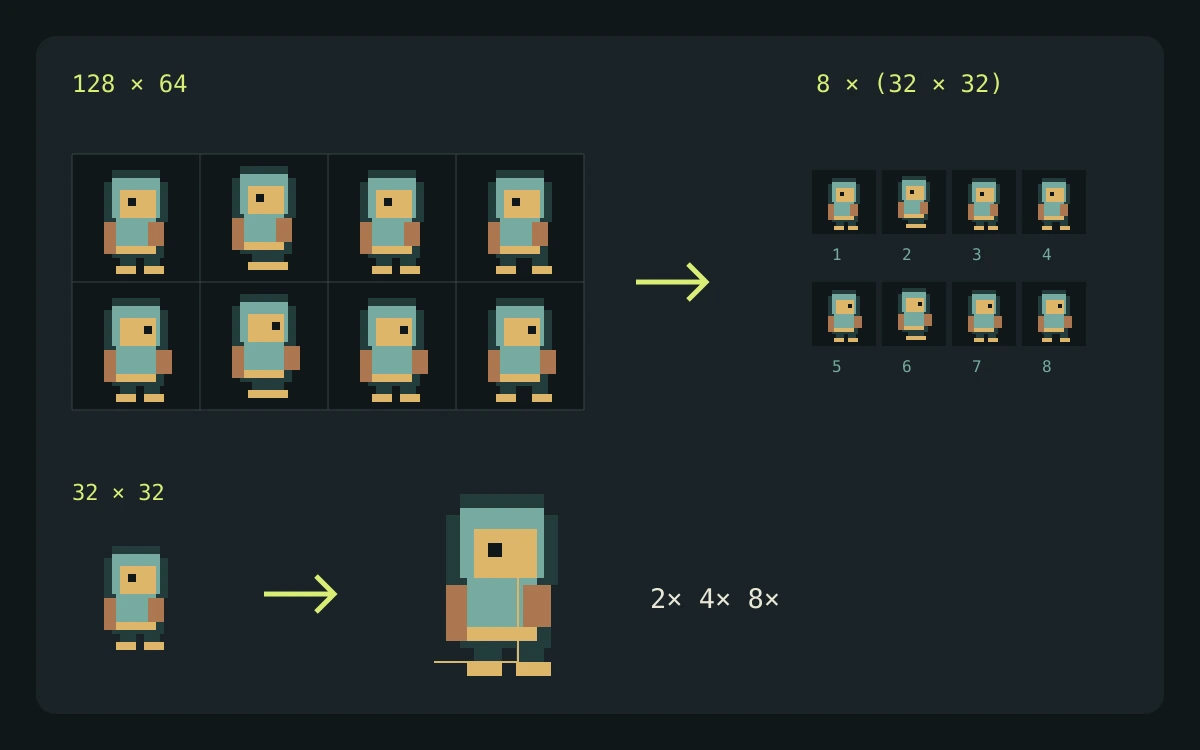
Use the transparent 128 × 64 demo PNG below. It contains four columns and two rows of 32 × 32 cells, with no margin or spacing.
This source grid contains eight 32 × 32 cells. With trimming disabled, each exported frame keeps that canvas size; enabling trimming changes the visible bounds.
A grid slices the existing artwork; it does not create missing poses. Godot SpriteFrames stores animation timing, while the exporter keeps pivot information as metadata for your own placement checks.
Check the engine or editor documentation when preparing your own import. These sources describe file and playback behavior, not an endorsement of PixelBox.
Content updated:
Published and maintained by LlamaGen. This page describes current PixelBox controls and export formats. Contact the team about incorrect information or an export problem.
Your file is processed locally in the browser.
Preview timing, reorder frames, repair pixels, and set a precise shared pivot.
Pack trimmed frames with padding and export portable JSON, Godot 4, or Unity files.
Choose a PNG, WebP, or JPG sprite sheet.
Confirm the grid, play the result, repair or reorder frames, and set the ground pivot.
Download individual frames, an atlas and metadata, or a Godot 4 or Unity package.
No. Slicing happens locally in your browser and does not use generation credits.
Yes. PNG and WebP transparency is preserved in each exported PNG frame.
Set the outer margin and spacing in whole pixels. The live overlay shows the exact cells before anything is sliced.
No. The complete local pipeline—including portable, Godot 4, and Unity ZIP exports—is free and does not use credits.