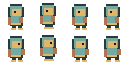
Character Project Spec
Lock pixel size, palette, outline, camera, light, and ground anchor before the first direction is generated.
Approve four directions, build 12 reviewable Idle, Walk, and Attack clips, test movement in your browser, then export PNG, JSON, Godot 4, or Unity files.
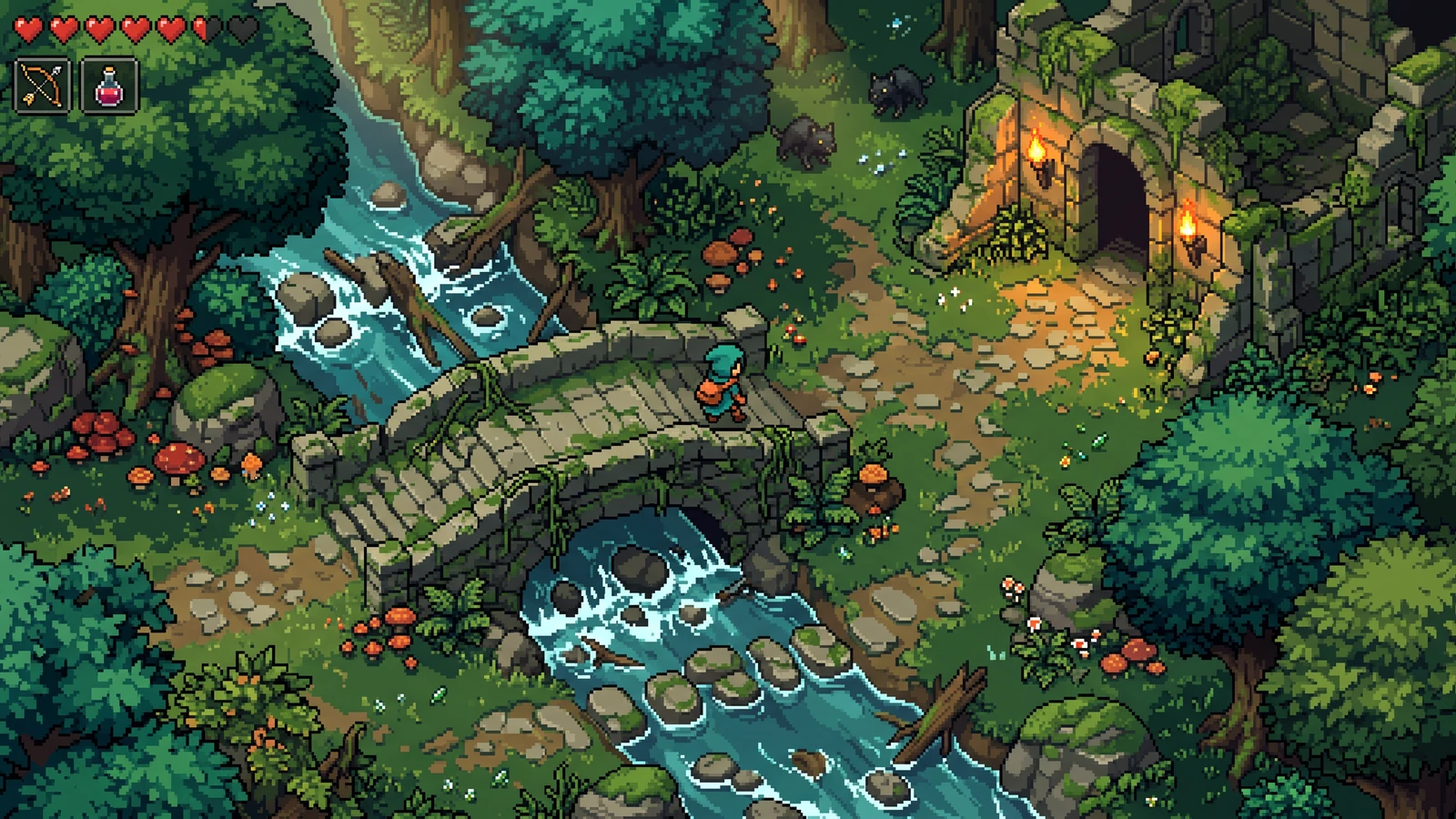
Explore gameplay, handheld use, and coordinated designs. These AI-generated concepts illustrate visual possibilities; review your own assets and engine imports before shipping.
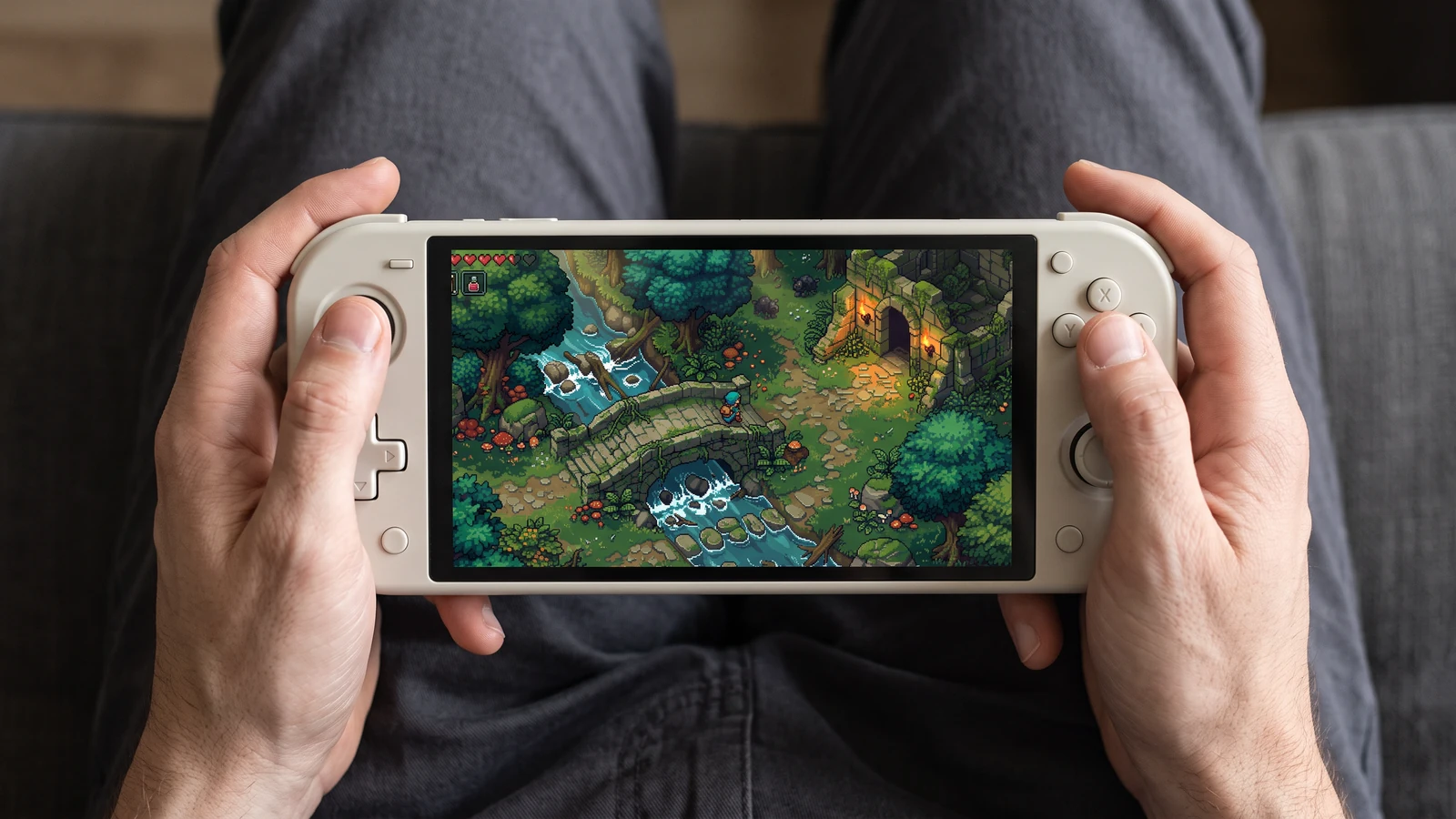
Check how the same game scene reads on a handheld screen, from the character to the smallest interface icons.
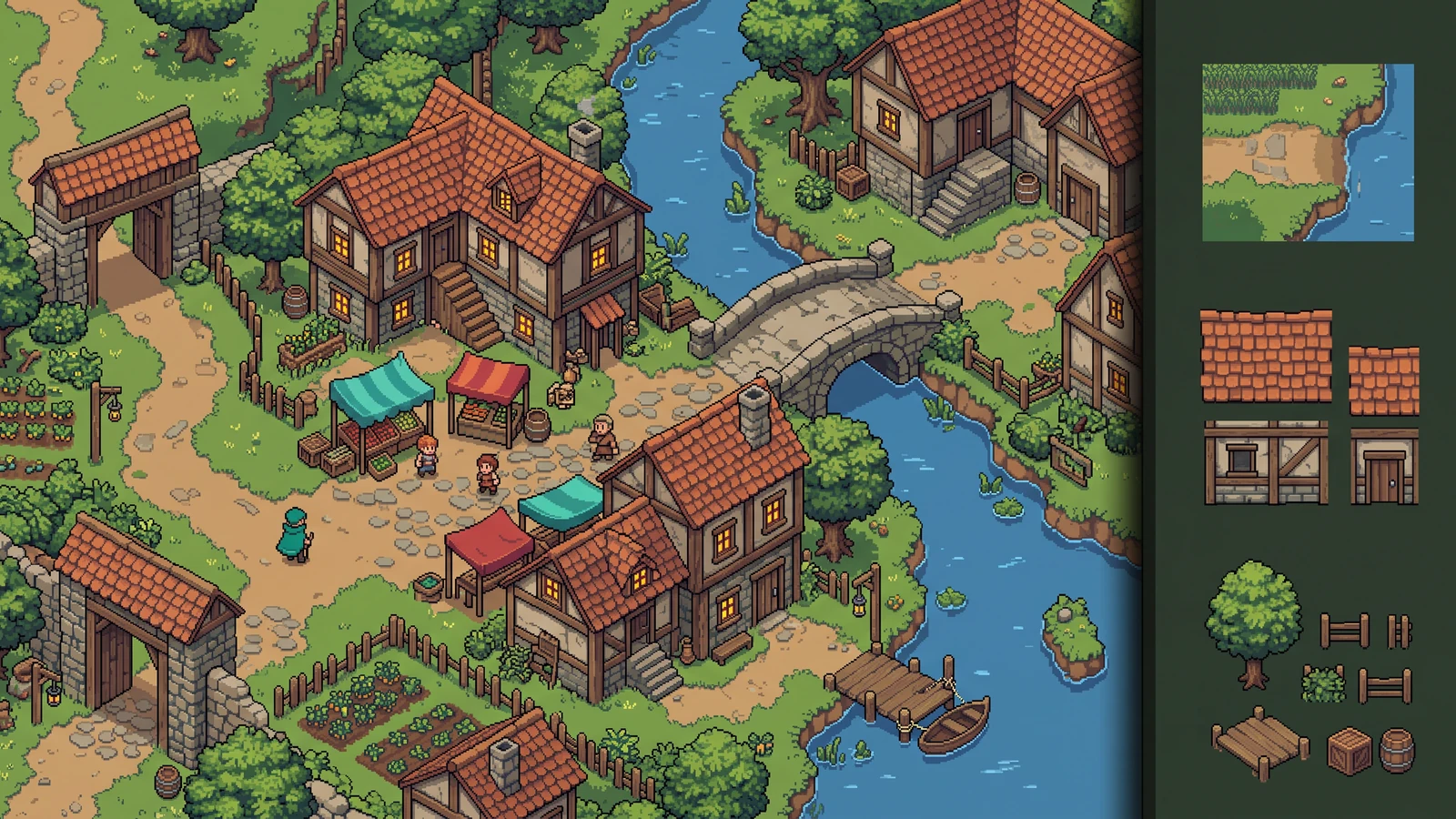
Review how terrain, buildings, and props work together as an inhabited level.
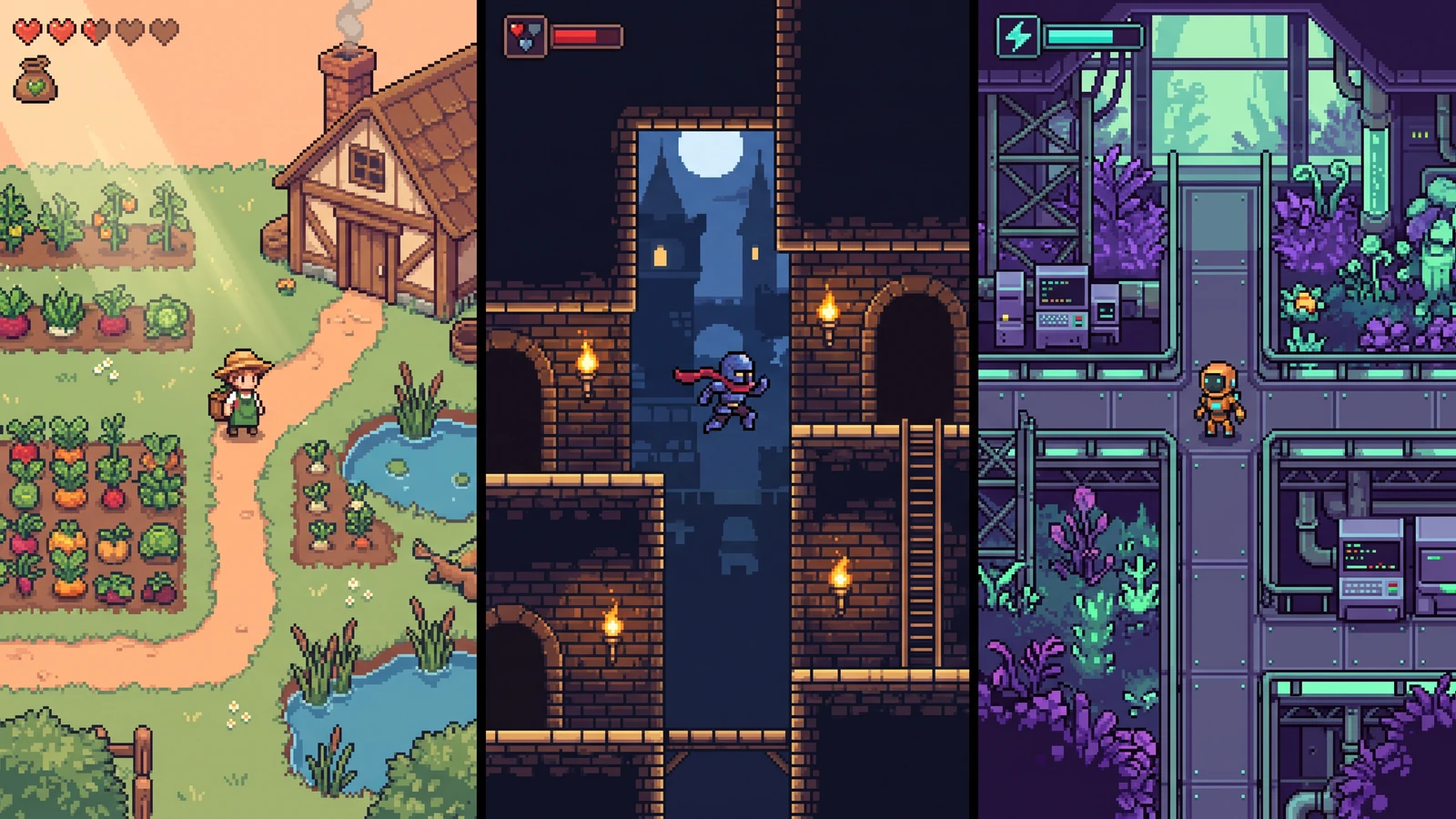
Compare different character designs inside the game worlds they are designed for.
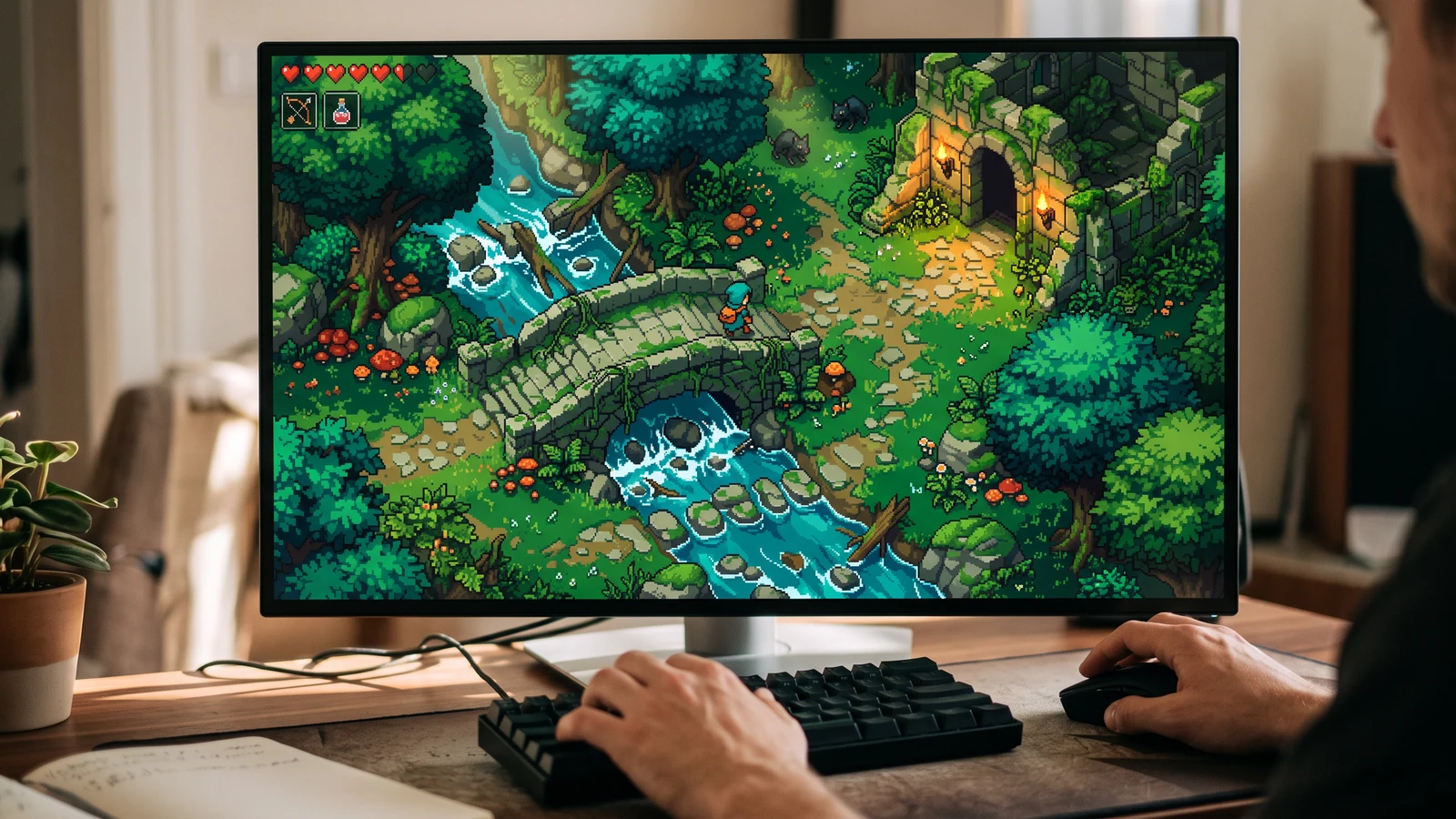
See the character, world, and interface together at desktop play size.
Lock pixel size, palette, outline, camera, light, and ground anchor before the first direction is generated.
Use a concrete input, inspect the output, and check the current limits before choosing your next step.
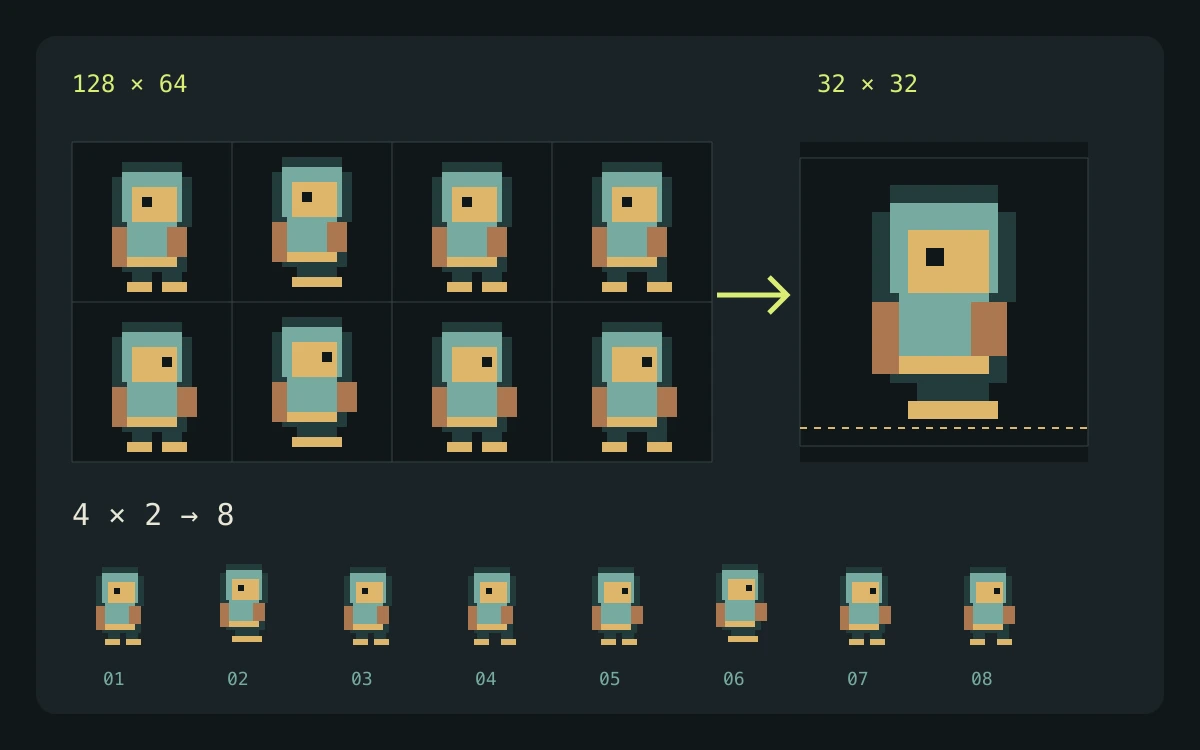
Start with the downloadable eight-frame demo, or bring artwork you have permission to use.
A repeatable local workflow with a known source grid, explicit output dimensions, and files you can inspect.
Local utilities transform existing artwork. Labs explores concepts, and Character Studio provides a separate structured character workflow; each output still needs review for your game.
Check the engine or editor documentation when preparing your own import. These sources describe file and playback behavior, not an endorsement of PixelBox.
Content updated:
Published and maintained by LlamaGen. This page describes current PixelBox controls and export formats. Contact the team about incorrect information or an export problem.
Use a focused tool for a single task. When the project grows, carry its output into a shared PixelBox workspace.
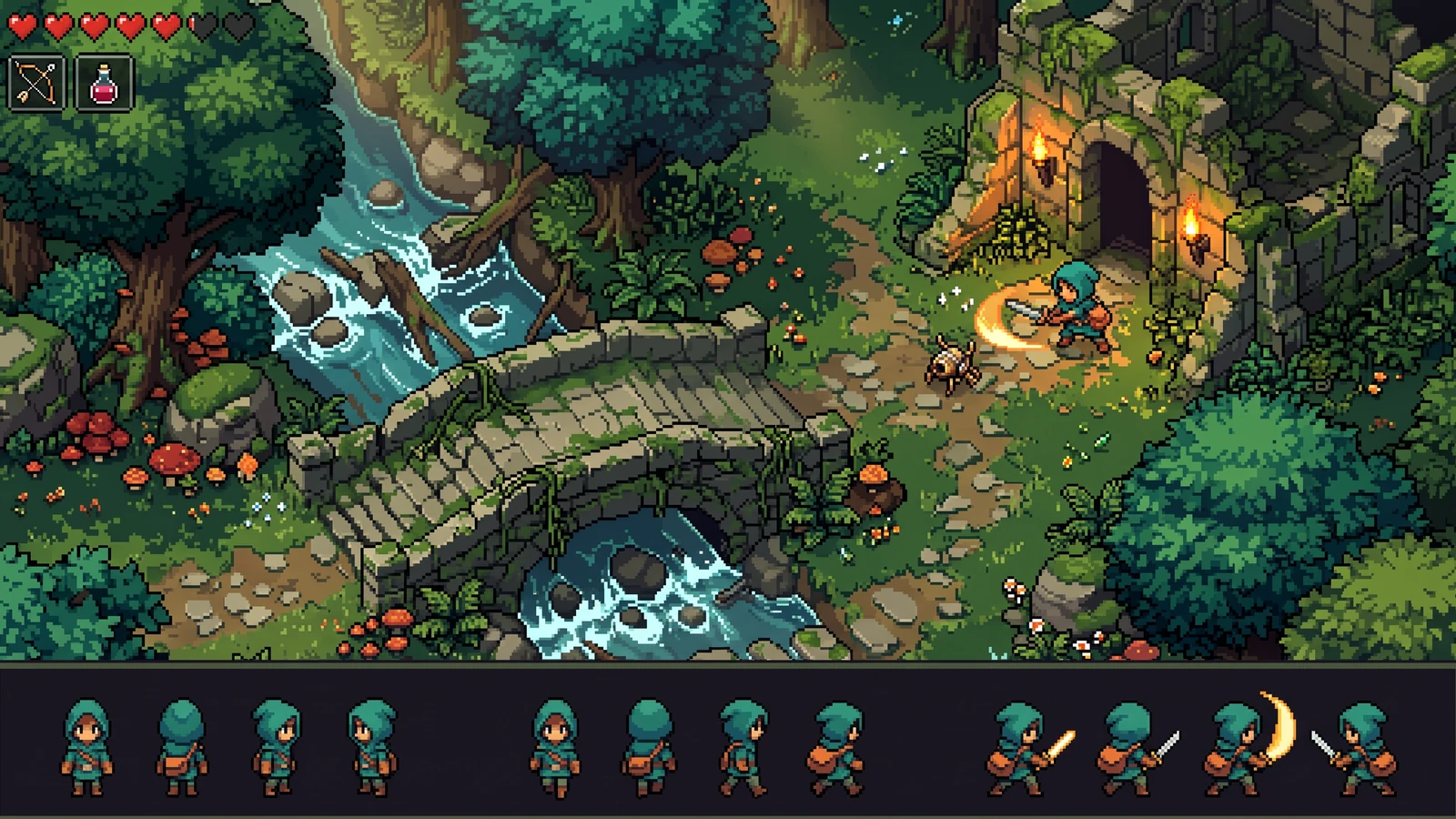
Preview one pixel-art animation concept, then continue in Character Studio for a reviewed 4-direction sprite pack with Godot or Unity export.
Preview: AI Sprite Sheet GeneratorExplore an 8-view pixel character concept for top-down RPGs. Labs returns one image; consistent directions and separated animation frames need manual review.
Preview: 8-Direction Sprite GeneratorExplore a pixel character silhouette and costume in one Labs concept image. Requested pixel sizes guide the prompt; inspect the result before animation in Character Studio.
Preview: AI Pixel Character GeneratorExplore pixel terrain, edges, and corners in one Labs concept image. Seamless tiling, separated tiles, terrain rules, and engine metadata are not included.
Preview: AI Tileset GeneratorPaint a browser-based tilemap, block out routes and encounters, then export a clean map preview.
Use: Pixel Art Map MakerPreview top-down RPG interiors, paths, and props in one Labs concept image. RPG Maker layouts, tile dimensions, and terrain metadata need manual preparation.
Preview: RPG Tileset Generator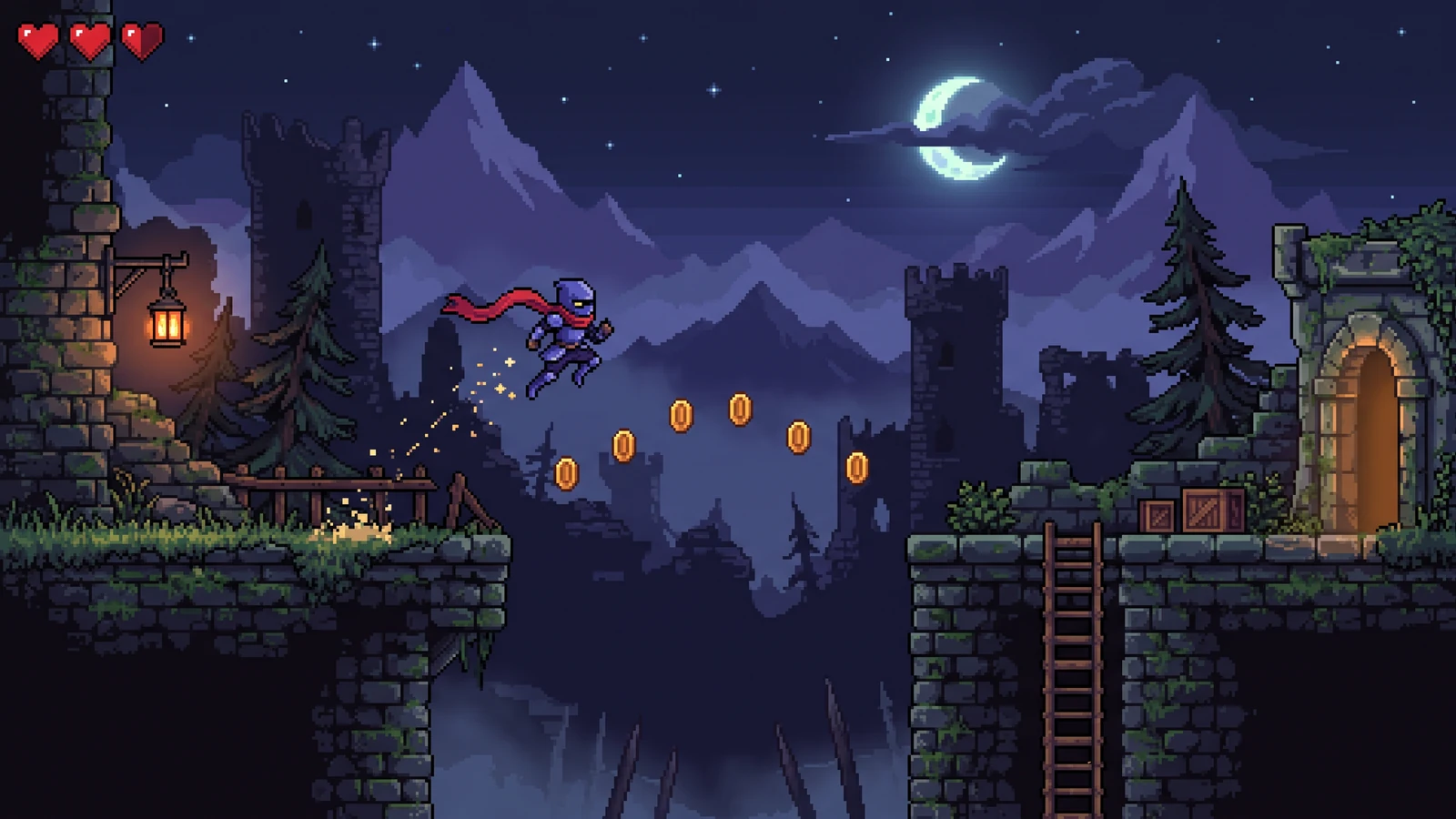
Explore pixel game backgrounds and battle scenes in one Labs concept image. Separated parallax layers and transparent foreground exports are not included.
Preview: Pixel Art Background Generator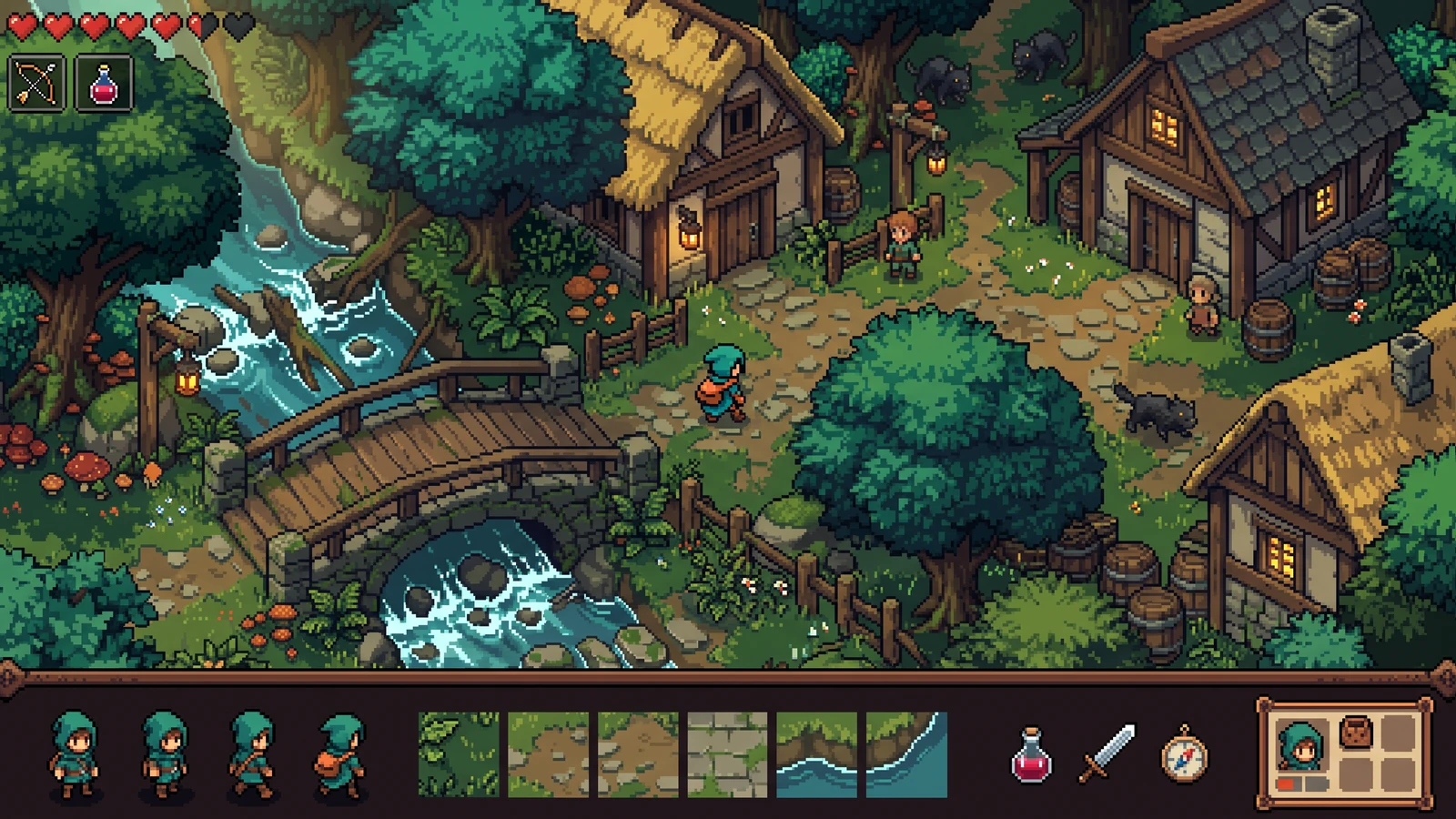
Plan a consistent pixel game asset pack—characters, tiles, items, UI, and VFX—from one world brief. Today this is a concept sheet; production character packs ship in Studio.
Preview: Pixel Game Asset Generator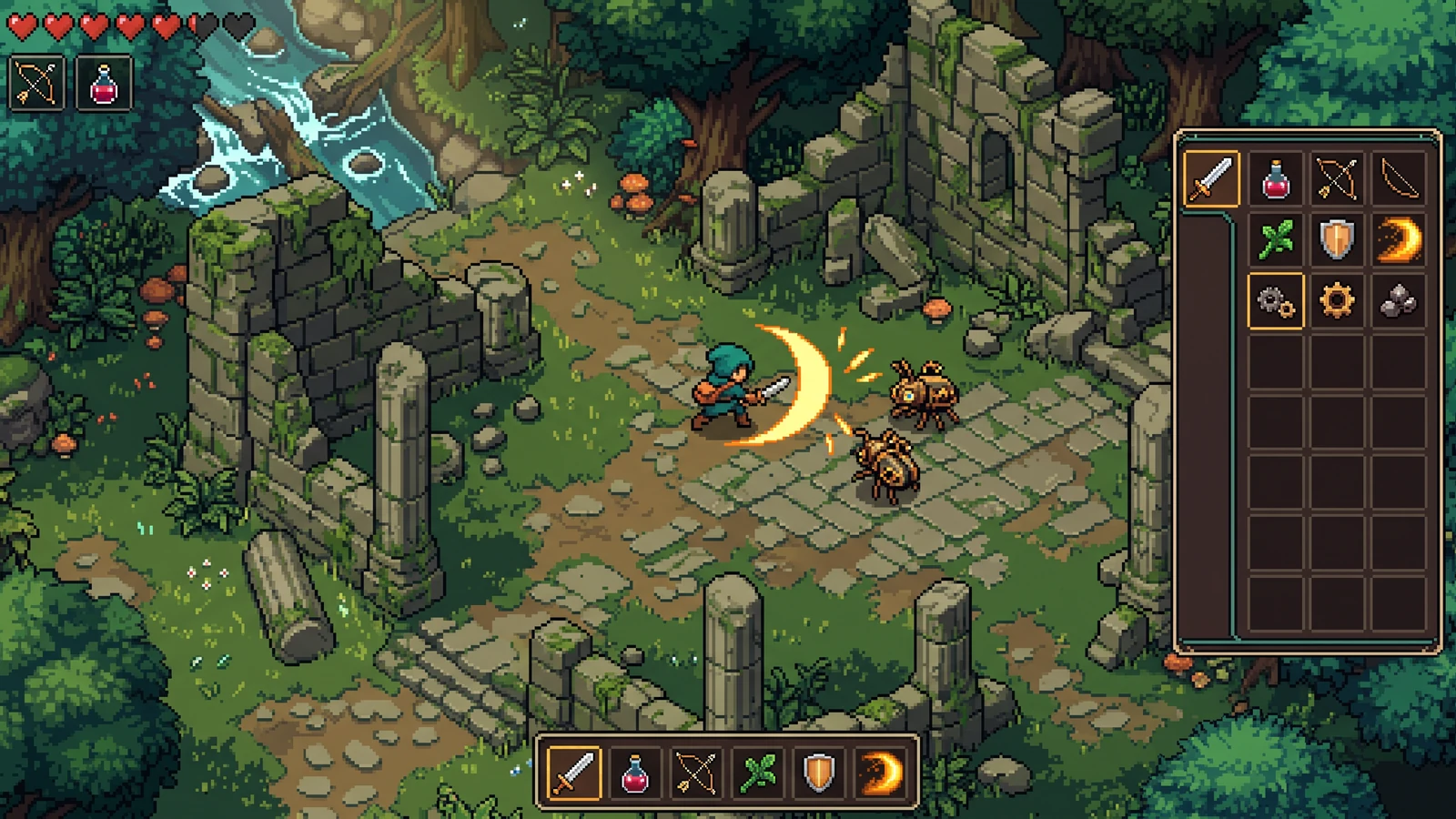
Generate coordinated pixel weapons, potions, food, and quest icons at inventory scale. Labs currently returns one item-family concept image.
Preview: Pixel Art Item Generator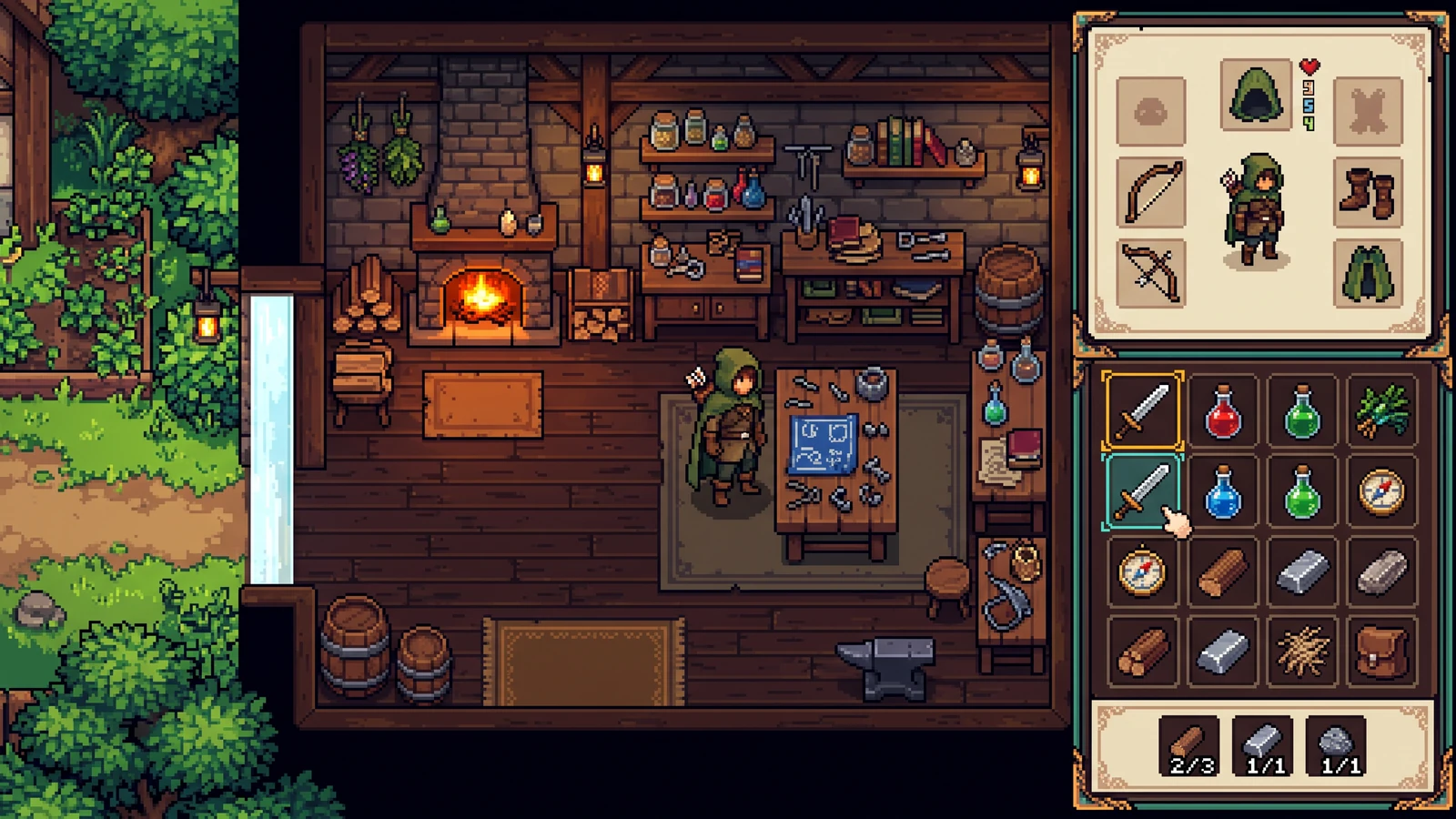
Design pixel game UI kits—HUD panels, buttons, health bars, inventory slots, and dialogue boxes. The live Labs result is one interface concept.
Preview: Pixel Art UI GeneratorGenerate readable pixel VFX for hits, magic, explosions, and weather. Preview one effect concept, then slice finished sheets in the free slicer.
Preview: Pixel Art VFX GeneratorTurn an existing sprite sheet into reviewed animation frames, a packed atlas, and Godot or Unity-ready files without uploading your artwork.
Use: Sprite Sheet SlicerArrange up to 64 sprite frames in a uniform-grid atlas and export matching JSON coordinates.
Use: Sprite Sheet PackerEnlarge pixel art with 2×, 4×, or 8× nearest-neighbor presets. Each output dimension is capped at 8192 pixels.
Use: Pixel Art ResizerExtract a practical color palette from an image, inspect HEX values, and copy colors into your game workflow.
Use: Pixel Art Palette Generator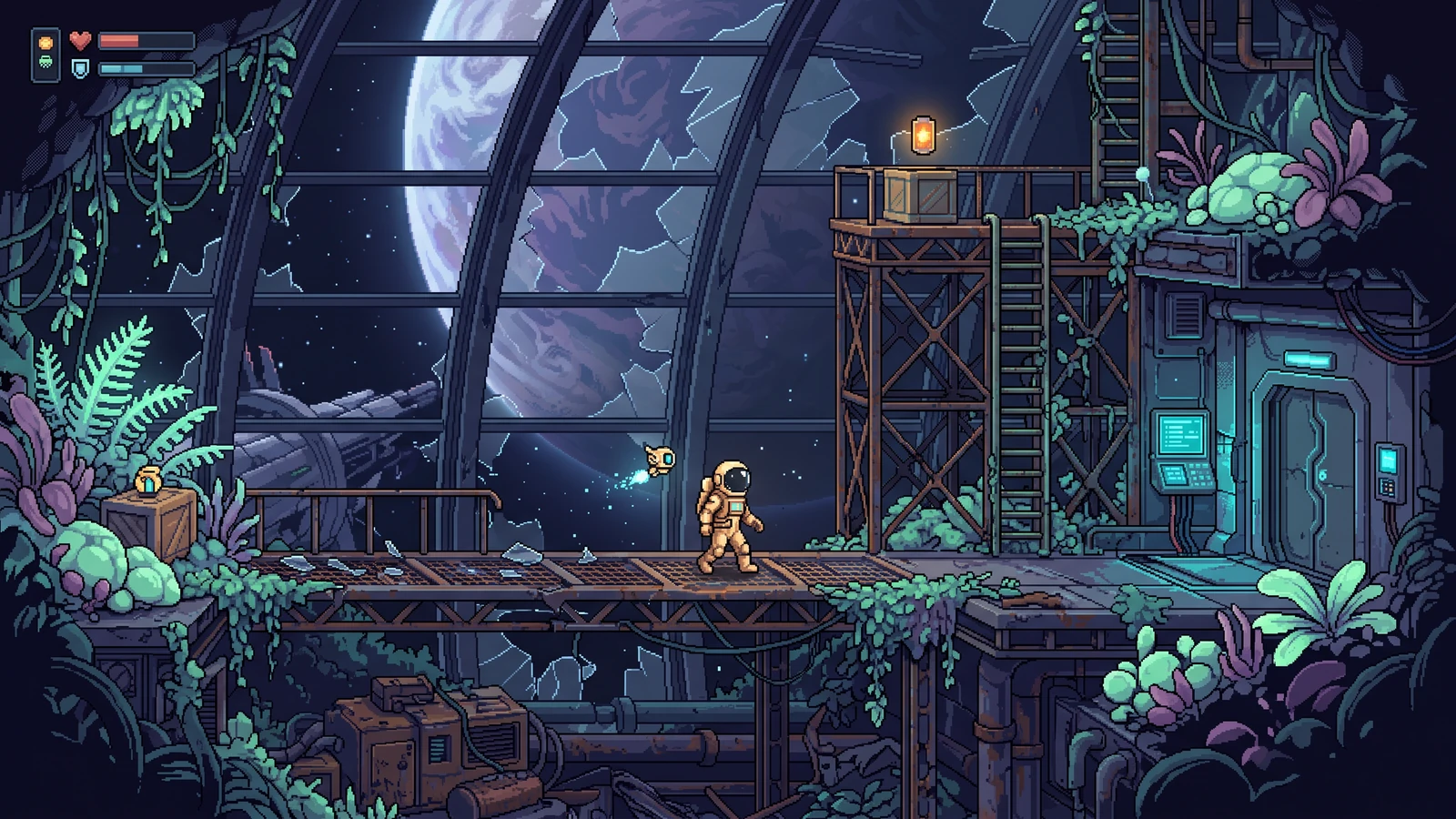
Convert a photo or illustration into a low-resolution grid with approximate RGB color reduction and crisp PNG enlargement.
Use: Image to Pixel Art ConverterCharacter Studio is the production workflow. Everything else labeled Labs is a one-image concept preview while its dedicated controls and exports are validated.
Build a reviewed characterSize · palette · anchor
READY4 identities · manual approval
READYIdle · Walk · Attack
READYStructural checks · manual accept/reject
READYMovement · attack · anchor
READYPNG · JSON · Godot 4 · Unity
READYCosts appear before each AI run. Review, local fixes, playable validation, PNG/JSON, and engine exports do not add another paywall. A concept preview uses 150 credits and a first-pass character build uses 300 credits, with or without a reference. New accounts start with 600 signup credits: this path uses 450 and leaves 150. Regeneration uses additional credits. Project history currently stays in this browser, so export important work as a backup.
A studio for game-ready pixel work: Character Studio ships reviewed sprite packs, free utilities slice and pack sheets locally, and Labs pages preview tilesets, items, UI, and VFX as one concept image.
Start with the AI sprite sheet generator, cut existing art in the sprite sheet slicer, or read the best pixel game tools 2026 guide before choosing a workflow. Godot and Unity teams can also use the dedicated engine guides.