

Character & image creation
AI Art Style Generator Build a reusable profile with the AI art style generator.
Explore this AI art style guide for free. In the signed-in studio, paid-plan style training uses your permitted reference artworks to build a named profile for new scene requests.
This guide is free to read. Training a personal style profile requires a paid plan, at least four permitted artworks and an ownership confirmation. Check generation credits separately.
01 / A more useful starting point
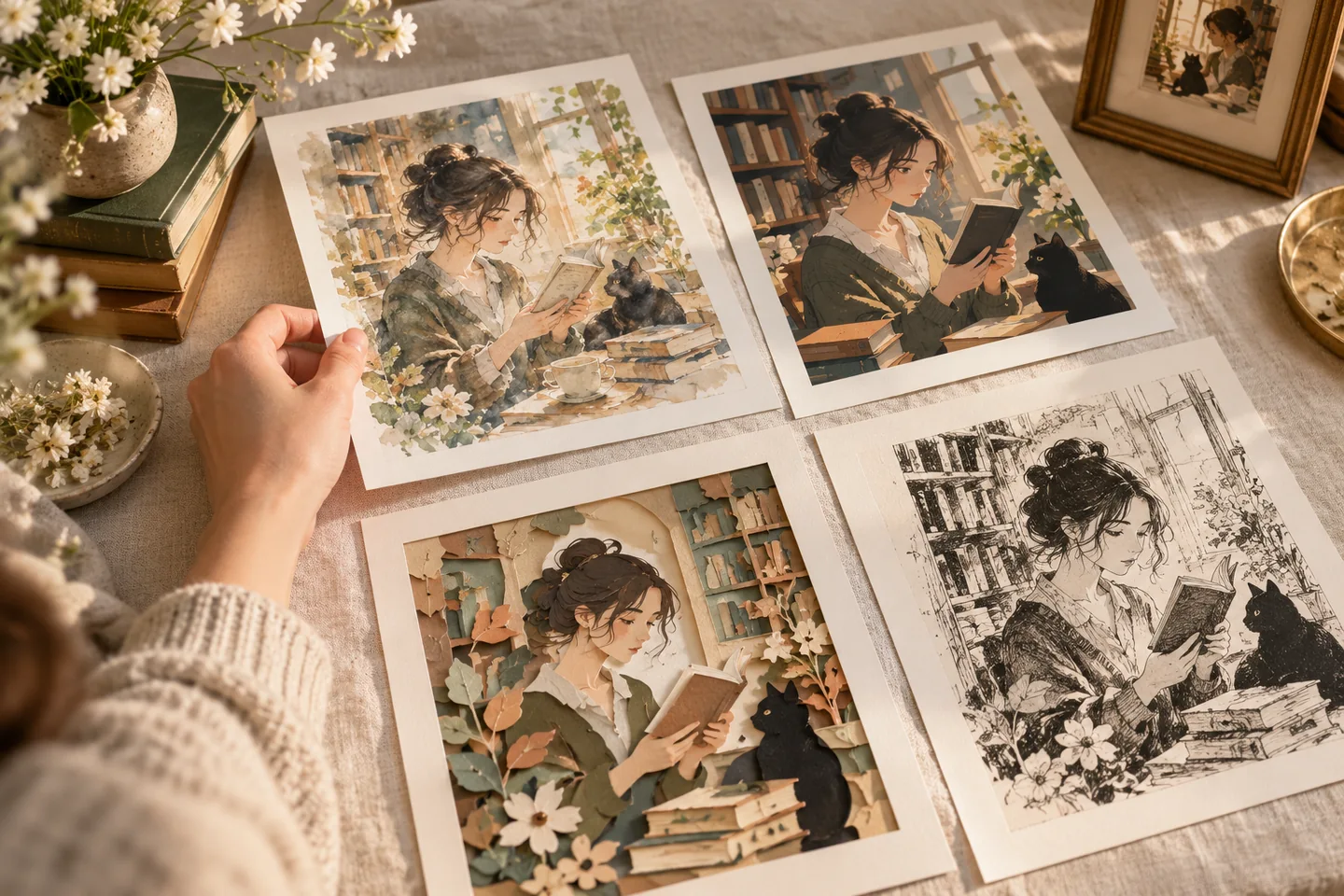
Build a coherent reference set
The current studio asks for at least four artworks, a style name, a trigger word and confirmation that you may use the references. Its maximum reference count depends on the plan. Choose references with compatible line work, palette and shading before training a profile.
Open AI Art Style Generator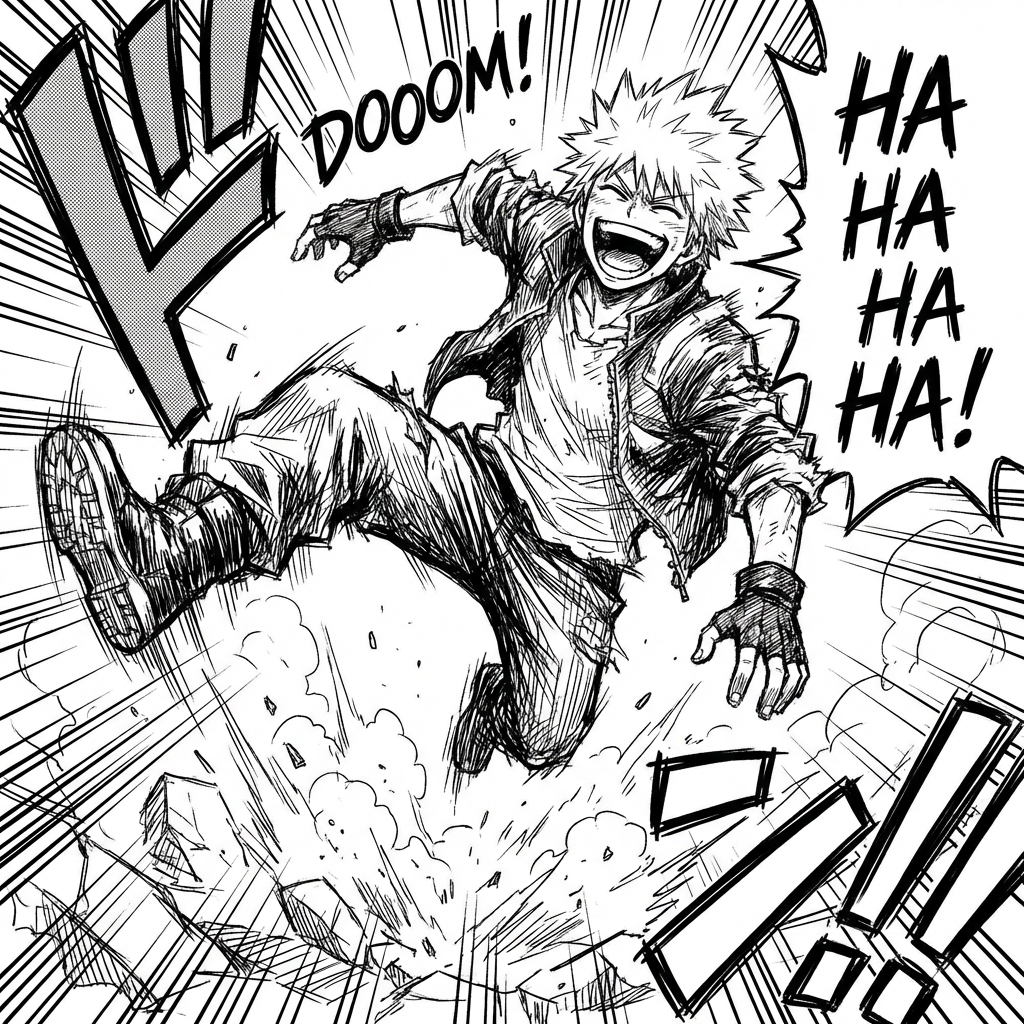
02 / A more useful starting point
Review a new scene against the style brief
Choose a saved style profile and describe a new scene. Keep the profile and scene prompt with the exported result so you can compare line weight, palette and character shapes later. A trained profile is guidance, not proof that every new image will match.
Open AI Art Style Generator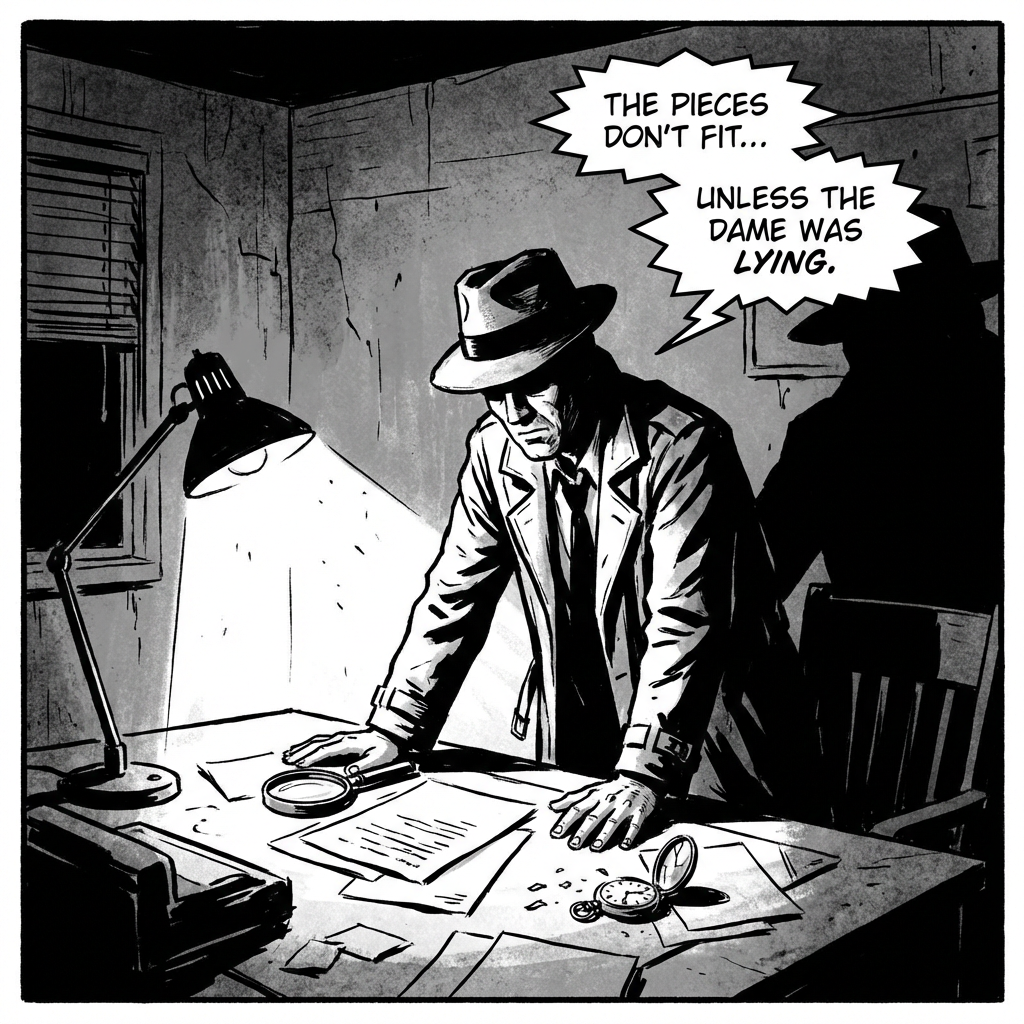
Three practical starting points
Try a brief. Check the result. Tweak one thing.
Try these exercises for AI Art Style Generator, with concrete details to inspect. These are suggested exercises, not recorded customer projects.
A small original comic series
Suggested brief
Prepare your own character art and a short brief: clean ink lines, warm cream backgrounds, one orange accent and simple two-tone shadows.
- What to inspect
- Check palette, line weight and face construction in each result.
- What to change next
- Remove conflicting style descriptions when the images drift in different directions.
A setting variation
Suggested brief
Use approved environment studies to brief a quiet harbour in the same palette and lighting language as your original story.
- What to inspect
- Compare colour relationships and scene clarity rather than expecting copied buildings.
- What to change next
- Add more precise composition instructions if the model repeats source content too literally.
A team reference pack
Suggested brief
Choose a small approved reference set and write down the visible rules the team wants to preserve.
- What to inspect
- Check that every reference is permitted and points towards a coherent direction.
- What to change next
- Remove an outlier image before expanding the reference set.
From input to a useful output
How to use AI Art Style Generator
Start with a small task first, then keep the steps that help your project.
- 01
Prepare the reference set
Choose at least four original or licensed artworks and check the plan’s current upload limit.
Check: Remove references that conflict with the visual direction.
- 02
Name and confirm the profile
Add the style name and trigger word, then confirm permission to use the references.
Check: Style-profile training requires a paid plan; review access before uploading.
- 03
Choose a profile and scene
Use the saved profile with a focused scene prompt and the available scene-pack options.
Check: Review the separate generation credit requirements before starting.
- 04
Compare the result
Inspect palette, line work, subject shapes and continuity in each returned image.
Check: Keep the references and prompt; do not treat the profile as automatic rights clearance.
Know the boundaries
What to check before you rely on the output
- A style reference does not guarantee exact replication of a visual language.
- The linked studio creates a personal style profile using a training workflow. Training requires paid access; the page does not promise a fixed turnaround, exact style replication or ownership protection.
- Generated faces, hands, text and small details can vary. Review the output before using it in a larger project.
AI Art Style Generator: your questions, answered
What do I need to train a style profile?
The current studio requires a paid plan, at least four permitted reference artworks, a profile name, a trigger word and an ownership confirmation. The maximum reference count depends on the plan.
What is a useful style description?
Name observable choices such as palette, line weight, shading, texture and composition.
Will the new image copy the reference exactly?
No exact-copy promise is made. Describe what should carry forward and review the generated scene.
Does using a style reference clear rights?
No. Permission to upload a reference and permission to publish an output remain important; follow the Terms of Use and applicable third-party rights.
What can I explore for free?
You can read this guide and compare the suggested style briefs for free. Creating a free account does not bypass the paid-plan requirement for style-profile training. Check the separate credit cost when generating with a saved profile.
Can I publish the result?
Use references you own or have permission to use. Publishing and commercial use depend on your plan, the Terms of Use and third-party rights; a generated image does not by itself clear those rights.
Sources and further reading
Check the guidance behind the workflow
Each source is linked with its scope. An external reference is not an endorsement or performance certification.
LlamaGen: reference-image guidelines
First-party public-tool guidance links to reference-image, upload and output-format help. Follow the controls shown by the selected tool; this is not an independent performance review.
LlamaGen content policy
Rules for uploaded references and generated content; this is a product policy, not an independent endorsement.
LlamaGen plans, credits and account support
First-party plan information. Check the selected tool for model access and the cost of each generation; contact [email protected] for account questions.
Continue your creative project
AI Art Style Generator
Start with one clear idea.
This guide is free to read. Training a personal style profile requires a paid plan, at least four permitted artworks and an ownership confirmation. Check generation credits separately.
Open AI Art Style Generator