

Character & image creation
AI Elf Generator Design a character for your world with the AI elf generator.
Start an original elf character with a free account and eligible credits. Choose a role, outfit, and setting, then inspect the ears, hands, and signature prop before reusing the design.
Start with a free account and available starter or earned free credits for eligible basic options. Sign in and review the cost; paid models and other plan limits still apply.
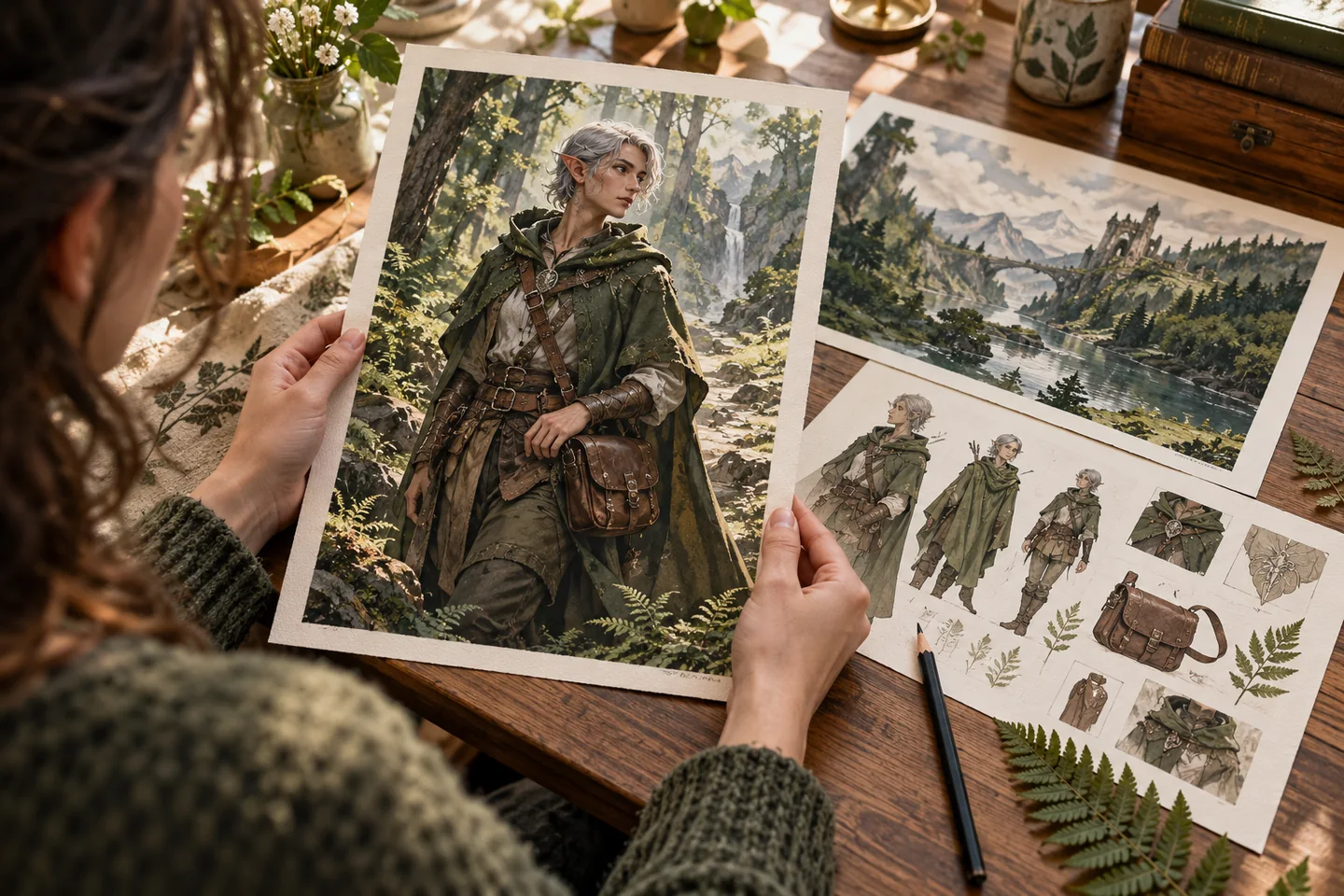
01 / A more useful starting point
Start with a role, then the details
A scout needs a different silhouette and equipment from an archivist. Choose the character’s job first, then add ears, hair, clothing, and one practical prop that explains their place in the world.
Open AI Elf Generator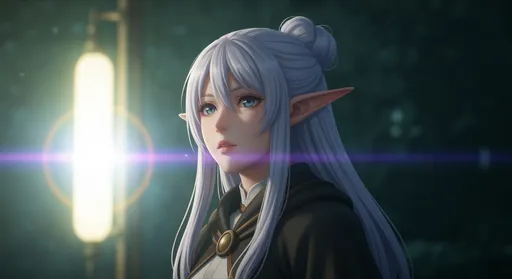
02 / A more useful starting point
Keep a compact character description
Repeat the essential features as the character moves between scenes. A short reference description is easier to compare than a prompt that changes the face, outfit, and setting all at once.
Open AI Elf Generator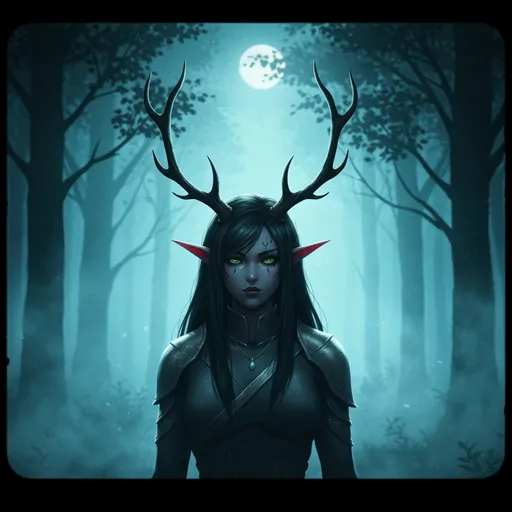
Three practical starting points
Try a brief. Check the result. Tweak one thing.
Try these exercises for AI Elf Generator, with concrete details to inspect. These are suggested exercises, not recorded customer projects.
A forest scout
Suggested brief
An original adult elf with short silver hair, a moss-green cloak, and a compact field satchel, studying tracks beside a fern-covered path.
- What to inspect
- Check ears, cloak fastening, and whether the hand action reads clearly.
- What to change next
- Ask for a simpler stance if the tracks or foliage hide the character.
An archive scholar
Suggested brief
An original adult elf with bronze-rimmed glasses, dark braided hair, and an ink-blue robe, reading a large map in a sunlit archive.
- What to inspect
- Inspect the glasses, fingers, and the distinction between book edges and sleeves.
- What to change next
- Do not rely on generated map labels; add readable text later.
A coastal navigator
Suggested brief
An original adult elf in a weathered cream coat with a brass compass, looking over a cliffside harbour at dawn.
- What to inspect
- Check the compass and the balance between portrait and environment.
- What to change next
- Change the framing first if the model makes the setting too small.
From input to a useful output
How to use AI Elf Generator
Start with a small task first, then keep the steps that help your project.
- 01
Choose a role
Name the character’s place in the story.
Check: Keep the concept original.
- 02
Write the design
Add appearance, outfit, prop, and scene.
Check: Specify portrait or full-body framing.
- 03
Review a generation
Choose a model and check the credit cost.
Check: Inspect ears, hands, and layered clothing.
- 04
Reuse the design
Carry the same core details into the next image.
Check: Use an allowed reference where supported.
Know the boundaries
What to check before you rely on the output
- The current workflow requires an account for generation and uses available credits; it is not an unlimited anonymous service.
- Repeated descriptions do not guarantee the same face in every image.
- Generated faces, hands, text, and small details can vary. Review the output before using it in a larger project.
- The character workspace is the starting point, not a promise that this entry creates a complete multi-view sheet in one request. Free-plan saved-character limits and generation credits apply.
AI Elf Generator: your questions, answered
Can I make an original elf?
Yes. Describe the role, appearance, clothing, and setting of an original character.
Do I need an account?
An account is required for generation. Check the selected model and displayed cost before starting.
Are generations unlimited?
No unlimited-generation promise is made here. Your available credits, plan, and selected model govern usage.
How can I keep the same design?
Repeat the essential traits and use supported character references. Compare each result before continuing the story.
Can I try it for free?
You can start with a free account and eligible available credits. The free character plan supports one saved character across the account. Character creation and additional image or reference-view requests have their own credit requirements; review the workspace before generating.
Can I publish the result?
Use references you own or have permission to use. Publishing and commercial use depend on your plan, the Terms of Use, and third-party rights; a generated image does not by itself clear those rights.
Sources and further reading
Check the guidance behind the workflow
Each source is linked with its scope. An external reference is not an endorsement or performance certification.
LlamaGen: correcting character differences between panels
First-party steps for comparing identity, clothing, and references and correcting a selected panel. The guide explicitly says character consistency is not guaranteed.
LlamaGen plans, credits and account support
First-party plan information. Check the selected tool for model access and the cost of each generation; contact [email protected] for account questions.
Continue your creative project
AI Elf Generator
Start with one clear idea.
Start with a free account and available starter or earned free credits for eligible basic options. Sign in and review the cost; paid models and other plan limits still apply.
Open AI Elf Generator