

Character & image creation
AI Avatar Generator Create an AI avatar that reads clearly at profile size.
Try an AI avatar for free with eligible account credits. Describe an original profile portrait, choose a supported model, and inspect the face in the small circular crop you plan to use.
Start with a free account and available starter or earned free credits for eligible basic options. Sign in and review the cost; paid models and other plan limits still apply.
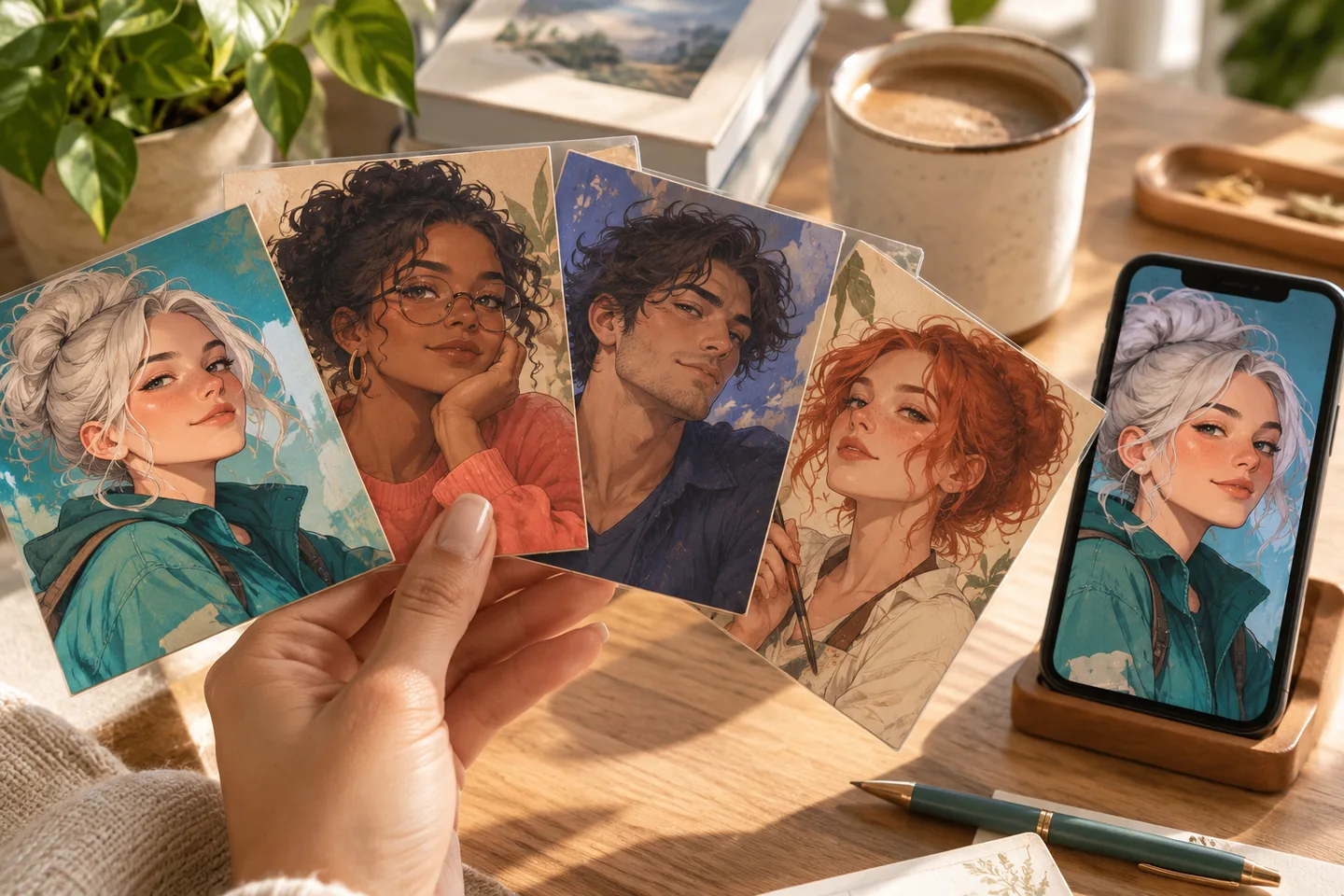
01 / A more useful starting point
Design for a small circle
A detailed full-body scene rarely works as a tiny profile picture. Start with a close portrait, a distinct silhouette, and a simple background. Leave room around the head for the circular crop used by many platforms.
Open AI Avatar Generator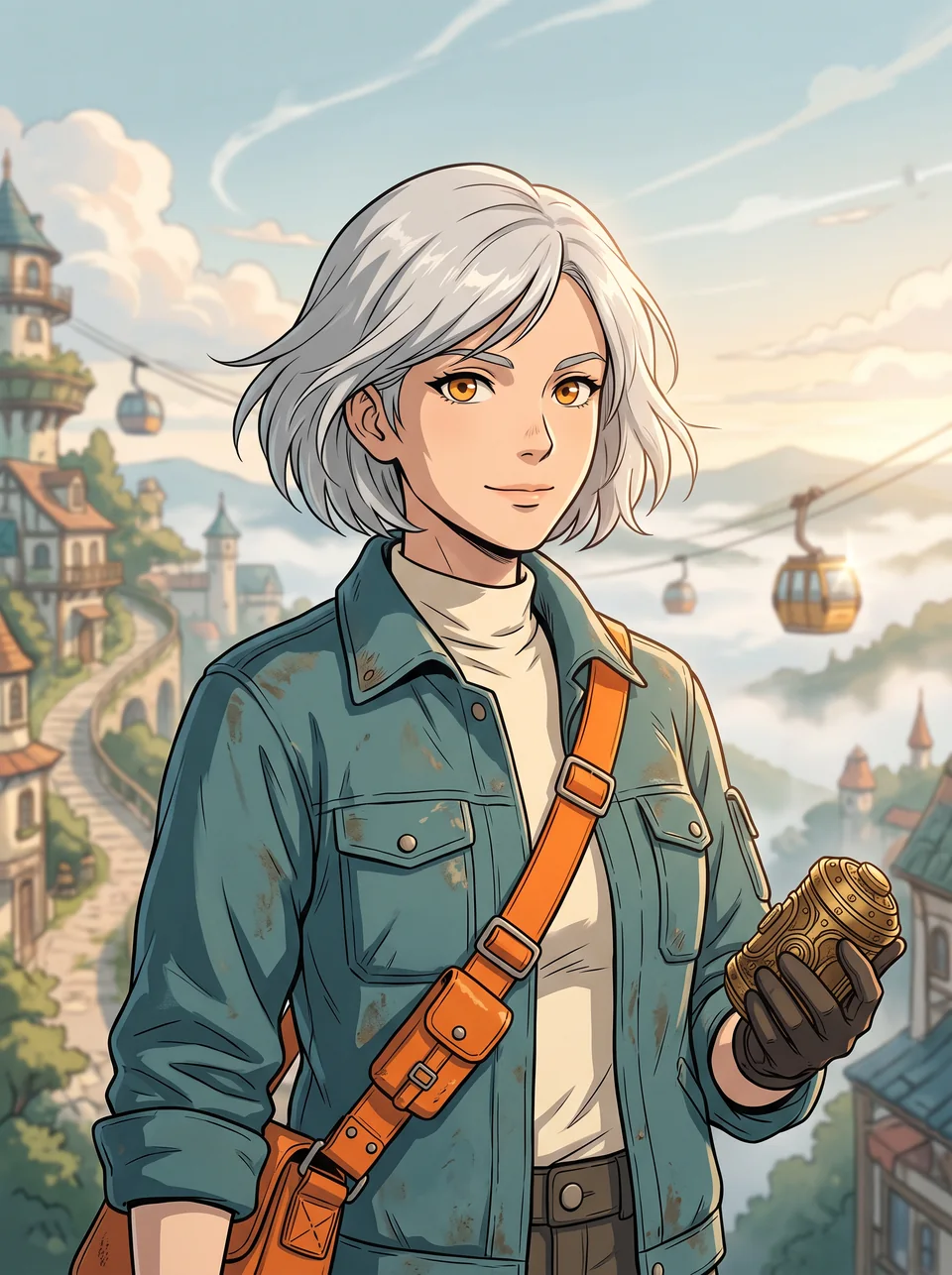
02 / A more useful starting point
Change the look without losing the brief
Keep the same hair, outfit, and expression in your description while you explore a new visual style. If the selected model accepts a reference, use one you are allowed to upload; do not assume every regeneration will preserve identity exactly.
Open AI Avatar Generator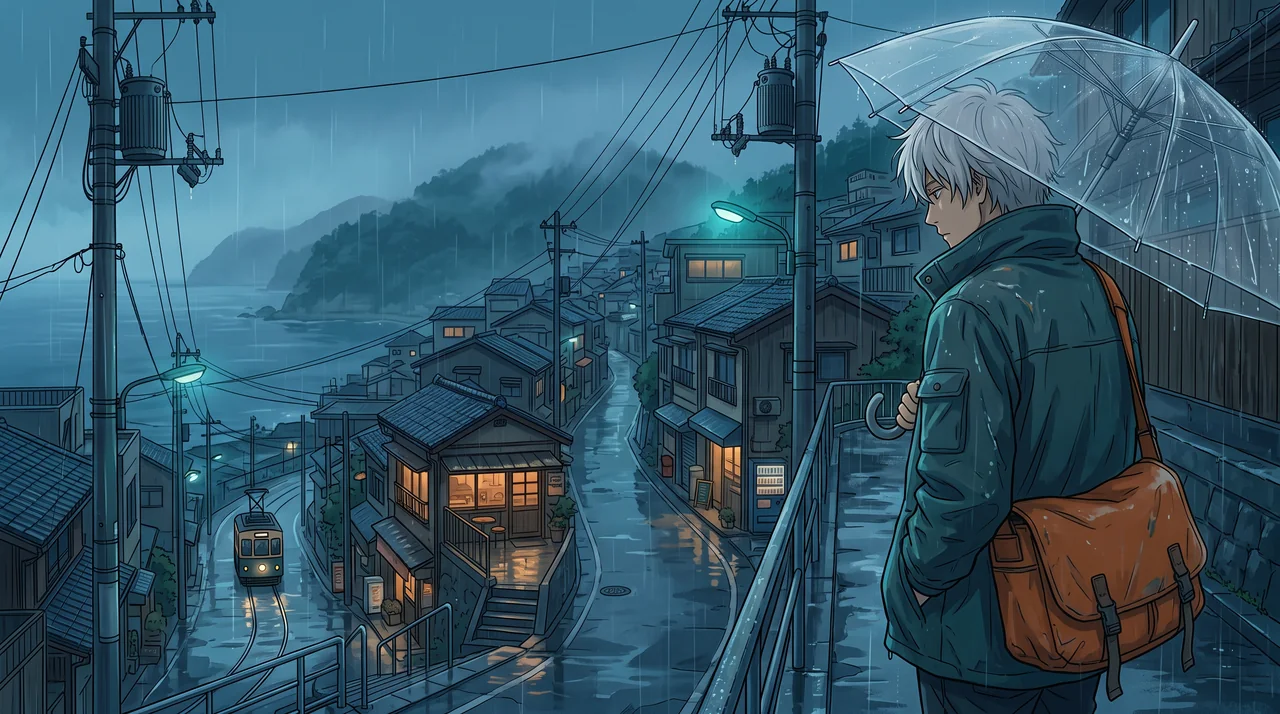
Three practical starting points
Try a brief. Check the result. Tweak one thing.
Try these exercises for AI Avatar Generator, with concrete details to inspect. These are suggested exercises, not recorded customer projects.
A personal profile portrait
Suggested brief
An original adult courier with short silver hair, amber eyes, a teal jacket, and a plain cream backdrop; head-and-shoulders composition, centred with clear space around the hair.
- What to inspect
- Test a 96 × 96 circular preview and inspect the eyes, hair outline, and crop. This is a suggested review size, not a required export setting.
- What to change next
- Simplify the background and move decorative props away from the face.
A consistent creator identity
Suggested brief
Keep a warm expression, navy shirt, and orange accent while trying a clean illustrated portrait and a soft three-dimensional look.
- What to inspect
- Compare the same facial and clothing cues across the alternatives.
- What to change next
- Change only the style description in the next attempt; add an allowed reference if the model supports it.
An original tabletop character
Suggested brief
An adult forest cartographer with round glasses, a weathered green cloak, and a small brass compass, facing three-quarters towards the viewer.
- What to inspect
- Check that the portrait is an original design and that the compass does not distract from the face.
- What to change next
- Request a closer crop when the model spends too much space on the setting.
From input to a useful output
How to use AI Avatar Generator
Start with a small task first, then keep the steps that help your project.
- 01
Write the identity
Name the appearance, outfit, expression, and framing you want.
Check: Use a specific description rather than a list of unrelated styles.
- 02
Choose a model
Open the image studio and choose an available image model and square canvas.
Check: Review the displayed cost and reference-image support.
- 03
Generate alternatives
Keep the identifying details while revising one choice at a time.
Check: Compare the face, hair, and clothing instead of only the colours.
- 04
Prepare the avatar
Download an available output and test your intended profile crop.
Check: Inspect the smallest display size before replacing your profile image.
Know the boundaries
What to check before you rely on the output
- This entry uses the image studio’s prompt and supported reference-image controls. It does not train a dedicated identity model or promise biometric likeness.
- A style variation is not a biometric identity guarantee.
- Generated faces, hands, text, and small details can vary. Review the output before using it in a larger project.
AI Avatar Generator: your questions, answered
Do I need to upload twenty photos?
No fixed twenty-photo requirement is made here. Start with a prompt, or add an allowed reference when the selected model supports image input.
Can I make an avatar without a photo?
Yes. Describe an original character and use a text-to-image model available in the studio.
Will every result be the same person?
Not necessarily. Keep the important traits in the prompt and use a supported reference workflow when consistency matters.
Which shape should I choose?
A square source is a useful starting point for many avatars. Check the final circular or square crop on the service where you will use it.
Can I try it for free?
Try eligible basic generation for free when your account has enough available starter or earned free credits. Sign in and review the model, cost, and plan limits first. Each request consumes credits; paid-only options and further generations may require a paid plan or purchased credits.
Can I publish the result?
Use references you own or have permission to use. Publishing and commercial use depend on your plan, the Terms of Use, and third-party rights; a generated image does not by itself clear those rights.
Sources and further reading
Check the guidance behind the workflow
Each source is linked with its scope. An external reference is not an endorsement or performance certification.
LlamaGen: reference-image guidelines
First-party public-tool guidance links to reference-image, upload, and output-format help. Follow the controls shown by the selected tool; this is not an independent performance review.
LlamaGen content policy
Rules for uploaded references and generated content; this is a product policy, not an independent endorsement.
LlamaGen plans, credits and account support
First-party plan information. Check the selected tool for model access and the cost of each generation; contact [email protected] for account questions.
Continue your creative project
AI Avatar Generator
Start with one clear idea.
Start with a free account and available starter or earned free credits for eligible basic options. Sign in and review the cost; paid models and other plan limits still apply.
Open AI Avatar Generator