

Character & image creation
Comic Character Creator Use the comic character creator before the chapter.
Start your comic character with a free account and eligible credits. Save a clear identity brief and reference, then compare expressions and camera views before planning a chapter.
Start with a free account and available starter or earned free credits for eligible basic options. Sign in and review the cost; paid models and other plan limits still apply.
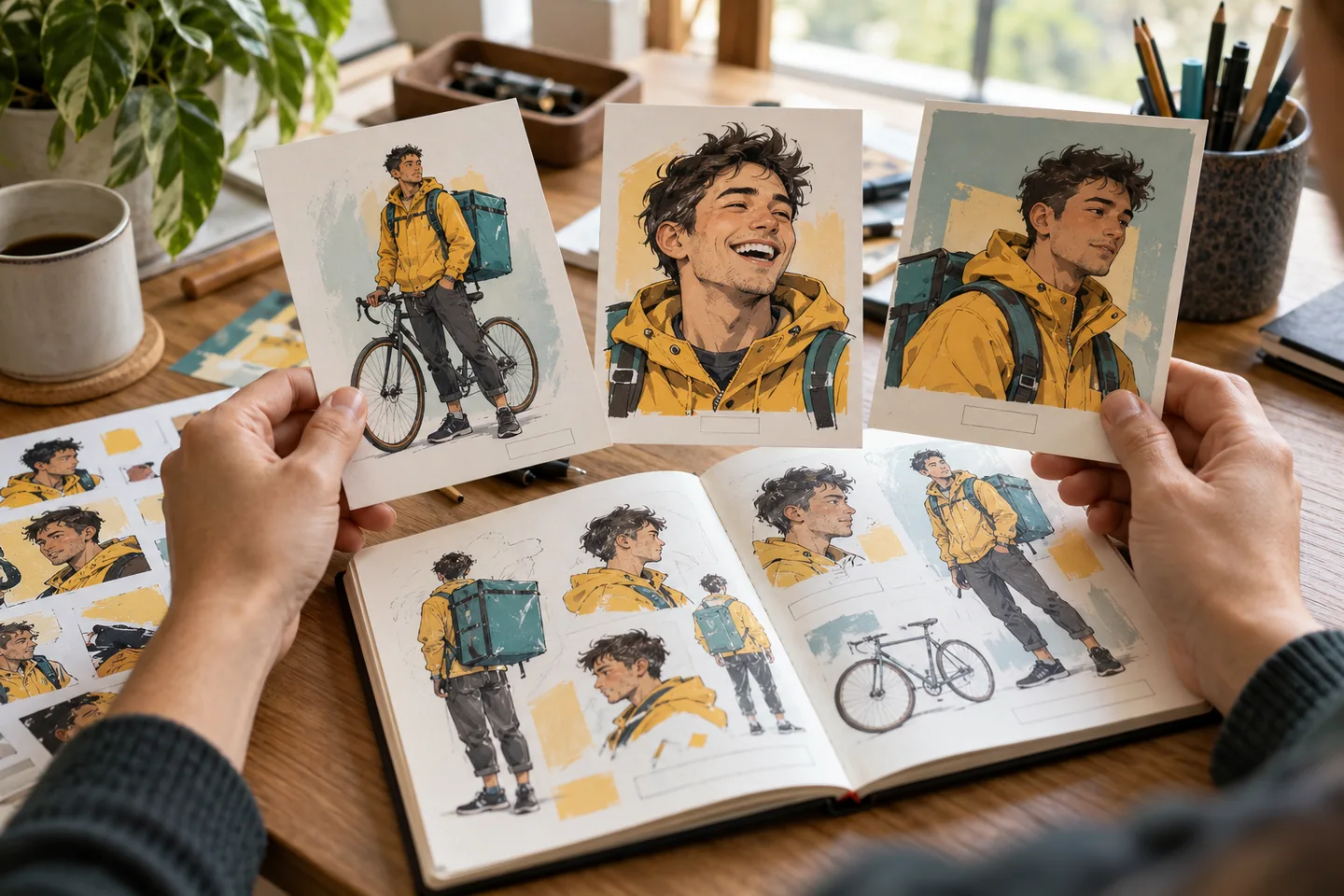
01 / A more useful starting point
Make the character easy to recognise
Choose a small set of recurring features: hair shape, jacket colour, a distinctive bag or a simple emblem. Those details help you notice drift when the camera, emotion or scene changes.
Open Comic Character Creator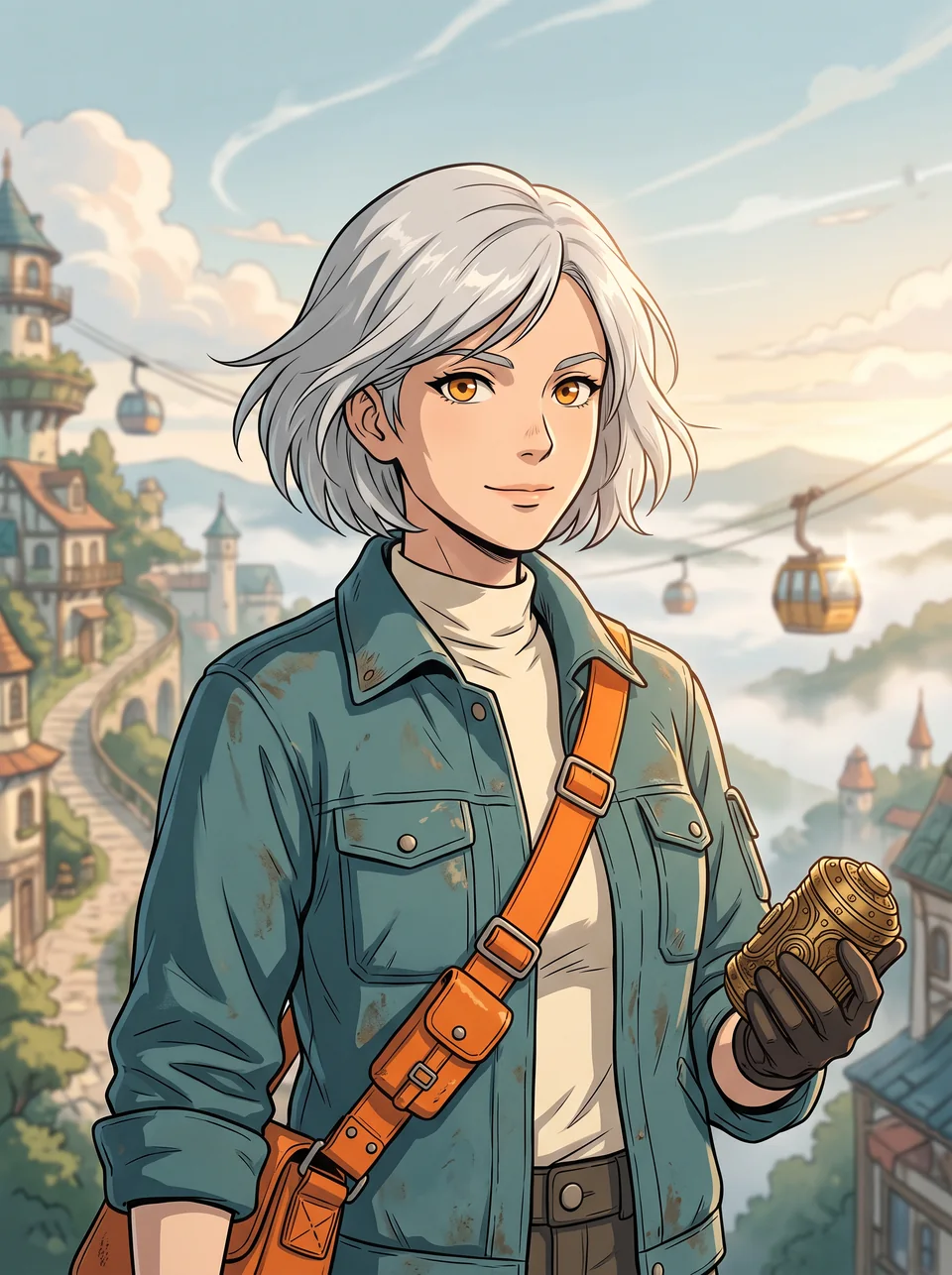
02 / A more useful starting point
Test continuity through a small scene
Keep one approved reference and compare a close-up reaction, a three-quarter view and a wider pose in separate requests. Record which prompt and reference produced each file. These are proposed checks; the examples here are not a measured character-consistency test.
Open Comic Character Creator
Three practical starting points
Try a brief. Check the result. Tweak one thing.
Try these exercises for Comic Character Creator, with concrete details to inspect. These are suggested exercises, not recorded customer projects.
The lead character
Suggested brief
An original adult bicycle courier with cropped dark hair, a mustard raincoat and a teal delivery bag, relaxed three-quarter portrait.
- What to inspect
- Check that the hair silhouette, coat and bag are distinct at panel size.
- What to change next
- Reduce accessories if the design becomes difficult to repeat.
An expression study
Suggested brief
Use the same character description for a surprised close-up, a thoughtful pause and a relieved smile in separate requests.
- What to inspect
- Compare face proportions and the position of signature clothing details.
- What to change next
- Add an allowed reference when a text-only request changes the identity.
A two-character exchange
Suggested brief
Plan a conversation between the courier and an adult bookshop owner with round glasses and a green apron.
- What to inspect
- Check that their silhouettes and colours stay distinguishable.
- What to change next
- Generate a simpler pose before adding overlapping hands or complicated props.
From input to a useful output
How to use Comic Character Creator
Start with a small task first, then keep the steps that help your project.
- 01
Define a role
Explain who the character is and what they do.
Check: Separate story motivation from visible design details.
- 02
Create a reference
Start with a clear portrait or full-body view.
Check: Keep the best source file and prompt.
- 03
Test views and expressions
Change one pose or emotion at a time.
Check: Compare identity and outfit continuity.
- 04
Move into panels
Use the chosen reference in supported comic workflows.
Check: Review every panel, not only the cover.
Know the boundaries
What to check before you rely on the output
- Character consistency is a workflow to review, not a guarantee that every generated panel will match.
- Use lettering tools for final dialogue; do not rely on generated typography for a finished comic.
- Generated faces, hands, text and small details can vary. Review the output before using it in a larger project.
- The character workspace is the starting point, not a promise that this entry creates a complete multi-view sheet in one request. Free-plan saved-character limits and generation credits apply.
Comic Character Creator: your questions, answered
What belongs in a character brief?
Include visible identity cues, clothing, role, pose and framing. A short repeatable description is often easier to maintain than a long changing list.
Can I make an expression sheet?
You can explore expressions in separate generations or supported character tools. Check that the results preserve the intended identity.
How do I introduce a second character?
Give each character a distinct silhouette and outfit. Begin with a simple exchange and check that their details do not blend.
Does this page generate a whole comic?
This page focuses on character preparation. Continue into the comic generator or manga studio for page and panel production.
Can I try it for free?
You can start with a free account and eligible available credits. The free character plan supports one saved character across the account. Character creation and additional image or reference-view requests have their own credit requirements; review the workspace before generating.
Can I publish the result?
Use references you own or have permission to use. Publishing and commercial use depend on your plan, the Terms of Use and third-party rights; a generated image does not by itself clear those rights.
Sources and further reading
Check the guidance behind the workflow
Each source is linked with its scope. An external reference is not an endorsement or performance certification.
LlamaGen: correcting character differences between panels
First-party steps for comparing identity, clothing and references and correcting a selected panel. The guide explicitly says character consistency is not guaranteed.
LlamaGen controlled comic-delivery examples
Published first-party cases include inputs, finished comics, review definitions and limitations. They are controlled evaluations, not customer testimonials or tests of this exact entry.
LlamaGen plans, credits and account support
First-party plan information. Check the selected tool for model access and the cost of each generation; contact [email protected] for account questions.
Continue your creative project
Comic Character Creator
Start with one clear idea.
Start with a free account and available starter or earned free credits for eligible basic options. Sign in and review the cost; paid models and other plan limits still apply.
Open Comic Character Creator