

View agreement
Check how the same face, hairstyle and silhouette read from the requested angles. Do not accept contradictory views simply because each image looks attractive.
Decide which views, expressions, outfit details and colors belong on your reference sheet. Start by creating one approved base character, then request and inspect the references your project needs before carrying that design into a comic or webtoon.
Example reference-sheet brief
Workflow preview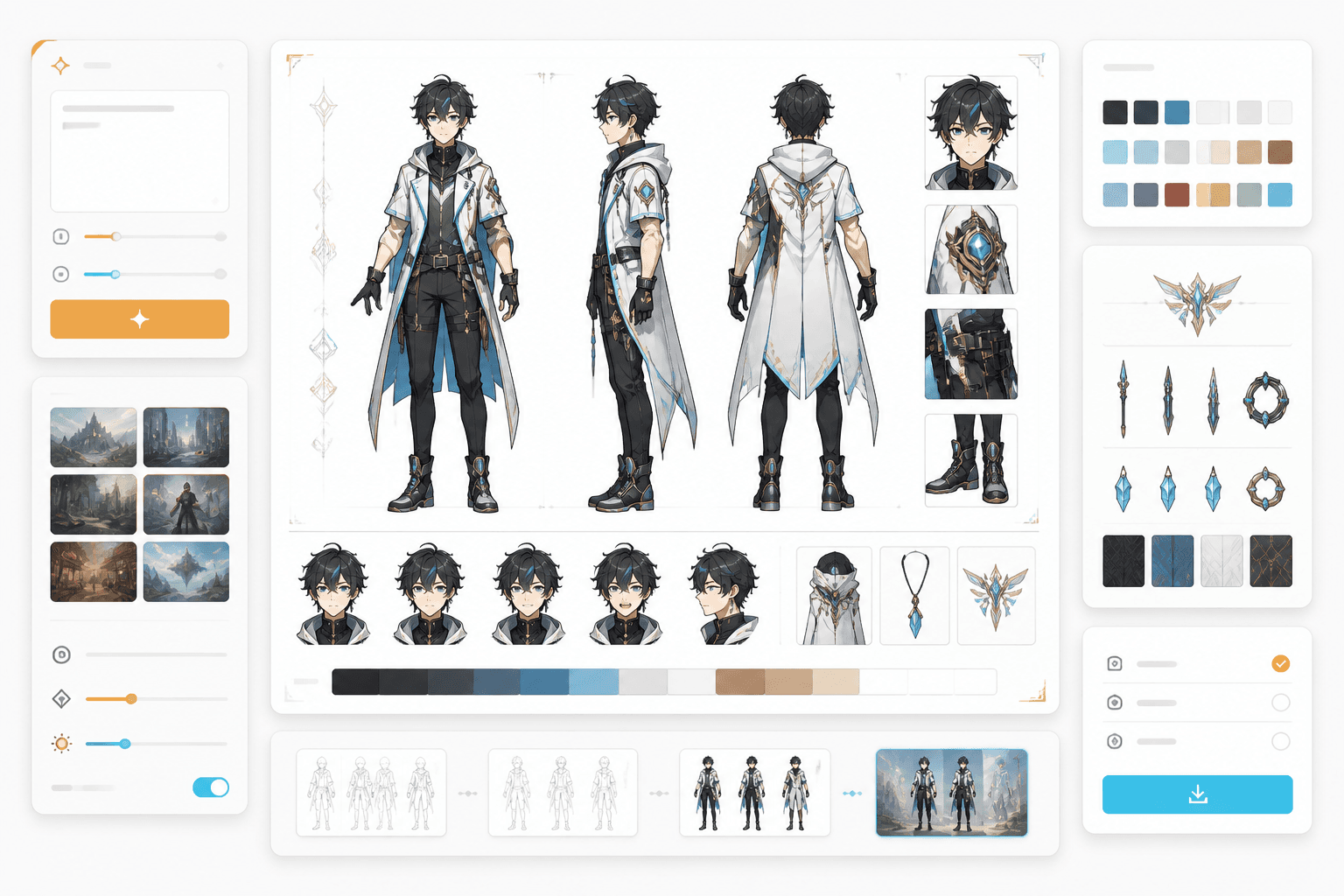
Illustrative sheet layout
Requested views
inspect each reference
Approved identity
reuse across scenes
Choose the character’s face, hair, body, signature outfit, palette and asymmetric details. The creation button opens the guided studio to build that base character; it does not guarantee a finished multi-view sheet in one click.
Specify front, side or back views, important expressions and visible accessories. Keep the clothing and identity brief stable while changing the requested view; label intentional alternate outfits separately.
Compare face shape, hair silhouette, relative proportions, costume colors and left/right markings across views. Reject a mirrored satchel, changed fastening, extra limb or newly invented accessory before accepting the sheet.
Keep the approved references available for scene generation. Compare an establishing shot and close-up against the sheet; inspect the next page before treating the design as consistent across a sequence.
These labels describe a sheet brief and review criteria. The button opens the character studio; available views and final layout depend on the selected workflow and generated result.
Record the identity anchors, requested views, expressions and any deliberate outfit alternatives.
Approve only views that agree on identity. A reference sheet is not proof that future panels will remain identical.
A useful sheet removes specific doubts before the character appears in many scenes.
Check how the same face, hairstyle and silhouette read from the requested angles. Do not accept contradictory views simply because each image looks attractive.
Write LEFT or RIGHT for a scar, mechanical limb, sleeve patch or bag strap. Compare the actual images; text labels alone do not prove the side was preserved.
Keep a base outfit separate from a deliberate costume change. Record which details may change and which identity anchors must remain recognizable.
Reference
A rear view can clarify a coat or backpack; a profile can clarify the hair silhouette; expression studies can test the face at a different emotional angle. Request what the scene needs, then inspect the result rather than assuming a standardized turnaround.
Consistency
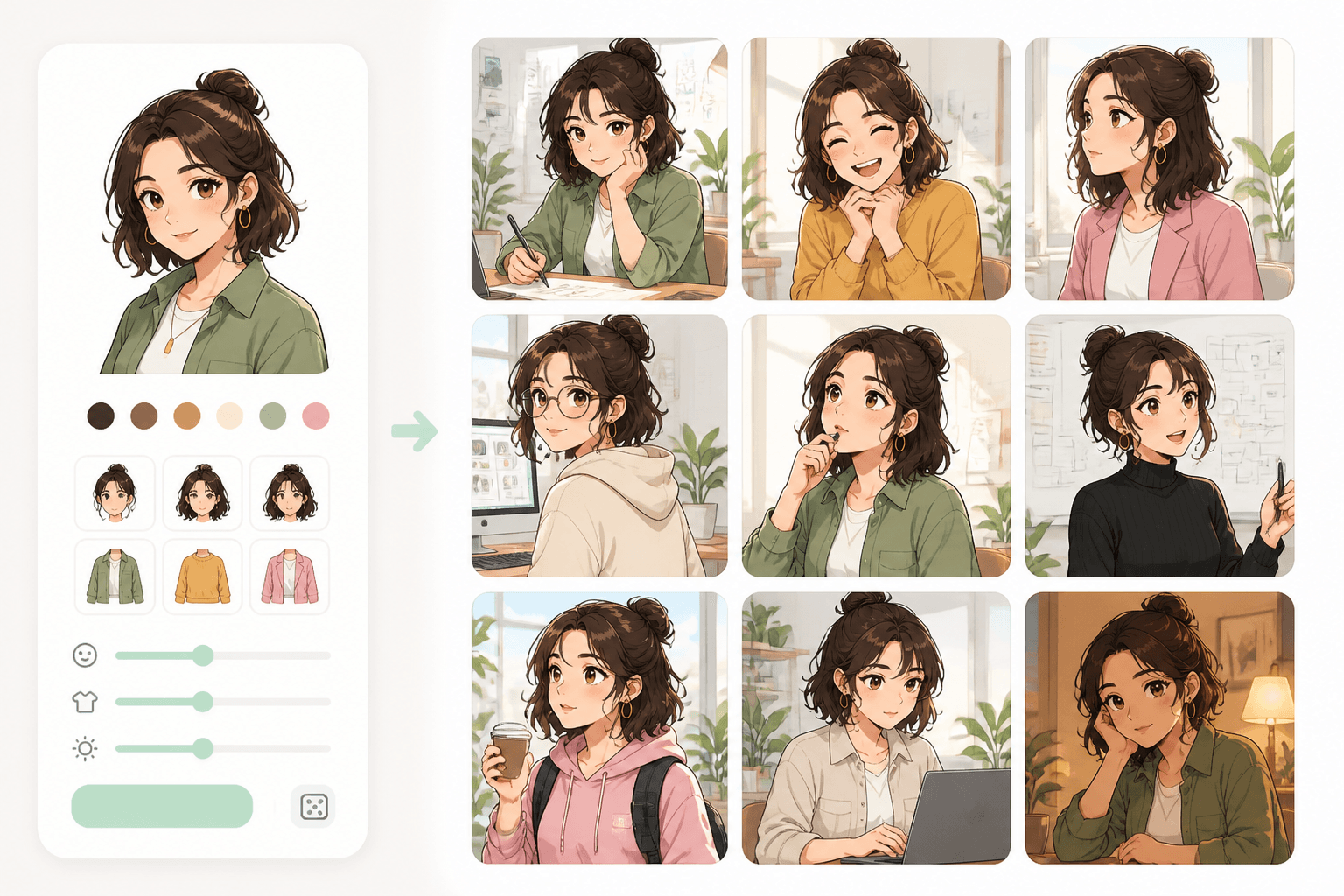
The separate consistency page publishes an original 8-character, 40-panel case, its first-pass failures and targeted repairs. That evidence concerns recurring panel identities; it is not a benchmark of automatic sheet layout or a promise that all views will match.
Workflow guide
Use this page to plan and review the reference. The AI Character Sheet Generator entry explains the guided base-character creation flow and account conditions; the consistency page checks what happens when that design returns in later panels.
Choose the character’s face, hair, body, signature outfit, palette and asymmetric details. The creation button opens the guided studio to build that base character; it does not guarantee a finished multi-view sheet in one click.
Specify front, side or back views, important expressions and visible accessories. Keep the clothing and identity brief stable while changing the requested view; label intentional alternate outfits separately.
Compare face shape, hair silhouette, relative proportions, costume colors and left/right markings across views. Reject a mirrored satchel, changed fastening, extra limb or newly invented accessory before accepting the sheet.
Keep the approved references available for scene generation. Compare an establishing shot and close-up against the sheet; inspect the next page before treating the design as consistent across a sequence.
Suggested prompts to adapt to your own references. These are planning examples, not recorded generation results.
Approve a base character, request the views you need and inspect the sheet before reusing it across pages.