

One new thing per beat
Separate the clue, reaction and reveal so the reader can follow why each panel exists. A beat can use one or several panels.
Sketch six vertical story beats, track scene continuity and plan where the reader pauses. Download the worksheet, then use your written brief in the comic studio to generate draft art.
Written episode brief
Workflow preview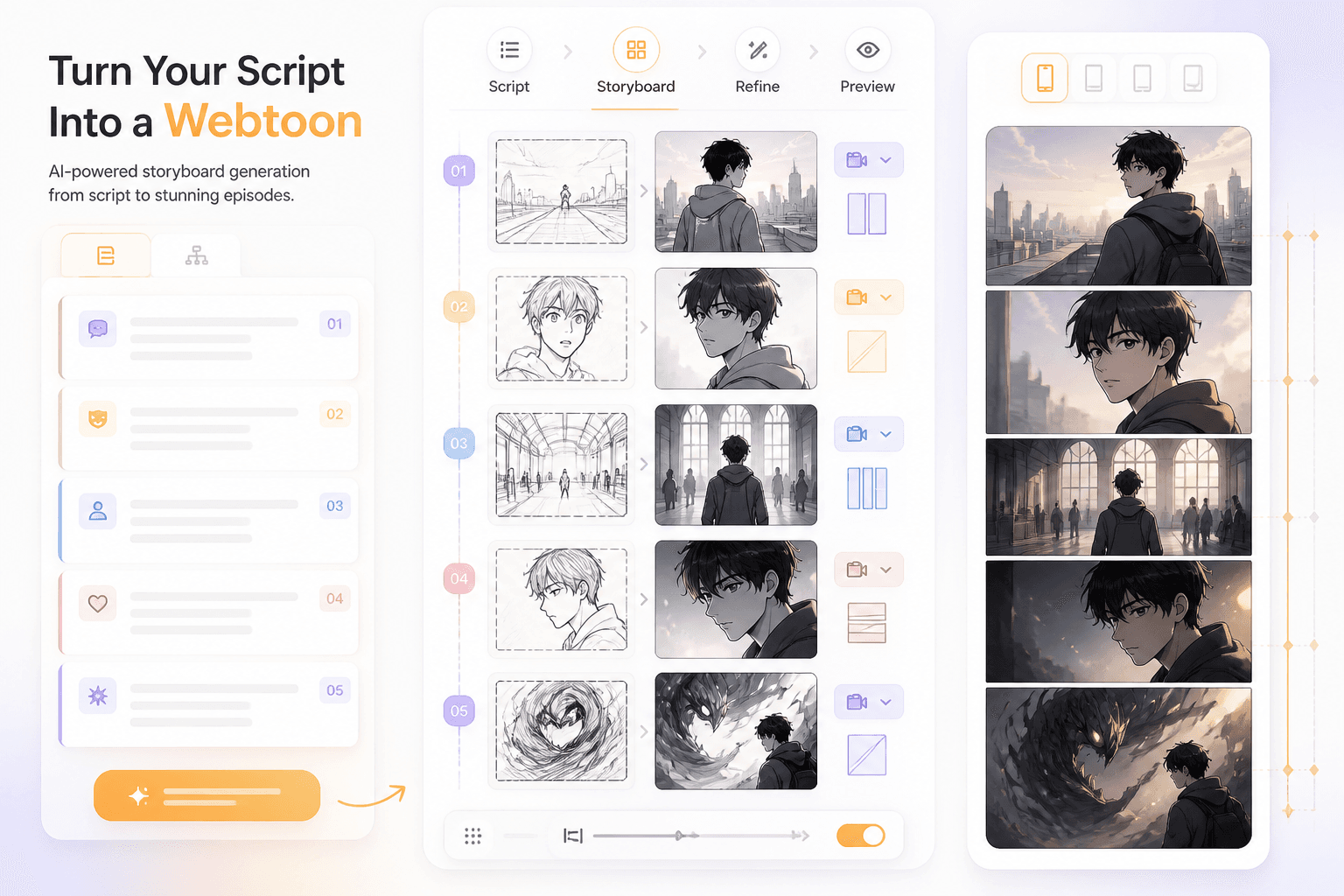
Planning illustration
Plan
beats before rendering
Review
the scroll on a phone
Download SVG for drawing, CSV for a spreadsheet or Markdown for text notes. Write the opening question, final hook and one change of information per beat.
Copy a short scene brief into the comic studio and choose the available generation settings. Review the model and credit cost. Panel counts, dialogue and layout instructions are requests that need checking.
Compare the draft with your plan. Check small lettering, character details and prop order, then assemble and inspect the final scroll sequence at phone reading size in your preferred editor.
The studio creates comic drafts from prompts and supports comic layout and artwork review. This planning page adds downloadable worksheets; it does not add a separate long-scroll editor or automatic reveal-timing controls.
Include the scene order, cast, important prop and intended reveal. The items below describe your brief and review process, not beat sliders or timing settings.
Review the generated panels, lettering and character details. Keep the worksheet nearby while you manually decide pauses and the final reading sequence.
A webtoon plan records what changes as the reader moves downward. It makes your editorial decisions inspectable without pretending that a prompt controls every gap.
Separate the clue, reaction and reveal so the reader can follow why each panel exists. A beat can use one or several panels.
In the example, a small silent hand panel and a larger blank gap delay the train-window reveal. This is an illustrated editorial choice, not a measured reading-time effect.
Track the crescent pin, satchel, folded ticket and platform direction in both the worksheet and generated draft. Fix accidental changes before final assembly.
Editable planning files
Draw or annotate the SVG, fill the CSV in a spreadsheet, or edit Markdown as a writing brief. The blank and filled versions share six planning units; duplicate units for a longer episode.
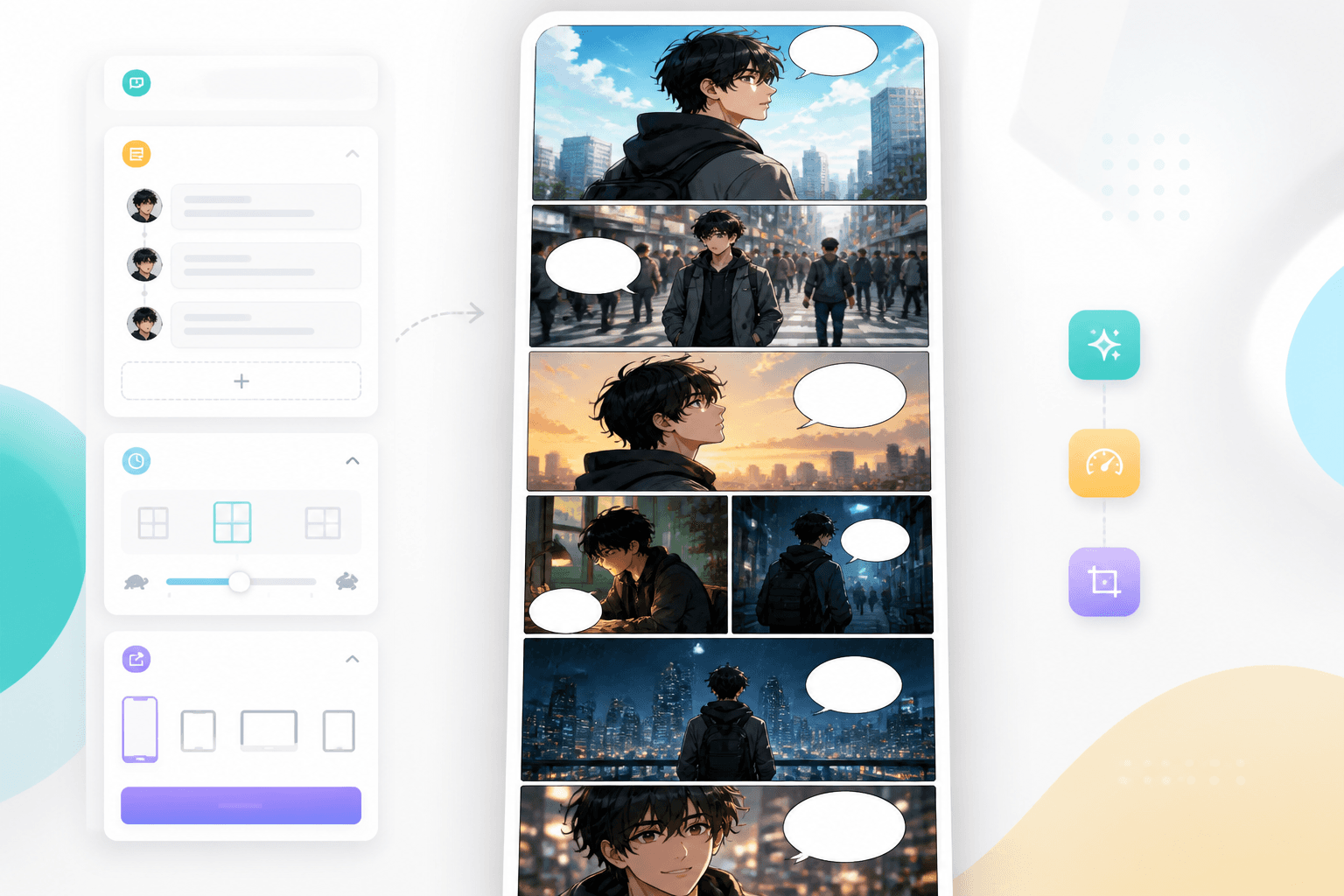
From scene to sequence
Use this page for the beat sheet and continuous-reading example. Use the Vertical Comic Maker guide for format planning, then the shared comic studio for draft art. Prepare the final scroll layout and publisher-specific files after review.
Workflow guide
The free worksheet records the action, shot, dialogue, scroll-gap note and continuity check for each beat. Use the filled example to see a deliberate pause before a reveal, then copy your own written scene brief into the shared comic studio. Generation uses the account, model and credit conditions shown there.
Download SVG for drawing, CSV for a spreadsheet or Markdown for text notes. Write the opening question, final hook and one change of information per beat.
Copy a short scene brief into the comic studio and choose the available generation settings. Review the model and credit cost. Panel counts, dialogue and layout instructions are requests that need checking.
Compare the draft with your plan. Check small lettering, character details and prop order, then assemble and inspect the final scroll sequence at phone reading size in your preferred editor.
A blank worksheet plus a filled, continuous-reading example. Each version includes an editable SVG, a six-row CSV and a Markdown brief with action, dialogue, rhythm and continuity fields.
The downloadable files are in English. Use the written guide below to follow each beat in your page language.
Sketch panels and fill the beat, action, shot, dialogue, gap, next question and continuity fields. Duplicate a planning unit when your episode needs more room.

Read a complete six-beat suspense sequence, including a silent hold, a window reveal and an ending question. Compare the thumbnails with the filled CSV and Markdown notes.

Mara finds a ticket with her name at an empty station. Follow what each screen adds, why the reader scrolls, and what must stay consistent. This is an editorial planning example, not a generated performance claim.
Screen 01
Action: Mara reaches an empty station with her round satchel. The last-train sign is still lit.
Pacing: Start with a wide establishing panel, then a short transition.
Continuity: Green coat, crescent pin, round satchel; bench stays on the left.
Screen 02
Action: A folded ticket on the bench has Mara’s name on it.
Pacing: Use a compact close-up so the clue is readable before the next action.
Continuity: One folded corner; the ticket remains in her right hand afterward.
Screen 03
Action: Mara looks down the empty track as the speaker announces one passenger.
Pacing: Keep the announcement and reaction together; add a brief gap afterward.
Continuity: The platform edge stays on her right; the satchel remains on her left shoulder.
Screen 04
Action: Her hand tightens around the ticket. She does not move.
Pacing: A small silent panel followed by a visibly larger blank gap delays the reveal.
Continuity: Show the same folded ticket; do not add a new prop during the pause.
Screen 05
Action: The train arrives. An older Mara watches from the window, wearing the same crescent pin.
Pacing: Give the identity reveal its own larger panel; let the reader inspect the pin.
Continuity: Match the face shape and pin; age is the intended difference, not a new character design.
Screen 06
Action: The door opens. The older Mara holds a second ticket and asks a question.
Pacing: End after the question. Leave the answer for the next episode.
Continuity: Make the second ticket intentional; both Mara versions retain the crescent pin.
Original LlamaGen editorial planning resources, prepared for this guide. The SVG drawings and fictional example are not a measured AI-tool result, customer project, fixed phone viewport or publishing preset.
These are editable generation briefs. Exact panel arrangement, text and continuity still need review; no prompt is an automatic pacing control.
Download the free worksheet, follow the editorial example and keep your own scene notes ready before opening the comic studio.