

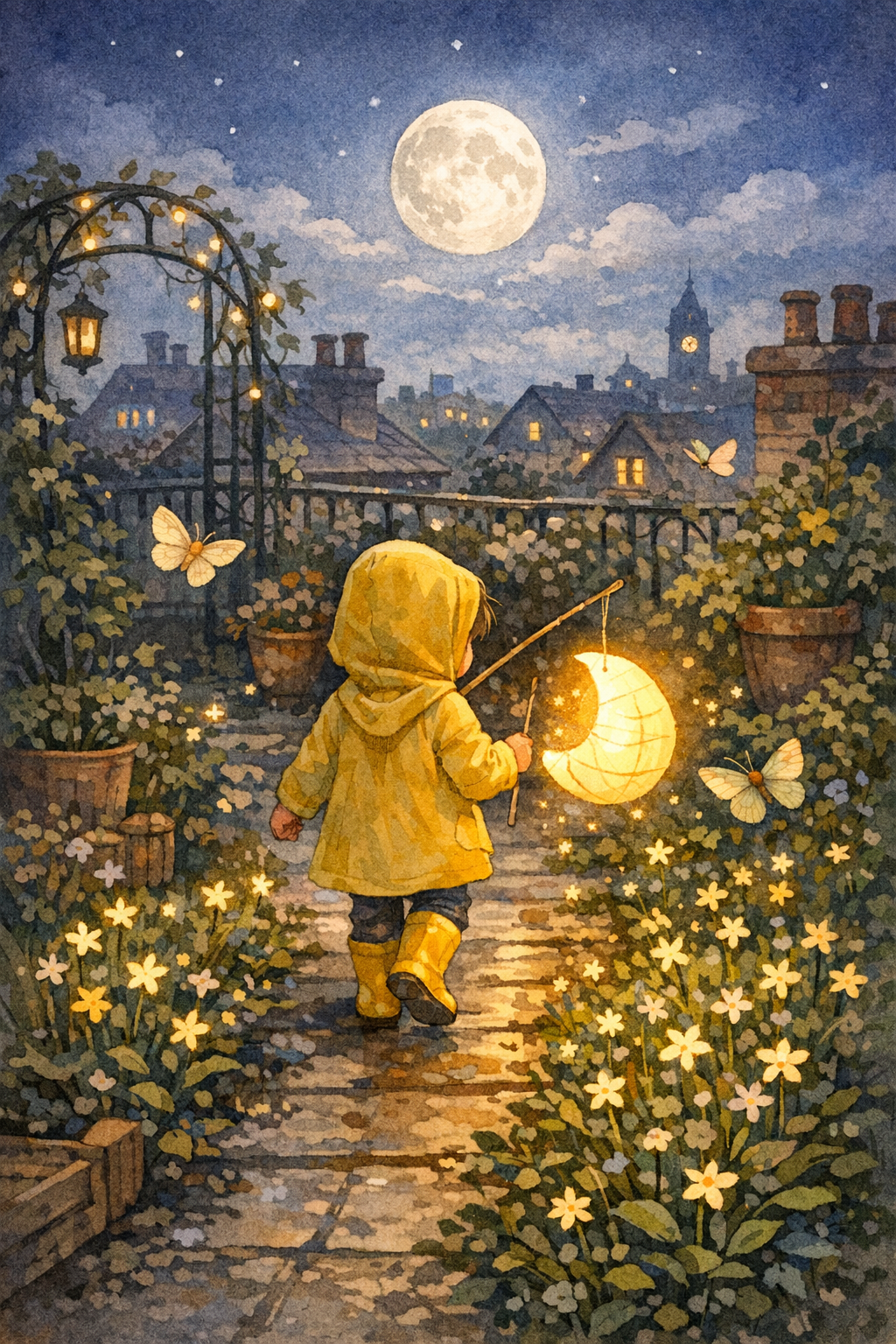
The Paper Moon Parade
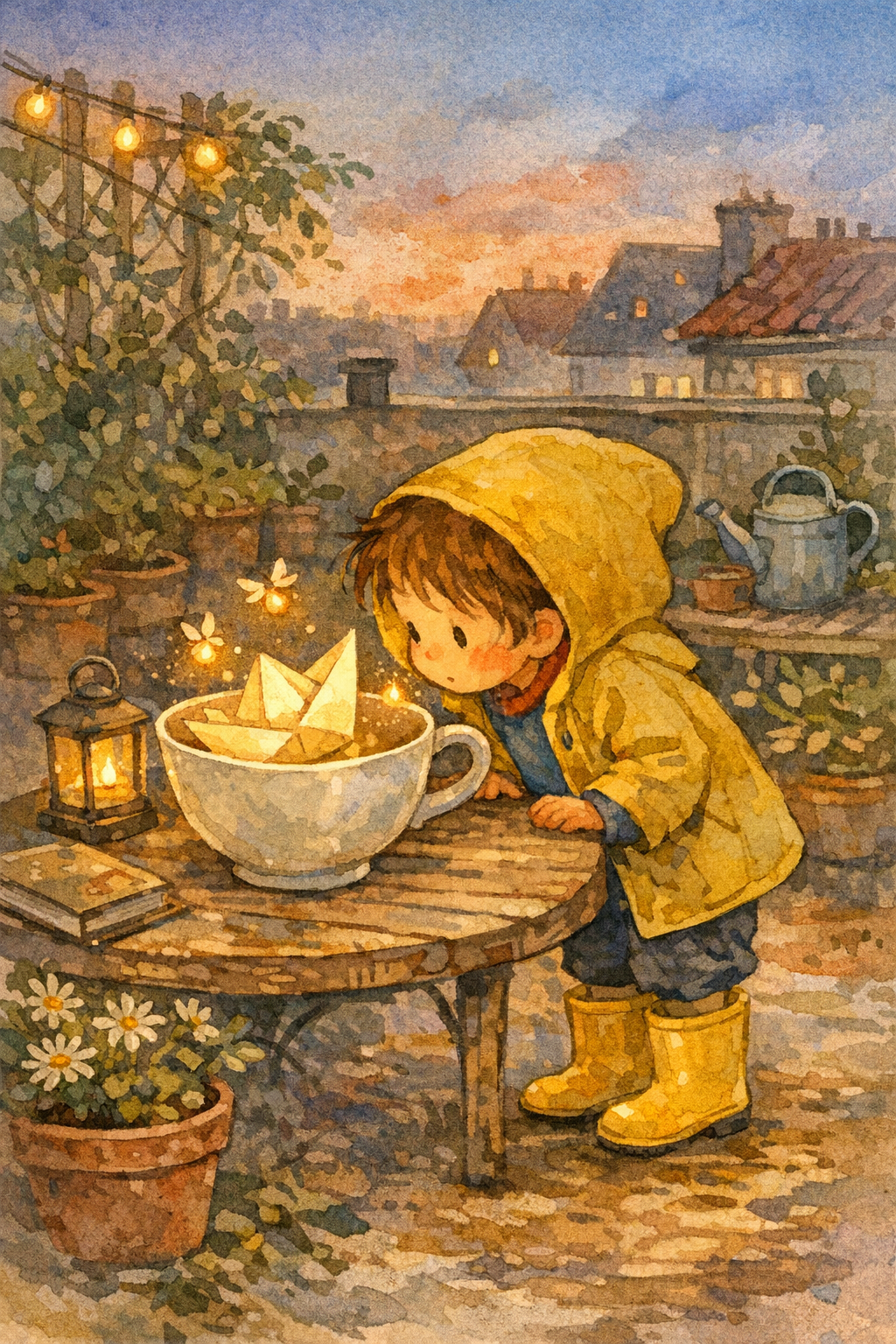
Un chico con botas de lluvia amarillas ayuda a una tímida luna de papel a encontrar su lugar en un jardín en la azotea.
Libros ilustrados StoryHug con IA
StoryHug arranca con un caso de uso real: un padre, docente o creador necesita un libro ilustrado seguro para chicos, que pueda leerse hoy mismo, revisarse página por página y conservarse solo si la vista previa realmente vale la pena exportarla.
Para cada lector
StoryHug separa las necesidades de padres, docentes, creadores, publicación y lectura antes de dormir para que cada visitante encuentre un camino claro, en vez de leer el mismo texto genérico de un generador con IA.
Creá un libro ilustrado tranquilo para una emoción, hábito, cambio familiar o ocasión especial, en lugar de empezar desde un prompt de IA en blanco.
Armá libros breves para el aula sobre clases, rutinas, lectura bilingüe, emociones, seguridad, fechas especiales y conversación con alumnos.
Usá la vista previa como base para exportación en PDF, narración, música, video de cuento, planificación de impresión, checklists comerciales y borradores listos para KDP.
Un chico con botas de lluvia amarillas ayuda a una tímida luna de papel a encontrar su lugar en un jardín en la azotea.
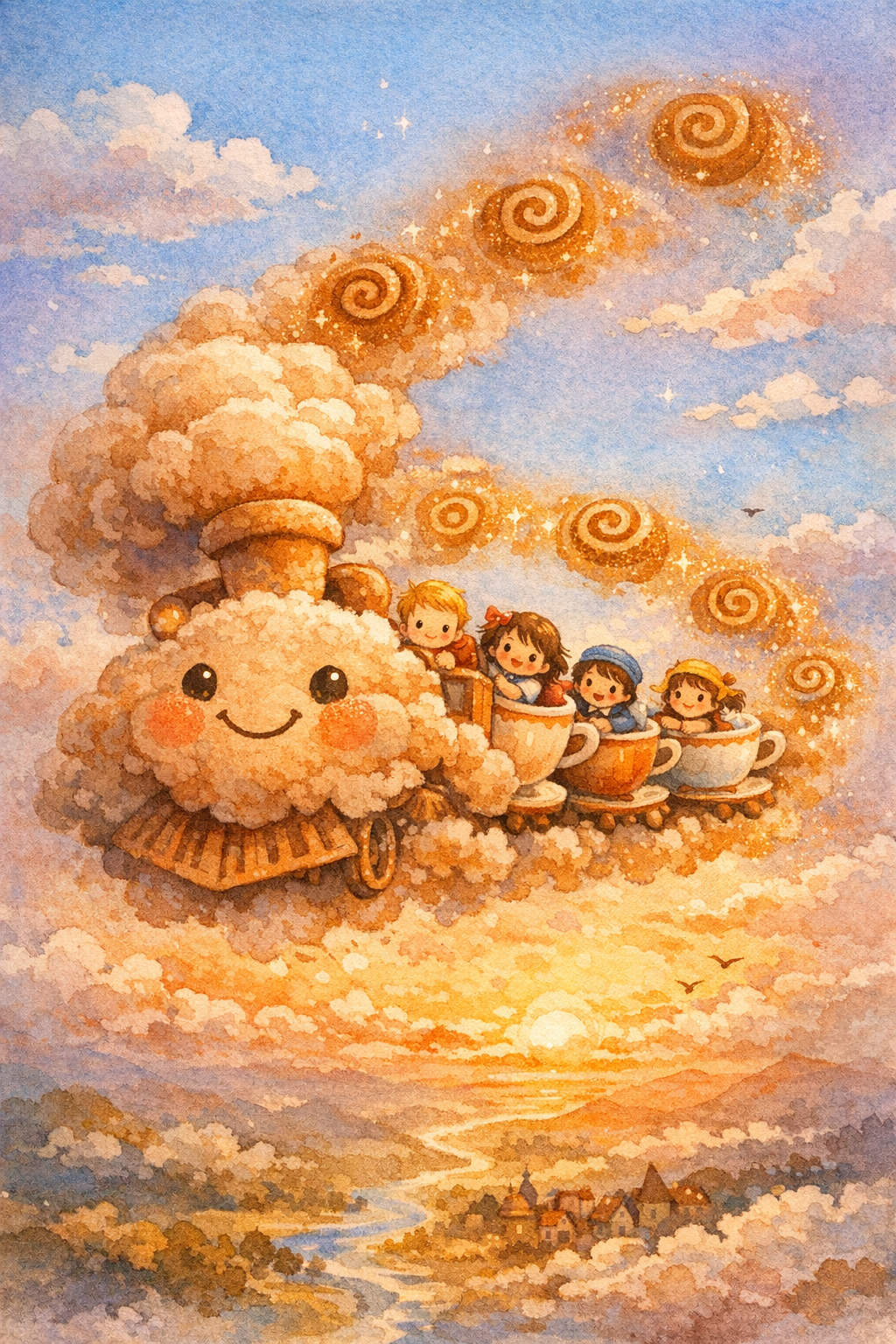
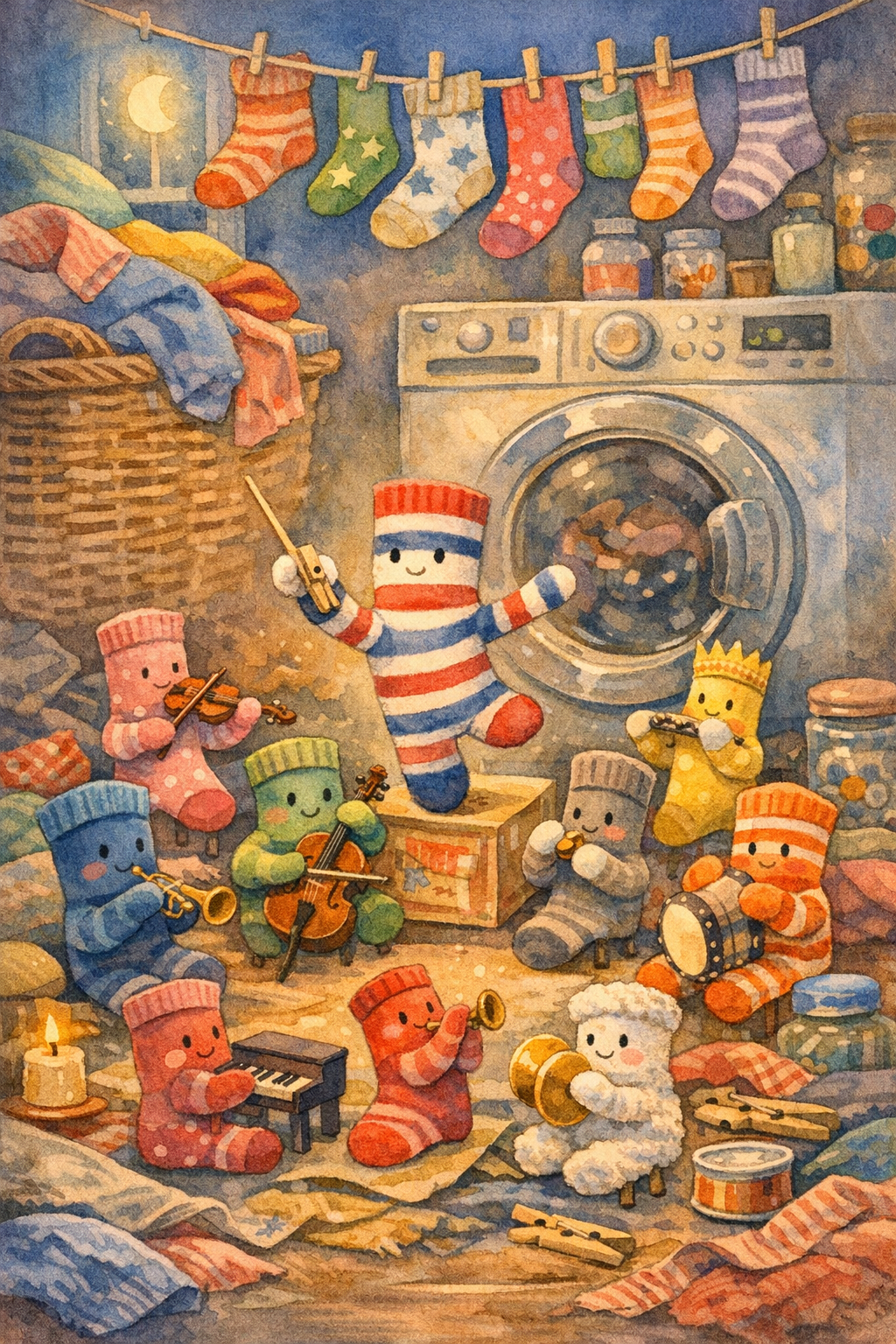
Un tren de nubes con aroma a desayuno lleva a chicos soñolientos a un picnic sobre el cielo de la mañana.
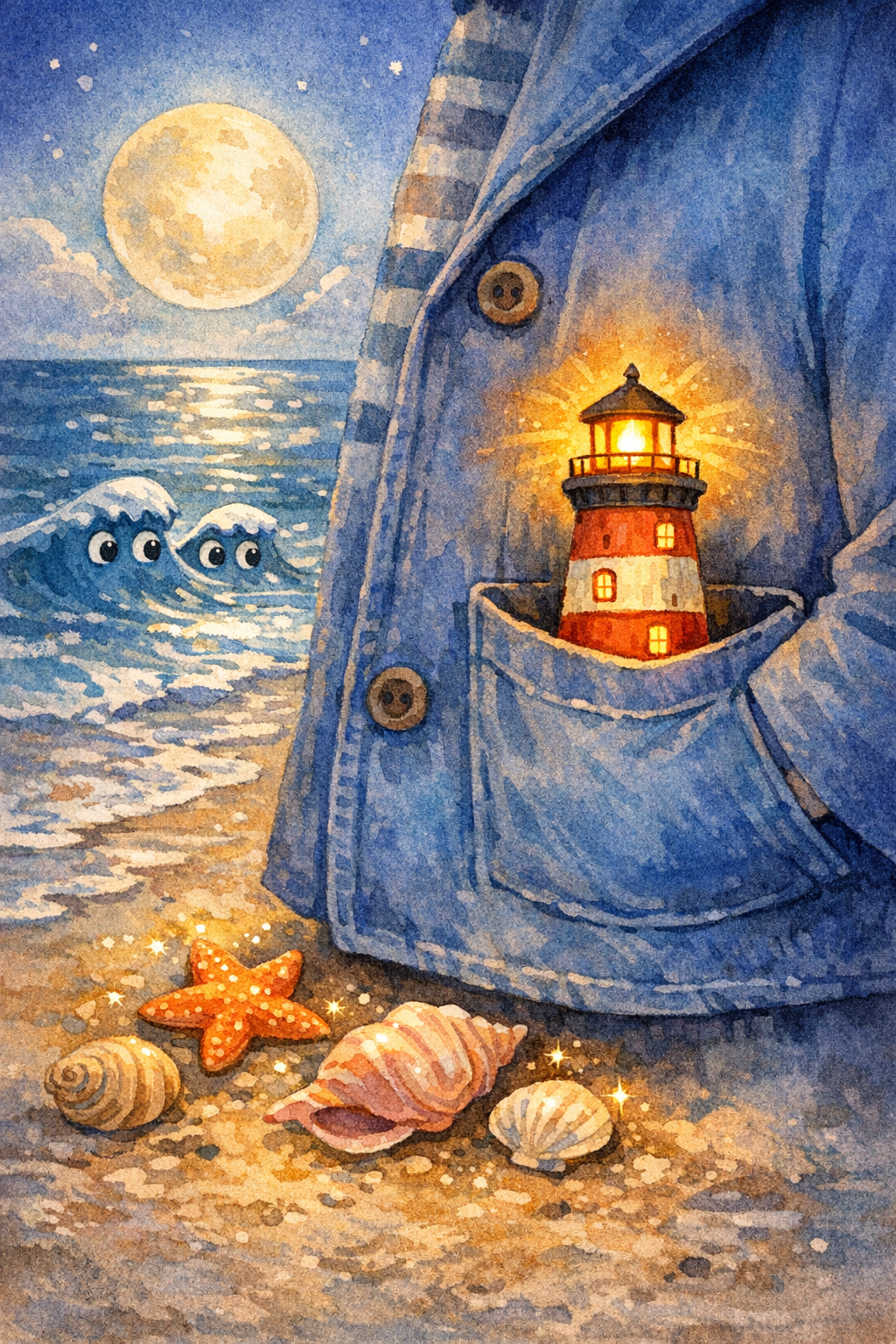
Un chico lleva un pequeño faro por una playa iluminada por la luna para guiar a un barco de papel perdido de vuelta a casa.
Primero, la vista previa
Mirá una tapa real y leé las páginas cortas antes de decidir si vale la pena conservar el libro. Las opciones de exportación, audio, impresión y aula aparecen después, cuando la vista previa ya convence.
Galería
Previsualizá tapas y escenas reales de StoryHug antes de crear un libro infantil personalizado. Cada ejemplo muestra el tipo de resultado visual que padres, docentes y creadores pueden evaluar antes de pasar a un plan superior.
Si llegaste desde el creador de cuentos, este hub te ayuda a elegir el próximo camino en StoryHug: ejemplos, creación personalizada, audio narrado, video de cuento, exportación en PDF, packs para el aula o preparación para publicar.
Empezá acá si querés un creador simple de cuentos infantiles.
Abrir creador de cuentosElegí un camino para padres, docentes, creadores o preparación para publicar.
Ver hubBuscá ejemplos o creá una vista previa de libro personalizado en StoryHug.
Crear en StoryHugEmpezá por la necesidad más fuerte: ayudar a un adulto a convertir un momento real de un chico en un libro visual, breve y seguro, y después elegí el flujo de trabajo de StoryHug que mejor se adapte a lo que quiere crear.
Un padre puede buscar ejemplos, abrir una tapa, leer una vista previa completa y decidir si el libro vale la pena antes del momento de exportación paga.
Los docentes pueden convertir emociones, ciencia, seguridad, fechas especiales o lectura bilingüe en materiales visuales que los alumnos puedan seguir.
Los creadores pueden pasar de la vista previa al PDF en alta resolución, audio narrado, video de cuento, preparación para impresión o planificación para KDP con próximos pasos más claros.

La biblioteca de StoryHug conserva la experiencia de exploración: una barra grande de búsqueda de historias, una grilla lúdica de tapas, libros con hover y vistas previas directas.
Buscar ejemplos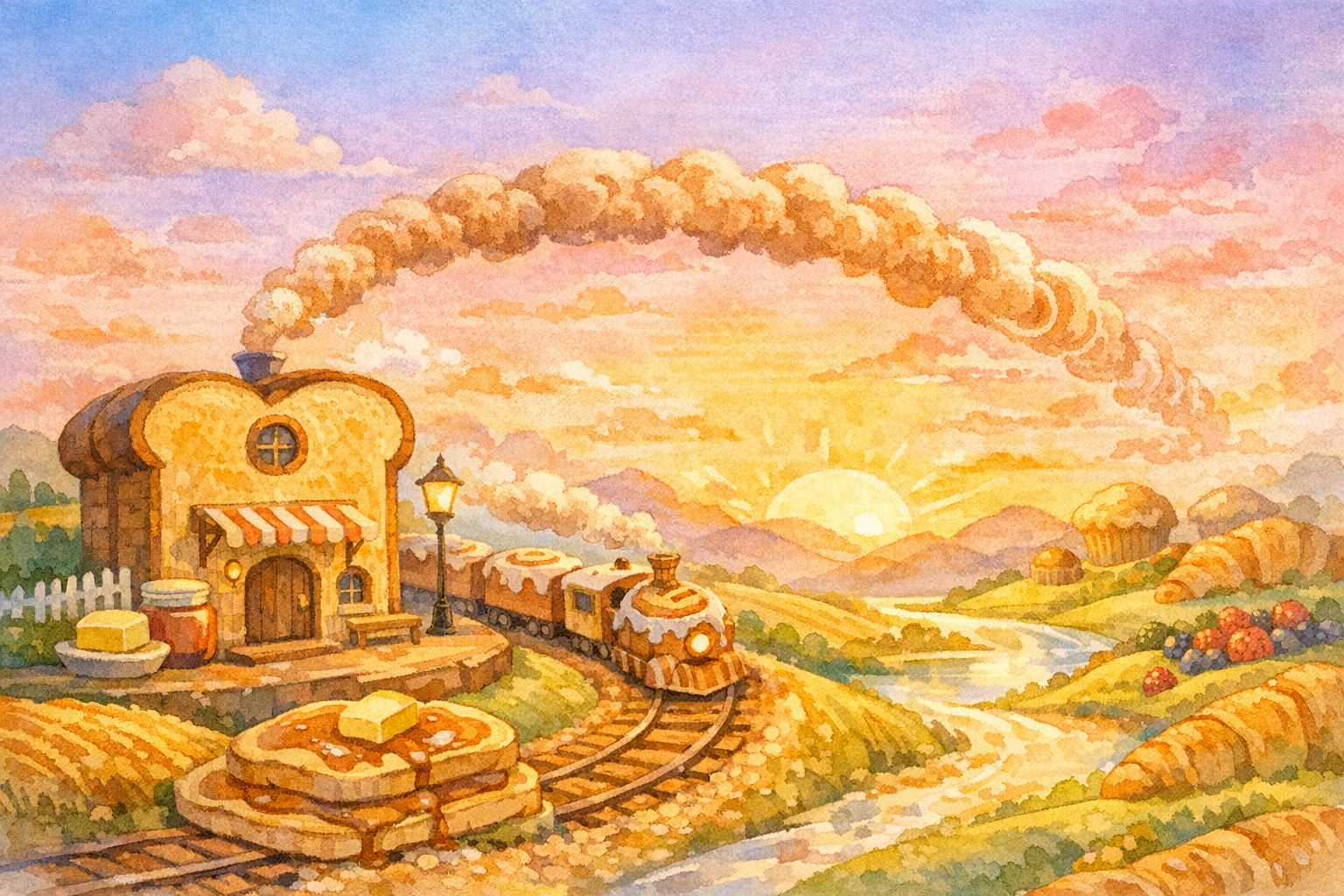
El producto se mantiene lo bastante enfocado como para entenderse rápido: un prompt, una historia segura para chicos, diez páginas breves, un estilo visual coherente y una opción de exportación paga en PDF después de que la vista previa funcione.
Crear una vista previa gratis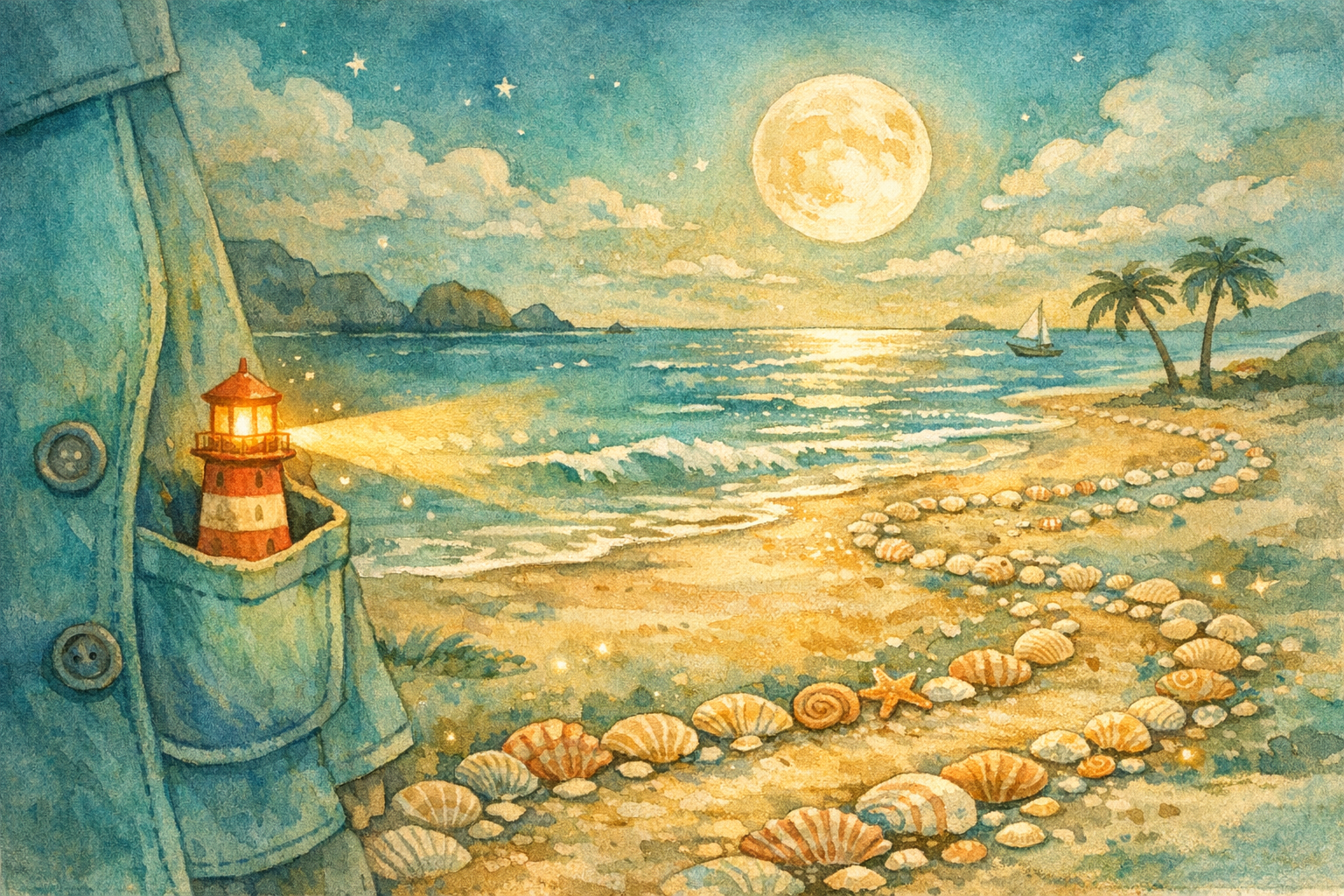
Cuando la experiencia de vista previa funciona, el mismo motor de historias puede dar soporte a libros en tapa blanda y tapa dura, packs temáticos para docentes, lectura bilingüe antes de dormir, checklists de derechos comerciales, plantillas para KDP y recordatorios de divulgación de uso de IA.
Ver opciones pagasEmpezá con una vista previa gratis y después elegí el formato que mejor se adapte a tu proyecto: PDF en alta resolución, impresión, membresía familiar, packs escolares o extras para creadores/KDP.
$0
Un libro personalizado en baja resolución por cuenta para adquisición.
Pago
Exportación en PDF imprimible después de que el padre aprueba la vista previa.
$29.99+
Próxima opción de producción en tapa blanda, tapa dura y apertura plana para regalos.
Mensual
Múltiples historias, chicos, temas, versiones bilingües y audio para dormir.
Plan para clases
Packs temáticos sobre emociones, fechas especiales, ciencia, seguridad, naturaleza y clases de lectura.
Extra Pro
Checklist comercial, plantillas de tamaño para KDP, flujo de tapas, exportación por lotes y recordatorios de divulgación de IA.
Controles de contenido sensible, contenido peligroso, IP protegida y privacidad infantil.
Las páginas breves comparten una dirección de arte coherente de libro ilustrado.
El recorrido del producto admite lectura familiar en inglés, chino y formato bilingüe.
La vista previa es gratis; el PDF en alta resolución y la creación repetida impulsan la mejora de plan.
Un ciclo simple para usuarios reales: buscar, crear, previsualizar y pagar solo cuando el libro realmente vale la pena.
Explorá tapas, buscá por tema y abrí el lector completo con una introducción de tapa más diapositivas de la historia página por página.
Describí la aventura, el hábito, la emoción o el tema para dormir. El backend revisa la seguridad y crea una vista previa en baja resolución.
Los padres satisfechos pasan a una opción superior para descargar el PDF imprimible, generar más versiones y acceder a futuras opciones de impresión o membresía.
La página hace visible el intercambio de valor: primero revisás el libro y después pagás por la versión que vale la pena guardar, imprimir, enseñar o publicar.
Una vista previa en baja resolución les da a padres, docentes y creadores una forma de probar el producto con bajo riesgo.
El paso pago más natural llega después de que a un padre le gusta la vista previa.
Los libros en tapa blanda, tapa dura y apertura plana pueden ofrecerse por encima de la exportación digital.
Las familias pueden generar múltiples historias para distintos chicos, idiomas y momentos de lectura antes de dormir.
Las aulas pueden pagar por packs temáticos sobre emociones, ciencia, seguridad, fechas especiales y clases de lectura.
Checklists comerciales, plantillas de tamaño, generación de tapas, exportación por lotes y recordatorios de divulgación de contenido con IA ayudan a los creadores.
SeguÍ con un libro ilustrado, cuento para dormir, lectura en voz alta, video de cuento, ilustración, borrador para publicar, pack para el aula o flujo de exportación.
Explore generador con ia ideas, examples, and book-making workflows.
Explore creación de historias ideas, examples, and book-making workflows.
Explore video y audio ideas, examples, and book-making workflows.
Explore ilustración ideas, examples, and book-making workflows.
Explore publicación ideas, examples, and book-making workflows.
Explore hora de dormir y lectura en voz alta ideas, examples, and book-making workflows.
Abrí StoryHug Books para buscar historias, explorar tapas, crear un libro personalizado, previsualizar páginas generadas y leer la versión completa página por página.
Sí. Un usuario free con sesión iniciada puede crear una vista previa en baja resolución antes de que aparezca el bloqueo de upgrade.
La descarga de PDF en alta resolución, la creación repetida, la salida lista para impresión, el uso por membresía, los packs para instituciones y los flujos para creadores/KDP son funciones pagas.
No. La revisión del prompt bloquea nombres evidentes de franquicias y personajes protegidos, y orienta a los usuarios hacia personajes originales.
La exportación en PDF de alta resolución es el primer paso listo para impresión. Después se pueden sumar opciones de tapa dura, tapa blanda y apertura plana.
Los creadores deberían informar el uso de texto, imágenes o traducciones generadas con IA cuando Amazon KDP lo requiera, y siguen siendo responsables por la propiedad intelectual y el cumplimiento del contenido.
Empezá con un prompt mágico y previsualizá el libro gratis. Desbloqueá el PDF en alta resolución, impresión, membresía, opciones para escuelas o KDP solo cuando estés listo.