Five shadow directions
Testaa luonnollinen-, drop-, hard drop-, heijastus- ja leijuntakäsittelyt.


AI shadow generator
Upload a product cutout or clean product photo, choose a shadow style and strength, then generate studio-like depth without redesigning the product.
Add a product shadow
Läpinäkyvät PNG:t ja siistit taustat helpottavat tuotteen reunojen ja kosketuspisteiden tulkintaa.
Lataa tuotekuva
Läpinäkyvä PNG tai puhdas JPG-, PNG-, WebP-, HEIC- tai HEIF-kuva
Shadow type
Shadow intensity
Lopputuloksen rajaus
Sovittaa ensimmäiseen lähdekuvaan alkuperäisen rajauksen suojaamiseksi.
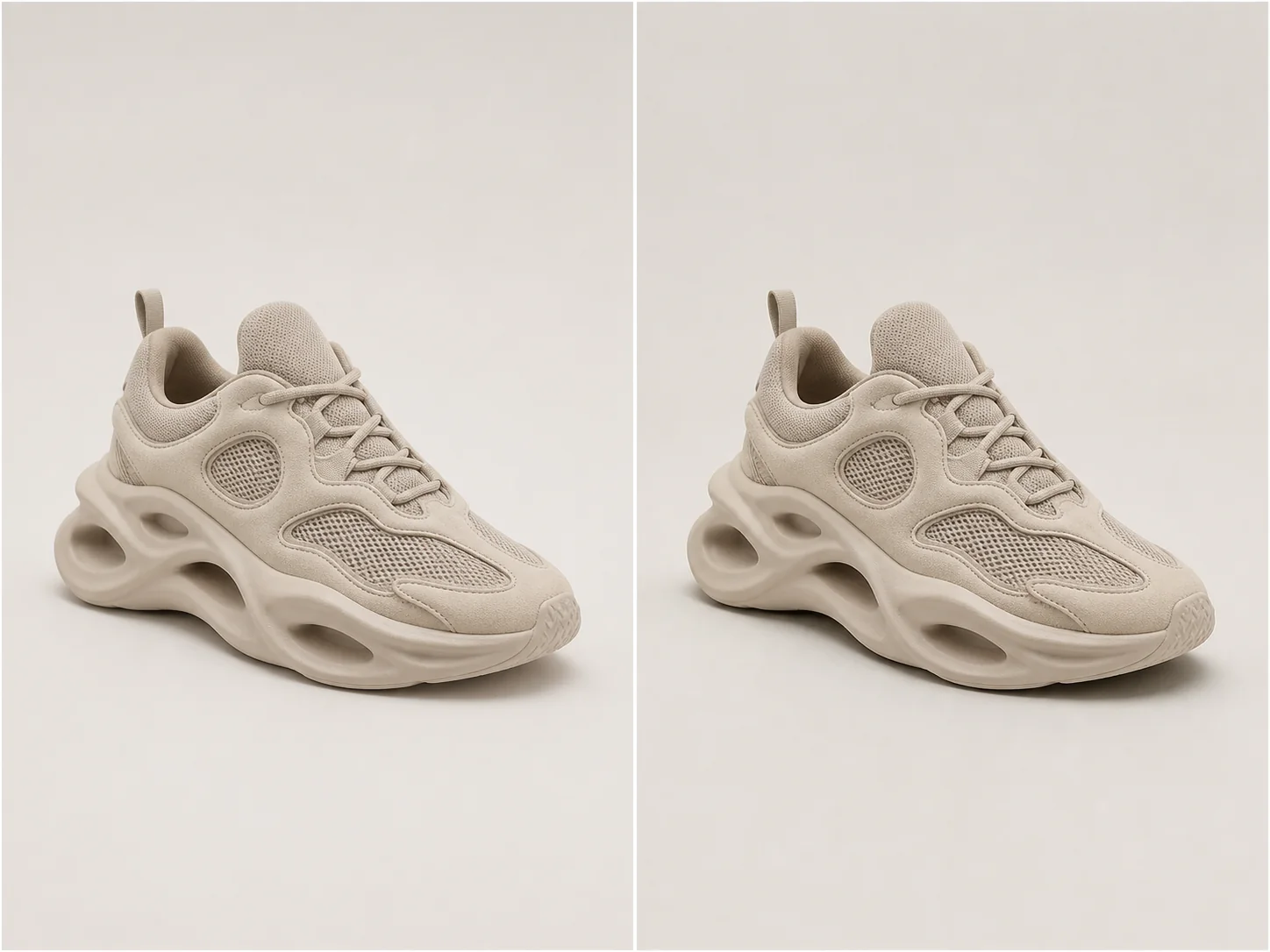
Studiomainen syvyys
A useful product shadow follows object geometry, contact points, camera perspective, and the existing light direction.
Choose natural softness for most catalog work, a directional drop shadow for graphic layouts, or a controlled reflection for glossy studio treatments.
Testaa luonnollinen-, drop-, hard drop-, heijastus- ja leijuntakäsittelyt.
Hallitse visuaalista painoa muuttamatta itse tuotetta.
Infer contact points and perspective so the shadow follows the object.
Pidä täsmälleen sama muoto, materiaali, väri, etiketit ja rajaus ennallaan.
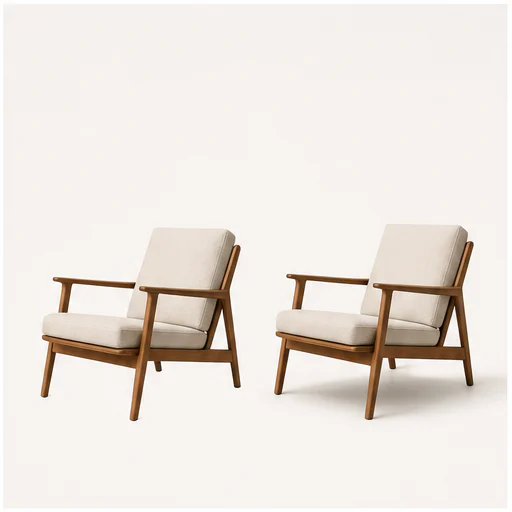
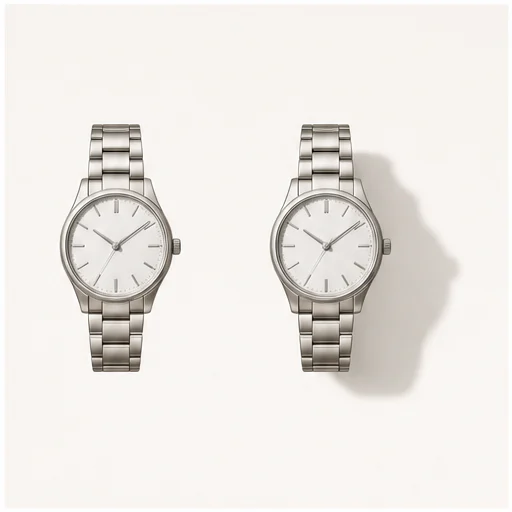
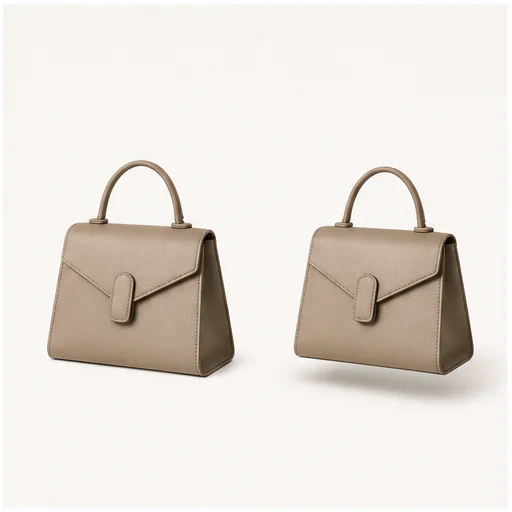
Aidot esimerkit
Each example keeps the full product visible before and after adding a physically plausible shadow. Material, angle, scale, and background remain consistent.
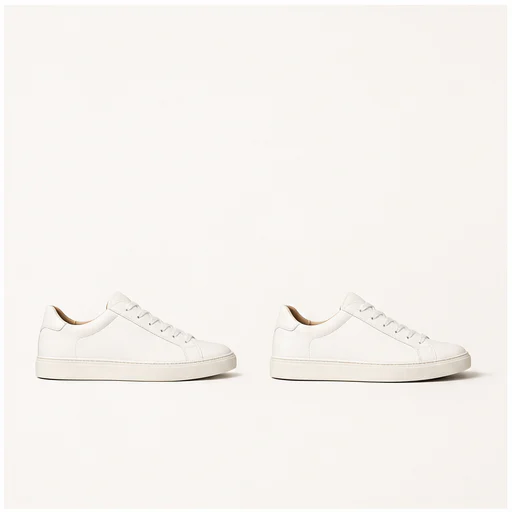
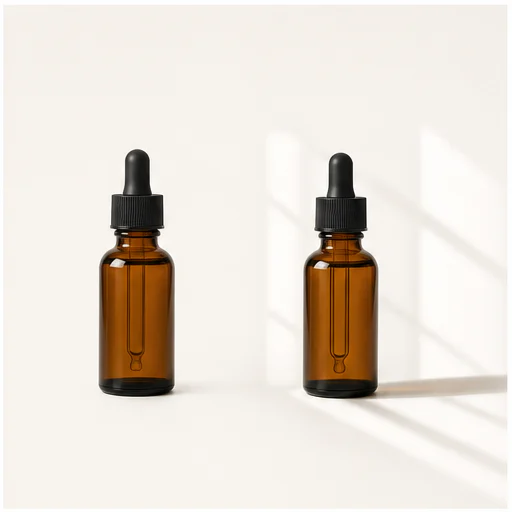
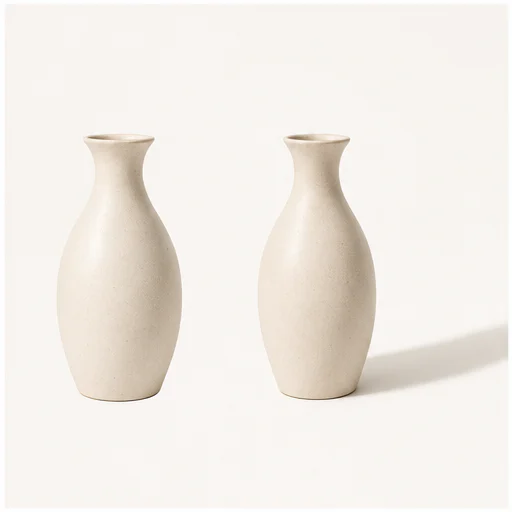
Näin se toimii
Seuraa lyhyttä työnkulkua ja tarkista luodut yksityiskohdat ennen tuloksen käyttöä tai julkaisua.
Valitse selkeä tuoteliekuva tai siisti kuva, jossa koko ääriviiva näkyy.
Sovita käsittely katalogin, mainoksen, markkinapaikan tai kampanjan asetteluun.
Tarkista kosketuskohta, valon suunta, peittävyys ja tuotteen reunat.
Real creator feedback
Read what creators shared about making comics, characters, and visual stories with LlamaGen.

@jake-m
As an avid creator of comic book style graphics, I've struggled to find a tool that truly allows me to unleash my creativity at scale. llamagen.ai not only breaks limits but shatters them, offering endless possibilities for my projects. It's the ultimate AI-powered solution I've been waiting for!
@sarah-l
I've tried numerous AI tools for image generation. And they are quite fun to play with but llamagen.ai is the first app I've actually saw a potential use-case. The character consistency really grabbed my attention as it's something I hadn't seen before and I can see the appeal for professionals and amateurs alike. Truly a game-changer!

@michael-b
llamagen.ai has reignited my passion for storytelling. As a busy professional, finding time to pursue creative projects can be challenging. But this app has proven so easy to use... It's like having a creative companion by my side!

@alex-t
Being part of the creative industry demands efficiency without sacrificing quality. llamagen.ai not only meets but exceeds these expectations. Really loved playing with the storyboarding and having an AI to help with not only image generation, but also the text content - it's really a nice way to help enhance the overall experience.

@maya-s
I enjoy a great comic book and have been very sceptical about AI. For example the criticisms of the Batman AI comic saga where not without merit. But through the scepticism I do see a place for such tools. While I still value an authentic man-made production, the ability for me to create something on my own (with a little help from AI) is really empowering and exciting.
@taylor-h
Maintaining character consistency is a challenge that I did not expect to be overcome so fast. While not perfect at times, the results are impressive and I’m really looking forward to the chance to further customize my workflow and AI generation.
Käytännön työnkulut
Pidä luotu kuva tarkistettavana luonnoksena, viitteenä tai valmiina aineistona työn tarpeiden mukaan.
Markkinapaikka
Lisää ilmoituskuviin hienovaraista syvyyttä ilman ylimääräistä visuaalista hälyä.
Katalogi
Use one shadow language across unrelated product photos.
Kampanja
Käytä suuntautuvia varjoja tai kelluvia varjoja graafisiin someaineistoihin.
Kauneus
Luo kiiltävää studiomaista syvyyttä pulloille, purkeille ja heijastaville pakkauksille.
Tarkistusmuistiinpanot
A shadow should support the product quietly. If it competes with the object, reduce intensity or try another type.
the shadow begins at believable contact points
perspektiivi vastaa tuotetta ja kameraa
valon suunta pysyy yhtenäisenä
läpinäkyvät ja heijastavat reunat pysyvät siisteinä
etiketit ja tuotteen geometria pysyvät muuttumattomina
koko lähdekuva-ala säilyy näkyvissä
Usein kysytyt kysymykset
Käytännön vastauksia lähdekuvista, generoituista tuloksista, oikeuksista ja tarkistamisesta.
Läpinäkyvä PNG tai siisti tuotekuva, jossa koko tuote näkyy, antaa parhaat reunat ja kosketuskohdat.
Luonnollinen pehmeä sopii useimpiin tuotekuviin. Varjot ovat graafisempia, heijastukset viimeistellympiä ja kelluvat varjot luovat erottelua.
Kehote suojaa tuotteen muodon, värit, materiaalit, etiketit, kamerakulman ja rajauksen.
Aiheeseen liittyvät työkalut
Siirry tästä rajatusta muokkauksesta seuraavaan kuva- tai muotitehtävään.
Lataa yksi selkeä muotokuva, valitse hiustyyli ja halutessasi väri, ja luo realistinen esikatselu, joka säilyttää kasvot, ilmeen, vaatetuksen ja taustan tunnistettavina.
Lataa tuote-, muoto- tai katalogikuva ja korvaa alkuperäinen ympäristö siistillä valkoisella taustalla säilyttäen kohde ennallaan.
Upload a photo, paint over the person, object, text mark, or clutter that should go, and let AI rebuild the selected part of the scene naturally.
Erota henkilön kuvassa jo näkyvät vaatteet siistiksi muotitauluksi.
Aloita kuvastasi
Choose a shadow type and strength, then create a more grounded product image.