

Mga desisyon sa shot
Hinuhubog ng camera angle, laki ng shot, at action beats ang board.
Mag-paste ng script o scene outline at gawing storyboard frames na may camera angles, action beats, character placement, at visual plan para sa comics, animation, o video.
Bahagi ng script
Prompt to result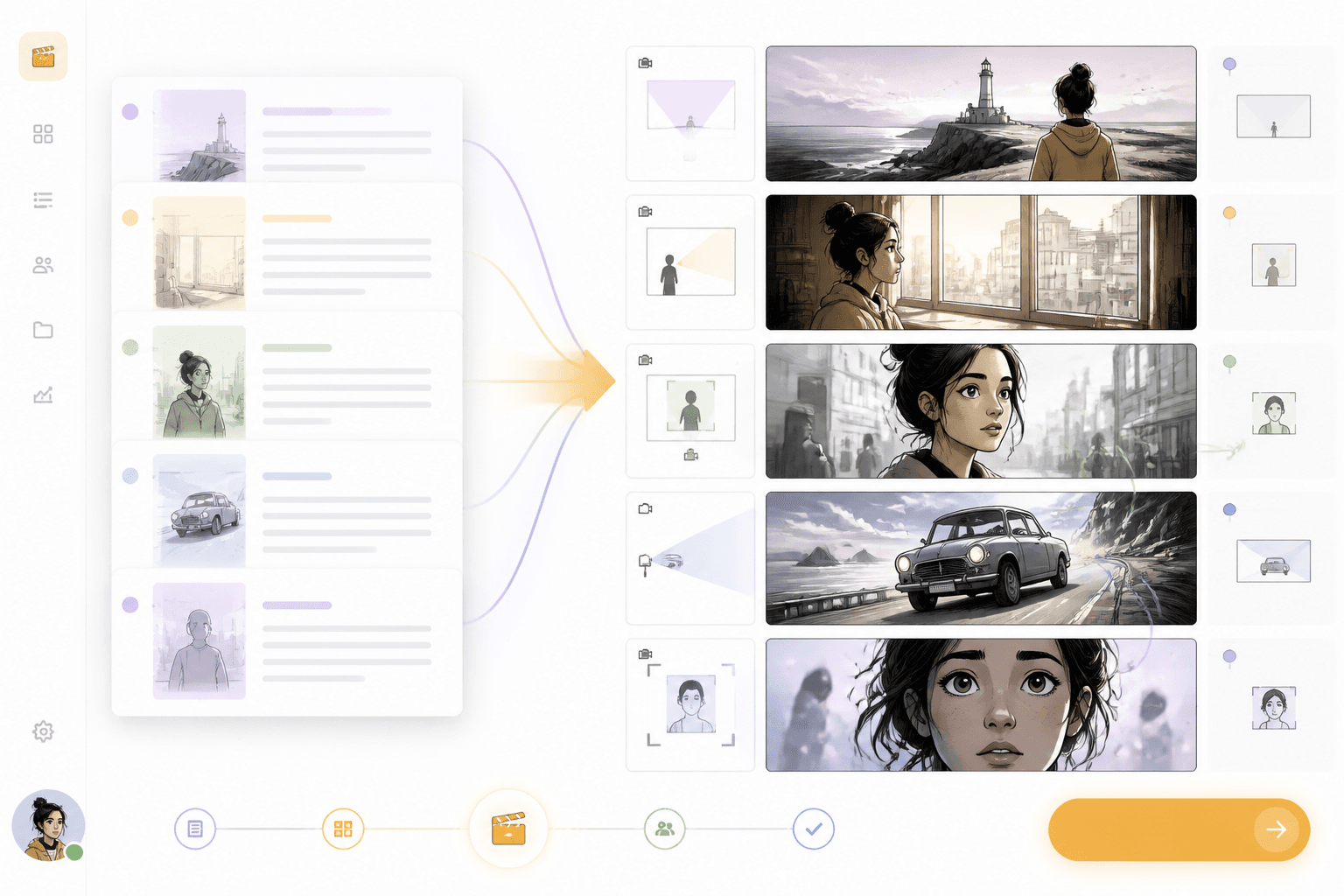
Shot board
Eksena
papunta sa mga shot frame
Camera
naplano bago ang generation
Idagdag ang screenplay text, scene notes, o dialogue.
Hatiin ang action sa mga frame, camera angles, at character moments.
I-review ang board at ituloy sa comic, webtoon, o video workflows.
I-convert ang mga nakasulat na eksena sa visual sequences na may malinaw na shot order, camera direction, at character beats.
I-paste ang action, dialogue, at scene notes.
I-review ang shot order, camera language, at character beats.
Dapat malinaw na maipakita ng isang mahusay na page kung paano nagiging shots ang text, hindi lang kung paano makakaguhit ng mga kahon ang user.
Hinuhubog ng camera angle, laki ng shot, at action beats ang board.
Dapat manatiling malinaw ang mga character at lokasyon sa lahat ng frame.
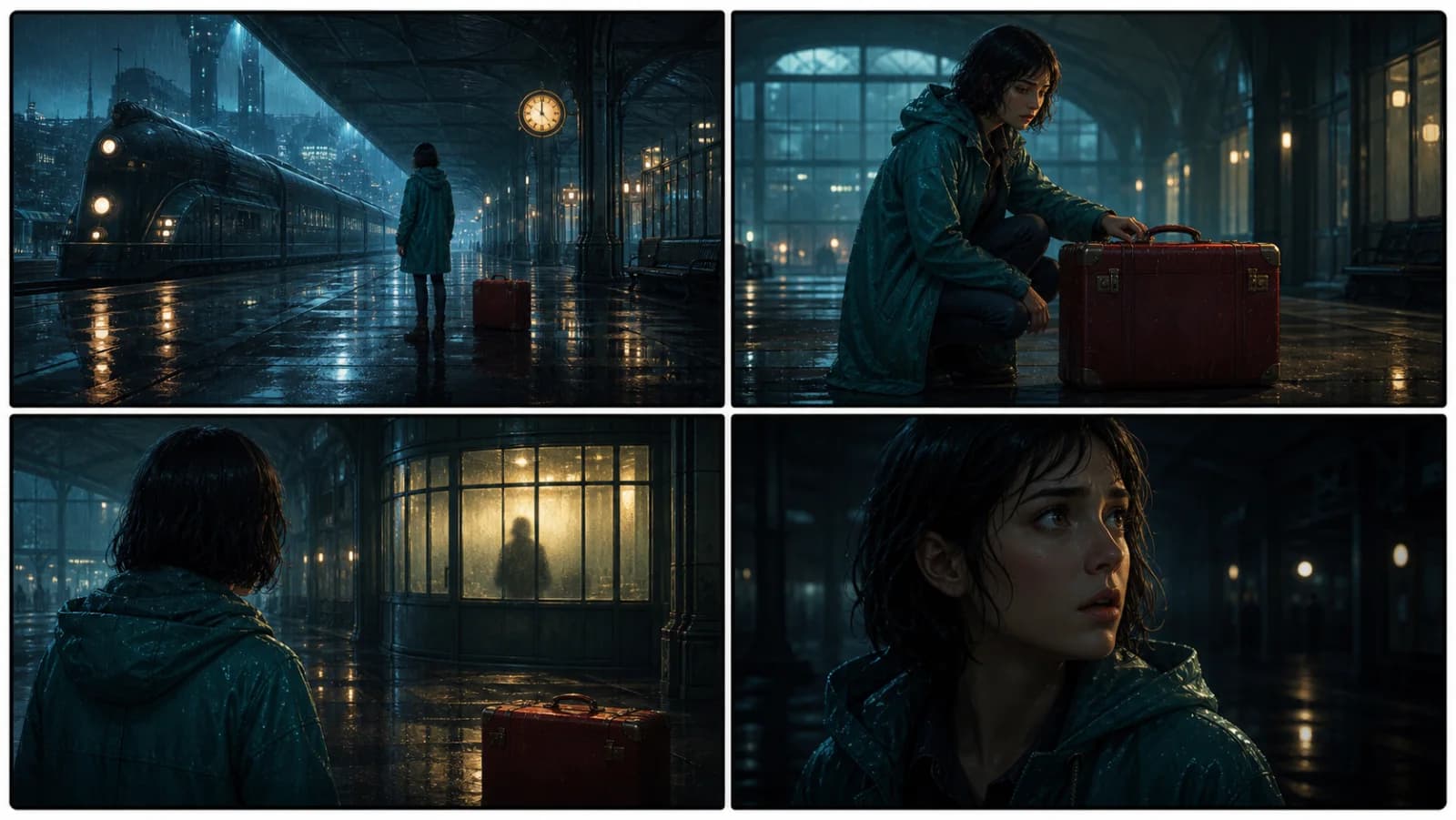
Maaaring gamitin ang storyboard para sa comics, animation, video, o webtoon pipelines.
Script
Gawing sunod-sunod na storyboard frames ang action lines at dialogue na may malinaw na shot intent.
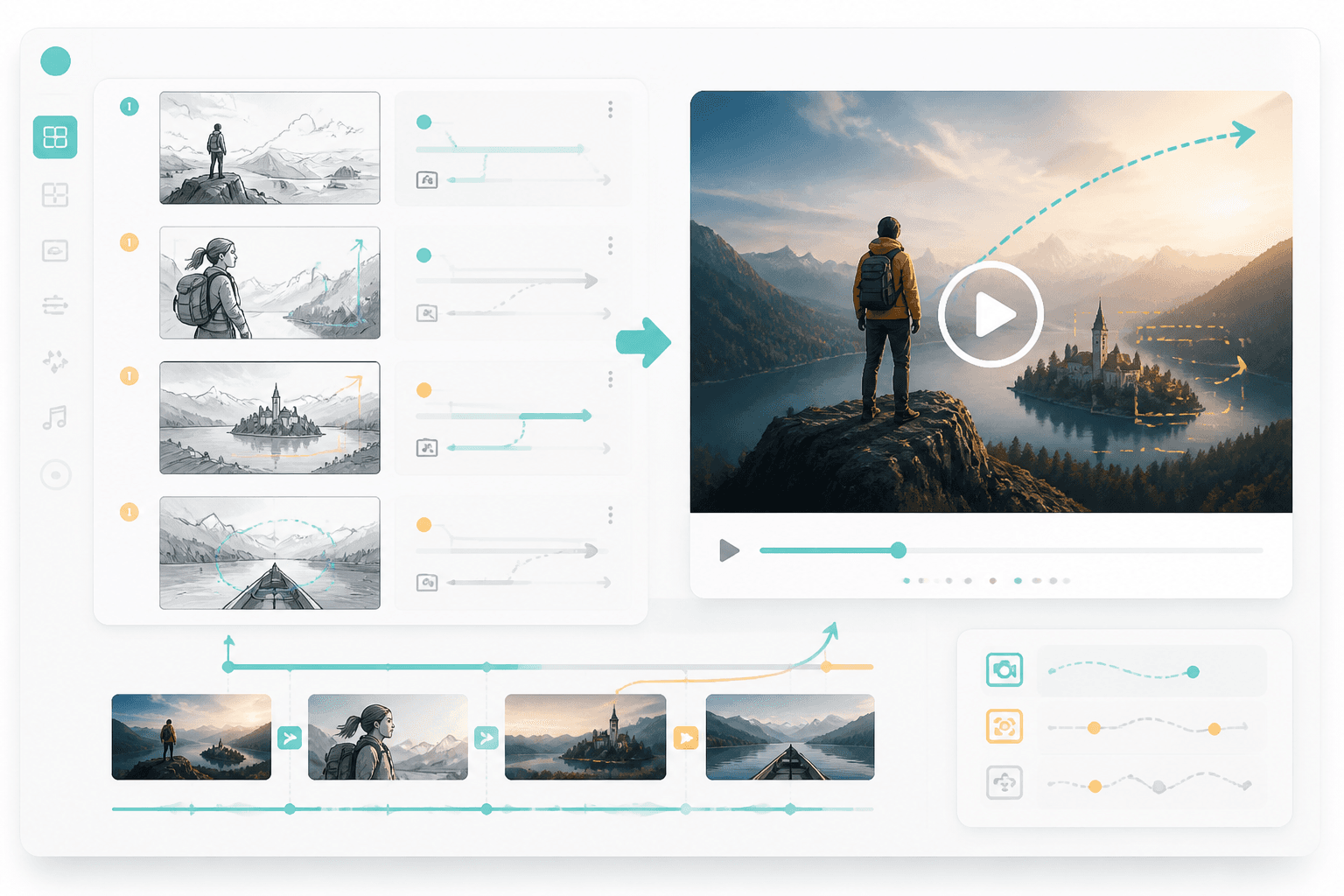
Video
Kapag malinaw na ang board, ituloy ito sa storyboard-to-video o animated comic production.
Workflow guide
Gawing magkakaugnay na storyboard ang action sa script, camera direction, at pagkakasunod ng eksena imbes na isang static na template board.
Idagdag ang screenplay text, scene notes, o dialogue.
Hatiin ang action sa mga frame, camera angles, at character moments.
I-review ang board at ituloy sa comic, webtoon, o video workflows.
Isama ang action ng eksena, kailangan sa camera, at output format.
Related writing workflow
Use the AI Screenplay Editor when a script, fiction draft, storyboard brief, video idea, or canvas note needs proper scene headings, action, dialogue, parentheticals, cover pages, outlines, beats, and collaboration-ready revisions.
INT. COMMUNITY CENTER - NIGHT
Folded chairs. A storm outside. MAYA stands at the microphone with a page of notes she no longer needs.
MAYA
If the city will not read the record, we will read it out loud.
Gumawa ng storyboard na magpapadali sa susunod na hakbang para sa comic, webtoon, o video production.