1
Choose the real intent
Start from what the user is trying to do: generate from text, edit an image, restyle a reference, compare options, or make a specific asset.


Find the right LlamaGen workflow for text-to-image prompts, image-to-image transformations, AI image editing, character assets, covers, collectibles, and social-ready visuals.
Start from text, transform a reference image, edit an existing result, compare generators, or turn an image into video.
For creators comparing text-to-image, image-to-image, editing, and image-to-video workflows.
For creators comparing editors by identity preservation, prompt control, edit boundaries, and reusable output quality.
For creators who already have a reference image and want to restyle it, preserve identity, or turn it into a specific asset.
For users who want to refine an existing image: change outfit, fix composition, adjust style, or prepare a final shareable version.
For people comparing how AI image generation works before they choose a model, prompt, reference workflow, or output format.
For users who want a clear path from a plain idea to a finished image without learning prompt engineering first.
For users whose real goal is motion. Route them to video instead of forcing them through an image-only page.
Choose the asset you want to create, then open the workflow with the most relevant inputs and controls.
Start from what the user is trying to do: generate from text, edit an image, restyle a reference, compare options, or make a specific asset.
Each page explains the input, output, prompt examples, and quality checks for that job before sending the user into creation.
Create the first image, check identity and composition, then reuse the result across comics, product mockups, profile art, and campaign sets.
Start with the pages that represent the collection best: character presentations, physical-product mockups, cover formats, and playful object transformations.
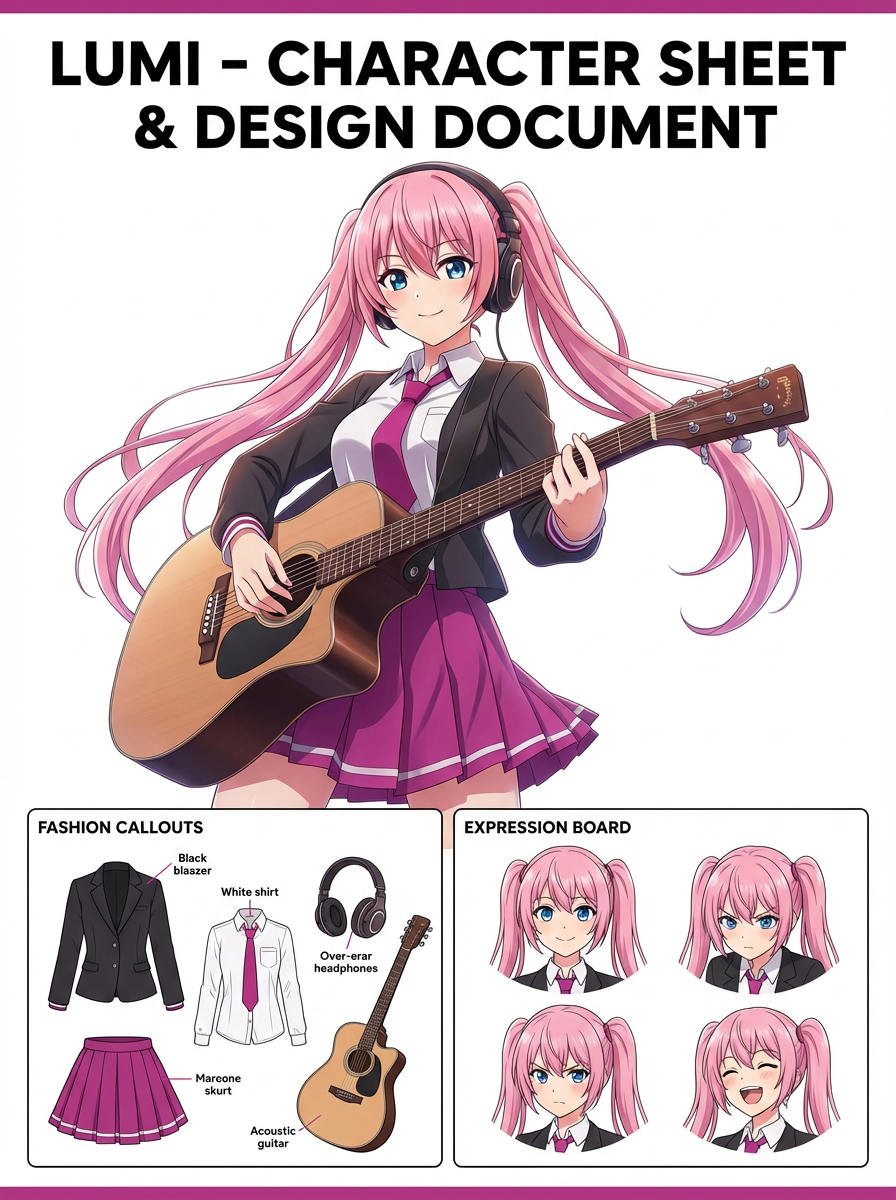
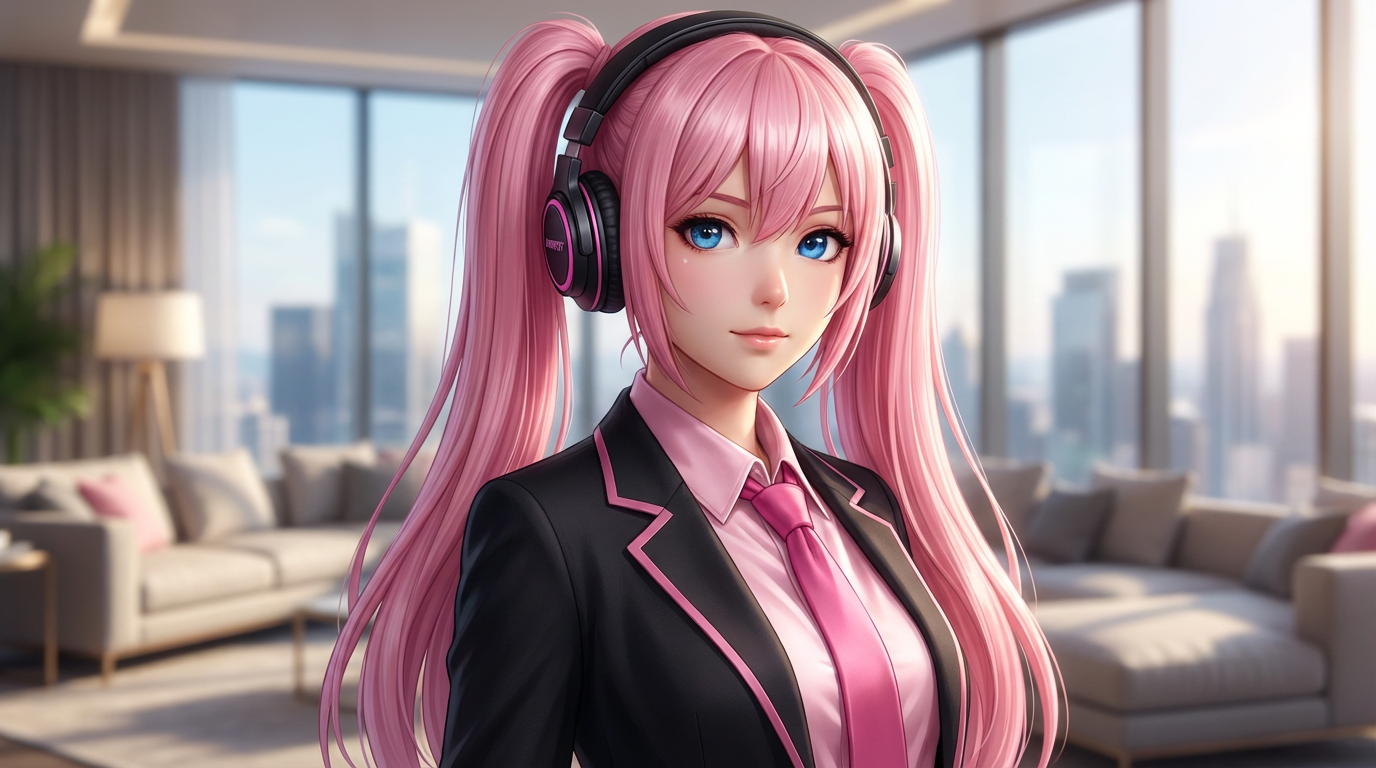
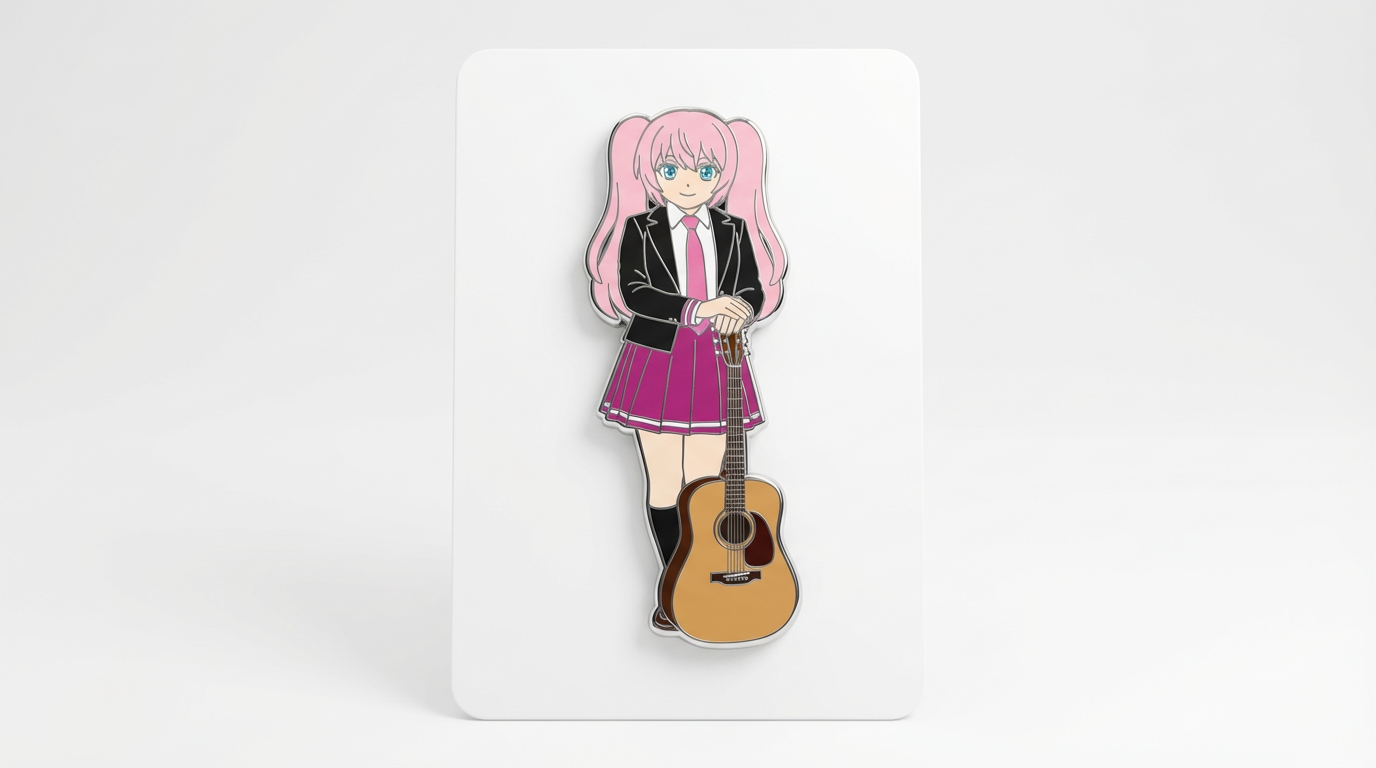
Each card includes examples, workflow guidance, practical answers, quality checks, and a direct creation path.
Bandingkan alur kerja LlamaGen untuk prompt teks, gambar referensi, pengeditan gambar, konsistensi karakter, dan image-to-video.
Evaluasi editor gambar AI dari sisi kontrol, pelestarian identitas, kejelasan prompt, batasan kreatif, dan apakah hasil editnya bisa digunakan ulang.
Rencanakan dan buat gambar AI dengan alur kerja yang membedakan prompt teks, referensi image-to-image, tujuan pengeditan, dan pengecekan output akhir.
Pakai gambar yang sudah ada sebagai referensi, lalu ubah menjadi gaya baru, aset, sampul, mockup, badge, kartu, atau visual karakter dengan AI.
Edit gambar yang sudah ada dengan prompt AI untuk perubahan outfit, perbaikan gaya, pembersihan komposisi, varian karakter, cover, badge, dan aset kampanye.

Bandingkan hal-hal penting ketika memilih AI image generator terbaik untuk karakter konsisten, edit berbasis referensi, komik, sampul, dan aset yang bisa digunakan ulang.
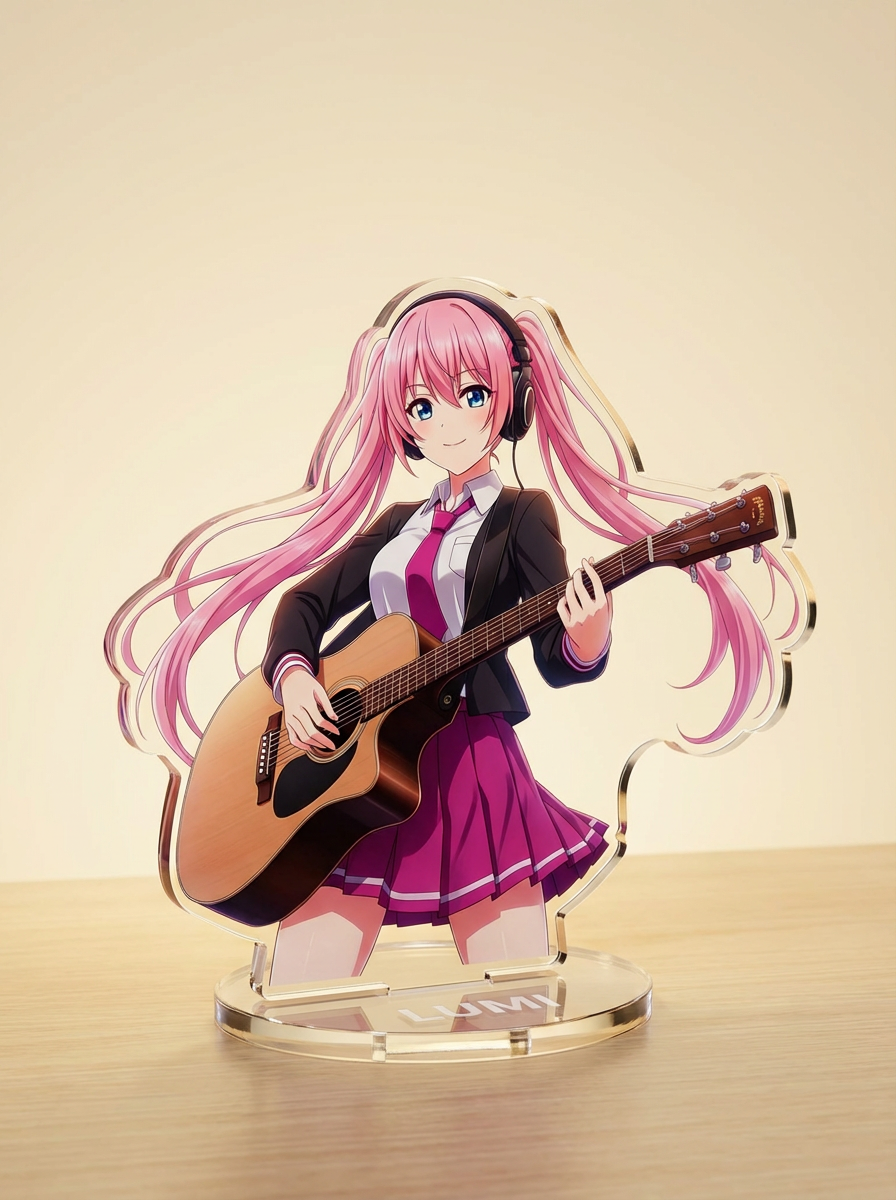
Buat gambar dengan AI dari prompt teks sederhana, lalu sesuaikan subjek, gaya, komposisi, dan format aset akhir untuk kebutuhan kreatif praktis.
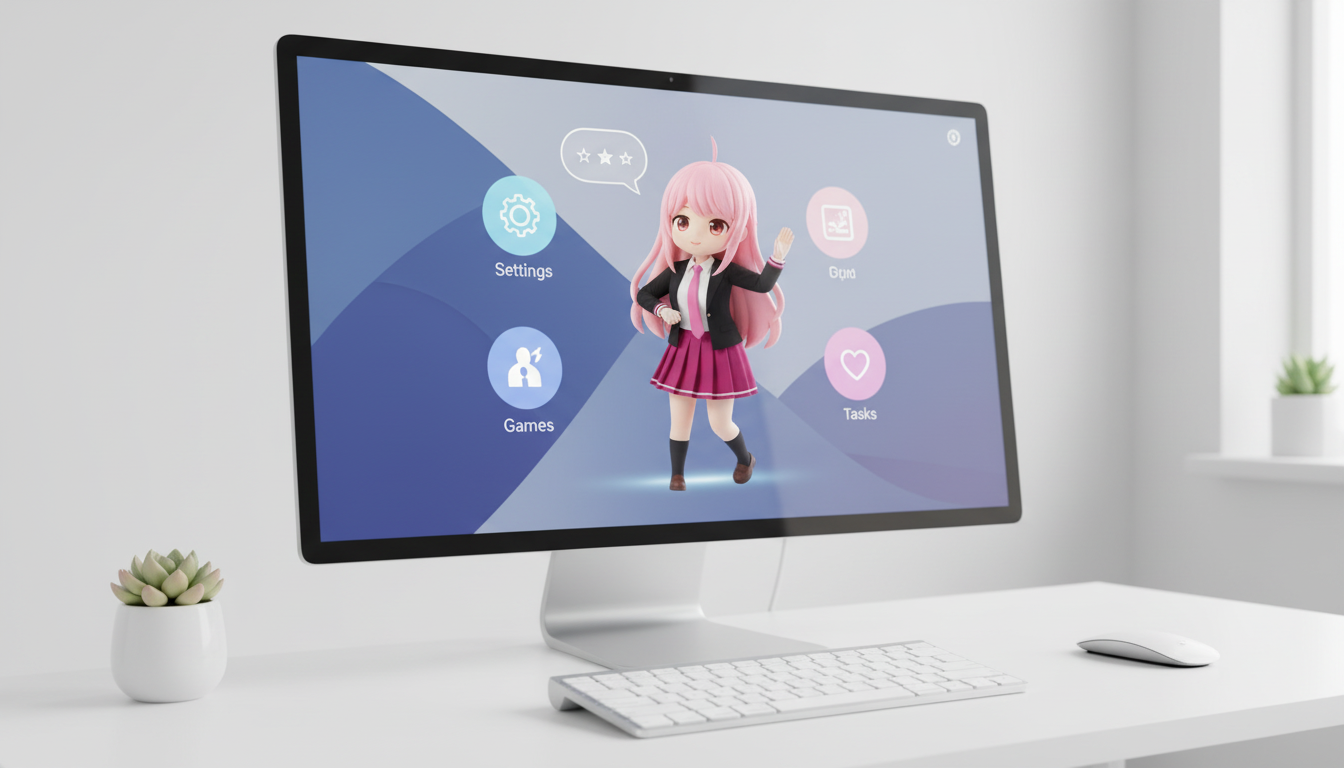
Ubah karakter dan OC menjadi visual bergaya desktop pet dengan framing yang menyesuaikan layout agar tampil pas di layar.
Ubah artwork karakter menjadi visual bergaya badge dengan bingkai lingkaran yang rapi, nuansa merch, dan komposisi yang cocok untuk ikon.
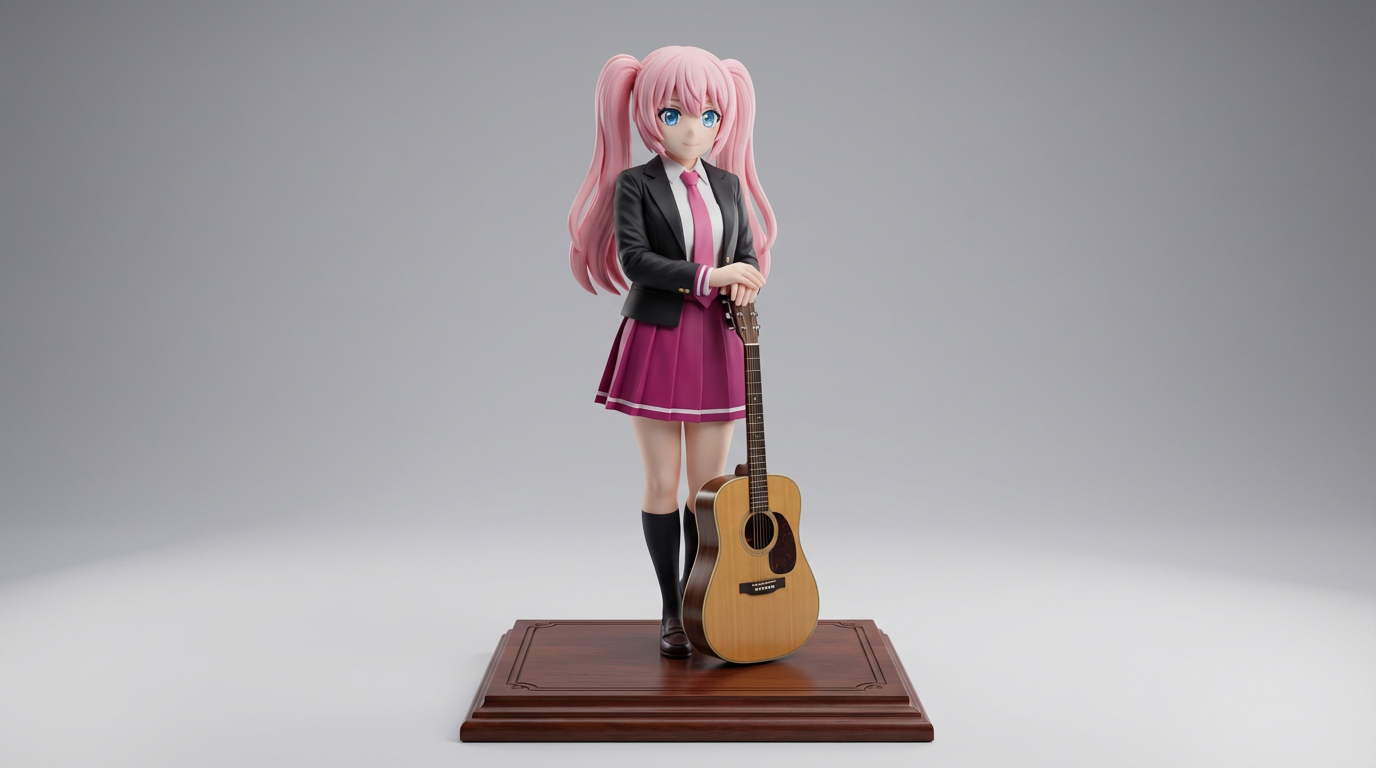
Ubah artwork karakter 2D menjadi visual bergaya display figure untuk konsep koleksi dan mockup figure bergaya produk.
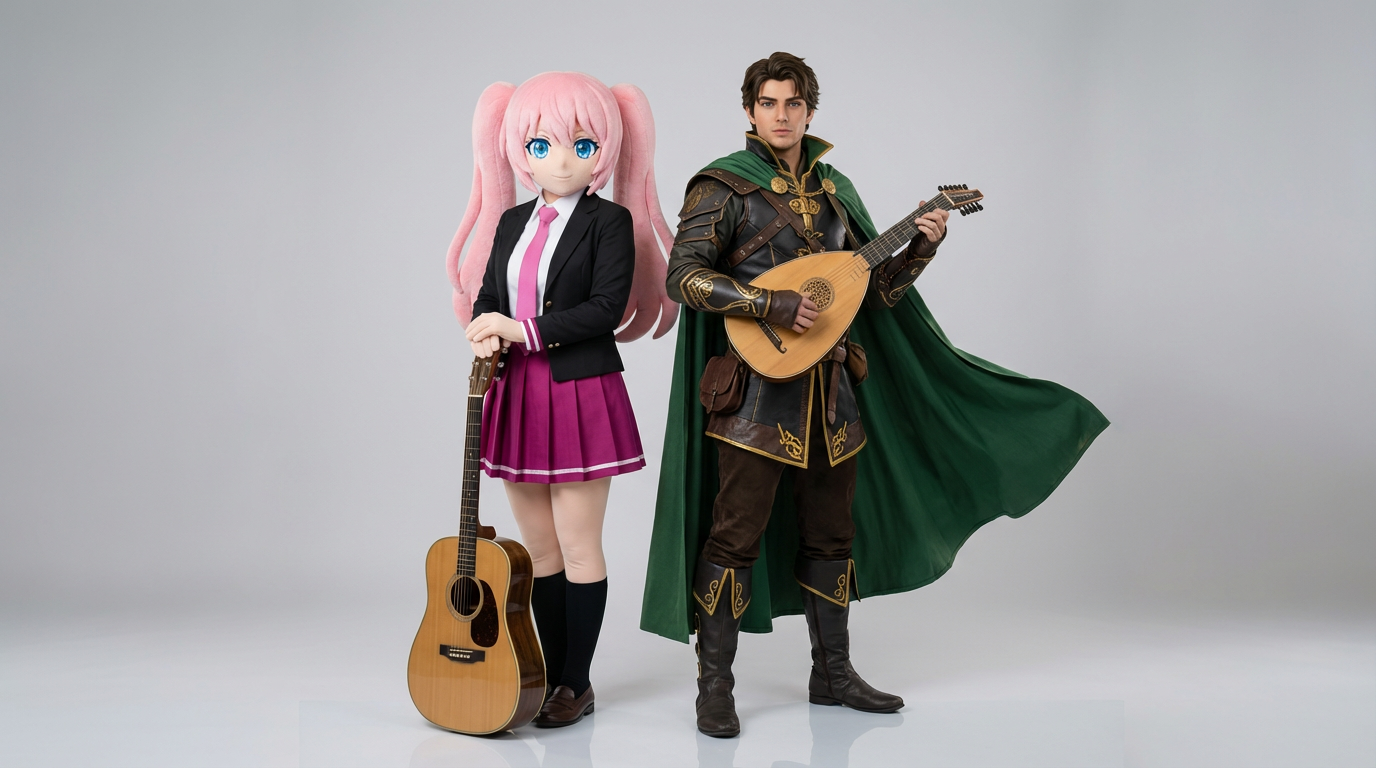
Unggah dua referensi karakter dan hasilkan adegan interaksi yang rapi, komposisi berpasangan, serta framing duo yang siap dipakai dalam scene.
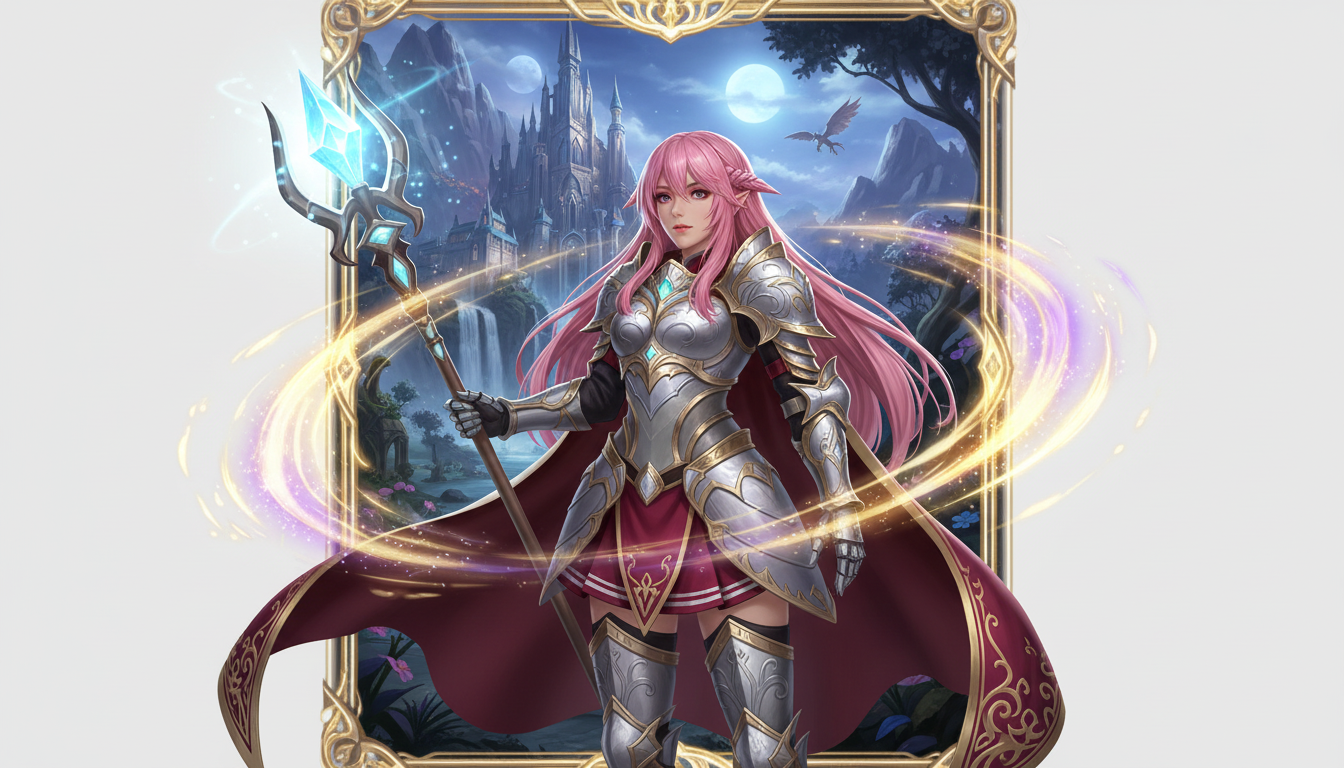
Ubah gambar karakter menjadi tampilan hero fantasi dengan gaya class, nuansa RPG, dan kesan kartu koleksi.
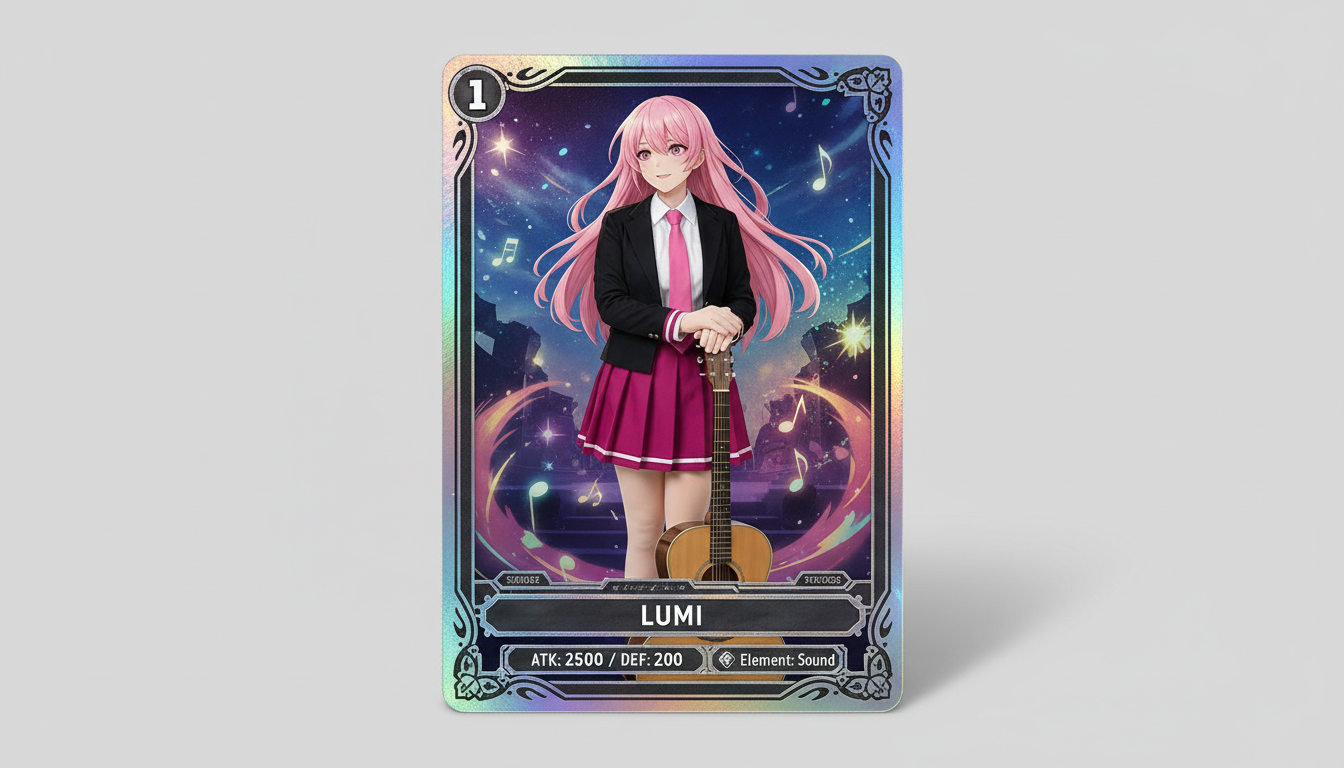
Ubah gambar karakter menjadi visual bergaya kartu trading koleksi dengan nuansa rarity, tampilan statistik berbingkai, dan komposisi siap merchandise.
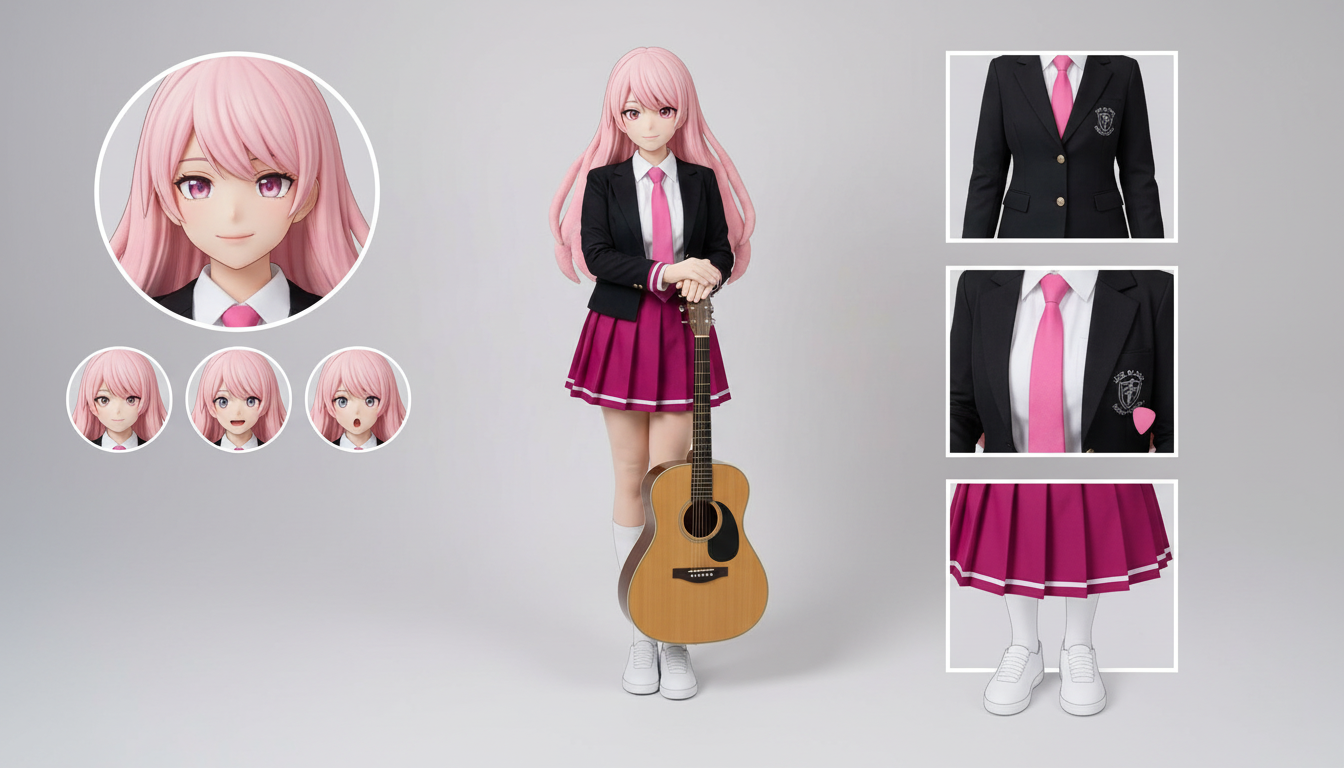
Buat layout lembar karakter untuk outfit, ekspresi, aksesori, dan referensi pose dari satu desain yang diunggah.
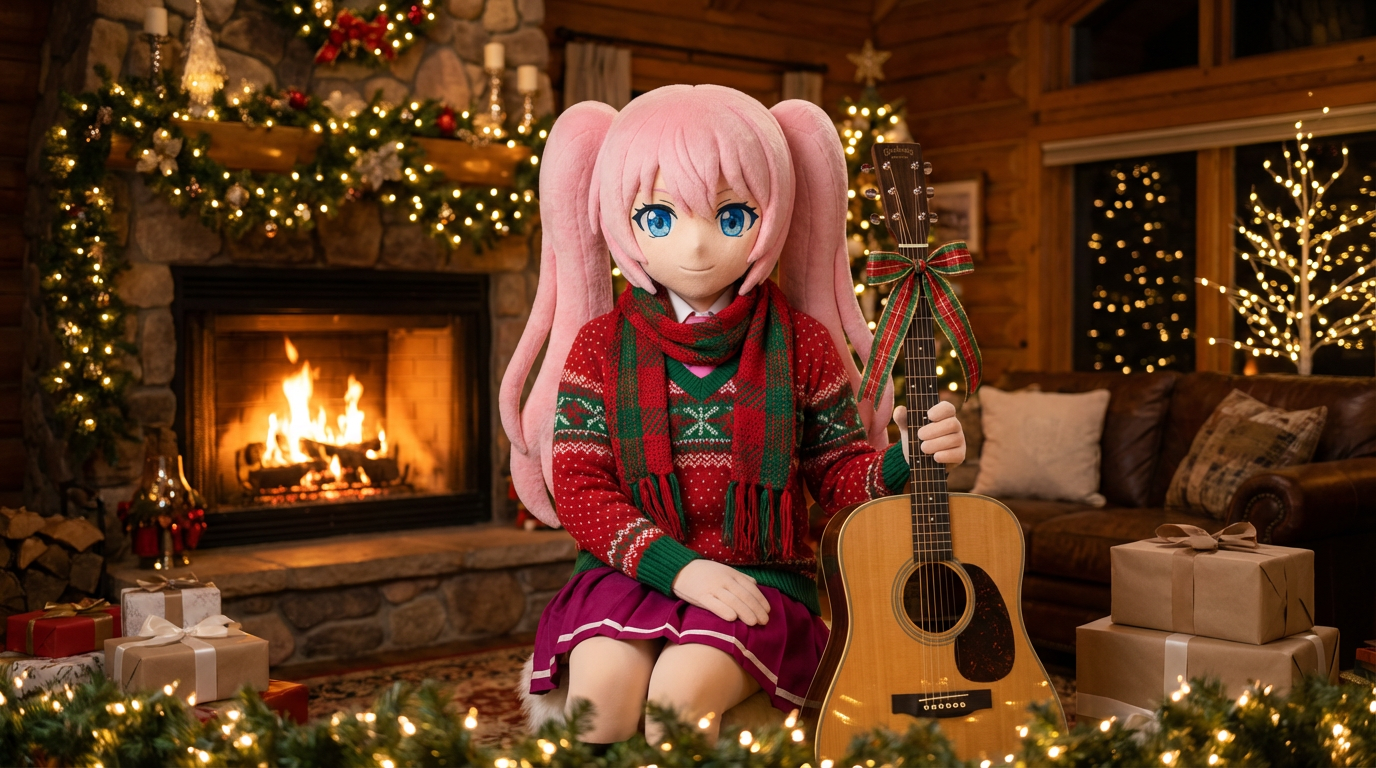
Ubah potret dan ilustrasi karakter dengan sentuhan outfit liburan seperti syal, topi, dan tampilan meriah bergaya Lumi.
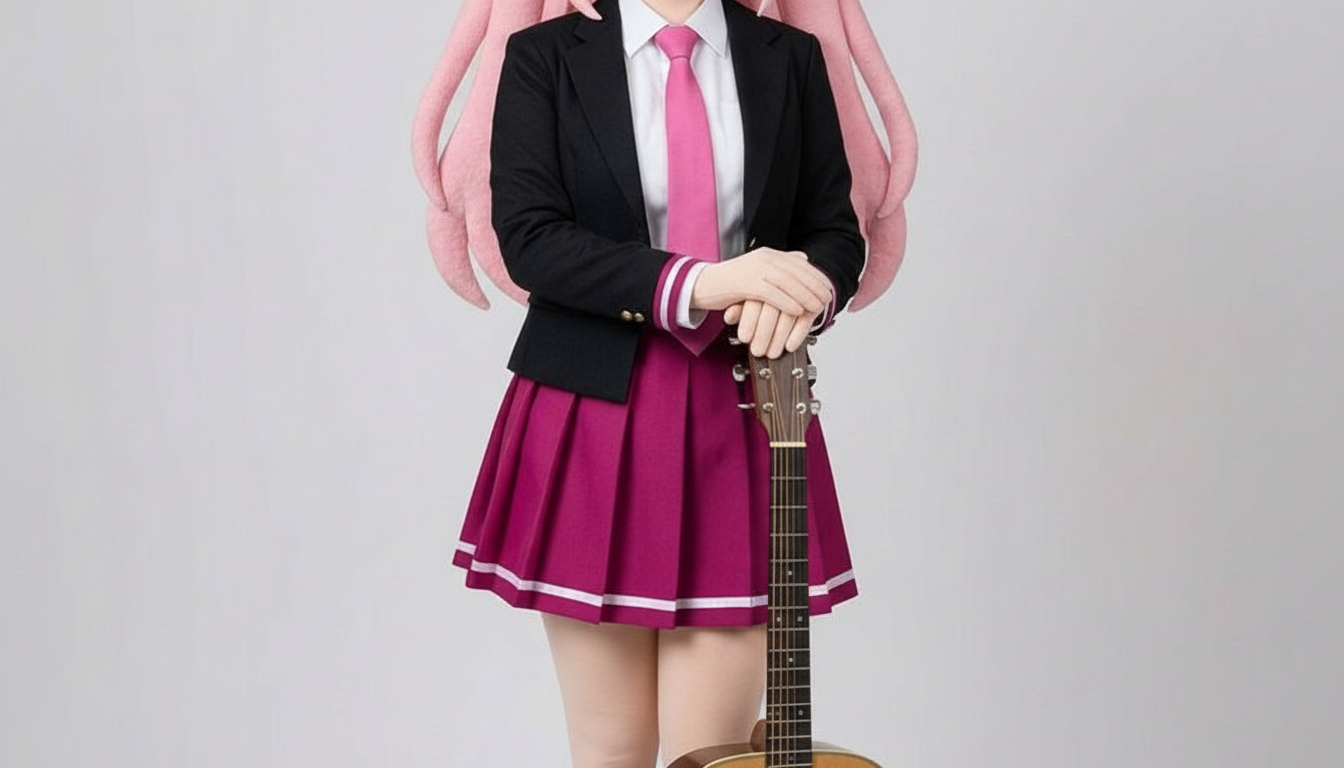
Ubah karakter menjadi gambar bergaya paper cutout dengan bentuk kerajinan berlapis, kedalaman yang terasa nyata, dan kontrol siluet yang rapi.
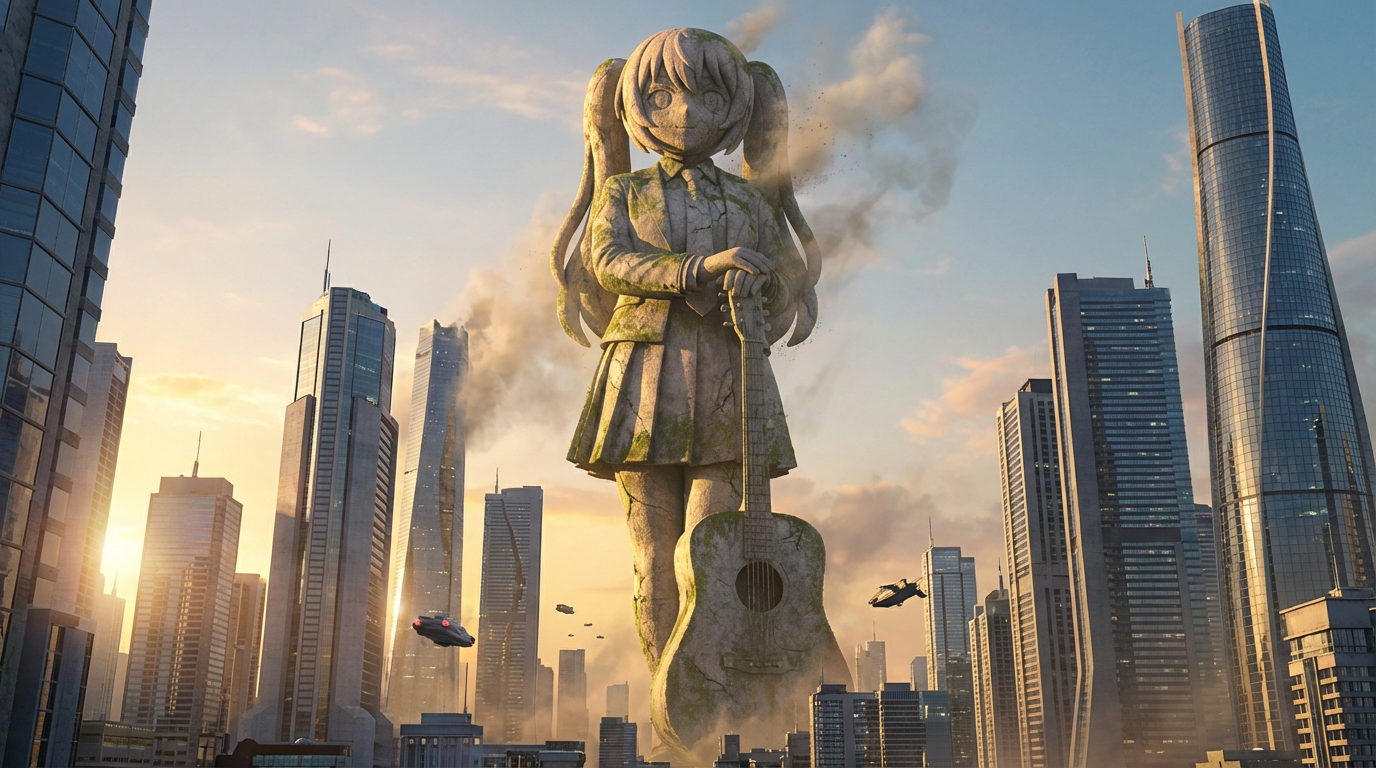
Ubah karakter menjadi visual patung raksasa dengan komposisi berskala monumental, latar skyline kota, dan presentasi layaknya landmark.
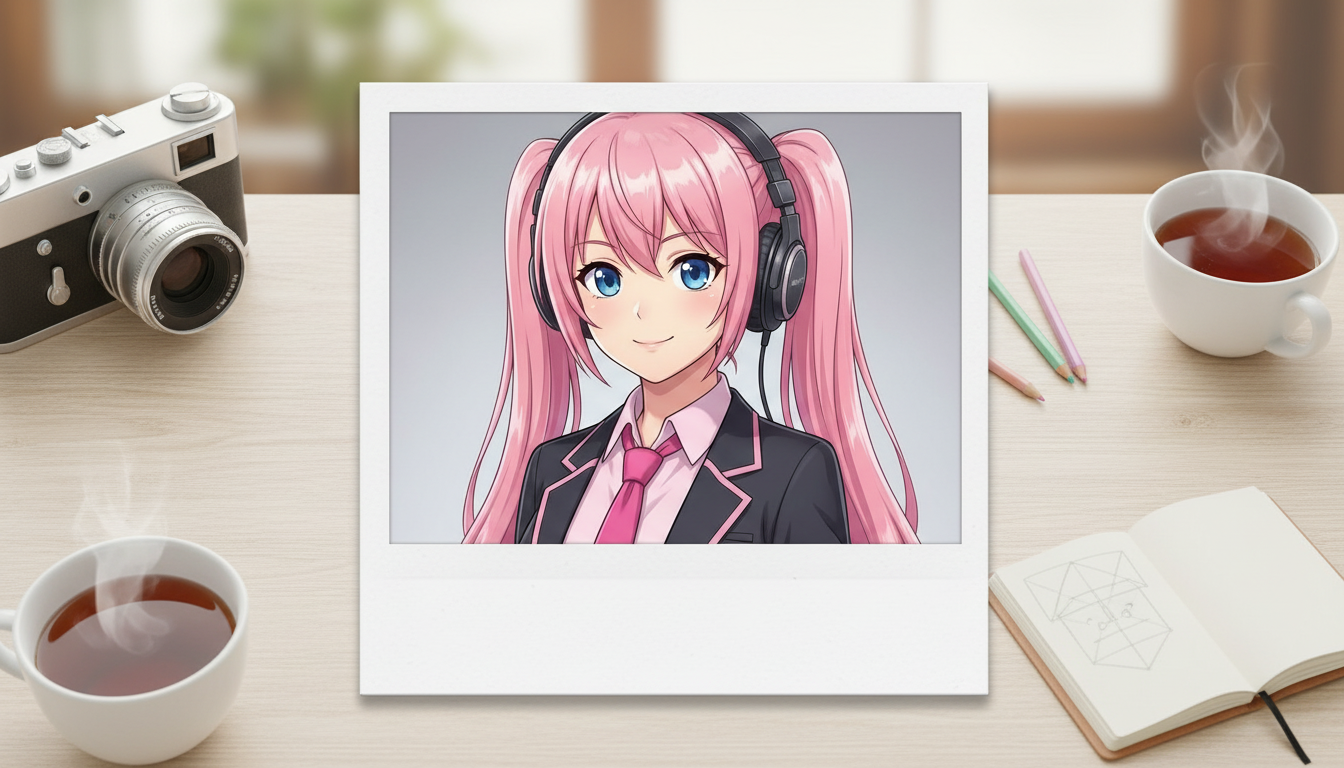
Ubah gambar karakter menjadi hasil bergaya polaroid dengan bingkai foto instan bernuansa nostalgia dan kesan snapshot koleksi.
Ubah karakter dan OC menjadi visual sampul editorial yang mengilap dengan framing yang kuat, nuansa premium, dan penempatan bergaya majalah.
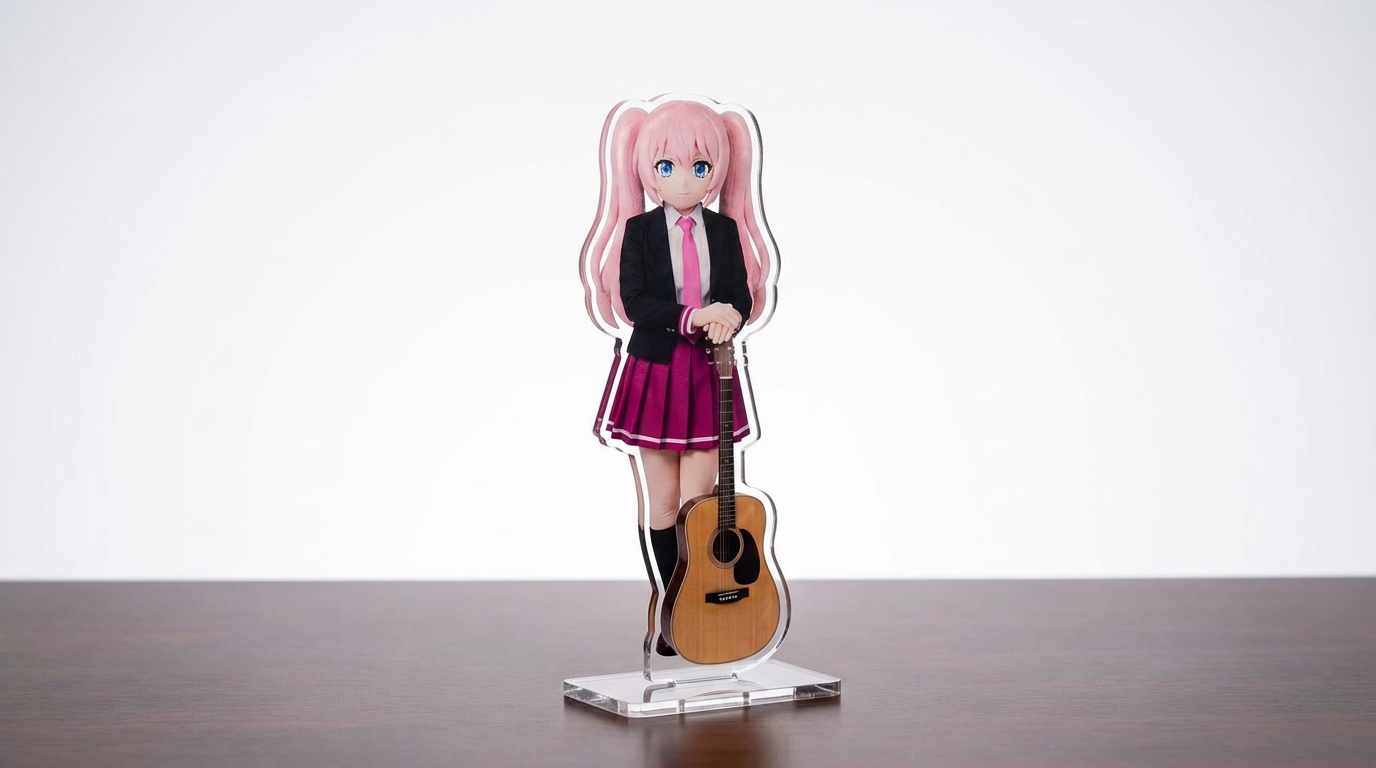
Ubah ilustrasi karakter, foto hewan peliharaan, dan desain original menjadi mockup standee akrilik dengan workflow Lumi-first yang bisa disesuaikan.
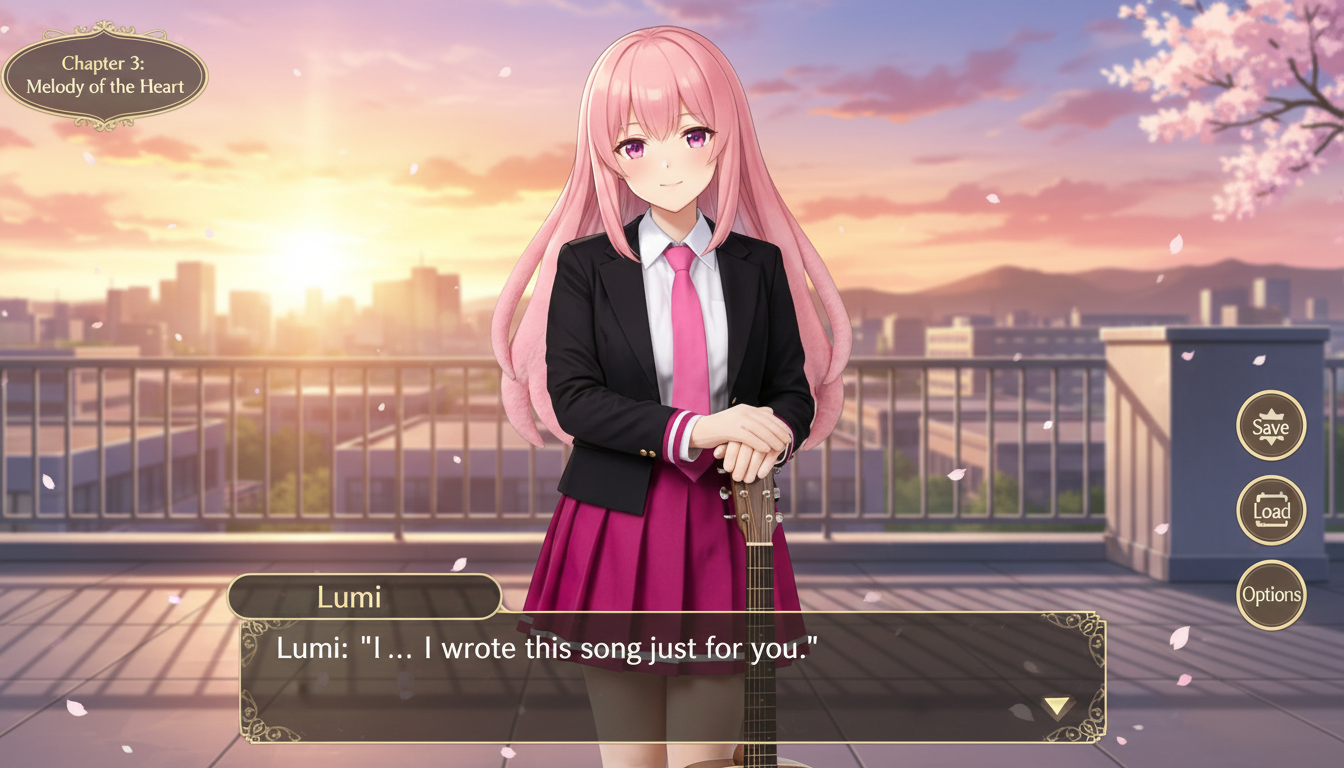
Ubah gambar karakter menjadi adegan bergaya visual novel dengan framing antarmuka, penataan ruang dialog, dan komposisi layar game.
Use this page when you know the kind of visual asset you want, but not the exact prompt or workflow yet.
Search behavior has moved beyond one broad text-to-image query. Many users now start with an existing image, ask for an editor, or compare image generation workflows before they create.
Yes. Each page is built around a specific problem, such as turning a reference image into a new style, creating a character sheet, or making a magazine-cover visual.
Pick the page that matches your starting point. Use text-to-image when you only have an idea, image-to-image when you have a reference, and AI image editor when you need controlled changes.