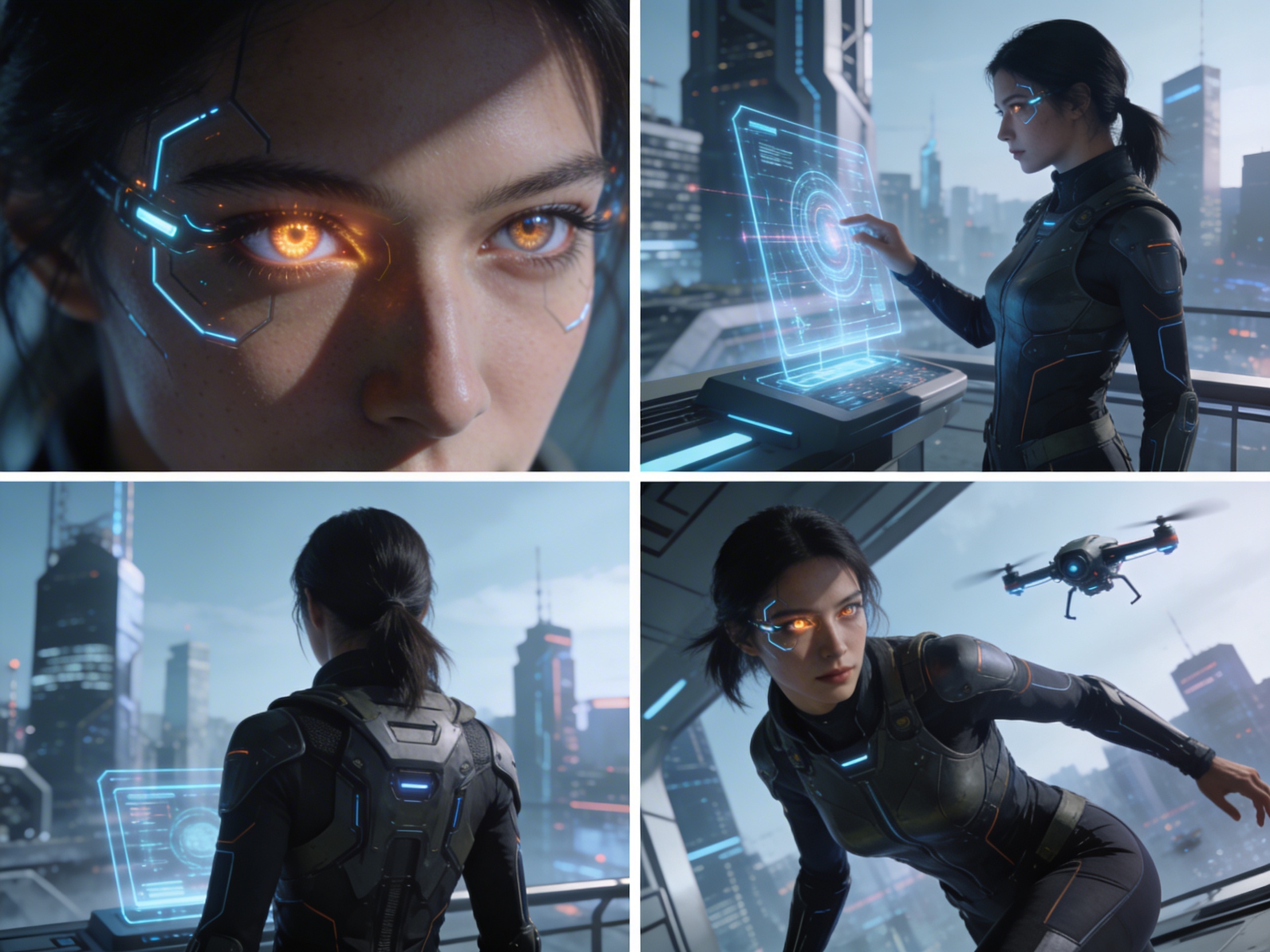
4 Camera-Angle Prompts
Automatically generate 4 different camera angles, shot types, and sequence ideas from a single image
Shot Sequence Prompt AI
Upload one image and generate a prompt-ready multi-shot video plan: 4 camera angles, cinematic shot descriptions, storyboard notes, and a clear sequence for AI video production.
Shot 1
Close-up
Shot 2
ミディアム
Shot 3
Wide
Shot 4
アクション
Plan the shot sequence, camera-angle prompts, and storyboard notes before you generate the final clip
Automatically generate 4 different camera angles, shot types, and sequence ideas from a single image
各ショット説明を微調整して、あなたのクリエイティブビジョンに完璧に合わせる
Generate multi-shot video prompts and storyboard notes in seconds, not hours
プロから初心者まで、当ツールはあなたのクリエイティブニーズに適応します
次の映画プロジェクトのために詳細なストーリーボードとショットリストを作成
Generate multi-shot video prompts for social media and YouTube concepts
書かれたストーリーを多角的視点でビジュアルナラティブに変換
複数のショットバリエーションで魅力的なビジュアルキャンペーンを作成
それがどのように機能するか
写真、アートワーク、コンセプト画像など、任意の画像をアップロードしてください。当社のAIはすべての主要フォーマットに対応しています。
Our advanced AI analyzes your image and generates 4 unique camera-angle prompts and cinematic shot descriptions.
説明を微調整して、ビデオ製作のためのマルチショットストーリーボードをエクスポートします。
AI MULTI-SHOT STORYBOARD EXAMPLES
From single images to cinematic sequences, see how one source can become multiple shot prompts and video concepts.
Choose your output
Use the same source image to prepare camera angles, a connected shot sequence, or storyboard notes for the next production step.
Plan a prompt-ready video sequence from one source image instead of generating one disconnected clip.
Create close-up, medium, wide, product, action, and cinematic angle prompts for the same subject.
Turn a single image into a clear four-shot structure with framing, pacing, and production notes.
Use the generated shot descriptions as storyboard notes for AI video, ads, social clips, and pitches.
従来のビデオ制作ワークフロー
The traditional path from concept to multi-shot video is expensive and time-consuming. Even before generation or filming, creators need shot planning, camera angles, sequence logic, and multiple revisions.
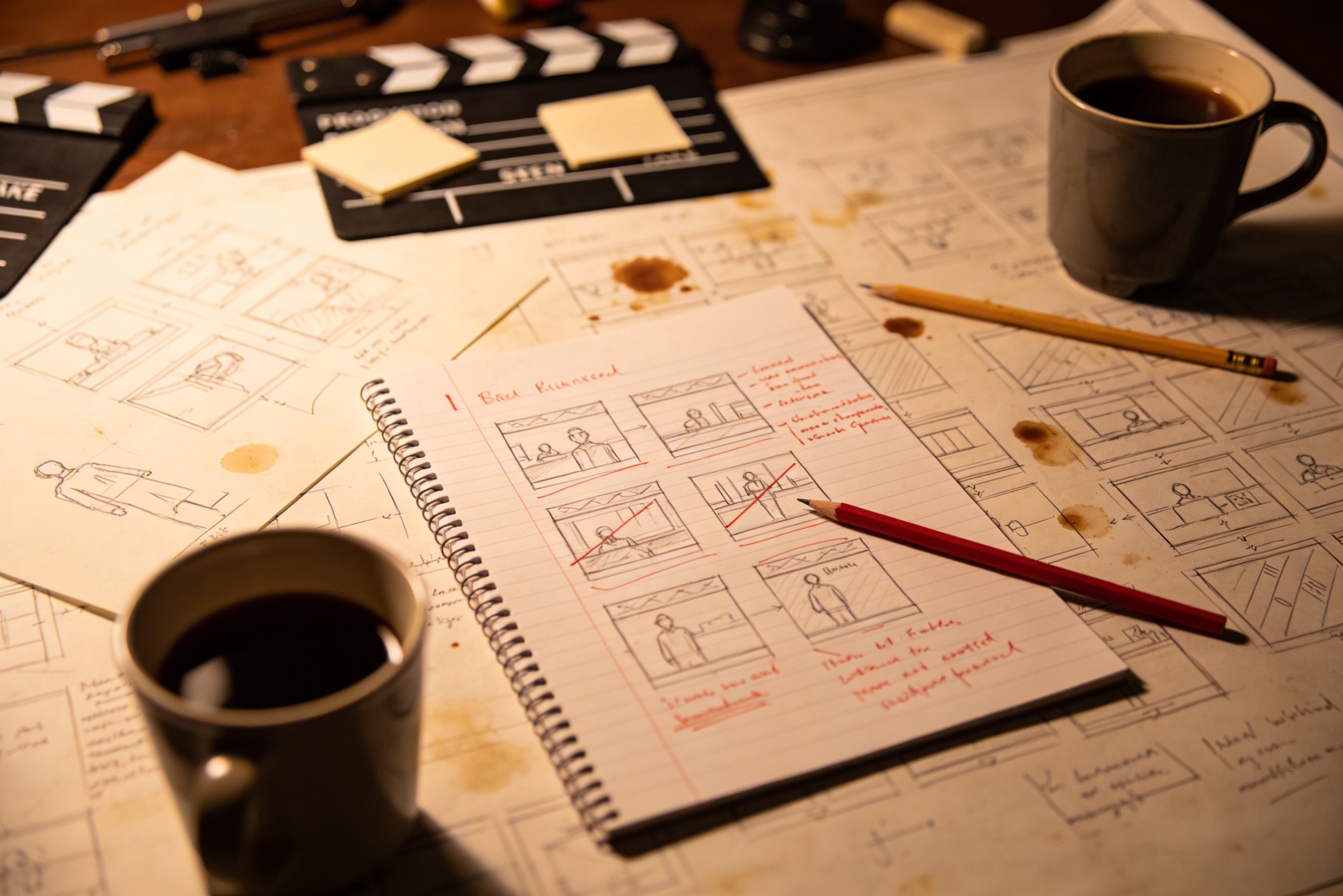
クリエイティブなビジョンを詳細なショットの説明に翻訳するには、広範な計画と複数の修正が必要です。
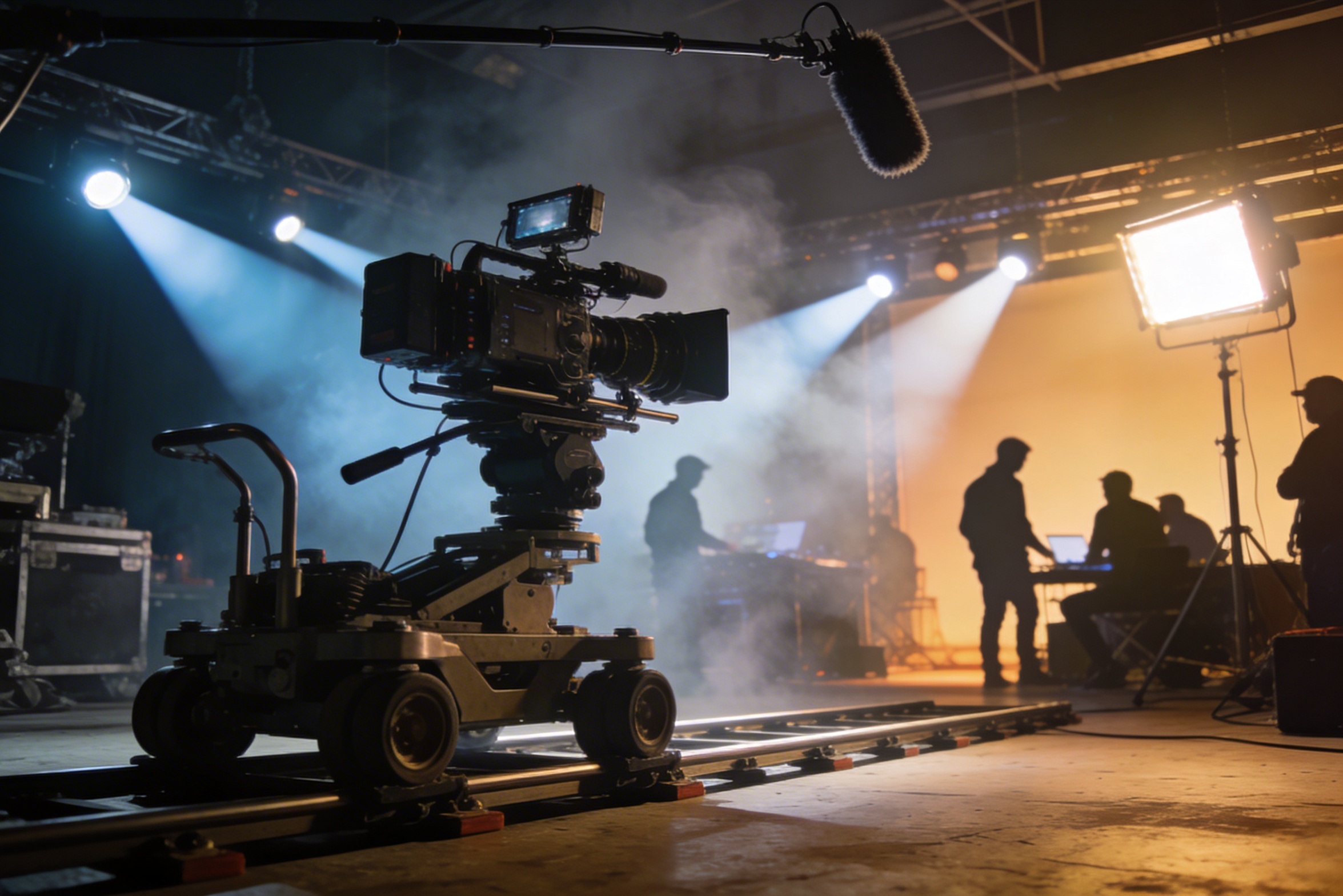
プロフェッショナルな撮影には高価な機材、照明セットアップ、ロケーション、そしてしばしばフルクルーが必要です。これらの費用はすぐに制御不能なほど高騰します。
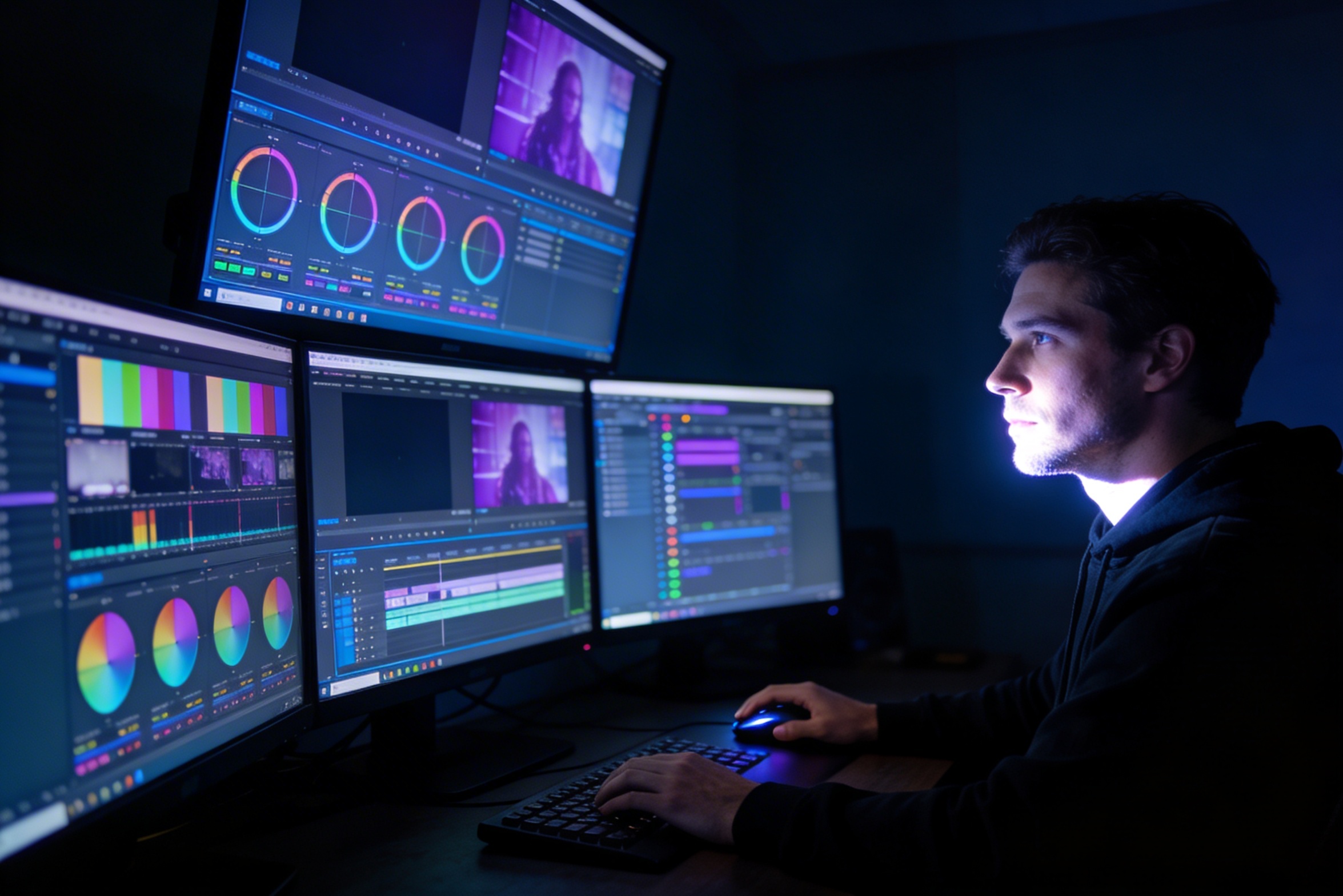
編集、カラーグレーディング、ビジュアルエフェクト、複数のショットバリエーション作成には、専門的なソフトウェアスキルと数週間の作業が必要です。
YouTube、TikTok、Instagramなど、異なるプラットフォーム向けにバージョンを作成するには、様々なアスペクト比や長さに対応するため、再編集と再レンダリングが必要です。

Professional multi-shot planning can cost hours of creative direction before a final video is generated, filmed, edited, or approved.
Join creators using LlamaGen to plan shot sequences, camera angles, and AI video prompts before production.
Related writing workflow
Use the AI Screenplay Editor when a script, fiction draft, storyboard brief, video idea, or canvas note needs proper scene headings, action, dialogue, parentheticals, cover pages, outlines, beats, and collaboration-ready revisions.
INT. COMMUNITY CENTER - NIGHT
Folded chairs. A storm outside. MAYA stands at the microphone with a page of notes she no longer needs.
MAYA
If the city will not read the record, we will read it out loud.