

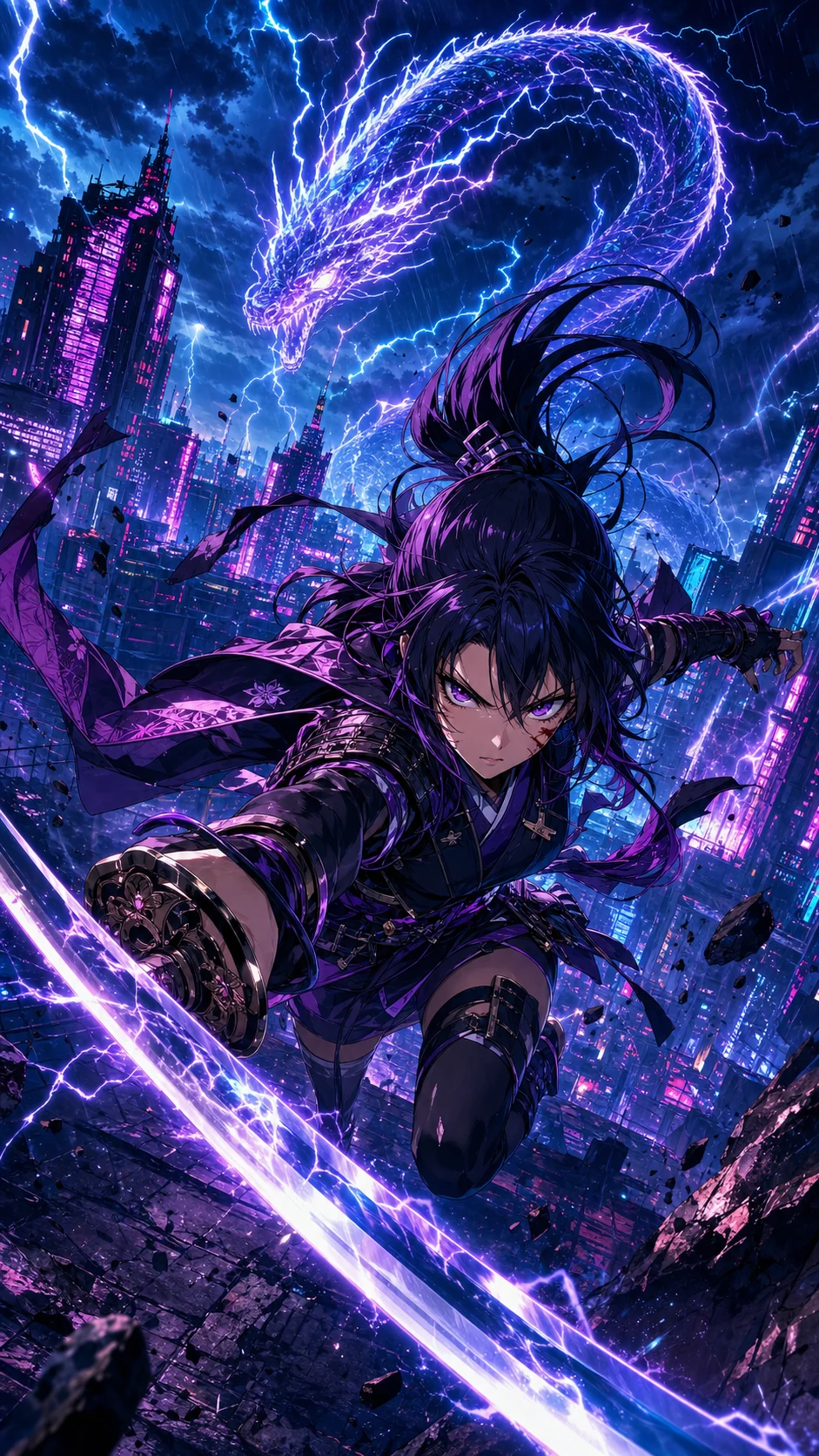


Comic to video AI
Upload finished panels and generate motion without rebuilding every shot in a timeline editor.
1枚絵ではなく、コミックの流れを前提に設計
Shorts、TikTok、Reels、予告編向け
モーション、タイミング、セリフの流れ、書き出しまでまとめて対応
What is comic to video?
A comic to video AI converter turns finished comic panels, comic strips, comic books, manga pages, or webtoon art into a short animated video. Unlike image to video, it follows panel order, dialogue timing, and story continuity so the clip still reads as the original comic.
Creators use a comic to video maker when they already have sequential art and need a social teaser, pitch preview, or episode hook. LlamaGen starts from the page you uploaded, then plans camera motion, speech cues, and export format in one workflow.
Upload finished panels and generate motion without rebuilding every shot in a timeline editor.
Keep page order, character framing, and dialogue beats when a printed or digital comic becomes a clip.
Turn a 3- or 4-panel gag into a timed short with holds, punchline pacing, and vertical export.
クリエイター向けソリューションページ
このページは、すでにコミックのコマを持っているクリエイターが、物語を売るための動画素材や次話の予告、SNSで広がるクリップへ変換できるように設計されています。
主な対象
Webtoon 作家、マンガ制作者、コミック制作者、教育者、スタジオなど、すでに連続表現があり、モーション出力が必要な方に最適です。
課題
従来のアニメ制作では、ショットの作り直し、セリフのタイミング調整、クリップの整形が必要になり、コミックならではのテンポが失われがちです。
成果
元のコマ順を設計図として使い、カメラの動きとタイミングを加えれば、宣伝やレビューに使える短いストーリークリップを書き出せます。
LlamaGen は、空のテキストから動画を作るのではなく、完成済みのコミックページとコマの流れを前提にしています。
アニメ化は難しい
クリエイターはすでに、キャラクター、コマ、セリフ、テンポの設計に何時間もかけています。そこから縦動画にするには、さらに別の制作工程が必要です。各コマの切り抜き、ショットの再構成、セリフのタイミング決め、モーション選定、トランジション編集、複数形式への書き出しが発生します。
Aha モーメント
ゼロからアニメのタイムラインを作るのではなく、LlamaGen はコミックの流れを読み取り、すでにある物語の山場をモーションの選択に変換します。
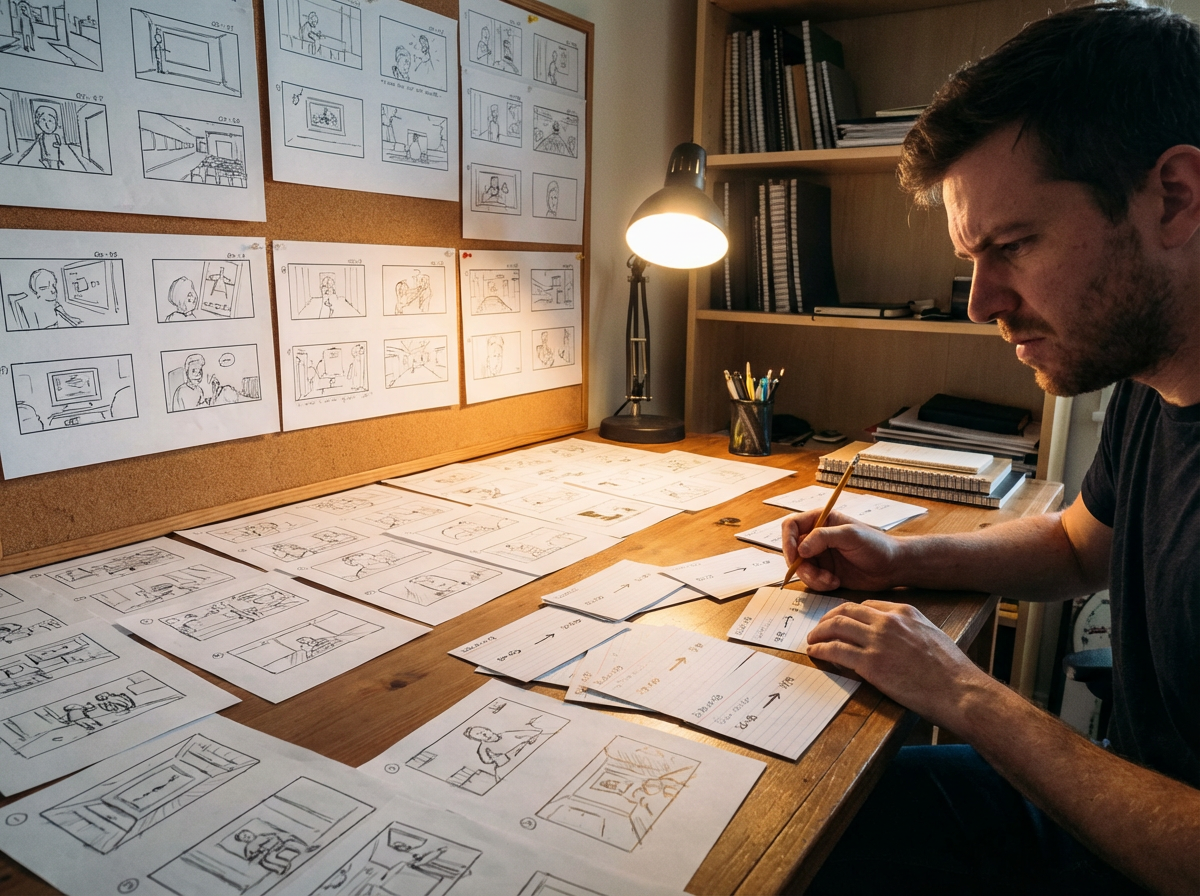
ページから
4コマのオチ、バトルの見せ場、Webtoon のスクロールも、元のレイアウトに沿ったテンポの短いクリップにできます。
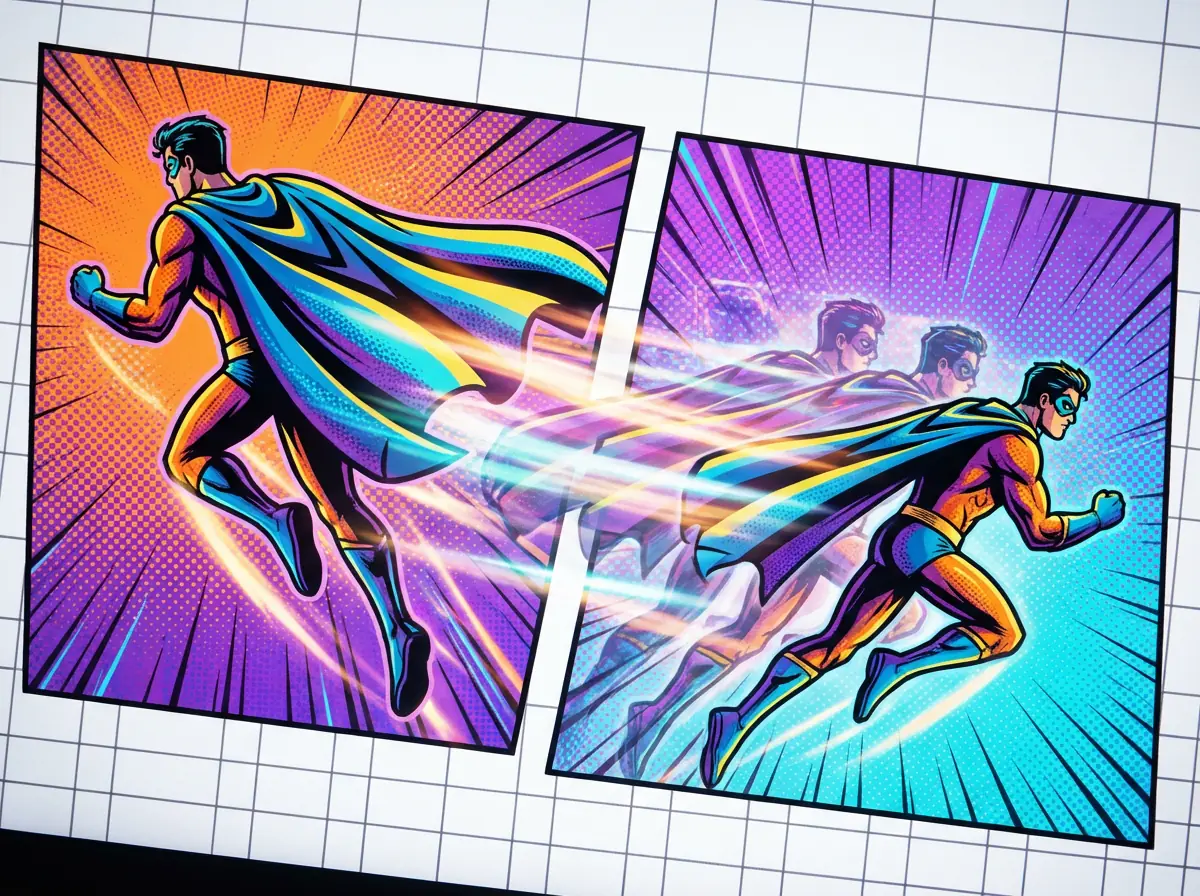
モーションへ
ズームイン、パン、インパクトフレーム、トランジションを使って、描かれた構図を保ちながら静止コマに生命感を加えられます。
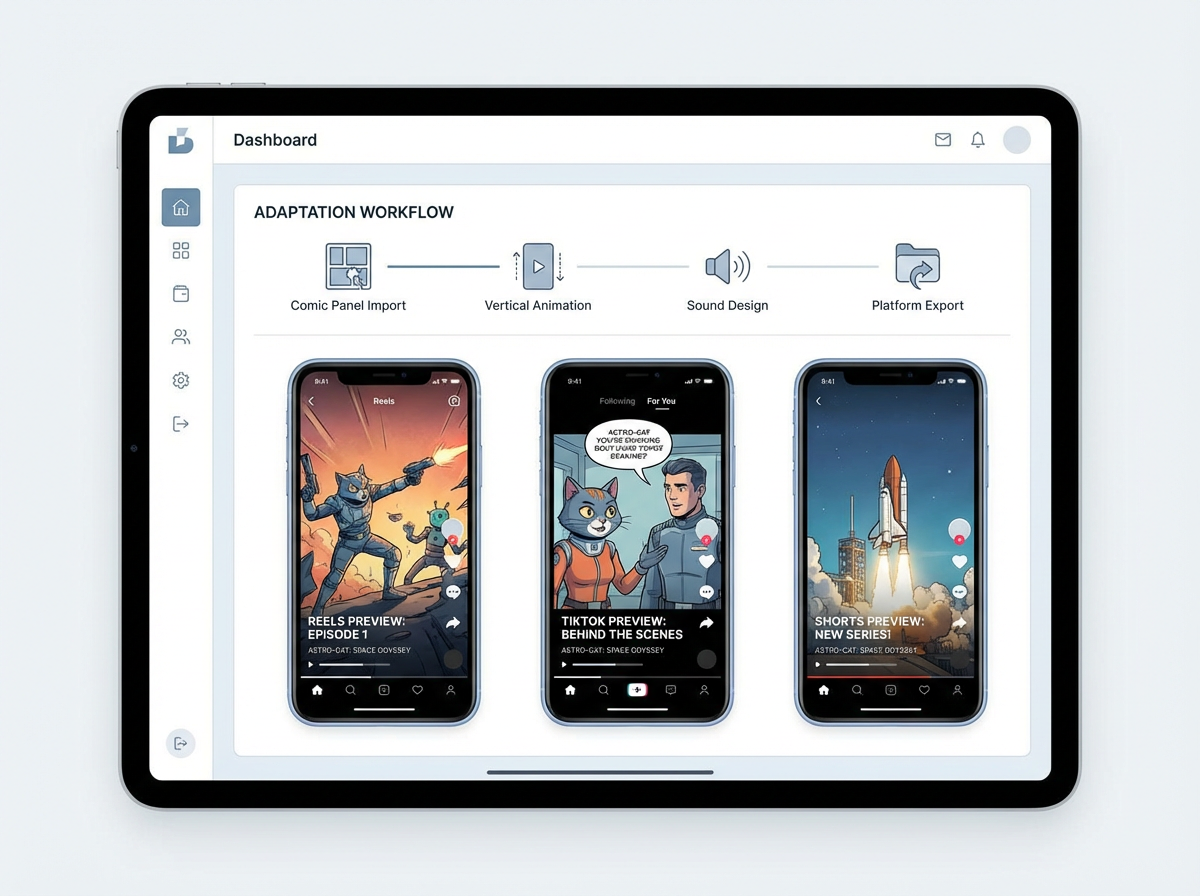
公開へ
編集ソフトでコミック全体を作り直さなくても、縦長ティーザー、シーンプレビュー、提案用ドラフトを作成できます。
Veo 3.1 クオリティ
3つのオリジナルアニメカバーを、元のアートそのままに洗練された8秒の縦長クリップへアニメ化。ありきたりなデモ映像でも、関係のないストック素材でもありません。

Monica
友情を見つけるロボットについての4コマ漫画をアニメ化してください。コマ順はそのままにして、やさしいカメラの寄りを加え、吹き出しのタイミングを合わせ、YouTube Shorts 用の 9:16 ティーザーを書き出してください。
クリエイターワークフロー
完成済みの短いエピソードがあれば、本編公開前にいちばん強い流れだけをモーションティーザーへ変換できます。
吹き出し、アクションの山場、読み順が明確な完成済みのコマ連続をアップロードします。
ドラマチックな寄り、セリフのタイミング、最後のタイトルフレームがある縦長ティーザーを依頼します。
公開の導入や提案資料に使える短いアニメプレビューを書き出します。
クリエイター ROI
価値は、単なる新しい動画ファイルではありません。完成したコマを、別のアニメ制作工程を立ち上げずに再利用できる宣伝素材へ変えることです。
手動の切り抜き、タイミング調整、モーション設計、編集、書き出し設定を置き換えます。
SNS ティーザー、提案プレビュー、モーション用ストーリーボードの下書きに使えます。
元のコミックコマを、創作の正解として保ちます。


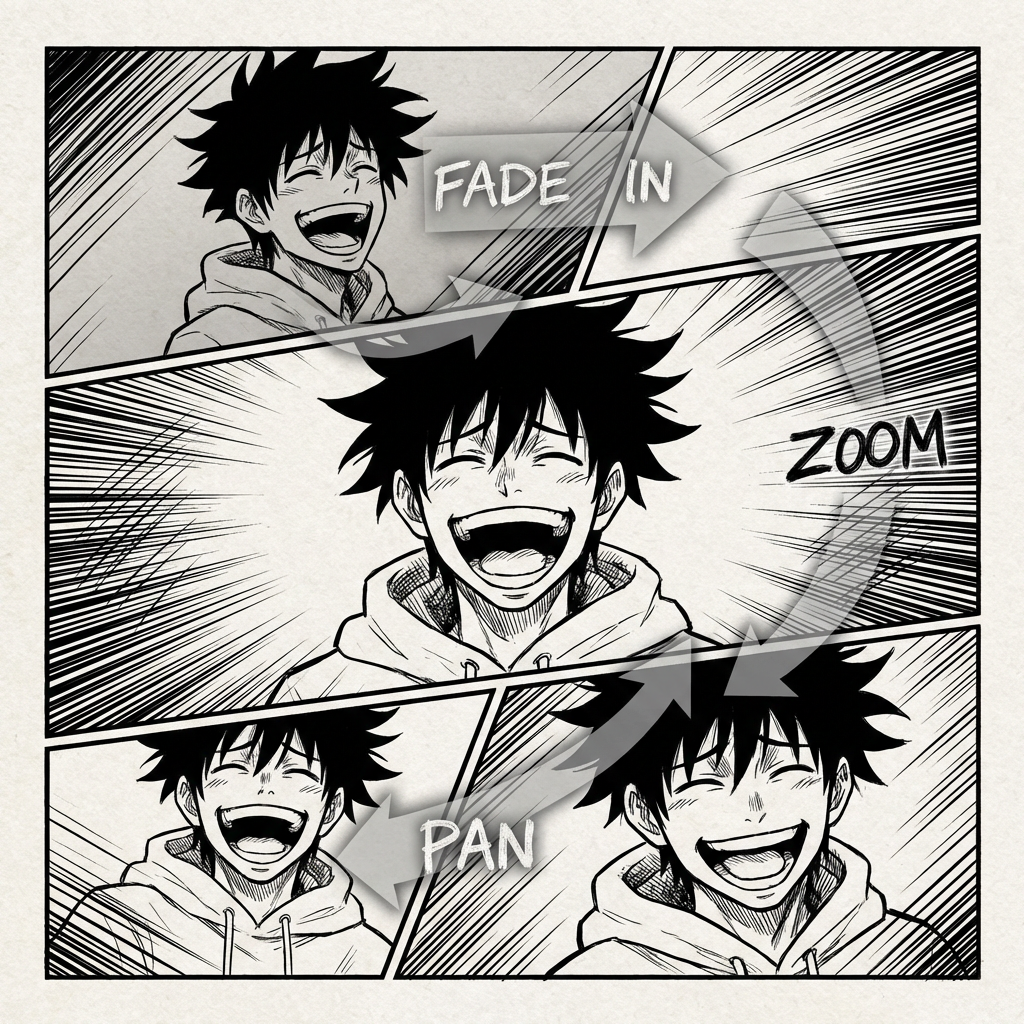

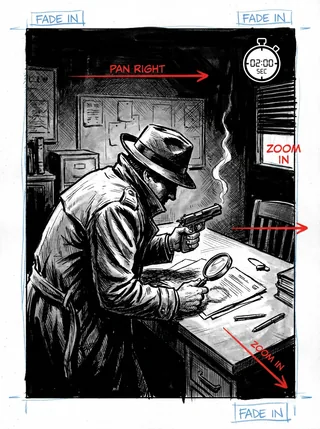
コミックアニメの未来
Comic to Video は、すでにページ上に物語があるクリエイターのために作られています。コマ順を読み取り、シーンの一貫性を保ち、全体を一から作り直さなくても静止したコミックレイアウトをアニメクリップへ変換できます。
従来のアニメ制作フロー
コミックのコマからアニメーションへ進むには、通常、ショットの作り直し、セリフのタイミング調整、物語のモーション向け再編集が必要です。この流れは遅く、ページ上で既に作り上げたテンポを崩しがちです。
ページ上では物語がきれいにつながっていても、モーション、テンポ、カメラアングル、トランジションに置き換えると複雑なパズルになります。
カメラが動き、シーンが変わっても、どのモーションクリップでもヒーローは同じヒーローに見える必要があります。
音楽、効果音、声は、コミックのトーン、セリフのリズム、シーン切り替えに合っている必要があります。
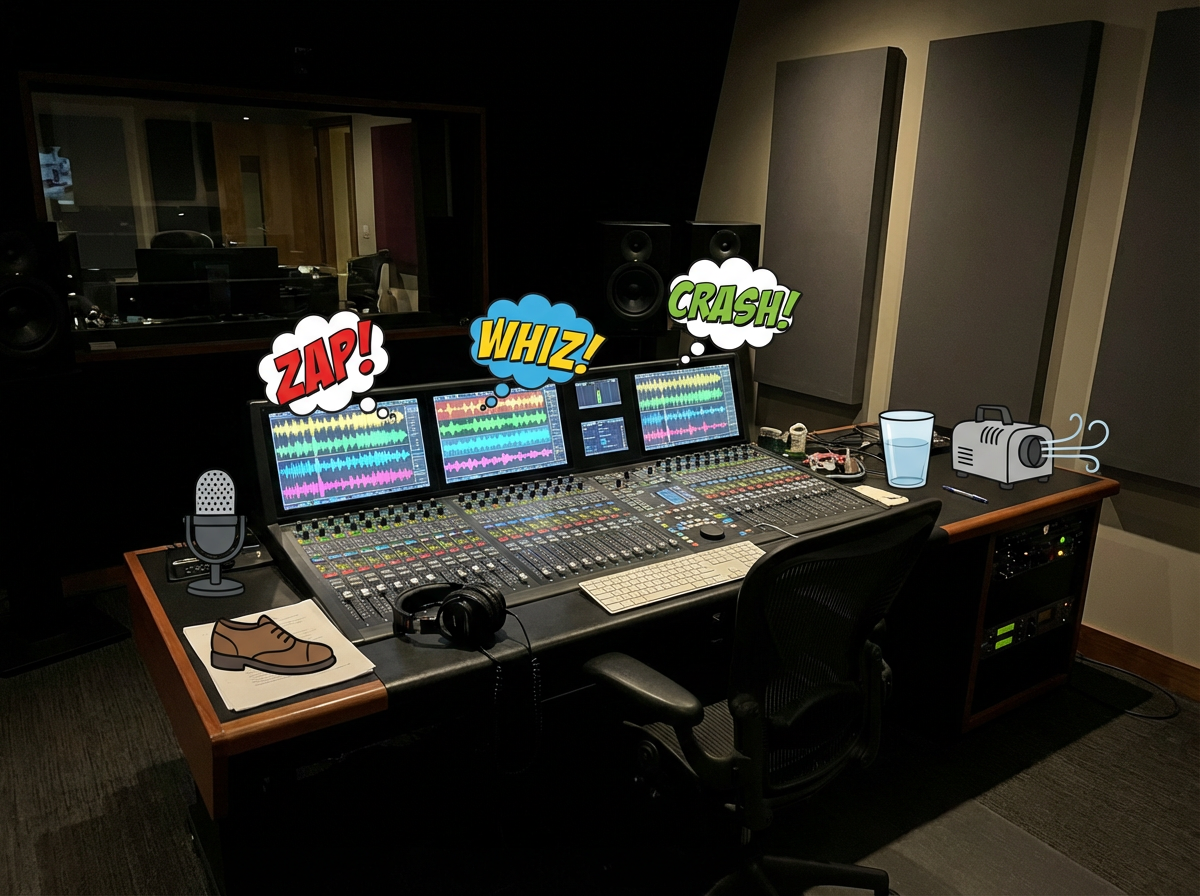
書き出しを待って、タイミングの問題を見つけ、共有できる状態になるまで編集を繰り返すことになります。
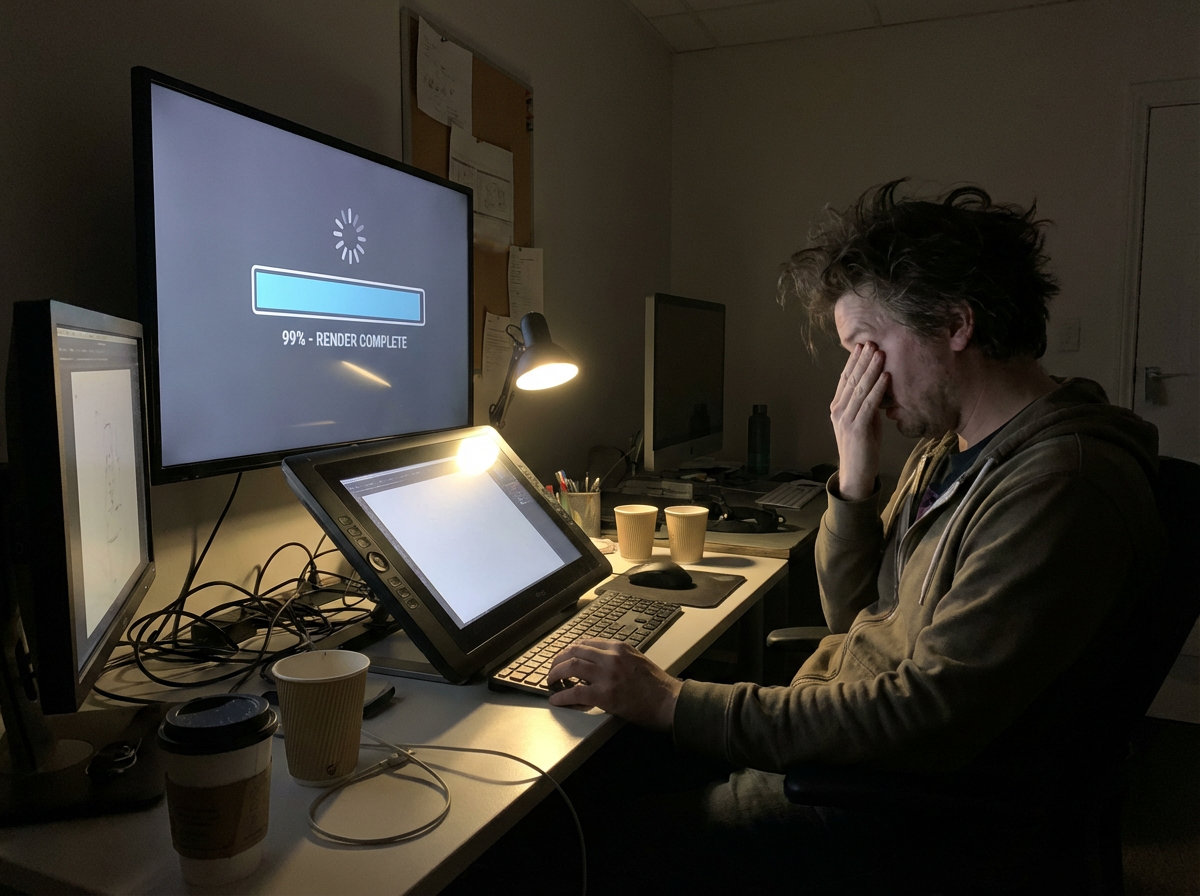
完成したアニメーションも、TikTok、YouTube Shorts、Reels、提案資料向けにサイズ変更と再編集が必要です。
もし、あなたのコミックのコマにすでに動画の設計図が入っていたら?
|あなたのコミックに命を吹き込むことは
ずっと夢でした。
今、その最初のモーション案はコマから始まります。
ワークフローはコミック起点で設計されています。コマの流れを読み取り、一貫性を保ち、モーションを加え、元の物語らしさを残したままクリップを書き出します。
アップロードされたページやコマの流れを読み取り、順序、キャラクター、セリフ、シーンの切り替えを特定して、コミック構造そのものから動画設計を組み立てます。
コマの間にモーションとトランジションを作成し、コミックで定義された物語の山場に沿ったまま、アニメらしい動きのあるクリップに仕上げます。
セリフの合図、効果音、BGM を、吹き出しやシーンのリズムに合わせて設計できます。
コマのテンポ、切り替え、見せ場の強弱を調整しながら、まとまりのある短尺ストーリークリップに仕上げます。
プレビュー、SNS投稿、提案、または大きな動画ワークフローでの追加編集用に、アニメ化したストーリークリップを書き出せます。
無料のコミック動画 AI
コミックのコマ、マンガのページ、マンファのシーン、Webtoon のパネルをアップロードして、TikTok、YouTube Shorts、提案資料、クリエイタープロモ用の AI モーション動画に変換できます。
Updated September 2026
Best comic to video AI 2026
A ranked list of comic to video AI converters you can try in 2026. These are tools that start from finished comics, keep panel order, and export a shareable clip — not generic text-to-video apps.
Ranked September 2026 on panel-first workflow, free start, visible pricing, continuity, and social-ready export.
Best comic to video AI for finished comic, manga, manhwa, and webtoon panels.
Best for: Creators who already have sequential art and need a free comic to video maker for teasers, Shorts, and pitches.
Panel-first workflow, format presets for manga / webtoon / manhwa, visible pricing, and a free start without a card.
Best when you want a multi-scene comic-to-movie with a locked cast.
Best for: Teams already building comics inside ComicInk who need spoken dialogue, captions, and a 720p film export.
Strong character lock and scene assembly. Weaker if you only need a fast panel-to-social converter.
Solid comic book to video AI for narrative continuity.
Best for: Illustrated stories that need pacing and transitions more than format-specific manga or webtoon presets.
Clear comic-to-video positioning. Less specific about free credits and social export defaults.
Best comic video maker if you start from text or mixed models.
Best for: Users who want Seedance, Kling, or MiniMax to generate or animate comic-style shots.
Flexible models and aspect ratios. Closer to a generic comic video generator than a panel-sequence converter.
Comic book to video converter with voices and lip-sync.
Best for: Narrated comic-book adaptations when voiceover matters more than preserving the original panel grid.
Useful voice features. The workflow can drift toward script-to-video instead of finished-page conversion.
FORMAT-SPECIFIC WORKFLOWS
Manga, webtoon, and manhwa use different reading directions, pacing, language defaults, and publishing formats.
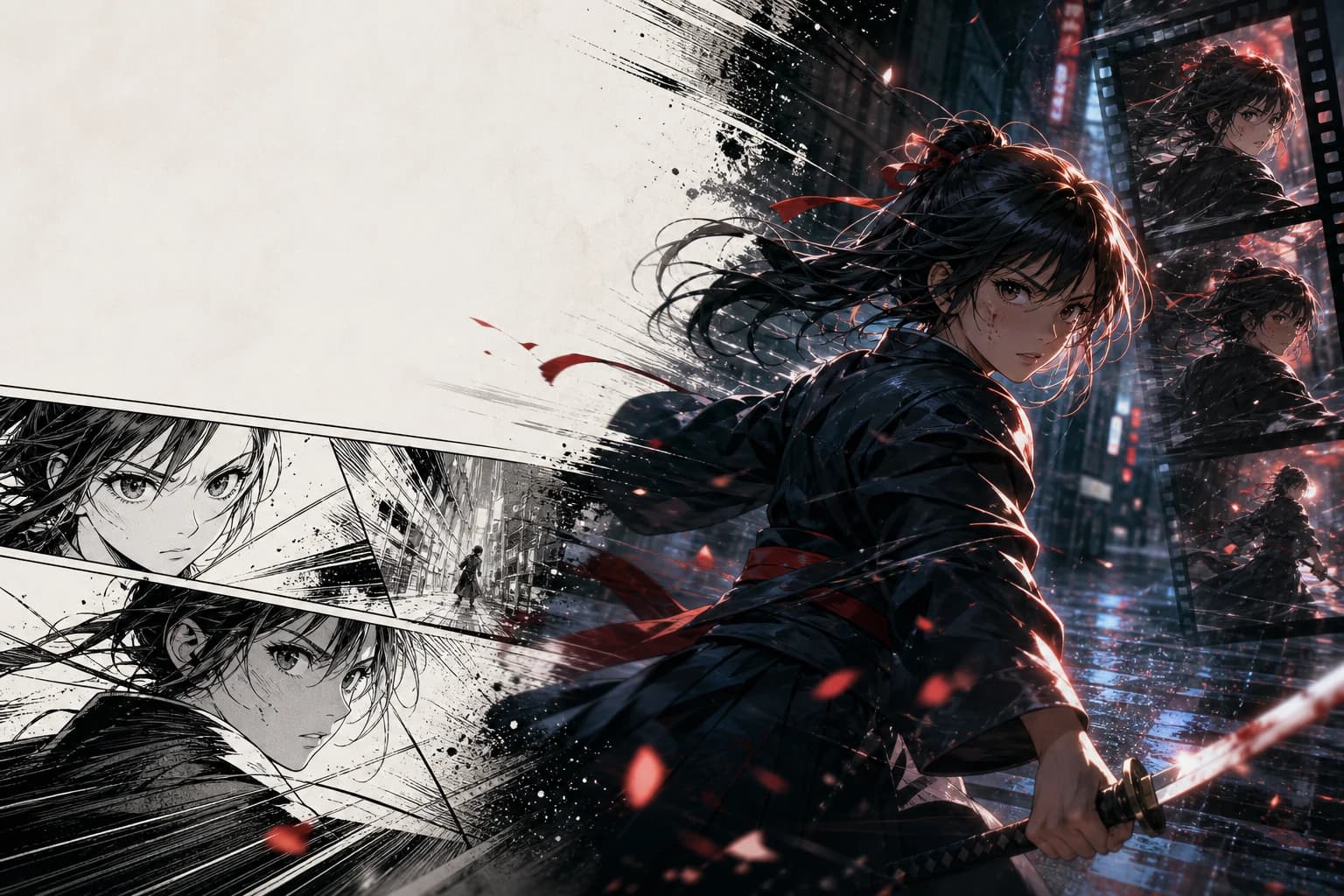
日本語音声・右綴じ・16:9 PV
右から左のコマ順、セリフの間、モノクロ原稿の質感を保ちながら、完成した漫画ページをシネマティックなPVに変換します。
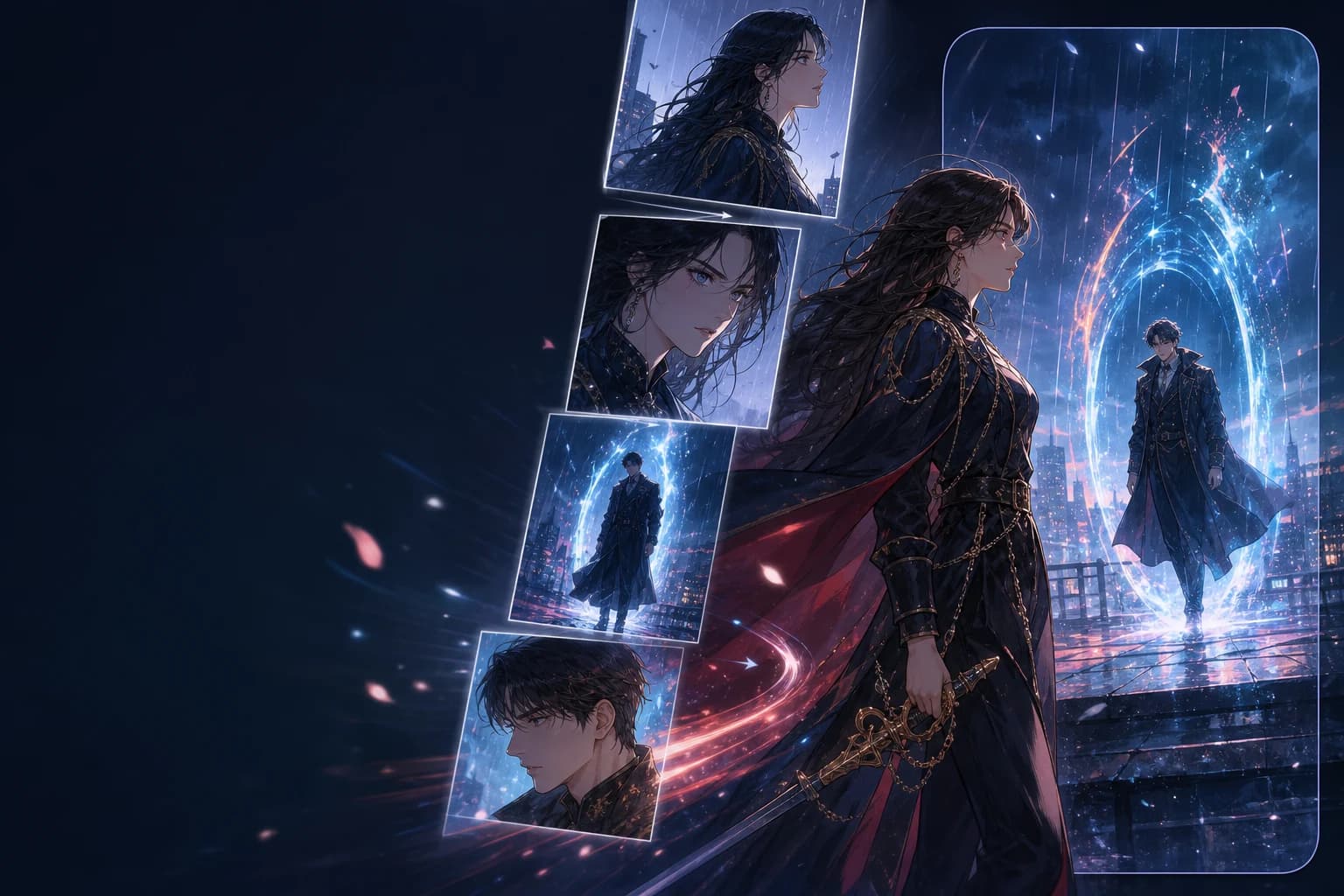
EN voice · vertical order · 9:16
Preserve top-to-bottom story order, episode rhythm, and full-color character continuity while reframing key beats for 9:16 video.
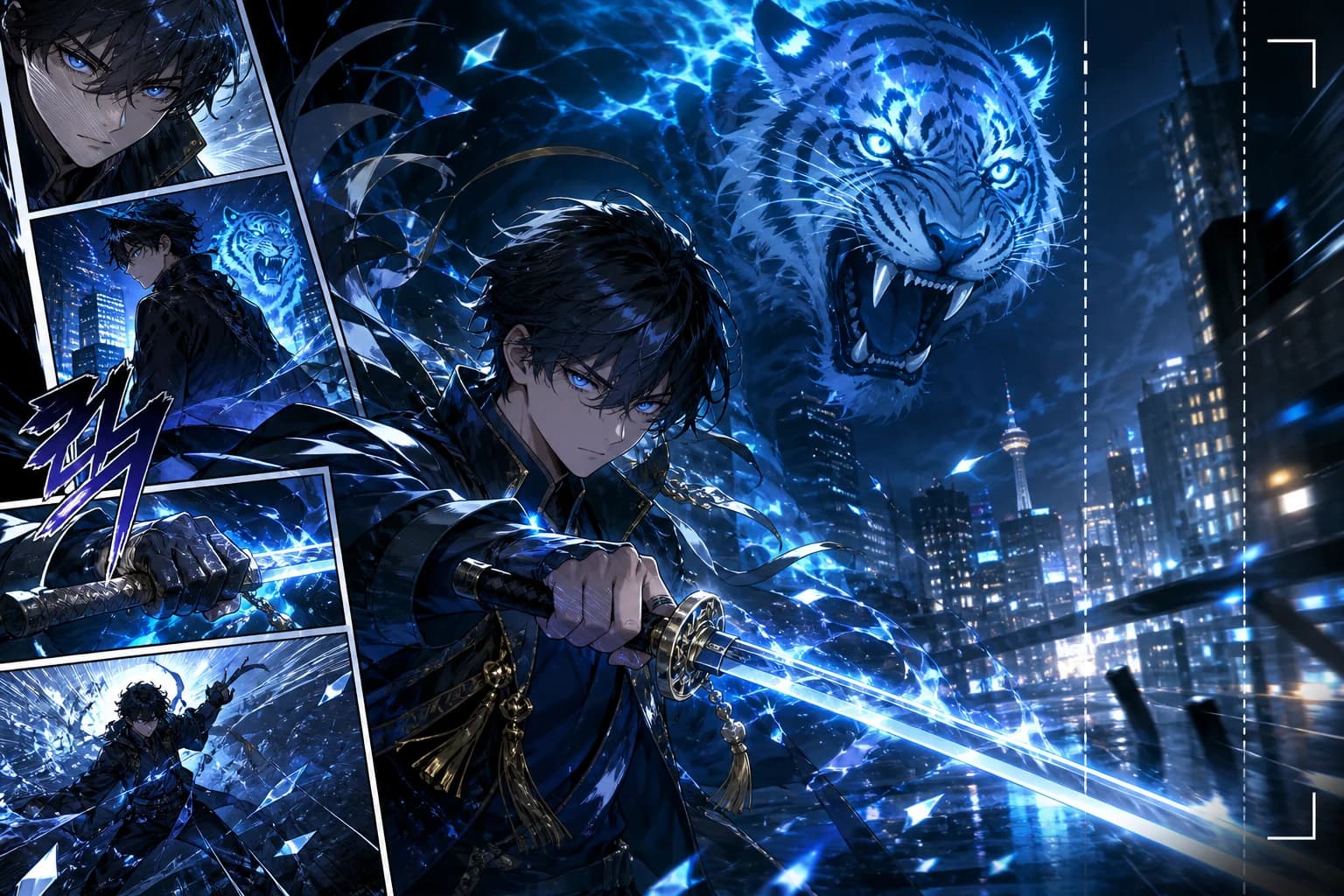
KO voice · vertical order · 9:16
Build Korean-language action, romance-fantasy, and level-up teasers with character continuity, vertical framing, and motion designed around the chapter beat.
コミックのページ、マンガのコマ、Webtoon のシーンをアニメ動画にするための実用的な回答です。
Related comic workflows
If you are making the pages first, or you need a format-specific converter, these are the closest next steps: manga to video, webtoon to video, image to video, and comic strip maker.
Right-to-left manga pages into PV-style motion.
Vertical episodes into 9:16 teasers.
Full-color Korean chapters into motiontoon clips.
Single stills, not multi-panel comics.
Create the panels before you convert them.
Generate pages, then run comic to video.
Photo to comic page, then animate the page.
Broader video models when you are not starting from comics.