

PNGアップロードからコミック化までの流れ
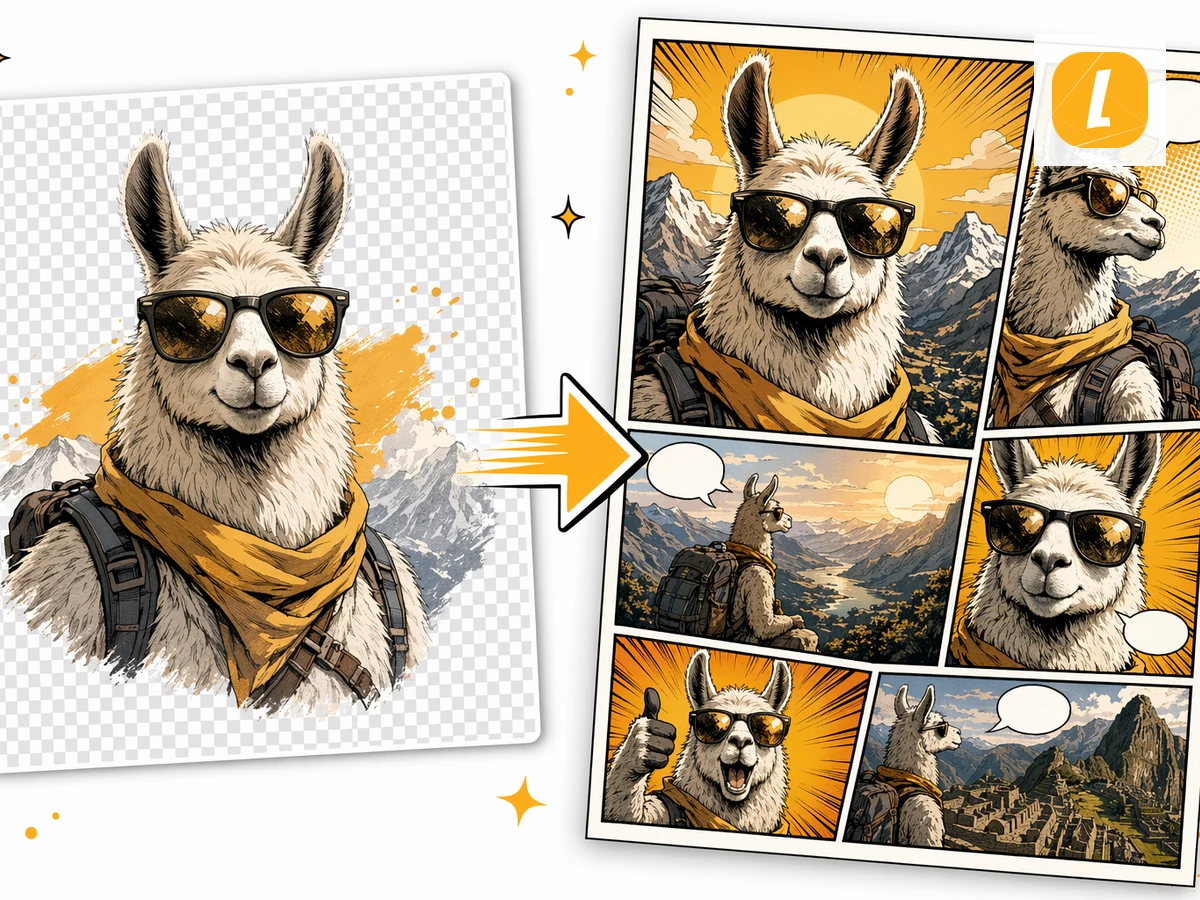
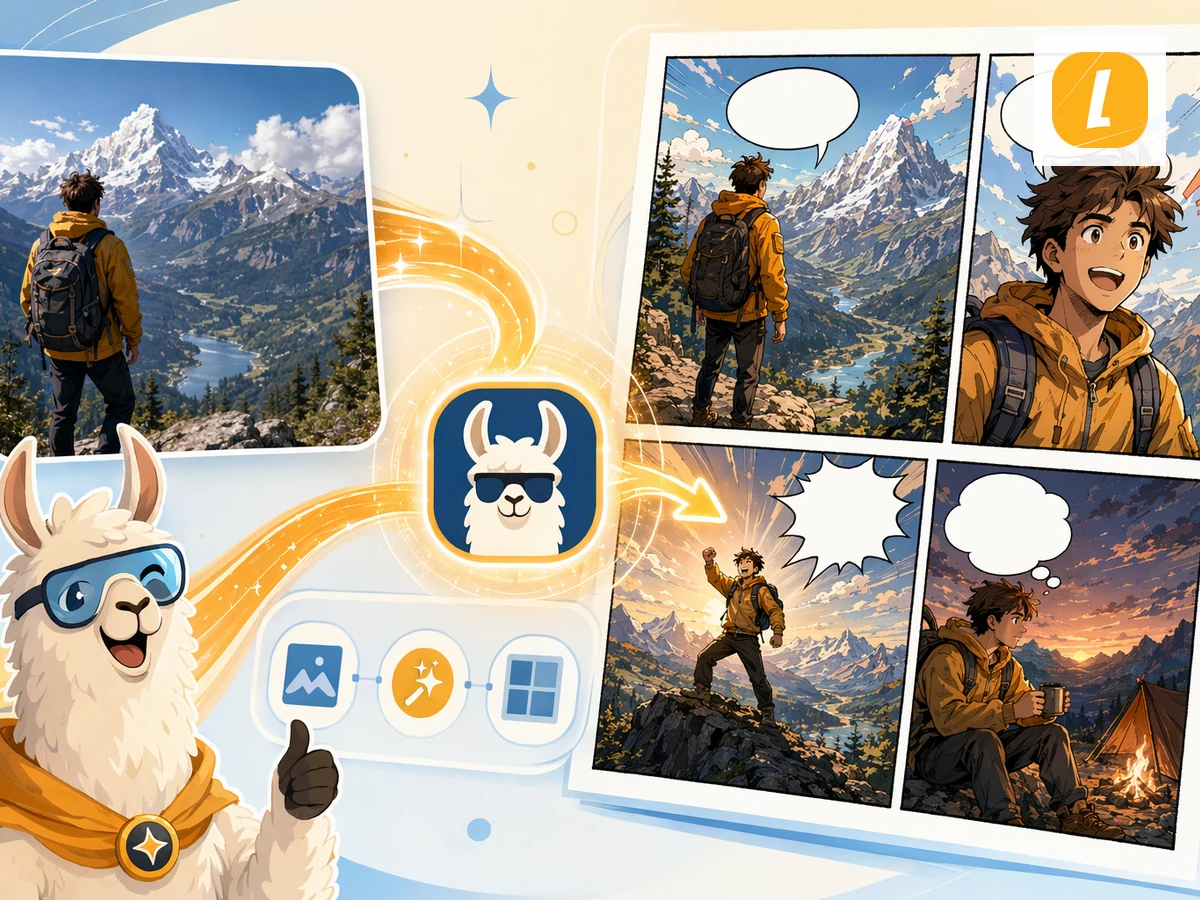
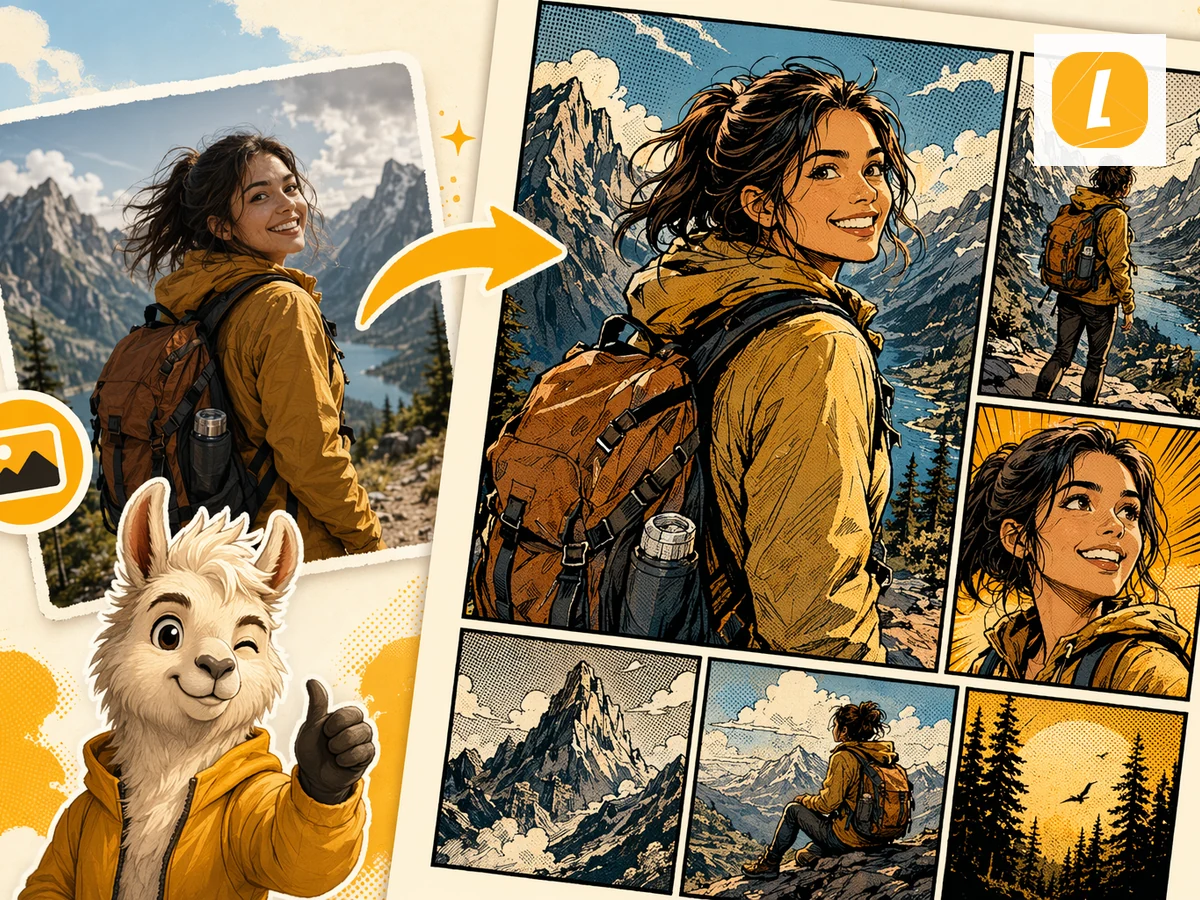
PNGの元画像をアップロードすると、LlamaGenが添付ファイルとしてコミック作成リクエストに引き継ぎます。空のプロンプトから始めるのではなく、元画像に沿ったコミックを生成できます。
PNG to Comic
Give your character, screenshot, or illustration a story. Create a comic from your PNG, then make it your own in Studio.
Sign in to upload. Generation uses credits.
PNGファイルをアップロードします。ツールはコミック生成用の元ファイルとして保存します。
対象ユーザー、トーン、ビジュアルスタイル、または元画像のどの部分をメインシーンにするかなど、短い指示を追加します。
コミックを生成し、LlamaGen Studioでコマ、セリフ、レイアウトを編集して仕上げます。
PNGの元画像をアップロードすると、LlamaGenが添付ファイルとしてコミック作成リクエストに引き継ぎます。空のプロンプトから始めるのではなく、元画像に沿ったコミックを生成できます。
このツールは元画像を、コマの流れ、視覚的なテンポ、キャプション、生成前に調整できるスタイル指示を備えた、コミック向けプロンプトに変換します。
生成後はコミックワークスペースで結果を開き、LlamaGenを離れずにコマ、キャプション、レイアウト、ストーリーの細部を調整できます。
Check plans and credits before generating, or turn a picture into a comic, open the comic strip maker, or start from AI comic strips.
Keep creating コミック results from PDFs, Word docs, images, photos, and other source formats in the same AI workflow.
PDFファイルをAI生成コミックに変換します。PDFをアップロードすると、LlamaGenが内容、シーン、アイデアをコマとセリフ付きのコミックページに変換します。
Word文書をAI生成コミックに変換します。DOCXファイルをアップロードして、ストーリー、構成、授業内容をコミックページに変換できます。
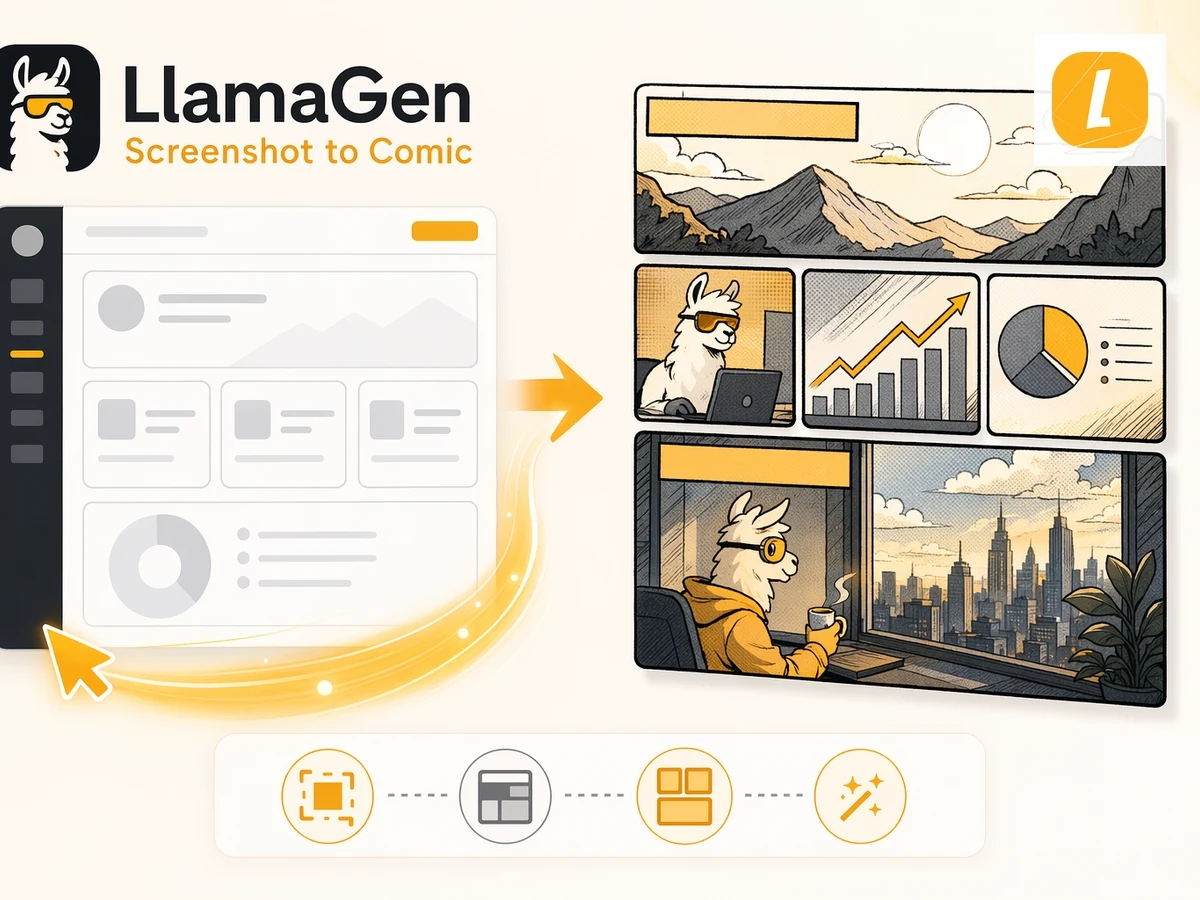
表計算シートをコミック風のビジュアルストーリーに変換します。ExcelやCSVをアップロードして、データ、企画、シナリオを読みやすいコミックページにできます。
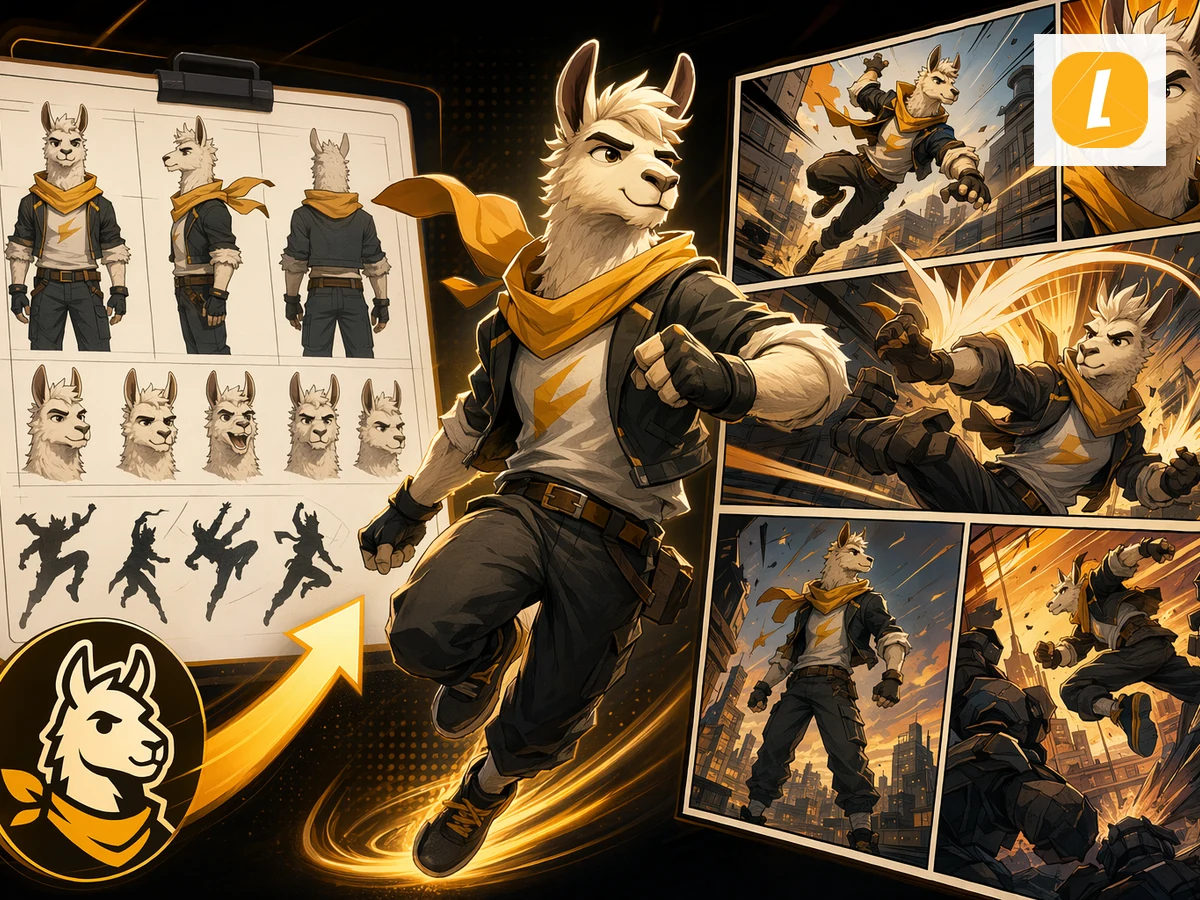
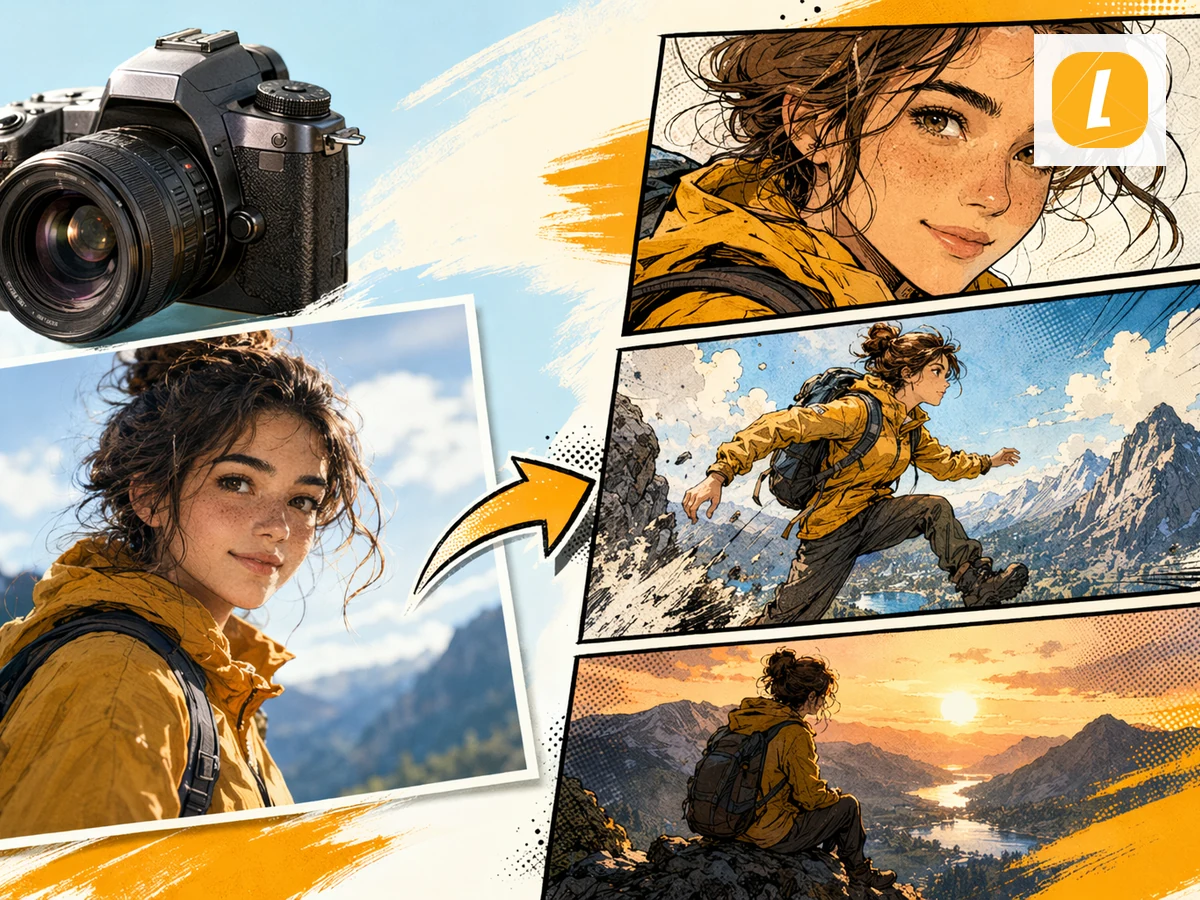
JPG画像をコミックに変換します。写真やイラストをアップロードして、AI生成コミックページのビジュアル参照として使えます。
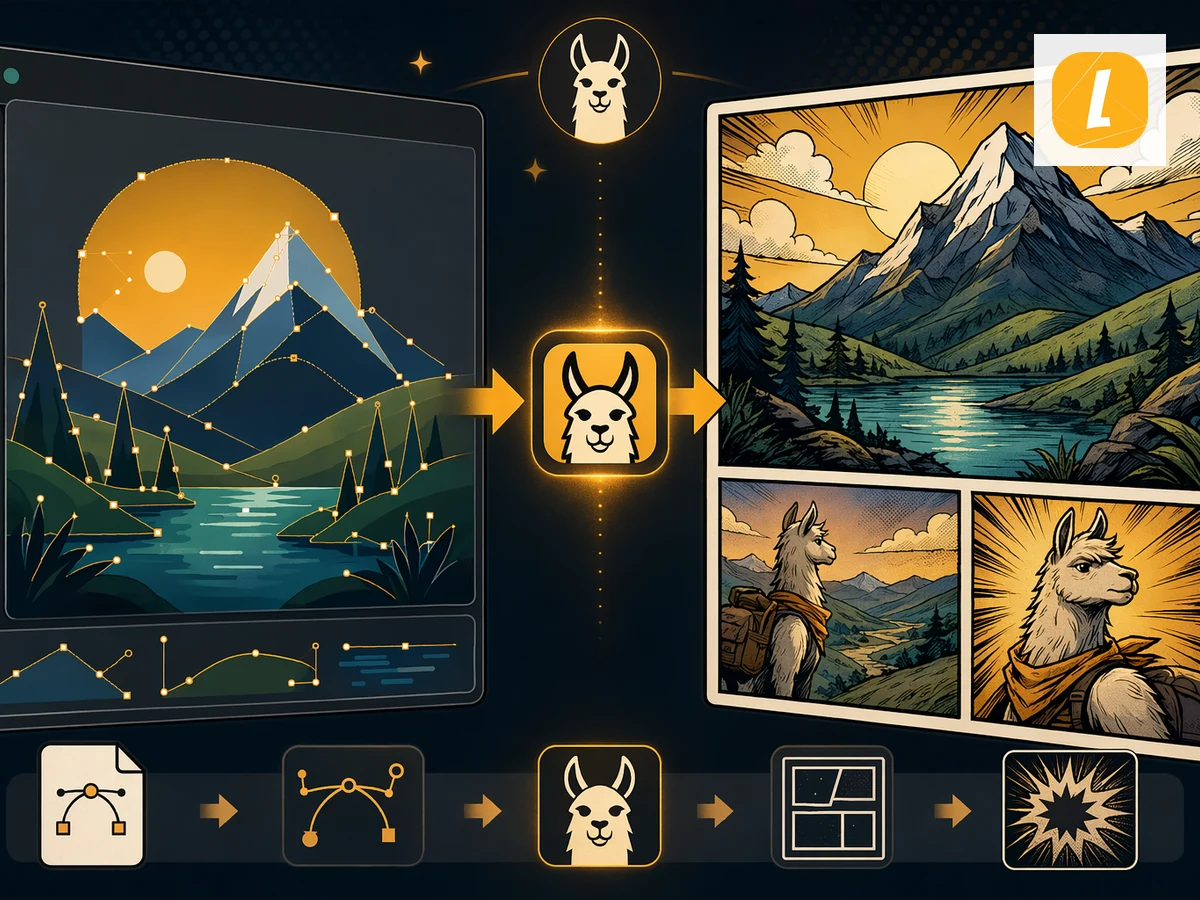
旧形式のDOCファイルをコミックに変換します。DOC文書をアップロードすると、LlamaGenが元素材をコミックページに変換します。
画像をAI生成コミックに変換します。画像をアップロードすると、LlamaGenがコマ、キャプション、表情豊かなビジュアルストーリーとして再構成します。
写真をAI生成コミックに変換します。写真をアップロードして、シーン、人物、雰囲気を映画的なコマ構成のコミックページにできます。
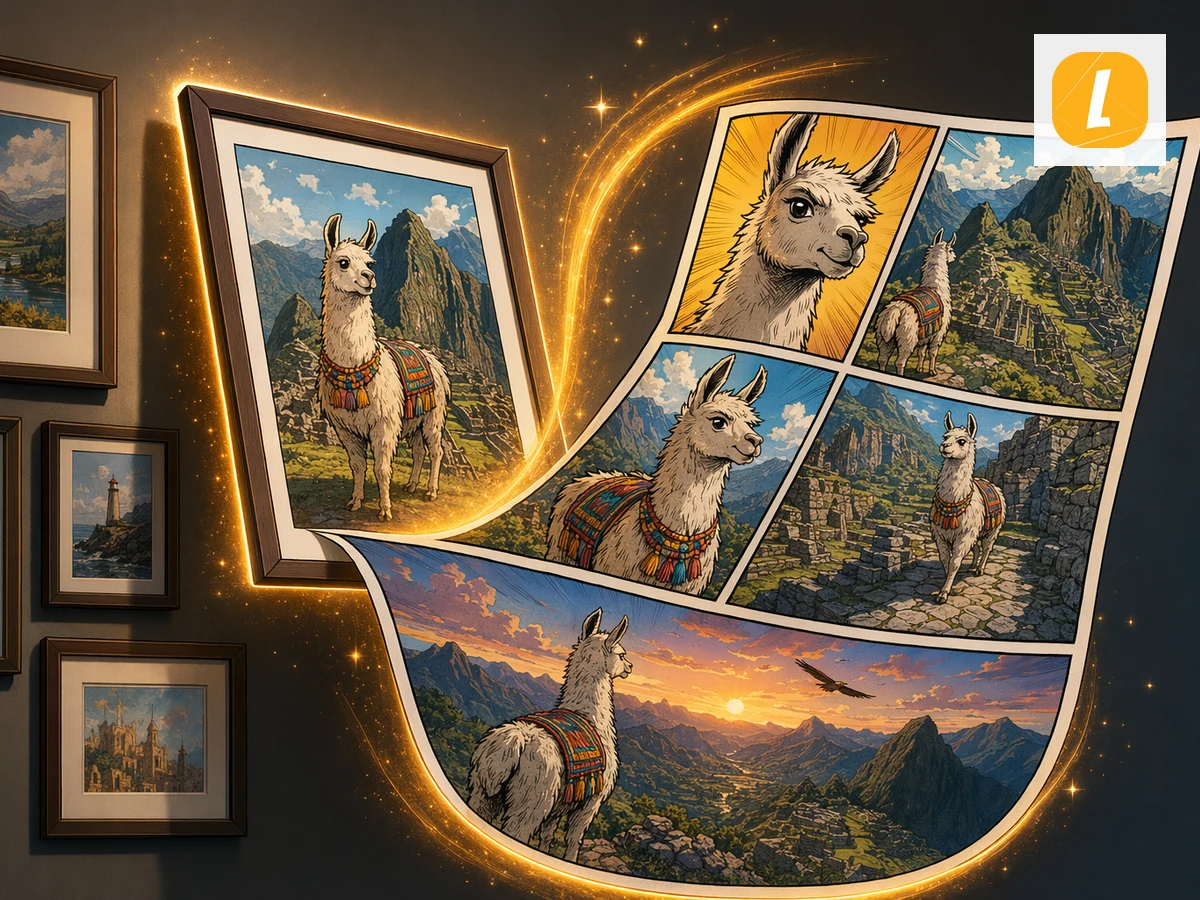
画像をAIコミックページに変換します。画像をアップロードすると、LlamaGenがコマベースのコミックストーリー制作のビジュアル素材として活用します。
1分でコミックを作成。クレジットカード不要。
Move from a single generated image or video into comics, manga, storyboards, and connected visual stories.