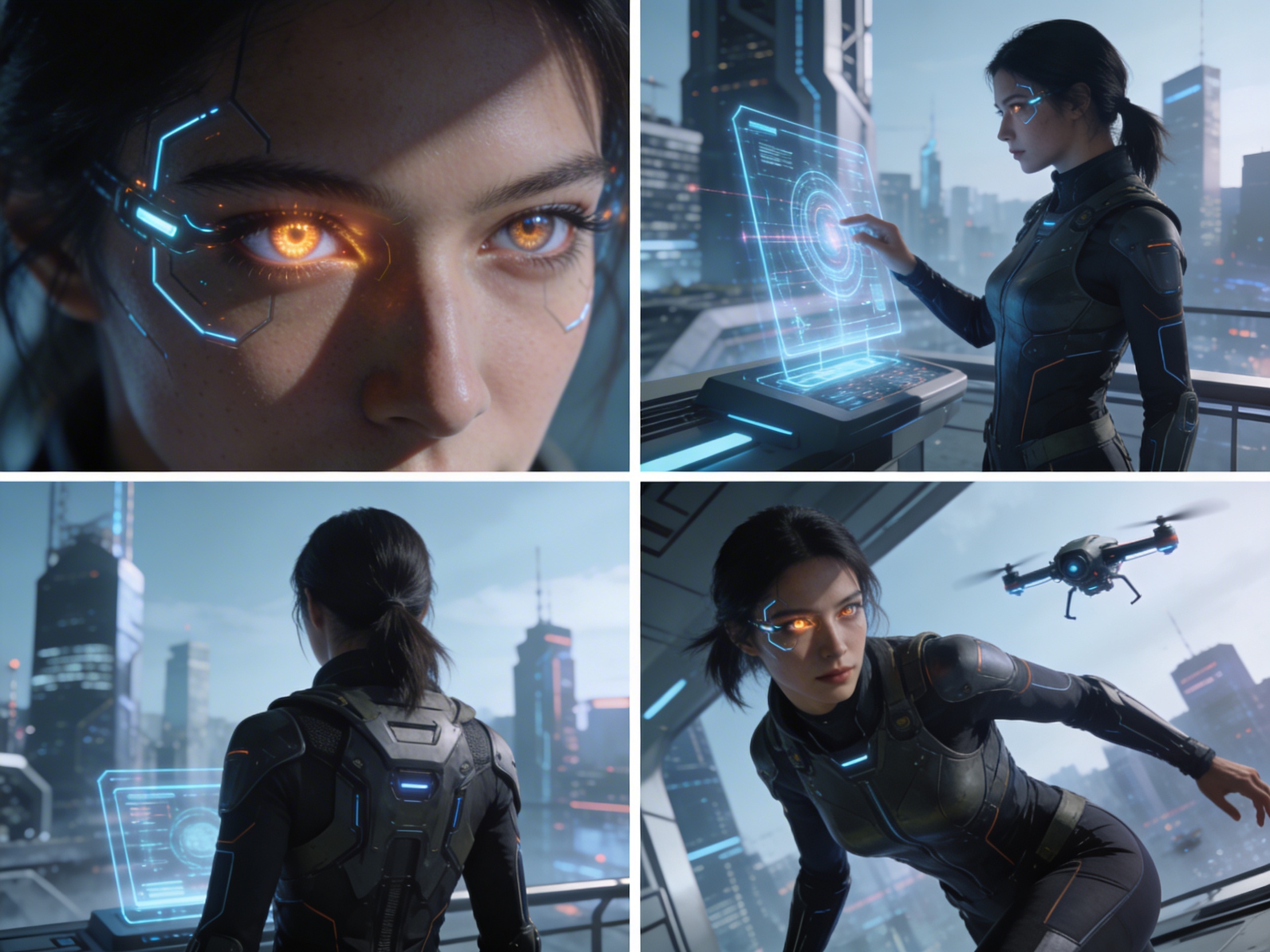
4 Camera-Angle Prompts
Automatically generate 4 different camera angles, shot types, and sequence ideas from a single image
Shot Sequence Prompt AI
Upload one image and generate a prompt-ready multi-shot video plan: 4 camera angles, cinematic shot descriptions, storyboard notes, and a clear sequence for AI video production.
Shot 1
Close-up
Shot 2
미디엄
Shot 3
Wide
Shot 4
액션
Plan the shot sequence, camera-angle prompts, and storyboard notes before you generate the final clip
Automatically generate 4 different camera angles, shot types, and sequence ideas from a single image
각 샷 설명을 조정하여 창의적인 비전에 완벽하게 맞추세요
Generate multi-shot video prompts and storyboard notes in seconds, not hours
전문가부터 초보자까지, 우리의 도구는 여러분의 창의적 요구에 맞춰 조정됩니다
다음 영화 프로젝트를 위한 자세한 스토리보드와 샷 목록을 만드세요
Generate multi-shot video prompts for social media and YouTube concepts
글로 된 이야기를 다양한 시각으로 시각적 서사로 변환하세요
다양한 샷 변형으로 설득력 있는 시각적 캠페인을 만드세요
작동 원리
사진, 예술 작품 또는 개념 이미지를 업로드하세요. 우리의 AI는 모든 주요 형식을 지원합니다.
Our advanced AI analyzes your image and generates 4 unique camera-angle prompts and cinematic shot descriptions.
설명을 조정하고 비디오 제작을 위한 멀티 샷 스토리보드를 내보내세요.
AI MULTI-SHOT STORYBOARD EXAMPLES
From single images to cinematic sequences, see how one source can become multiple shot prompts and video concepts.
Choose your output
Use the same source image to prepare camera angles, a connected shot sequence, or storyboard notes for the next production step.
Plan a prompt-ready video sequence from one source image instead of generating one disconnected clip.
Create close-up, medium, wide, product, action, and cinematic angle prompts for the same subject.
Turn a single image into a clear four-shot structure with framing, pacing, and production notes.
Use the generated shot descriptions as storyboard notes for AI video, ads, social clips, and pitches.
기존 비디오 제작 워크플로
The traditional path from concept to multi-shot video is expensive and time-consuming. Even before generation or filming, creators need shot planning, camera angles, sequence logic, and multiple revisions.
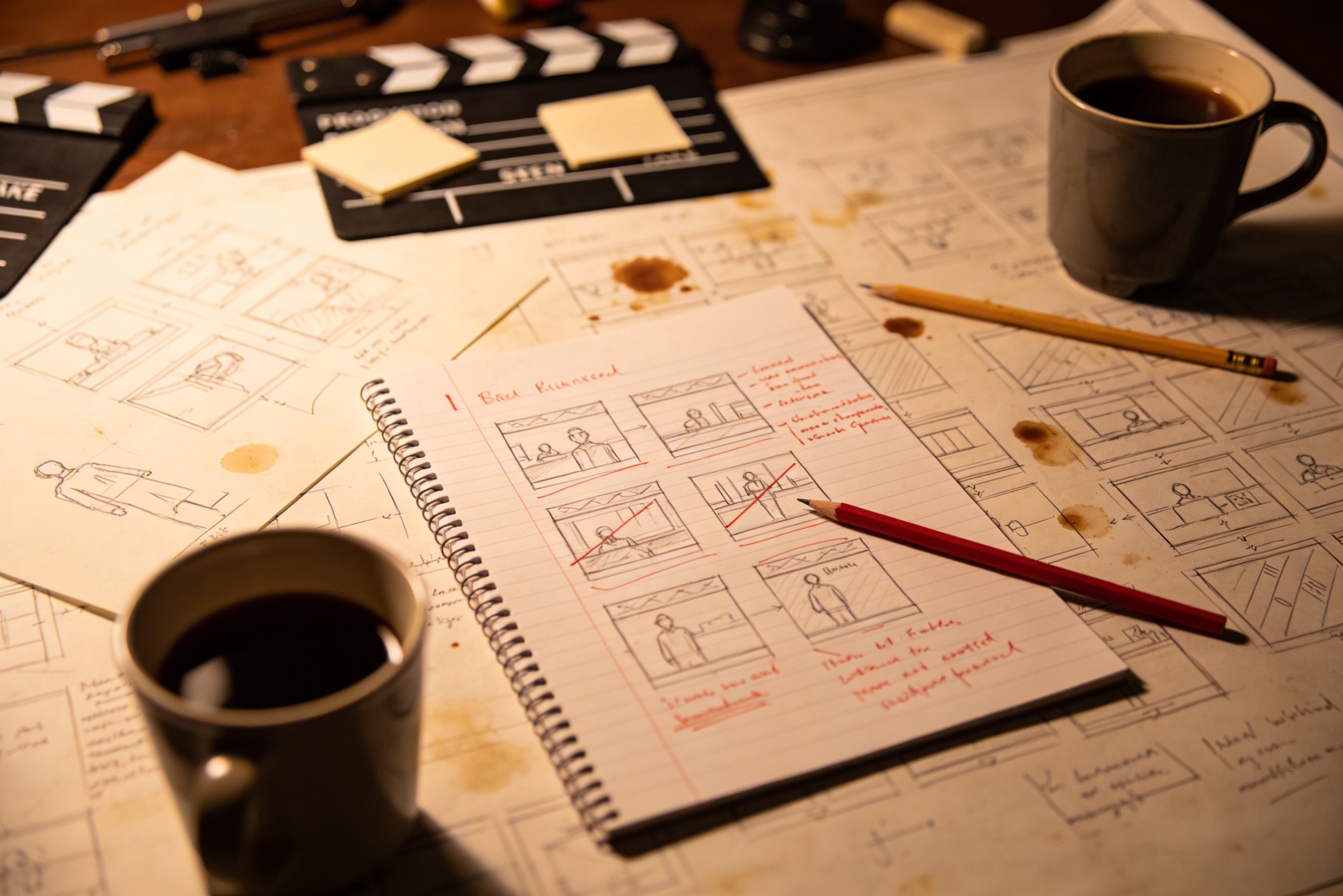
창의적인 비전을 자세한 샷 설명으로 번역하려면 광범위한 계획과 여러 번의 수정이 필요합니다.
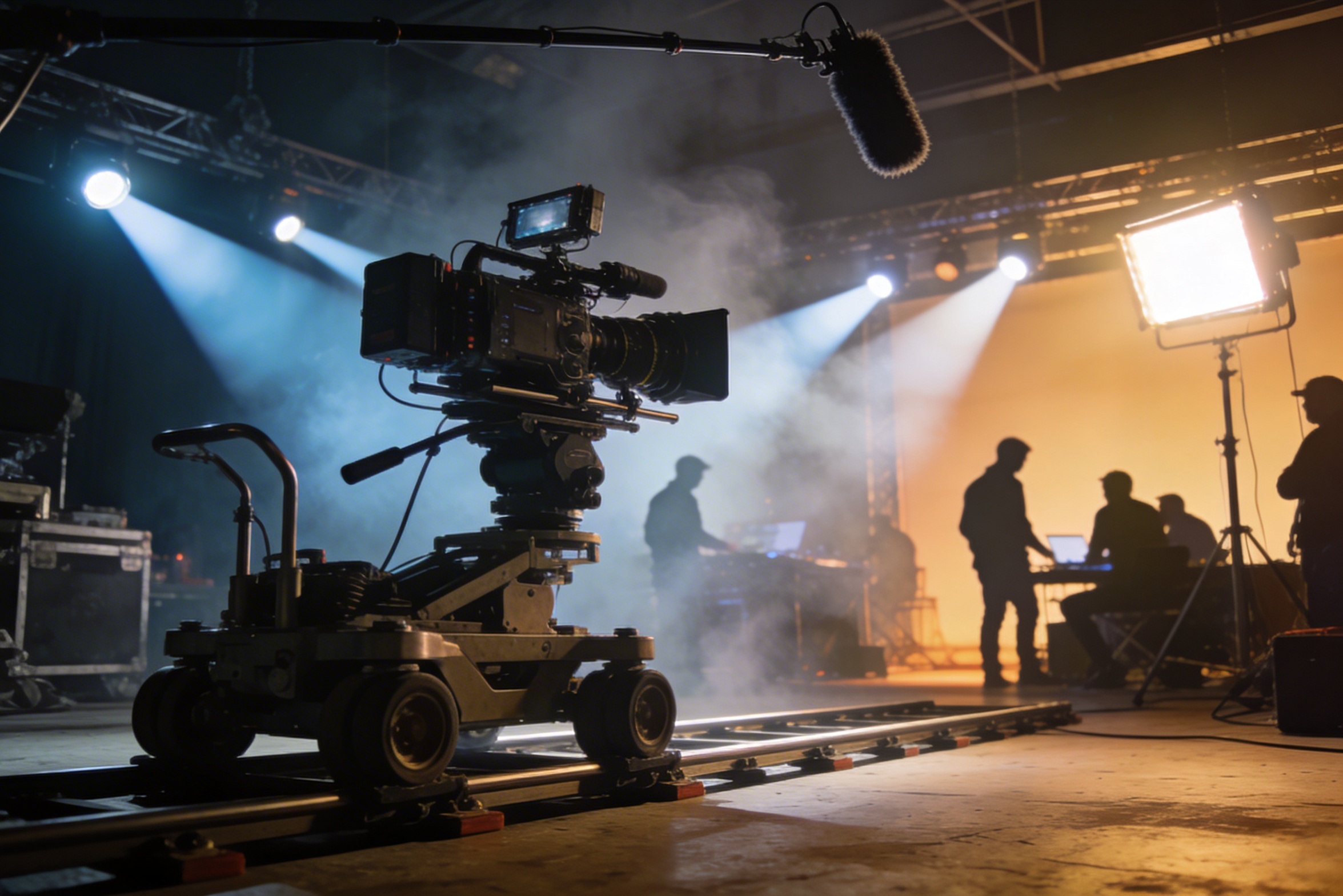
전문 촬영은 비싼 장비, 조명 세팅, 장소, 그리고 종종 전체 스태프가 필요하며 비용이 빠르게 통제 불가능해집니다.
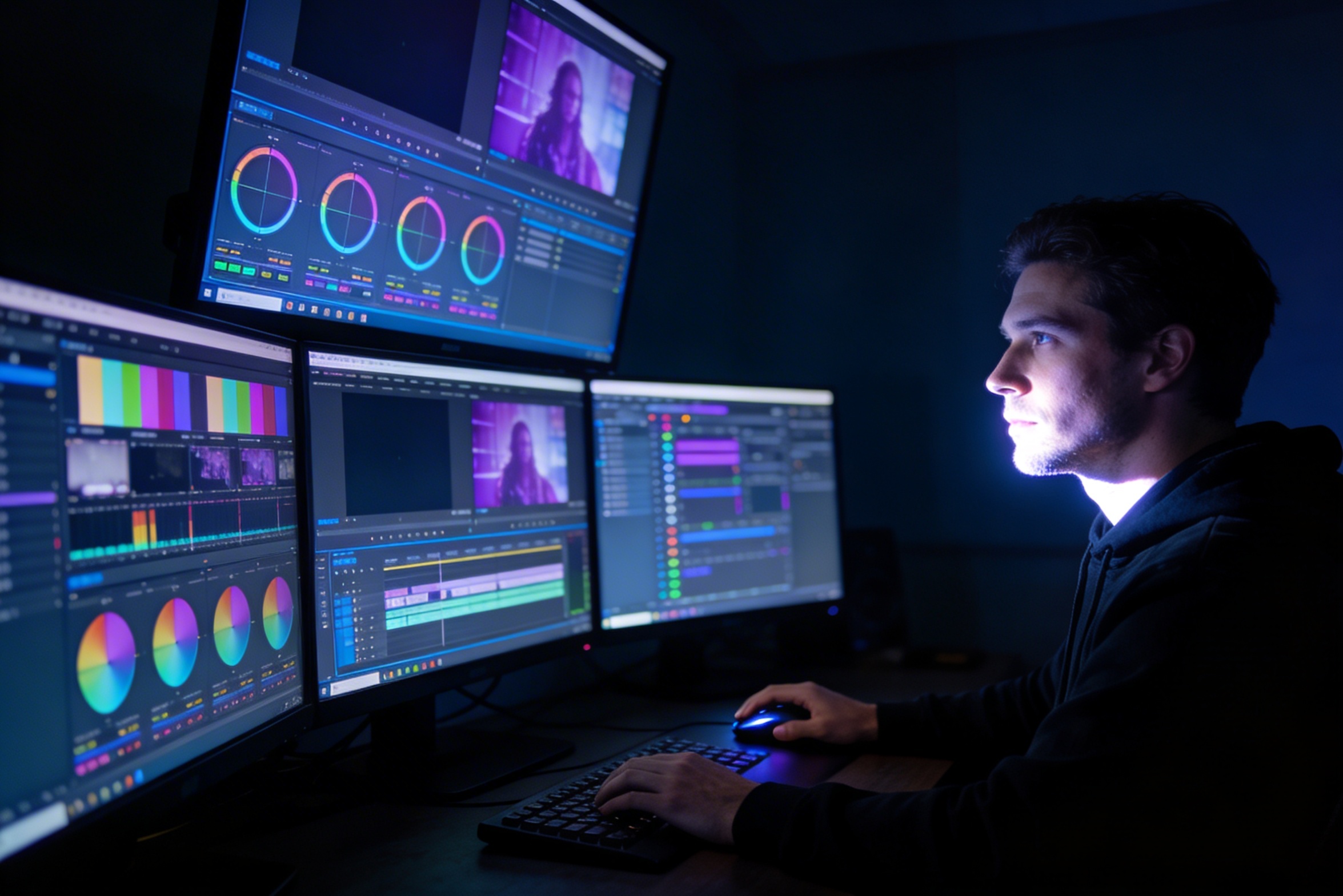
편집, 색상 보정, 시각 효과 및 여러 샷 변형을 생성하려면 전문적인 소프트웨어 기술과 몇 주의 작업이 필요합니다.
YouTube, TikTok, Instagram 등 다양한 플랫폼을 위한 버전을 만드는 것은 다양한 비율과 길이에 맞춰 다시 편집하고 렌더링해야 한다는 것을 의미합니다.

Professional multi-shot planning can cost hours of creative direction before a final video is generated, filmed, edited, or approved.
Join creators using LlamaGen to plan shot sequences, camera angles, and AI video prompts before production.
Related writing workflow
Use the AI Screenplay Editor when a script, fiction draft, storyboard brief, video idea, or canvas note needs proper scene headings, action, dialogue, parentheticals, cover pages, outlines, beats, and collaboration-ready revisions.
INT. COMMUNITY CENTER - NIGHT
Folded chairs. A storm outside. MAYA stands at the microphone with a page of notes she no longer needs.
MAYA
If the city will not read the record, we will read it out loud.