



Comic to video AI
Upload finished panels and generate motion without rebuilding every shot in a timeline editor.
단일 정지 이미지가 아니라 만화 시퀀스를 중심으로 설계
Shorts, TikTok, Reels, 트레일러용으로 최적화
모션, 타이밍, 대사 큐, 내보내기 계획을 한 번에
What is comic to video?
A comic to video AI converter turns finished comic panels, comic strips, comic books, manga pages, or webtoon art into a short animated video. Unlike image to video, it follows panel order, dialogue timing, and story continuity so the clip still reads as the original comic.
Creators use a comic to video maker when they already have sequential art and need a social teaser, pitch preview, or episode hook. LlamaGen starts from the page you uploaded, then plans camera motion, speech cues, and export format in one workflow.
Upload finished panels and generate motion without rebuilding every shot in a timeline editor.
Keep page order, character framing, and dialogue beats when a printed or digital comic becomes a clip.
Turn a 3- or 4-panel gag into a timed short with holds, punchline pacing, and vertical export.
크리에이터용 솔루션 페이지
이 페이지는 하나의 명확한 작업에 초점을 맞춥니다. 이미 만화 컷을 가진 크리에이터가 스토리를 판매하고, 다음 에피소드를 예고하고, 소셜 플랫폼에서 확산될 수 있는 영상 자산으로 바꾸도록 돕습니다.
주요 대상
이미 연속된 그림을 보유하고 있고, 모션 출력이 필요한 웹툰 작가, 망가 제작자, 만화 스트립 제작자, 교육자, 스튜디오.
문제점
기존 애니메이션 방식은 샷을 다시 만들고, 대사를 맞추고, 클립 형식을 조정하고, 만화가 만들어낸 시각적 리듬을 잃게 합니다.
결과
원본 컷 순서를 설계도로 삼아 카메라 움직임과 타이밍을 더한 뒤, 홍보나 검토용 짧은 스토리 클립으로 내보내세요.
LlamaGen은 빈 텍스트-투-비디오 프롬프트가 아니라, 완성된 만화 페이지와 컷 시퀀스를 중심으로 설계되었습니다.
애니메이션은 어렵습니다
크리에이터는 이미 캐릭터, 컷, 대사, 리듬을 기획하는 데 수 시간을 씁니다. 이 페이지를 세로 영상으로 바꾸려면 보통 두 번째 제작 파이프라인이 필요합니다. 각 컷 자르기, 샷 재구성, 대사 타이밍 맞추기, 모션 선택, 전환 편집, 여러 포맷 내보내기까지 모두 해야 합니다.
아하 모먼트
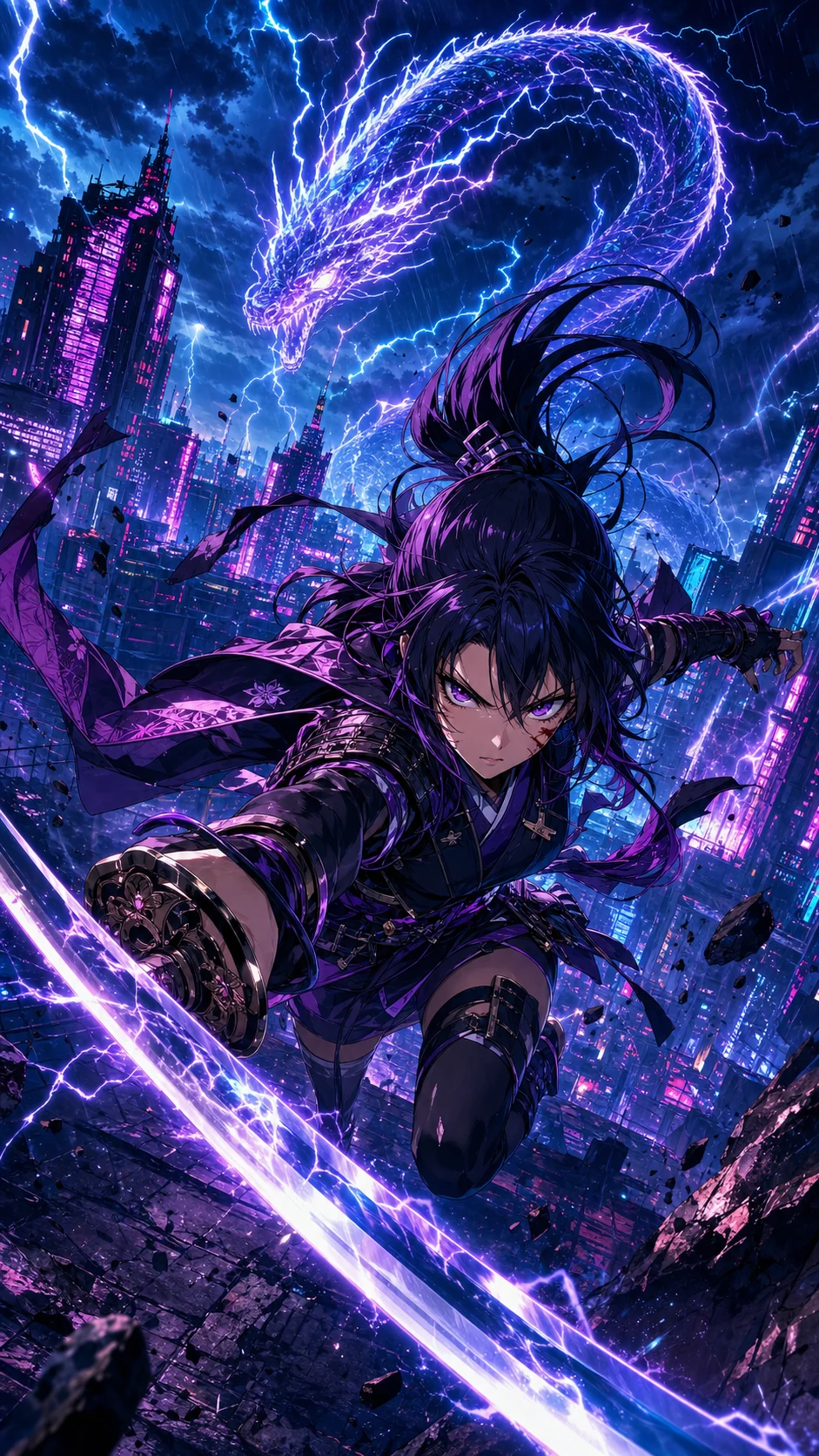
빈 애니메이션 타임라인에서 시작하는 대신, LlamaGen은 만화 시퀀스를 읽고 기존 스토리 비트를 움직임 선택으로 바꿉니다.
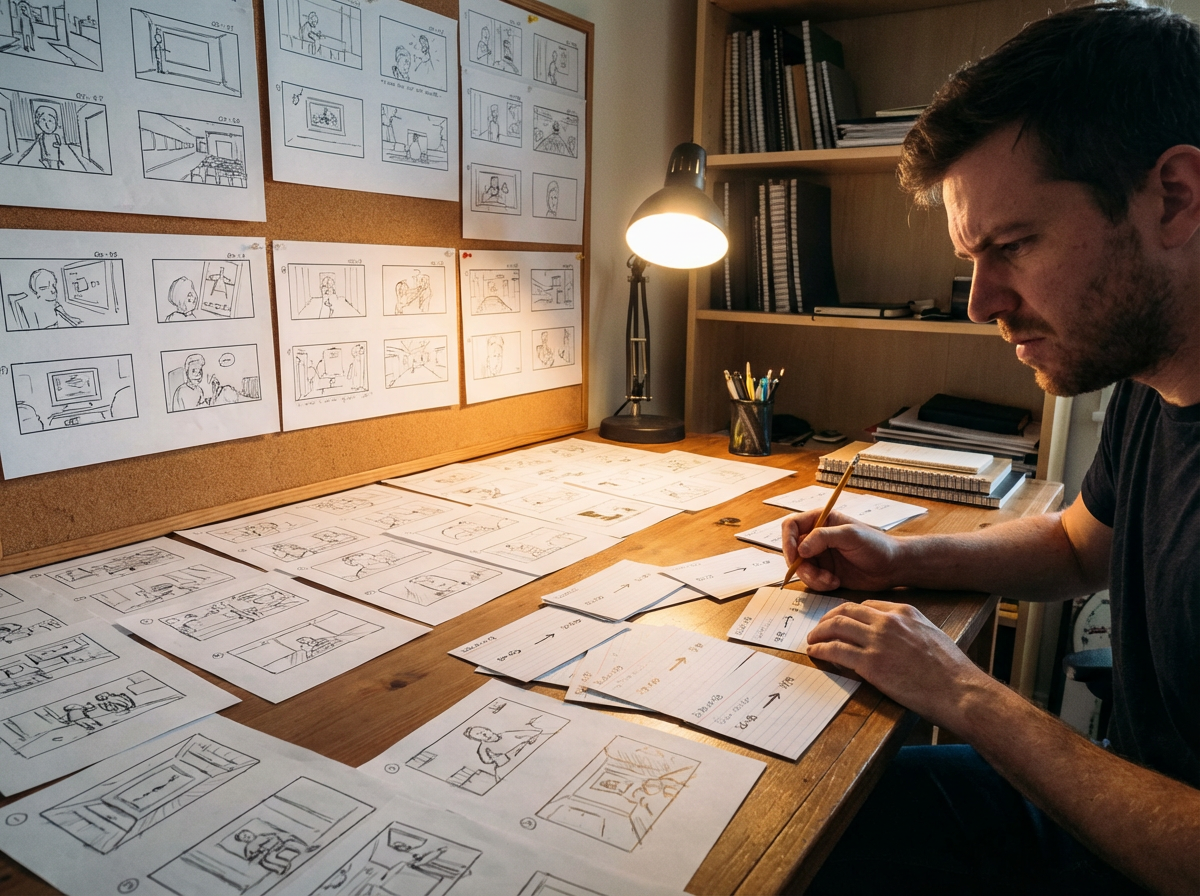
페이지에서
4컷 개그, 액션 장면, 웹툰 스크롤도 원래 레이아웃 리듬을 살린 짧은 클립이 될 수 있습니다.

모션으로
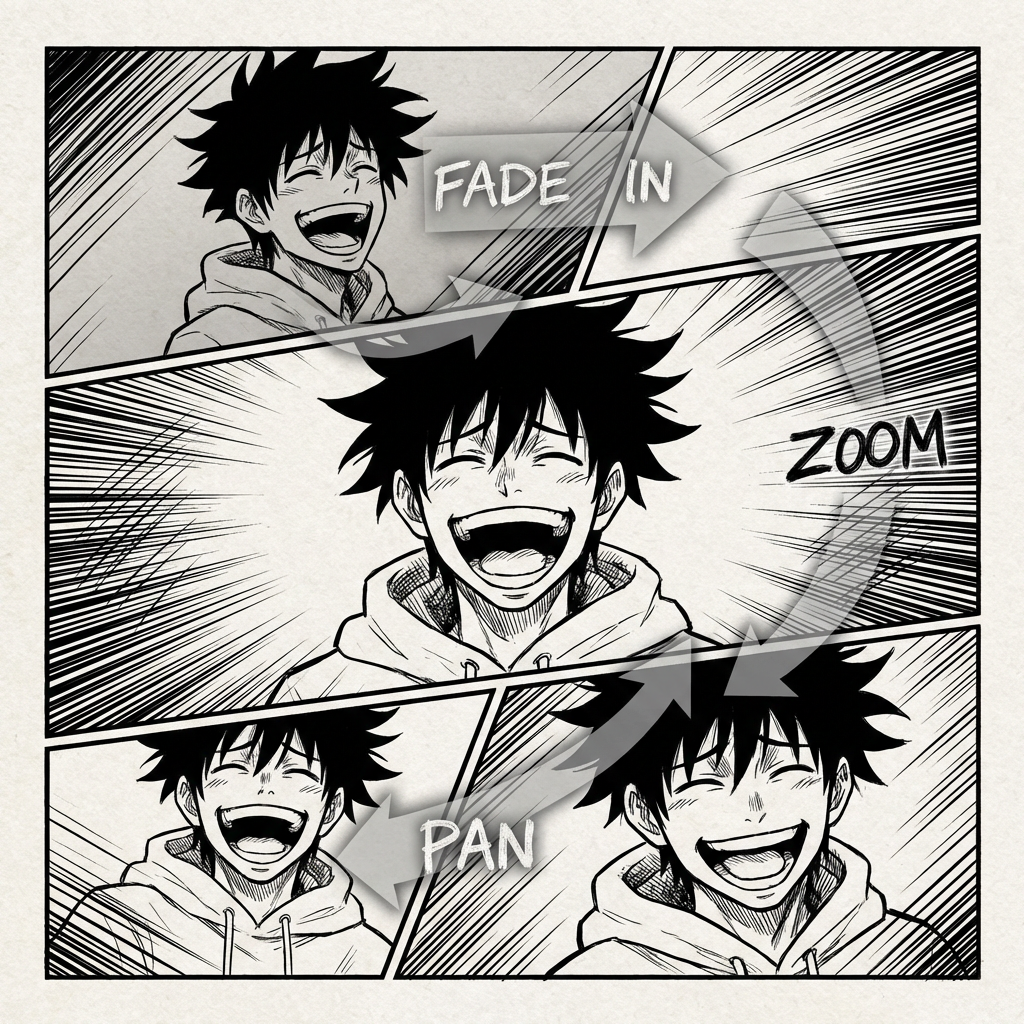
푸시인, 팬, 임팩트 프레임, 전환을 활용해 그려진 구성을 살리면서 정지된 컷에 생동감을 줄 수 있습니다.
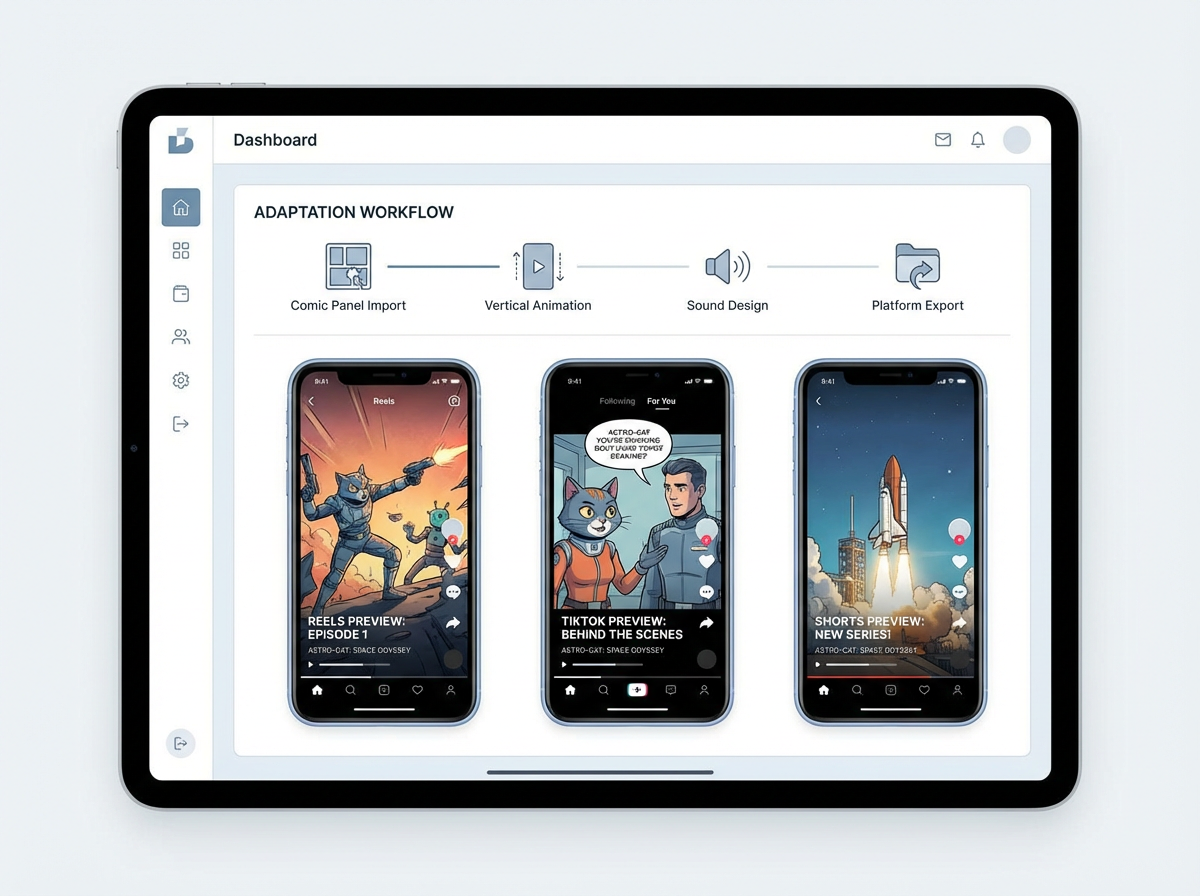
출시로
편집 소프트웨어에서 만화를 처음부터 다시 만들지 않아도 세로 티저, 장면 미리보기, 피치 초안을 만들 수 있습니다.
Veo 3.1 품질
세 장의 오리지널 애니 커버를 정확한 원본 아트에서 세련된 8초 세로 클립으로 애니메이션했습니다. 흔한 데모 릴도, 무관한 스톡 영상도 없습니다.

Monica
친구를 발견한 로봇에 대한 이 4컷 만화를 애니메이션해 주세요. 컷 순서는 그대로 유지하고, 부드러운 카메라 푸시를 추가하고, 말풍선 타이밍을 맞추고, YouTube Shorts용 9:16 티저로 내보내 주세요.
크리에이터 워크플로
짧은 에피소드를 완성한 크리에이터는 전체 만화를 공개하기 전에 가장 강한 시퀀스를 모션 티저로 바꿀 수 있습니다.
말풍선, 액션 비트, 명확한 읽기 순서가 있는 완성된 컷 시퀀스를 업로드합니다.
드라마틱한 푸시인, 대사 타이밍, 마지막 타이틀 프레임이 있는 세로 티저를 요청합니다.
출시 훅으로 게시하거나 피치덱에 사용할 수 있는 짧은 애니메이션 미리보기를 내보냅니다.
크리에이터 ROI
가치는 단순히 새 영상 파일 하나가 아닙니다. 별도의 애니메이션 제작 과정을 열지 않고도 완성된 컷을 재사용 가능한 홍보 자산으로 바꾸는 데 있습니다.
수동 컷 자르기, 타이밍 조정, 모션 기획, 편집, 내보내기 설정을 대체합니다.
소셜 티저, 피치 미리보기, 모션 스토리보드 초안에 유용합니다.
원본 만화 컷을 창작의 기준 소스로 유지합니다.



만화 애니메이션의 미래
Comic to Video는 이미 페이지에 스토리가 있는 크리에이터를 위해 만들어졌습니다. 컷 순서를 읽고, 장면 연속성을 유지하며, 전체 시퀀스를 처음부터 다시 만들지 않고도 정적인 만화 레이아웃을 애니메이션 클립으로 바꾸도록 돕습니다.
기존 애니메이션 워크플로
만화 컷을 애니메이션으로 옮기려면 보통 샷 재구성, 대사 타이밍 조정, 모션에 맞춘 스토리 재편집이 필요합니다. 이 워크플로는 느리고, 페이지에서 이미 만든 리듬을 깨기 쉽습니다.
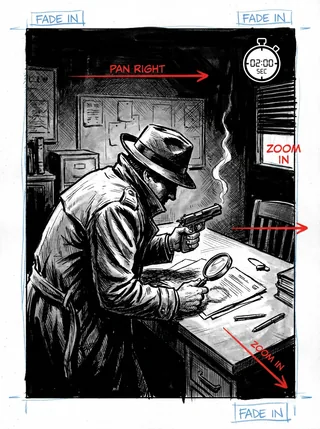
페이지에서는 스토리가 완벽하게 흐르지만, 이를 모션, 페이싱, 카메라 앵글, 전환으로 옮기면 복잡한 퍼즐이 됩니다.
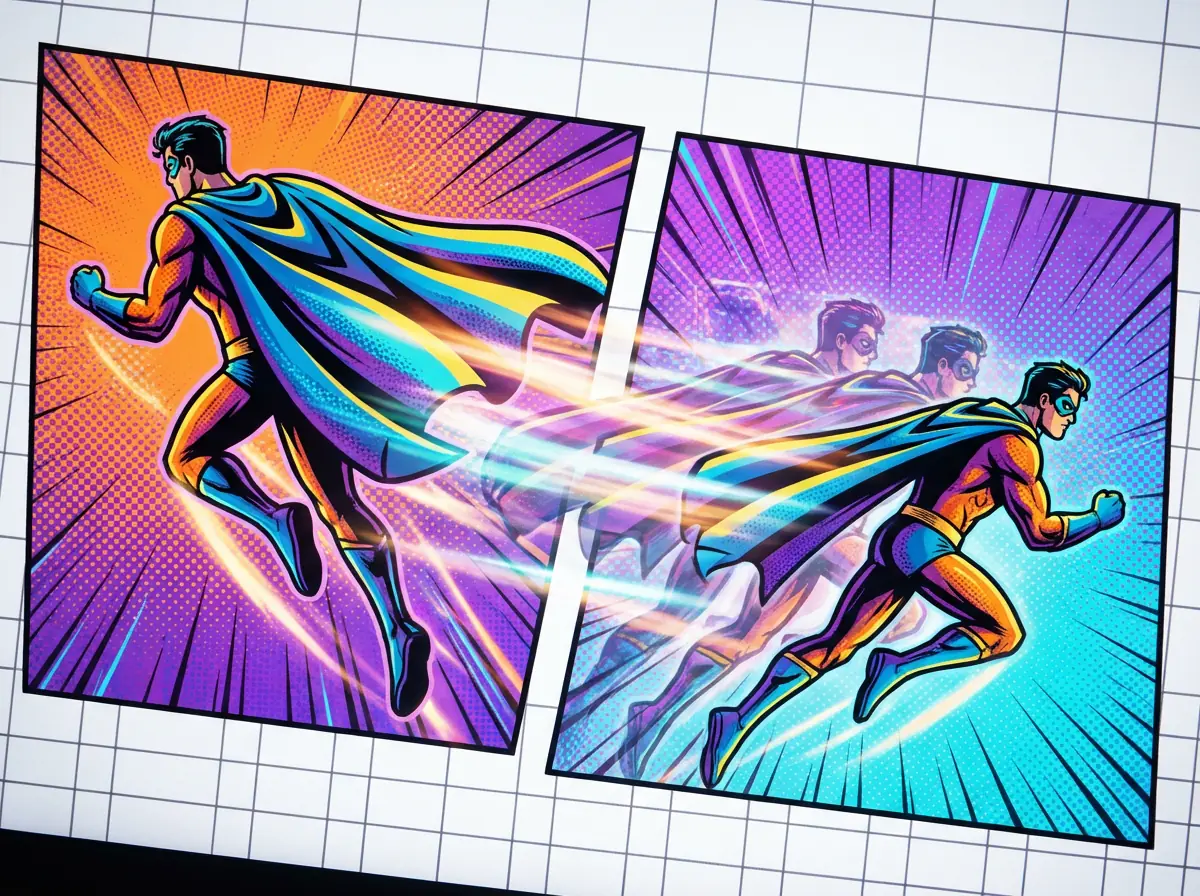
모든 모션 클립에서 카메라가 움직이고 장면이 바뀌어도, 주인공은 컷마다 같은 인물로 느껴져야 합니다.
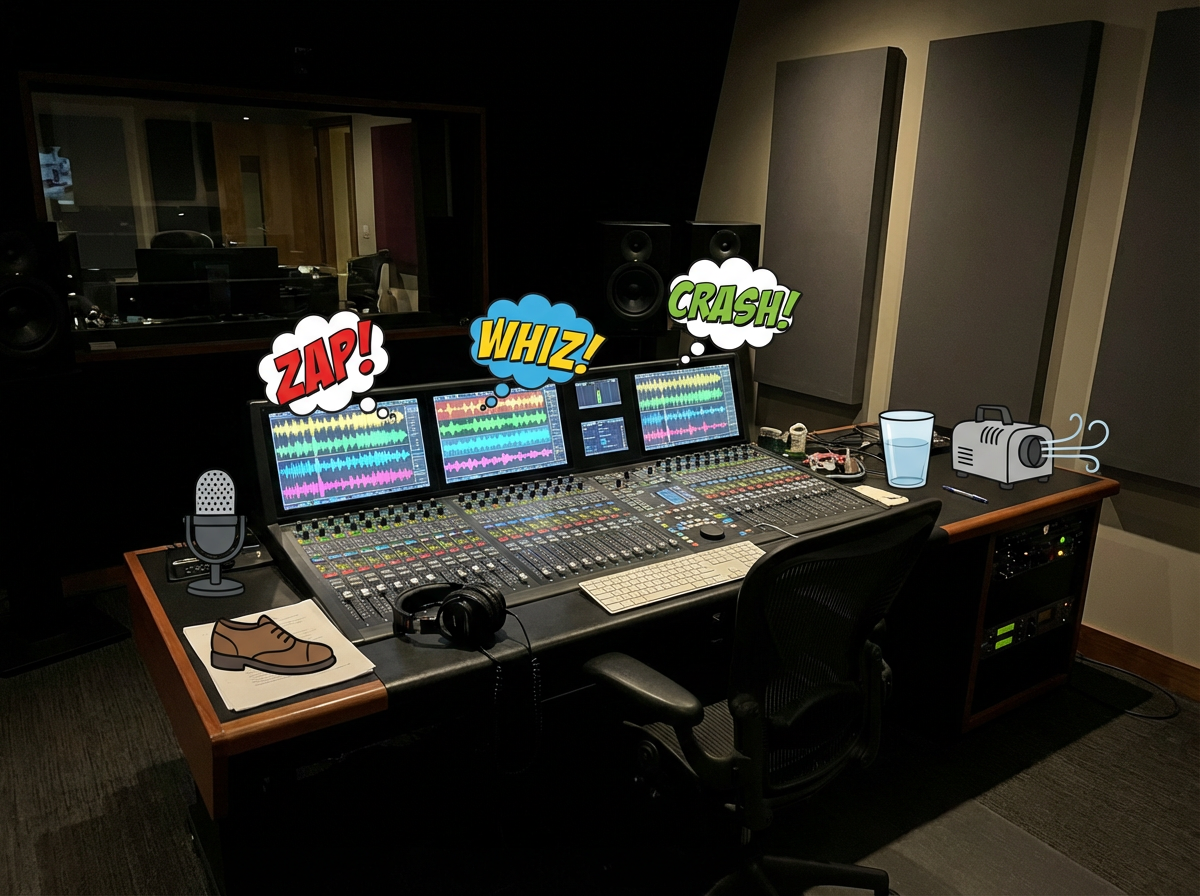
음악, 효과음, 목소리는 만화의 톤, 대사 리듬, 장면 전환과 맞아야 합니다.
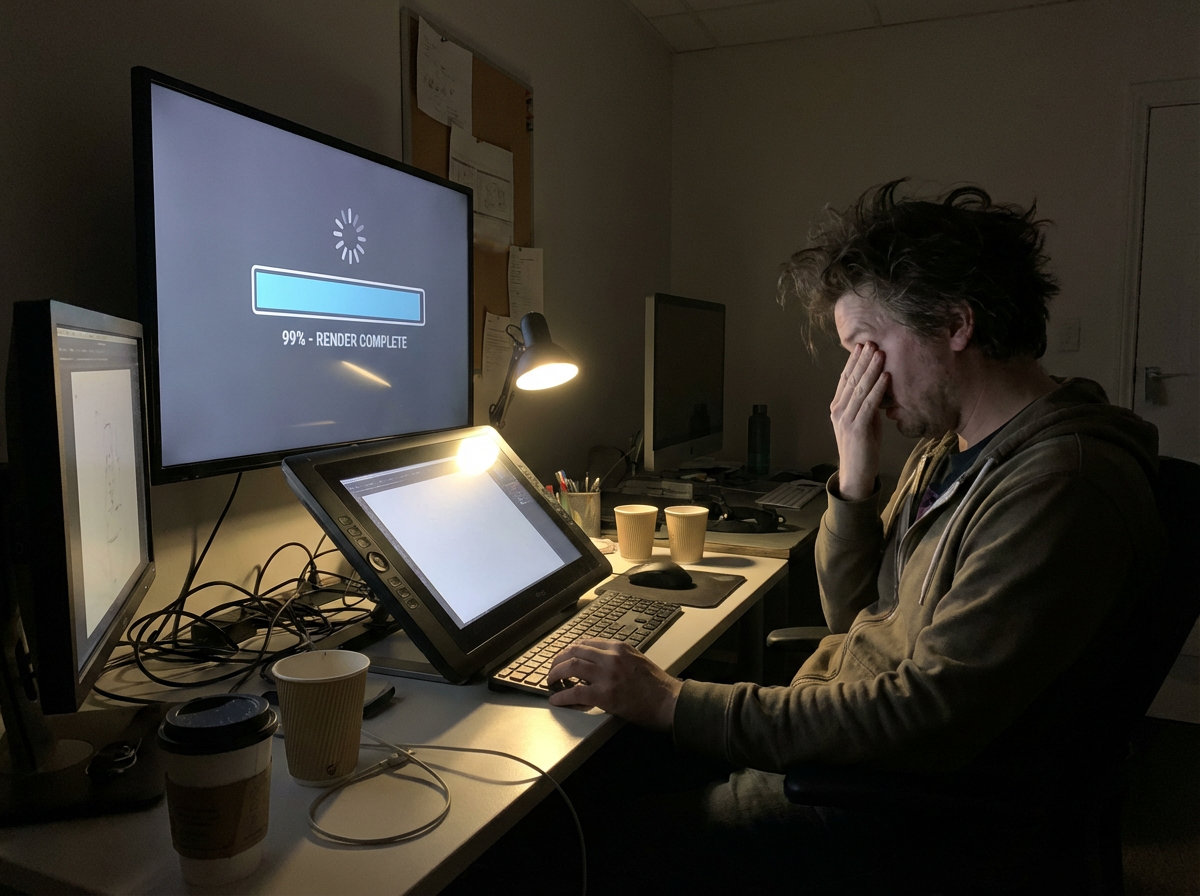
내보내기를 기다리고, 타이밍 문제를 발견하고, 공유할 수 있을 때까지 편집 루프를 반복해야 합니다.
완성된 애니메이션도 TikTok, YouTube Shorts, Reels, 피치덱에 맞게 다시 크기 조정하고 재편집해야 합니다.
이미 당신의 만화 컷 안에 영상 설계도가 들어 있다면 어떨까요?
|만화에 생명을 불어넣는 일은
늘 꿈이었습니다.
이제 첫 모션 초안은 컷에서 시작됩니다.
이 워크플로는 만화에 먼저 맞춰 설계되었습니다. 컷 시퀀스를 읽고, 연속성을 유지하고, 모션을 더한 뒤, 원래 스토리의 느낌을 살린 클립으로 내보냅니다.
워크플로가 업로드된 페이지나 컷 시퀀스를 읽고, 순서·캐릭터·대사·장면 변화를 파악한 다음, 만화 구조 자체에서 영상 계획을 만듭니다.
컷 사이에 모션과 전환을 만들어, 이미 만화에 정의된 스토리 비트를 따르면서도 애니메이션처럼 느껴지게 합니다.
대사 큐, 효과음, 배경 음악을 말풍선과 장면 리듬에 맞춰 계획할 수 있습니다.
시스템이 시퀀스를 일관된 숏폼 스토리 클립으로 편집해, 컷 페이싱·전환·장면 강조의 균형을 맞춥니다.
미리보기, 소셜 게시, 피칭, 또는 더 큰 비디오 워크플로에서 후속 편집용으로 애니메이션 스토리 클립을 내보내세요.
무료 만화를 영상으로 AI
만화 스트립, 망가 페이지, 만화 장면, 웹툰 컷을 업로드하고 TikTok, YouTube Shorts, 피치덱, 크리에이터 홍보용 AI 모션 영상으로 변환하세요.
Updated September 2026
Best comic to video AI 2026
A ranked list of comic to video AI converters you can try in 2026. These are tools that start from finished comics, keep panel order, and export a shareable clip — not generic text-to-video apps.
Ranked September 2026 on panel-first workflow, free start, visible pricing, continuity, and social-ready export.
Best comic to video AI for finished comic, manga, manhwa, and webtoon panels.
Best for: Creators who already have sequential art and need a free comic to video maker for teasers, Shorts, and pitches.
Panel-first workflow, format presets for manga / webtoon / manhwa, visible pricing, and a free start without a card.
Best when you want a multi-scene comic-to-movie with a locked cast.
Best for: Teams already building comics inside ComicInk who need spoken dialogue, captions, and a 720p film export.
Strong character lock and scene assembly. Weaker if you only need a fast panel-to-social converter.
Solid comic book to video AI for narrative continuity.
Best for: Illustrated stories that need pacing and transitions more than format-specific manga or webtoon presets.
Clear comic-to-video positioning. Less specific about free credits and social export defaults.
Best comic video maker if you start from text or mixed models.
Best for: Users who want Seedance, Kling, or MiniMax to generate or animate comic-style shots.
Flexible models and aspect ratios. Closer to a generic comic video generator than a panel-sequence converter.
Comic book to video converter with voices and lip-sync.
Best for: Narrated comic-book adaptations when voiceover matters more than preserving the original panel grid.
Useful voice features. The workflow can drift toward script-to-video instead of finished-page conversion.
FORMAT-SPECIFIC WORKFLOWS
Manga, webtoon, and manhwa use different reading directions, pacing, language defaults, and publishing formats.
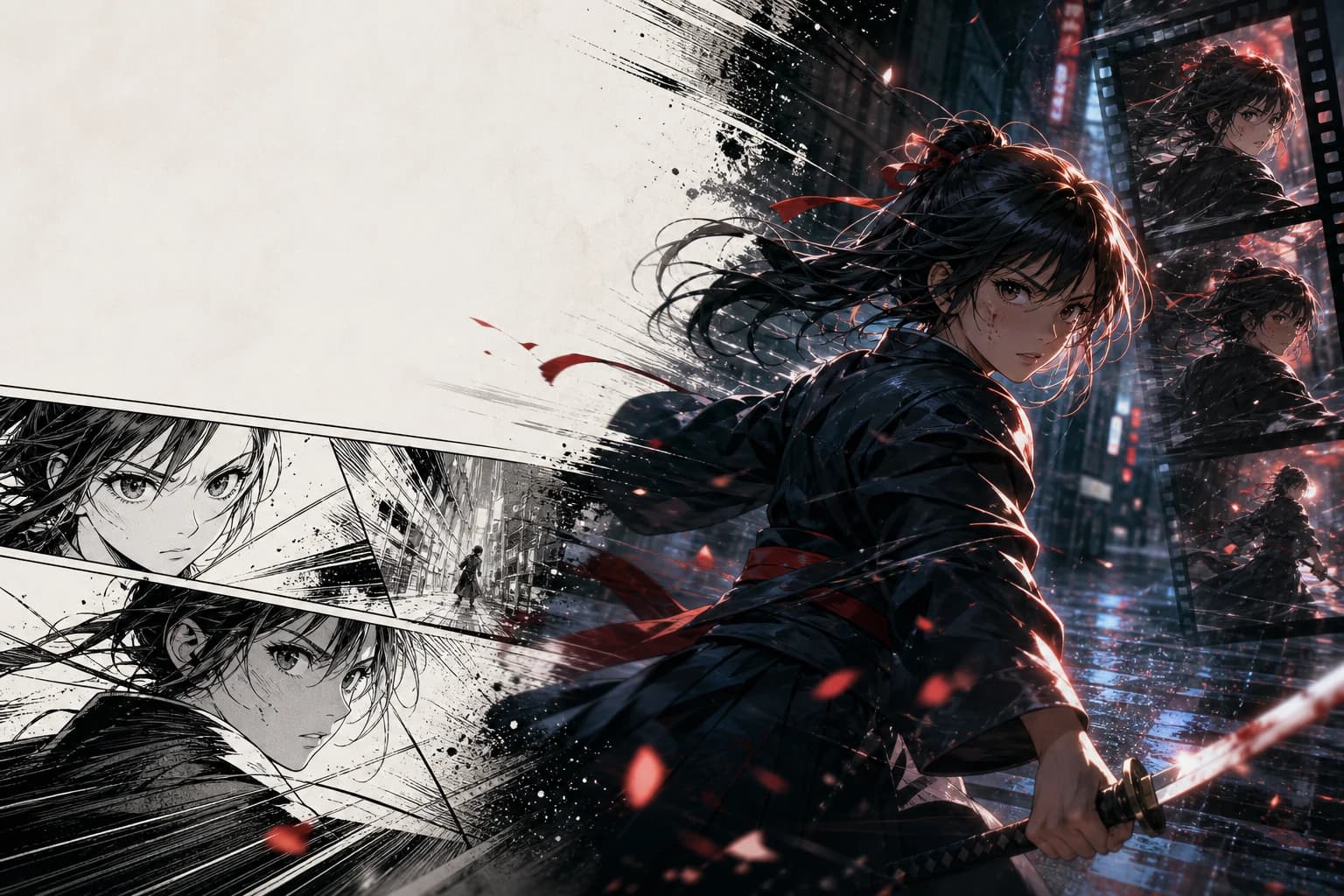
JA voice · RTL sequence · 16:9 PV
Animate finished manga pages with right-to-left sequence awareness, Japanese dialogue timing, and the punchy editorial rhythm of a manga PV.
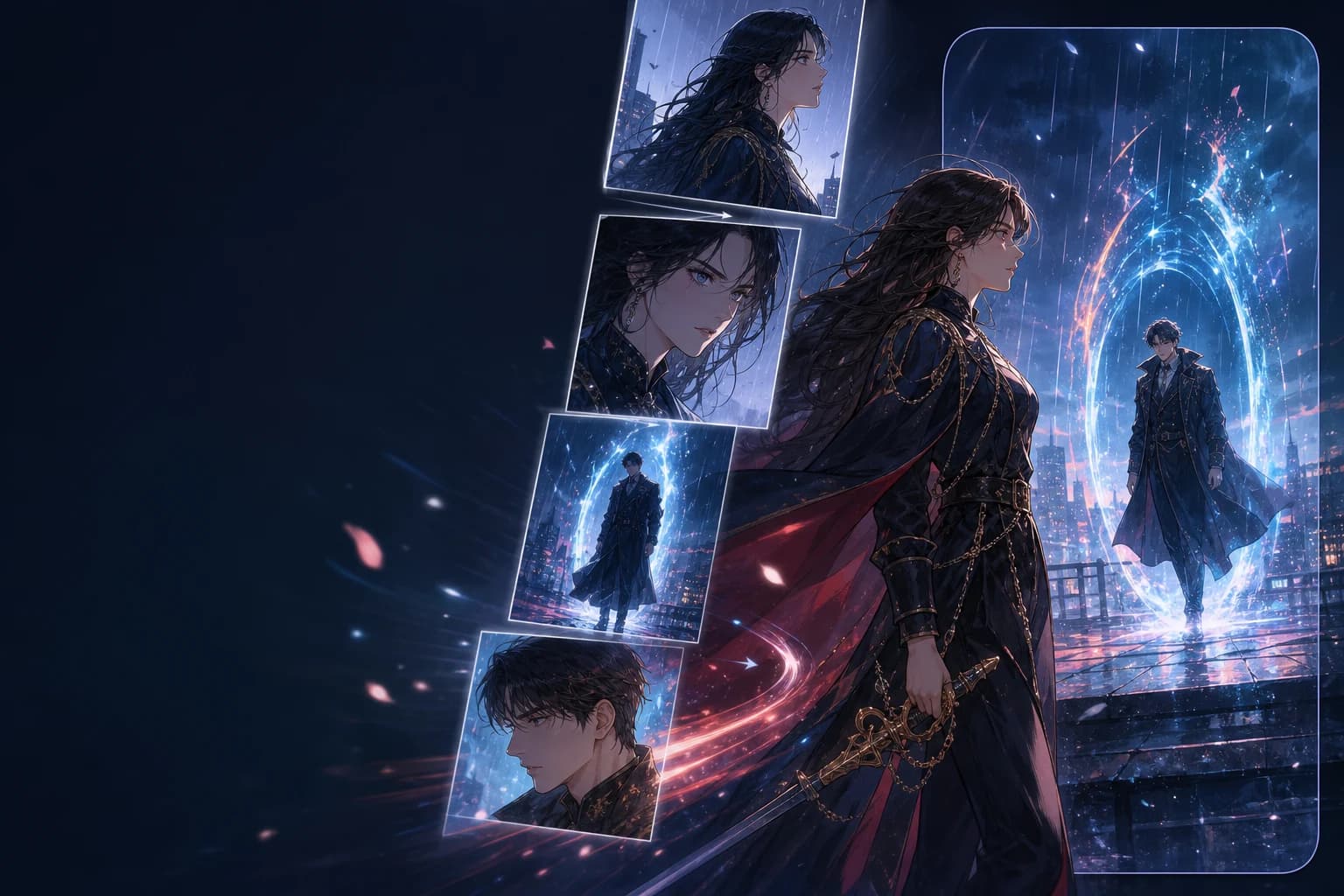
EN voice · vertical order · 9:16
Preserve top-to-bottom story order, episode rhythm, and full-color character continuity while reframing key beats for 9:16 video.
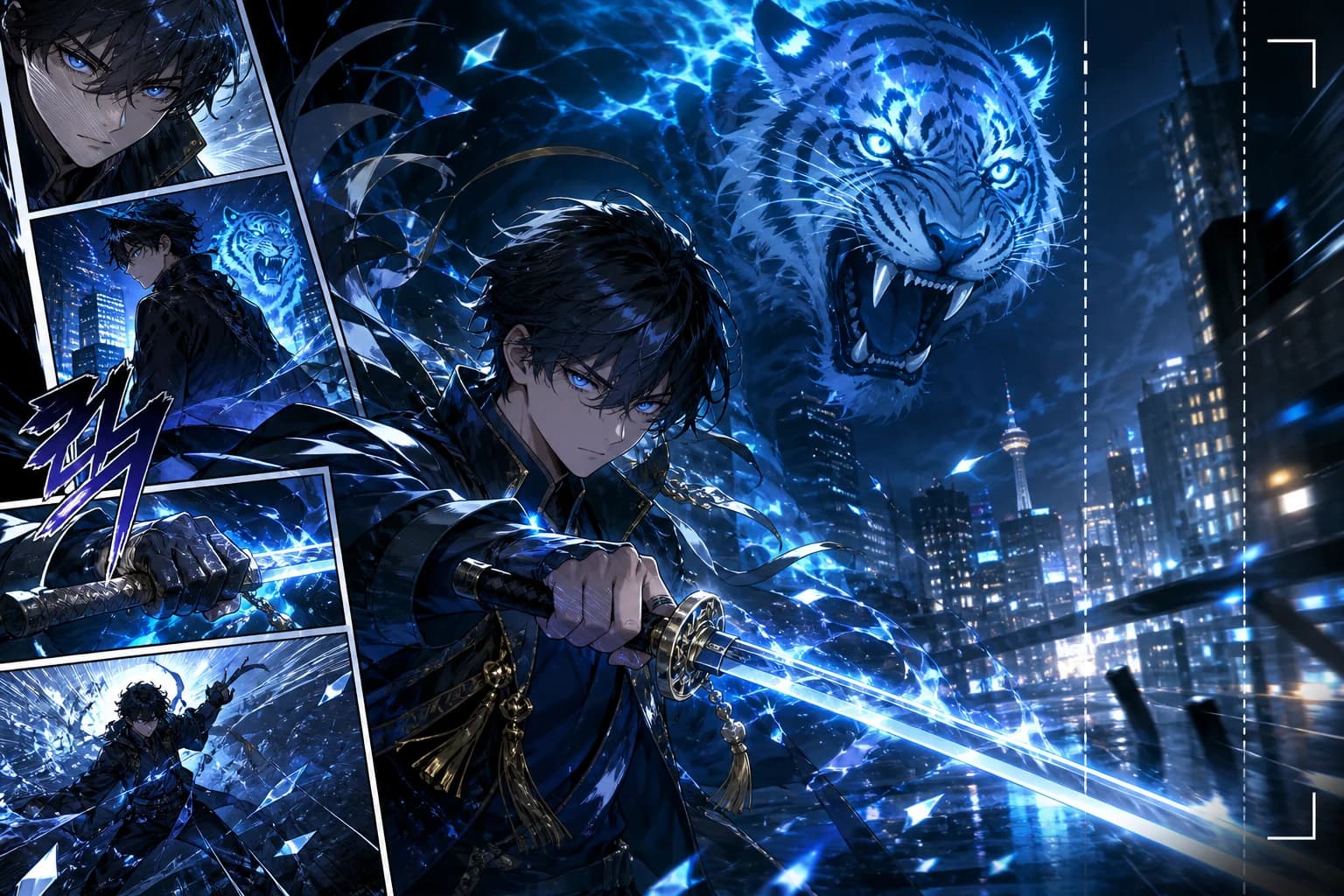
한국어 음성 · 세로 순서 · 9:16
캐릭터의 일관성과 세로형 구도를 유지하면서 액션, 로맨스 판타지, 성장물의 핵심 장면을 한국어 모션툰 티저로 만드세요.
만화 페이지, 망가 컷, 웹툰 장면을 애니메이션 영상으로 바꾸는 실용적인 답변입니다.
Related comic workflows
If you are making the pages first, or you need a format-specific converter, these are the closest next steps: manga to video, webtoon to video, image to video, and comic strip maker.
Right-to-left manga pages into PV-style motion.
Vertical episodes into 9:16 teasers.
Full-color Korean chapters into motiontoon clips.
Single stills, not multi-panel comics.
Create the panels before you convert them.
Generate pages, then run comic to video.
Photo to comic page, then animate the page.
Broader video models when you are not starting from comics.