

PNG 업로드부터 만화까지의 워크플로
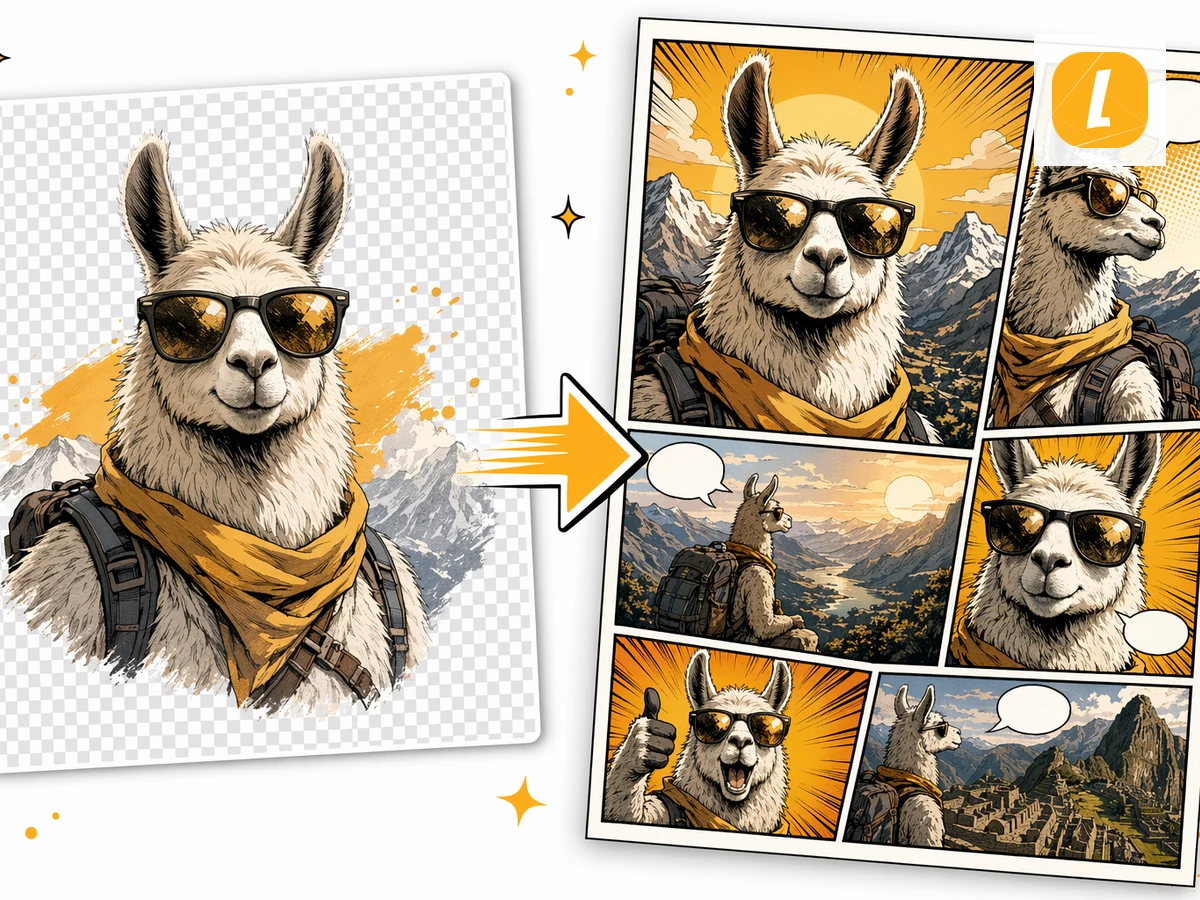
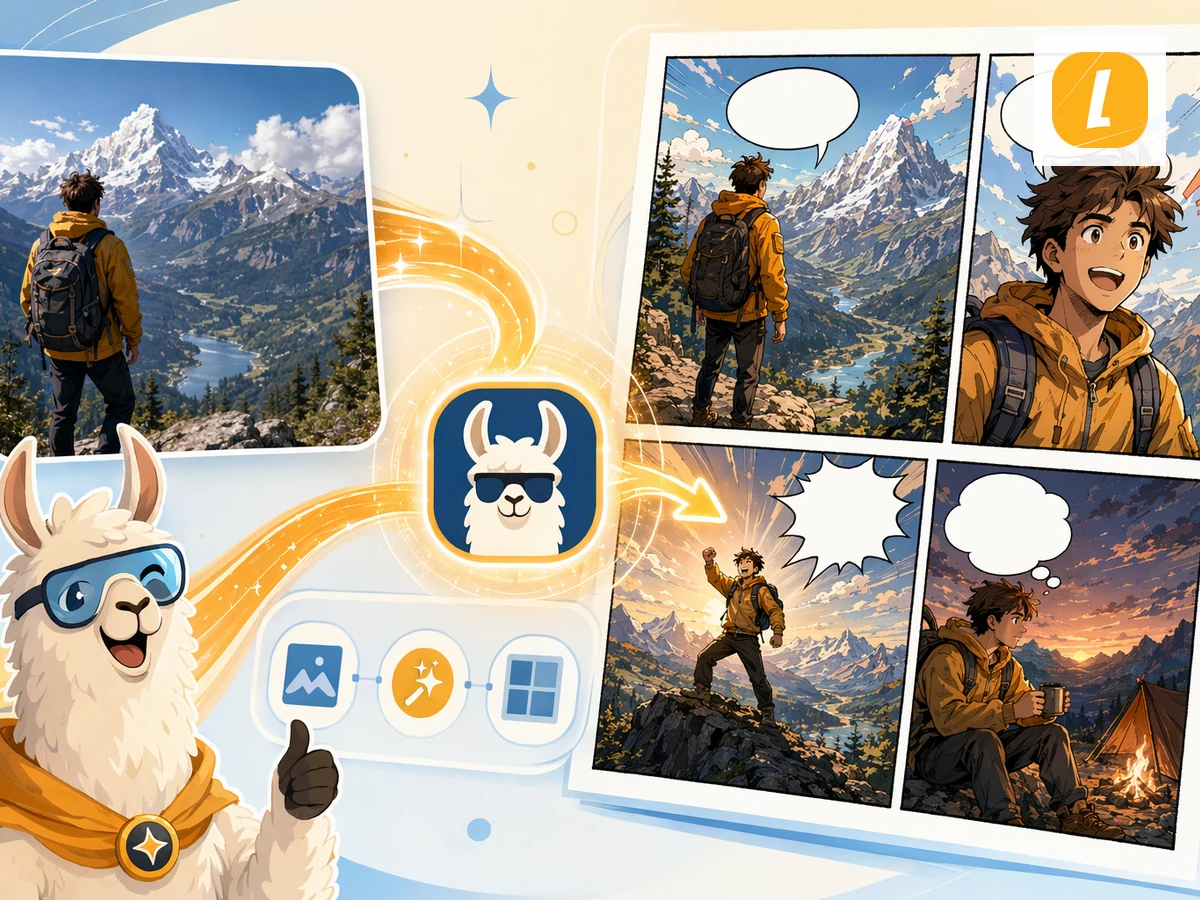
PNG 소스를 업로드하면 LlamaGen이 이를 첨부파일로 만화 생성 요청에 포함해, 빈 프롬프트에서 시작하지 않고 원본을 바탕으로 만화를 만들 수 있습니다.
PNG to Comic
Give your character, screenshot, or illustration a story. Create a comic from your PNG, then make it your own in Studio.
Sign in to upload. Generation uses credits.
PNG 파일을 업로드하세요. 이 도구는 해당 파일을 만화 생성용 소스 첨부파일로 저장합니다.
대상 독자, 톤, 시각 스타일, 또는 소스 중 어떤 부분을 메인 장면으로 만들지와 같은 짧은 만화 방향을 추가하세요.
만화를 생성한 뒤 LlamaGen Studio에서 계속 편집하며 패널, 캡션, 레이아웃을 조정하세요.
PNG 소스를 업로드하면 LlamaGen이 이를 첨부파일로 만화 생성 요청에 포함해, 빈 프롬프트에서 시작하지 않고 원본을 바탕으로 만화를 만들 수 있습니다.
이 도구는 소스를 패널 흐름, 시각적 템포, 캡션, 스타일 방향이 포함된 만화용 프롬프트로 바꿔 생성 전에도 세부 조정할 수 있게 합니다.
생성 후 결과를 만화 작업공간에서 열어 LlamaGen을 벗어나지 않고도 패널, 캡션, 레이아웃, 스토리 세부사항을 수정할 수 있습니다.
Check plans and credits before generating, or turn a picture into a comic, open the comic strip maker, or start from AI comic strips.
Keep creating Comic results from PDFs, Word docs, images, photos, and other source formats in the same AI workflow.
PDF 파일을 AI 생성 만화로 바꿔보세요. PDF를 업로드하면 LlamaGen이 콘텐츠, 장면, 아이디어를 패널과 캡션이 있는 만화 페이지로 변환합니다.
Word 문서를 AI 생성 만화로 바꿔보세요. DOCX 파일을 업로드하면 스토리, 개요, 수업 내용을 만화 페이지로 변환할 수 있습니다.
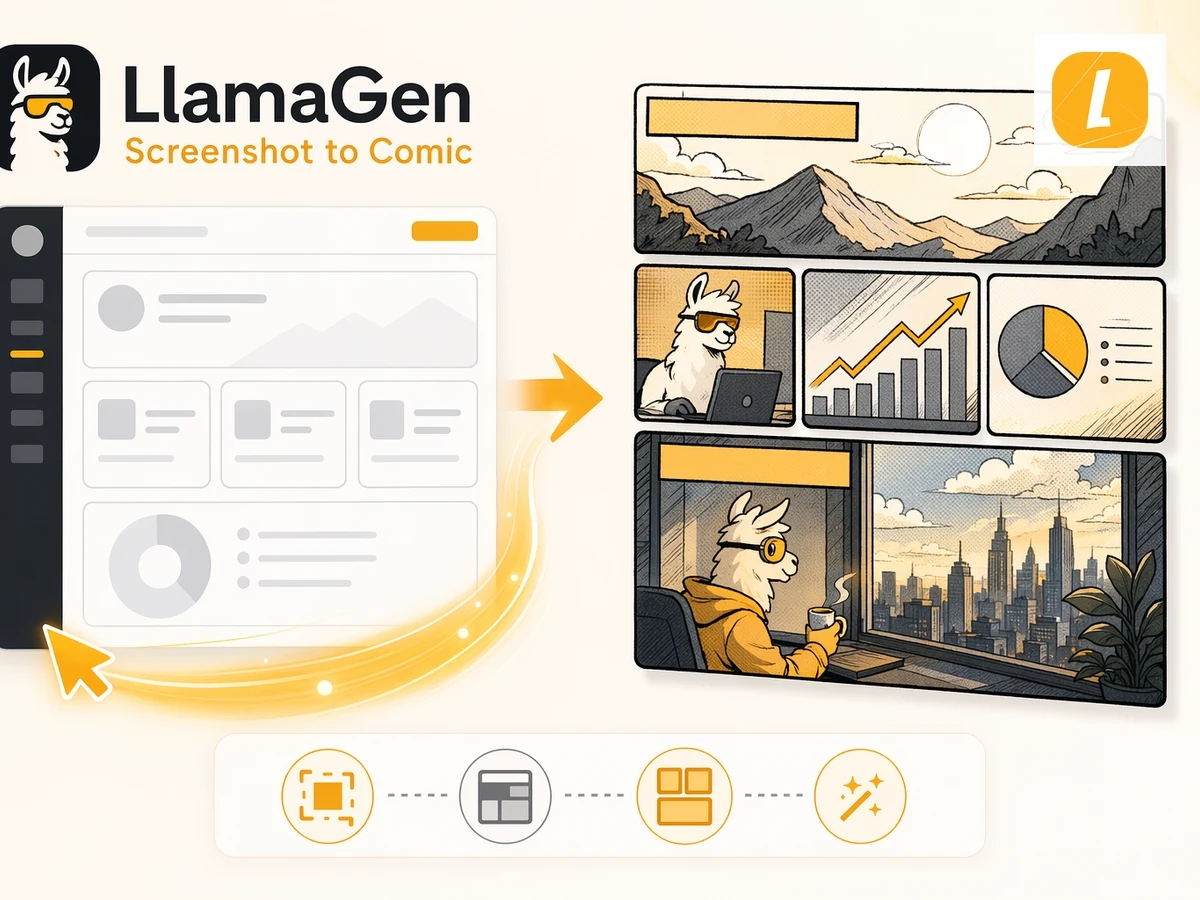
스프레드시트를 만화 스타일의 시각적 스토리로 바꿔보세요. Excel 또는 CSV 파일을 업로드해 데이터, 계획, 시나리오를 읽기 쉬운 만화 페이지로 변환할 수 있습니다.
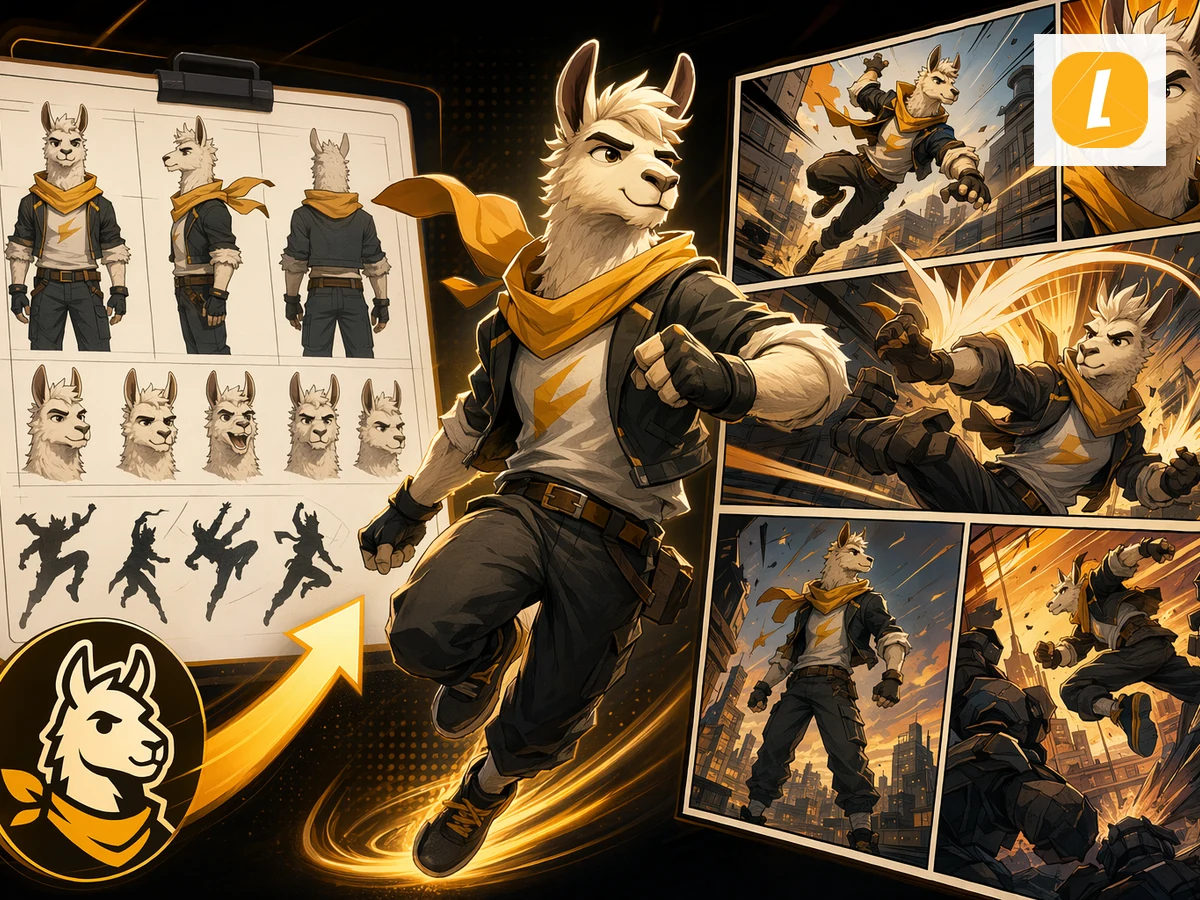
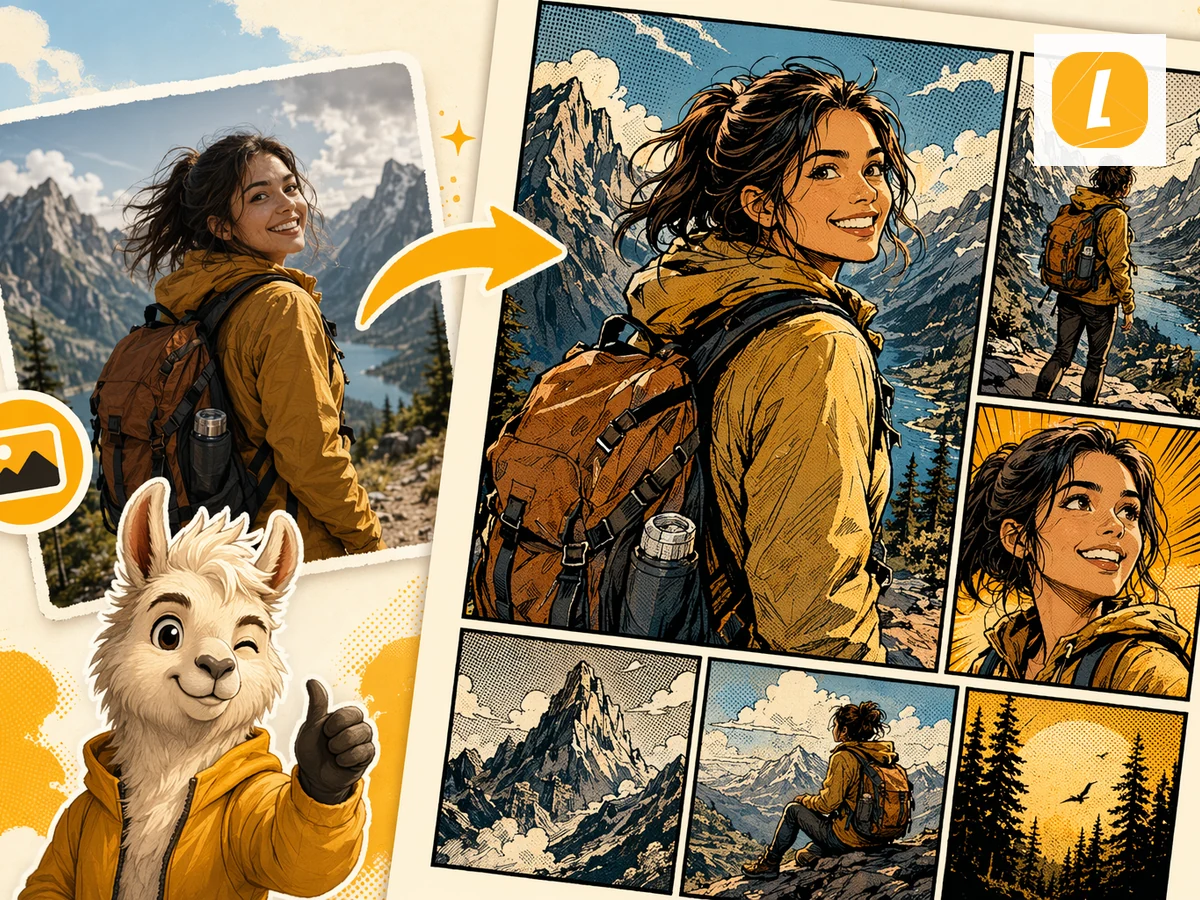
JPG 이미지를 만화로 바꿔보세요. 사진이나 일러스트를 업로드해 AI 생성 만화 페이지의 시각적 참고 자료로 사용할 수 있습니다.
구형 DOC 파일을 만화로 변환해보세요. DOC 문서를 업로드하면 LlamaGen이 소스 내용을 만화 페이지로 재구성합니다.
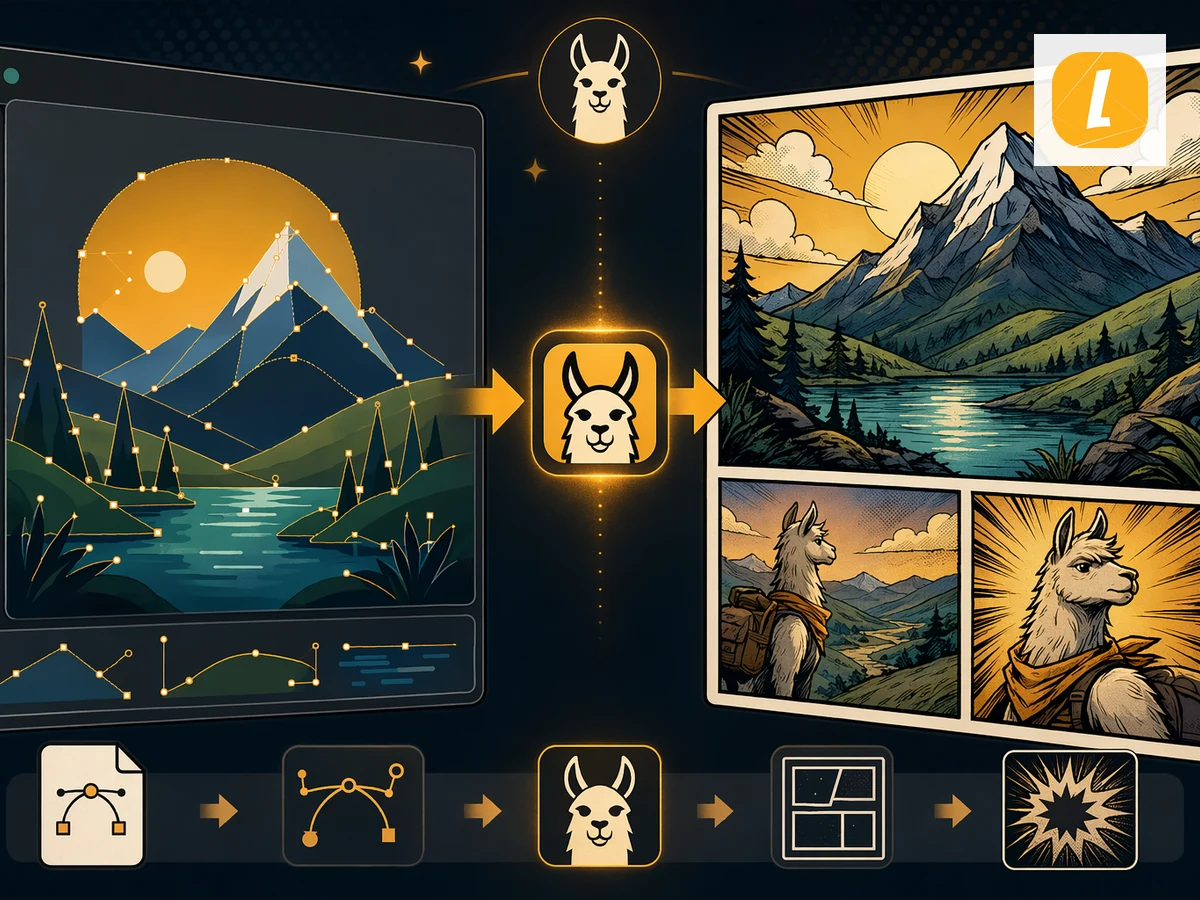
이미지를 AI 생성 만화로 바꿔보세요. 이미지를 업로드하면 LlamaGen이 이를 패널, 캡션, 표현력 있는 시각 스토리텔링이 있는 만화 페이지로 재해석합니다.
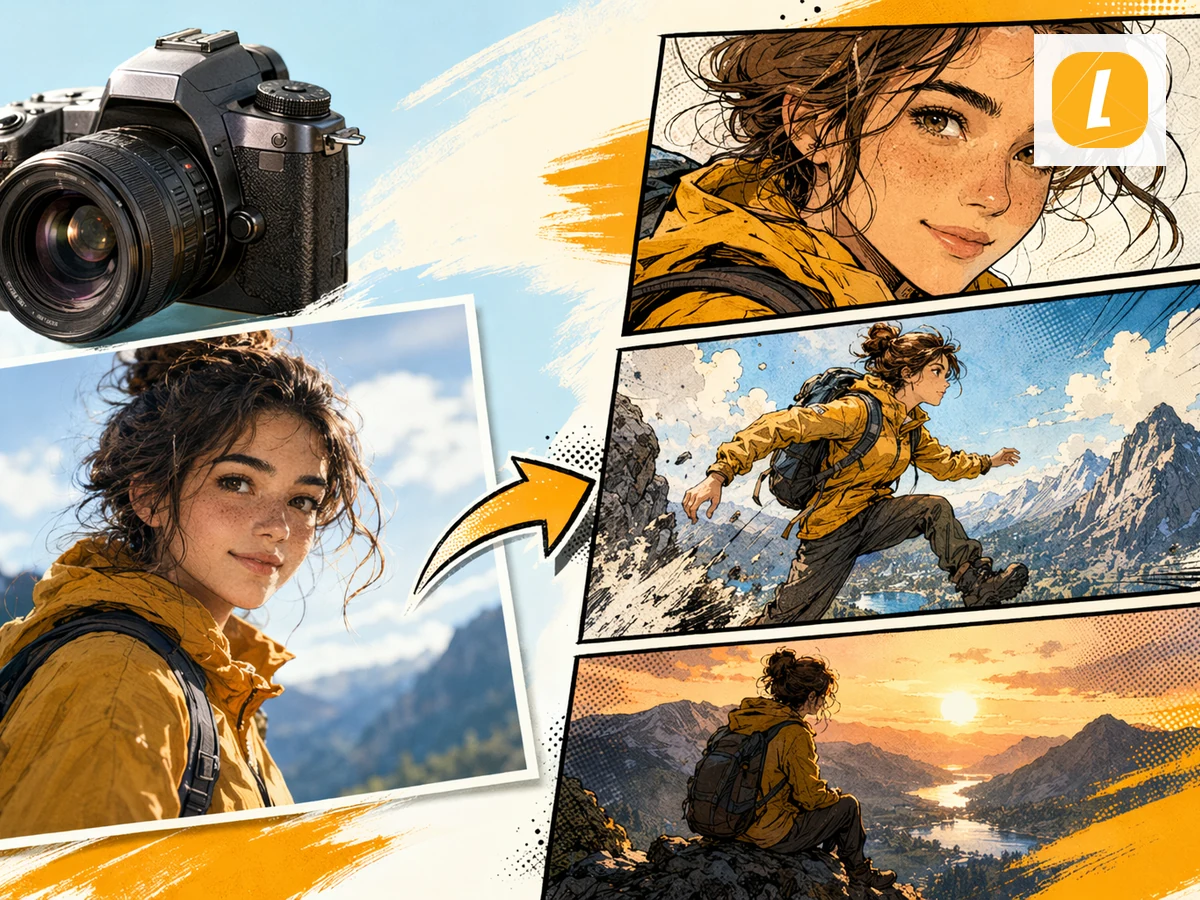
사진을 AI 생성 만화로 바꿔보세요. 사진을 업로드하면 장면, 인물, 분위기를 시네마틱한 패널이 있는 만화 페이지로 변환합니다.
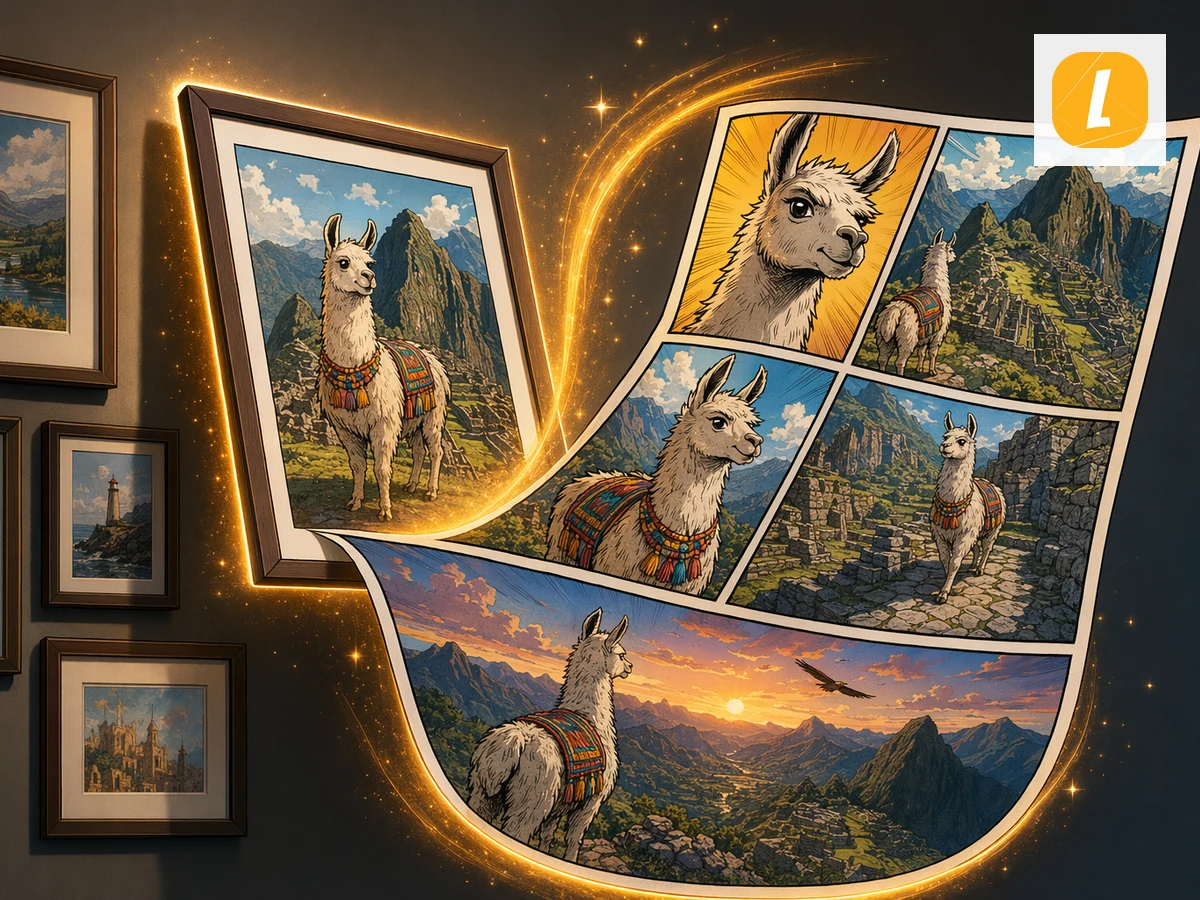
그림을 AI 만화 페이지로 바꿔보세요. 그림을 업로드하면 LlamaGen이 이를 패널 기반 만화 스토리텔링의 시각적 소스로 사용합니다.
1분 이내에 첫 만화를 생성해보세요. 신용카드는 필요하지 않습니다.
Move from a single generated image or video into comics, manga, storyboards, and connected visual stories.